

 Back to templates
 Free Policy Google Docs Templates
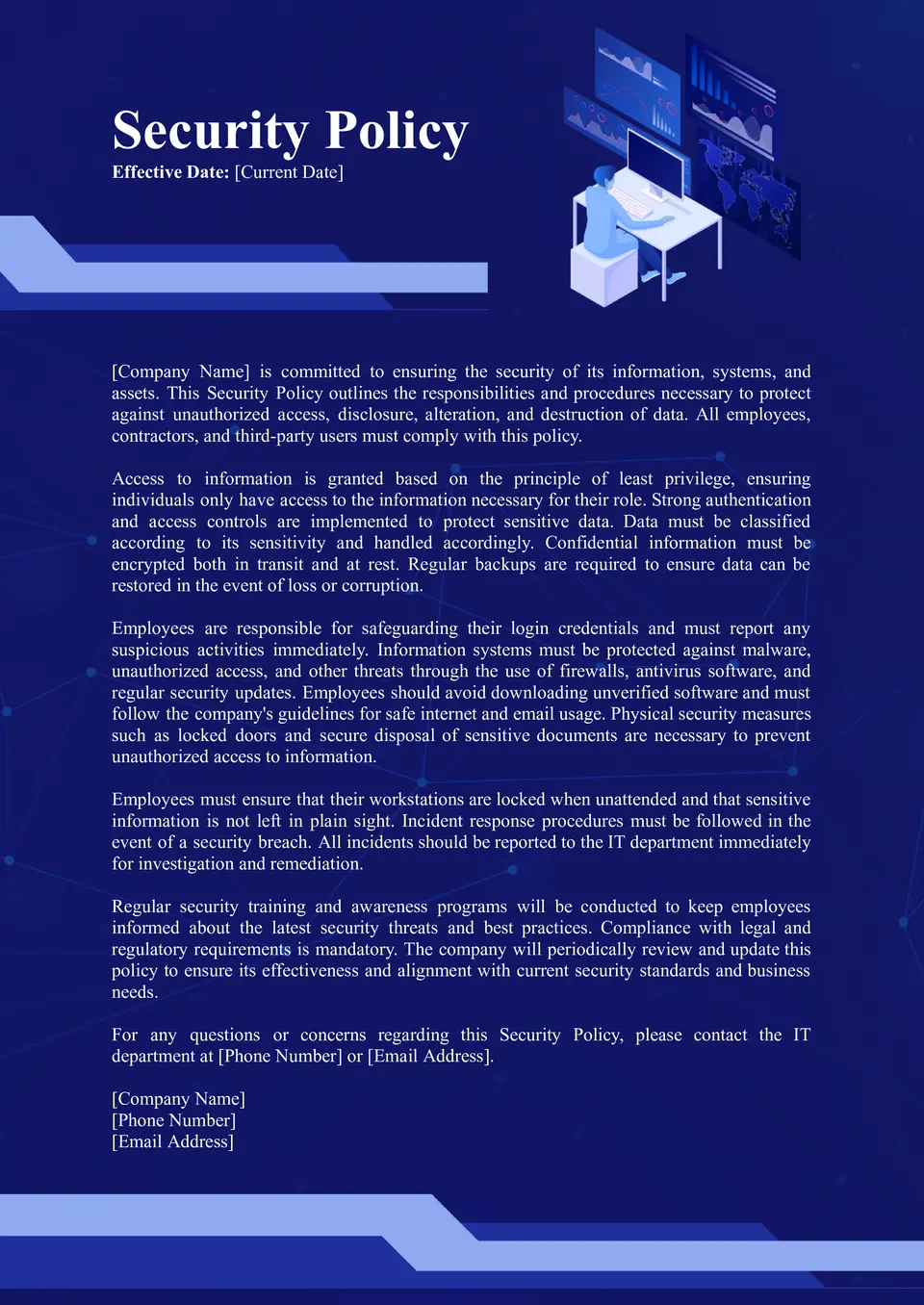
Maintaining a secure and compliant IT environment is essential for any organization. The Security Policy Template for Google Docs provides a comprehensive framework for establishing security protocols that protect sensitive data and ensure compliance with industry standards.

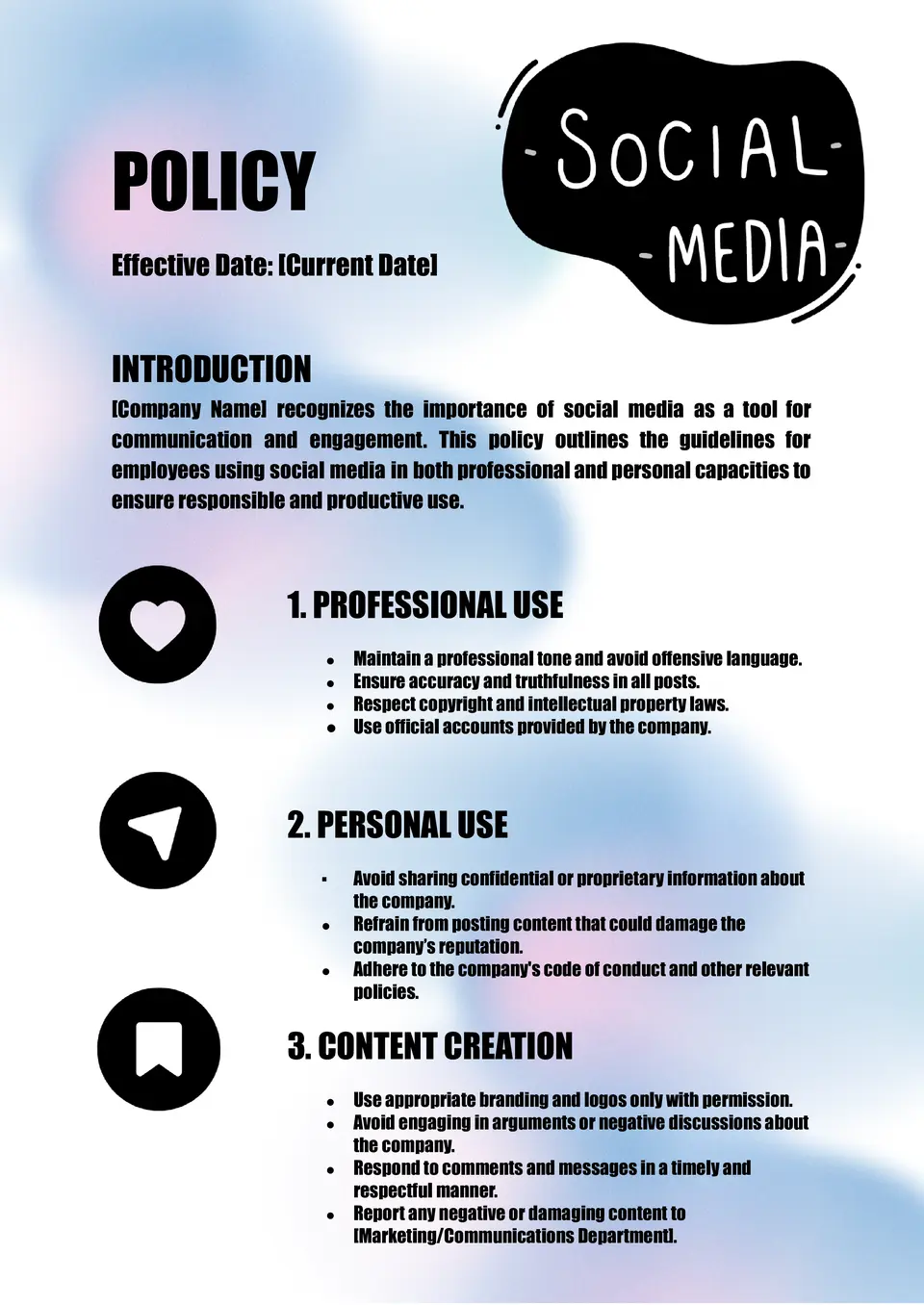
Looking for a simple way to set rules for how employees use social media during and outside work? The Social Media Policy Template is a strong fit for organizations, marketing teams, and HR departments that want consistent online behavior.
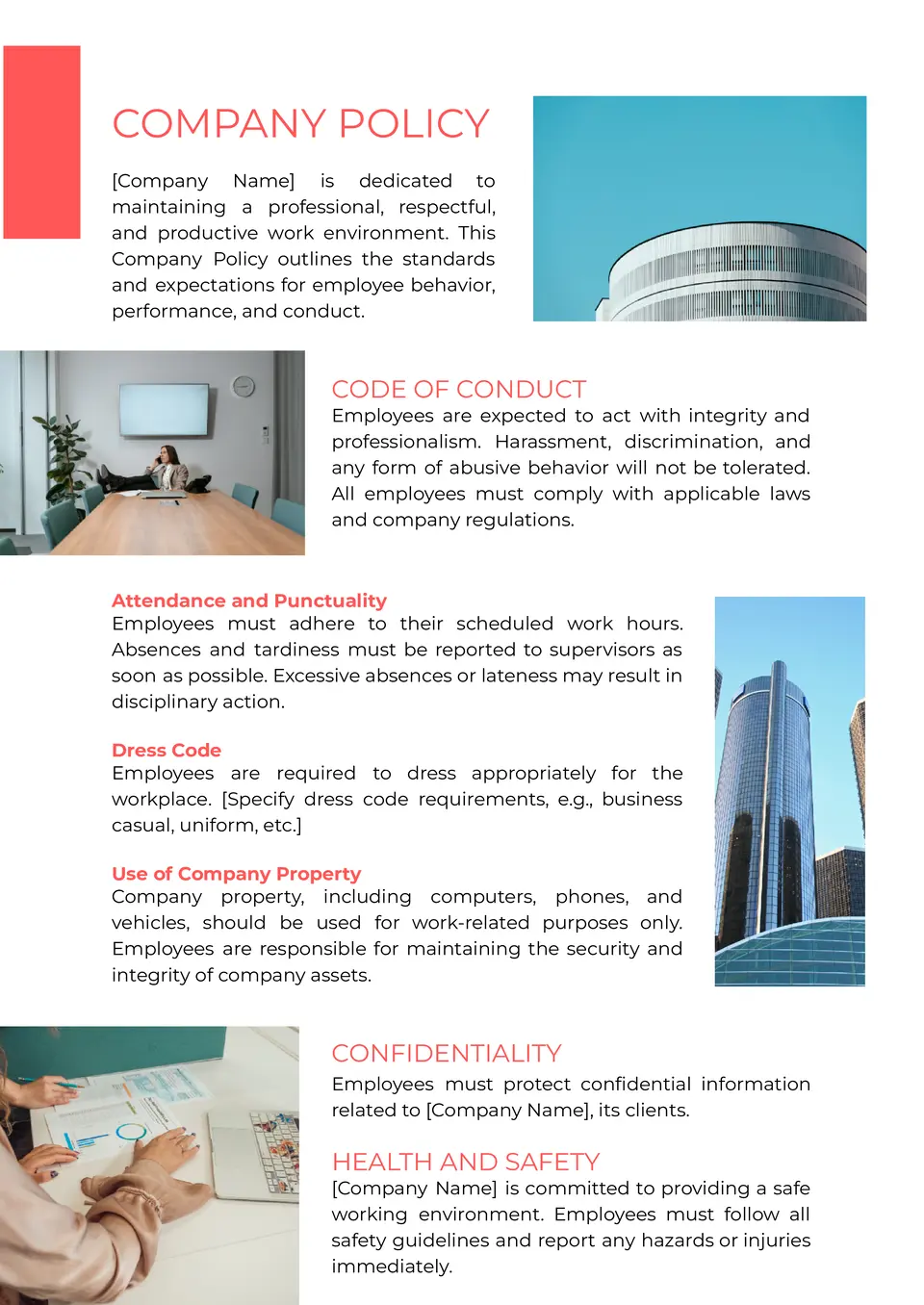
The Company Policy Template is a useful base for startups, HR teams, and small to mid‑sized companies that need to package basic internal rules in one place. It supports clear guidelines on behavior, work hours, and responsibilities so employees understand what is expected.
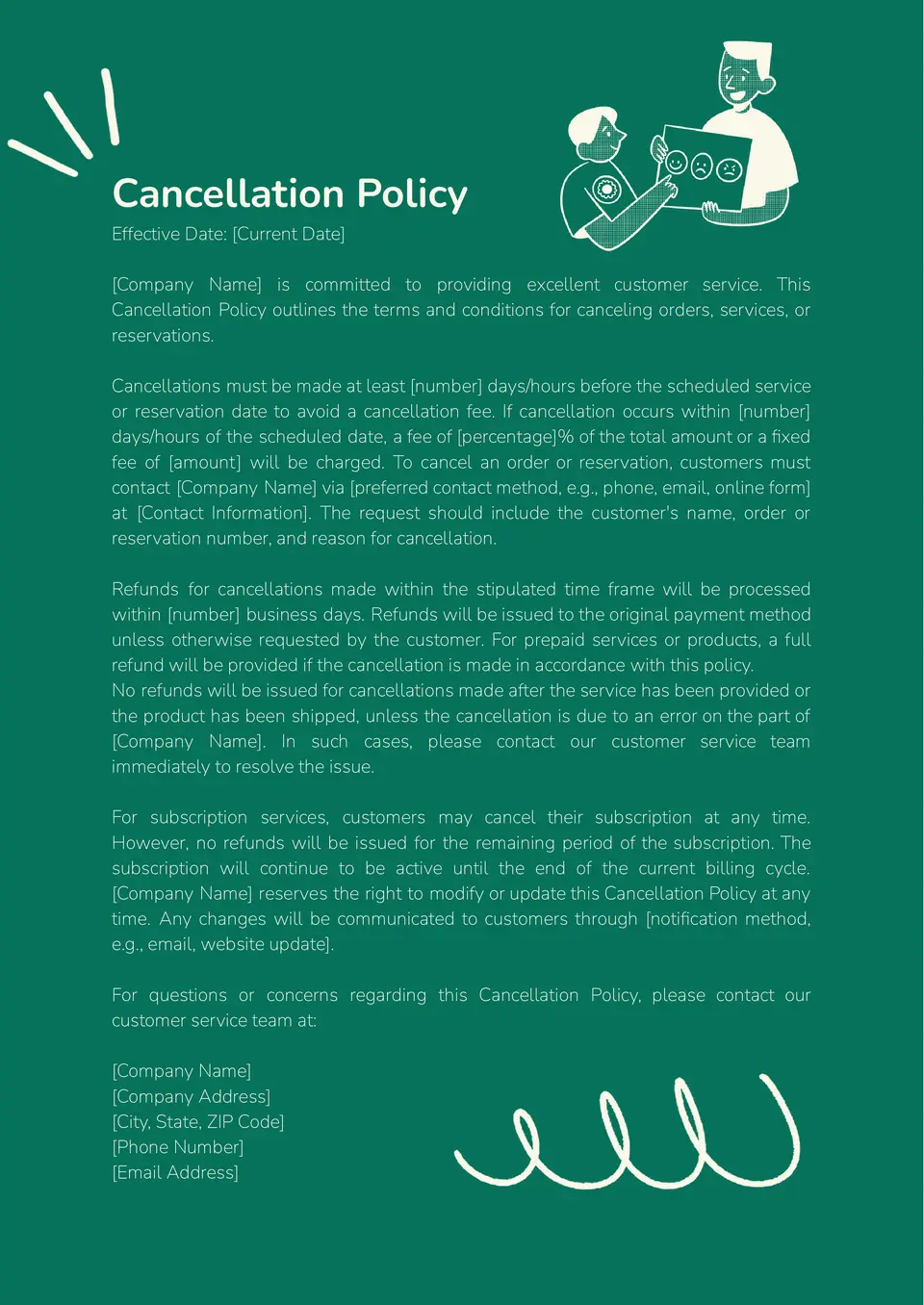
Need a clear way to explain how bookings, services, or subscriptions can be canceled? The Cancellation Policy Template is a smart choice for small businesses, freelancers, and service providers that want transparent terms for clients.
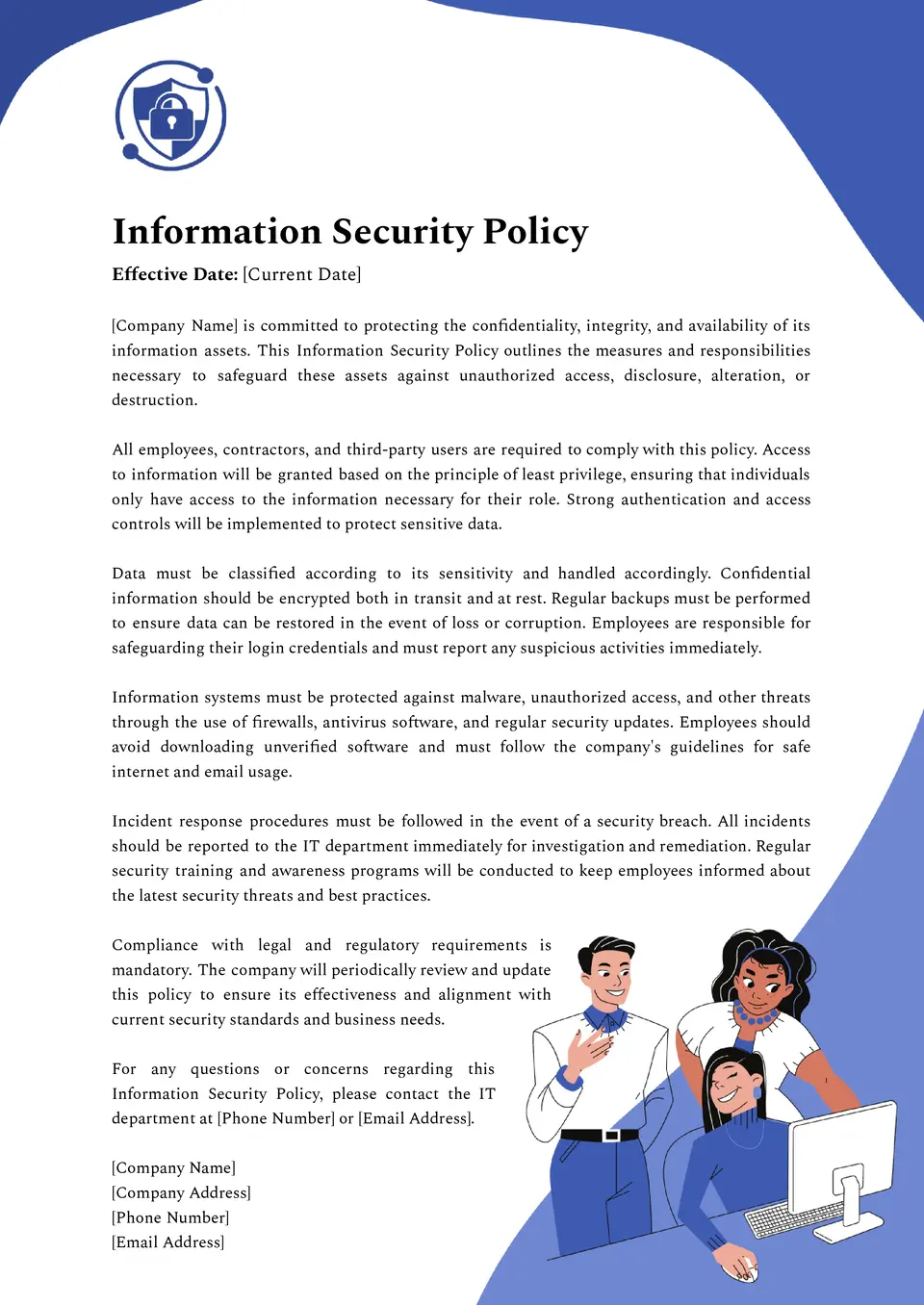
Storing and sharing data without clear security rules can put your business at risk. The Information Security Policy Template is an important tool for companies, IT departments, and startups that need a structured approach to data protection.
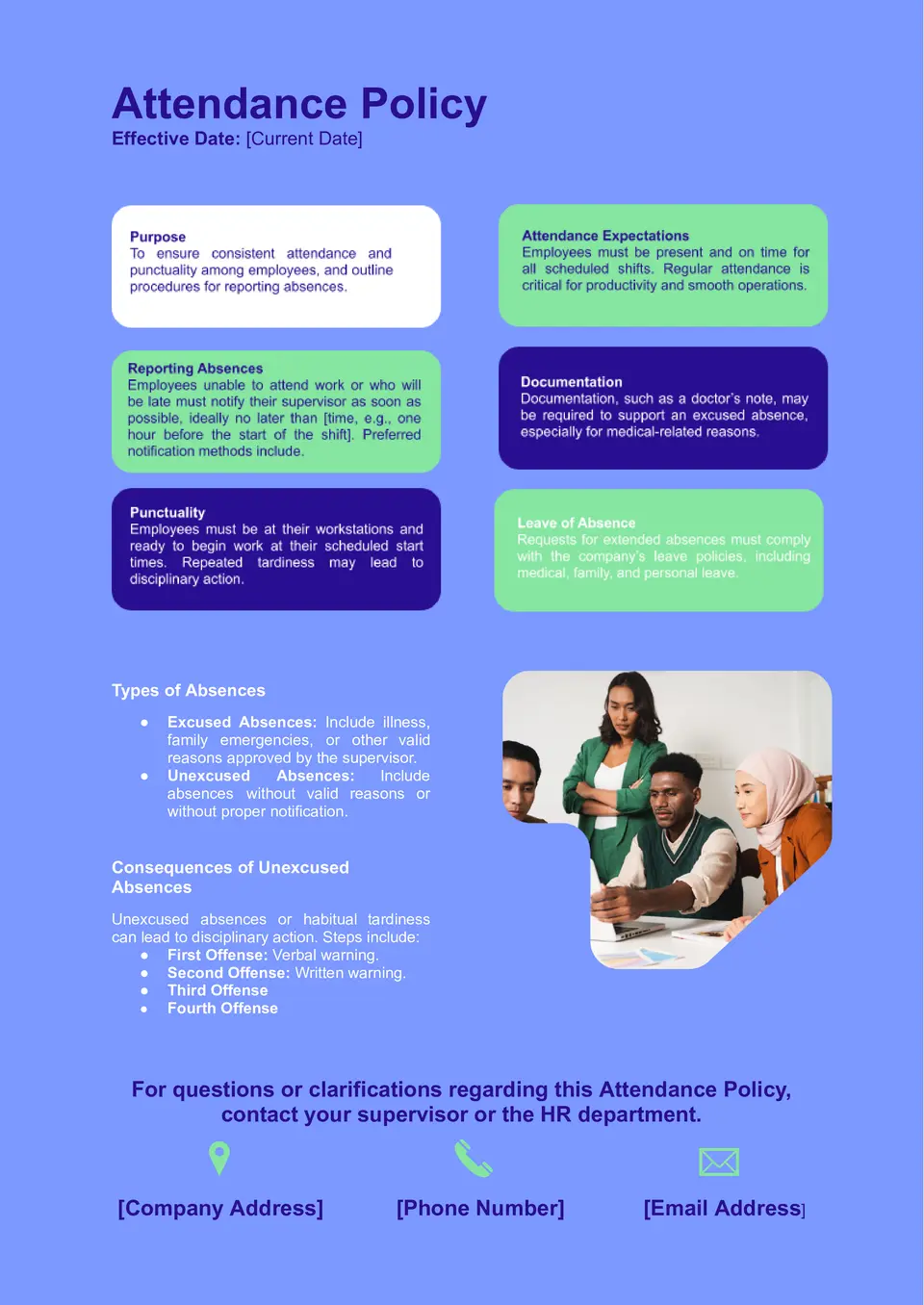
Want a simple way to document when, how, and why employees must show up for work? The Attendance Policy Template is a practical choice for managers, HR teams, and small businesses that want clear rules for punctuality, leaves, and absences.
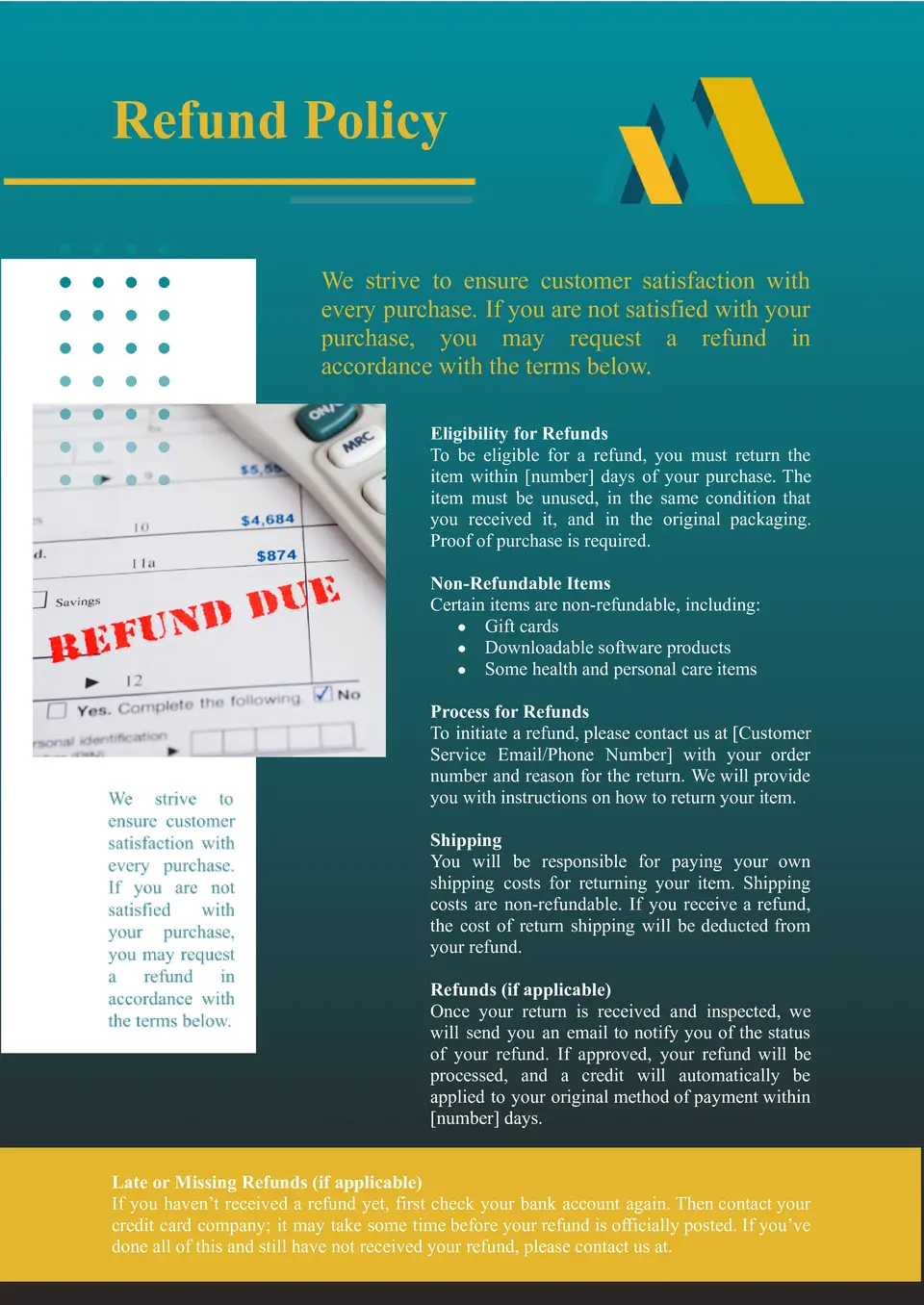
How do you present refund rules in a fair and clear way? The Refund Policy Template is a concise Google Docs layout for small‑business owners, service providers, and online shops that want a readable refund structure.
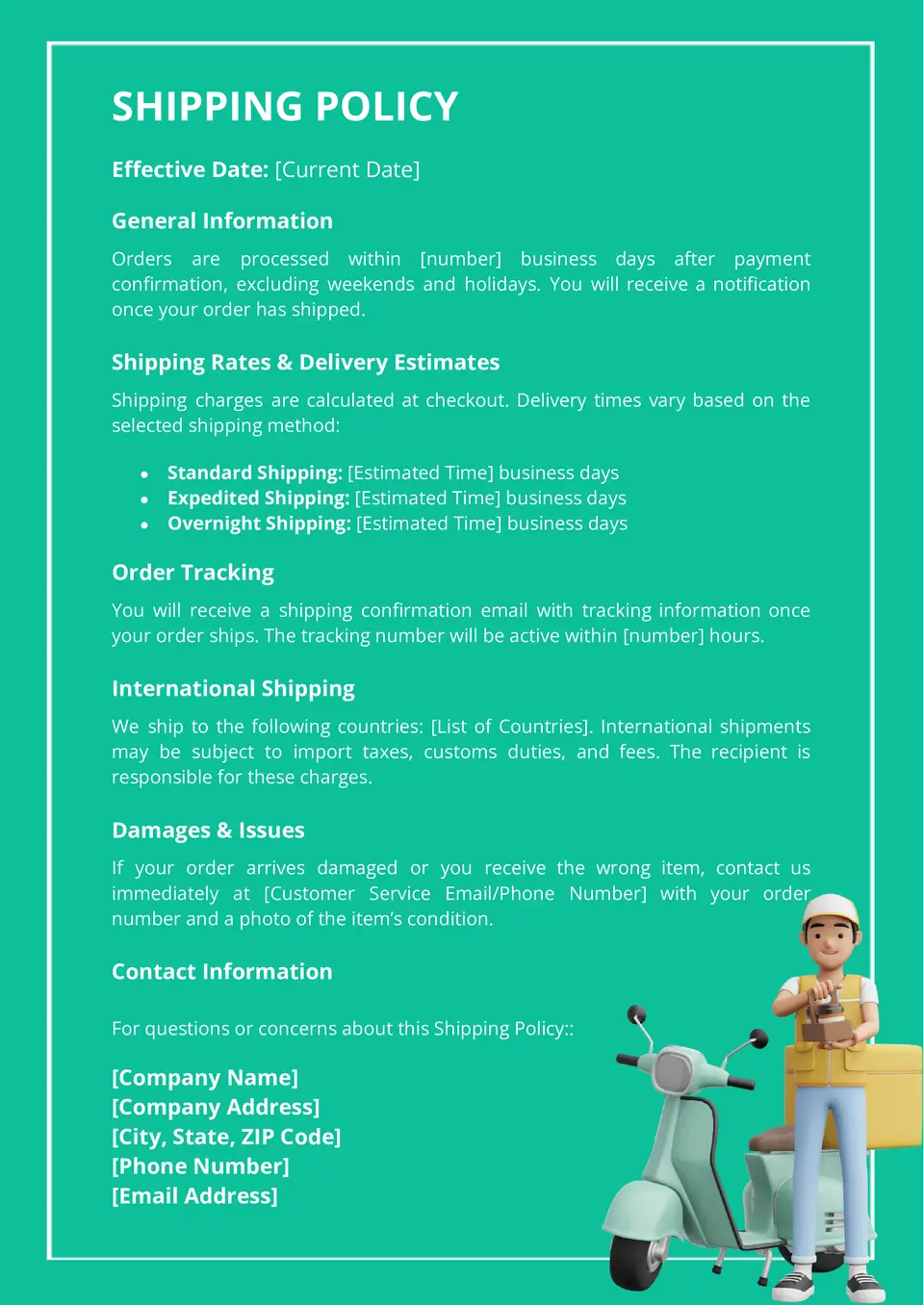
Want a simple way to explain how orders reach customers? The Shipping Policy Template is a Google Docs layout for online stores, small‑business owners, and e‑commerce managers who need clear shipping terms on their site or emails.
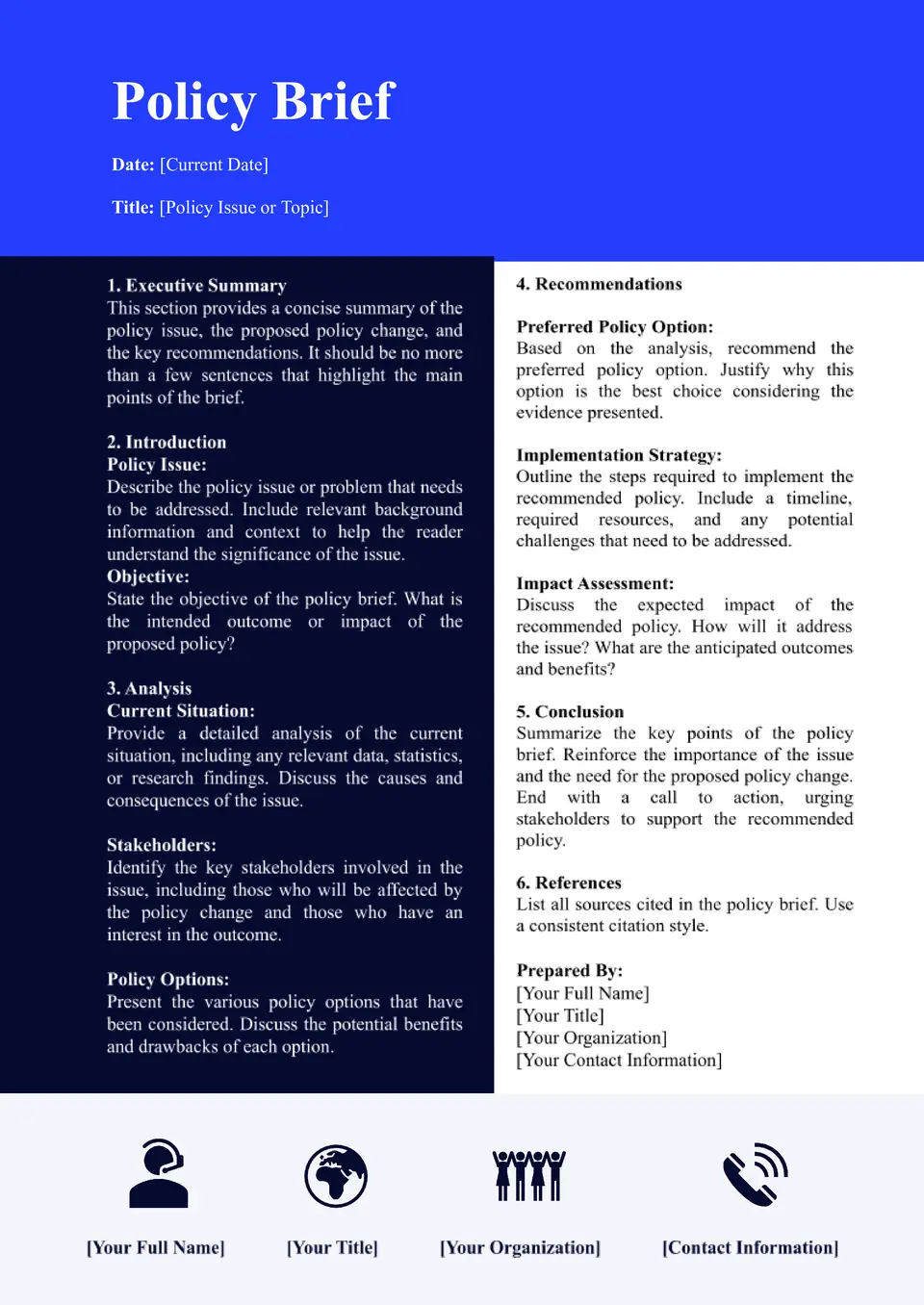
The Policy Brief Template is a compact Google Docs layout for researchers, NGOs, and public‑policy teams that need to summarize issues, evidence, and recommendations in a short format. It usually starts with a title, background, problem statement, supporting data, and a section for clear recommendations.
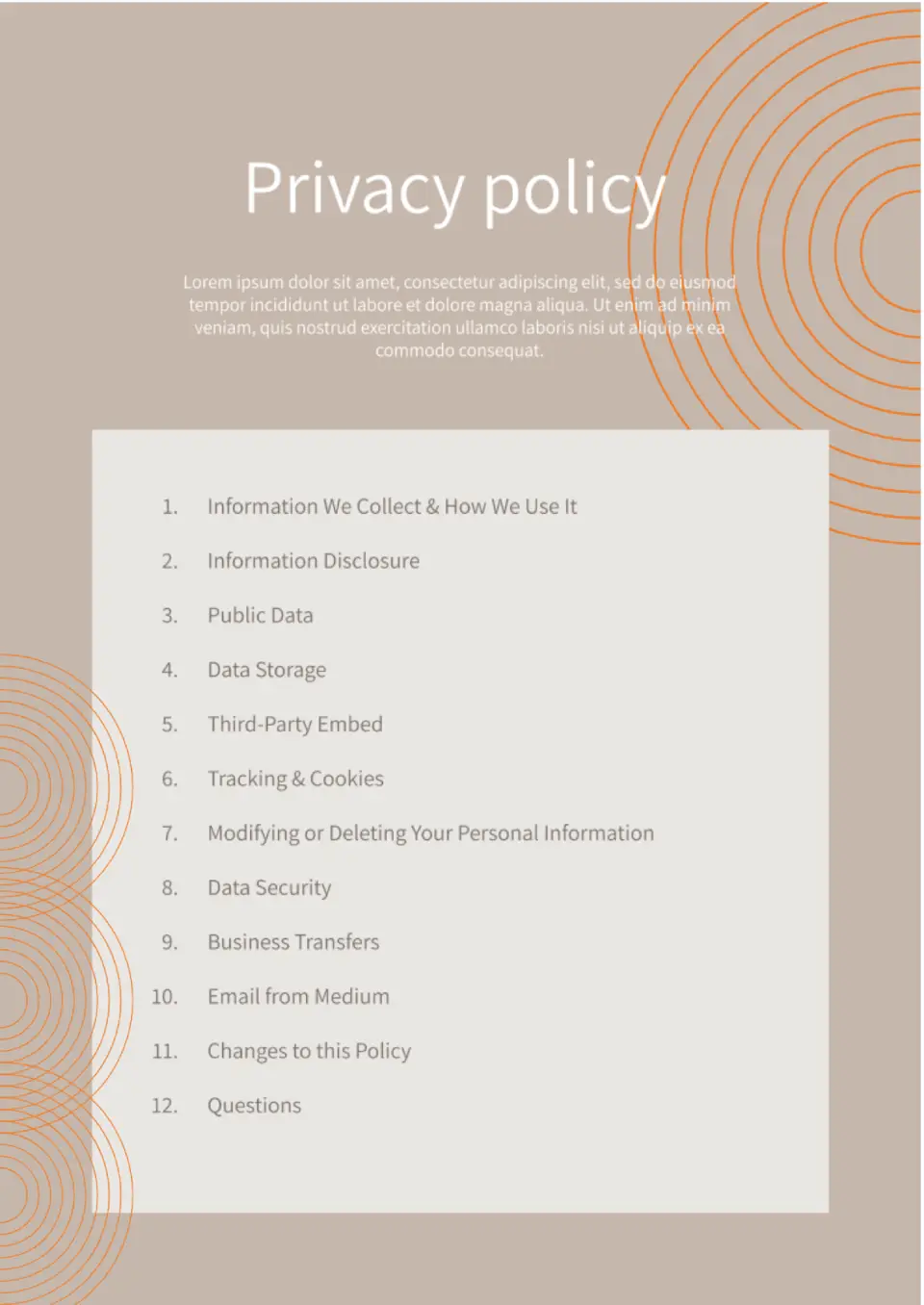
Is your website missing a privacy policy and you're worried about legal compliance? The Privacy Policy Template is made for website owners, small businesses, and app developers who need to protect user data legally.
What Are Policy Templates for Google Docs and MS Word?
Pre-designed Policy Templates for Google Docs and MS Word are ready-to-use documents, making it convenient for you to set standard guidelines and regulations for your organization.
Policy templates are documents with brief divisions like purpose, scope, definition, procedures, and responsibilities. It helps you begin with a ready-to-use template, avoiding guessing, as well as ensuring professional communication—either workplace conduct, data privacy, return policy, or telecommute conditions.

Benefits of Using Policy Templates
Any business needs to be well-structured for everything to go right. Policies are the foundation of the structure—they give guidance for action, establish expectations, and help prevent miscommunication. Yet, starting with a policy from a tabula rasa is a formidable task, especially where consistency and precision are a must. Free policy templates simplify the procedure so you can focus on the content, not the form.
The advantages in utilizing these templates are:
- schematic representation of rules and procedures;
- ability to customize documents for a specific team or department;
- faster formulation of operationally and legally viable policies;
- consistent visual look for every internal document.
Keep your workplace well-structured and aligned through developing a clear, easy-to-understand policy system based on your organization’s objectives and values.

How to Customize Google Docs Policy Templates in Google Docs
You can edit a Policy Template in Google Docs effortlessly with no skills required. You can also customize the layout and contents for the tone, rules, and audience suitable for your organization:
- Open the selected template right away in Google Docs;
- Update policy name, headings, and descriptions as needed;
- Complete placeholders with real information about functions, procedures, and schedules;
- Modify font styles, colors, or styles to match your brand personality;
- Add your organization’s logo or a personalized header for a business-like look;
- When you are finished, save/export the file as a Google Doc, Word (.docx), or a PDF.
This versatility also helps in the creation of concise, clear policy writing across different teams or departments.

Popular Types of Policy Templates
These are five policy template must-haves you can download right now:
- Security Policy Template — establishes IT security and compliance guidelines;
- Social Media Policy Template — defines acceptable online conduct for employees;
- Company Policy Template — outlines internal organizational rules;
- Cancellation Policy Template — describes service cancellation terms;
- Information Security Policy Template — protects confidential data processing procedures;
These templates are compatible with different organizational governance elements in a professional way.
Download Free Policy Templates for Your Needs
We created these Policy Templates for you to quickly and easily develop proper internal regulations in a few minutes. Select the one for you, adjust it for your organization, and apply it with confidence. Download your free Policy Template now and maintain clear organizational guidelines!


Choose your preferred social media platform from options like Pinterest, Facebook, Twitter, and more. Share our templates with your contacts or friends. If you’re not active on these social networks, you can simply copy the link and paste it into the one you use.