

 Back to templates
 Free Budget Google Sheets Templates
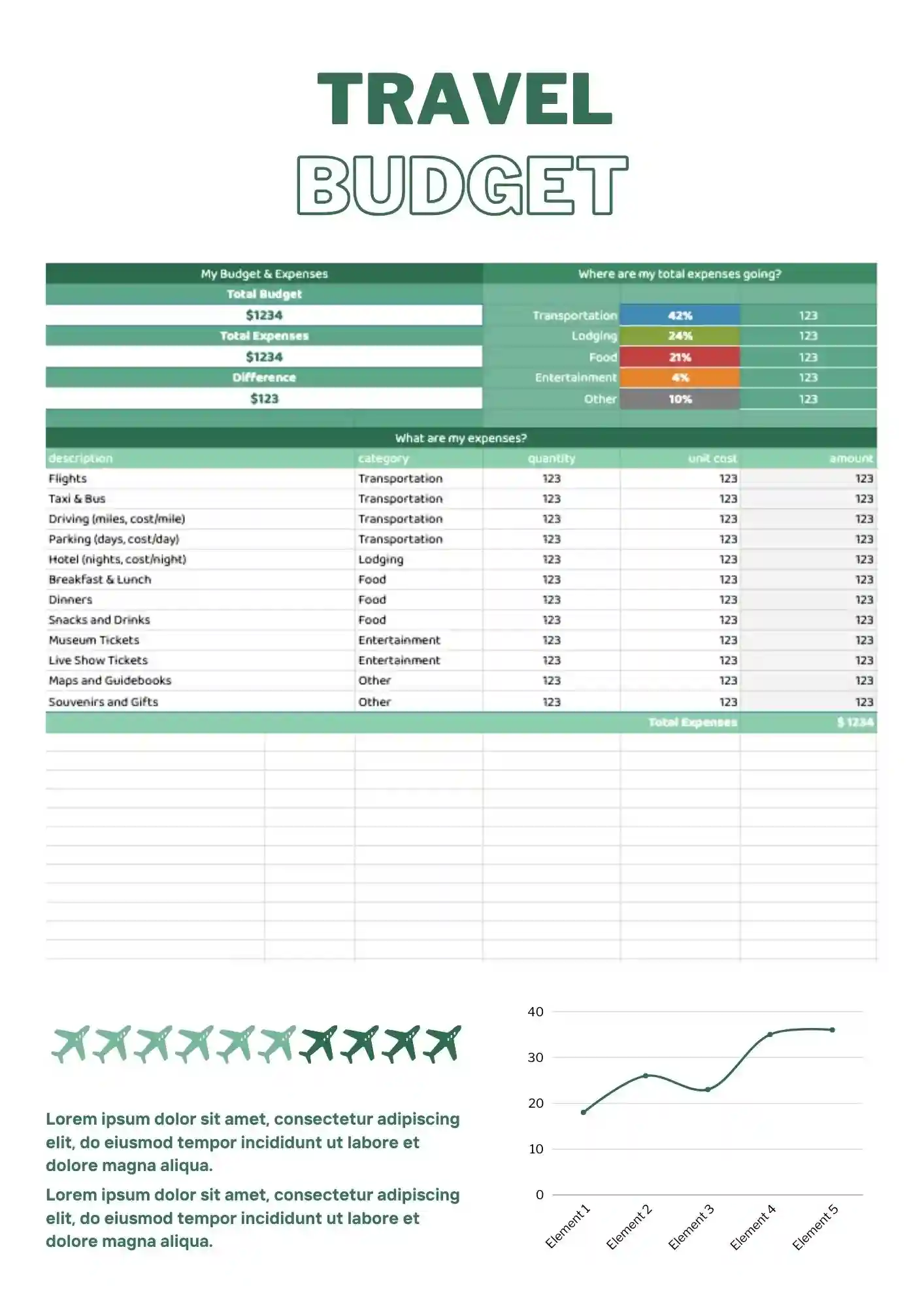
Planning a trip and want to avoid overspending before you even get back home? Travel Budget Template for Google Sheets helps track transportation, lodging, food, activities, and other travel costs in one place. It works for travelers, freelancers, and trip planners who want a clearer view of their spending. You can edit categories, amounts, and details to match the type of trip you are planning. Get the template free and start mapping out your travel budget today.

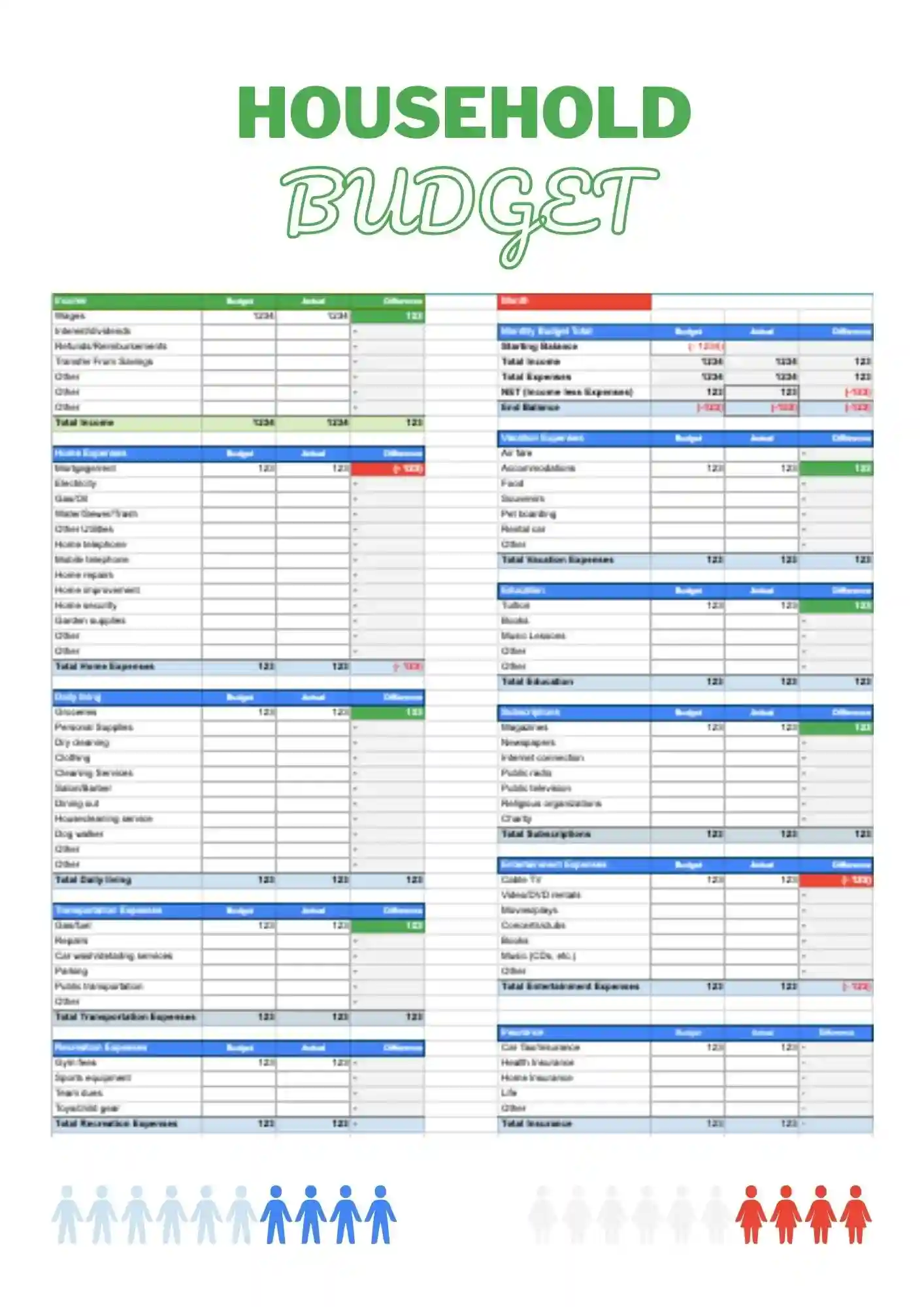
Need a simpler way to manage monthly bills, shared expenses, and everyday spending at home? Household Budget Template gives families, couples, and individuals a clear setup for tracking income and expenses without extra hassle. It helps you stay on top of groceries, utilities, rent, and other regular costs in one organized file. The template is easy to customize, so you can tailor the categories and values to your household. Grab this free download and put your home budget in order today.
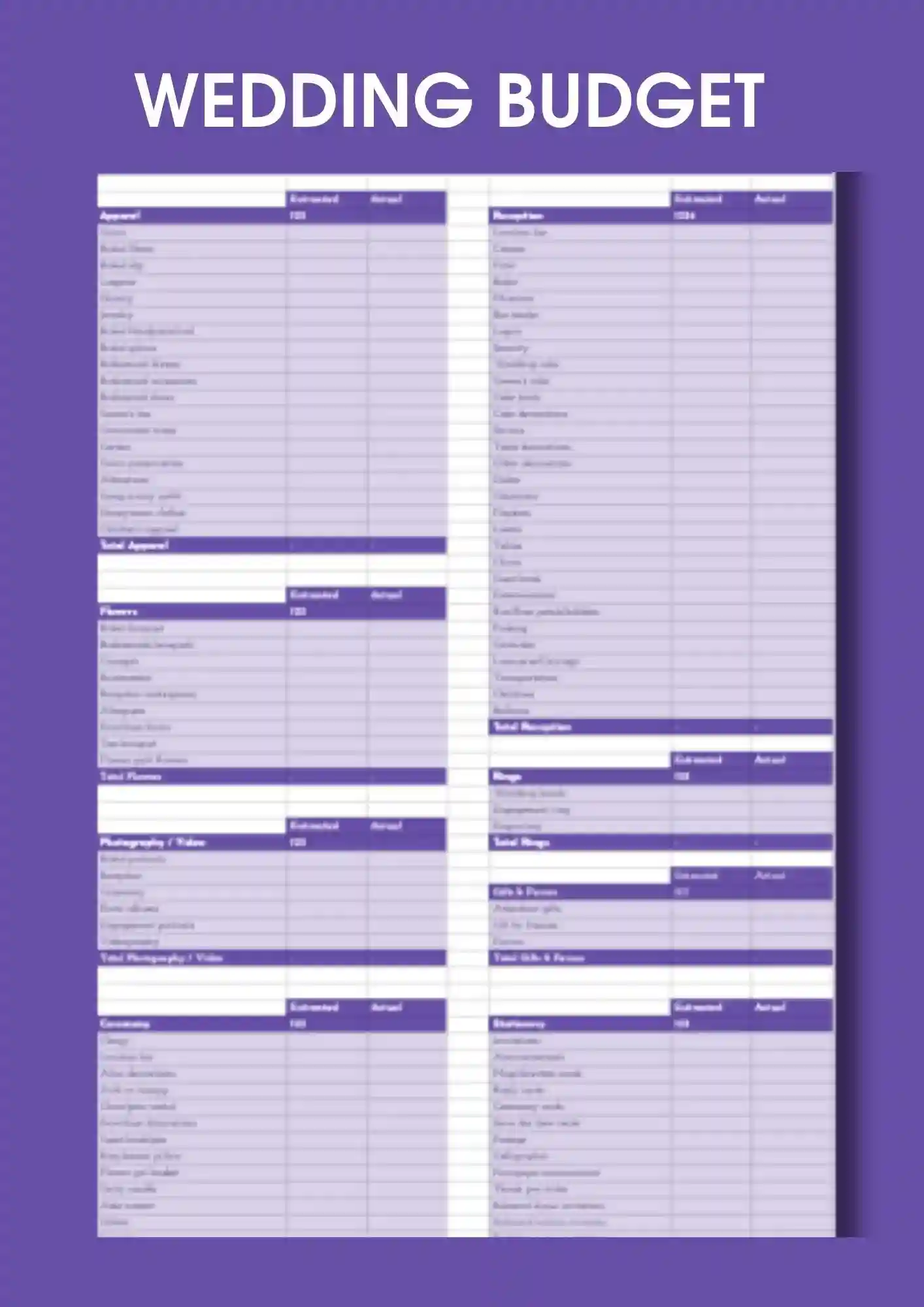
Trying to plan a wedding without a clear budget and worried the costs will spiral too fast? Wedding Budget Template for Google Sheets helps organize expenses, payments, and planning details in one clean place. It works well for couples, wedding planners, and freelancers managing event costs. You can adjust categories, amounts, and colors to fit your wedding plans and priorities. Download this free template and start organizing your budget right away.
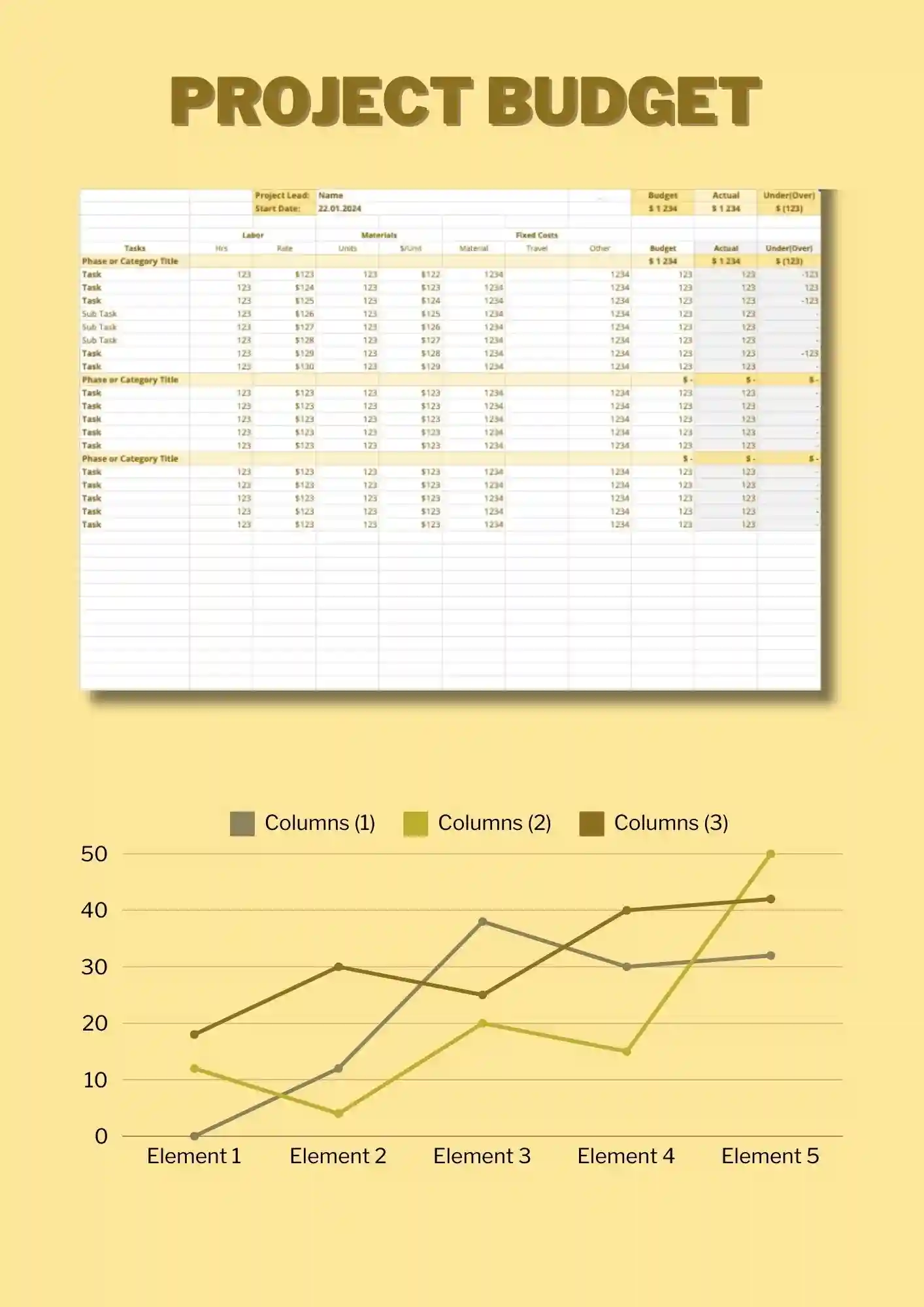
Project Budget Template for Google Sheets is designed for tracking expenses, income, and budget by specific projects and tasks. It works for managers, teams, freelancers, and students who track budget by project. You can edit all categories, values, and colors to reflect your project spending. It helps you compare planned costs against actual spend and avoid overspending. Download it at no cost and use it immediately.
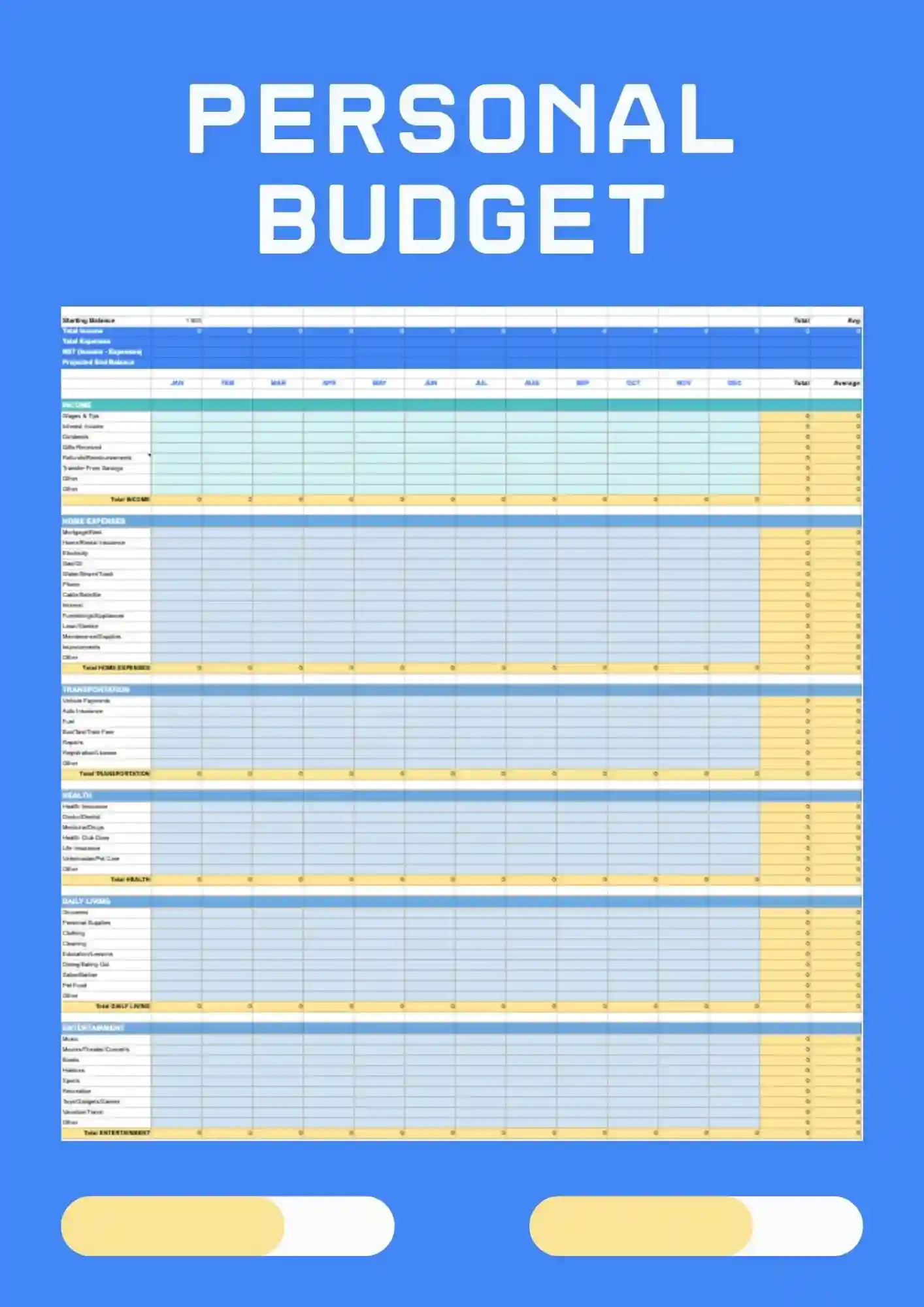
Personal Budget Template for Google Sheets is a simple, ready solution for tracking personal expenses, income, and budget without extra formatting. It works for students, freelancers, families, and small businesses who track personal expenses. Customize categories, amounts, and colors to match your financial situation. Use it to see where your money goes each month and stay on top of spending. Free to grab and ready to use today.
What Are Budget Templates for Google Sheets and Microsoft Excel?
Budget Templates are financial planning tools we created to help individuals, households, project managers, and event planners track income, expenses, and savings without spending time building spreadsheets from scratch. Whether you’re planning travel expenses, managing household bills, preparing for a wedding, or tracking personal finances, these templates give your budgeting structure and clarity.
Each template works in Google Sheets and Microsoft Excel, enabling you to enter values, adjust formulas, and organize financial fields in a clean, easy‑to‑understand layout. We built Budget Templates to let you focus on financial decisions — not formatting, complex formulas, or layout issues.
Benefits of Using Budget Templates
Budget Templates reduce financial stress by helping you see where your money is going and where you can save. These designs make your budget accurate, organized, and easy to update.
- tailored for travel, household, wedding, project, or personal budgeting;
- built‑in fields for expenses, income, categories, and summaries;
- editable layouts so you can adjust budget items or categories;
- formulas already included to auto‑sum totals and track overages or savings;
- clean layouts that work well for printing, sharing, or digital viewing.
With Budget Templates, you gain insight over your finances without wrestling with spreadsheet setup.

How to Customize Google Sheets Budget Templates
Customizing Budget Templates is intuitive and efficient. You open a template, fill in your financial data, adjust categories or time period, and get visual clarity fast. Export formats allow you to share or archive your budget in multiple formats.
- Open your selected template in Google Sheets or Microsoft Excel.
- Replace placeholder entries with your specific income, expense, or project data.
- Adjust category names, add or remove rows for expense types or additional income.
- Modify formatting, colors, or fonts to suit your style or clarity preferences.
- Export the budget as Microsoft Excel, PDF, ODS, CSV, or TSV for sharing, printing, or backup.
If you manage products or stock levels too, explore our Inventory Templates for formats built to track items and values.

Popular Types of Budget Templates
We offer Budget Templates designed for different financial use cases:
- Travel Budget Template – plan trip expenses, lodging, meals, transport, and unexpected costs;
- Household Budget Template – track utilities, groceries, rent, and monthly bills;
- Wedding Budget Template – manage wedding‑specific costs like venue, catering, attire, and décor;
- Project Budget Template – budget for project stages, supplies, labor, and timelines;
- Personal Budget Template – organize income, savings goals, discretionary spending, and month‑end balance.
Download Free Budget Templates for Your Needs
Pick a Budget Template, enter your numbers, and start managing your finances with clarity. All templates are free, easy to edit, and ready in minutes. Download our free Budget Template today and take control of your financial planning.

Choose your preferred social media platform from options like Pinterest, Facebook, Twitter, and more. Share our templates with your contacts or friends. If you’re not active on these social networks, you can simply copy the link and paste it into the one you use.