

 Back to templates
 Free Packing List Google Docs Templates
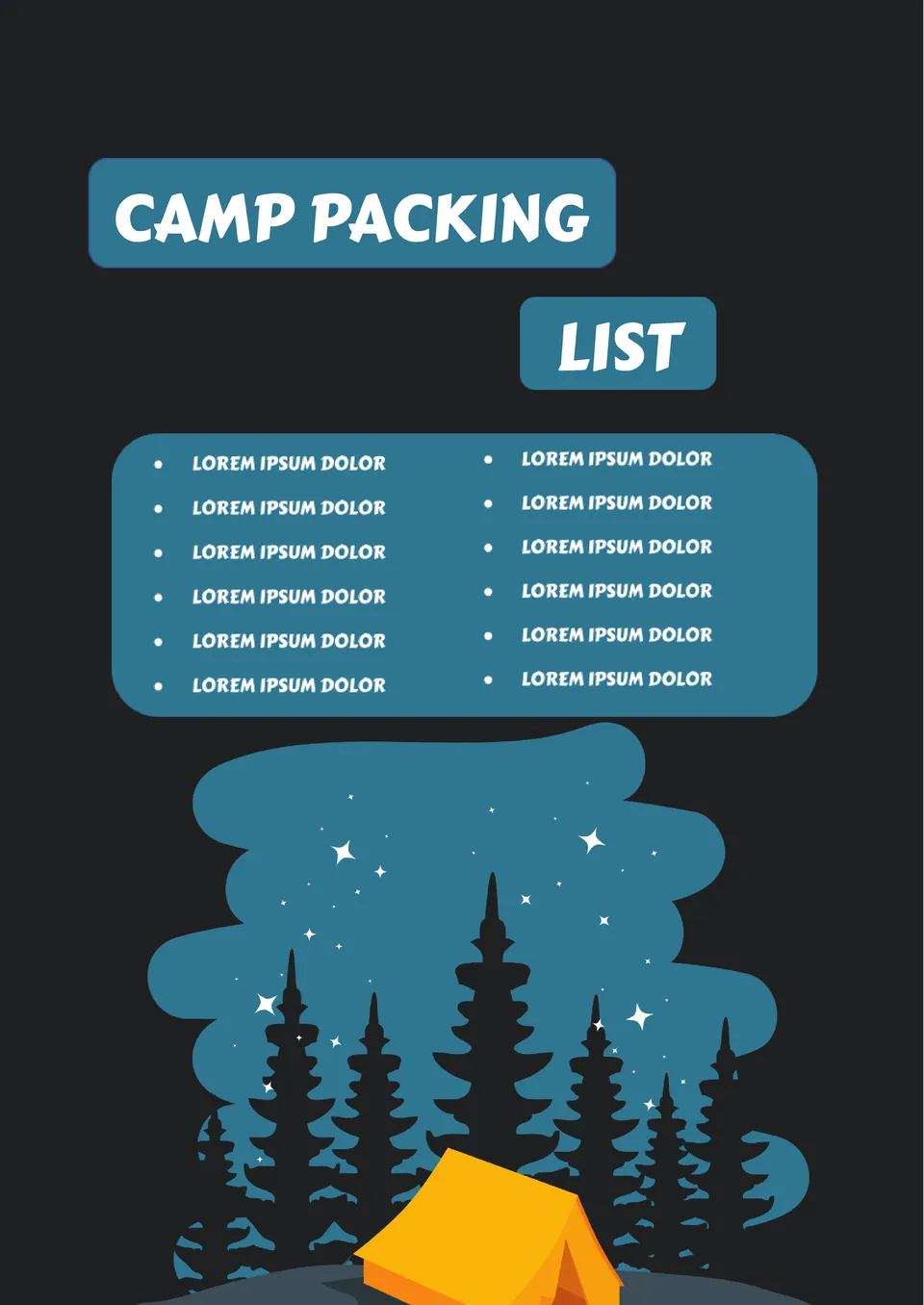
Designed for outdoor trips, the Camp Packing List Template helps campers organize gear, clothing, and supplies before departure. It works well for families, scouts, and solo campers.

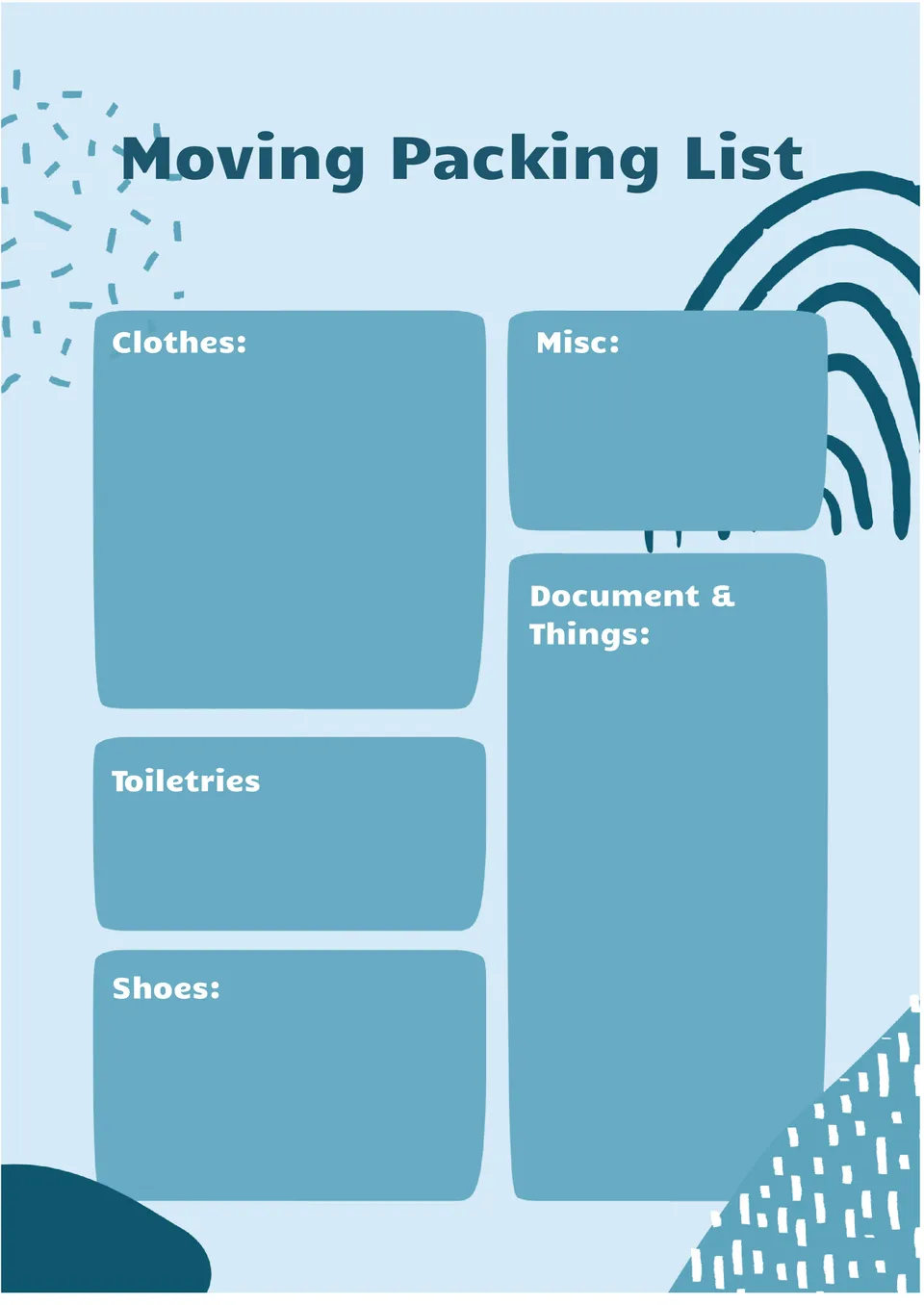
What helps people stay organized when moving to a new home and packing many boxes at once? The Moving Packing List Template is useful for homeowners, renters, and moving companies.
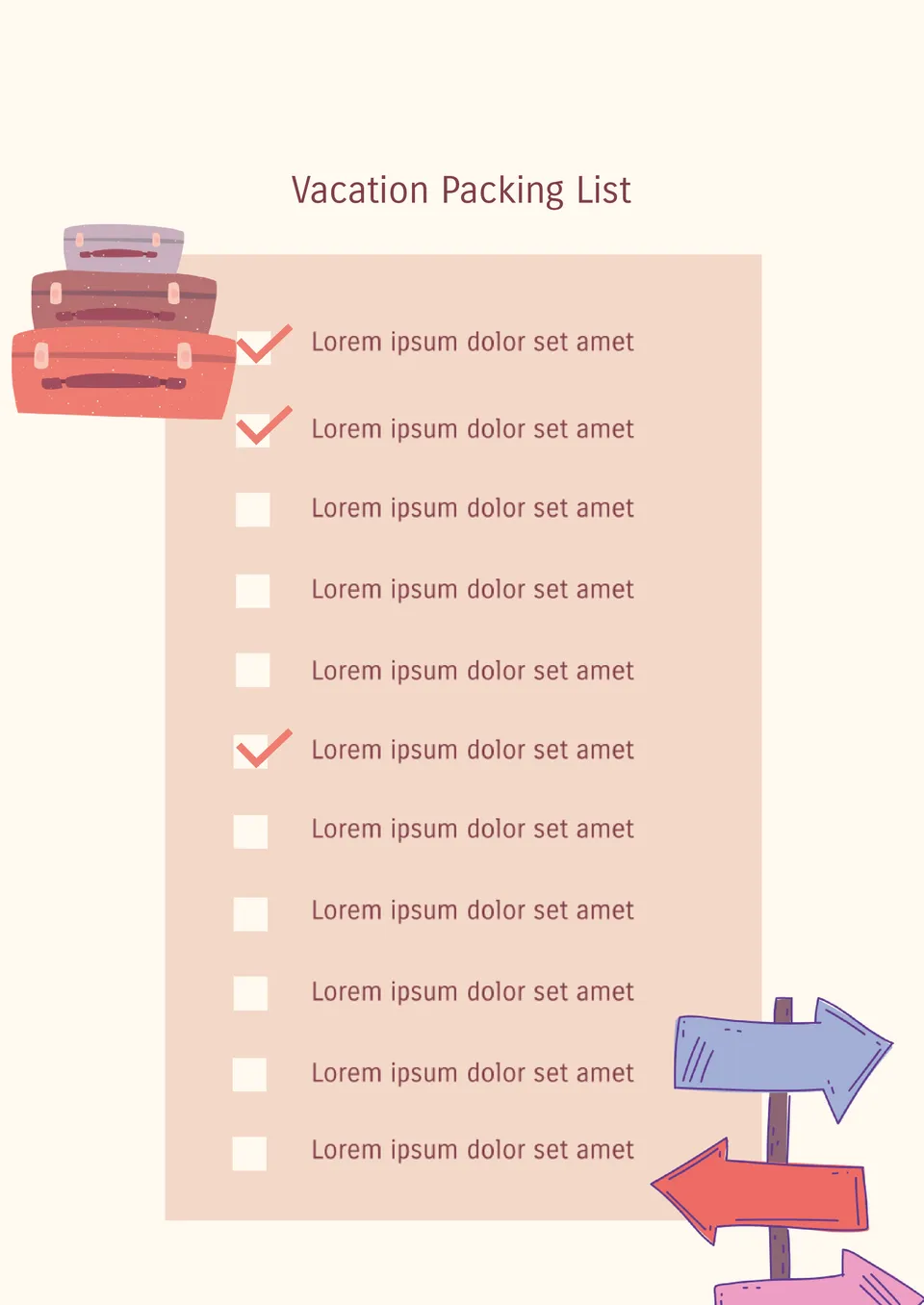
How can vacationers avoid forgetting important items while still packing light? The Vacation Packing List Template is a strong fit for people planning holidays, family trips, or weekend getaways.
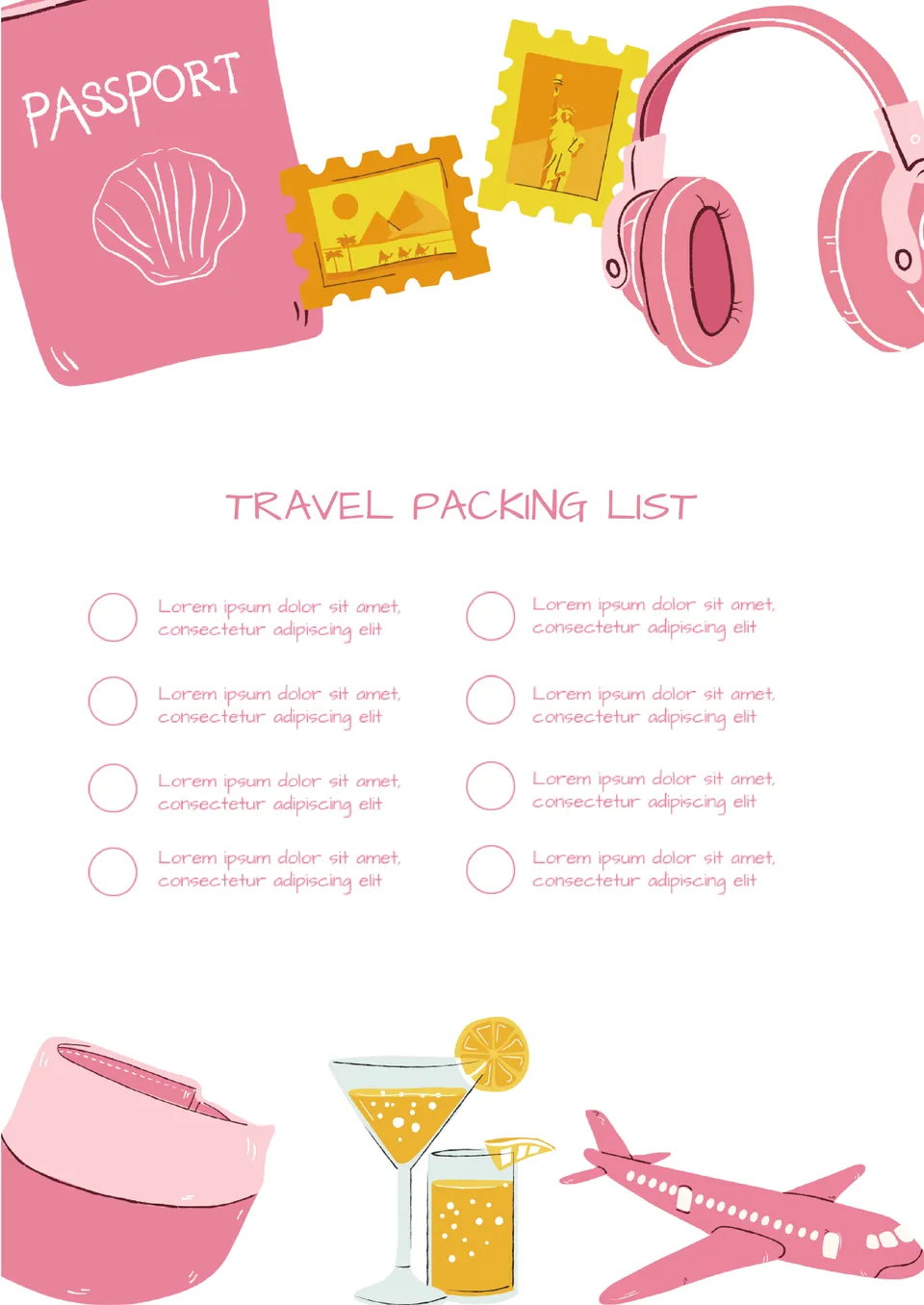
What makes trip preparation easier when you need to pack for different activities and weather conditions? The Travel Packing List Template is made for travelers, families, and vacation planners.
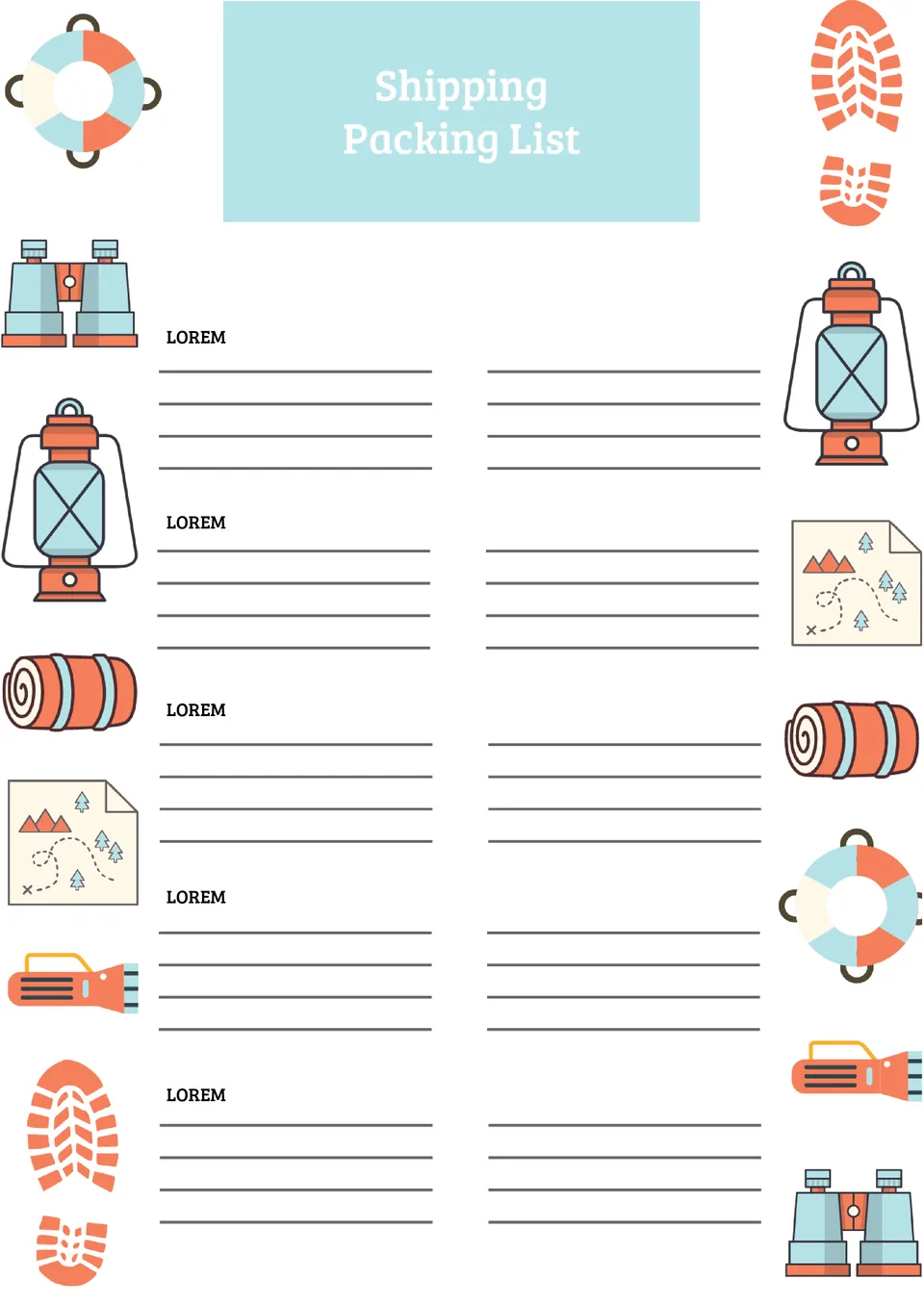
How can teams keep shipping items organized when every package needs to be checked before dispatch? The Shipping Packing List Template is useful for warehouse staff, shipping teams, and small business owners.
What Are Packing List Templates for Google Docs and MS Word?
Packing List Templates are ready-made checklists that help you stay organized when preparing for a trip, move, or shipment. Whether you’re heading on vacation, planning a business trip, or relocating, these templates make the process smoother by helping ensure nothing gets left behind.
They come in editable formats for Google Docs and MS Word, allowing you to quickly adapt them to your specific plans. Instead of writing new lists every time, you can rely on a consistent, structured format.
These templates typically include categorized sections—like clothing, documents, toiletries, and electronics—making packing faster and more efficient. They’re ideal for solo travelers, families, or anyone handling complex logistics.
Benefits of Using Packing List Templates
Packing List Templates save time, reduce decision fatigue, and keep you focused. Rather than thinking through every item from scratch, you can simply review and adjust a pre-set structure that covers common needs.
- Saving time with a ready-made checklist;
- Reducing stress and the risk of forgetting essentials;
- Staying organized for travel, moving, or daily activities;
- Being flexible enough to use for different group sizes or trip types.
Used regularly, these templates become customized tools that reflect your travel habits and packing preferences.

How to Customize Packing List Templates in Google Docs
Editing a Packing List Templates in Google Docs is simple, even for beginners. To personalize it:
- Open the template in Google Docs;
- Replace placeholder text with your own details;
- Add or remove items based on the trip type;
- Adjust fonts, formatting, or sections to your liking;
- Use tables or highlights to increase clarity.
You can print your list or keep it digital. Duplicating and adjusting the template for different scenarios helps create a reusable system for packing.

Popular Types of Packing List Templates
We offer a range of specialized Packing List Templates for various situations:
- Vacation Packing List Template;
- Travel Packing List Template;
- Moving Packing List Template;
- Camp Packing List Template;
- Shipping Packing List Template.
Each template is designed for specific needs—whether you’re heading on a weekend getaway, organizing a move, or preparing for a group trip.
Download Free Packing List Templates
All Packing List Templates are free to download and fully customizable. Choose the format that fits your trip, edit it in Google Docs or MS Word, and simplify your planning process. No registration required—just download, personalize, and start packing.


Choose your preferred social media platform from options like Pinterest, Facebook, Twitter, and more. Share our templates with your contacts or friends. If you’re not active on these social networks, you can simply copy the link and paste it into the one you use.