

 Back to templates
 Google Forms Templates
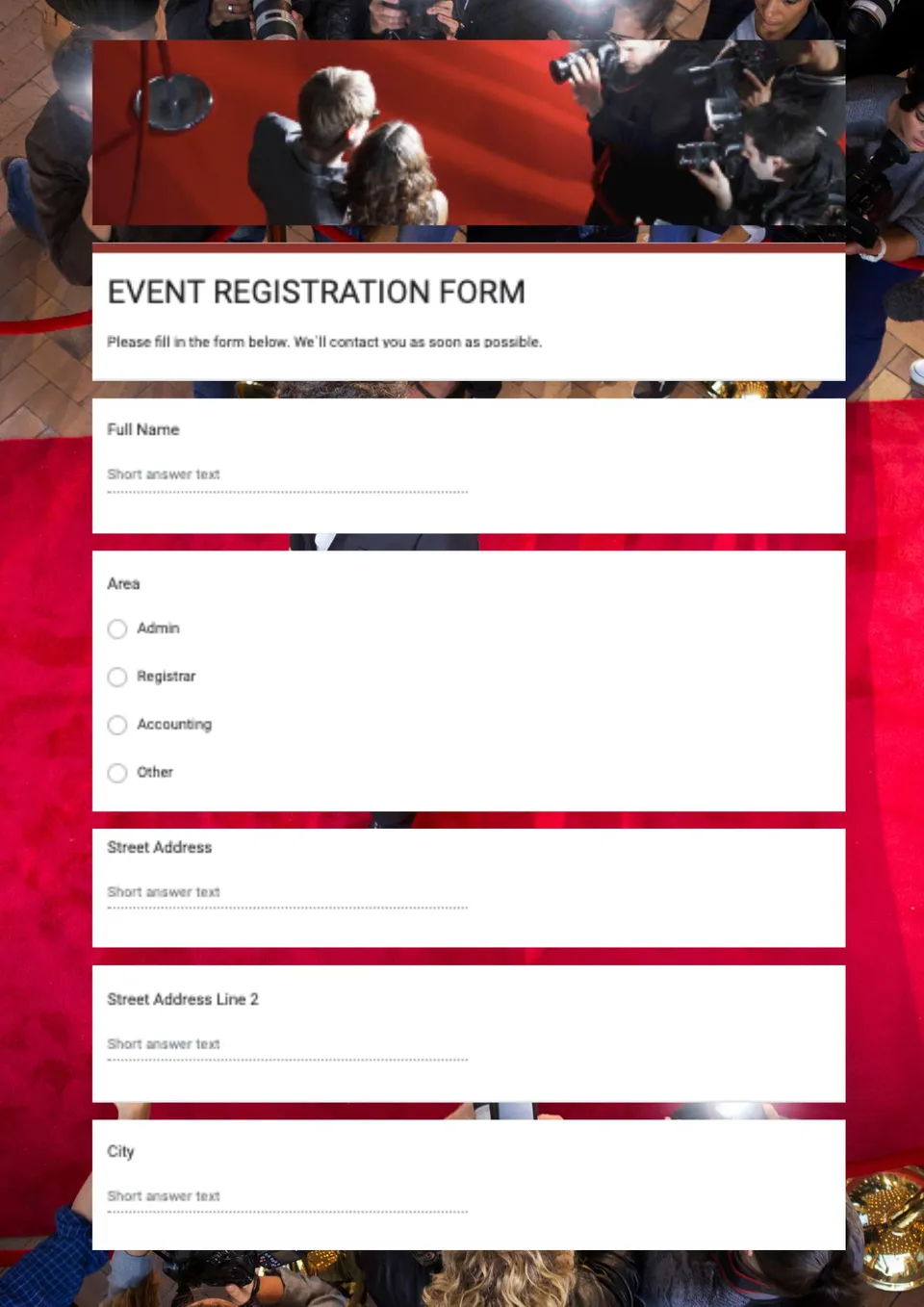
You're organizing an event but building a registration form from scratch takes too much time and looks inconsistent? Event Registration Form Template gives you a professional, ready-to-use Google Forms layout that collects attendee name, email, contact details, and event preferences in a clean structure. It suits event organizers, schools, clubs, businesses, and coordinators who need a simple way to manage sign-ups and RSVPs. Editable color, text, and objects let you match the form to your event theme, brand colors, and questions. Free for personal and business use, ready to use, and perfect for event registrations that need to look professional and organized.

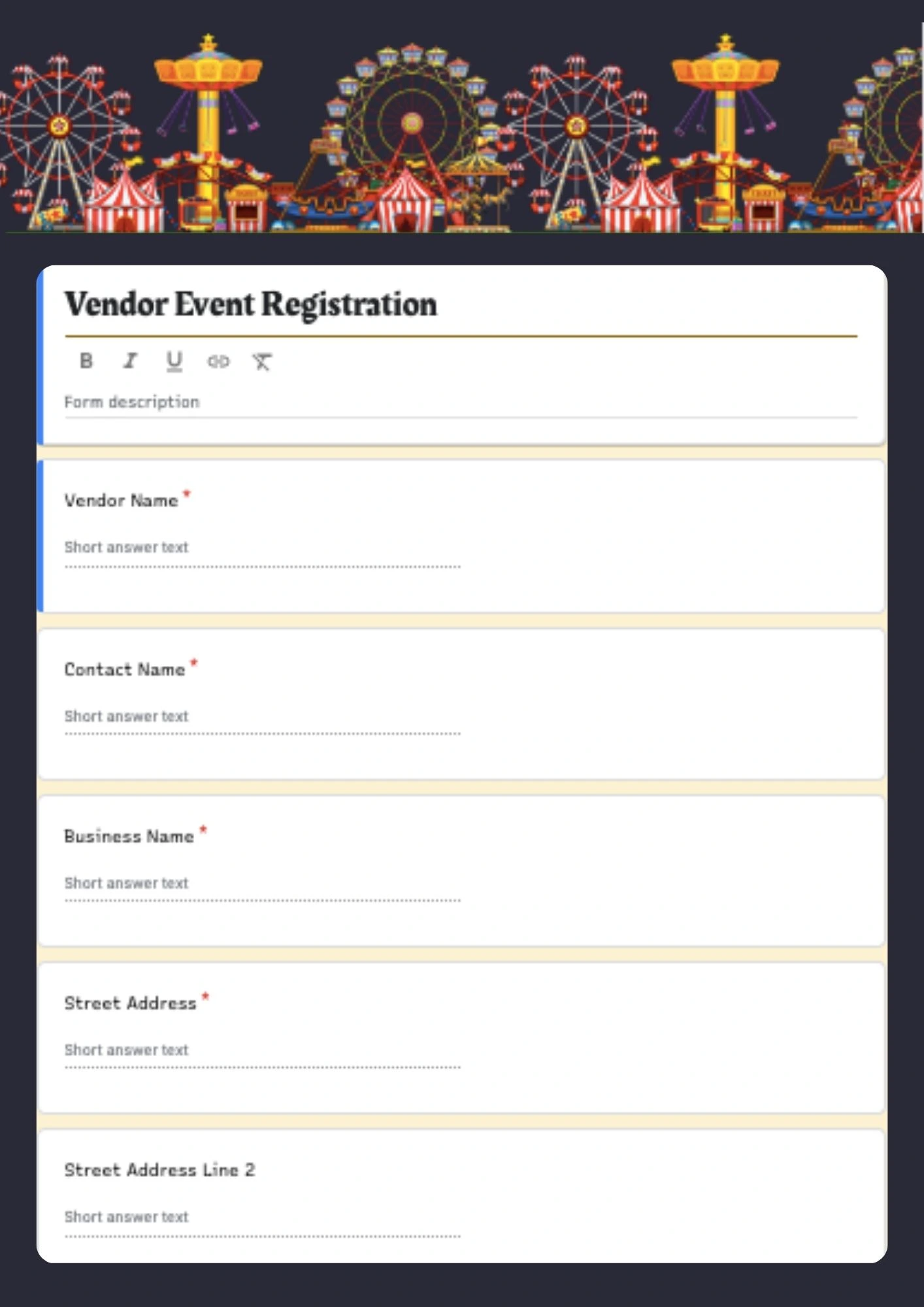
Planning a vendor event or marketplace but your application form looks too basic and doesn't collect the right details from sellers? Vendor Event Registration Form Template provides a professional Google Forms layout designed specifically for vendor applications, event sellers, and marketplace registrations. It helps collect vendor name, contact info, product category, booth preferences, and event details in a clear, structured format. Editable color, text, and objects make it easy to adapt the form to your event brand, vendor requirements, and event rules. Free for personal and business use, ready to use, and ideal for vendor event registrations that should look professional and easy to complete.
Are there templates for Google Forms?
Are Google Forms Templates free to use?
Are there any limitations to using Google Forms Templates?
How to create a Google Form template?
How to save a Google Form as a template?
What Makes Google Forms Useful for Collecting Information?
Google Forms is one of the easiest ways to collect answers, registrations, and feedback in a structured format. It works well when you need a simple system for event sign-ups, surveys, questionnaires, or request forms, especially when the goal is to keep the process fast for both the creator and the respondent.
For businesses, teachers, organizers, and teams, this format offers a practical way to gather information without unnecessary setup. Our Google Forms templates make it easier to start with a layout that already fits the purpose, so you can focus on the questions instead of building the form from the ground up.

Why People Choose Our Google Forms Templates
Our Google Forms templates are designed to make data collection smoother and more intuitive. They help you organize responses in a way that feels clear, modern, and easy to complete.
- create forms for registrations, surveys, and feedback with less effort;
- use a ready-made structure instead of designing every field yourself;
- adjust the form to fit events, classes, requests, or internal tasks;
- keep the layout simple so people can complete it quickly;
- save time while still presenting a polished and professional look.
In practice, this means you can collect the information you need without overcomplicating the experience for your audience.

Who Benefits Most from Google Forms Templates?
Our Google Forms templates are useful for event planners, educators, small businesses, and teams that need a reliable way to gather responses. They are also a strong choice for anyone creating sign-up pages, opinion forms, or request-based workflows.
This format is especially effective when many people need to submit the same kind of information. Whether you are organizing a workshop, planning an activity, or managing participant details, our forms help keep everything consistent and easy to follow.

How to Customize Google Forms Templates
Google Forms makes it easy to personalize a template for your own use. You can open one of our forms, update the fields, and adapt the structure to match the type of information you want to collect.
- Open the template and review the existing form layout.
- Replace sample questions with your own fields and prompts.
- Add or remove sections, multiple-choice items, checkboxes, or text fields as needed.
- Adjust the title, description, and visual style to match your purpose.
- Share the final form and start collecting responses right away.
That flexibility makes the format practical for both simple forms and more detailed registration or feedback workflows.

Explore Google Forms Templates for Different Tasks
Our Google Forms collection is built to support the most common information-gathering needs, from registrations to feedback and planning. If you need a simple way to manage event sign-ups, our Event Registration Form is a practical starting point for collecting participant details in a clear and organized way.


Choose your preferred social media platform from options like Pinterest, Facebook, Twitter, and more. Share our templates with your contacts or friends. If you’re not active on these social networks, you can simply copy the link and paste it into the one you use.