

 Back to templates
 Free Syllabus Google Docs Templates
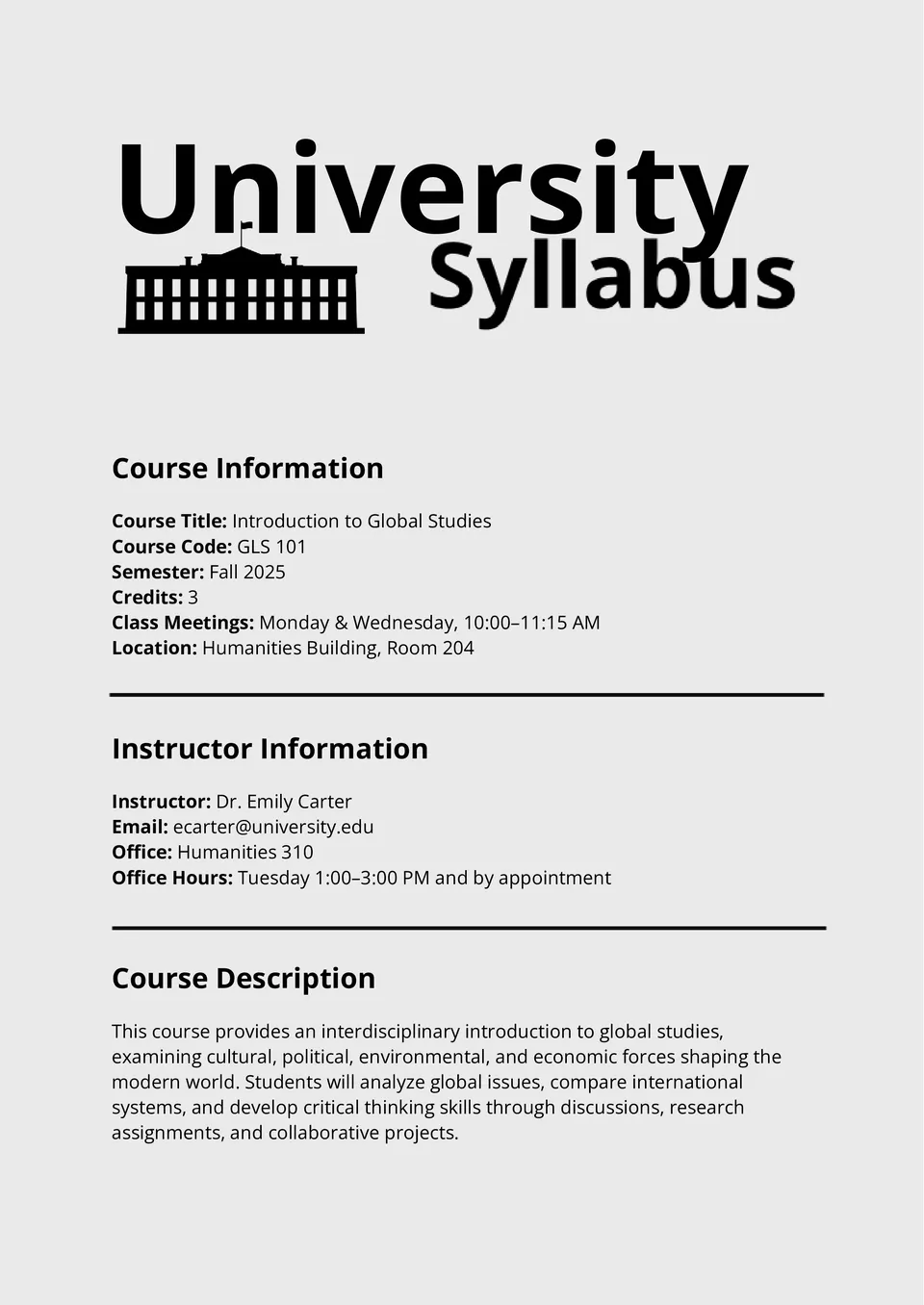
The University Syllabus Template helps instructors organize course outlines, reading lists, and academic policies in a format students recognize and trust. It supports detailed sections for objectives, assignments, assessments, and attendance.

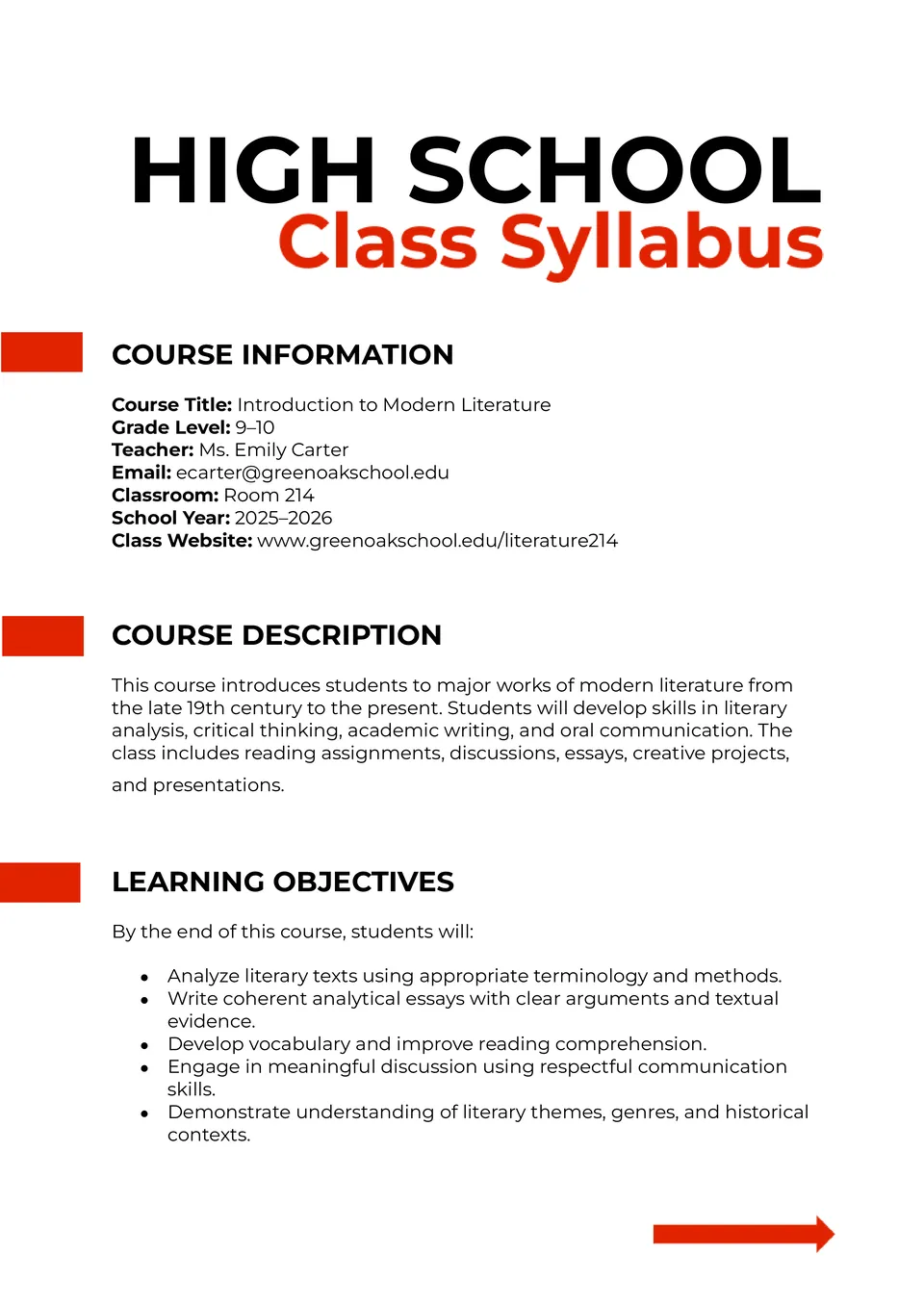
The High School Class Syllabus Template gives you a structured way to present assignments, standards, and timelines to older students. It includes sections for class goals, materials, grading, and weekly topics.
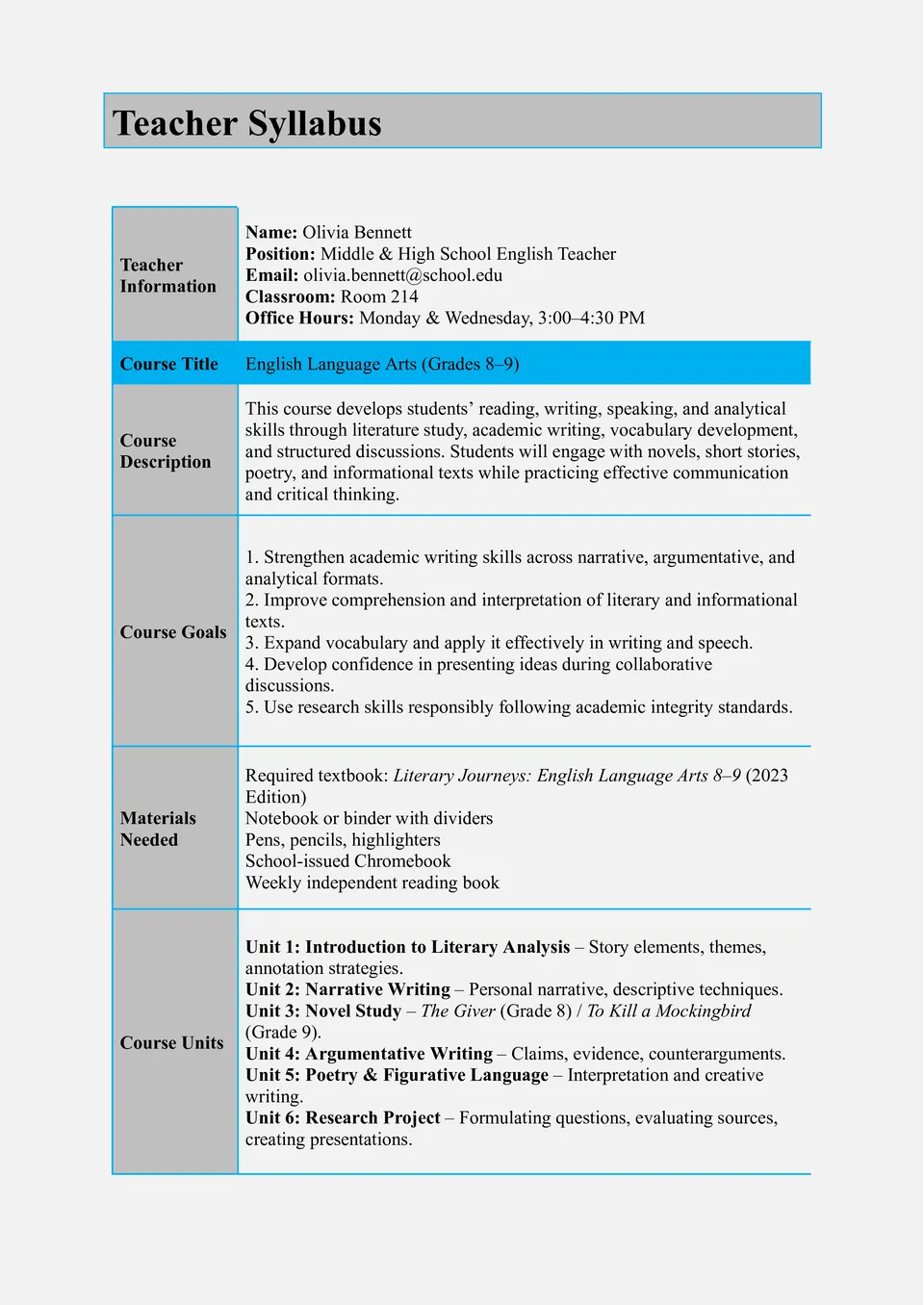
Struggling to create a polished syllabus that covers goals, assessment, and expectations? The Teacher Syllabus Template helps educators outline course details, learning objectives, and classroom policies in a professional format.
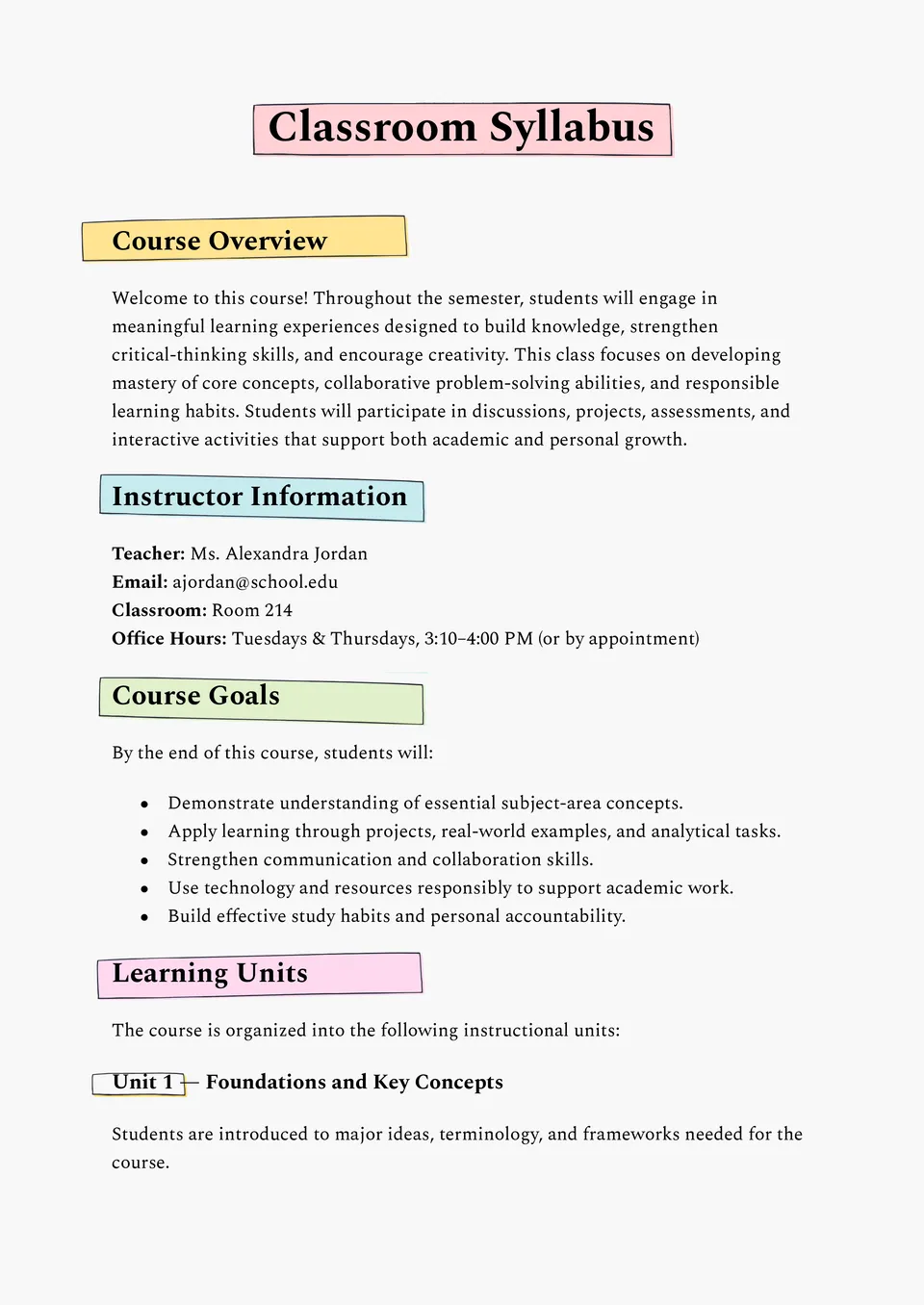
Want your classroom expectations and weekly plans to be clear from day one? The Classroom Syllabus Template offers simple, editable layouts for topics, homework, materials, and rules.
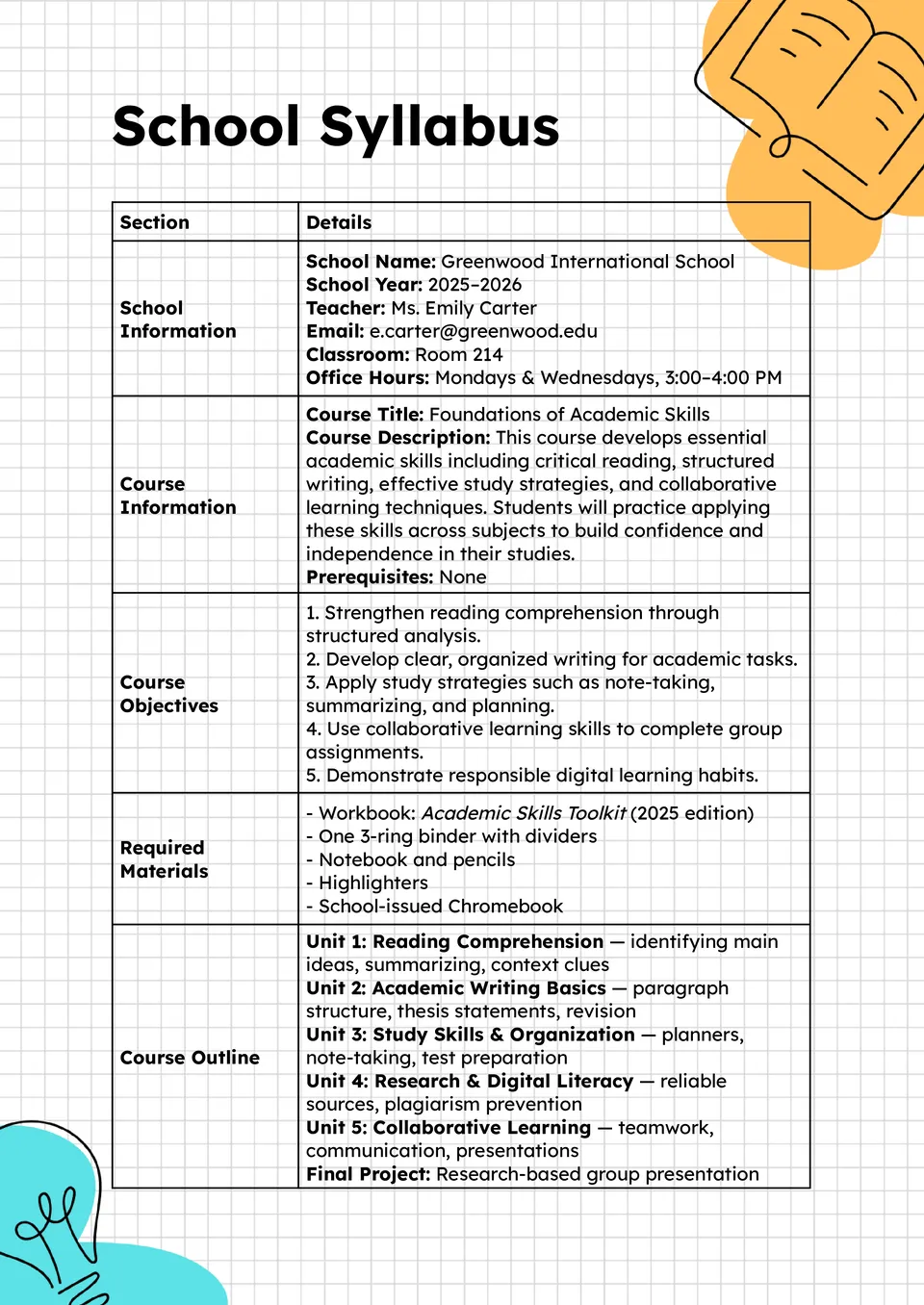
Looking for a comprehensive way to organize your entire school curriculum in one place? The School Syllabus Template provides organized sections for subjects, standards, grading policies, and calendars.
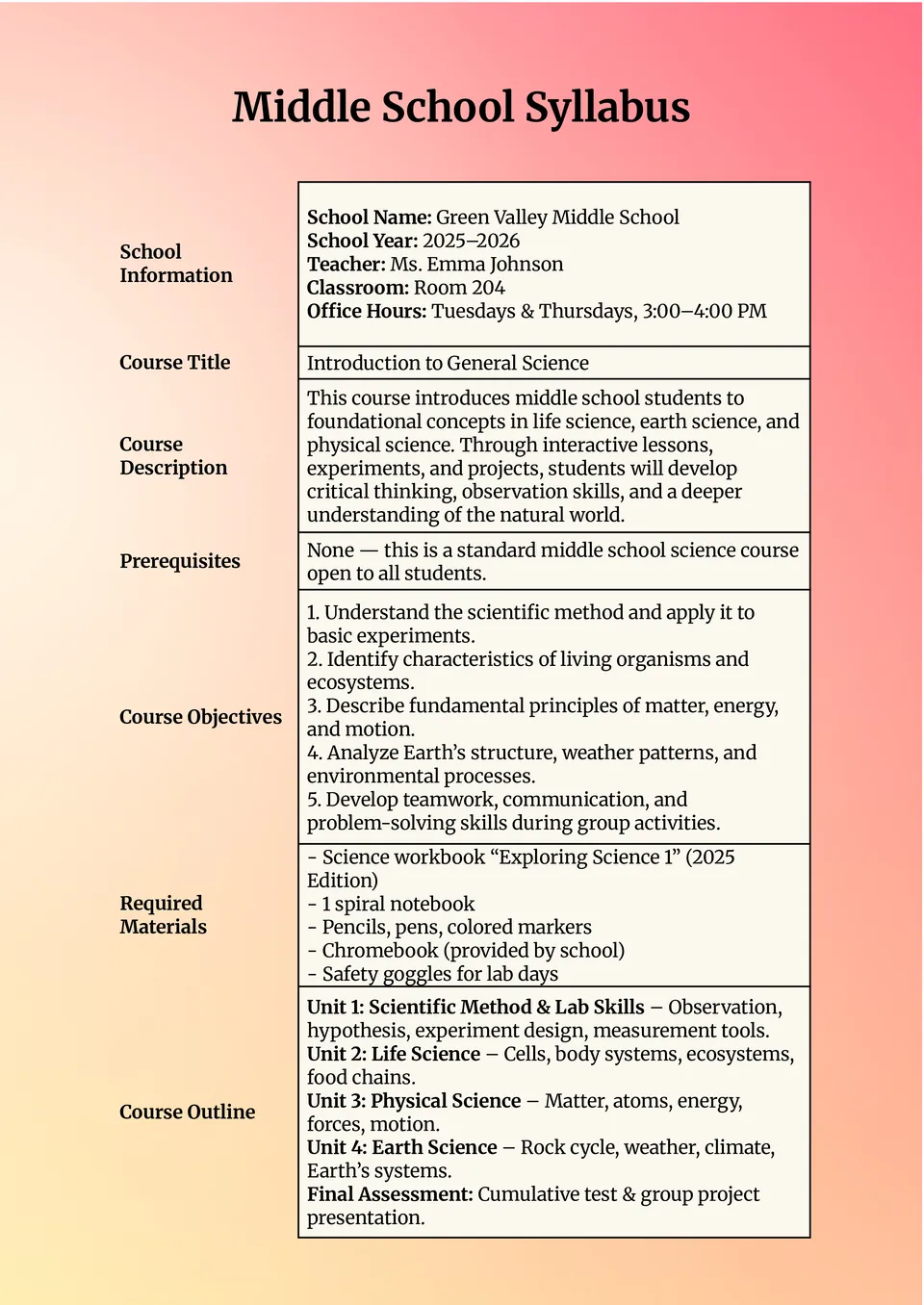
The Middle School Syllabus Template gives teachers a structured format to communicate class plans, goals, expectations, and essential dates. It’s perfect for young learners who benefit from clarity and consistency.
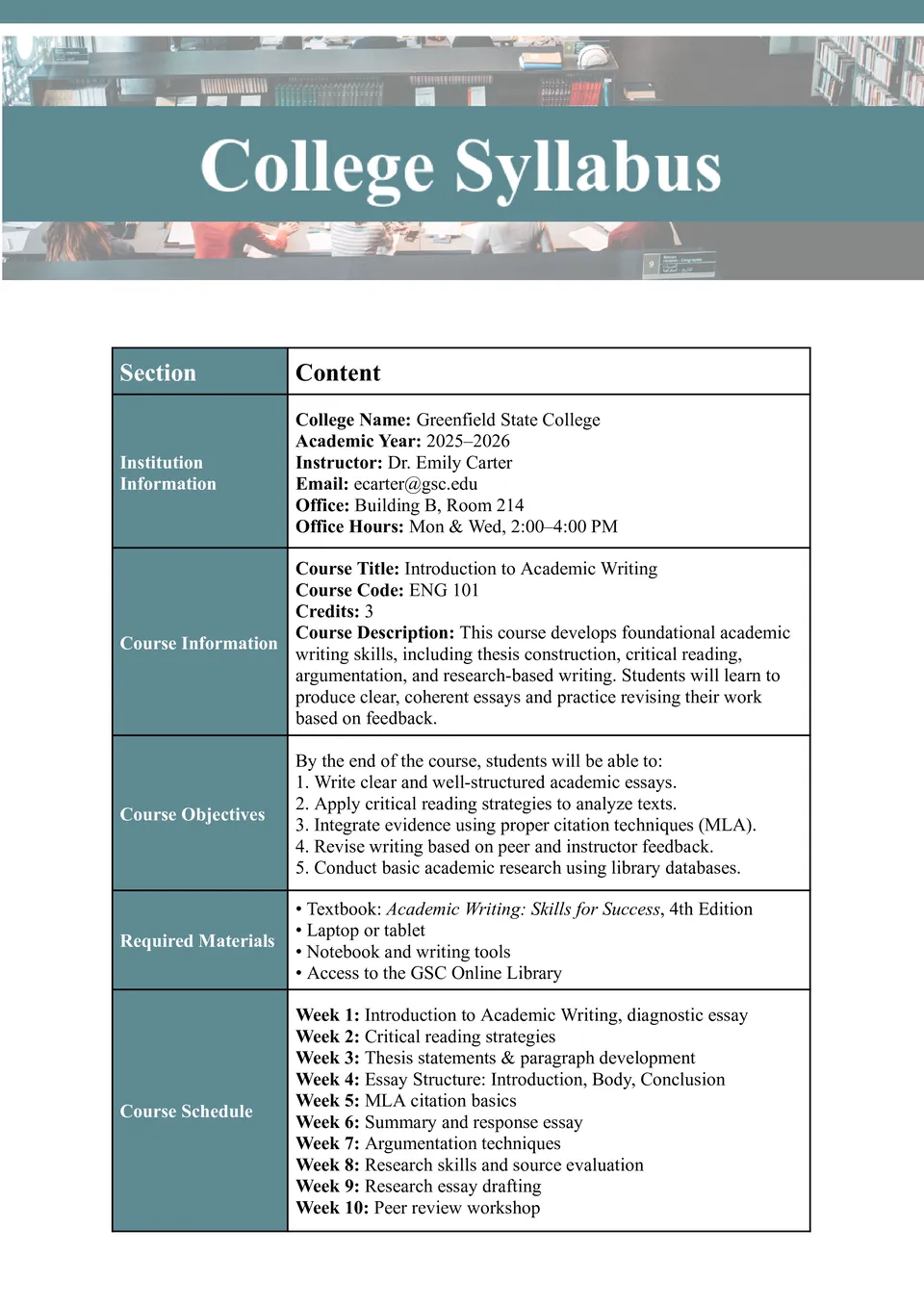
The College Syllabus Template is designed to help instructors present course details, policies, and schedules in a way college students expect and appreciate. It includes space for learning outcomes, required texts, assessment methods, and academic policies.
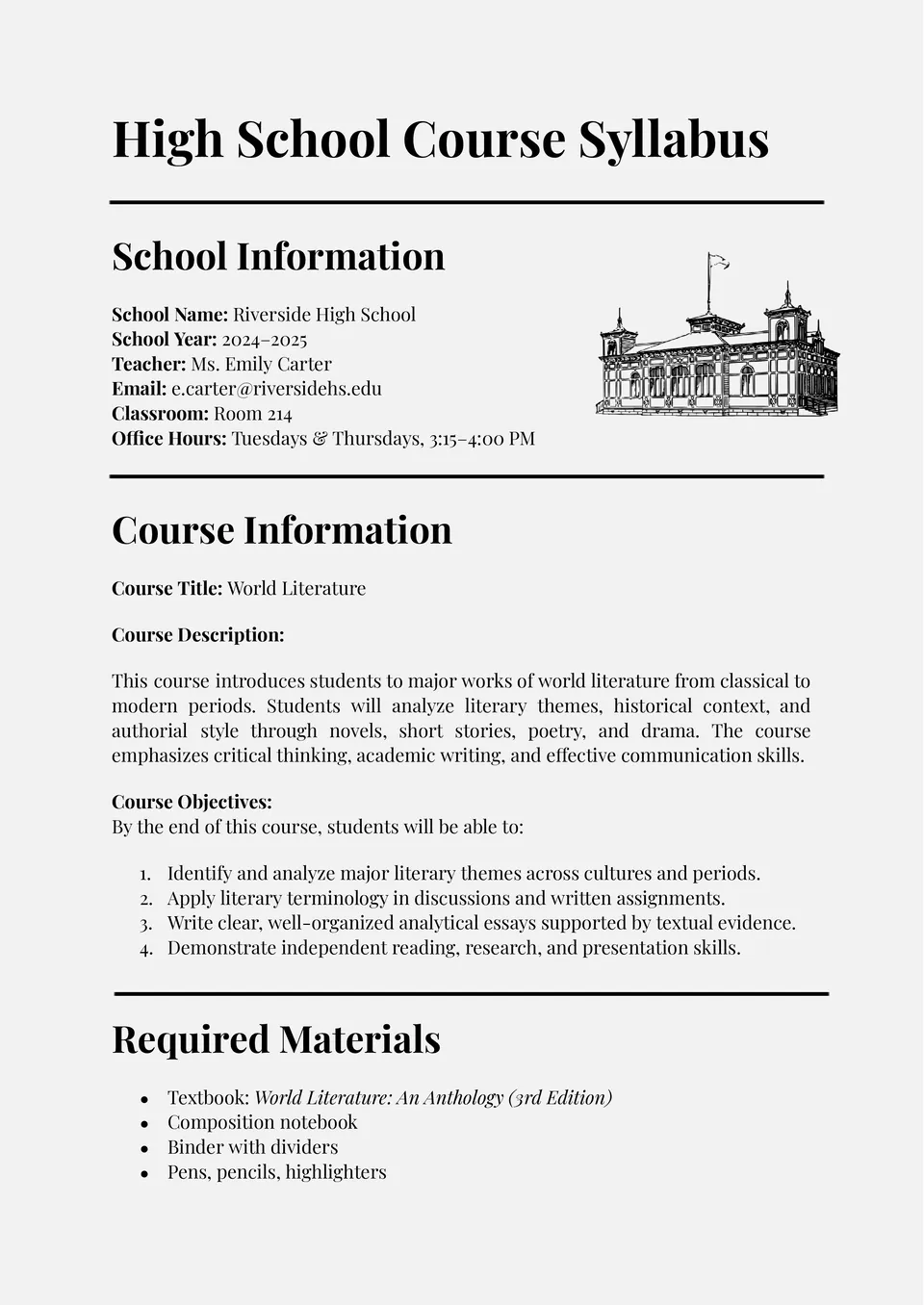
Looking to plan your high school class with professionalism and ease? The High School Syllabus Template offers a polished structure that includes goals, classroom rules, assessments, and weekly topics.
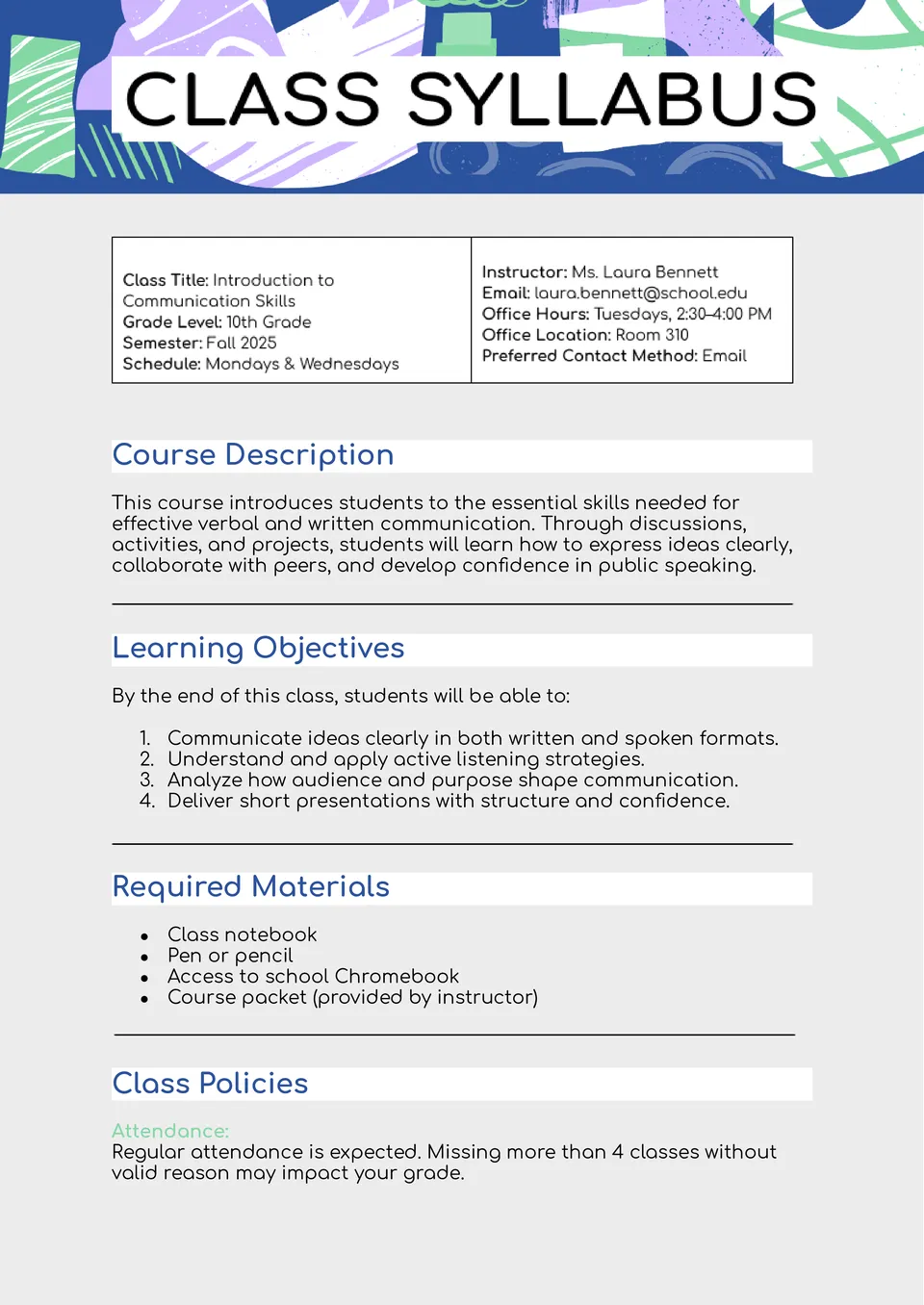
Want your students to know what to expect each week without confusion? The Class Syllabus Template provides clear sections for topics, assignments, materials, and due dates.
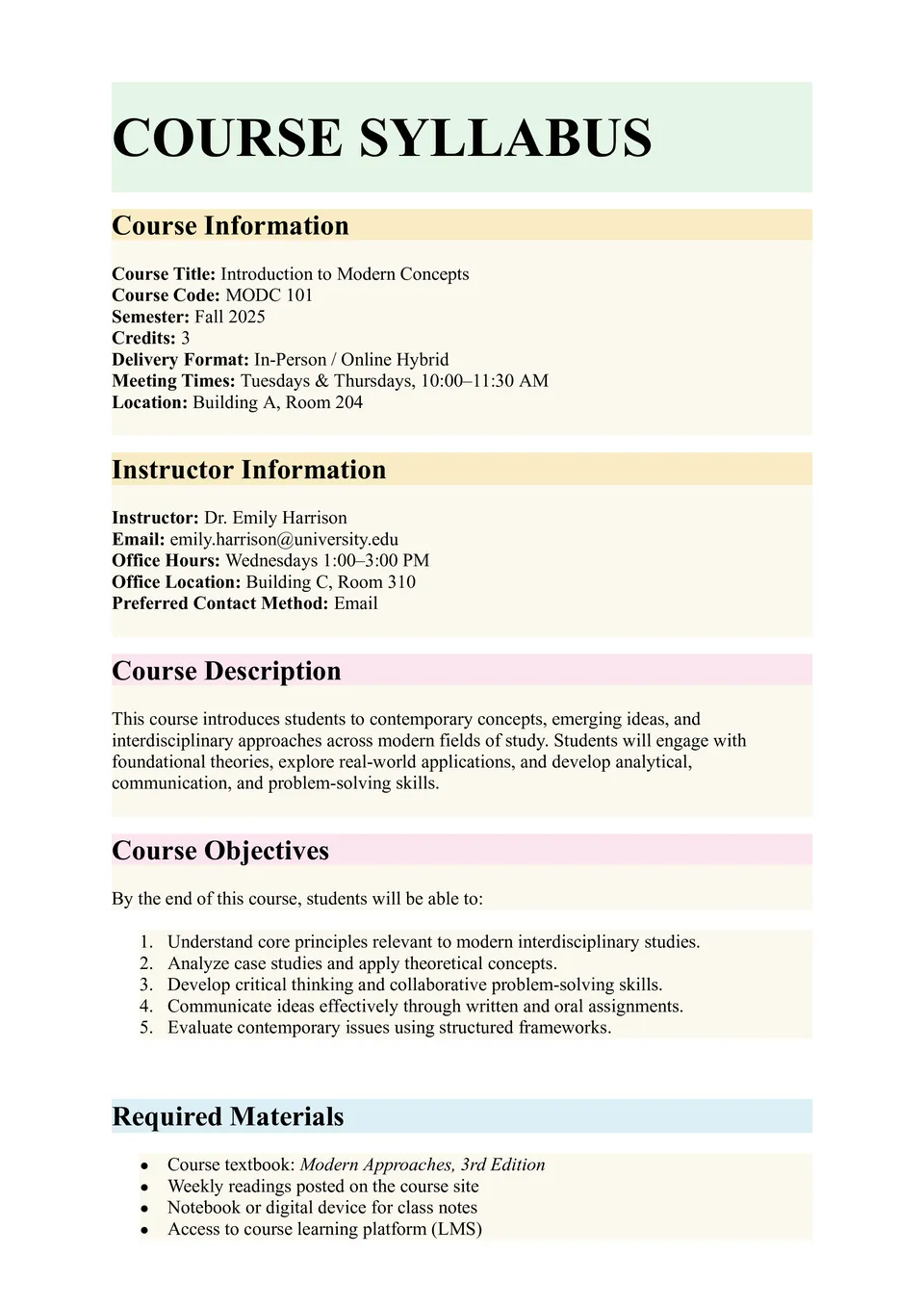
Looking for a way to launch your course with clarity and professionalism? The Course Syllabus Template gives instructors an organized layout to outline objectives, schedules, expectations, and grading criteria in one place.
What Are Syllabus Templates for Google Docs and MS Word?
Syllabus Templates are ready-made documents for teachers, professors, schools, and colleges that need to outline a course in a clear and structured way. They are useful for class policies, assignments, schedules, grading details, and weekly or semester plans, where students need to understand expectations from the beginning. If you also need a more focused way to organize lesson content and supporting study materials, take a look at our Study Guide Templates.
We create these templates to help you save time and keep your course information organized, readable, and easy to update. They work well when you want to present goals, rules, deadlines, and resources without starting from scratch. They also help you keep the same structure across different classes, so your syllabus feels professional and easy to follow.

Benefits of Using Syllabus Templates
Syllabus Templates make it easier to present course information in a format that is clear and consistent. They also help teachers and students stay on the same page throughout the term.
- outline course details in a professional and organized way;
- save time with a ready-made syllabus layout;
- adapt the document for school, college, or university use;
- keep policies, schedules, and assignments easy to find;
- prepare syllabi for digital sharing or printing.
In practice, a good syllabus template helps reduce confusion and gives students a clear reference for the course.

How to Customize Syllabus Templates in Google Docs
Google Docs makes it simple to edit a syllabus template and adapt it to your course. You can update the details, refine the layout, and prepare the final version in a few straightforward steps.
- Open the template in Google Docs or download it as a Word file.
- Replace placeholder text with the course name, instructor, and term details.
- Add grading rules, weekly topics, assignments, and classroom policies.
- Adjust fonts, spacing, and colors to match your teaching style.
- Save the finished file as PDF, DOCX, or another required format.
You can also create different versions for different classes, grade levels, or academic terms depending on your teaching needs.

Popular Types of Syllabus Templates
We offer different Syllabus Templates for schools, colleges, and teachers. Each option is designed for a specific use, so you can choose the version that fits your course best.
- Course Syllabus Template — a practical format for outlining a full course plan;
- University Syllabus Template — a structured choice for higher education classes and academic terms;
- Teacher Syllabus Template — a useful layout for instructors who want a clear classroom overview;
- Classroom Syllabus Template — a simple option for daily class rules, topics, and expectations;
- College Syllabus Template — a flexible format for college-level course planning and communication.
Download Free Syllabus Templates for Your Needs
Our Syllabus Templates are free to download and easy to adapt for different teaching situations. Choose the design that matches your course, edit it in Google Docs or Word, and create a syllabus that looks organized and professional. We design these templates to help you save time, communicate expectations clearly, and keep your classes well structured.


Choose your preferred social media platform from options like Pinterest, Facebook, Twitter, and more. Share our templates with your contacts or friends. If you’re not active on these social networks, you can simply copy the link and paste it into the one you use.