

 Back to templates
Free Worksheet Google Docs Templates
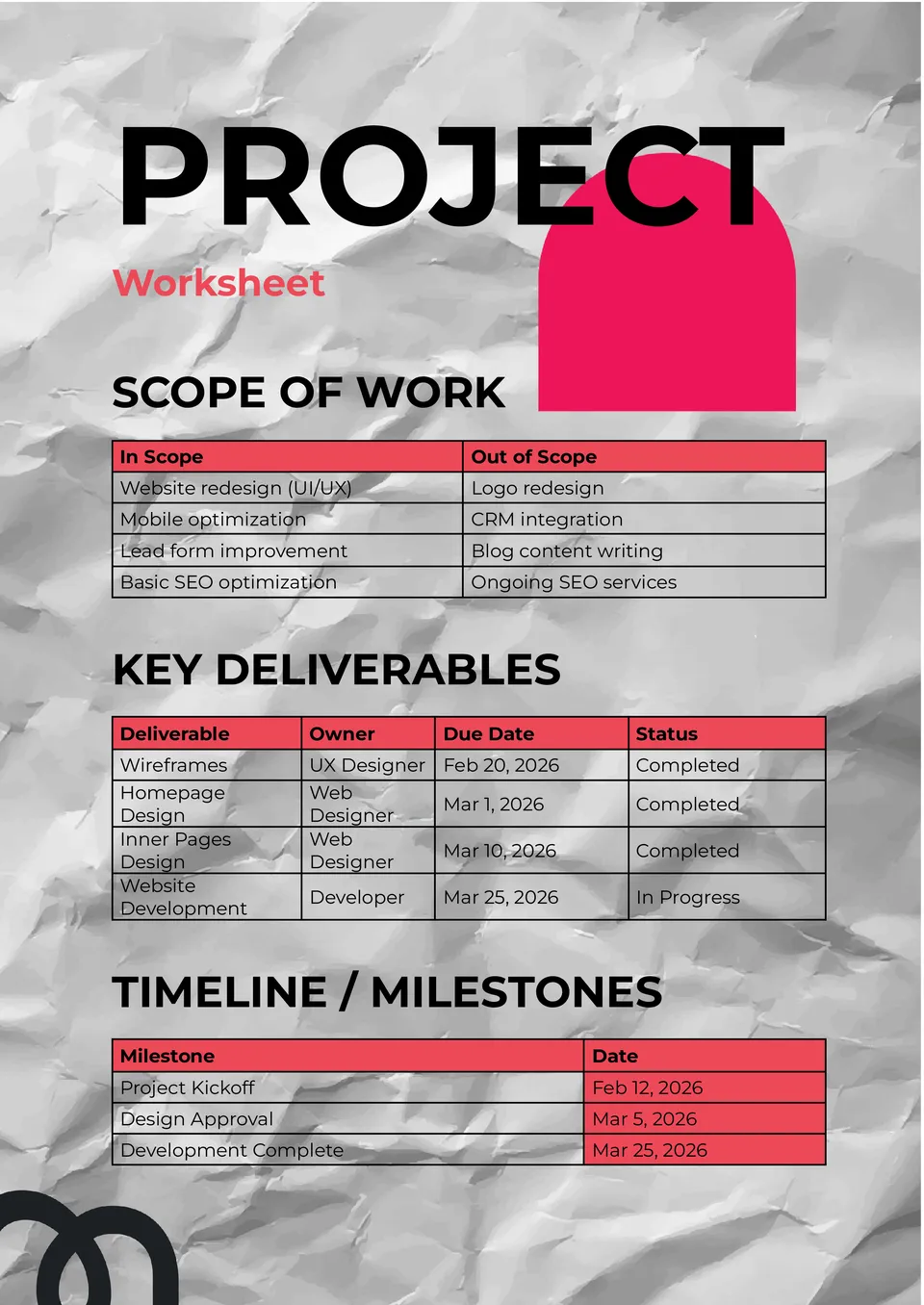
The Project Worksheet Template gives teams and planners a structured way to outline tasks, deadlines, and responsibilities. It supports project breakdown with sections for objectives, steps, owners, and status updates.


The Financial Worksheet Template provides a centralized format for organizing income, expenses, projections, and financial goals. It’s perfect for entrepreneurs, analysts, and personal planners who need a snapshot of financial health.
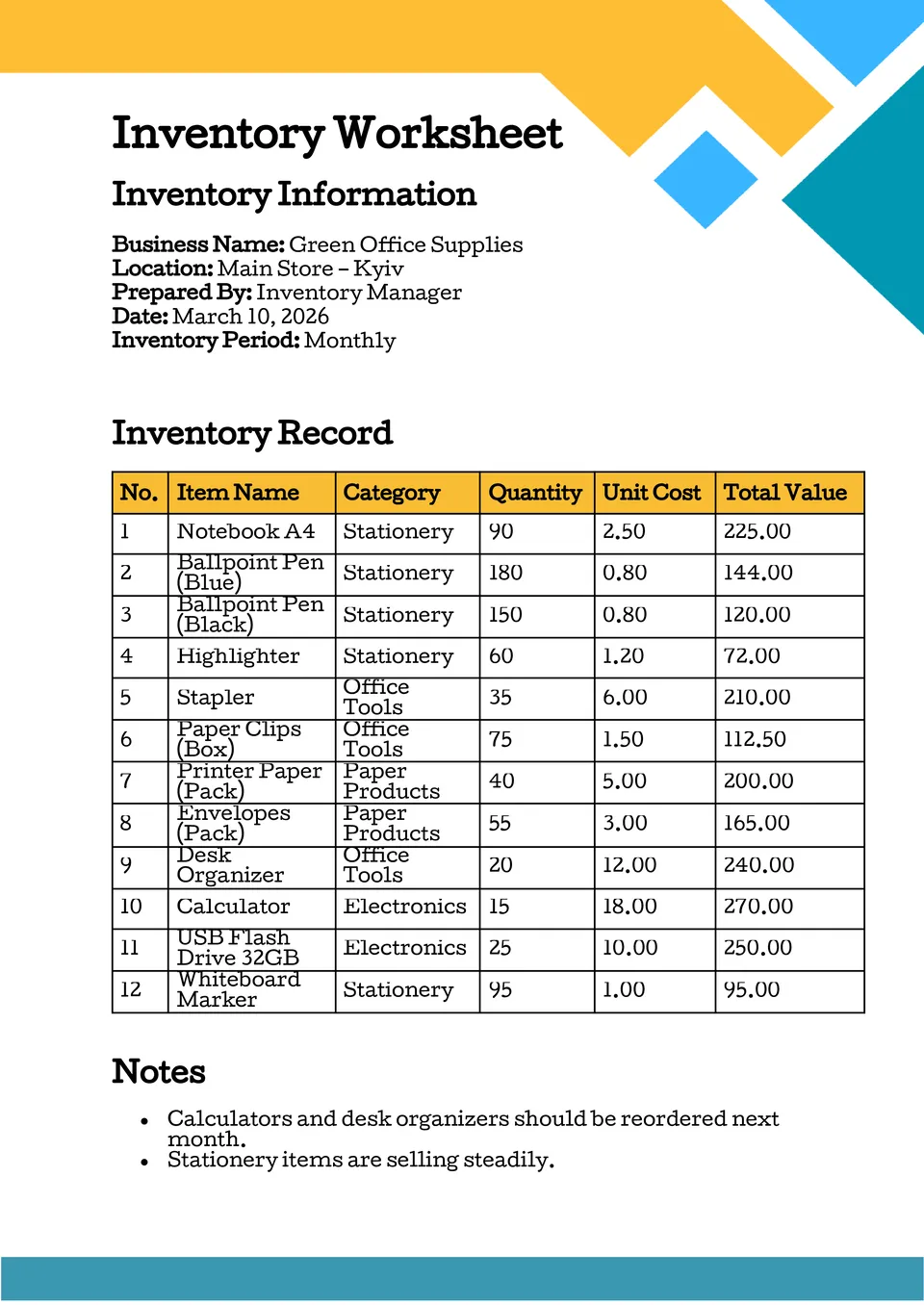
The Inventory Worksheet Template helps small business owners and warehouse managers track stock levels, item details, and quantities in one place. It offers labeled rows and columns for SKU, description, count, and reorder points.
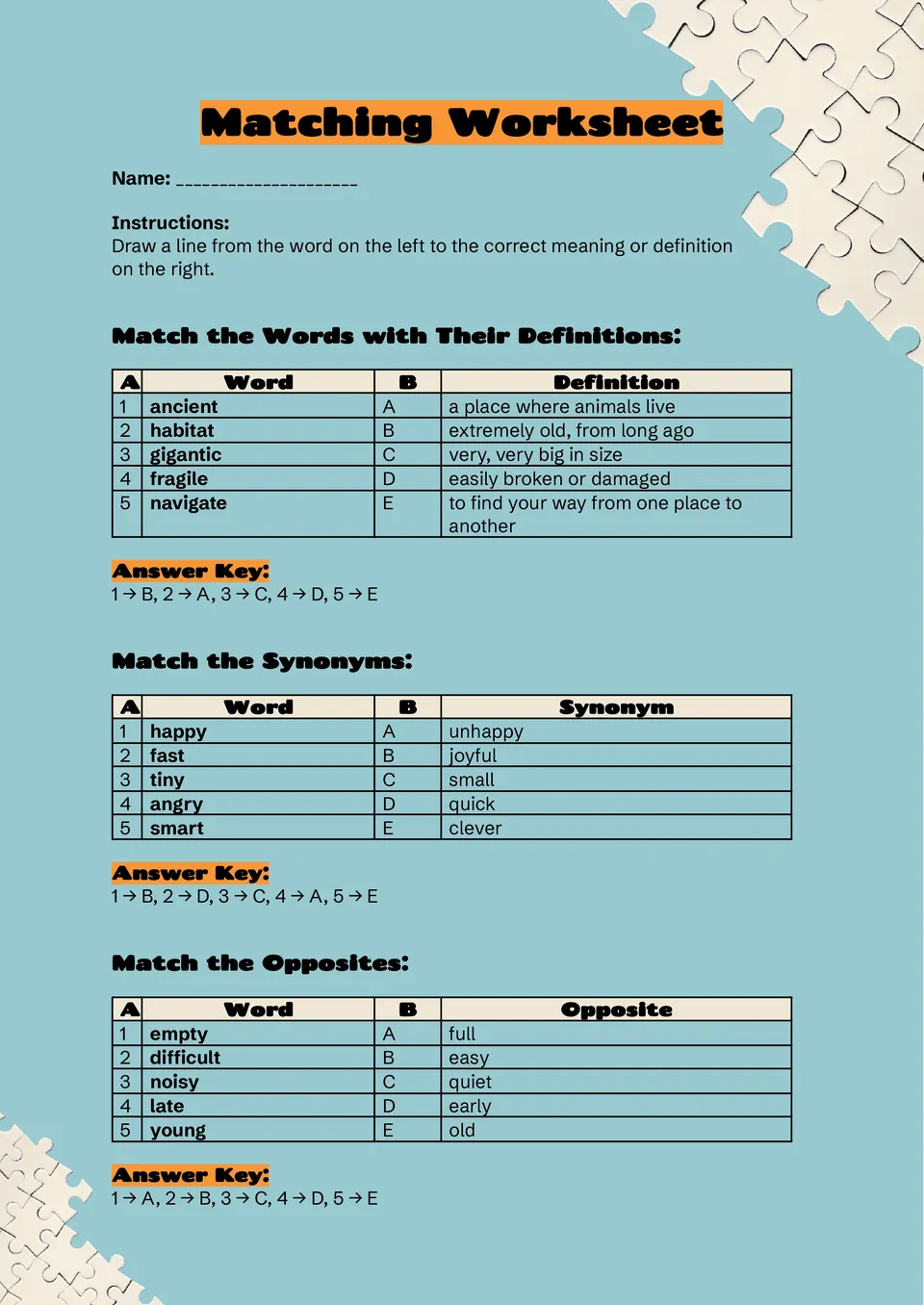
The Matching Worksheet Template provides a fun, organized way to engage learners with matching exercises for terms and definitions. Teachers and educators can customize it for vocabulary drills, concept reinforcement, or review sessions.
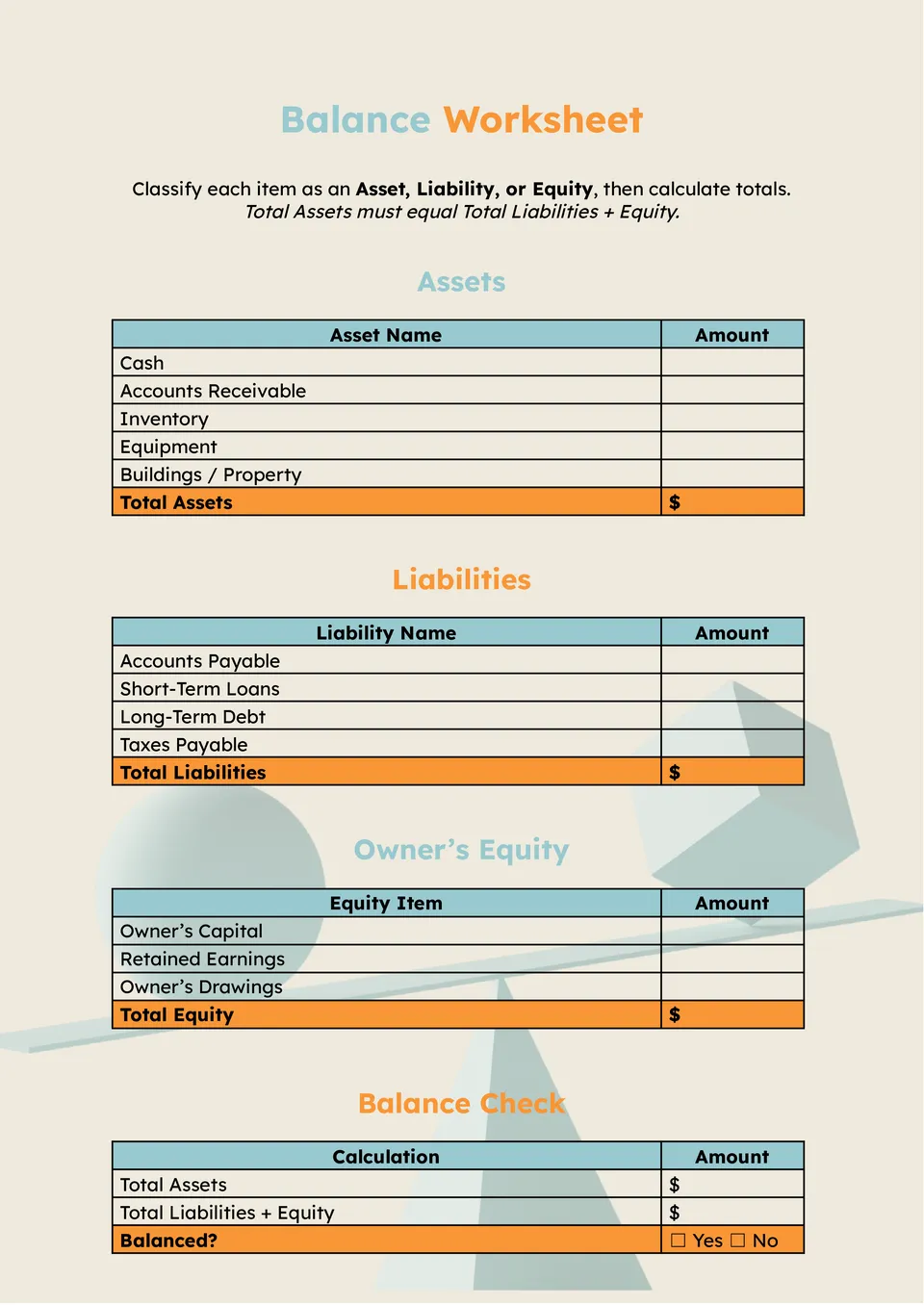
The Balance Worksheet Template gives users a simple layout to track financial balances, assets, and liabilities in one document. It’s useful for personal finance planning, small business tracking, or accounting fundamentals.

The Math Worksheet Template helps teachers, tutors, and parents create clear practice problems for classrooms or home learning. It includes spaces for equations, diagrams, and answer boxes that keep exercises organized.

Looking for a better way to track costs and keep budgets under control? The Expense Worksheet Template lets individuals and businesses log daily, weekly, or monthly expenses clearly.

Looking to improve your search traffic but overwhelmed by where to start? The SEO Worksheet Template helps marketers and business owners organize keywords, on-page elements, and optimization tasks in one place.

Want to turn your goals into actionable plans that stick? The SMART Goal Worksheet Template walks you through defining Specific, Measurable, Achievable, Relevant, and Time-bound objectives.
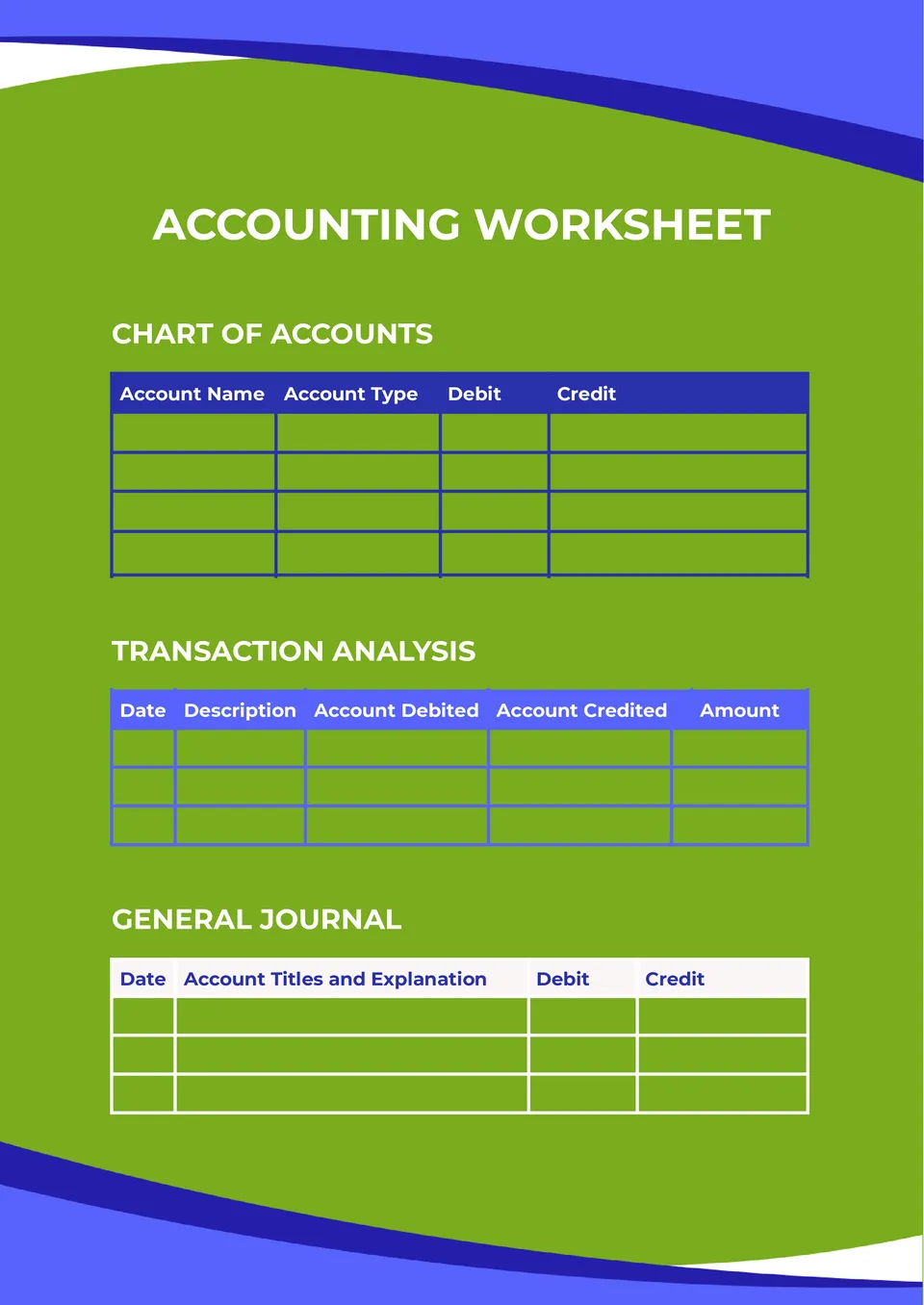
Looking for an easy way to organize financial data and calculations? The Accounting Worksheet Template helps accountants, bookkeepers, and business owners record transactions, reconcile balances, and prepare reports.

Want to make language learning more structured and effective? The Vocabulary Worksheet Template gives students and teachers a clear layout to practice definitions, synonyms, usage, and examples.

Looking for a simple way to take control of your finances and track spending? The Budget Worksheet Template helps individuals, families, and small business owners list income, expenses, and savings goals clearly.
What Are Worksheet Templates for Google Docs and MS Word?
For teachers preparing exercises, managers assigning work, and business owners organizing records, a useful worksheet turns information into something you can work through. Our Worksheet Templates provide labeled sections, tables, prompts, and space for answers or updates. The collection covers classroom practice, project planning, stock records, and financial summaries.
We design these documents around different tasks rather than one universal layout. Learners need clear instructions and room to respond; project teams need objectives, owners, and deadlines. Choosing a purpose-built structure helps you prepare the right material without assembling every heading and table yourself.
Benefits of Using Worksheet Templates
A prepared worksheet gives each task a defined place. It helps readers understand what to complete and gives reviewers a consistent record to check afterward.
- guide users through questions or activities in a logical order;
- keep related entries together in labeled rows and sections;
- leave suitable space for written responses and calculations;
- reuse a familiar structure across lessons or review periods;
- prepare materials for digital completion or printed handouts.
The emphasis is on usability: making the document straightforward to complete, not simply attractive to look at.

How to Customize Google Docs Worksheet Templates
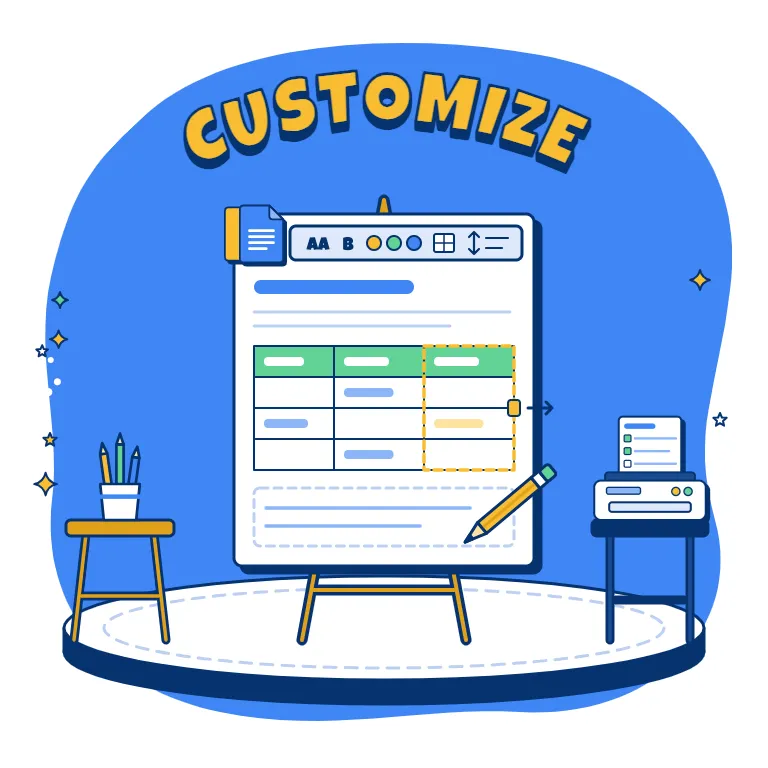
Begin by deciding what someone should record, practice, or produce by the end of the worksheet. Adapt the selected layout to that outcome rather than keeping unnecessary sections.
- Open the template in Google Docs or download it for Microsoft Word.
- Replace sample headings with your topic, instructions, and labels.
- Add relevant questions, task details, figures, or item descriptions.
- Adjust table sizes, spacing, and typography for comfortable reading.
- Check the content and page breaks before sharing or printing.
For financial worksheets, verify calculations separately; a document layout should not be assumed to work like an automated spreadsheet.
Popular Types of Worksheet Templates
Our collection includes options for workplace organization, financial reviews, and educational activities:
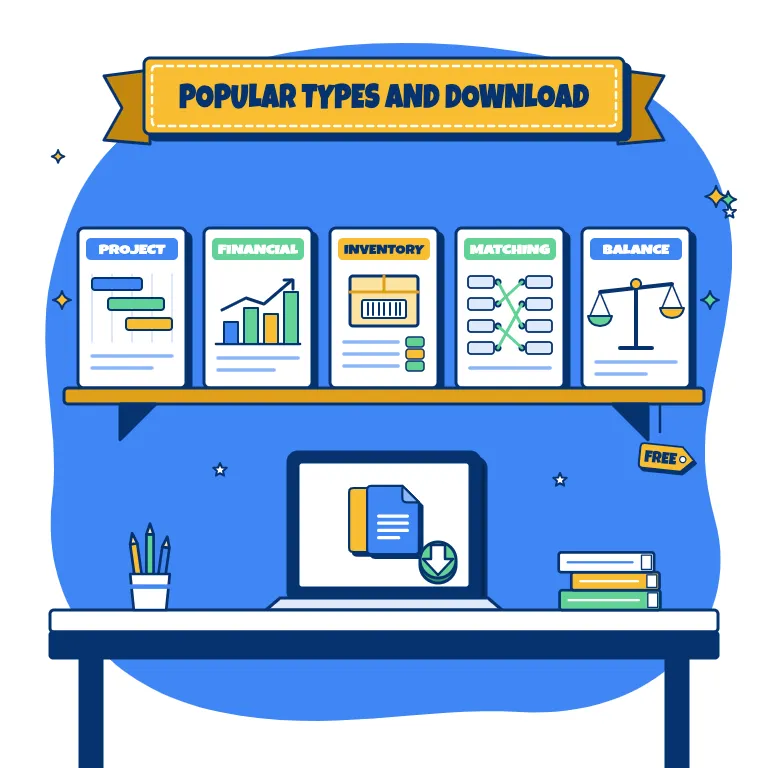
- Project Worksheet Template — outline objectives, tasks, deadlines, owners, and status updates;
- Financial Worksheet Template — organize income, expenses, projections, and financial goals in one document;
- Inventory Worksheet Template — record item descriptions, stock counts, SKUs, and reorder points;
- Matching Worksheet Template — build vocabulary drills, term-and-definition exercises, and concept reviews;
- Balance Worksheet Template — arrange balances, assets, and liabilities for personal or business review.
Select the worksheet that matches the activity and the information you need to collect.
Download Free Worksheet Templates for Your Needs
Prepare your next activity with a free, editable layout from our collection. Choose a supported format, personalize the sections, and download your worksheet for sharing or printing. Planning a visual sequence instead? Explore our Storyboard Templates for lessons, videos, and creative projects. Pick your worksheet and turn your next task into a ready-to-use document today.

Choose your preferred social media platform from options like Pinterest, Facebook, Twitter, and more. Share our templates with your contacts or friends. If you’re not active on these social networks, you can simply copy the link and paste it into the one you use.