

 Back to templates
Free SWOT Analysis Google Slides Templates
Compare strengths, weaknesses, opportunities, and threats in one view with free SWOT analysis templates. This category includes personal, business, marketing, competitor, and nursing analyses, alongside blank and simple four-quadrant grids. Students, professionals, and teams can find a framework for a class assignment, career reflection, or planning discussion. Add your observations and adjust the labels, colors, and formatting. Start with a specialized layout or an open matrix, depending on how much guidance you need.

Colorful SWOT Analysis Template uses distinct colors for each quadrant to make strengths, weaknesses, opportunities, and threats visually distinct at a glance. Trainers, presenters, and team leads can use it when they want a more engaging, memorable SWOT for workshops or client meetings. The color coding helps the audience follow the logic and recall key points later. You can modify colors, text, and design elements for free and prepare the SWOT for print or digital presentation.


Do leaders and teams need a single, organized view of the company’s strategic position before making key decisions? Company SWOT Analysis Template brings together organizational strengths, weaknesses, market opportunities, and threats in one presentation-ready framework. Executives, consultants, and business students can use it for board updates, strategy offsites, or case studies. The structured layout makes complex information easier to communicate and prioritize. It is free, editable, and ready for downloading, presenting, or sharing with stakeholders.
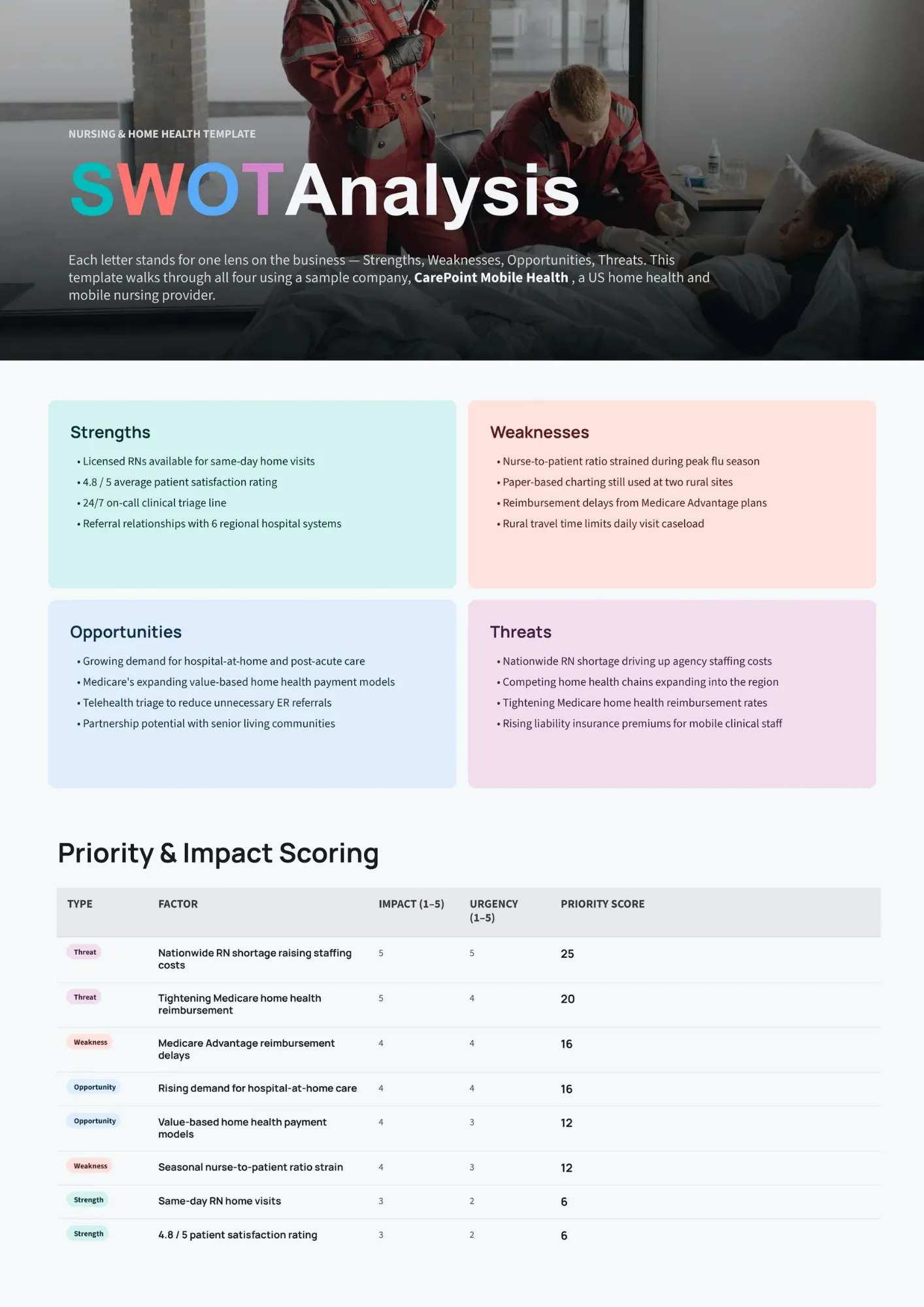
Nursing SWOT Analysis Template helps healthcare professionals and departments evaluate internal capabilities and external factors affecting patient care and operations. Nurses, nurse managers, and educators can use it to assess units, programs, or career paths within the healthcare environment. The four-quadrant format supports clear discussion of resources, challenges, trends, and risks. You can tailor the content for free and use the analysis for planning, accreditation, or professional development.

Are you trying to understand how your competitors compare to your own business but lack a structured way to capture it? Competitor SWOT Analysis Template lets you map rivals’ strengths, weaknesses, opportunities, and threats side by side with your own perspective. Marketers, founders, and strategy teams can use it to spot market gaps, threats, and potential differentiators. The visual comparison makes competitive insights easier to discuss and act on. It is free to customize and suitable for presentations, workshops, or internal strategy documents.

Simple SWOT Analysis Template strips away extra graphics to provide a straightforward matrix for listing strengths, weaknesses, opportunities, and threats. Small teams, startups, and educators can use it when clarity and speed matter more than elaborate design. The clean layout makes it easy to fill in quickly and present without distractions. You can adjust text, colors, and formatting at no cost and reuse the template across different projects.

Do you need a classic 2×2 SWOT layout that is instantly recognizable and easy for any audience to read? 4-Quadrant SWOT Analysis Template offers a balanced grid with dedicated spaces for strengths, weaknesses, opportunities, and threats. Consultants, teachers, and team leads can use it for strategy sessions, classroom activities, or executive updates. The symmetrical design ensures each quadrant gets equal attention and keeps the analysis focused. It is free, fully customizable, and ready for downloading, printing, or presenting.

Personal SWOT Analysis Template guides individuals through a self-assessment of strengths, weaknesses, opportunities, and threats in their career or personal growth. Students, job seekers, and professionals can use it to clarify goals, identify skill gaps, and plan development steps. The four-quadrant structure turns vague ideas into a clear action-oriented overview. You can personalize the content for free and use the template for coaching, mentoring, or self-reflection.

Are marketing plans often based on assumptions instead of a clear view of the market and your position? Marketing SWOT Analysis Template organizes brand strengths, gaps, market opportunities, and competitive or environmental threats into a focused framework. Marketers, agency teams, and business owners can use it to shape campaigns, positioning, and channel strategy. The structured quadrants make it easier to connect insights with concrete actions. It is free to edit, simple to adapt, and suitable for presenting or sharing as part of a marketing plan.

Business SWOT Analysis Template helps companies map internal strengths and weaknesses alongside external opportunities and threats in one structured view. Founders, managers, and consultants can use it to evaluate new ventures, products, or strategic directions before making decisions. The layout supports clear headings, bullet points, and optional visuals to make the analysis easy to present to stakeholders. You can customize colors, text, and sections at no cost and prepare the SWOT for meetings or reports.

Do you need a clean starting point for SWOT without any preset text or industry assumptions? Blank SWOT Analysis Template provides an empty four-quadrant grid for strengths, weaknesses, opportunities, and threats that you can fill from scratch. Strategists, teachers, students, and team leaders can use it for workshops, class exercises, or planning sessions where the content must be fully custom. The minimal design keeps focus on ideas instead of decoration. It is free, fully editable, and ready for downloading, printing, or presenting in Google Slides.
What Are SWOT Analysis Templates for Google Slides and MS PowerPoint?
For business leaders, consultants, marketers, and students, a strategic discussion needs more than a list of observations. Our SWOT Analysis Templates organize strengths, weaknesses, opportunities, and threats into presentation-ready layouts. Use them to assess a company’s position, examine competitors, lead a workshop, or reflect on career development.
We design these slides to separate the four areas visually while keeping the overall picture connected. Instead of drawing a matrix from scratch, you can focus on selecting evidence and explaining what your findings mean. The collection includes both straightforward grids and layouts tailored to specific assessment tasks.
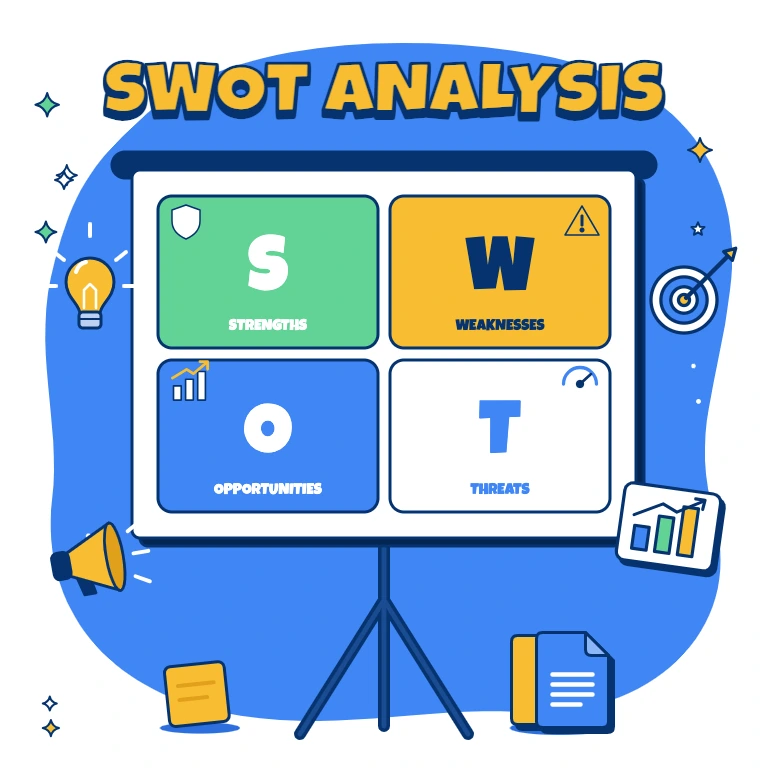
Benefits of Using SWOT Analysis Templates
A shared visual framework gives participants a consistent way to contribute and compare observations. Our layouts support focused discussions without letting decoration overshadow the analysis.
- distinguish internal capabilities from external market conditions;
- keep all four areas visible during a strategy discussion;
- present concise findings rather than crowded paragraphs;
- reuse a familiar structure across projects or review periods;
- prepare workshop handouts and stakeholder presentations.
The result is greater clarity about the factors worth discussing before choosing next steps.
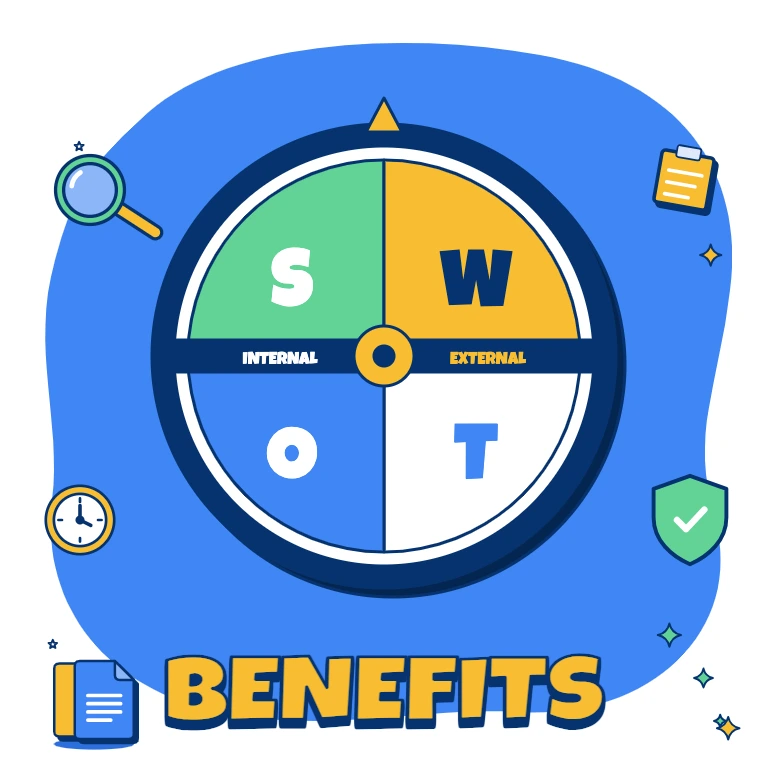
How to Customize Google Slides SWOT Analysis Templates
Begin with the layout that suits your audience and the scope of your assessment. Text, colors, and objects are editable, so you can adapt the design without rebuilding its structure.
- Open the template in Google Slides or download it for Microsoft PowerPoint.
- Define the company, competitor, project, or personal goal being assessed.
- Replace sample content with concise, evidence-based points in each quadrant.
- Adjust headings, colors, and spacing to match your presentation.
- Review readability, then save your slides for presenting, sharing, or printing.
Keep supporting detail in accompanying notes when a quadrant becomes too crowded.
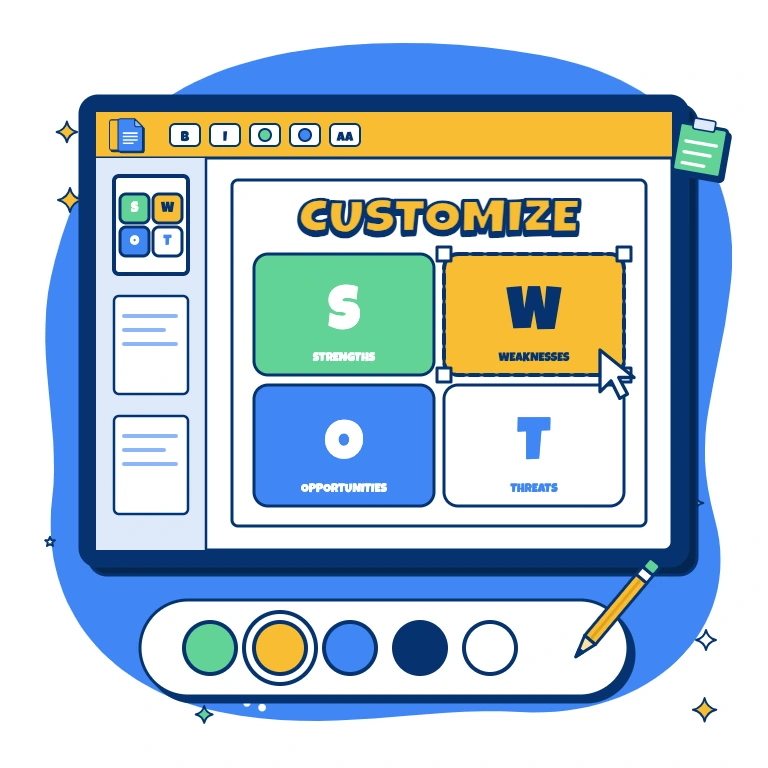
Popular Types of SWOT Analysis Templates
Our collection offers different approaches for organizational reviews, competitive research, and individual development:
- Company SWOT Analysis Template — bring organizational capabilities and market conditions together for strategy meetings;
- Competitor SWOT Analysis Template — examine rivals to identify market gaps and potential differentiators;
- Simple SWOT Analysis Template — present essential observations in a clean matrix with minimal distractions;
- 4 Quadrant SWOT Analysis Template — use a balanced 2×2 grid for workshops and executive updates;
- Personal SWOT Analysis Template — explore strengths, skill gaps, opportunities, and career challenges.
Choose the design that fits the question you need to answer.
Download Free SWOT Analysis Templates for Your Needs
Build your next strategic overview with a free, editable design from our collection. Choose your preferred layout, personalize its content, and download a copy for your next meeting. When you are ready to turn your findings into a business proposal, explore our Pitch Deck Templates for presenting your idea to clients or investors. Pick your SWOT layout and start shaping your analysis today.

Choose your preferred social media platform from options like Pinterest, Facebook, Twitter, and more. Share our templates with your contacts or friends. If you’re not active on these social networks, you can simply copy the link and paste it into the one you use.