

 Back to templates
 Free APA Google Docs Templates
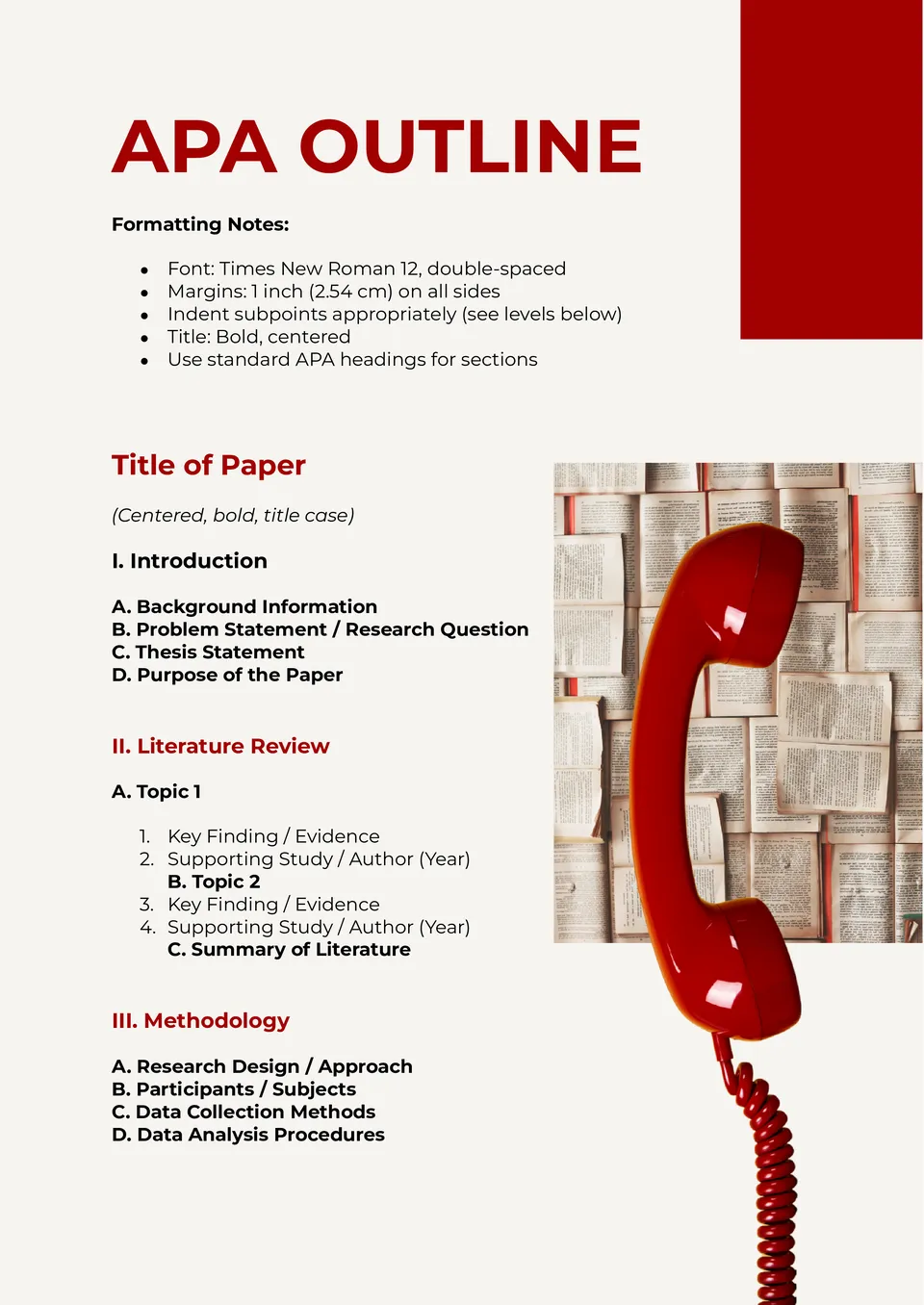
Streamline your writing process with the APA Outline Template! Whether you’re preparing a research paper, essay, or thesis, this template helps you organize main ideas, subpoints, and references in a clear, APA-compliant structure. Its easy-to-use format guides you from brainstorming to final draft, ensuring logical flow and proper formatting.

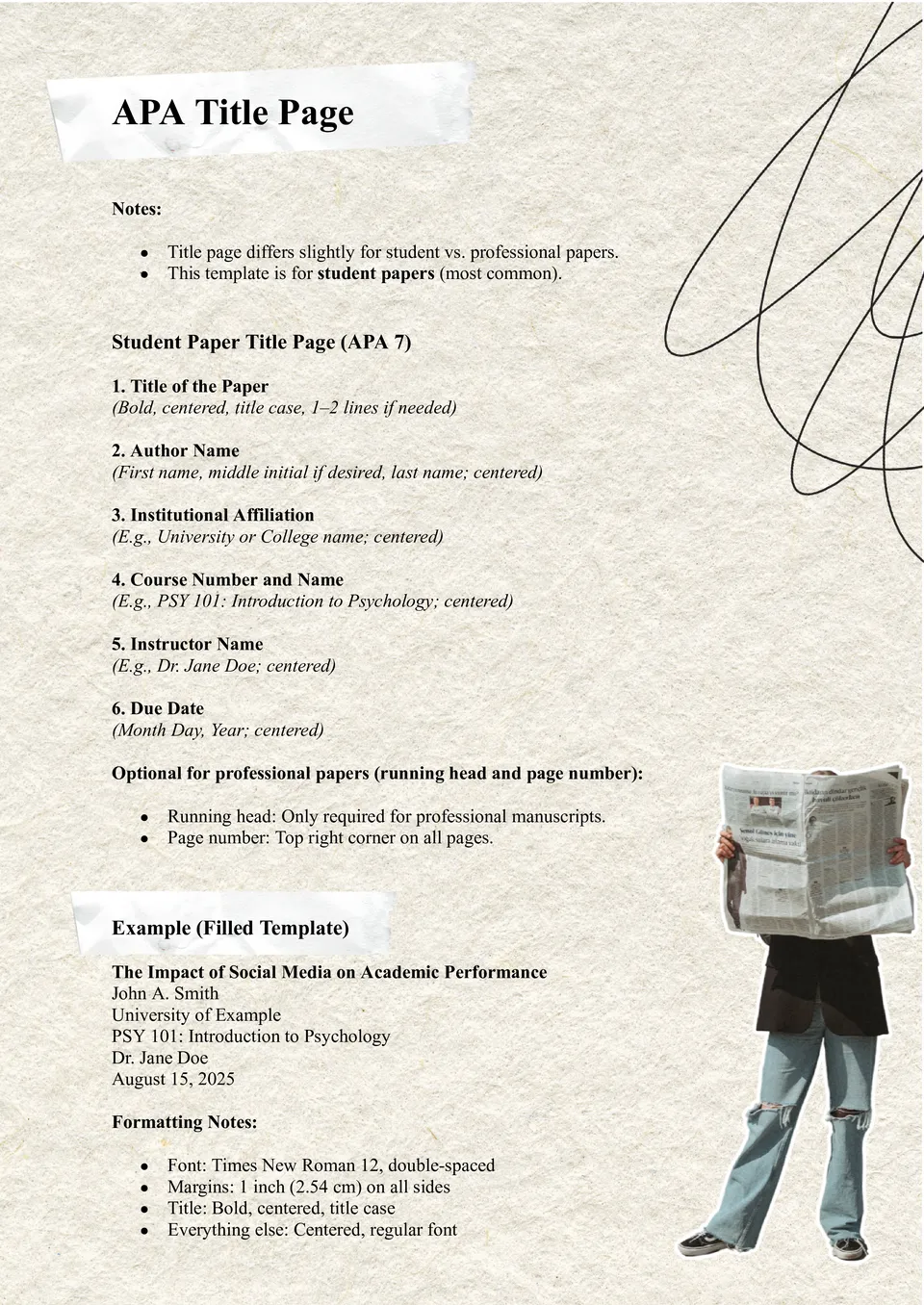
Make a strong first impression with the APA Title Page Template! Perfect for essays, research papers, and professional reports, this template helps you create a clean, properly structured title page with author name, institution, course, and date.
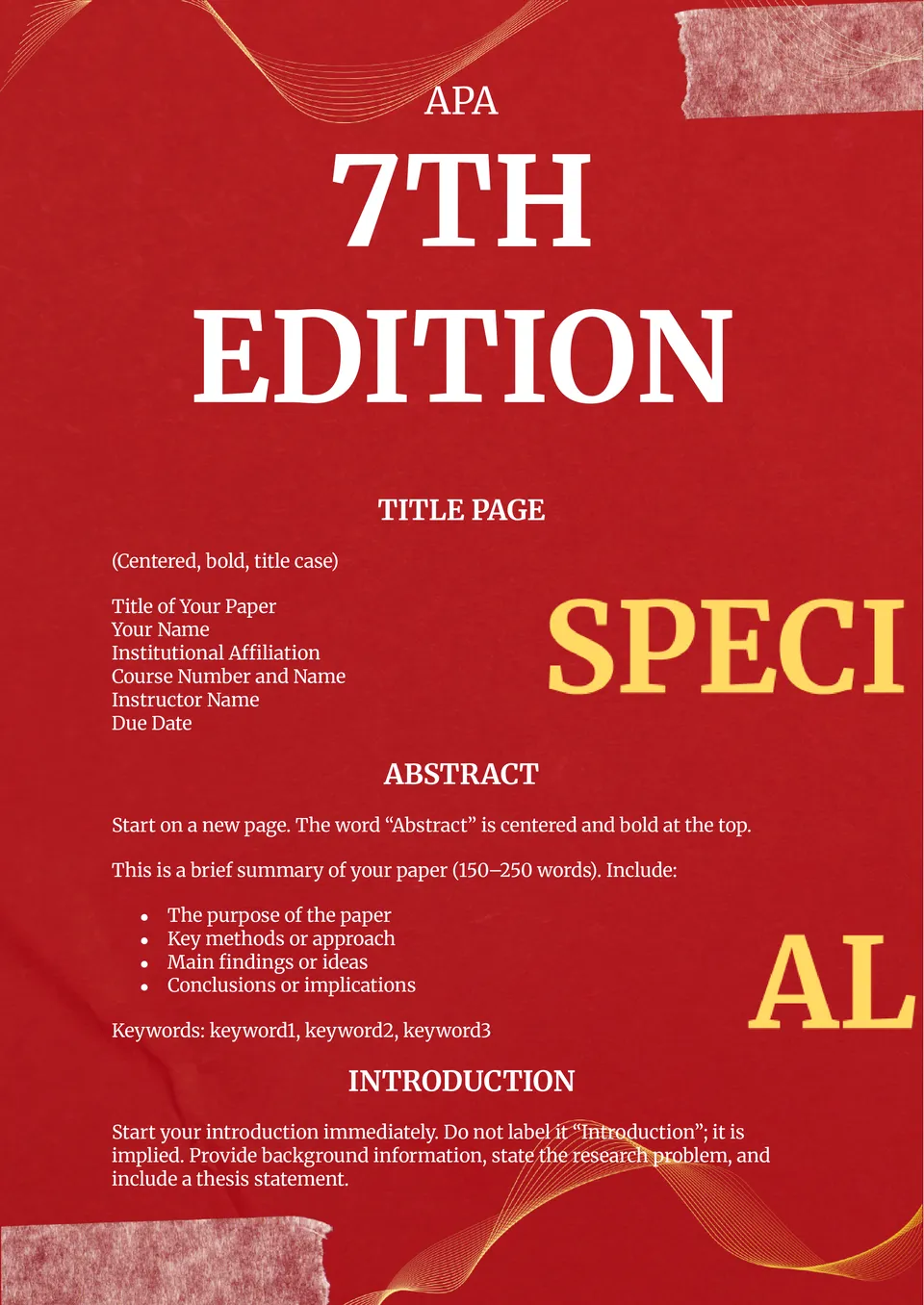
Ever felt overwhelmed by APA 7th edition rules while writing your paper? The APA 7th Edition Template takes the guesswork out of formatting.
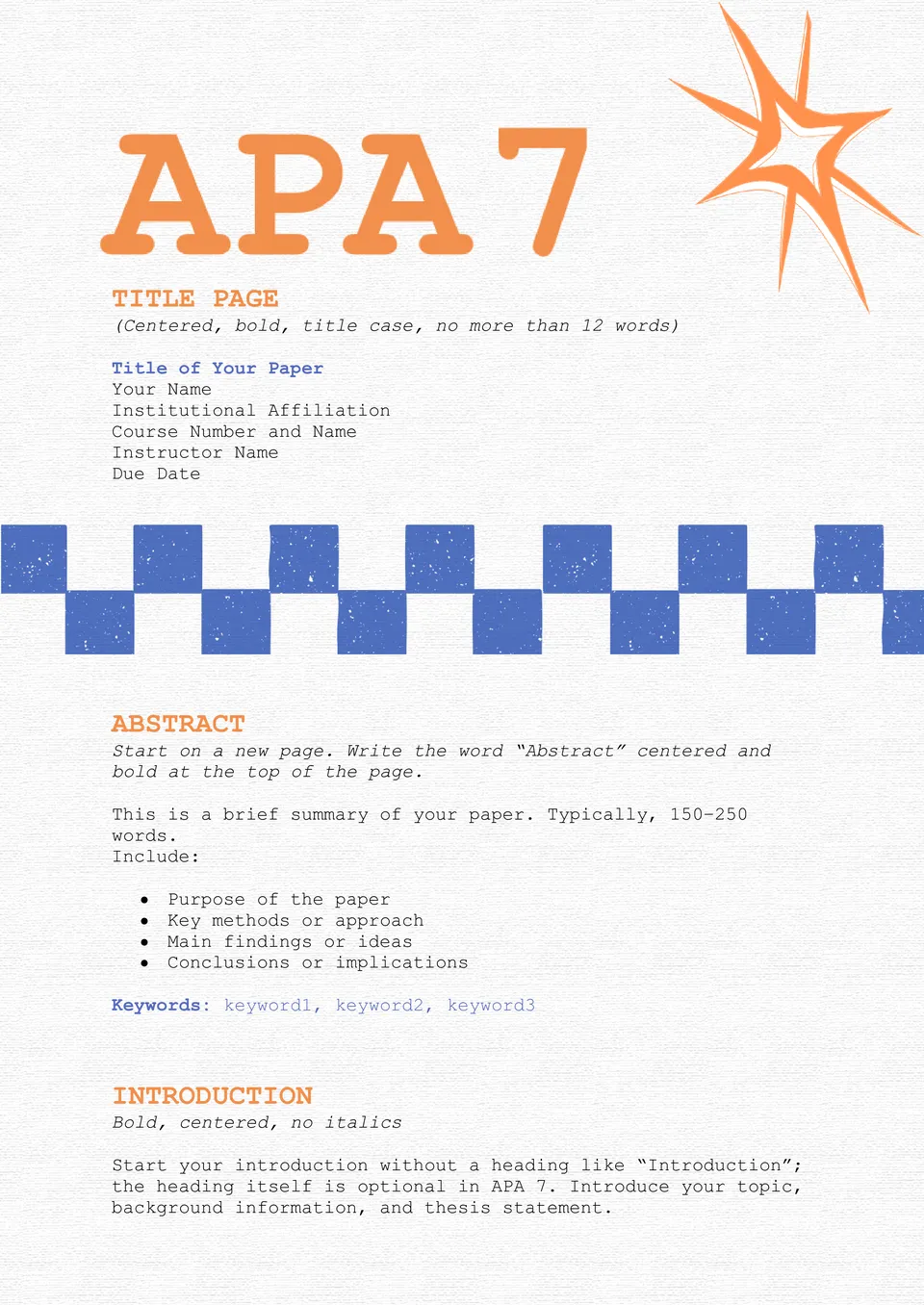
Want to make sure your assignments follow the latest APA rules without stress? The APA 7 Template is designed to simplify writing and formatting in the newest APA edition.
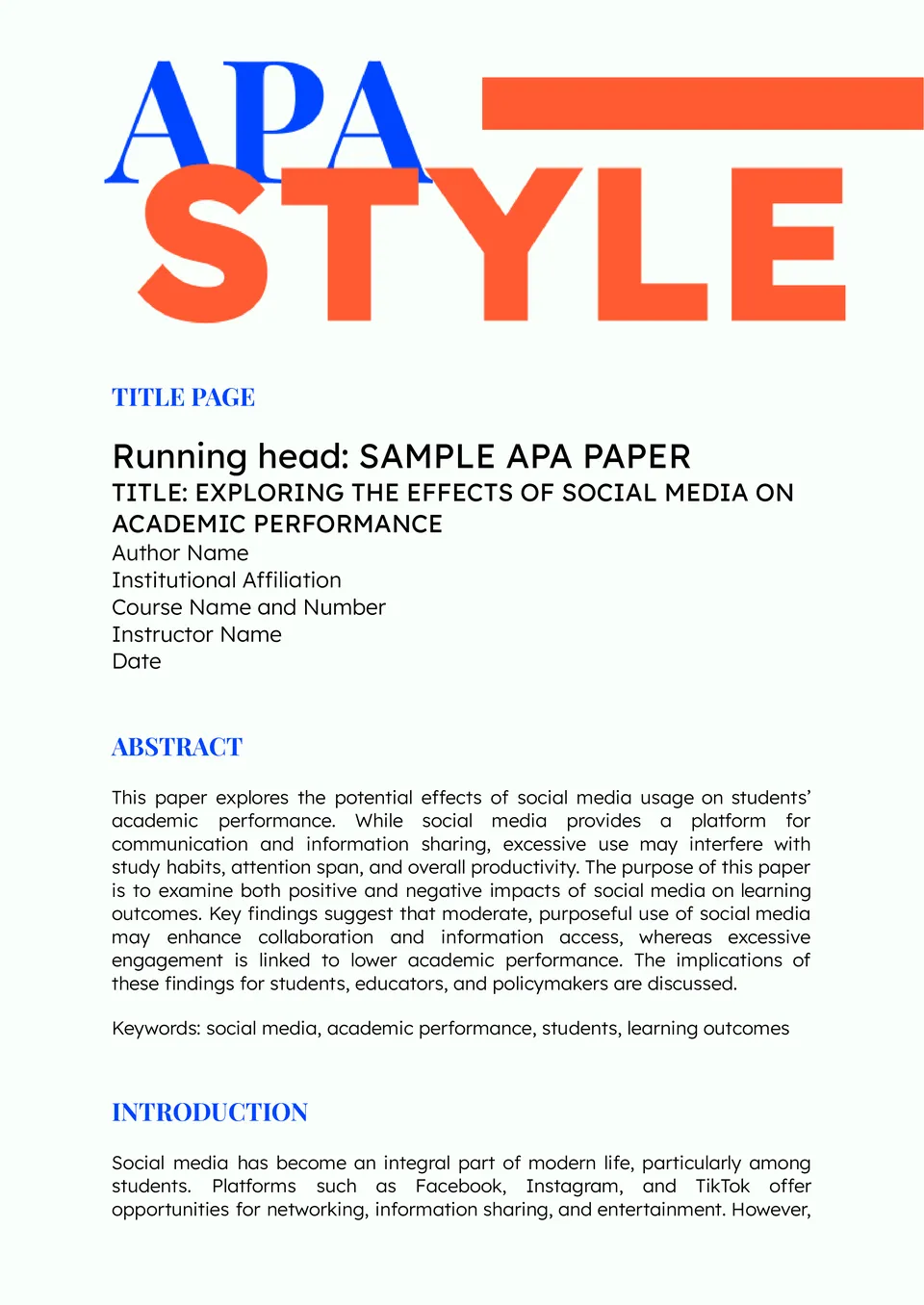
Struggling to format your paper perfectly according to APA guidelines? The APA Style Template is your go-to solution for students, researchers, and professionals.
What Are APA Templates for Google Docs and MS Word?
APA Templates are ready-made documents created to help students, researchers, and professionals format academic papers according to APA style. They make it easier to organize the title page, headings, margins, citations, and reference sections without starting from a blank page.
We design these templates to save time and reduce formatting mistakes in essays, research papers, reports, and class assignments. With a clear layout in place, you can focus on the content itself while keeping your document neat, consistent, and easy to read.

Benefits of Using APA Templates
Using APA Templates helps simplify academic writing and gives your work a more polished appearance. They are especially useful when you need to follow formatting rules carefully and submit papers on time.
- keep your document structured with a clear academic layout;
- save time by starting with a pre-formatted file;
- reduce errors in headings, spacing, and page setup;
- make citation and reference formatting easier to manage;
- present essays and reports in a professional style.
In practice, a well-made APA template helps you work faster and stay consistent, especially when you prepare multiple papers with similar formatting needs.

How to Customize APA Templates in Google Docs
Google Docs makes it simple to edit an APA template and adjust it to your assignment. You do not need advanced design skills — just open the file and change the content step by step.
- Open the template in Google Docs or download it as a Word file.
- Replace the placeholder text with your paper title, name, class, and date.
- Add your body text, headings, citations, and reference entries.
- Adjust fonts, spacing, and layout details to match your requirements.
- Save the final version as DOCX or PDF, depending on how you need to submit it.
You can also insert page numbers, update the title page, or add simple visual elements when your assignment allows it.

Popular Types of APA Templates
We offer different APA templates to support various academic tasks. Each one is built for a specific part of APA formatting, so you can choose the version that best fits your project.
- APA Outline Template — a helpful structure for organizing ideas before writing;
- APA Title Page Template — a clean format for creating a proper academic title page;
- APA 7th Edition Template — a layout based on current APA 7th edition rules;
- APA 7 Template — a practical version for everyday academic writing;
- APA Style Template — a flexible option for documents that need classic APA styling.
Download Free APA Templates for Your Needs
Our APA Templates are free to download and easy to use for academic work of different kinds. Choose the format that matches your assignment, edit it in Google Docs or Word, and prepare your paper with less stress and better structure. We create these templates to help you work more efficiently and present your ideas in a clear, professional way.


Choose your preferred social media platform from options like Pinterest, Facebook, Twitter, and more. Share our templates with your contacts or friends. If you’re not active on these social networks, you can simply copy the link and paste it into the one you use.