

 Back to templates
 Free Book Google Slides Templates
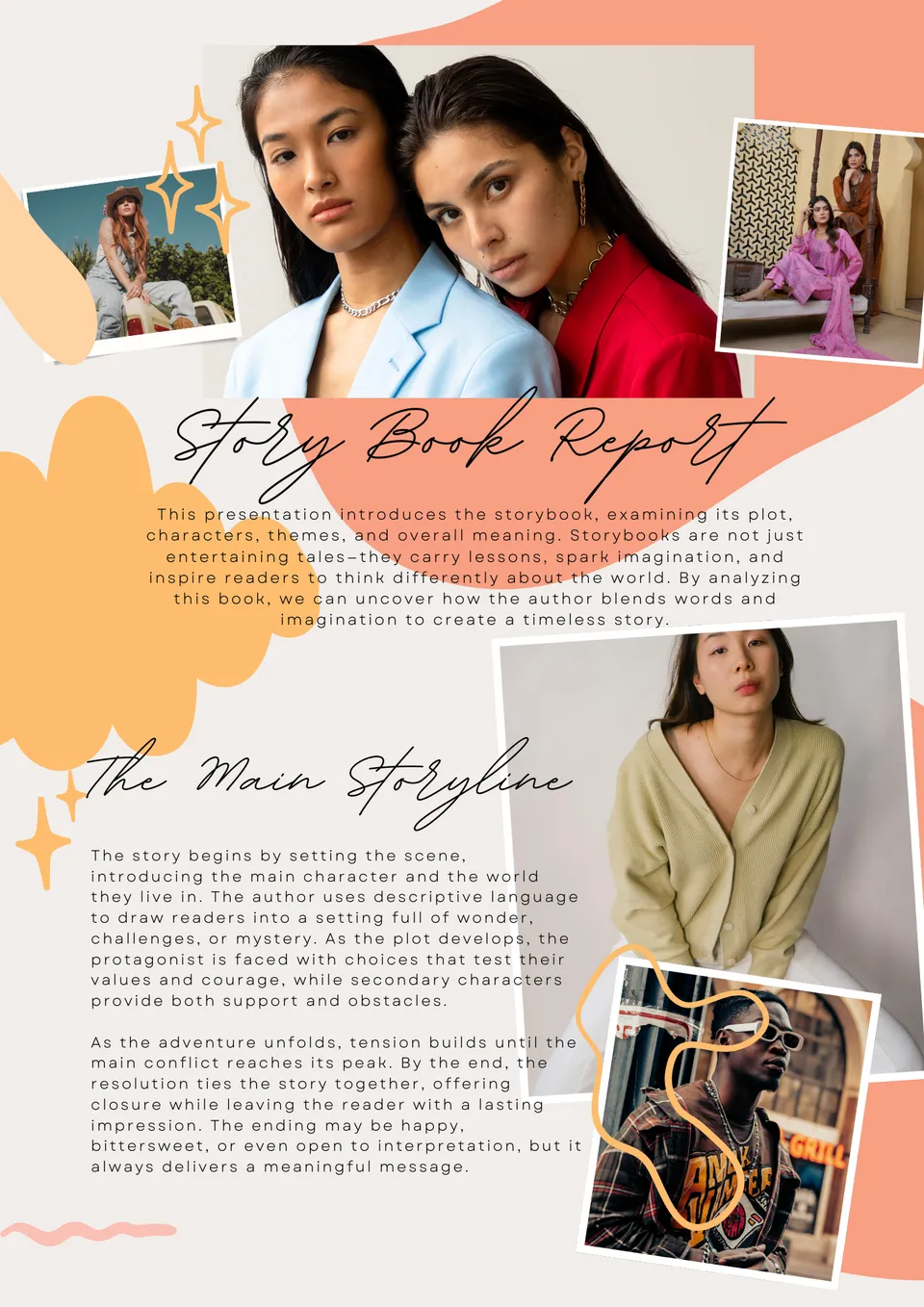
Turn ideas into captivating narratives effortlessly. The Story Book Template offers structured slides to combine text, images, and creative layouts seamlessly.

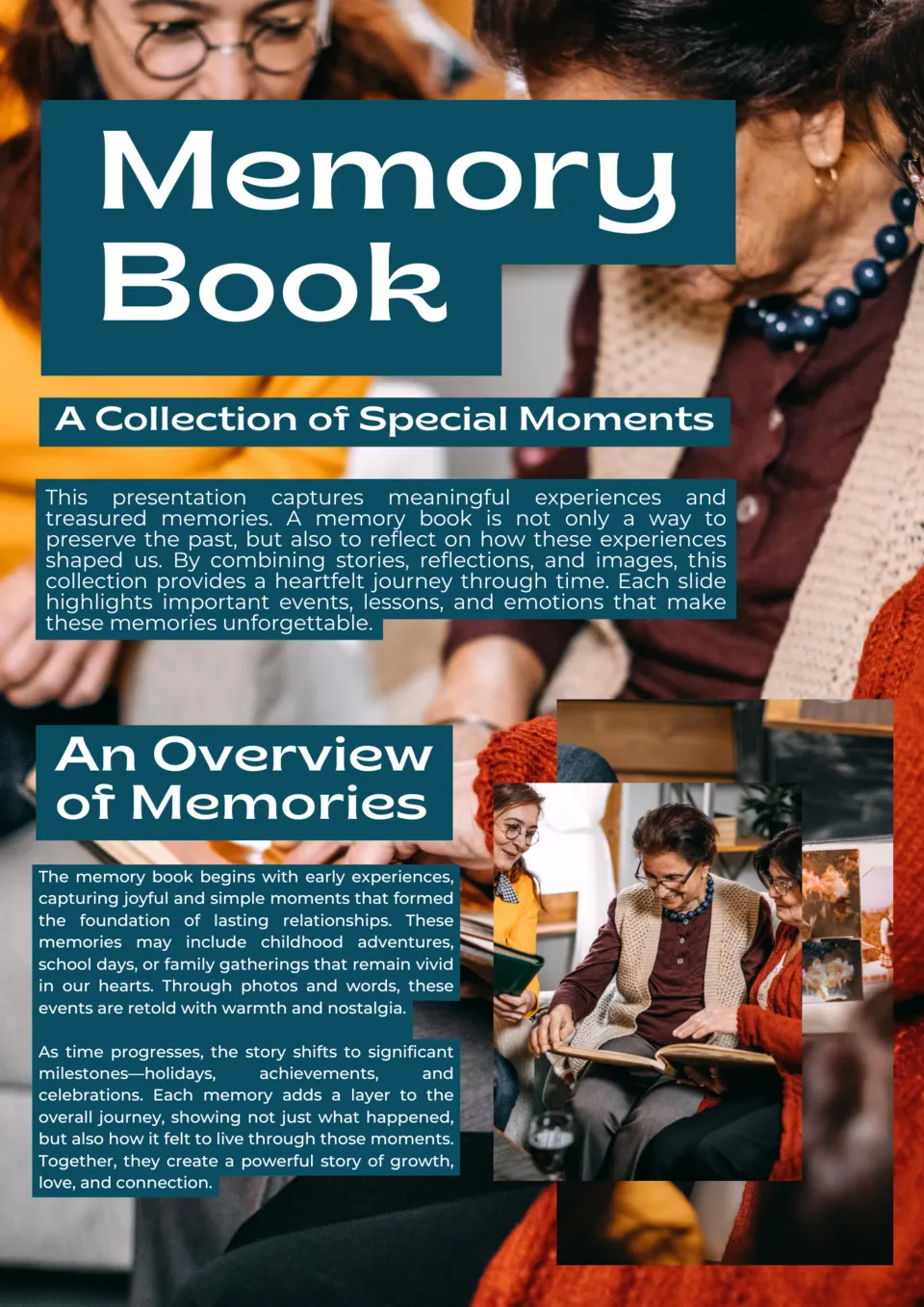
Capture your favorite moments in a beautiful, organized format. The Memory Book Google Slides Template allows you to document events, milestones, and memories with photos and notes.
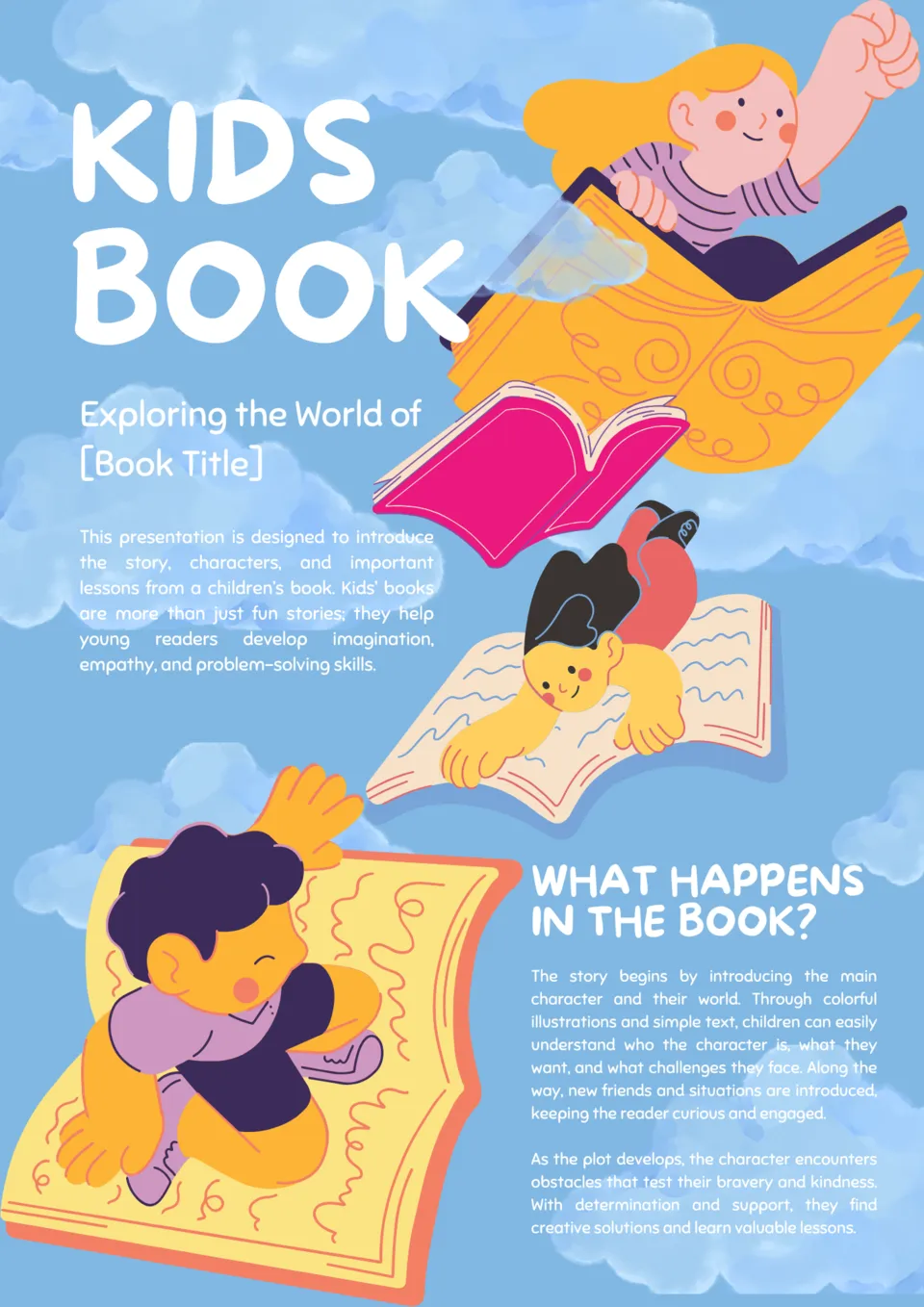
Looking for a fun way to create educational books for children? The Kids Books Google Slides Template lets you design interactive, colorful, and playful pages that capture young learners’ attention.
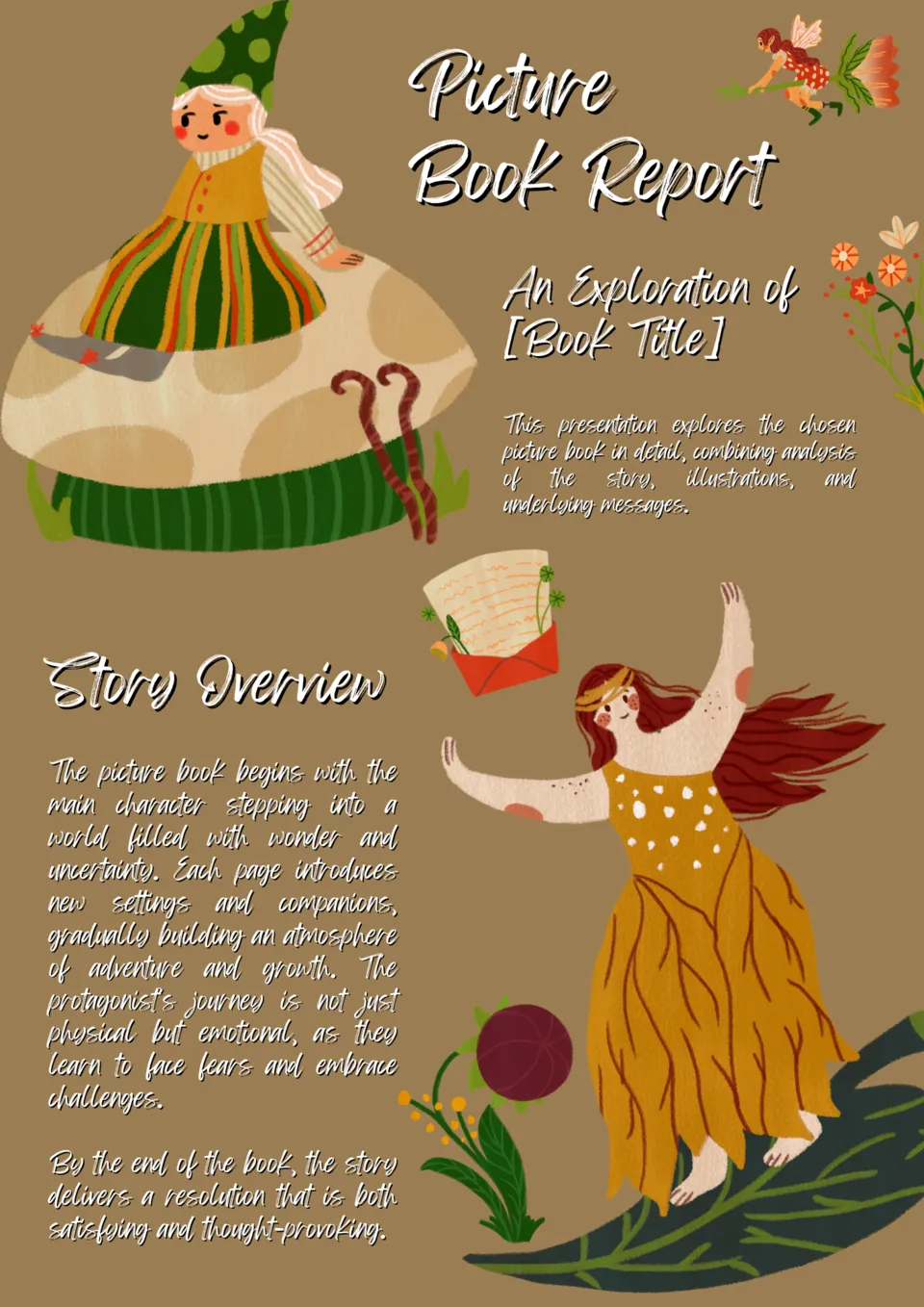
Want to bring stories to life with vibrant visuals? The Picture Book Template provides creative slides to showcase illustrations alongside text seamlessly.
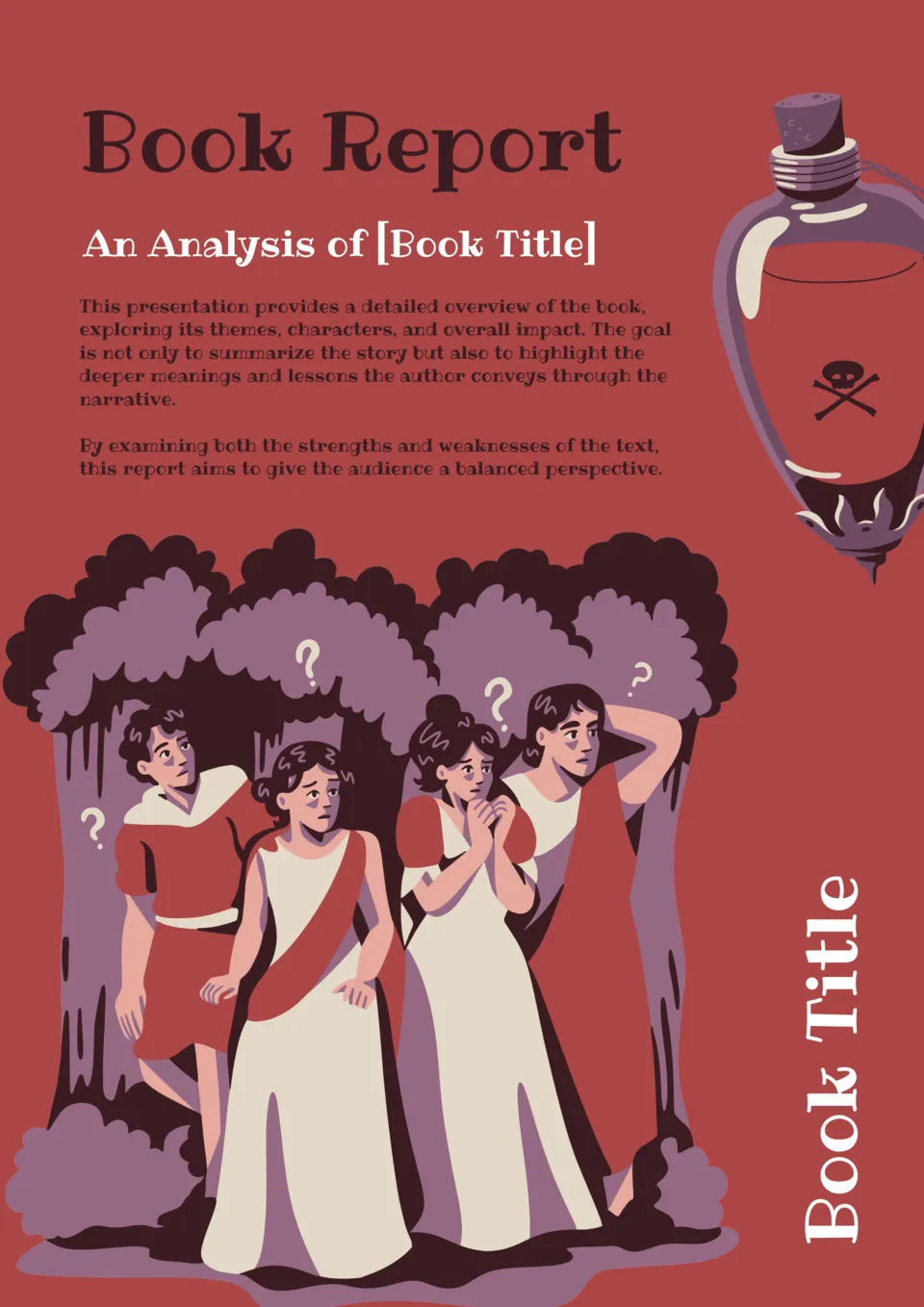
Struggling to make book reports engaging and organized? The Book Report Template helps students present summaries, analyses, and insights in a visually appealing format.
What Are Book Templates for Google Slides and MS PowerPoint?
Book Templates are ready-made presentation layouts for authors, teachers, students, and creative teams who need to present stories, reading materials, or book-related projects in a visual format. They are useful for book reports, picture books, children’s books, memory books, and story books, where design and structure matter as much as the content itself. If you also need a more news-oriented layout for publishing updates or editorial content, take a look at our Newspaper Templates.
We create these templates to help you save time and keep your slides organized, attractive, and easy to customize. They work well when you want to showcase text and images in a polished way without building every slide from scratch. They also help you keep a consistent visual style across the whole deck, so your presentation feels more professional and engaging.

Benefits of Using Book Templates
Book Templates make it easier to turn reading material or story content into a clear, visual presentation. They also help you create slides that are both structured and appealing for different audiences.
- present book-related content in a clean, visual format;
- save time with a ready-made presentation layout;
- adapt the design for school, creative, or personal projects;
- keep text and images balanced across slides;
- prepare presentations for screen display or printing.
In practice, a good book template helps you tell a story more clearly while giving the presentation a polished and cohesive look.

How to Customize Google Slides Book Templates
Google Slides makes it simple to edit a book template and adapt it to your project. You can update the text, refine the layout, and prepare the final version in a few straightforward steps.
- Open the template in Google Slides or download it as a PowerPoint file.
- Replace placeholder text with your title, story content, summary, or reading notes.
- Add illustrations, photos, page numbers, or chapter details if needed.
- Adjust fonts, colors, and spacing to match the tone of the book or project.
- Save the finished file as PDF, ODP, TXT, or PowerPoint.
You can also create different versions for reports, children’s stories, memory albums, or illustrated books depending on your needs.
Popular Types of Book Templates
We offer different Book Templates for reports, children’s books, memory books, and story projects. Each option is designed for a specific use, so you can choose the version that fits your presentation best.
- Book Report Template Google Slides — a practical choice for summarizing and presenting reading assignments;
- Picture Book Template Google Slides — a visual layout for image-heavy stories and illustrated pages;
- Kids Books Google Slides Template — a playful format designed for young readers and simple storytelling;
- Memory Book Google Slides Template — a meaningful option for collecting moments, photos, and personal memories;
- Story Book Template Google Slides — a flexible choice for creative narratives and story-based presentations.
Download Free Book Templates for Your Needs
Our Book Templates are free to download and easy to adapt for many types of reading and storytelling projects. Choose the design that matches your idea, edit it in Google Slides or PowerPoint, and create a presentation that looks engaging and well organized. We design these templates to help you save time, present book content clearly, and make your work more visually appealing.


Choose your preferred social media platform from options like Pinterest, Facebook, Twitter, and more. Share our templates with your contacts or friends. If you’re not active on these social networks, you can simply copy the link and paste it into the one you use.