
 Back to templates
Free Vision Board Google Slides Templates
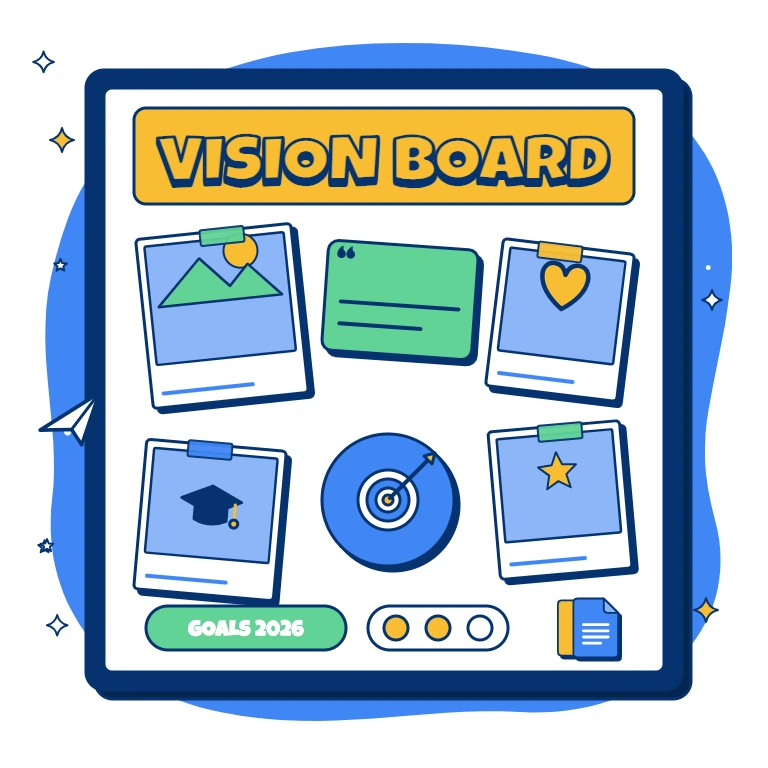
Bring goals, inspiring images, and practical next steps together with free vision board templates. This category includes boards for students, careers, finances, fitness, business, and broader life planning. Some designs emphasize visual inspiration, while others provide sections for targets, deadlines, and progress notes. Personalize the images and wording around the priorities you want to work on. Explore a focused theme or a wider life overview for individual reflection, classroom goal-setting, or a planning session.

Do you need a motivating way to organize academic goals, personal ambitions, and plans for life after graduation? Student Vision Board Template gives learners space for grades, subjects, study habits, extracurricular activities, future careers, university goals, friendships, wellbeing, and inspirational images. School students, college learners, teachers, and counselors can use it for goal-setting activities, new-year planning, or personal development projects. The visual categories make it easier to connect dreams with specific habits, deadlines, and next steps. It is free to customize, ready to download or print, and simple to update as priorities change.


Financial Vision Board Template helps turn general money ambitions into visible targets for saving, income, debt reduction, investing, and major purchases. It includes space for financial goals, target numbers, deadlines, motivating visuals, progress markers, and practical next steps. Students, families, entrepreneurs, and professionals can use it to make financial priorities more concrete and easier to review. The structure encourages specific amounts and milestones instead of vague goals such as “save more money.” You can personalize it for free, download or print it, and revisit the board during monthly or quarterly reviews.

Are different parts of your life moving in separate directions without one clear picture of what you actually want? Life Vision Board Template provides sections for relationships, family, health, hobbies, travel, career, finances, and personal growth. Individuals, therapists, life coaches, and families can use it to reflect on priorities and create a more balanced long-term vision. The category-based layout helps reveal which areas need attention and which goals deserve action first. It is free, editable, and suitable for downloading, printing, sharing, or reviewing during regular planning sessions.

Want a vision board that looks inspiring enough to revisit while still helping you organize meaningful goals? Aesthetic Vision Board Template combines image areas, quotes, affirmations, color themes, categories, and short goal descriptions in a visually balanced layout. It is ideal for creatives, students, lifestyle bloggers, coaches, and anyone who wants personal planning to feel more expressive. The design can bring together aspirations related to travel, home, relationships, wellbeing, career, and personal style. You can customize the visuals and wording for free, then download, print, or use the finished board as a digital source of motivation.

Need a clearer way to connect your company’s long-term vision with the objectives, milestones, and actions required to achieve it? Business Vision Board Template organizes business aspirations, strategic priorities, product ideas, growth targets, team objectives, key metrics, and action steps. Founders, managers, consultants, and leadership teams can use it during annual planning, quarterly reviews, workshops, or strategy retreats. The visual structure helps teams align around a shared direction and turn abstract ambitions into measurable outcomes. It is free to edit and ready to download, present, print, or share with stakeholders.

Fitness Vision Board Template brings health goals, movement milestones, motivating images, routines, habits, and progress markers into one visual plan. It suits people preparing for a race, building strength, improving mobility, changing daily habits, or working toward greater energy and wellbeing. The layout encourages goals based on measurable abilities and consistent actions rather than appearance alone. Coaches and personal trainers can also use it during planning or goal-setting sessions with clients. You can edit the content for free, add personal images and targets, then download, print, or keep the board digitally.

Are you unsure which professional direction to pursue or what your next career milestone should look like? Career Vision Board Template provides space for dream roles, skills to develop, target companies, achievements, income goals, networking ideas, and action steps. Job seekers, students, freelancers, career changers, and professionals planning a promotion can use it to visualize a more specific path. The sections help connect the desired career identity with concrete capabilities and deadlines. It is free to personalize and ready for downloading, printing, or sharing with a mentor or career coach.

Are your goals spread across saved images, notes, and inspiration folders with no clear plan connecting them together? Digital Vision Board Template creates an organized space for aspirations, visuals, captions, measurable milestones, and first steps. Creatives, students, professionals, coaches, and remote teams can update it whenever priorities change without rebuilding the entire board. The digital structure makes it easy to collect ideas, group them by theme, and keep the board accessible for regular reviews. You can edit it for free, add images and text, and save or share the finished vision board online.

Goal Vision Board Template helps organize aspirations into clear categories with space for images, motivational statements, deadlines, milestones, and progress notes. Students, professionals, entrepreneurs, and personal-development coaches can use it to turn large ambitions into smaller, more manageable objectives. The layout supports both visual motivation and practical planning by connecting each goal with evidence of progress and a next action. It works for personal growth, career planning, health targets, finances, relationships, and creative projects. This free editable design is ready to customize, download, print, or revisit throughout the year.

Do you want to turn your hopes for 2027 into specific goals instead of leaving them as vague New Year wishes? 2027 Vision Board Template provides space for images, affirmations, milestones, priorities, and action steps across the areas you want to improve. It suits individuals, families, coaches, teachers, and teams planning a new year with greater direction. The structured layout helps connect inspiring ideas with measurable targets and realistic next steps. You can customize it for free, add your own visuals and text, then download, print, or share the finished board.
What Are Vision Board Templates for Google Slides and MS PowerPoint?
For students planning their next chapter, professionals considering a career change, and anyone reviewing personal priorities, a visual board offers space to explore what matters. Our Vision Board Templates combine images, short goal statements, milestones, and inspirational words in prepared slide layouts. They suit individual reflection, classroom activities, coaching sessions, and annual planning.
We design these boards to connect inspiration with practical intentions. Rather than leaving ideas scattered across saved photos and notes, you can group them by theme and pair each ambition with a next step. Choose a focused layout for one area of life or a broader design that brings several priorities together.
Benefits of Using Vision Board Templates
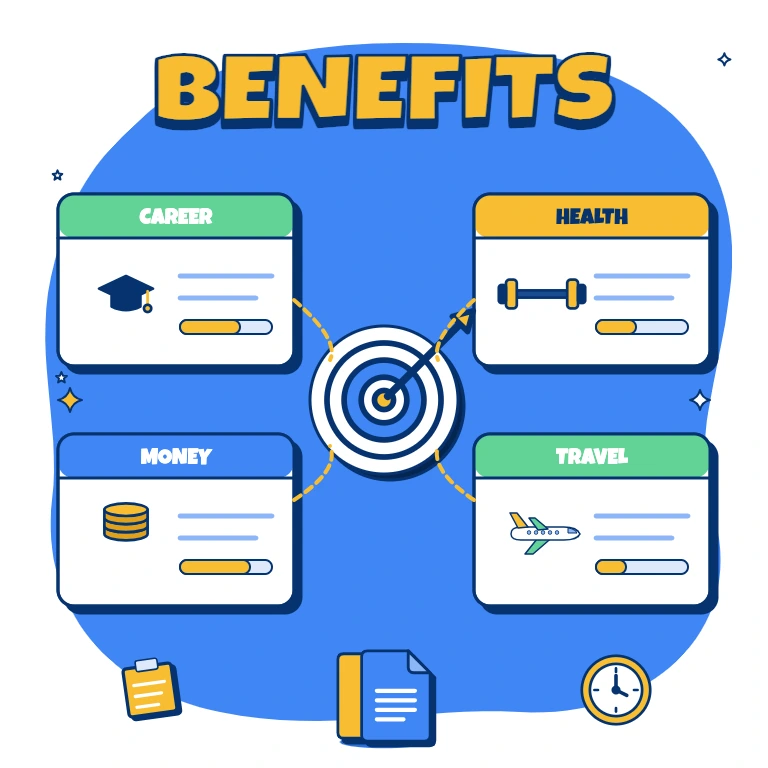
A useful board is more than a collage of attractive pictures. Our layouts give your ideas a structure you can revisit as circumstances and ambitions change.
- bring related goals together in clearly defined sections;
- balance motivating images with specific targets;
- identify areas that deserve more attention;
- add milestones and actions beside long-term aspirations;
- keep a digital or printed reference for regular reviews.
The emphasis is on direction: expressing what you want to work toward, without treating visualization as a substitute for action.
How to Customize Google Slides Vision Board Templates
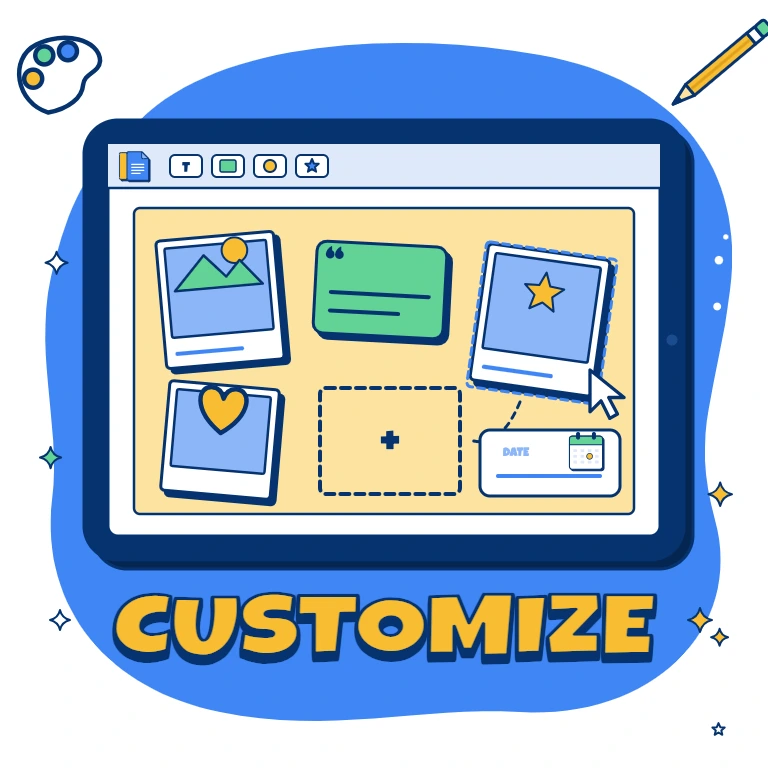
Start with a theme that reflects your current priorities. Editable text, colors, and objects let you make the board personal while keeping its visual structure.
- Open the template in Google Slides or download it for Microsoft PowerPoint.
- Replace sample wording with goals that are meaningful to you.
- Add personal photos, illustrations, or images representing your intentions.
- Include realistic milestones, target dates, and a first action.
- Adjust the design, then save your board for digital use or printing.
Leave room for updates so the finished board can evolve rather than becoming a fixed wish list.
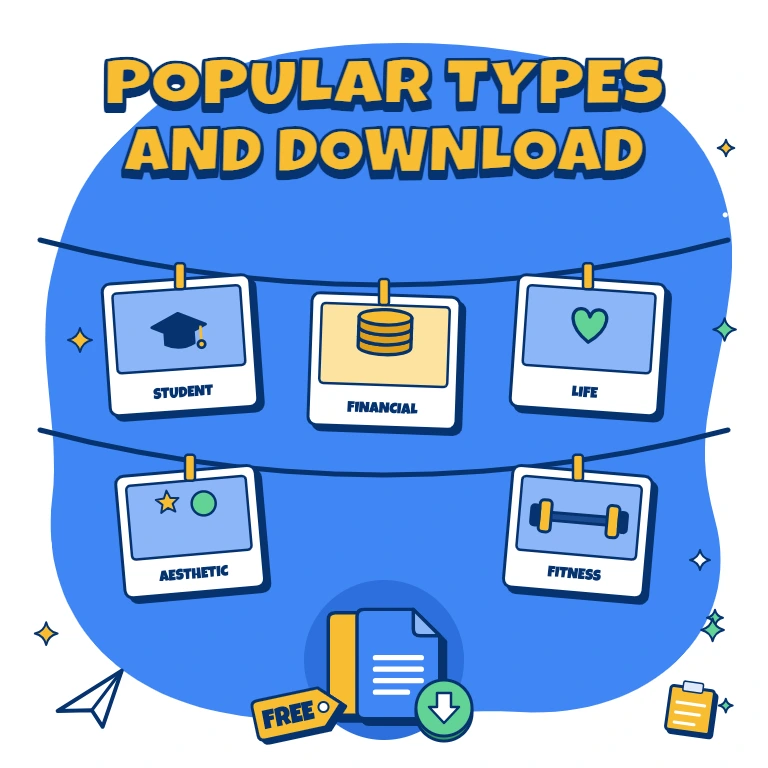
Popular Types of Vision Board Templates
Our collection includes options for learning, money priorities, everyday wellbeing, and creative self-expression:
- Student Vision Board Template — connect academic targets, study habits, extracurricular interests, and future plans;
- Financial Vision Board Template — outline savings ambitions, income targets, debt-reduction milestones, and major purchases;
- Life Vision Board Template — reflect on relationships, career, travel, hobbies, and personal growth;
- Aesthetic Vision Board Template — combine photographs, quotes, color themes, and short descriptions in a balanced composition;
- Fitness Vision Board Template — focus on movement, consistent routines, strength, mobility, and achievable milestones.
Choose the approach that gives your priorities enough space without overcrowding the board.
Download Free Vision Board Templates for Your Needs
Give your ideas a home with a free, editable design from our collection. Choose a supported format, personalize the visuals and wording, and download your board to keep on screen or display in print. Planning with a business team? Our Org Chart Templates offer a separate way to map roles and reporting relationships. Pick your vision board layout and add the first goal you want to work toward today.

Choose your preferred social media platform from options like Pinterest, Facebook, Twitter, and more. Share our templates with your contacts or friends. If you’re not active on these social networks, you can simply copy the link and paste it into the one you use.