

 Back to templates
 Free Lesson Plan Google Slides Templates
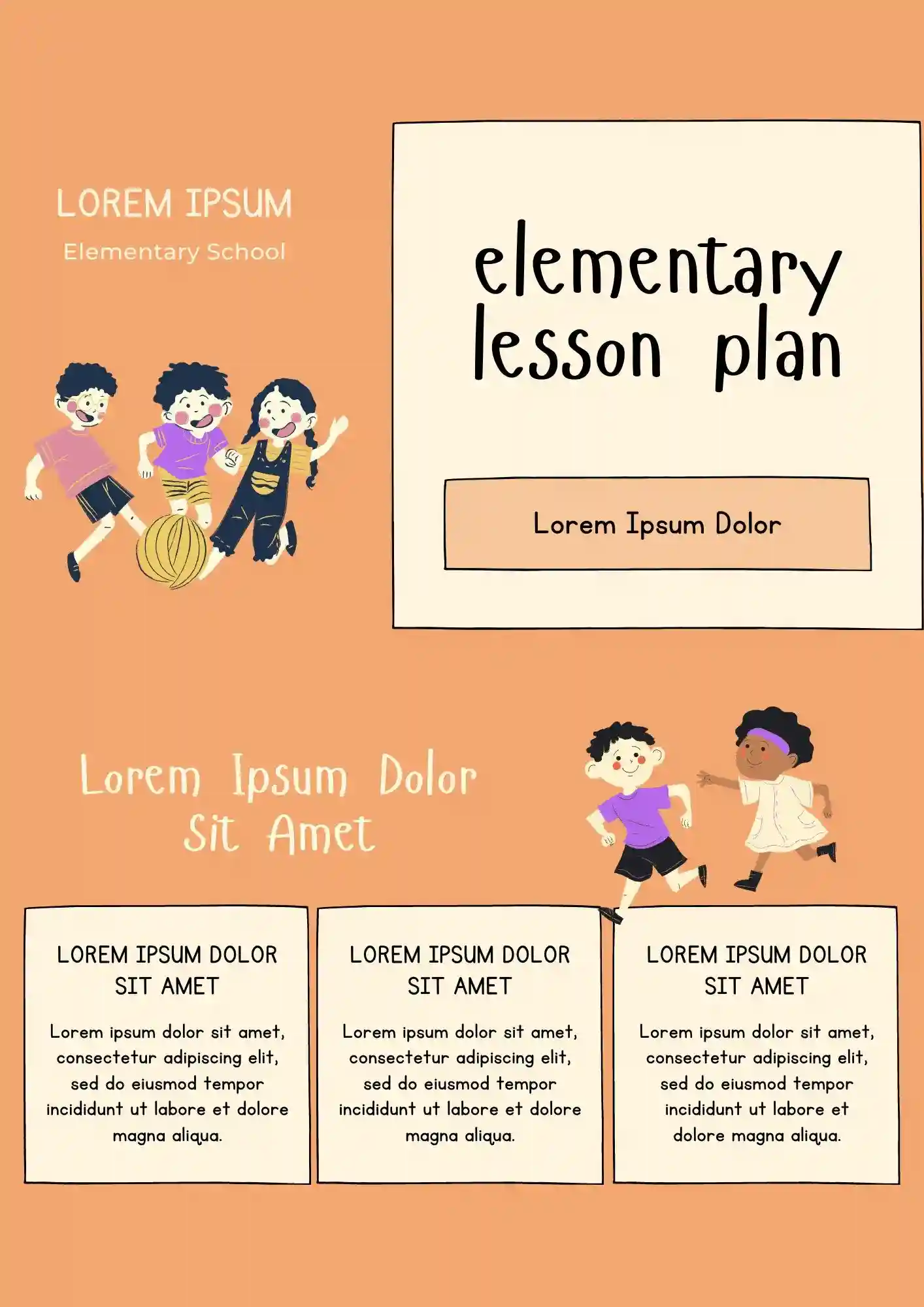
What if your elementary lesson prep could be half the work without losing quality? The Elementary Lesson Plan Template works for elementary teachers, tutors, and school staff who need a clear lesson structure.

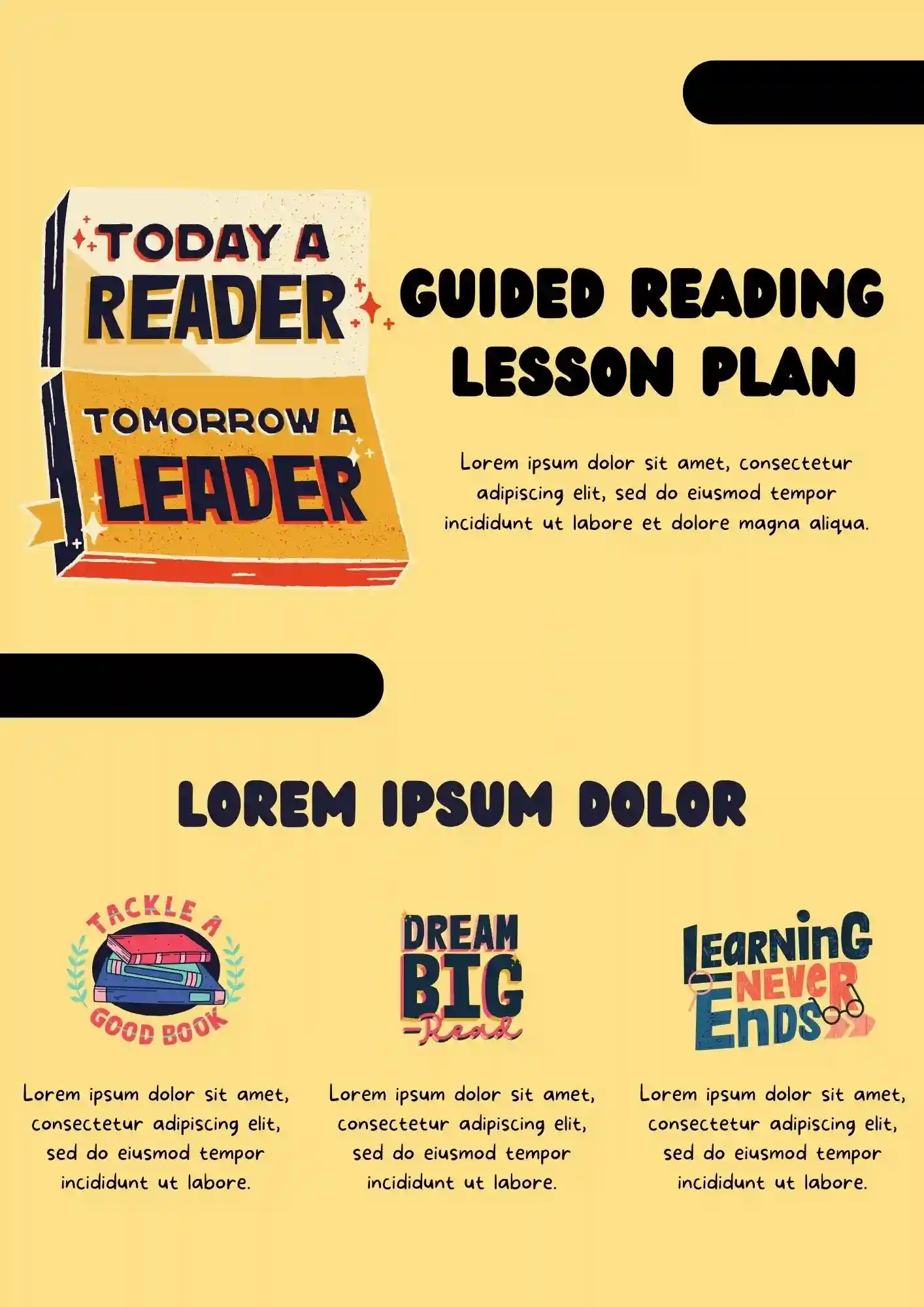
A focused lesson plan helps guided reading sessions stay smoother and more effective. The Guided Reading Lesson Plan Template is a good fit for reading teachers, literacy tutors, and elementary educators who want to plan reading instruction clearly.
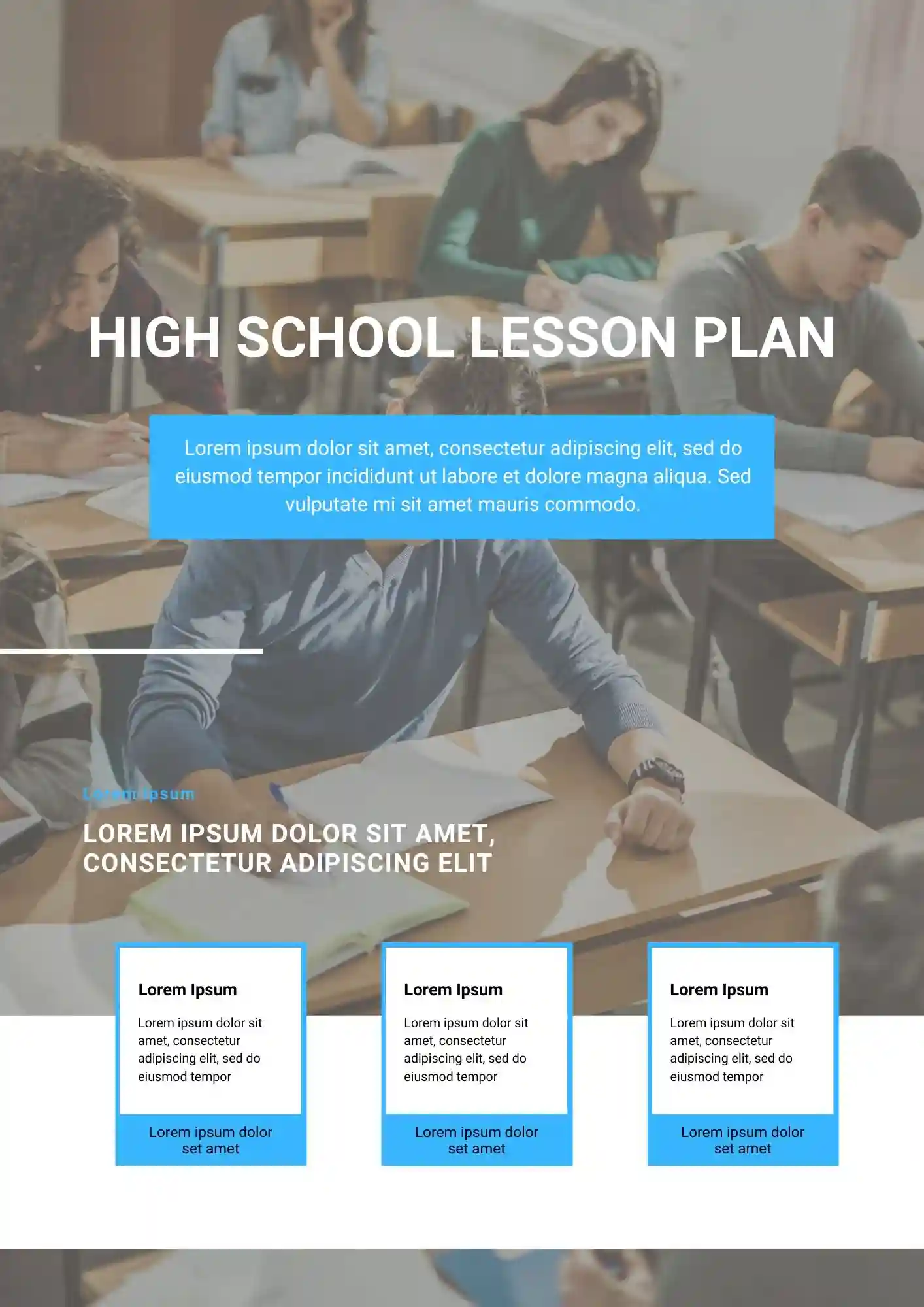
Stop wasting hours on lesson prep when a ready structure would work better. The High School Lesson Plan Template suits high school teachers and educators who need to organize lessons in a structured format.
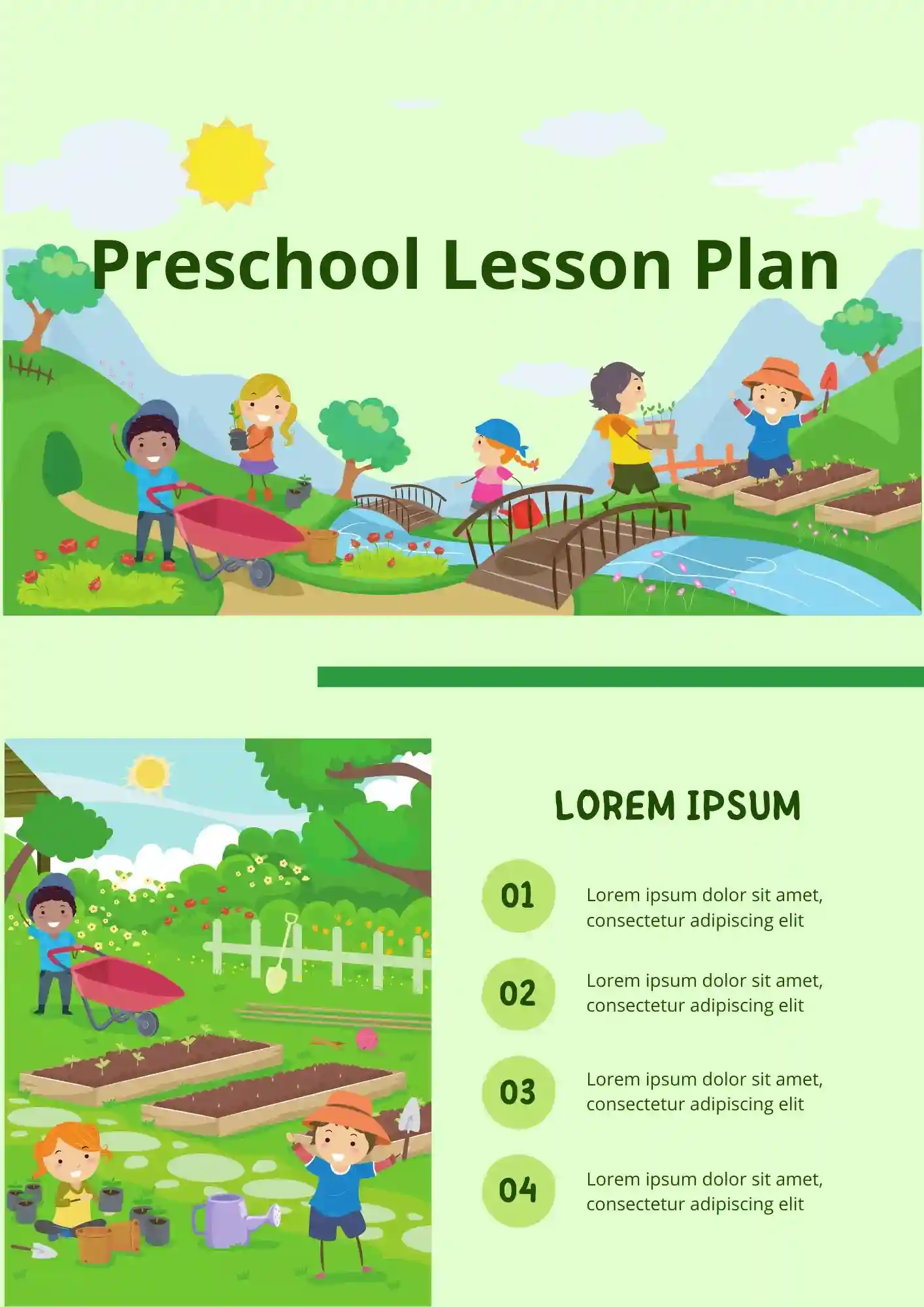
Does your preschool planning need a structure that's both simple and visually engaging for young learners? The Preschool Lesson Plan Template works well for preschool teachers, caregivers, and early educators who need a clear planning tool.
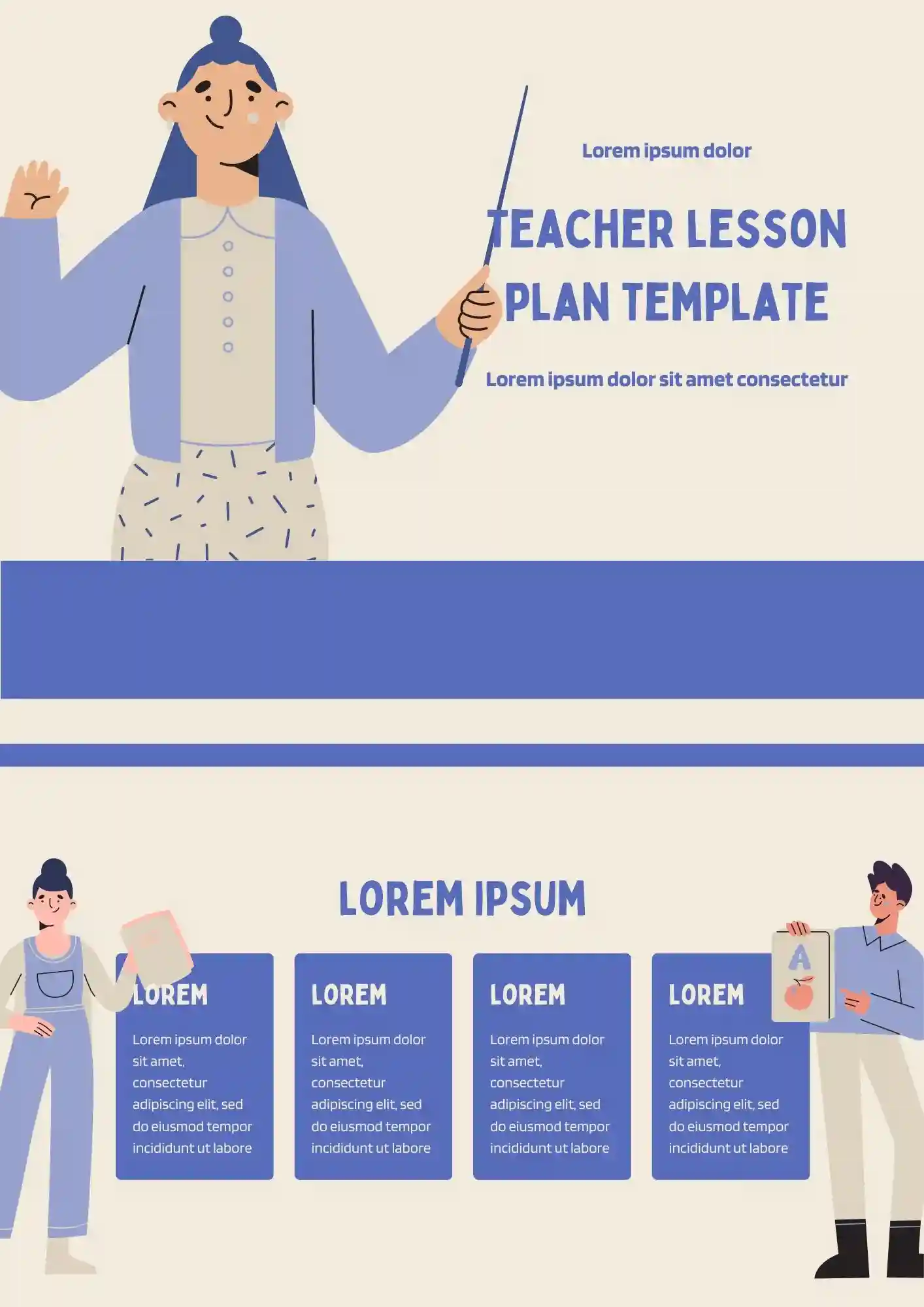
Planning lessons from scratch every single class takes too long. The Teacher Lesson Plan Template is useful for teachers, tutors, and educators who want to plan classes more clearly.
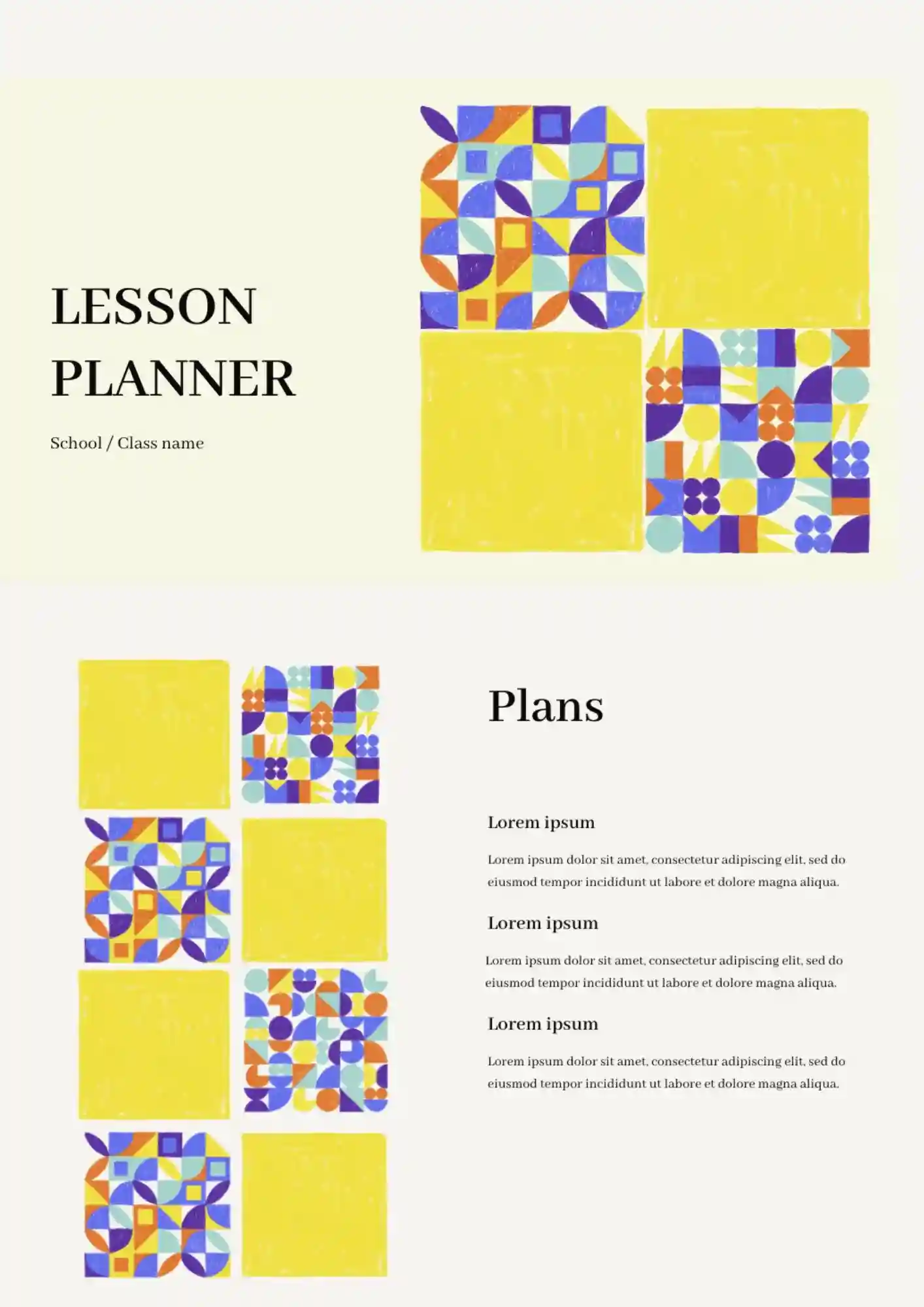
The Lesson Planner Template keeps goals, activities, and notes in one clear place so lesson planning moves faster. It works for teachers, tutors, and homeschoolers who need a clear planning layout.
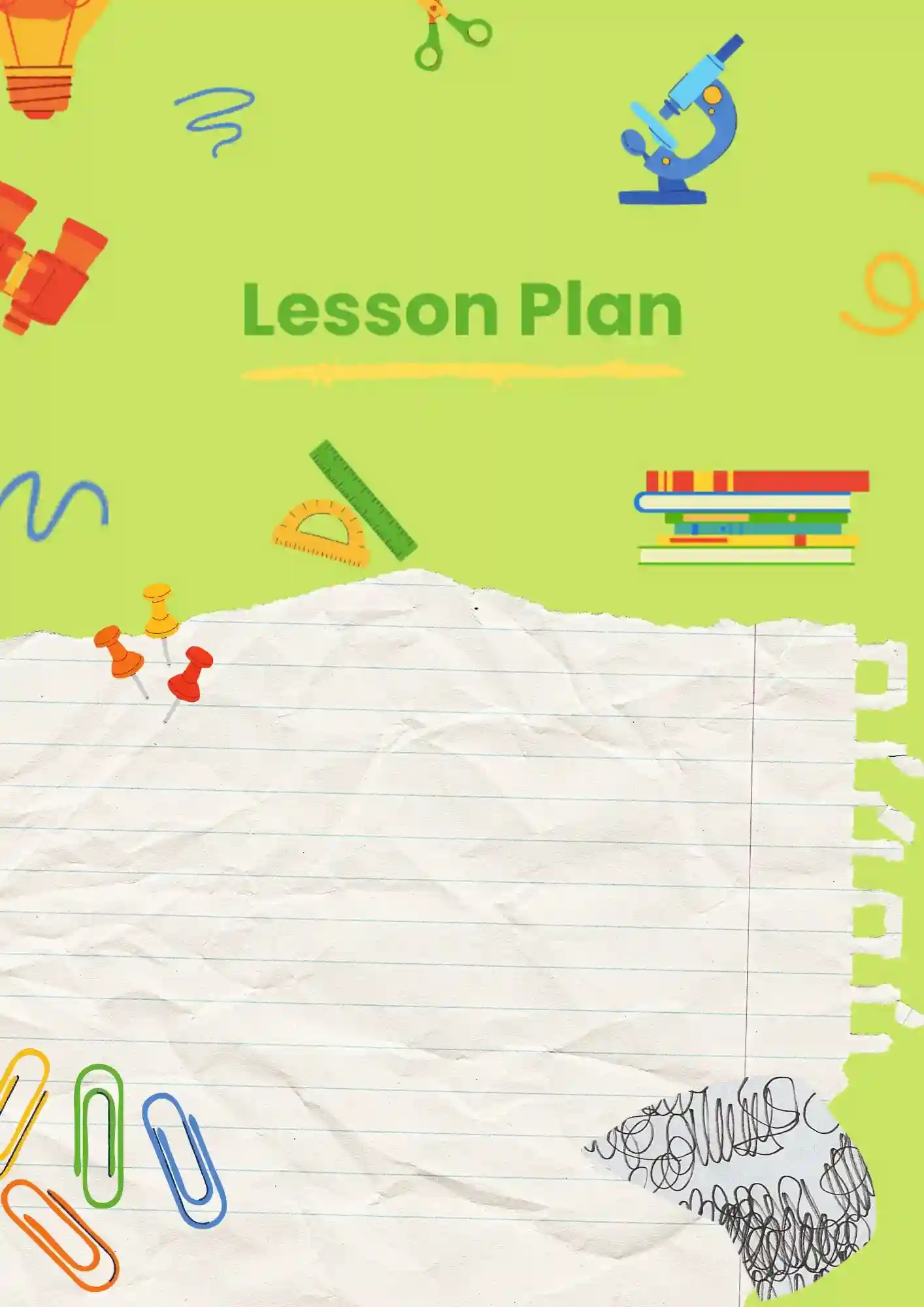
Want a Google Slides lesson presentation you can scan quickly right before class starts? The Simple Lesson Plan Template suits teachers, tutors, and educators who want a straightforward planning format.
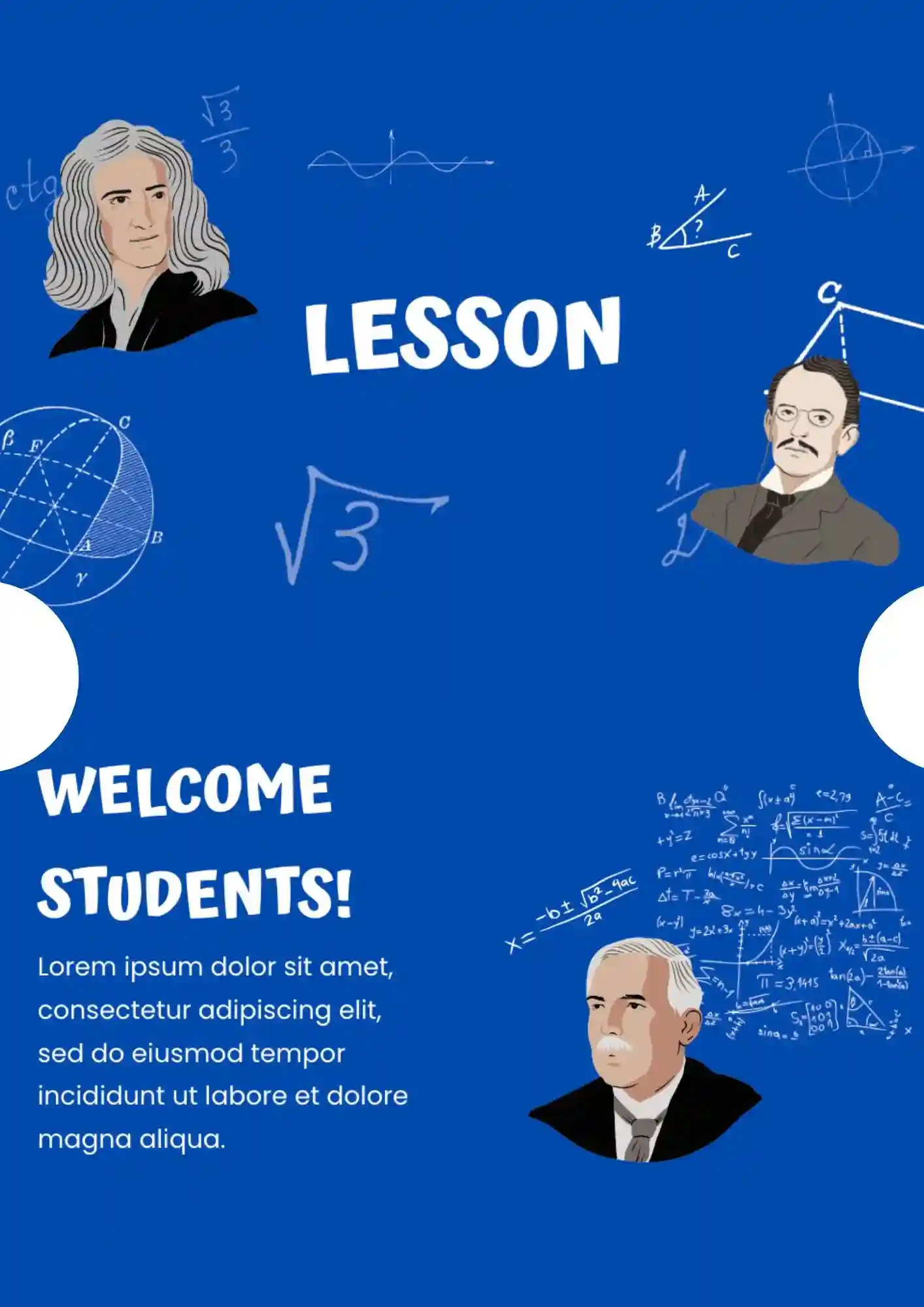
The Math Lesson Template gives you a clearer presentation structure for formulas, examples, and practice tasks. It works for math teachers, tutors, and schools that need an organized lesson format in Google Slides.
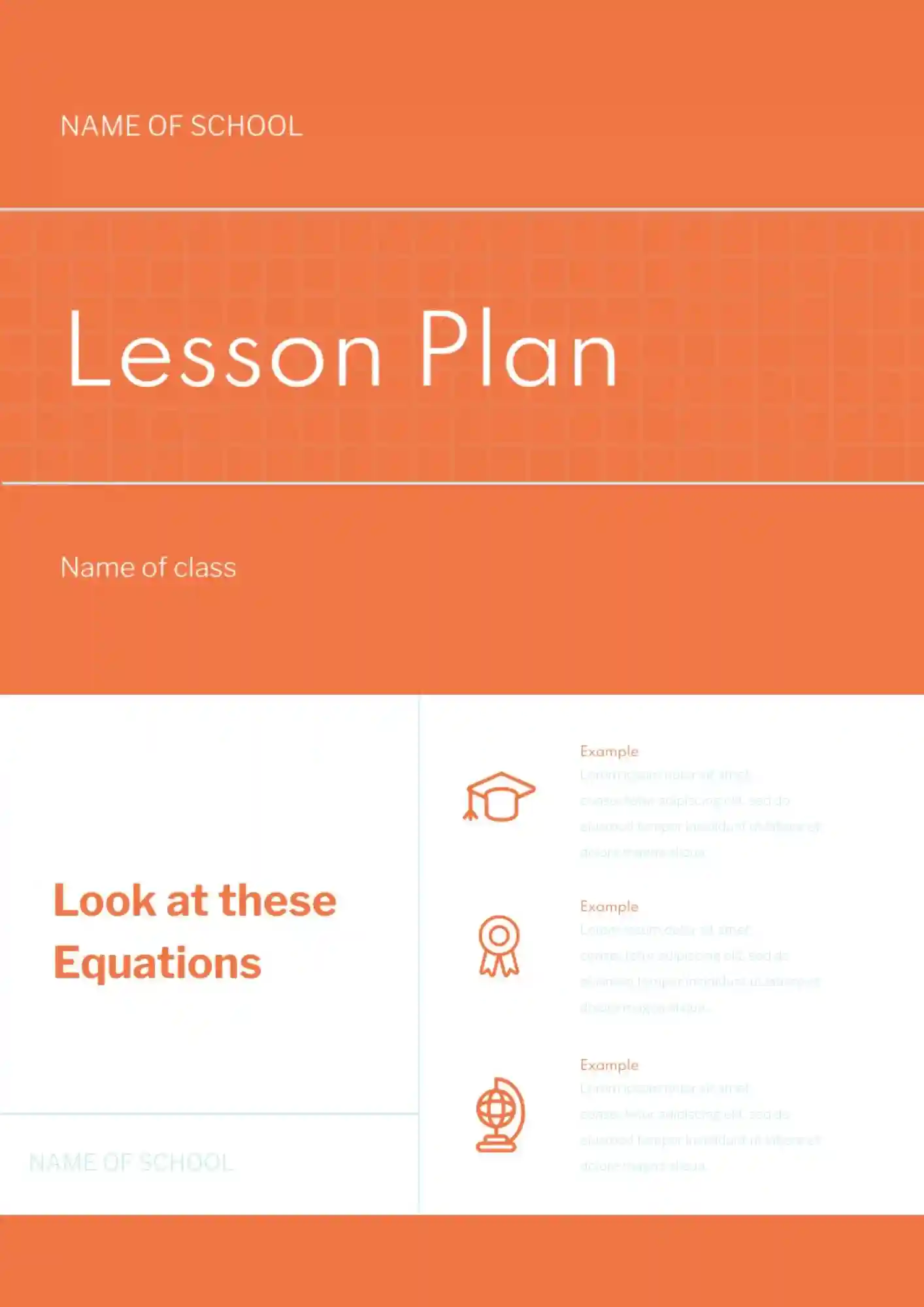
A well-structured lesson becomes easier to deliver when the plan is laid out in a format you can review quickly and use confidently. The Lesson Plan Template is ideal for teachers who want to organize objectives, activities, timing, and classroom flow in one presentation-ready layout.
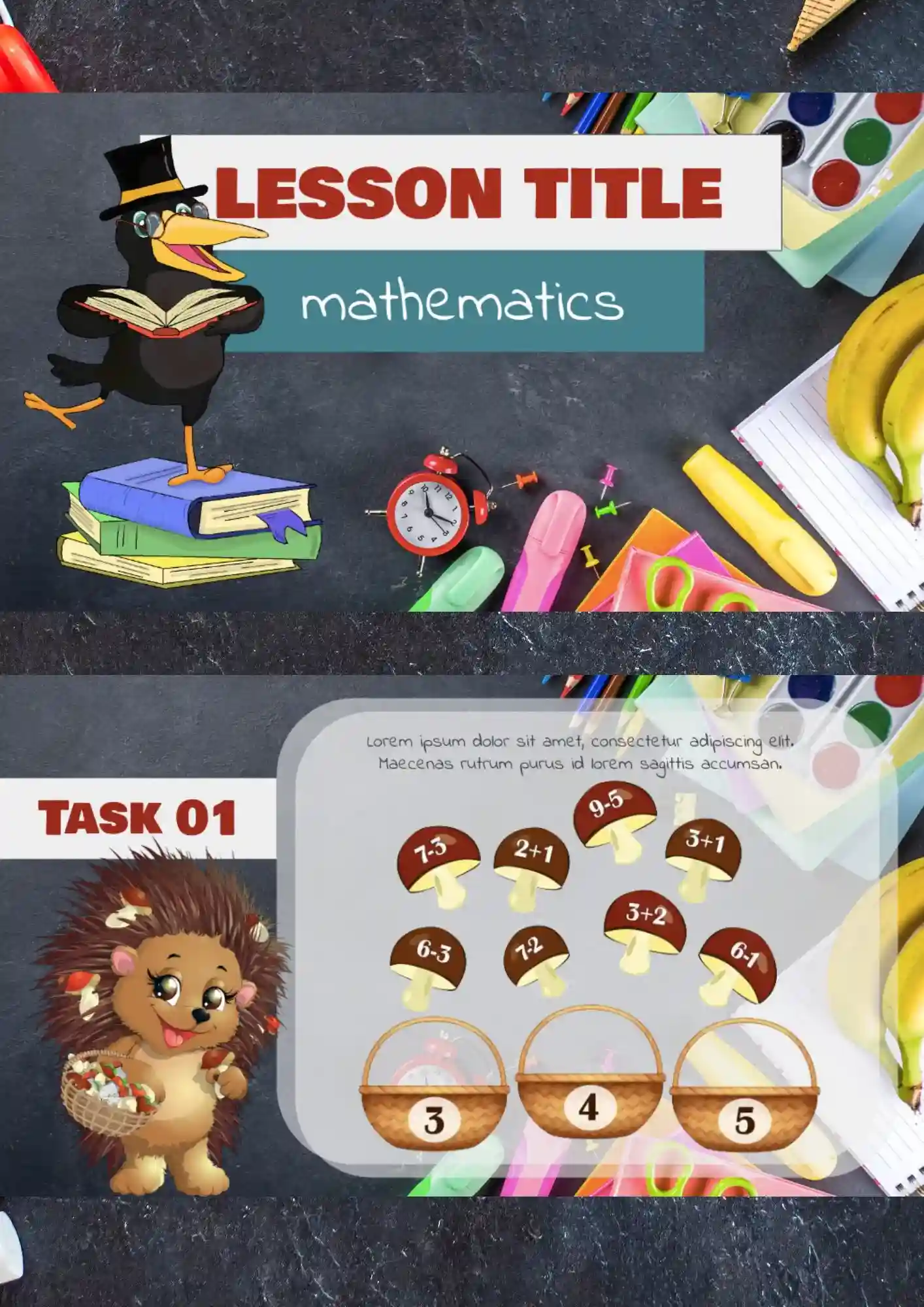
The lesson template for Google Slides has all necessary options for the process of editing as a part of the development of a perfect presentation.
What are the best Lesson Plan Templates in 2026?
How many lesson plan Google Slides as the basis for the exploitation of the templates can I download for free on your website?
How to convert chosen files to PowerPoint slides?
How to change files present on the platform?
How do I find the daily session developed with the usage of the files?
What Are Lesson Plan Templates for Google Slides and MS PowerPoint?
Lesson Plan Templates are structured guides designed to help map out instructional sessions in a clear and organized way. Whether teaching preschool, elementary, or high school, these templates let you arrange objectives, activities, materials, and timing without stress.
Using Lesson Plan Templates for Google Slides and MS PowerPoint means you can quickly highlight learning goals, set up lesson flows, and adapt the plan to your teaching style. These layouts provide stability when lessons shift or topics change, ensuring instruction stays focused and effective. At Docs&Slides, we created these templates to help educators focus on teaching, not formatting.

Benefits of Using Lesson Plan Templates
Planning lessons becomes quicker and more consistent with Lesson Plan Templates. These layouts help avoid gaps, ensure smooth transitions between segments, and support varied learning needs while keeping the classroom on track.
- suitable for different levels: preschool, elementary, high school, or guided reading;
- built-in sections for objectives, activities, assessment, and reflections;
- ability to reuse and adjust templates based on subject or class size;
- designs clear enough for students, parents, and other teachers to follow;
- reduces prep time while preserving instructional quality.
A well-structured plan helps both us and our students stay focused and on schedule.

How to Customize Google Slides Lesson Plan Templates
Customizing Lesson Plan Templates is intuitive. Start with any template, add your content, and tweak visuals for clarity. You choose how detailed each part should be, how you want to display materials, and which visual style fits your classroom.
- Open your selected template in Google Slides or Microsoft PowerPoint.
- Replace placeholders with your lesson’s title, learning objectives, activities, and materials.
- Insert images, icons, or charts to enhance engagement where needed.
- Adjust time allocations, fonts, colors, and layout spacing to match your pace.
- Export as PDF, ODP, TXT, or PowerPoint for sharing, printing, or backup.
If you prepare support materials often, our Math Templates might also give you helpful formats.

Popular Types of Lesson Plan Templates
Here are several Lesson Plan Templates that match different teaching contexts:
- Elementary Lesson Plan Template – vibrant layout for young learners;
- Guided Reading Lesson Plan Template – focused on reading strategy and comprehension;
- High School Lesson Plan Template – detailed structure for varied subjects;
- Preschool Lesson Plan Template – simple, playful design appropriate for early learners;
- Teacher Lesson Plan Template – comprehensive layout with resources, assessment, and reflection segments.
Download Free Lesson Plan Templates for Your Needs
Download your preferred Lesson Plan Template, tailor it to your classroom goals, and teach with clarity and confidence. All our templates are free to use, editable in minutes, and built to support your day-to-day planning.


Choose your preferred social media platform from options like Pinterest, Facebook, Twitter, and more. Share our templates with your contacts or friends. If you’re not active on these social networks, you can simply copy the link and paste it into the one you use.