

 Back to templates
 Free Technology Google Slides Templates

Confusing tech stacks make your engineering team look disorganized to investors. The Technology Stack Template suits CTOs, startup founders, devops teams, and enterprise architects that need to document tools clearly.

Regulators reject risk policies when they're missing critical compliance sections. The Technology Risk Management Policy Template is useful for CISOs, compliance officers, IT managers, and auditors who need to document security controls.
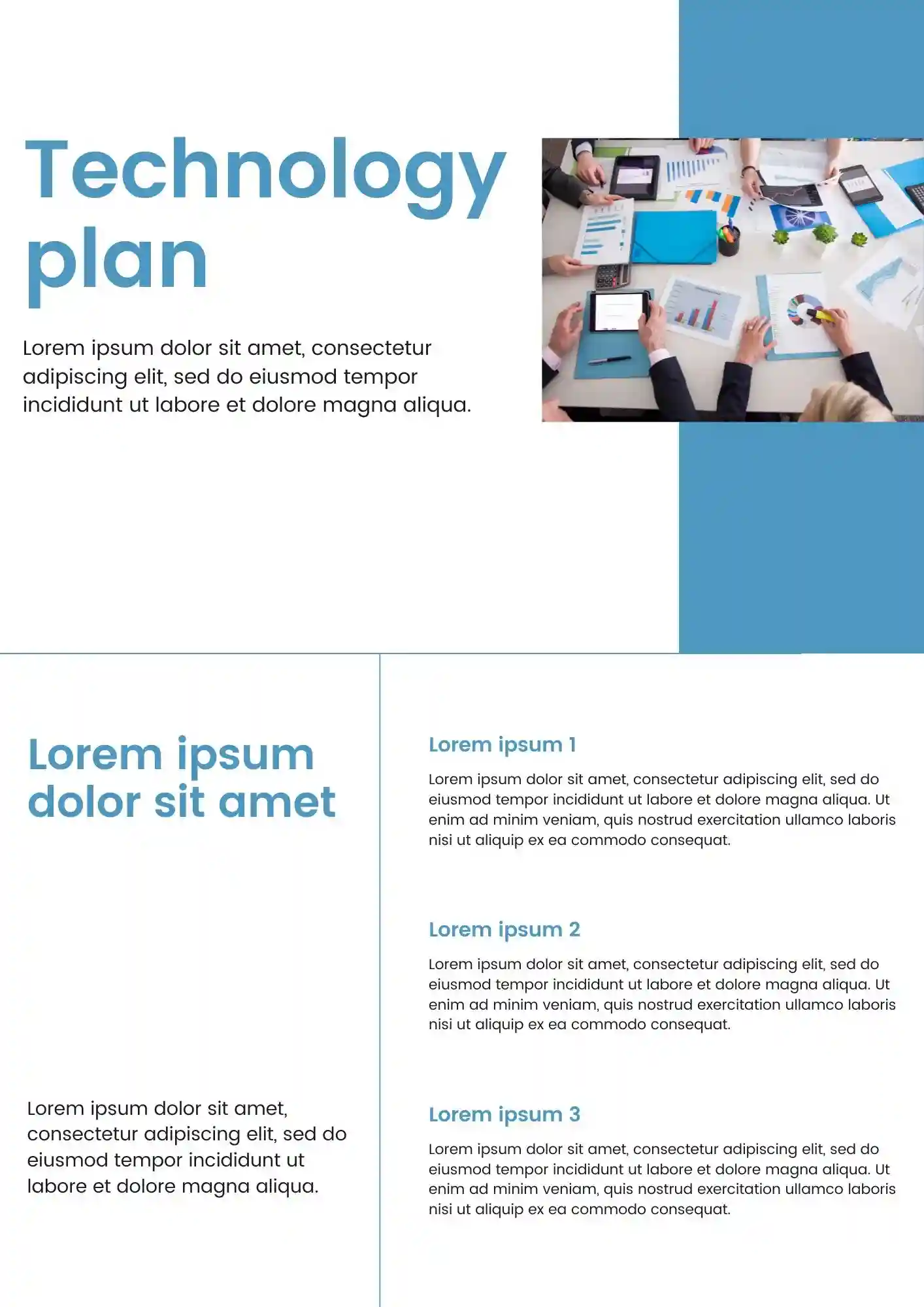
Can a technology plan still look polished when it covers budget, timeline, and stakeholders? The Technology Plan Template works for IT directors, CTOs, project managers, and board members who need investor-ready docs.
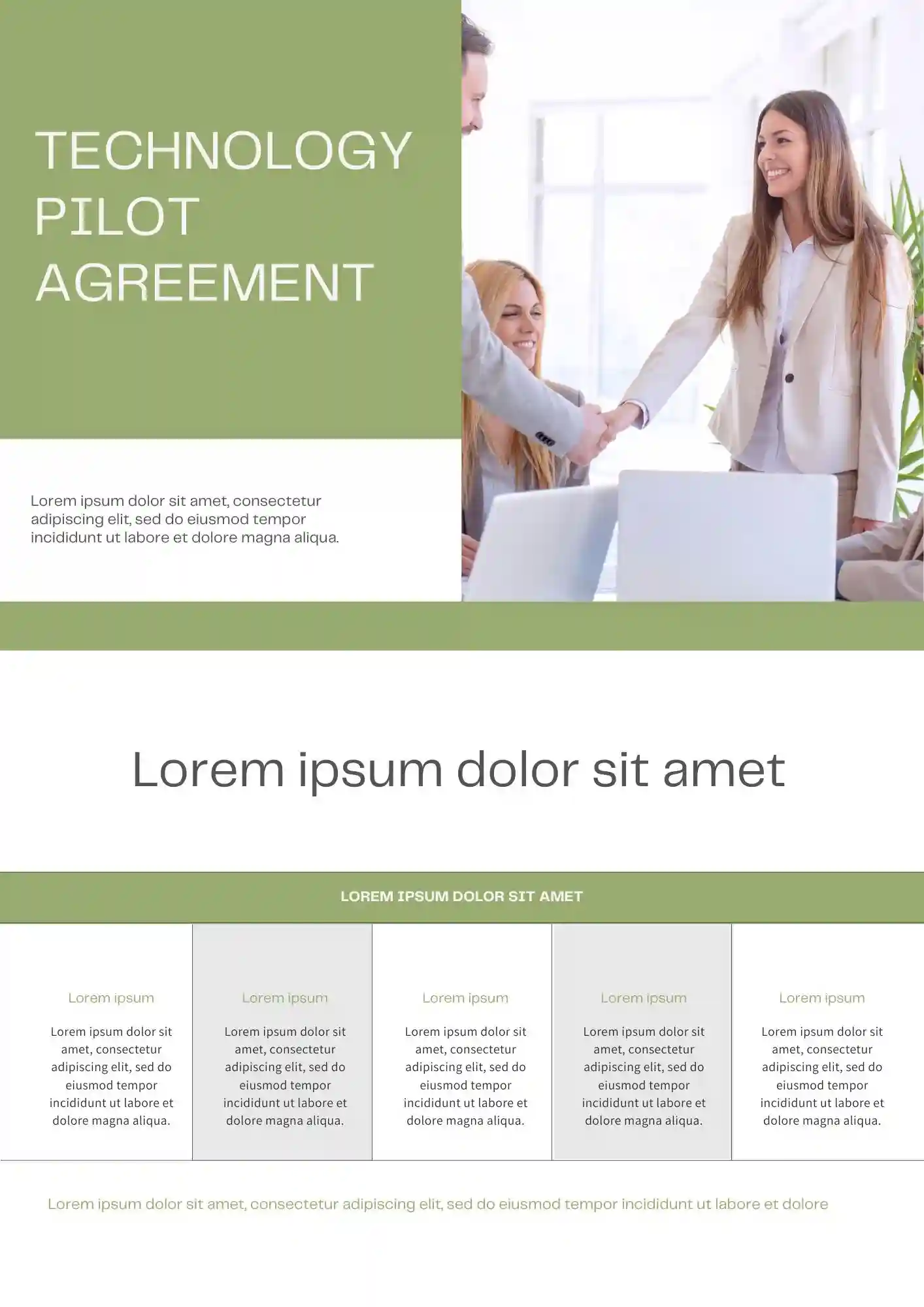
Why settle for a generic contract when your pilot program needs specific technical terms? The Technology Pilot Agreement Template is useful for SaaS companies, enterprise sales teams, legal teams, and startup founders who need to define pilot scope.
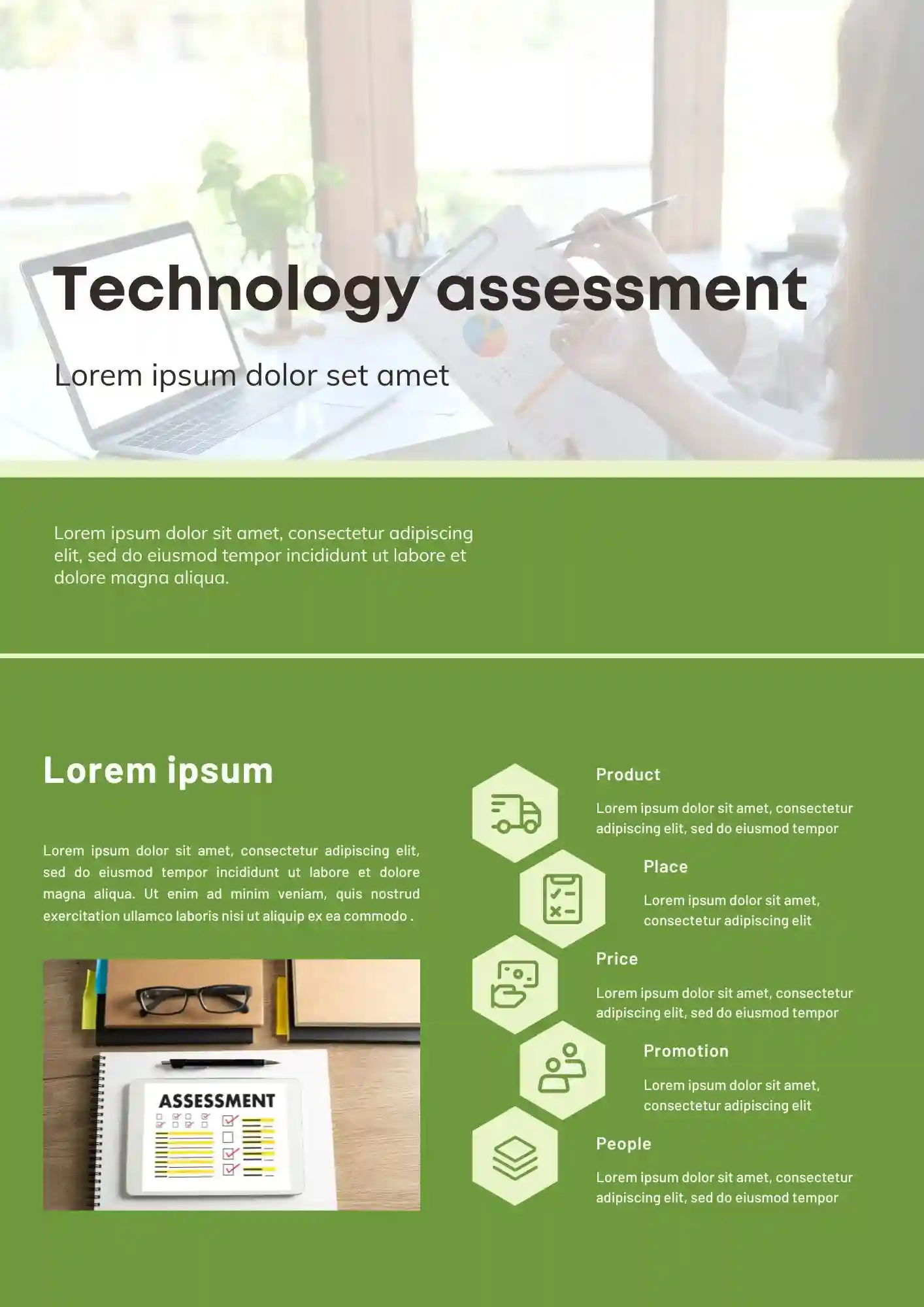
Investment decisions fail when you can't compare tech stacks side by side. The Technology Assessment Template is useful for CTOs, startup founders, venture capitalists, and engineering leads who need to evaluate tools objectively.
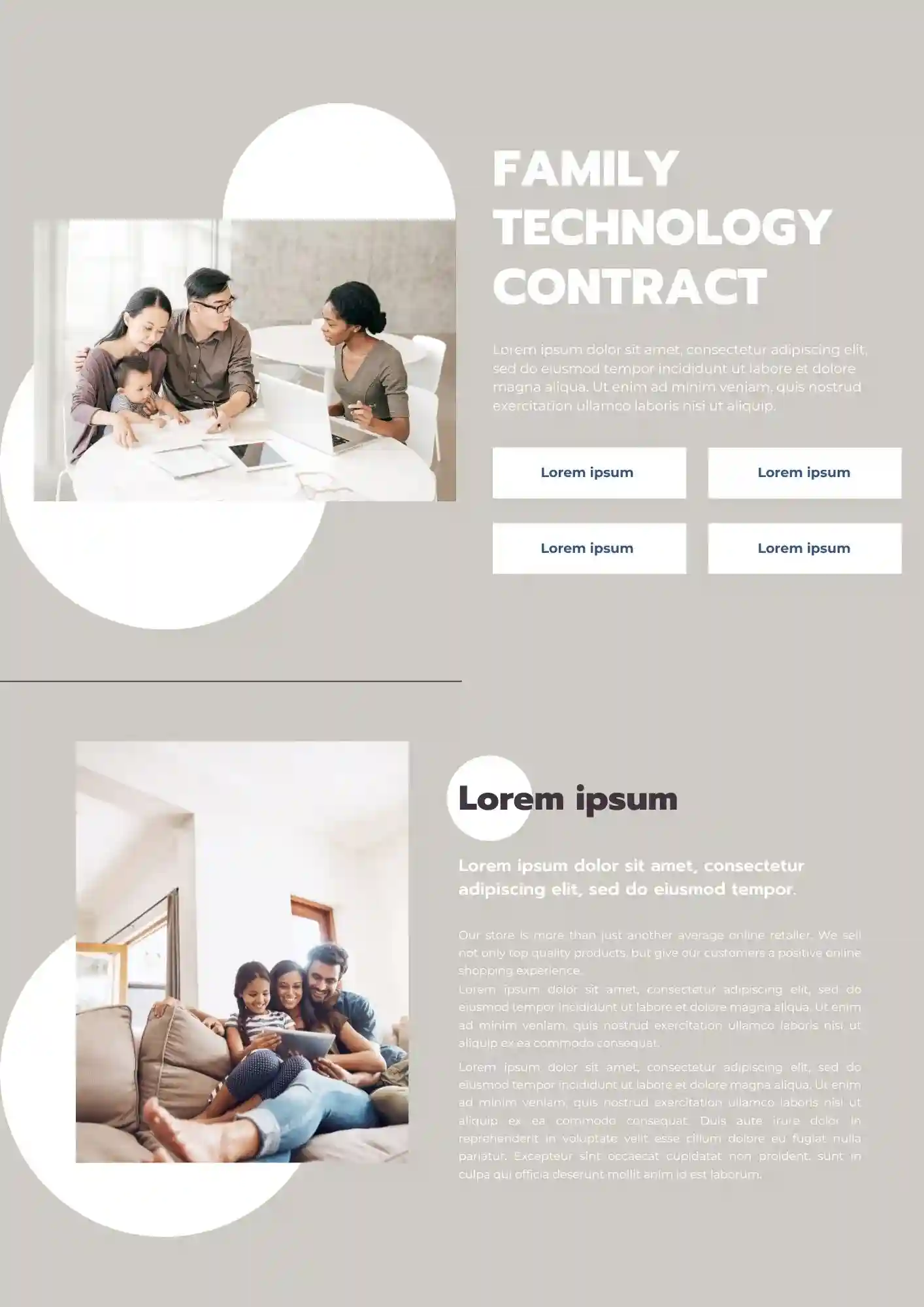
Does your household need rules about screen time that everyone actually follows? The Family Technology Contract Template works well for parents of tweens, teens, and young children who want to set clear boundaries.
What Are Technology Templates for Google Slides and MS PowerPoint?
Technology Templates are slide designs created for tech professionals, teams, educators, and businesses who want to illustrate tech roadmaps, assessments, policies, or contracts without spending hours formatting. Whether you’re mapping an IT strategy, documenting risk policies, or explaining technology stacks, these templates give you clarity and visual coherence.
All templates are compatible with Google Slides and MS PowerPoint, which means you can drop in your own technical content—diagrams, project stages, evaluation reports—and adjust visuals, fonts, or layouts quickly. We built these Technology Templates so you can communicate technical topics with confidence and precision.

Benefits of Using Technology Templates
When dealing with complex tech topics, structure and clarity make all the difference. Our templates help you present often dense information in a digestible form. They maintain professionalism and improve comprehension among your audience.
- tailored for technology planning, stack diagrams, risk policies, or assessment reports;
- sections ready for technical definitions, metrics, evaluation criteria, or contracts;
- editable layouts so you can swap in your own data, visuals, or timelines;
- clean, professional design that enhances readability in technical contexts;
- helps standardize documents across teams or stakeholders.
With Technology Templates, you can reduce confusion and present ideas clearly.

How to Customize Google Slides Technology Templates
Customizing Technology Templates is straightforward and efficient. You open the template, replace technical content, adjust visuals, and are ready to share. Export formats ensure your work can be used in reports, meetings, or documents.
- Open your selected template in Google Slides or Microsoft PowerPoint.
- Replace placeholders with your technology stack, plan items, assessment data, or contract terms.
- Insert diagrams, graphs, policy statements, or visuals relevant to your tech environment.
- Adjust font sizes, colors, and spacing to suit clarity and branding.
- Export your final version as PDF, ODP, TXT, or PowerPoint for printing, sharing, or archiving.
If you also build science or lab reports, check our Science Templates for additional designs suited to technical and research visuals.

Popular Types of Technology Templates
We offer Technology Templates for various use cases and technical needs:
- Technology Stack Template – diagrammatic view of components, systems, or tools;
- Technology Plan Template – outlines strategy, timeline, or tech roadmaps;
- Technology Assessment Template – suitable for audits, evaluations, or performance metrics;
- Family Technology Contract Template – agreements and guidelines for tech use or digital responsibility;
- Technology Risk Management Policy Template – structured design to detail risks, mitigation, and policy information.
Download Free Technology Templates for Your Needs
Choose a Technology Template, fill in your technical details, and explain your systems, risks, or plans with confidence. All our templates are free, easy to edit, and ready to use. Download our free Technology Template today and make technical communication clearer and more effective.


Choose your preferred social media platform from options like Pinterest, Facebook, Twitter, and more. Share our templates with your contacts or friends. If you’re not active on these social networks, you can simply copy the link and paste it into the one you use.