

 Back to templates
 Free Screenplay Google Docs Templates

The Three-Act Screenplay Template provides you with a classic structure for Act I setup, Act II confrontation, and Act III resolution in a professional layout. Designed for writers and filmmakers who prefer traditional story shapes, it’s ready to edit and customize.

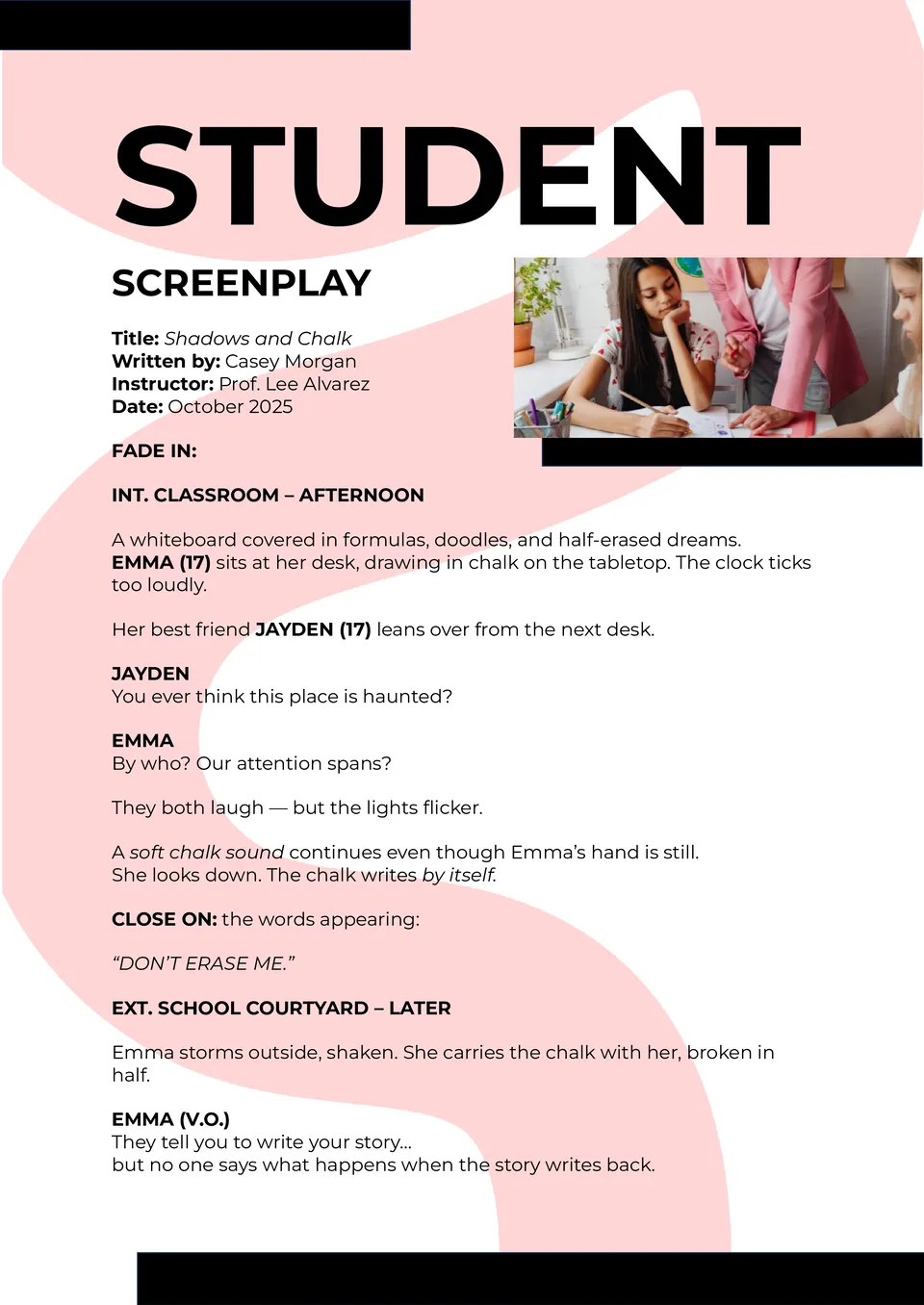
The Student Screenplay Template helps beginners format their scripts correctly and stand out from the start. With scene headings, dialogue blocks, and action lines already structured, you can dive into writing instead of formatting.
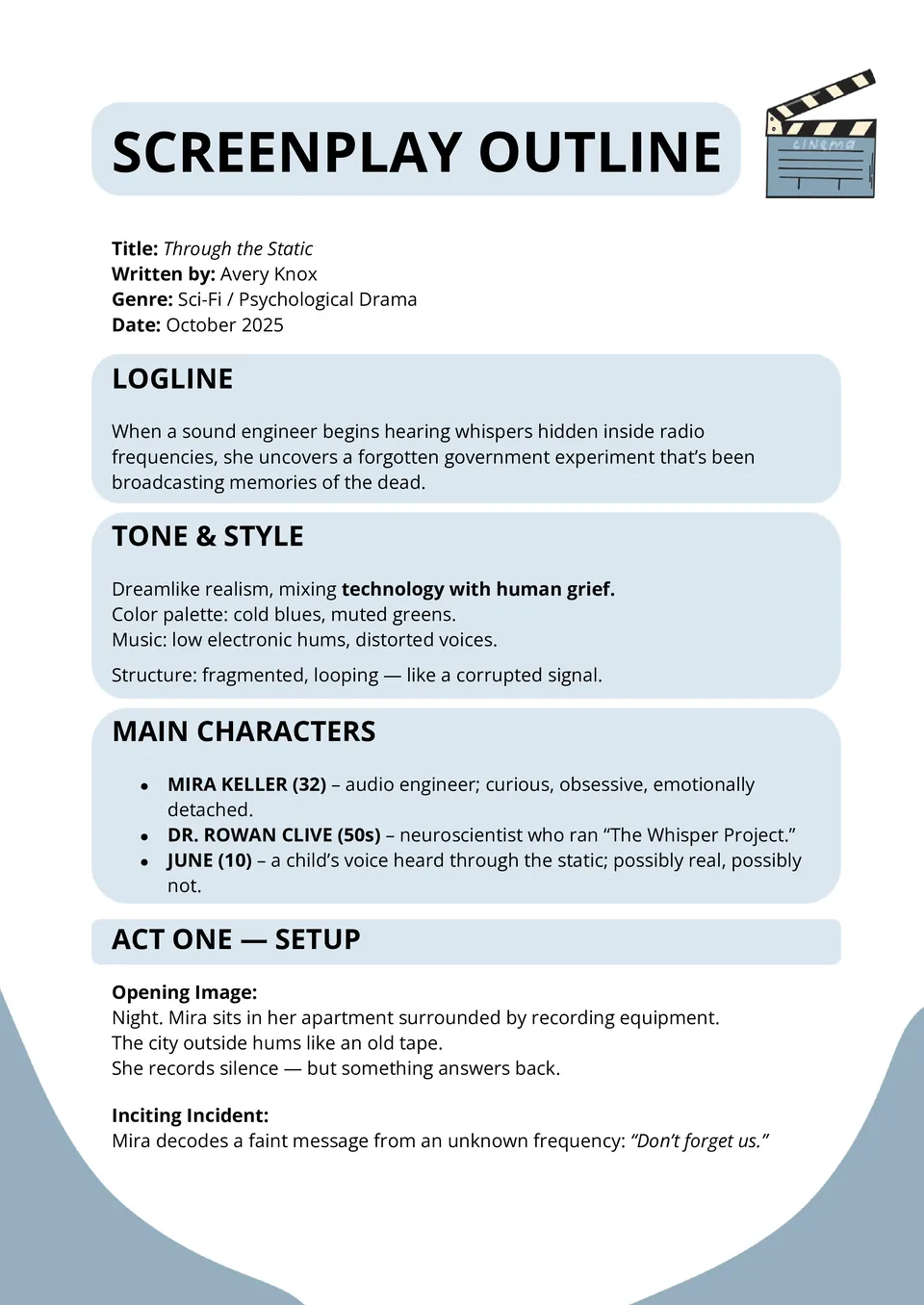
Struggling to map out your movie or series before writing full scenes? The Screenplay Outline Template lets you lay out beats, sequences, characters, and turning points in a clean, editable format.

Want to tell real stories with professionalism and style? The Documentary Screenplay Template offers format for scenes, narration, interviews, and white-space that keeps pacing smooth.
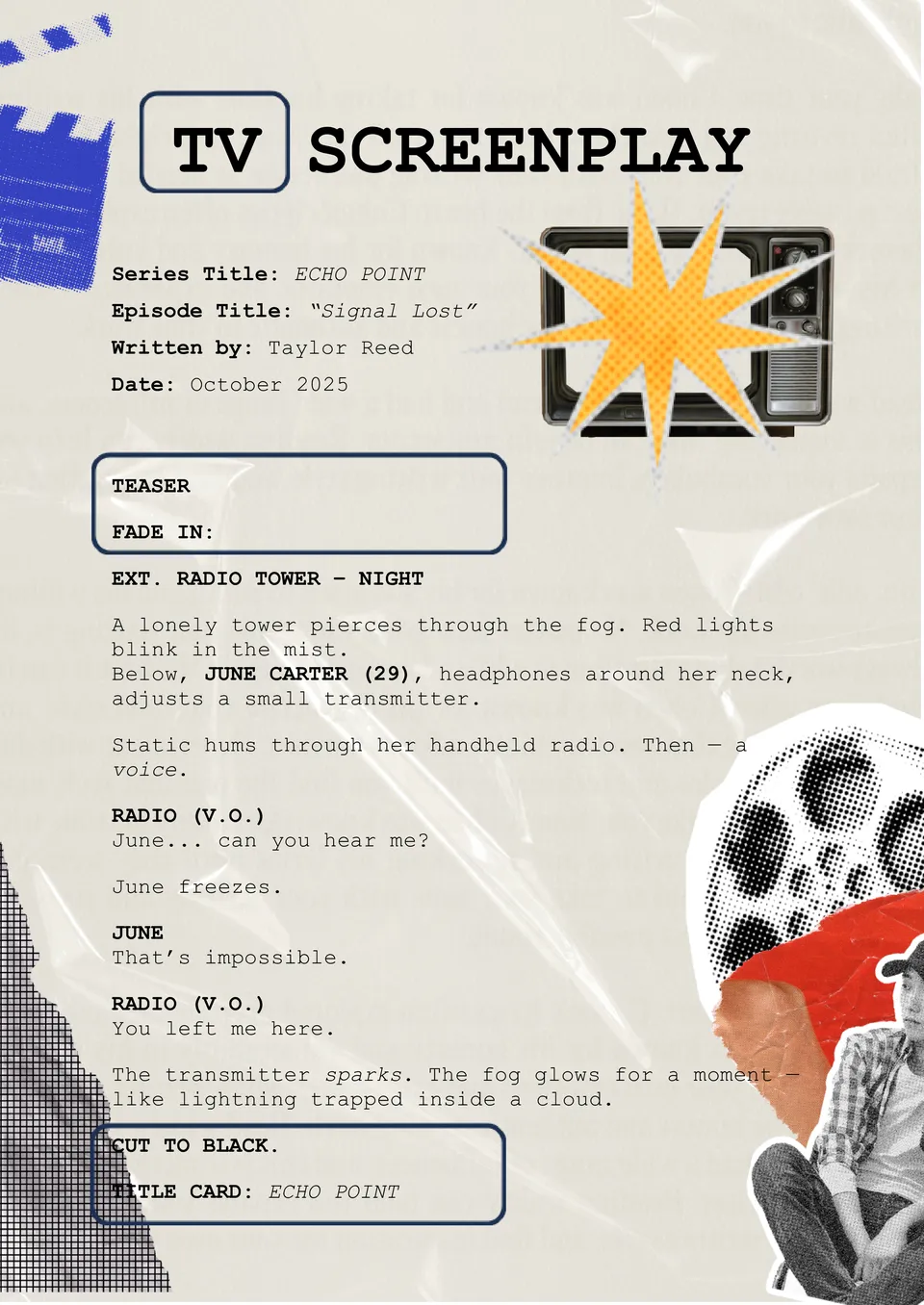
Looking to format your TV episode like a pro from day one? The TV Screenplay Template gives you a polished structure for acts, scenes, and character lines that match industry standards.
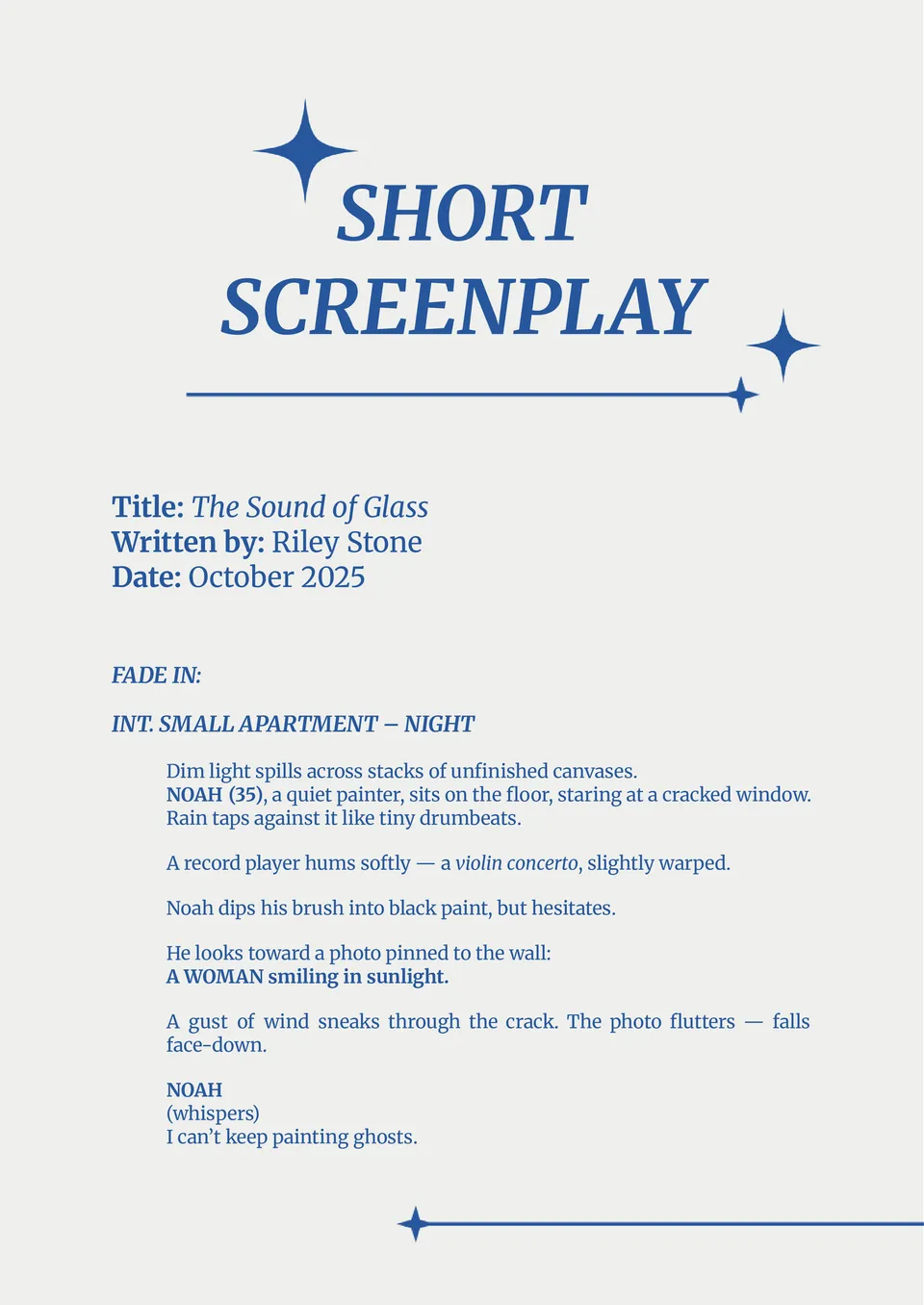
The Short Screenplay Template helps you format short films, sketches, or pilot scenes quickly. It’s clean, easy to edit, and follows professional layout rules.
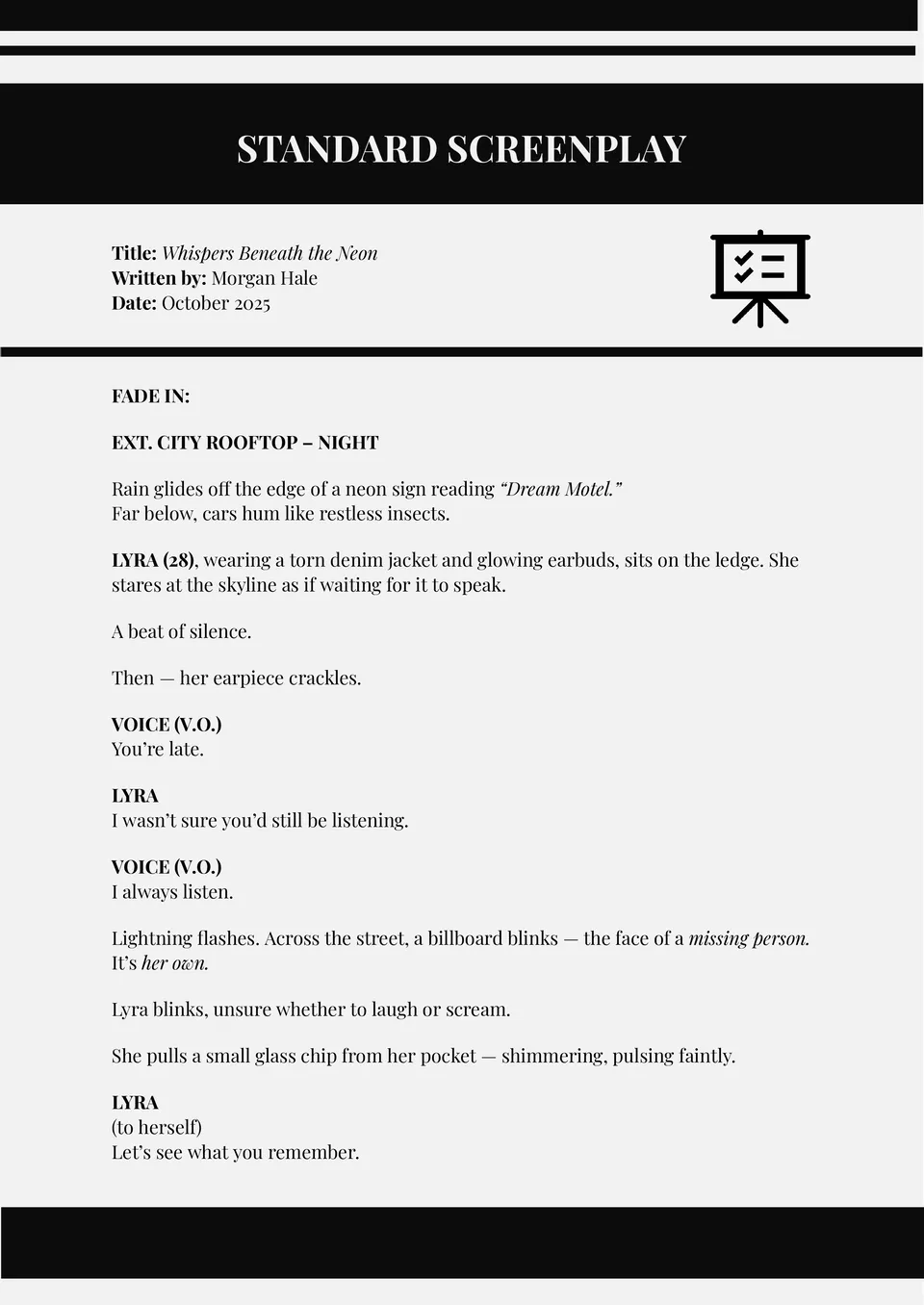
The Standard Screenplay Template brings you a clear, professional format for full-length scripts. It’s designed for writers and producers who need accuracy and speed.
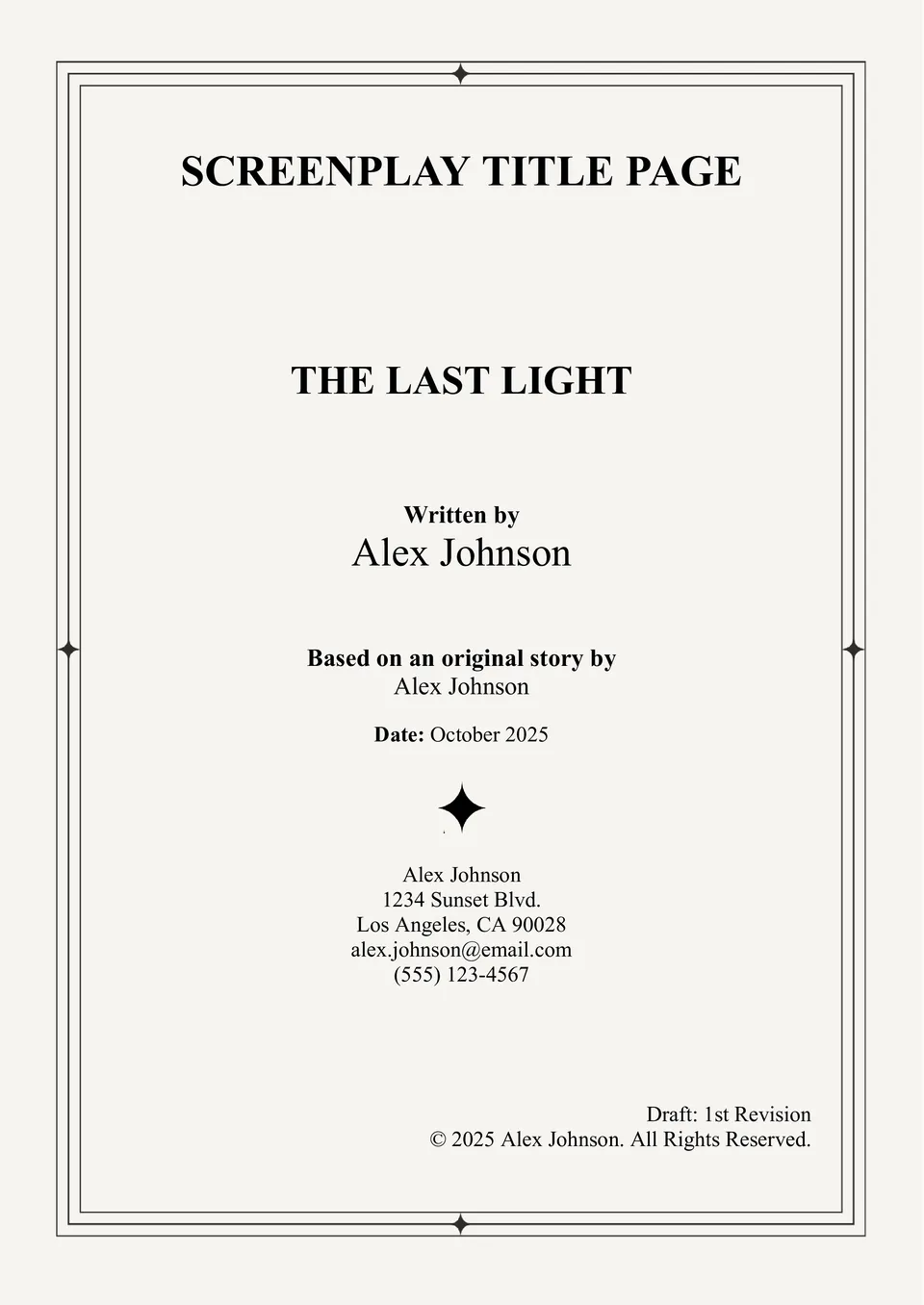
Want your script to make a great first impression? The Screenplay Title Page Template ensures your title, author, and contact details are perfectly formatted.
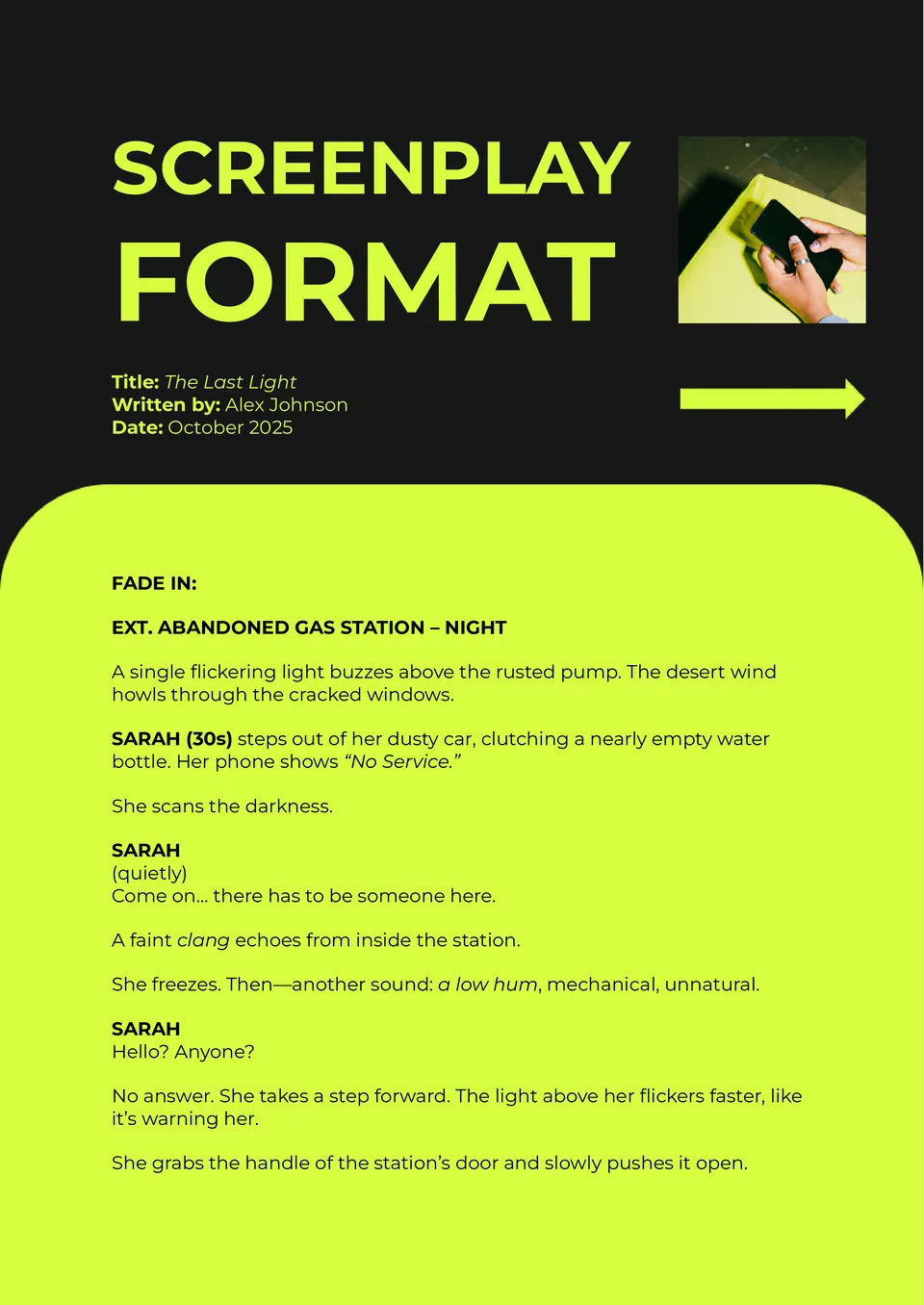
Looking to format your screenplay without wasting hours on layout fixes? The Screenplay Format Template provides industry-standard spacing, margins, and scene structure right out of the box.
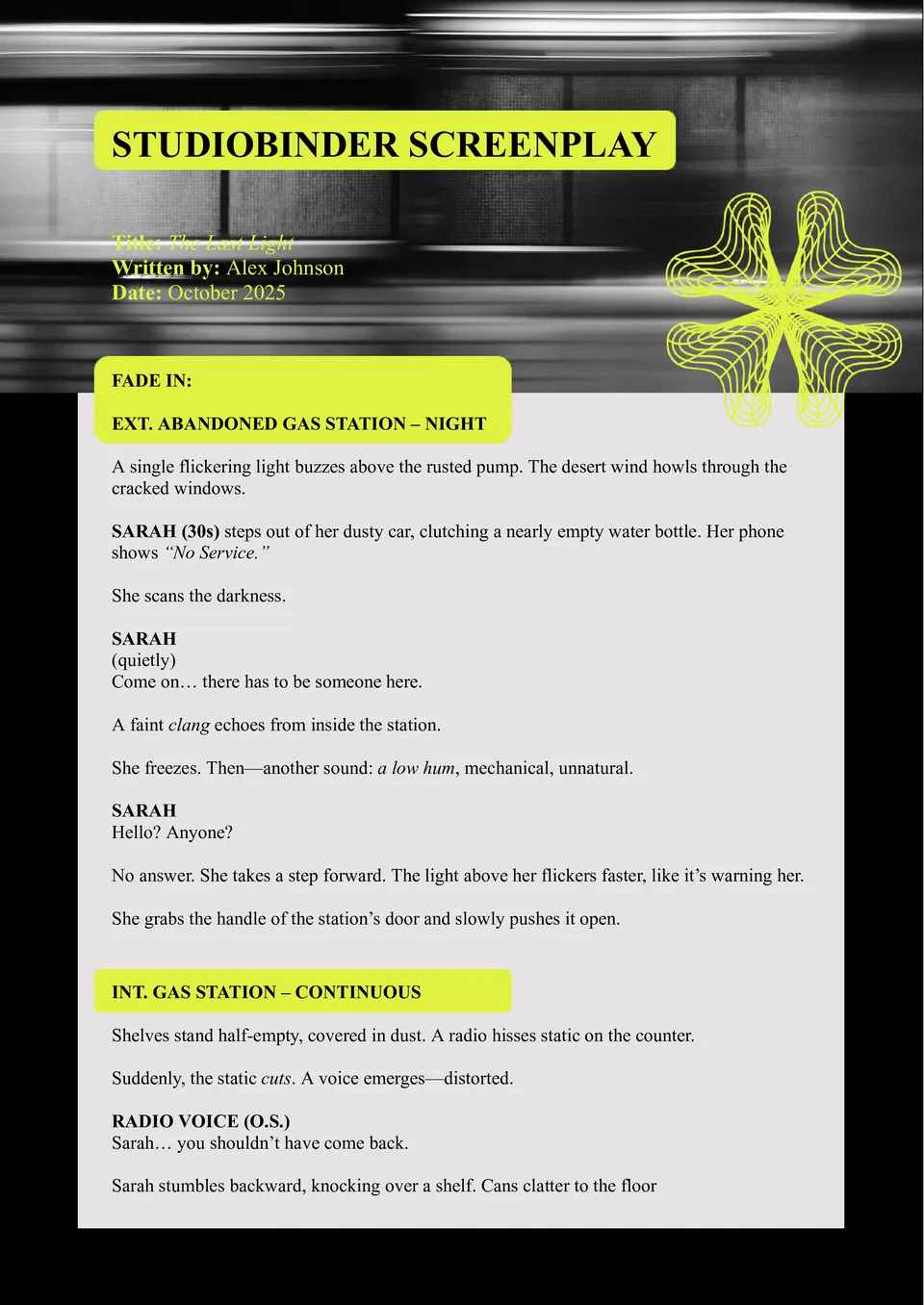
Want to start writing like a professional filmmaker? The StudioBinder Screenplay Template gives you ready-made formatting for dialogue, scenes, and transitions.
What Are Screenplay Templates for Google Docs and MS Word?
Screenplay Templates are ready-made documents for screenwriters, filmmakers, students, and content creators who need to format scripts in a clear and professional way. They are useful for film projects, short scripts, title pages, and structured story development, where correct screenplay layout matters. If you also need a broader format for dialogue-based writing, take a look at our Script Templates.
We create these templates to help you save time and keep your screenplay properly organized from the first page. They work well when you want to focus on scenes, dialogue, and story structure instead of adjusting formatting by hand. They also help you follow a professional layout, so your draft looks clean and easier to review.

Benefits of Using Screenplay Templates
Screenplay Templates make it easier to write in a format that feels structured and industry-friendly. They also help you keep the script clear, consistent, and easier to edit as the story develops.
- format scenes, dialogue, and action lines in a professional way;
- save time with a ready-made screenplay layout;
- adapt the document for full-length films, short scripts, or title pages;
- keep story structure easier to follow and revise;
- prepare scripts for digital sharing or printing.
In practice, a good screenplay template helps you spend less time on formatting and more time on storytelling.

How to Customize Screenplay Templates in Google Docs
Google Docs makes it simple to edit a screenplay template and adapt it to your project. You can update the content, refine the layout, and prepare the final version in a few clear steps.
- Open the template in Google Docs or download it as a Word file.
- Replace placeholder text with your title, scene headings, and dialogue.
- Add character names, transitions, and action descriptions where needed.
- Adjust spacing, fonts, or section order to fit your writing process.
- Save the finished file as PDF, DOCX, or another preferred format.
You can also use different screenplay formats depending on whether you are writing a short project, a standard feature, or a three-act story.

Popular Types of Screenplay Templates
We offer different Screenplay Templates for formatting, title pages, and story structure. Each option is designed for a specific writing need, so you can choose the version that fits your project best.
- Screenplay Format Template — a practical layout with industry-style spacing, margins, and scene structure;
- Screenplay Title Page Template — a clean option for presenting your script title, author name, and contact details;
- Standard Screenplay Template — a classic format for full-length scripts and professional drafts;
- Short Screenplay Template — a simple structure for short films, sketches, and compact story ideas;
- Three-Act Screenplay Template — a useful format for stories built around setup, confrontation, and resolution.
Download Free Screenplay Templates for Your Needs
Our Screenplay Templates are free to download and easy to adapt for different writing projects. Choose the design that matches your script, edit it in Google Docs or Word, and create a screenplay that looks organized and professional. We design these templates to help you save time, write with more confidence, and keep your story in a clean format.


Choose your preferred social media platform from options like Pinterest, Facebook, Twitter, and more. Share our templates with your contacts or friends. If you’re not active on these social networks, you can simply copy the link and paste it into the one you use.