

 Back to templates
 Free Event Registration Form Google Forms Templates
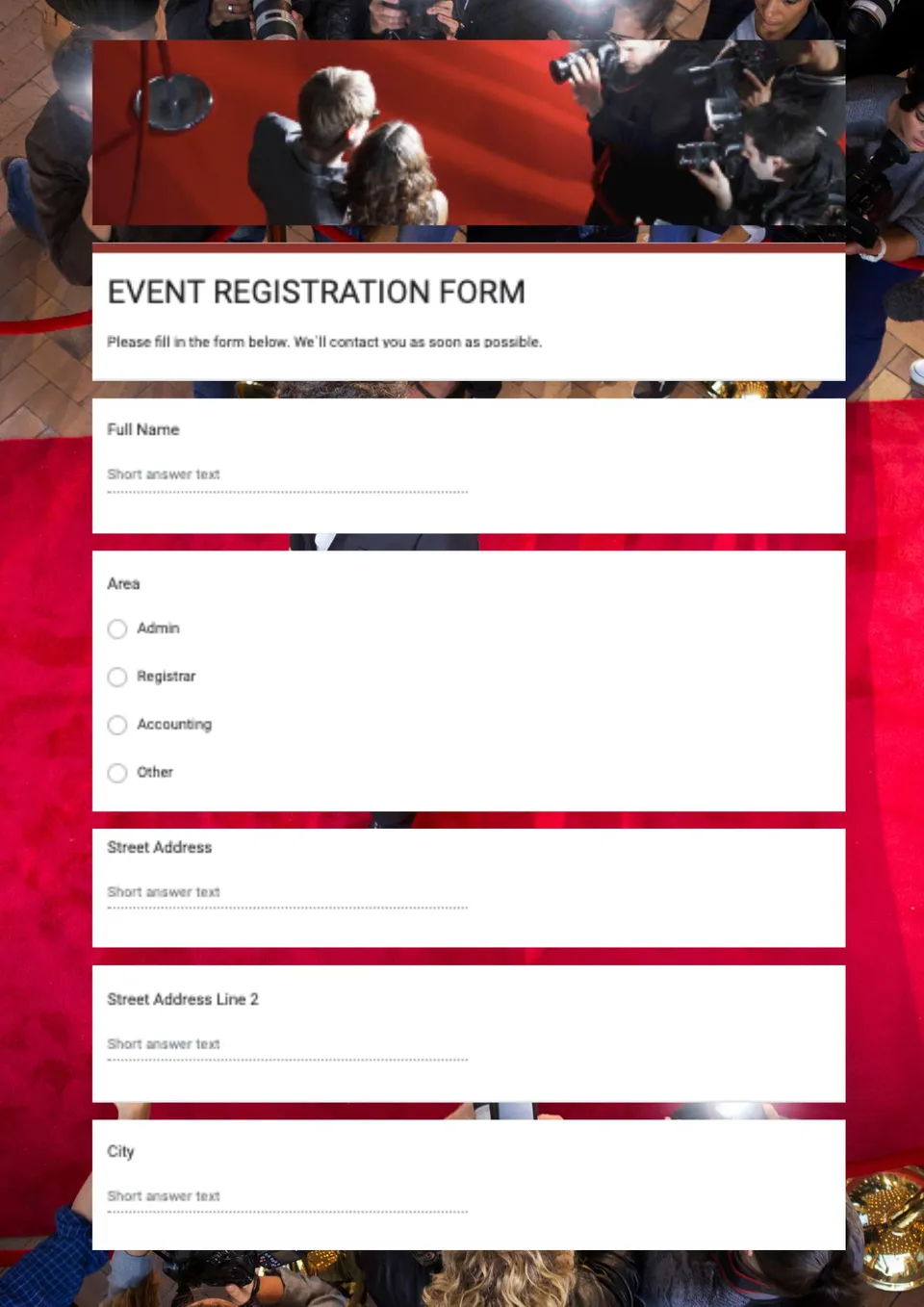
You're organizing an event but building a registration form from scratch takes too much time and looks inconsistent? Event Registration Form Template gives you a professional, ready-to-use Google Forms layout that collects attendee name, email, contact details, and event preferences in a clean structure. It suits event organizers, schools, clubs, businesses, and coordinators who need a simple way to manage sign-ups and RSVPs. Editable color, text, and objects let you match the form to your event theme, brand colors, and questions. Free for personal and business use, ready to use, and perfect for event registrations that need to look professional and organized.

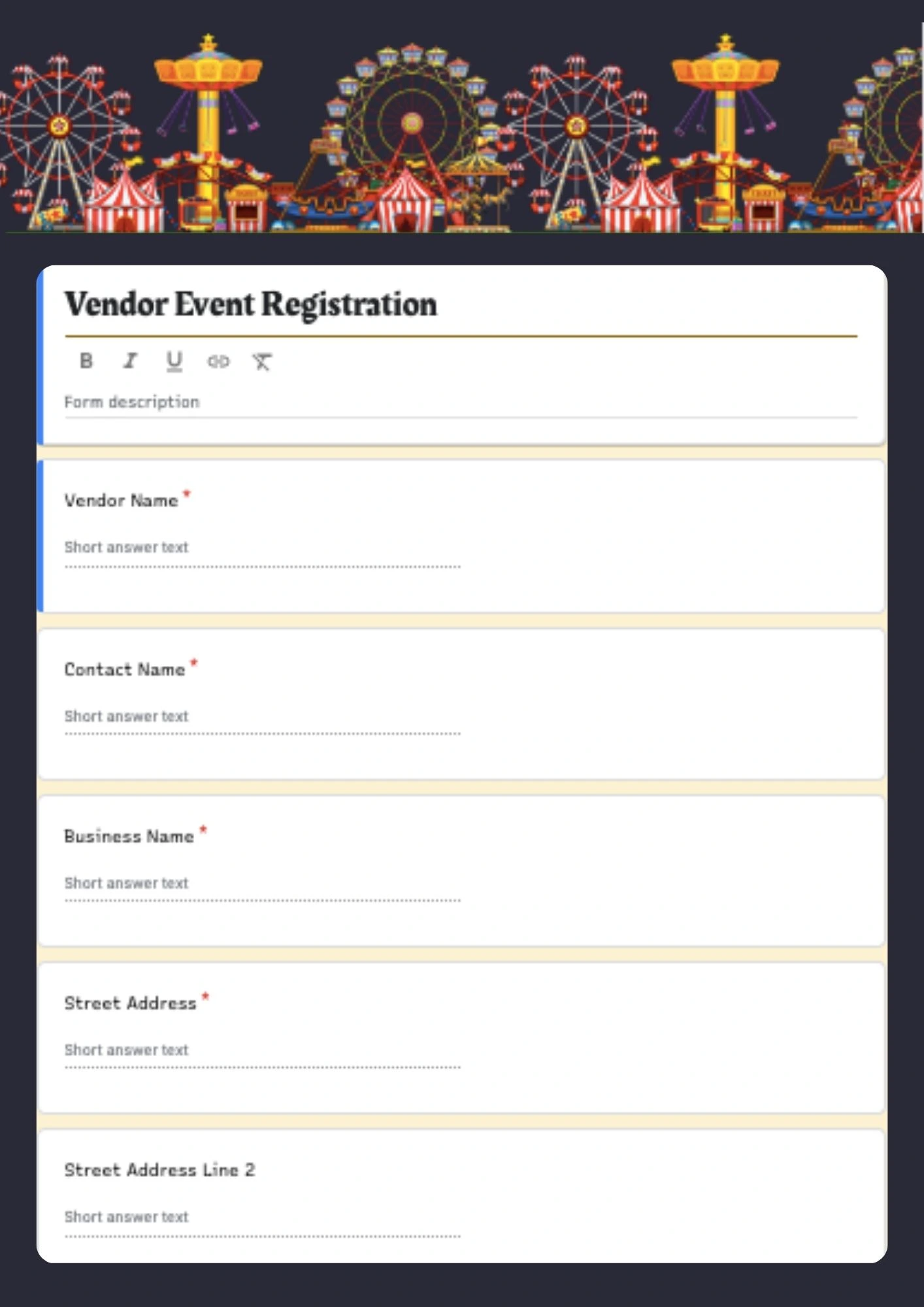
Planning a vendor event or marketplace but your application form looks too basic and doesn't collect the right details from sellers? Vendor Event Registration Form Template provides a professional Google Forms layout designed specifically for vendor applications, event sellers, and marketplace registrations. It helps collect vendor name, contact info, product category, booth preferences, and event details in a clear, structured format. Editable color, text, and objects make it easy to adapt the form to your event brand, vendor requirements, and event rules. Free for personal and business use, ready to use, and ideal for vendor event registrations that should look professional and easy to complete.

Choose your preferred social media platform from options like Pinterest, Facebook, Twitter, and more. Share our templates with your contacts or friends. If you’re not active on these social networks, you can simply copy the link and paste it into the one you use.