

 Back to templates
 Free Call Sheet Google Docs Templates
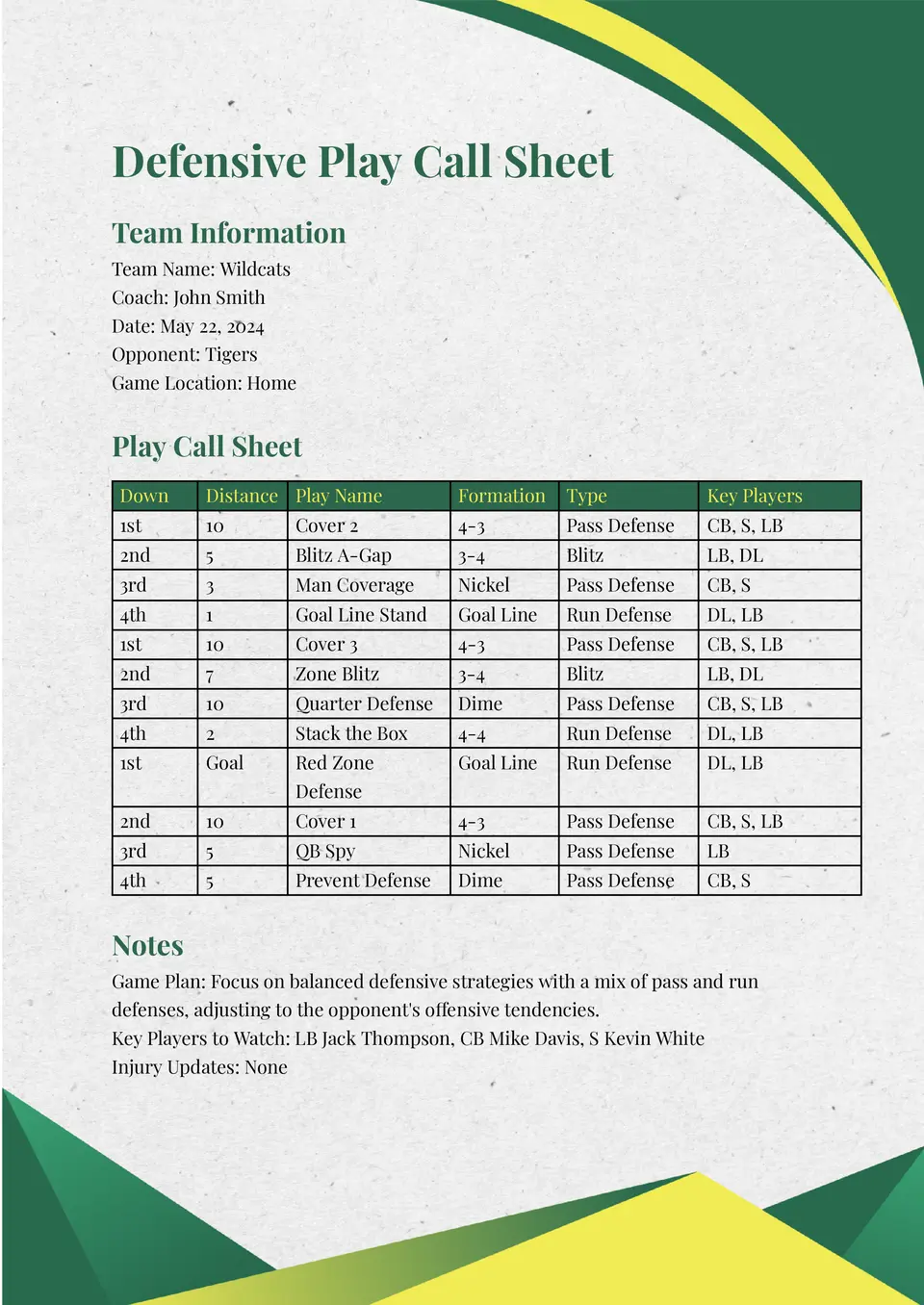
The Defensive Play Call Sheet Template is a strong choice for defensive coaches and coordinators who want a structured way to track coverages, blitzes, and run fits. It helps you pair formations with calls and reminders so everyone on the sideline stays on the same page.

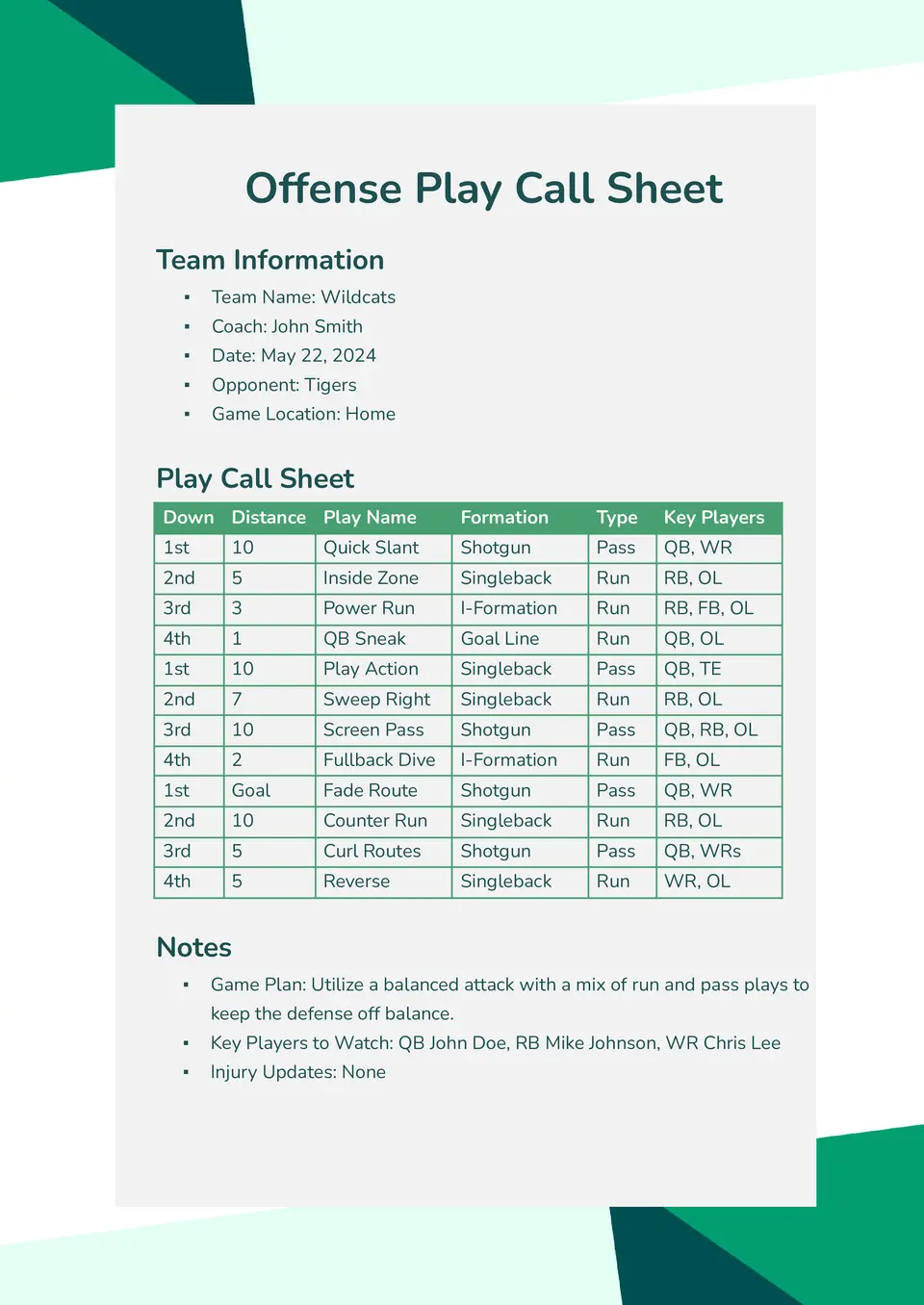
Need a focused place to plan your next‑play decisions on offense? The Offense Play Call Sheet Template suits offensive coordinators, quarterbacks, and position‑group coaches who want a clear view of plays, formations, and assignments.
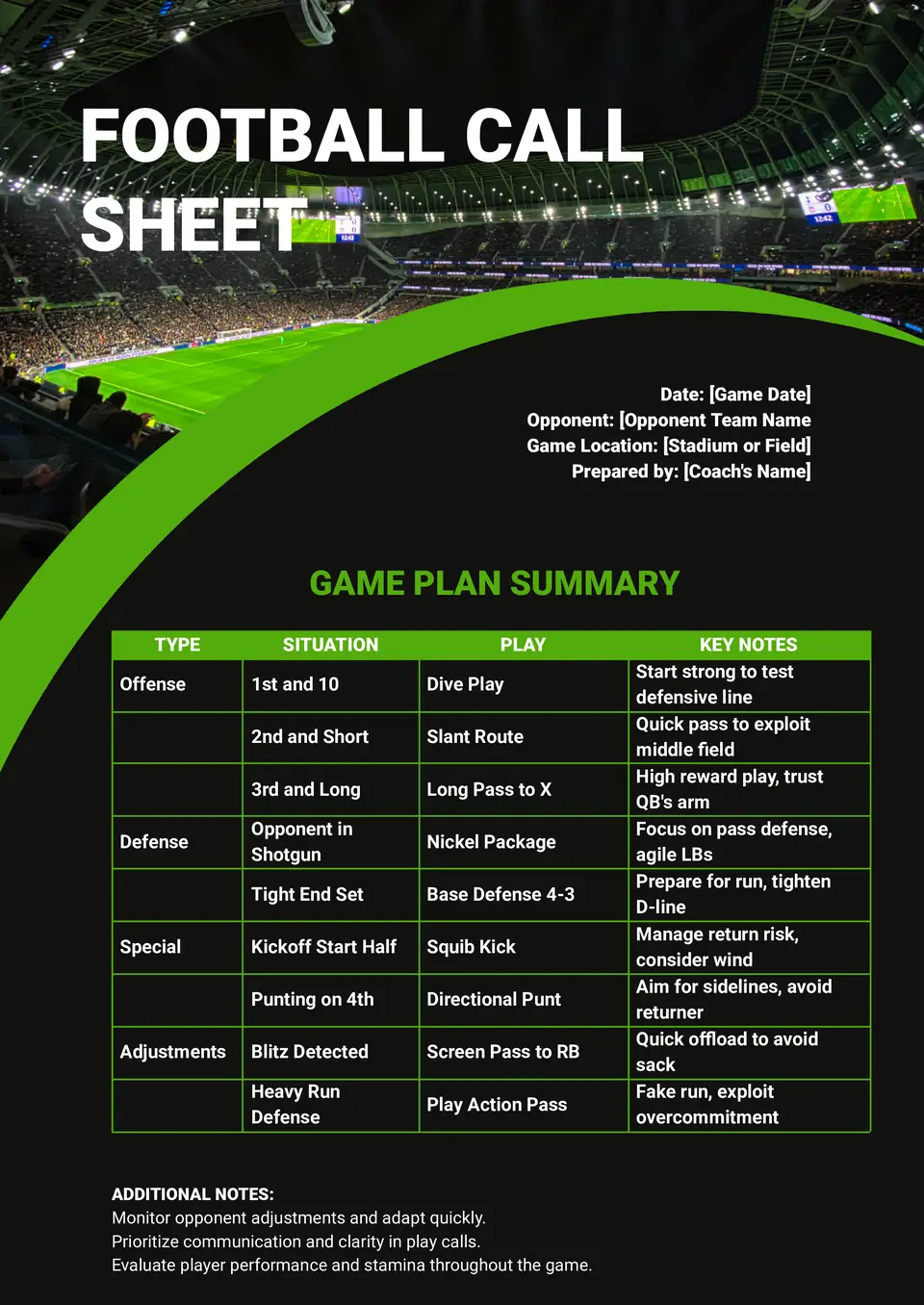
How do you keep play calls, audibles, and timing details in order when every snap matters? The Football Call Sheet Template helps coaches and support staff organize formations, situational calls, and matchup adjustments in one place.
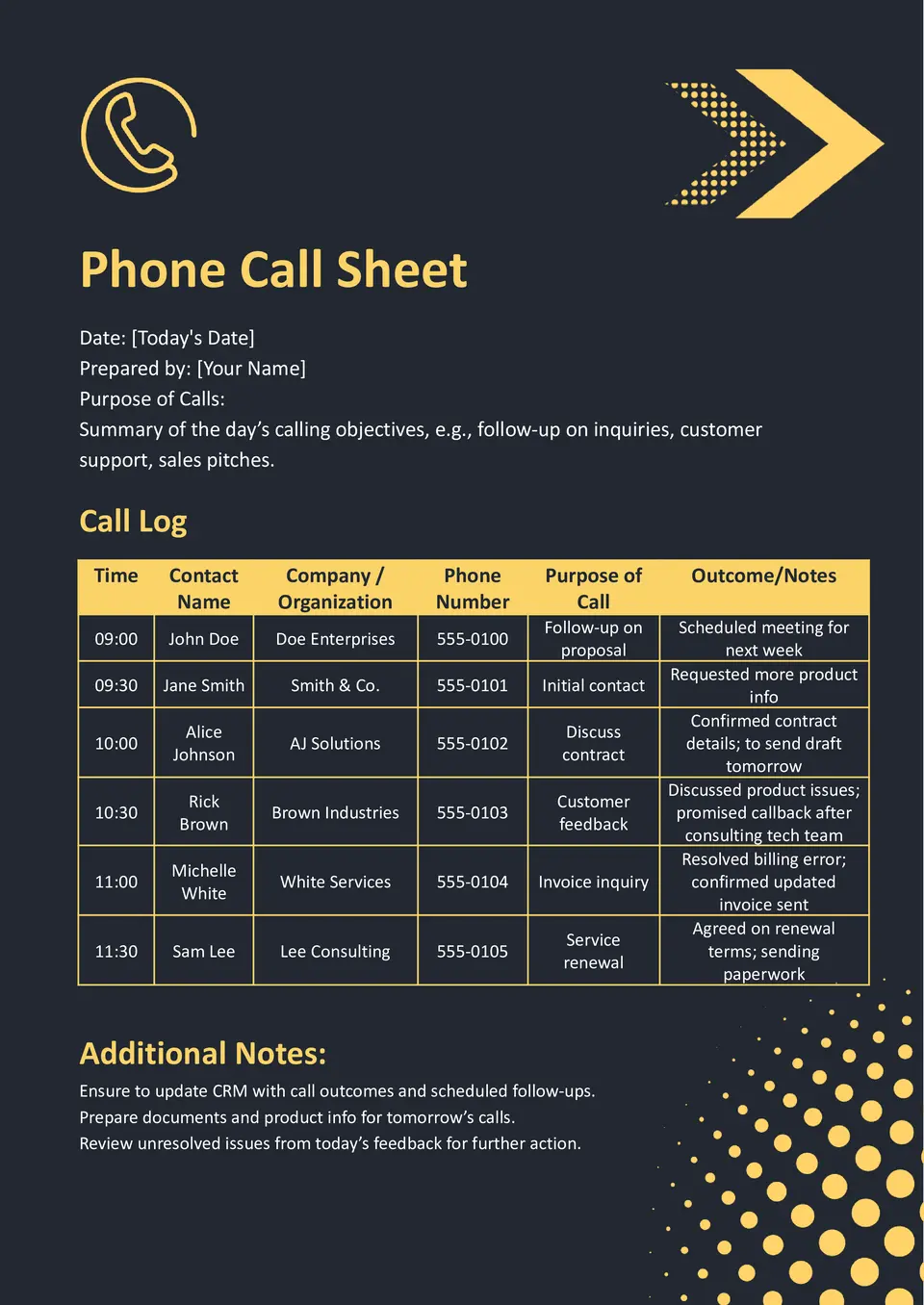
The Phone Call Sheet Template is ideal for sales teams, recruiters, and customer‑service managers who need a structured way to log calls, questions, and follow‑ups. It gives you a clean layout to track callers, notes, and next steps without losing important details.
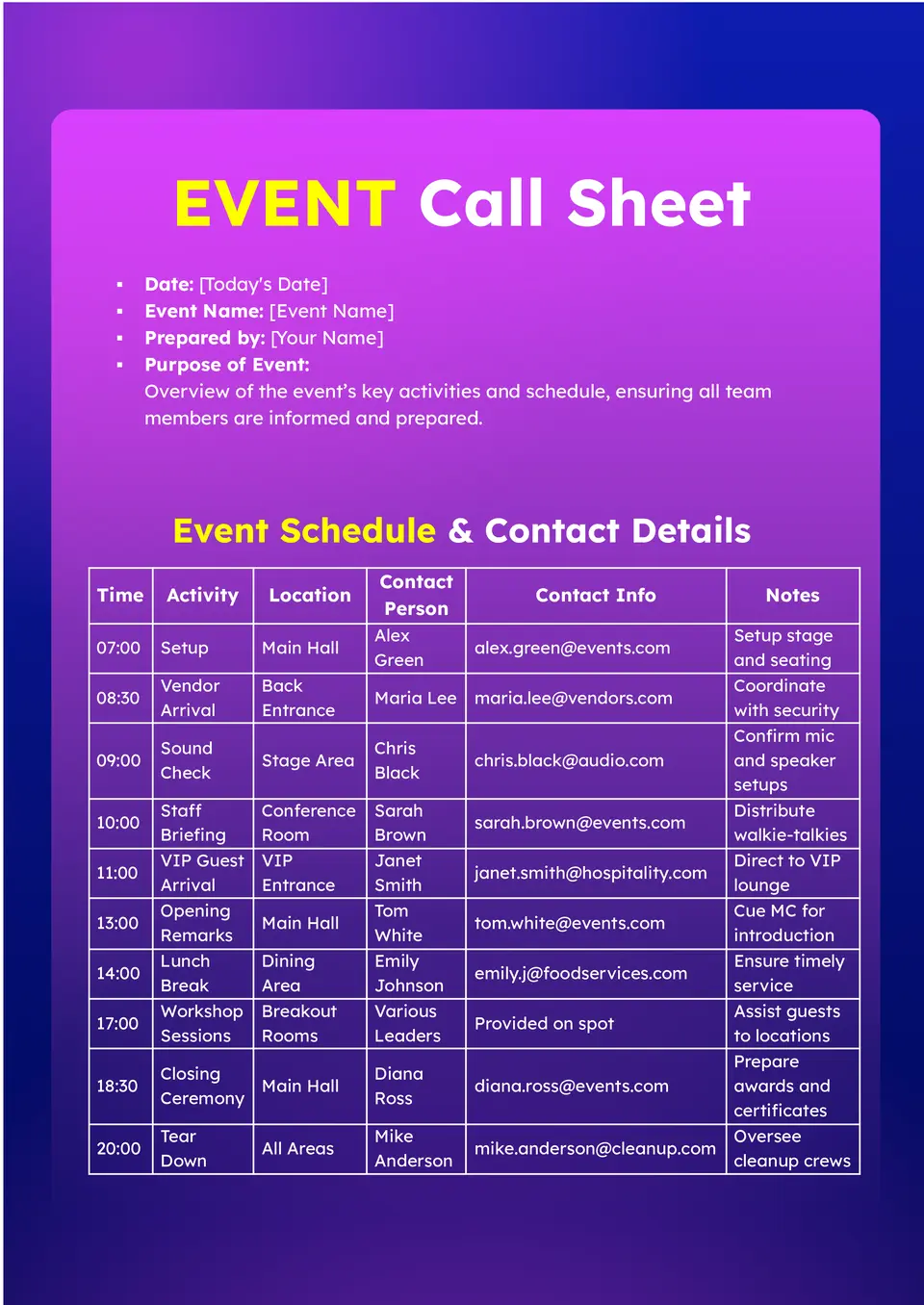
Need a better way to organize guest lists, timings, and responsibilities for your next event? The Event Call Sheet Template is a strong choice for event planners, coordinators, and organizers who want one clear document for contact details, arrival times, and key roles.
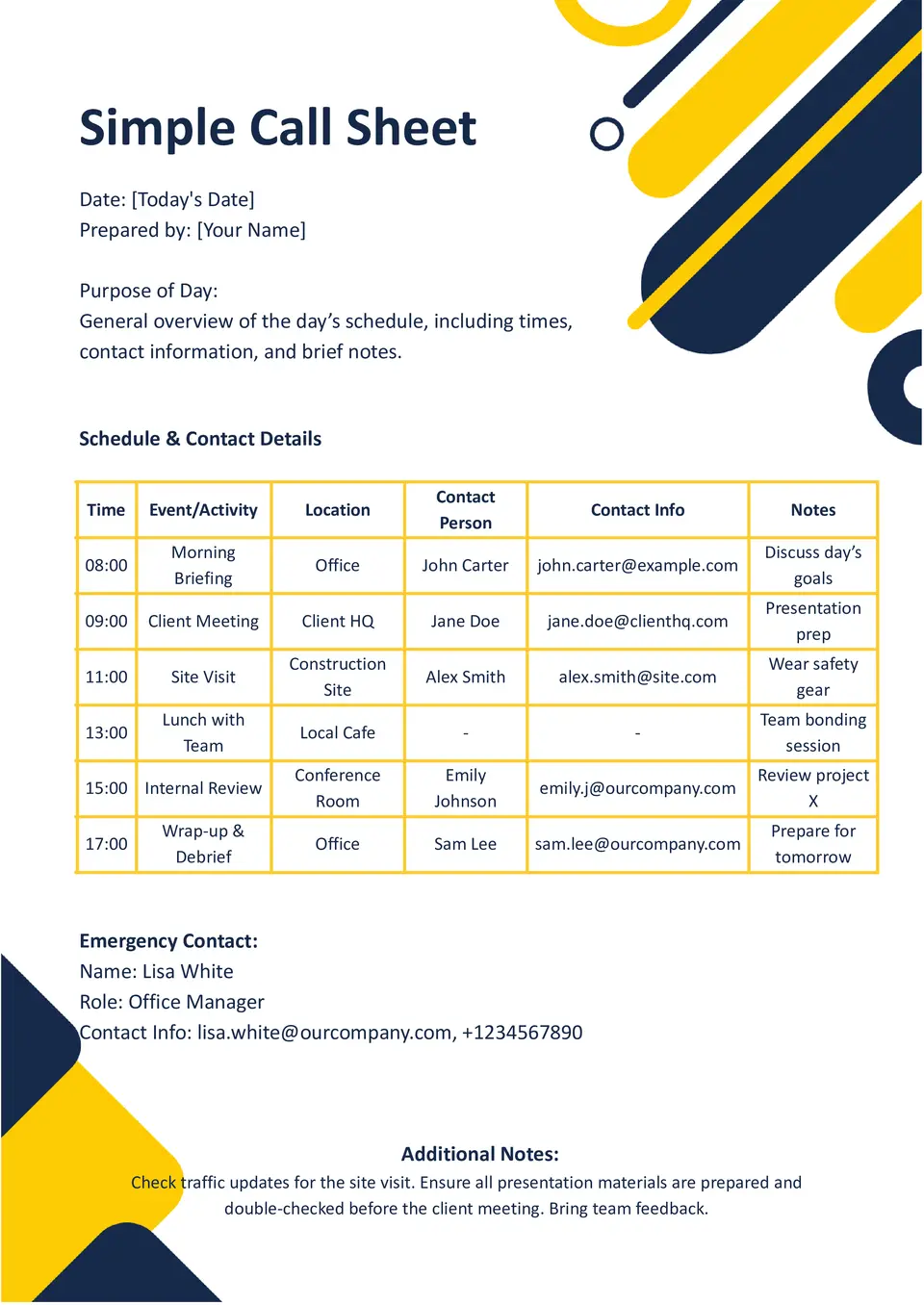
Why do teams use a simple call sheet when they need the schedule and key details in one place? The Simple Call Sheet Template gives you a straightforward layout for organizing times, contacts, tasks, and daily notes.
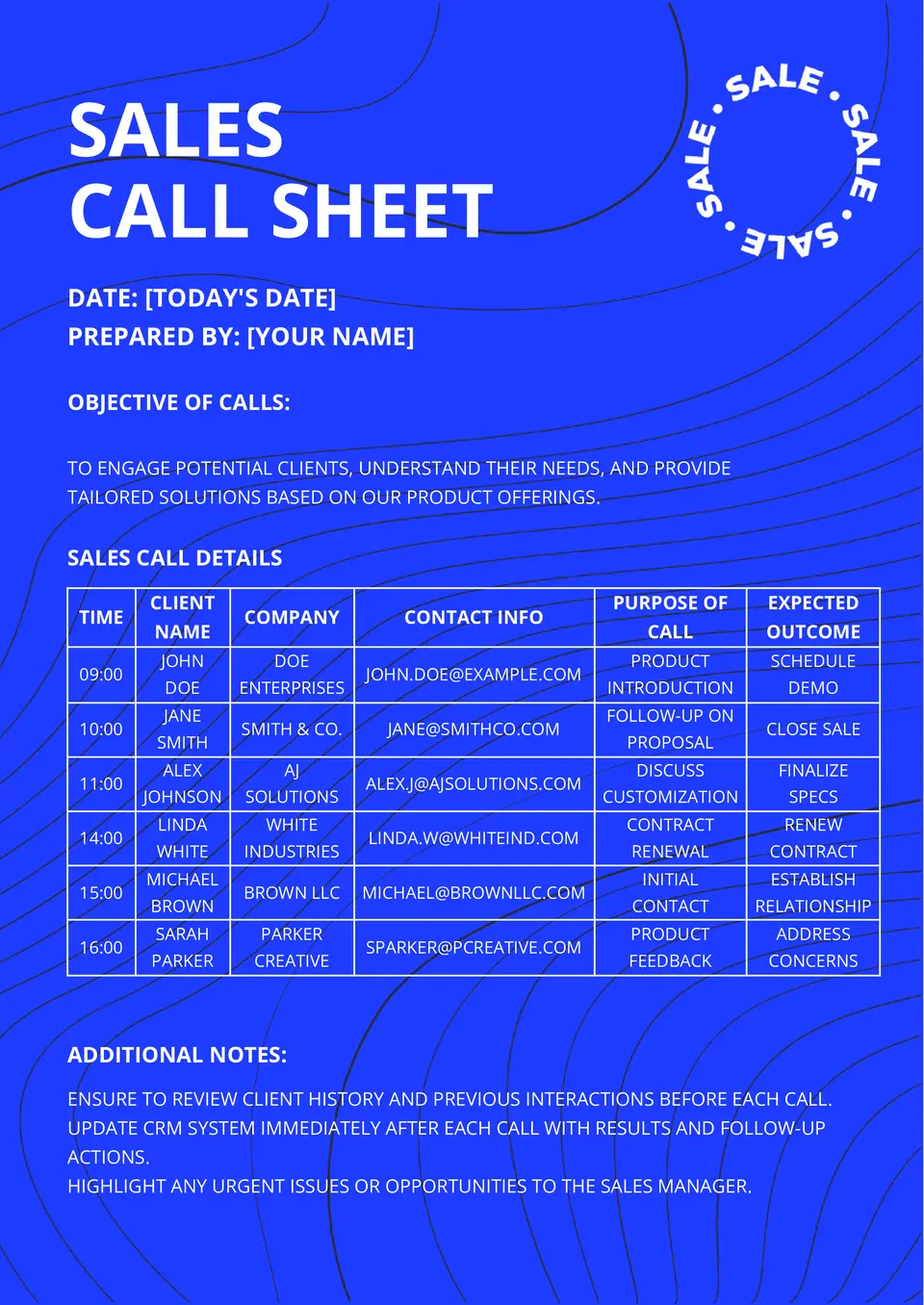
Where can sales teams keep lead details, talking points, and follow-up notes without jumping between documents? The Sales Call Sheet Template helps reps organize calls, track customer information, and stay focused during outreach.
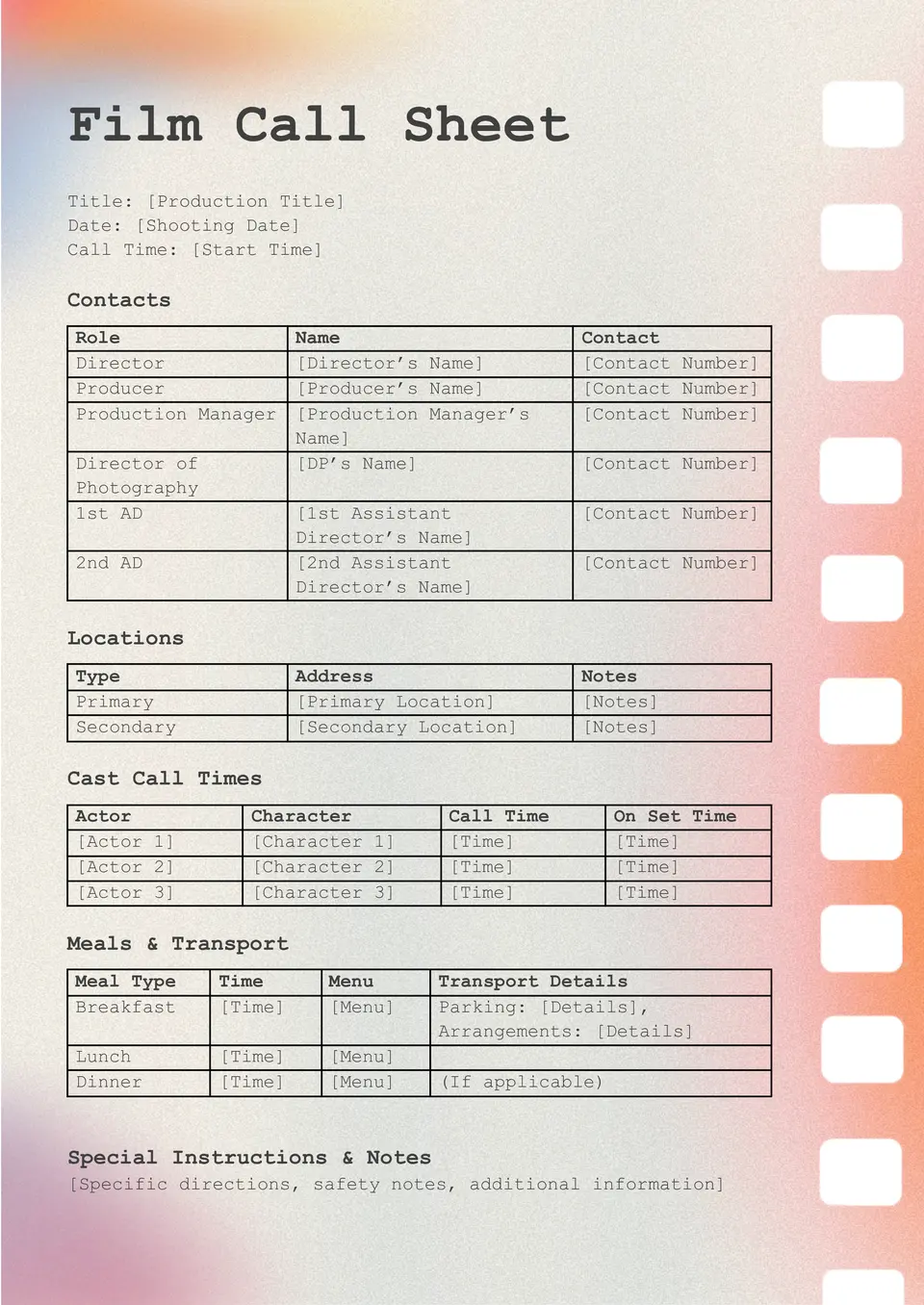
What belongs on a film call sheet when the cast and crew need the day mapped out clearly? The Film Call Sheet Template helps production teams organize shoot times, locations, contact details, and daily notes in one place.
What Are Call Sheet Templates for Google Docs and MS Word?
Call Sheet Templates are ready-made documents that help organize important contact details, timing, and instructions in one clear place. They are useful for events, sales teams, phone outreach, film production, and other situations where quick communication and structured information matter. We create these templates to make planning easier and reduce the time needed to build a sheet from zero. They also help keep essential details visible, so teams can stay aligned and act faster.
In practice, a good call sheet gives you space for names, roles, phone numbers, schedules, and notes that support smooth coordination. It can also help prevent confusion when several people need the same information at the same time. With a clean layout already prepared, you can update the document quickly and use it right away.

Benefits of Using Call Sheet Templates
Call Sheet Templates help you manage communication in a more organized and efficient way. They are especially useful when you need a simple format that makes information easy to scan and update.
- keep contact details and instructions in one place;
- save time with a ready-made structure instead of building a sheet manually;
- support faster communication across teams and projects;
- reduce mistakes by presenting information in a clear format;
- adapt easily for events, sales, phone lists, or production work.
Instead of searching through messages or scattered notes, you can rely on one organized document that keeps everything easier to manage.

How to Customize Call Sheet Templates in Google Docs
Google Docs makes it simple to edit a call sheet template and adjust it to your needs. You do not need design experience, and the file can be updated in just a few steps.
- Open the template in Google Docs or download it as a Word file.
- Replace placeholder text with names, roles, phone numbers, or event details.
- Add schedules, notes, deadlines, or any extra instructions you need.
- Adjust fonts, colors, and spacing to make the document easier to read.
- Save the final version as PDF, DOCX, or print it for direct use.
You can also add tables, reorder sections, or include logos and icons when the sheet needs a more branded look.

Popular Types of Call Sheet Templates
We offer different Call Sheet Templates for several professional tasks. Each one is designed for a specific workflow, so you can choose the version that fits your purpose best.
- Simple Call Sheet Template — a clean format for basic contact and scheduling needs;
- Sales Call Sheet Template — a useful layout for tracking sales contacts and outreach details;
- Event Call Sheet Template — a practical choice for managing event teams, timing, and tasks;
- Phone Call Sheet Template — a simple solution for recording call lists and follow-ups;
- Offense Play Call Sheet Template — a structured format for sports planning and game strategy.
Download Free Call Sheet Templates for Your Needs
Our Call Sheet Templates are free to download and easy to adapt for different uses. Choose the layout that matches your task, edit it in Google Docs or Word, and keep your communication more organized and efficient. We design these templates to help you save time, stay prepared, and handle important information with confidence.


Choose your preferred social media platform from options like Pinterest, Facebook, Twitter, and more. Share our templates with your contacts or friends. If you’re not active on these social networks, you can simply copy the link and paste it into the one you use.