

 Back to templates
 Free Bill Google Docs Templates
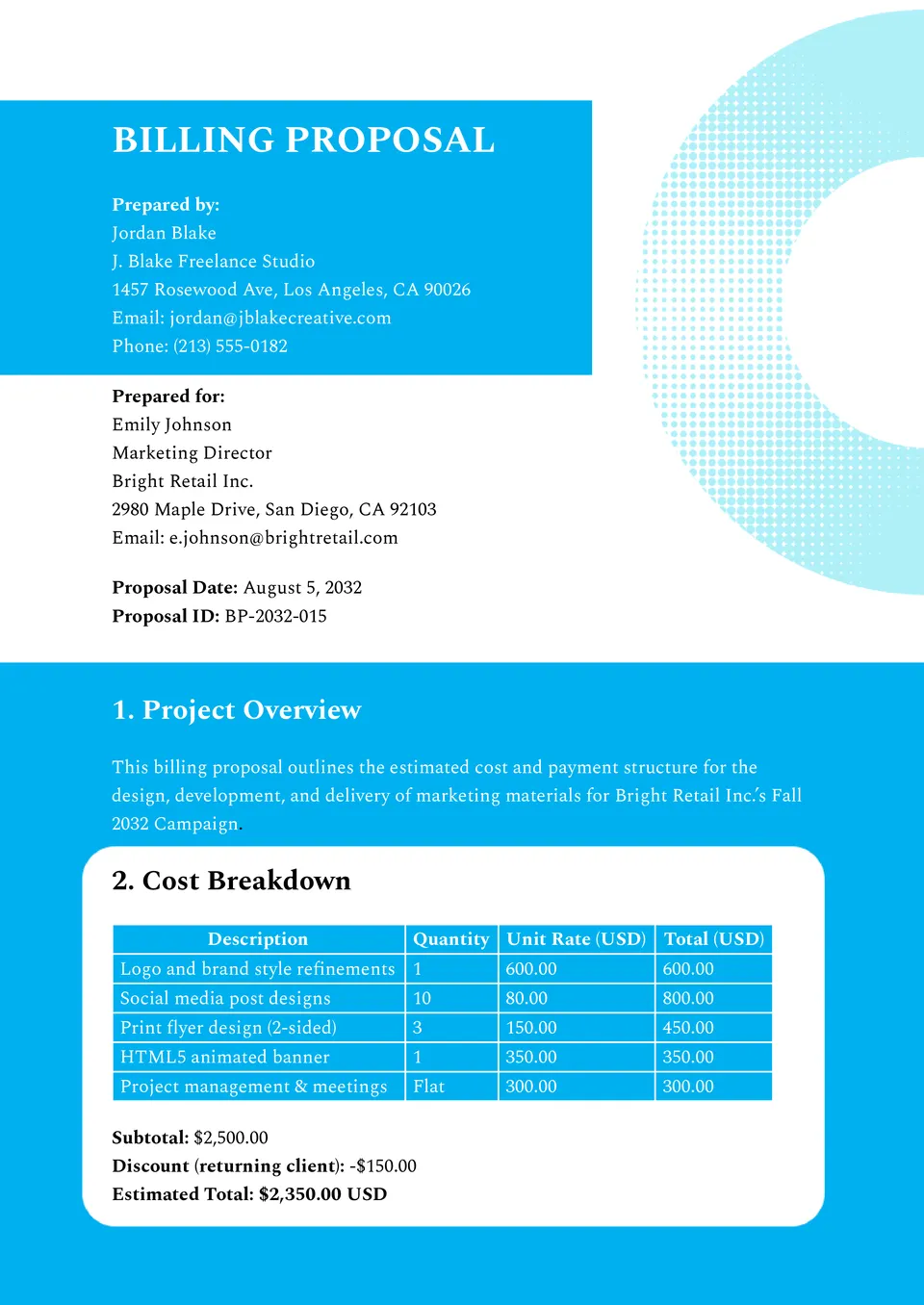
Streamline your business proposals with the Billing Proposal Template! Designed for freelancers, agencies, and small businesses, it allows you to create professional proposals with service details, pricing, terms, and payment options.

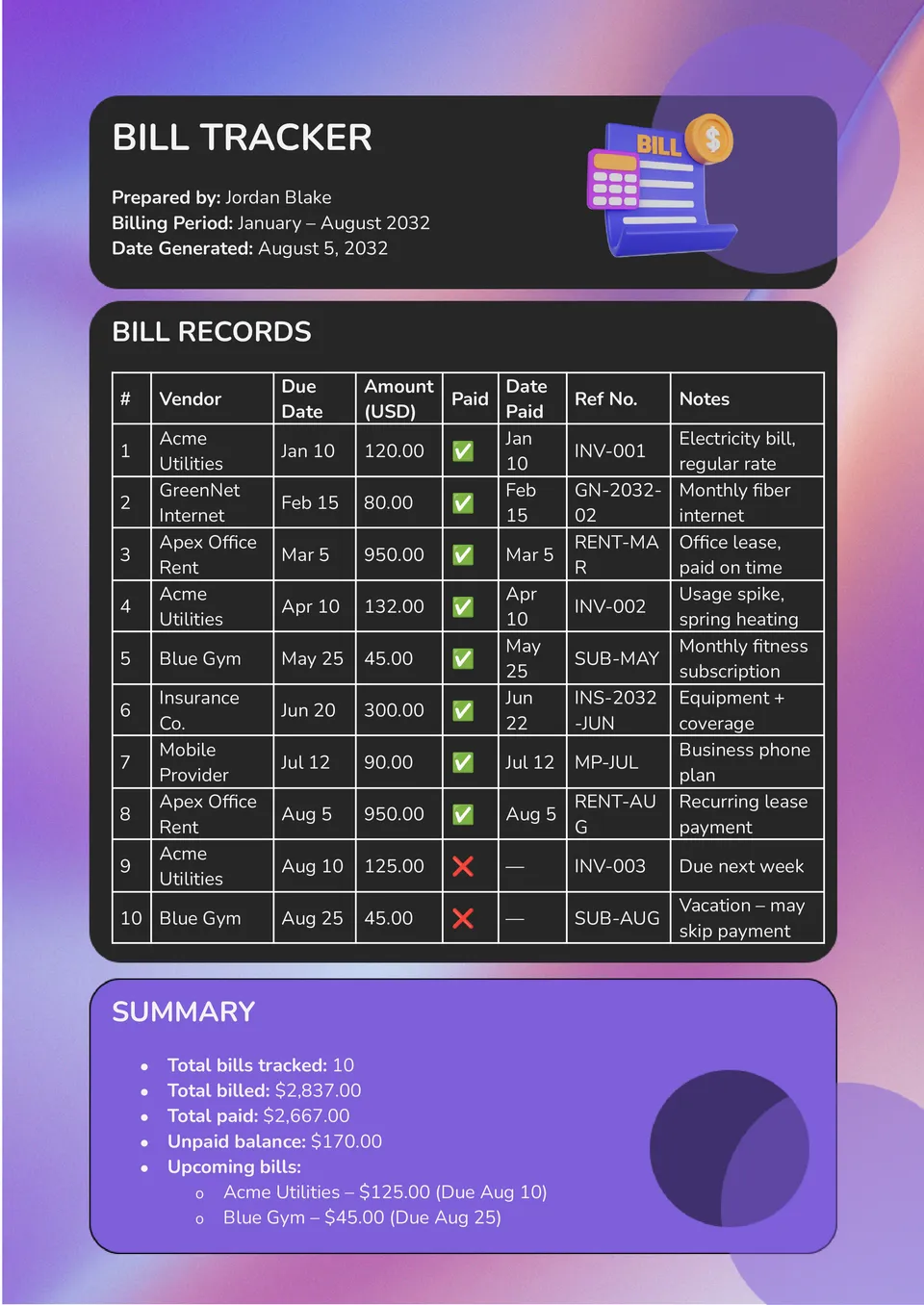
Take control of your finances with the Bill Tracker Template! Perfect for individuals and households, this template lets you track due dates, amounts, and payment status all in one organized place.
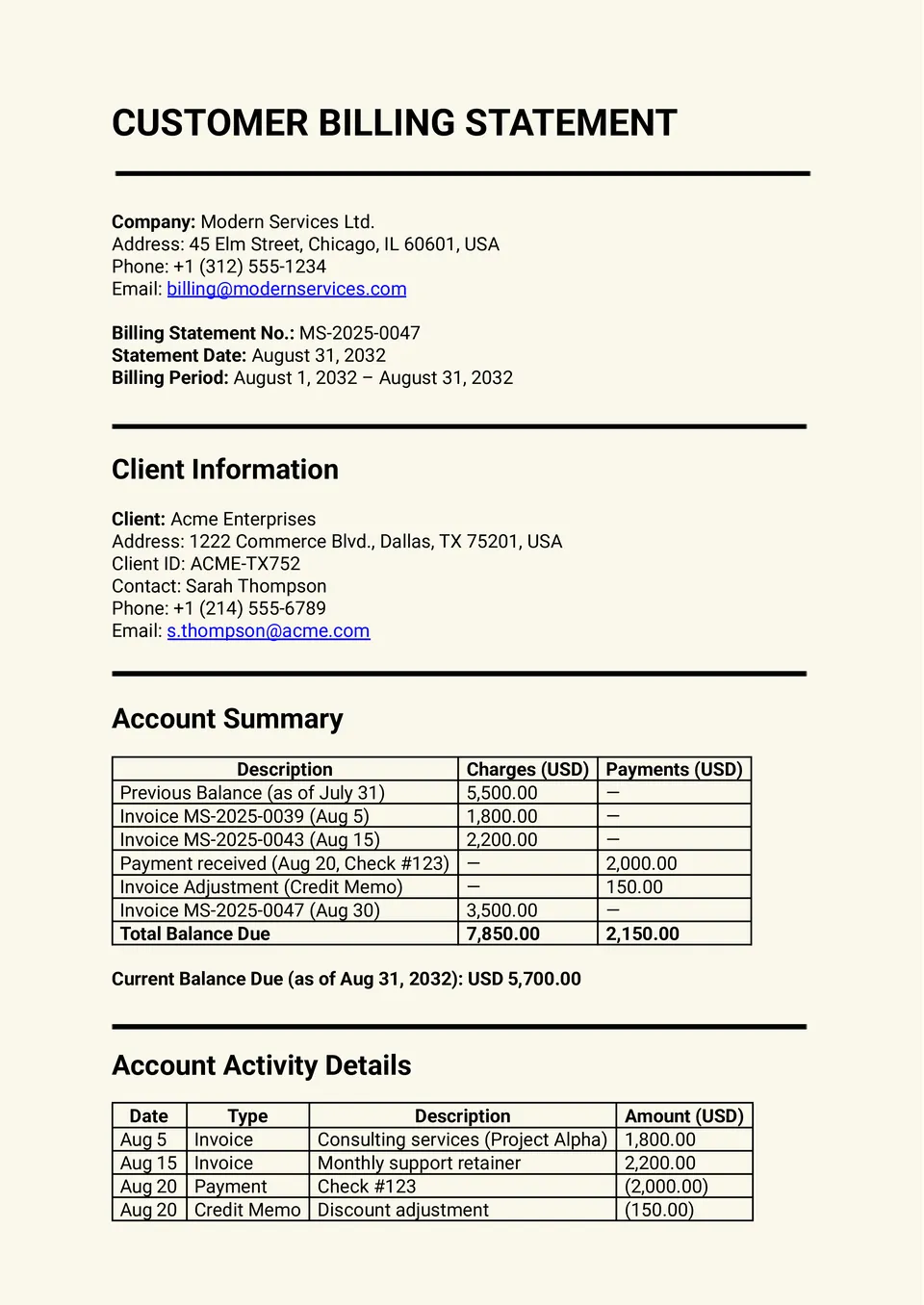
Want to make sure your clients always understand their invoices clearly? The Billing Statement Template helps businesses present charges, payments, and balances in a professional and easy-to-read format.
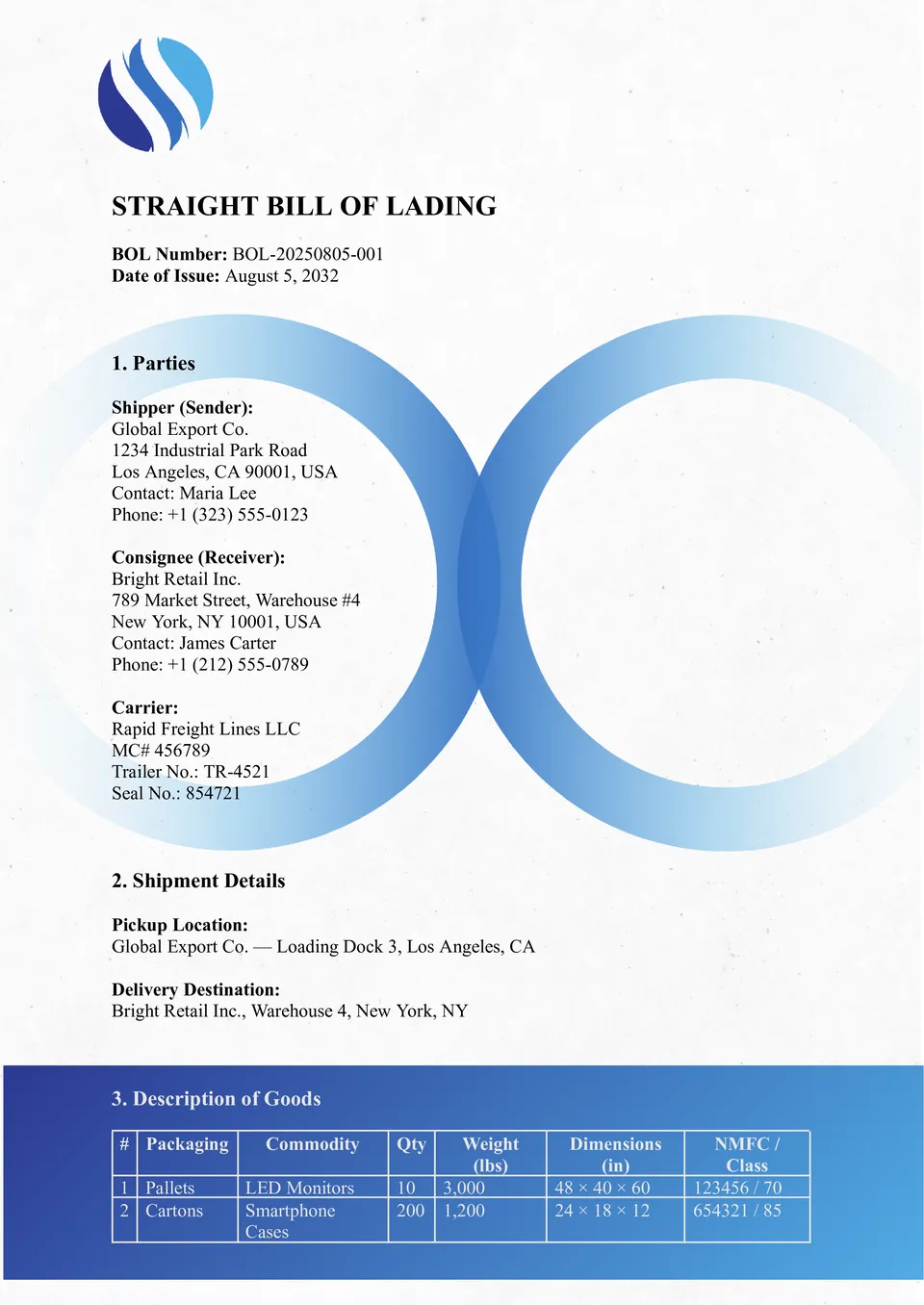
Ever struggled to manage shipping documents efficiently? The Bill of Lading Template is designed to simplify freight and logistics paperwork.
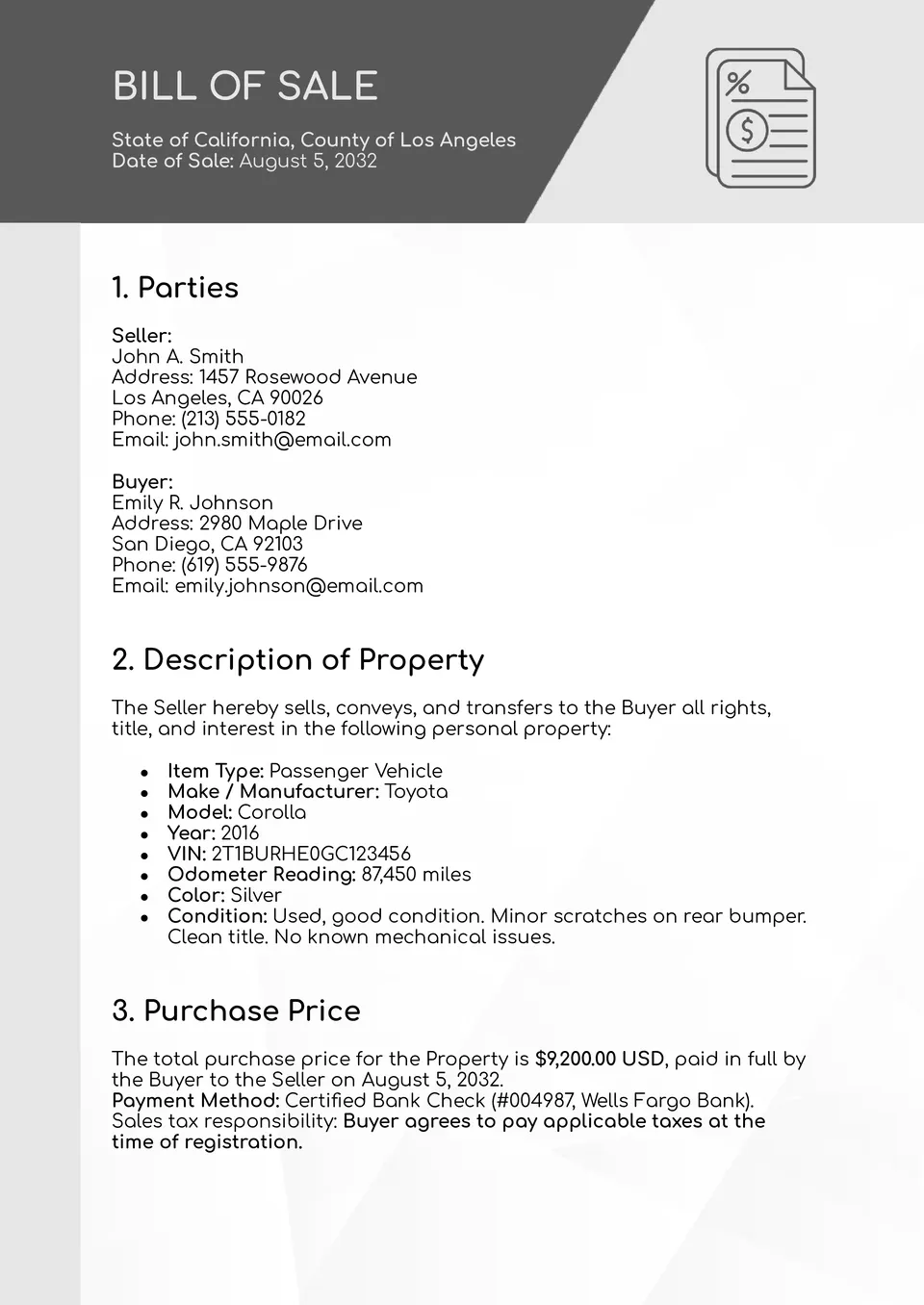
Need a secure and professional way to document your sales transactions? The Bill of Sale Template is the perfect solution for buyers and sellers who want peace of mind.
What Are Bill Templates for Google Docs and MS Word?
Bill Templates are ready-made documents that help you create clear and organized billing records without building everything from scratch. They are useful for tracking charges, documenting payments, preparing sales paperwork, and keeping financial information in one place.
We create these templates to make everyday billing tasks faster and easier for freelancers, small businesses, and individuals. With a structured format already in place, you can focus on accurate details, save time, and present your records in a professional way.

Benefits of Using Bill Templates
Bill Templates help simplify money-related paperwork and reduce the risk of confusion. They make it easier to record amounts, terms, and transaction details in a clean format that is simple to review.
- organize billing information in one clear document;
- save time by using a ready-made layout instead of starting from zero;
- present financial details in a neat and professional format;
- track payments, balances, and due dates more easily;
- support better communication between businesses, clients, and customers.
In daily work, a good bill template helps reduce mistakes and keeps financial records consistent, whether you are managing services, sales, or shipment-related documents.

How to Customize Bill Templates in Google Docs
Google Docs makes it easy to edit a bill template and adapt it to your needs. You can open the file, replace the placeholder text, and update the layout in just a few simple steps.
- Open the template in Google Docs or download it as a Word file.
- Enter your company name, client details, or transaction information.
- Add amounts, dates, descriptions, and any payment terms you need.
- Adjust the design, colors, or logo to match your brand.
- Save the final version as PDF, DOCX, or print it directly.
You can also add tables, notes, or extra fields if your billing process requires more detail.

Popular Types of Bill Templates
We offer different Bill Templates for various financial and business needs. Each one serves a specific purpose, so you can choose the format that best fits your workflow.
- Billing Proposal Template — a professional format for presenting services, pricing, and payment terms;
- Bill Tracker Template — a practical tool for monitoring due dates, amounts, and payment status;
- Billing Statement Template — a clear layout for showing charges, payments, and balances;
- Bill of Lading Template — a useful document for shipping and logistics records;
- Bill of Sale Template — a simple and secure format for documenting sales transactions.
Download Free Bill Templates for Your Needs
Our Bill Templates are free to download and easy to use for personal or business purposes. Choose the template that matches your task, edit it in Google Docs or Word, and keep your billing records organized and professional. We design these templates to help you work faster, stay accurate, and manage important documents with confidence.


Choose your preferred social media platform from options like Pinterest, Facebook, Twitter, and more. Share our templates with your contacts or friends. If you’re not active on these social networks, you can simply copy the link and paste it into the one you use.