

 Back to templates
Free Ai Presentation Google Slides Templates
Explain artificial intelligence, present a technical project, or introduce an AI-powered business with free AI presentation templates. This category covers machine learning, generative AI, ChatGPT, robotics, education, and startup pitches. Teachers, students, and teams can find decks for introductory topics as well as project reviews and business discussions. These are editable slide layouts, not tools that generate a finished presentation. Add your examples, findings, and visuals to a structure suited to your audience.
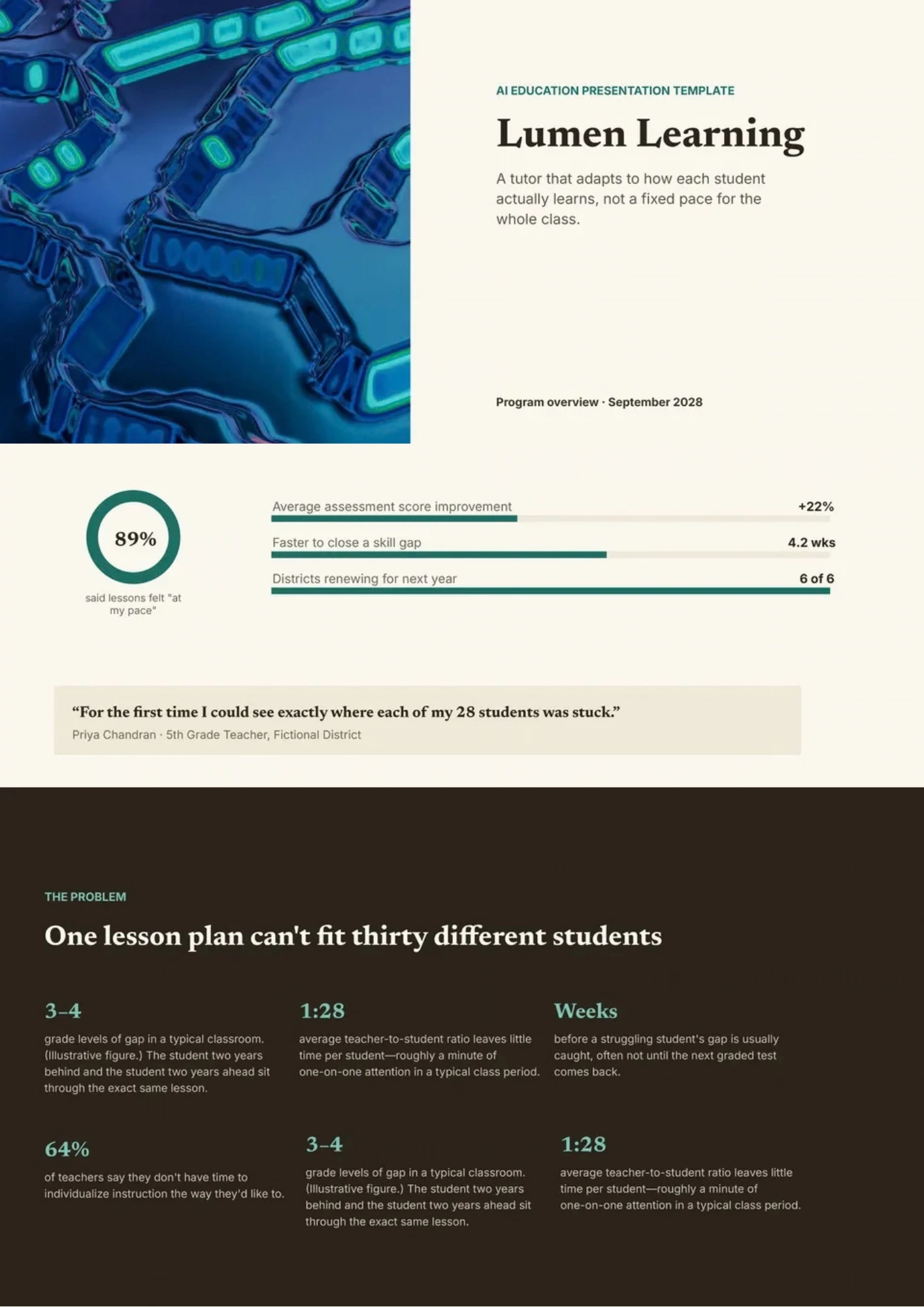
AI Education Template helps teachers and trainers introduce artificial intelligence through concepts, examples, activities, applications, and responsible-use discussions. It includes space for learning objectives, AI definitions, machine learning basics, classroom use cases, benefits, risks, ethics, and reflection questions. Schools, universities, instructors, and education teams can adapt it for lessons, workshops, professional development, or student projects. The structured design makes advanced technology more approachable by connecting theory with familiar learning situations. You can edit it for free and prepare the finished presentation for classroom use, printing, or digital sharing.

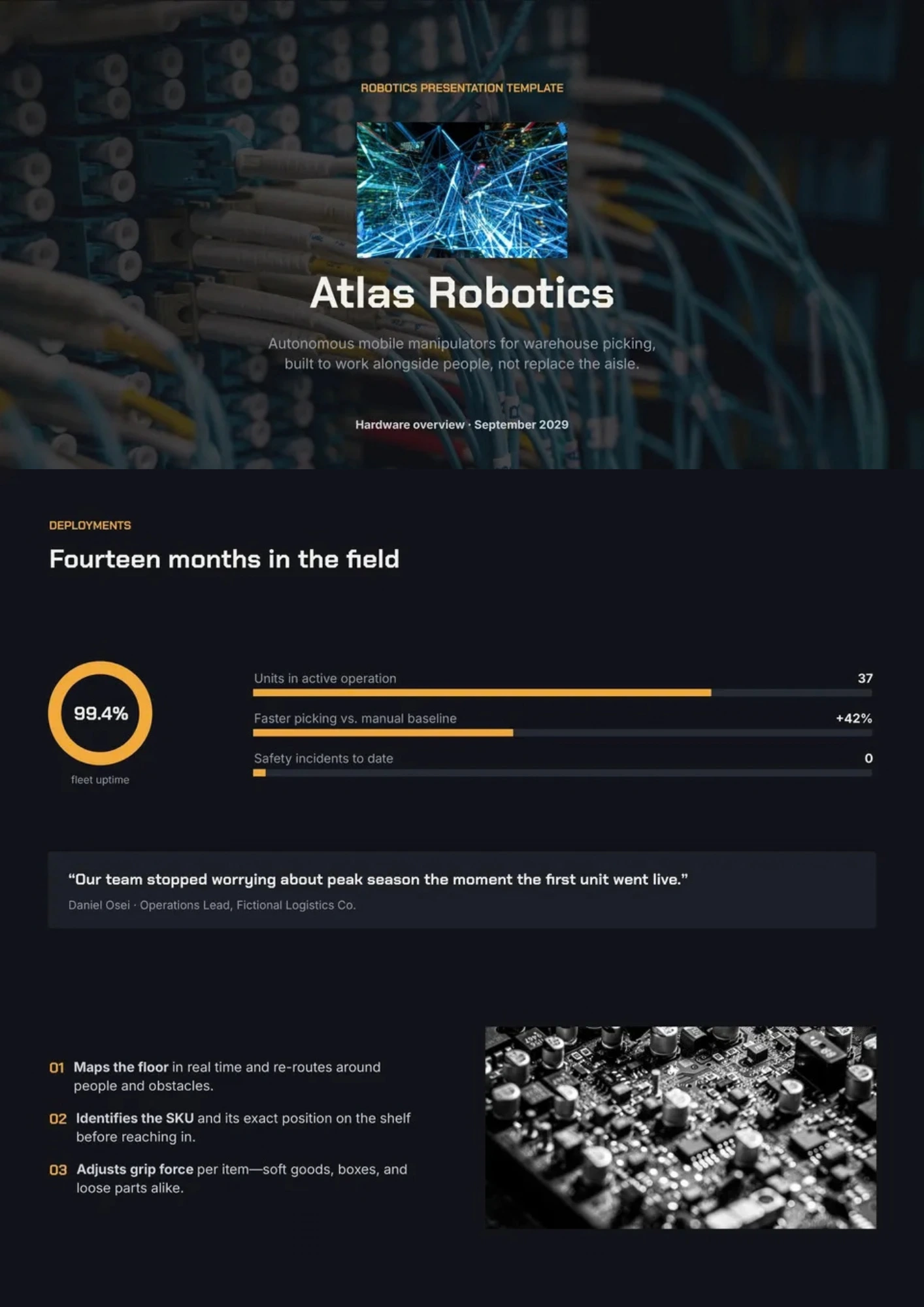
Robotics Template gives presenters a visual structure for explaining robots, sensors, automation, control systems, applications, and future developments. Students, engineering teams, educators, researchers, and robotics startups can use it for classroom projects, demonstrations, competitions, or product presentations. The sections can show how hardware, software, machine learning, and human interaction work together in a complete system. Visual diagrams and editable content make technical information easier to follow for mixed audiences. It is free to customize, ready to download or print, and suitable for presenting robotics ideas clearly.
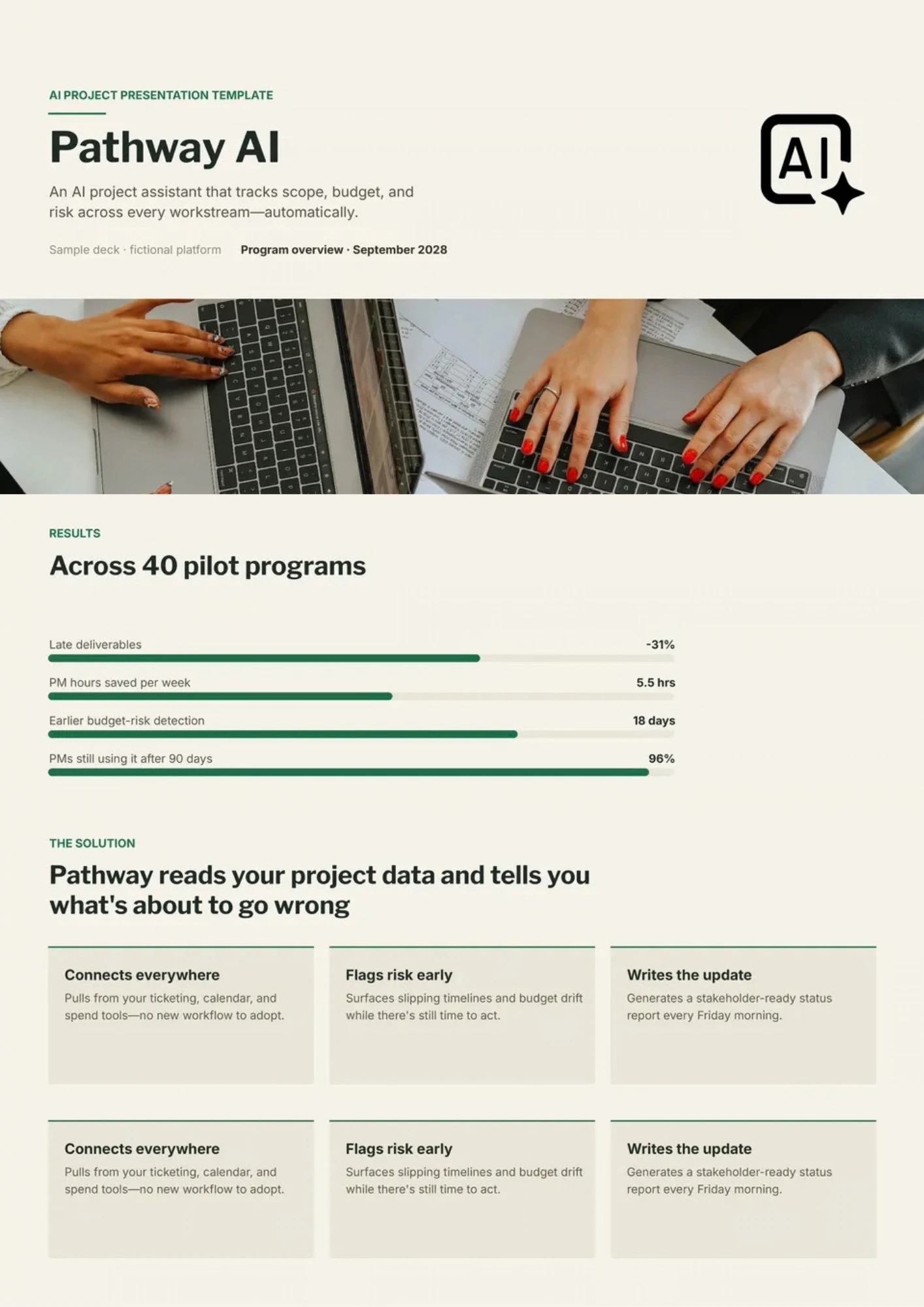
AI Project Template helps teams document an artificial intelligence project from the initial problem definition through testing, deployment, and future improvements. It provides space for users, objectives, data sources, labels, model approach, experiments, metrics, limitations, risks, monitoring, and recommendations. Data science teams, students, researchers, product managers, and clients can use it to explain both technical decisions and project outcomes. The organized sequence makes assumptions, evidence, and next steps easier to review. You can edit the free template with project-specific content and prepare it for a technical review, stakeholder meeting, or final report.
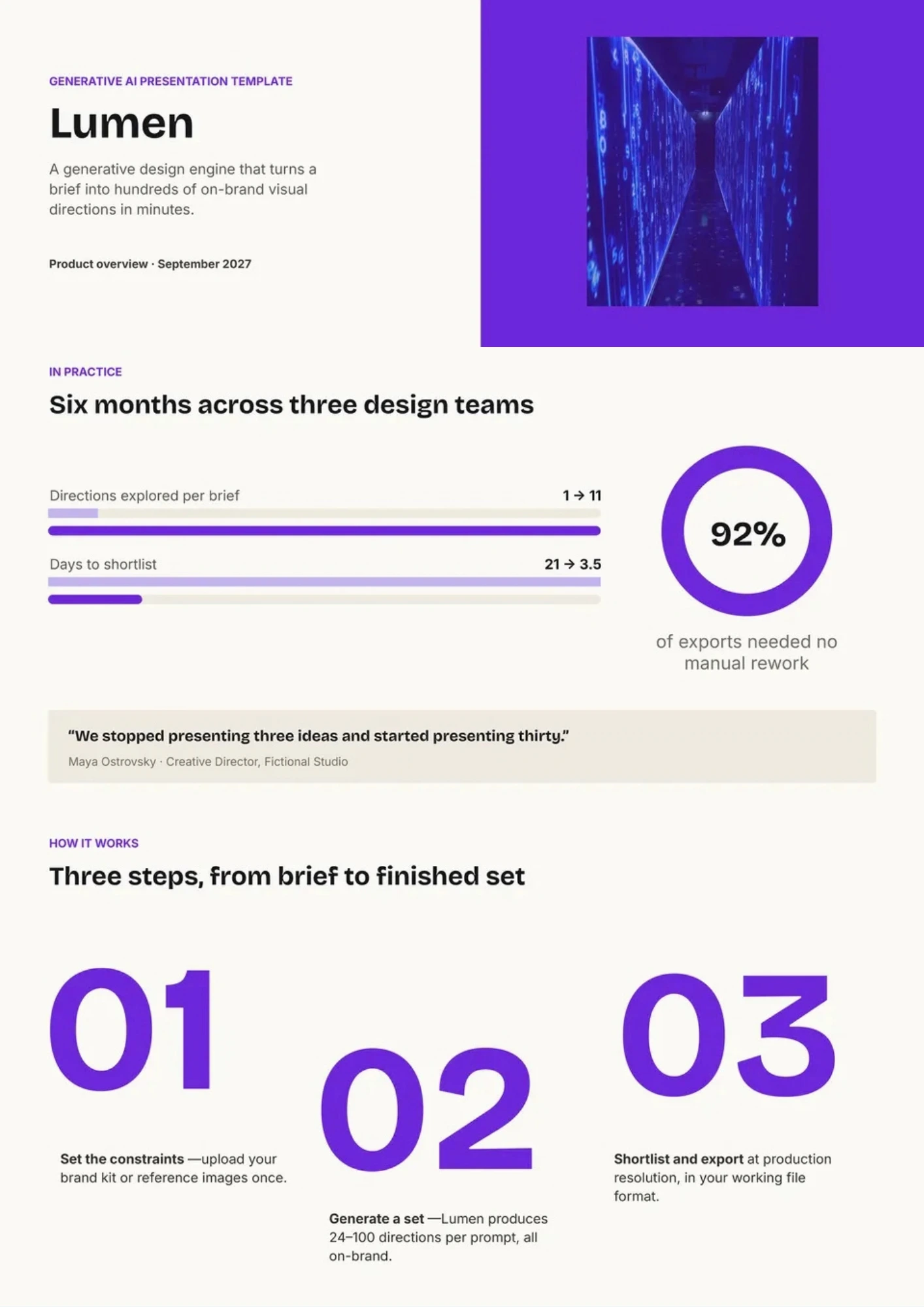
Generative AI Template organizes an explanation of systems that create text, images, audio, video, code, or other content from user prompts. It includes sections for core concepts, model types, workflows, practical applications, benefits, limitations, ethics, and implementation considerations. Researchers, educators, creative teams, marketers, and business leaders can use it to discuss generative AI in a clear and balanced way. The layout supports comparisons between opportunities and risks while leaving room for examples and visuals. This free editable design is ready for customizing, downloading, printing, or presenting to different audiences.
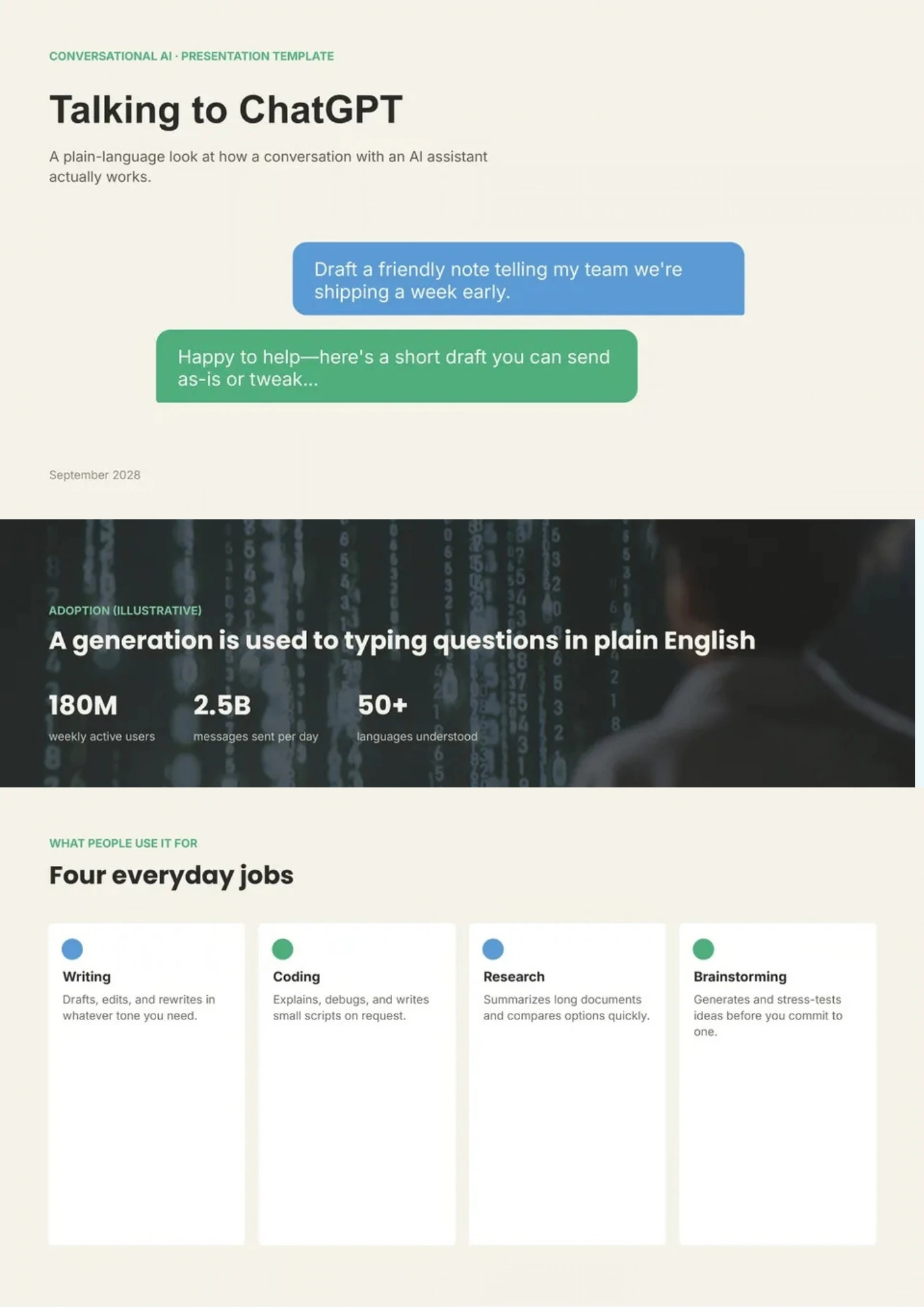
Want to explain ChatGPT’s capabilities, practical applications, and limitations without reducing the topic to a list of vague AI claims? ChatGPT Template provides space for key features, prompt examples, workflow diagrams, use cases, benefits, risks, and responsible-use guidelines. Educators, content teams, business users, trainers, and technology presenters can use it to demonstrate how conversational AI supports research, writing, customer service, or productivity. The structure helps audiences understand both what the tool can do and where human review remains important. You can personalize the free design with your own examples, screenshots, and guidance before sharing or presenting it.
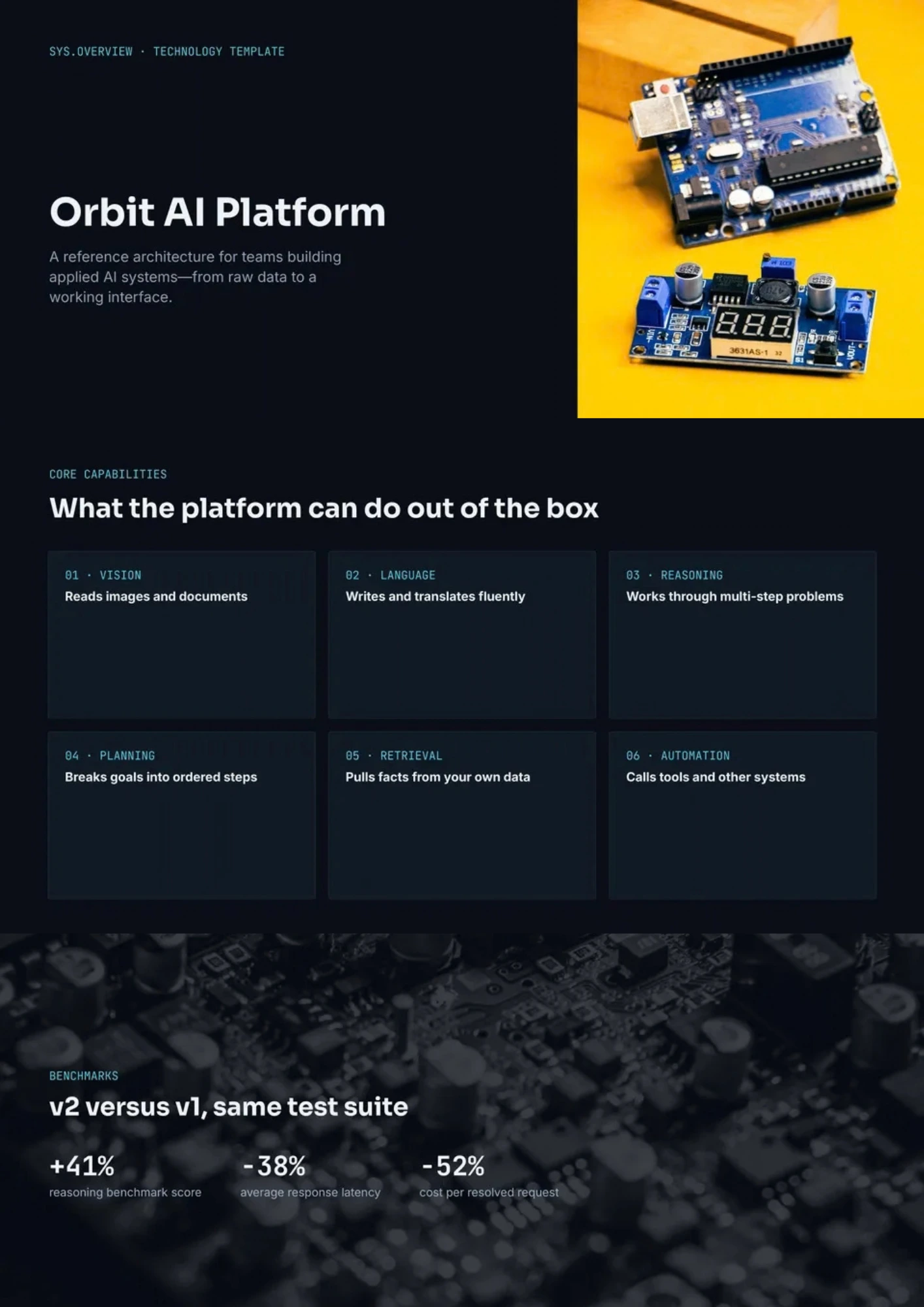
AI Technology Template helps organizations explain how artificial intelligence fits into their products, infrastructure, workflows, and long-term technology strategy. It includes areas for technology architecture, key capabilities, implementation stages, industry applications, benefits, risks, and future opportunities. Technology leaders, IT teams, consultants, and business decision-makers can use it to discuss adoption plans with technical and executive audiences. The visual structure makes complex systems and business outcomes easier to connect. It is free to edit, ready to download or present, and simple to adapt to different industries.
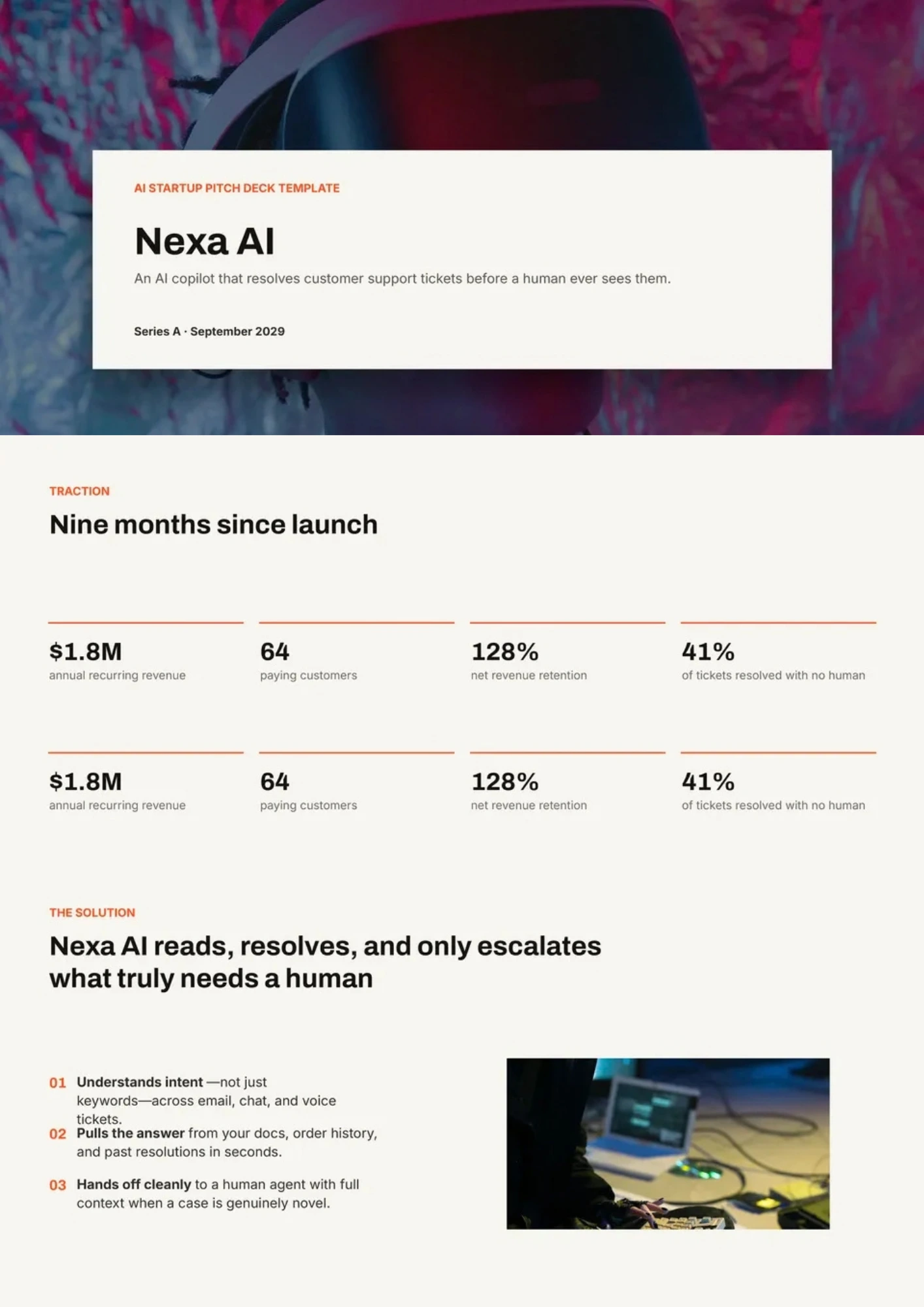
Are investors struggling to understand the problem, market opportunity, product value, and defensibility behind your AI startup? AI Startup Pitch Deck Template structures a fundraising story around the problem, solution, product, market size, business model, traction, competition, team, financials, and funding ask. Founders and startup teams can use it to present an AI-powered product with both commercial clarity and technical credibility. Dedicated sections help explain data advantages, responsible AI considerations, go-to-market plans, and measurable progress. You can customize the free deck with your metrics, branding, and financial assumptions before presenting it to investors.
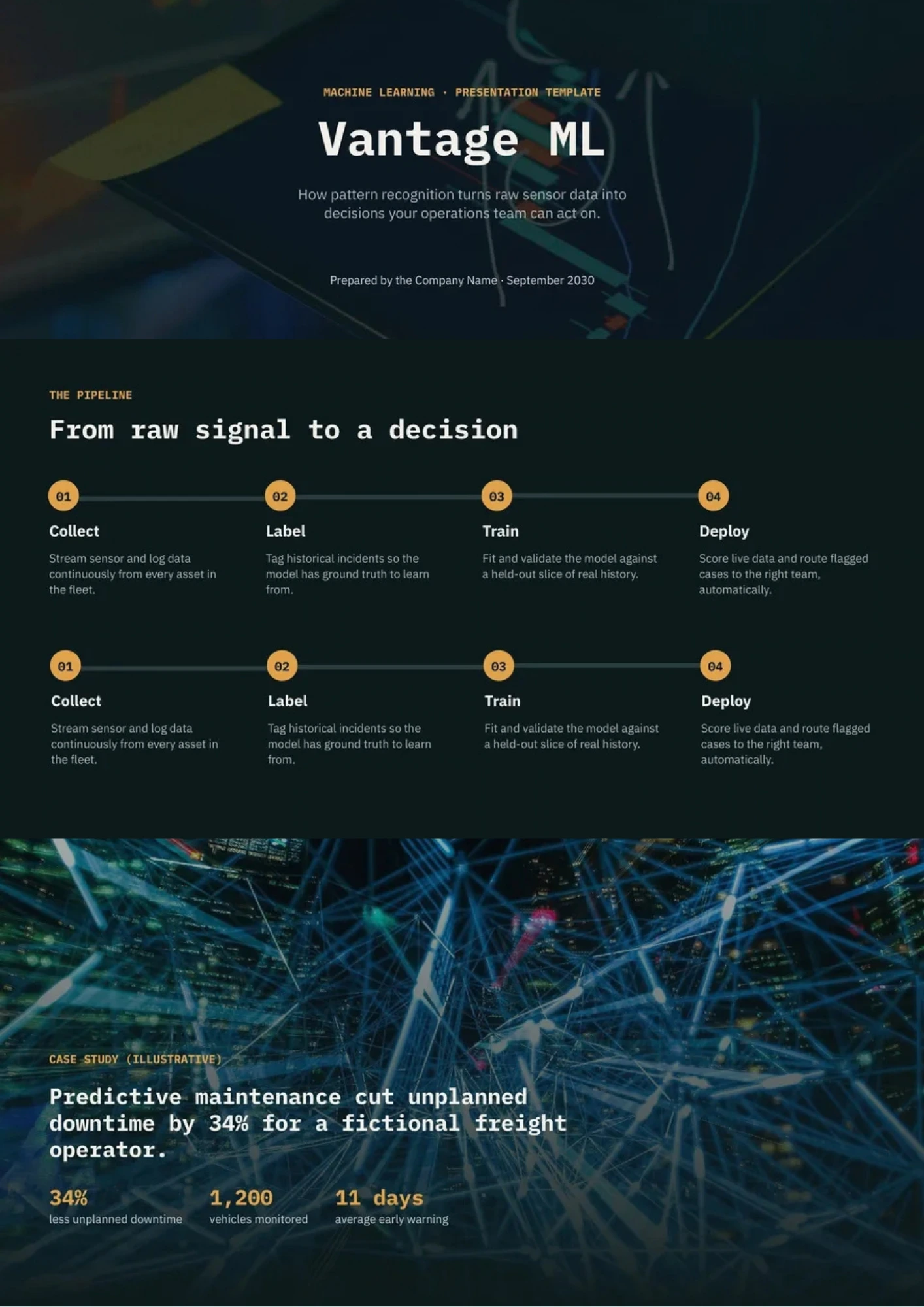
Do you need to show the connection between data, algorithms, model training, evaluation, and real-world results in one clear presentation? Machine Learning Template provides space for datasets, features, workflows, model types, experiments, metrics, use cases, limitations, and business impact. Data scientists, students, engineers, product teams, and technology consultants can use it to explain technical work to classmates, clients, executives, or review panels. The structure supports both the development process and the practical value of the final model. It is free, editable, and ready for downloading, presenting, or documenting a machine learning project.

Artificial Intelligence Template provides a broad presentation structure for explaining how AI works and where it is used. It includes space for definitions, technology categories, machine learning, deep learning, natural language processing, applications, benefits, risks, and future trends. Researchers, educators, technology companies, and business leaders can adapt it for lectures, strategy sessions, conferences, or client presentations. The visual sections make complex relationships easier to compare and communicate. You can edit it for free, add your own examples and data, and download, print, or share the finished presentation.

Are you trying to explain artificial intelligence without overwhelming your audience with technical terms and disconnected examples? AI Template brings together sections for AI fundamentals, applications, algorithms, industry use cases, benefits, limitations, and future developments. Teachers, consultants, business teams, and technology presenters can use it to introduce AI concepts to both technical and nontechnical audiences. The structured visuals help connect definitions with real-world impact and practical implementation. It is free to customize, ready to download, print, or present once your content is added.
What Are AI Presentation Templates for Google Slides and MS PowerPoint?
For educators introducing artificial intelligence, researchers sharing findings, and teams explaining a new product, technical detail needs a clear narrative. Our AI Presentation Templates provide prepared slide layouts for concepts, workflows, demonstrations, and project results. Use them for lessons, training sessions, stakeholder updates, or discussions about adopting AI responsibly.
We create these designs to help presenters connect how a system works with why it matters to the audience. The collection covers educational, engineering, creative, and business topics, with space for examples, diagrams, evidence, and limitations. These are editable presentations about AI—not tools that automatically generate your slides.
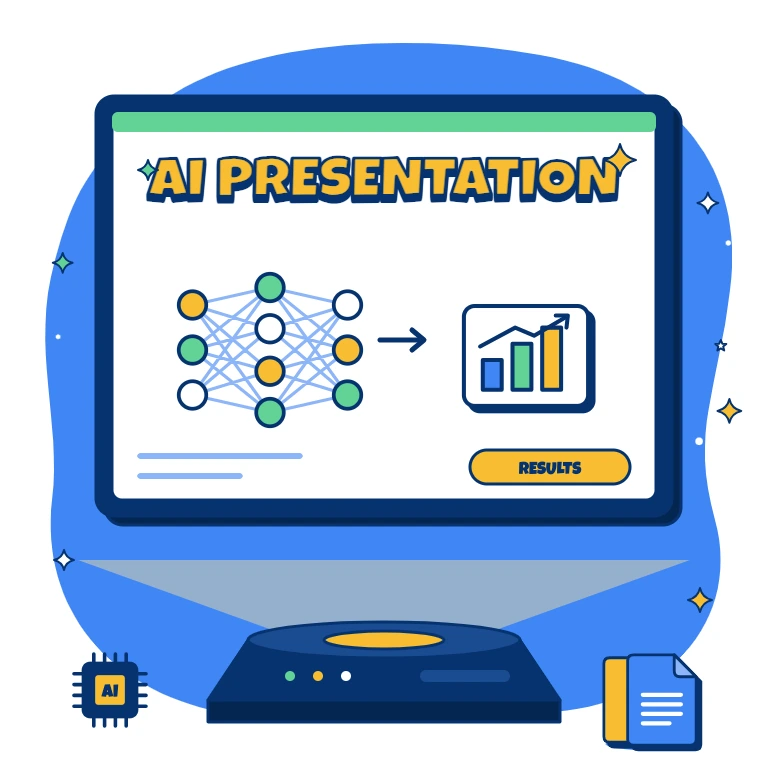
Benefits of Using AI Presentation Templates
A convincing technology presentation explains more than possibilities. Our layouts help you balance practical applications with the evidence and context your audience needs.
- introduce unfamiliar terms before exploring technical detail;
- illustrate the relationship between data, models, and outputs;
- present demonstrations alongside measurable results;
- give limitations and responsible-use considerations visible space;
- maintain consistent formatting across technical and summary slides.
The focus is on understanding, whether you are teaching beginners or presenting project decisions to stakeholders.
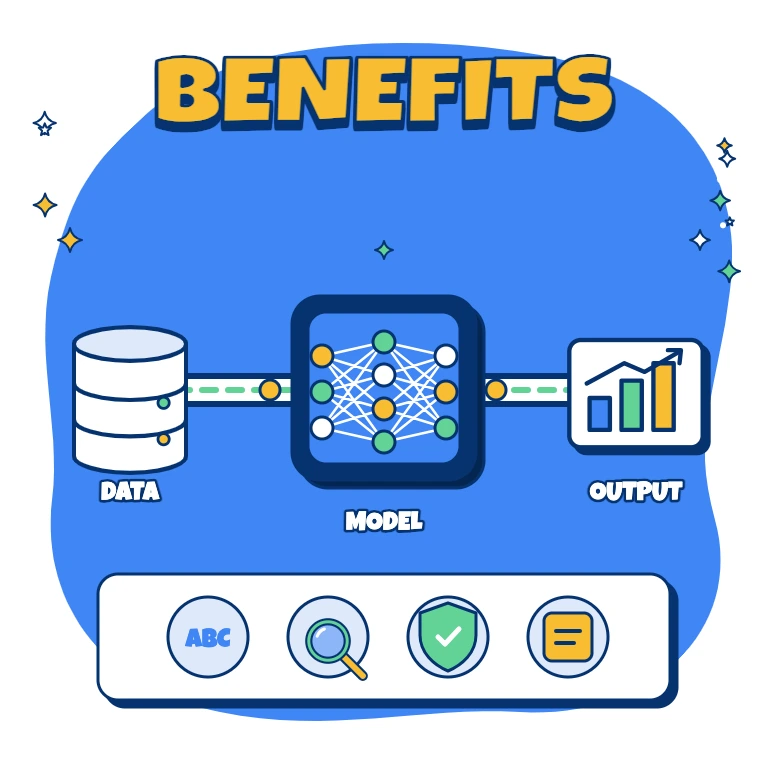
How to Customize Google Slides AI Presentation Templates
Choose a design suited to your subject and your audience’s knowledge. Editable text, colors, and objects let you adapt the presentation without rebuilding its visual structure.
- Open the template in Google Slides or download it for Microsoft PowerPoint.
- Replace sample content with your learning objectives or project narrative.
- Add relevant diagrams, screenshots, examples, and evaluation data.
- Adjust typography, colors, and spacing to match your branding.
- Check sources and claims, then save the deck for presenting or sharing.
Label illustrative examples clearly and distinguish tested results from proposed capabilities.
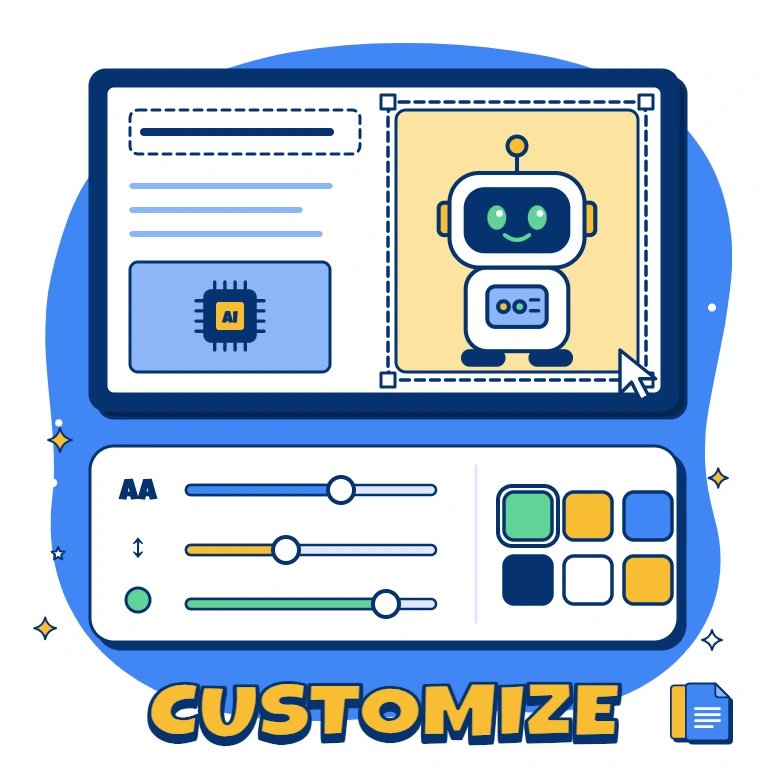
Popular Types of AI Presentation Templates
Our collection offers focused starting points for classroom explanations, technical reviews, and workplace training:
- AI Education Template — introduce core concepts through learning objectives, familiar examples, activities, and reflection questions;
- Robotics Template — explain sensors, control systems, automation, and the interaction between hardware and software;
- AI Project Template — document the problem, data, model approach, experiments, metrics, and deployment considerations;
- Generative AI Template — explore content-generation workflows, practical applications, limitations, and ethical questions;
- ChatGPT Template — demonstrate prompts, use cases, workflow examples, and the role of human review.
Select the structure that supports your message rather than adding technical detail for its own sake.
Download Free AI Presentation Templates for Your Needs
Prepare your next talk with a free, editable design from our collection. Choose a supported format, personalize the content, and download your presentation without designing each slide from scratch. For broader IT topics, explore our Technology Templates, with layouts for stacks, assessments, and implementation plans. Pick your AI presentation design and start building a clear explanation today.

Choose your preferred social media platform from options like Pinterest, Facebook, Twitter, and more. Share our templates with your contacts or friends. If you’re not active on these social networks, you can simply copy the link and paste it into the one you use.