

 Back to templates
 Free Beauty Google Slides Templates
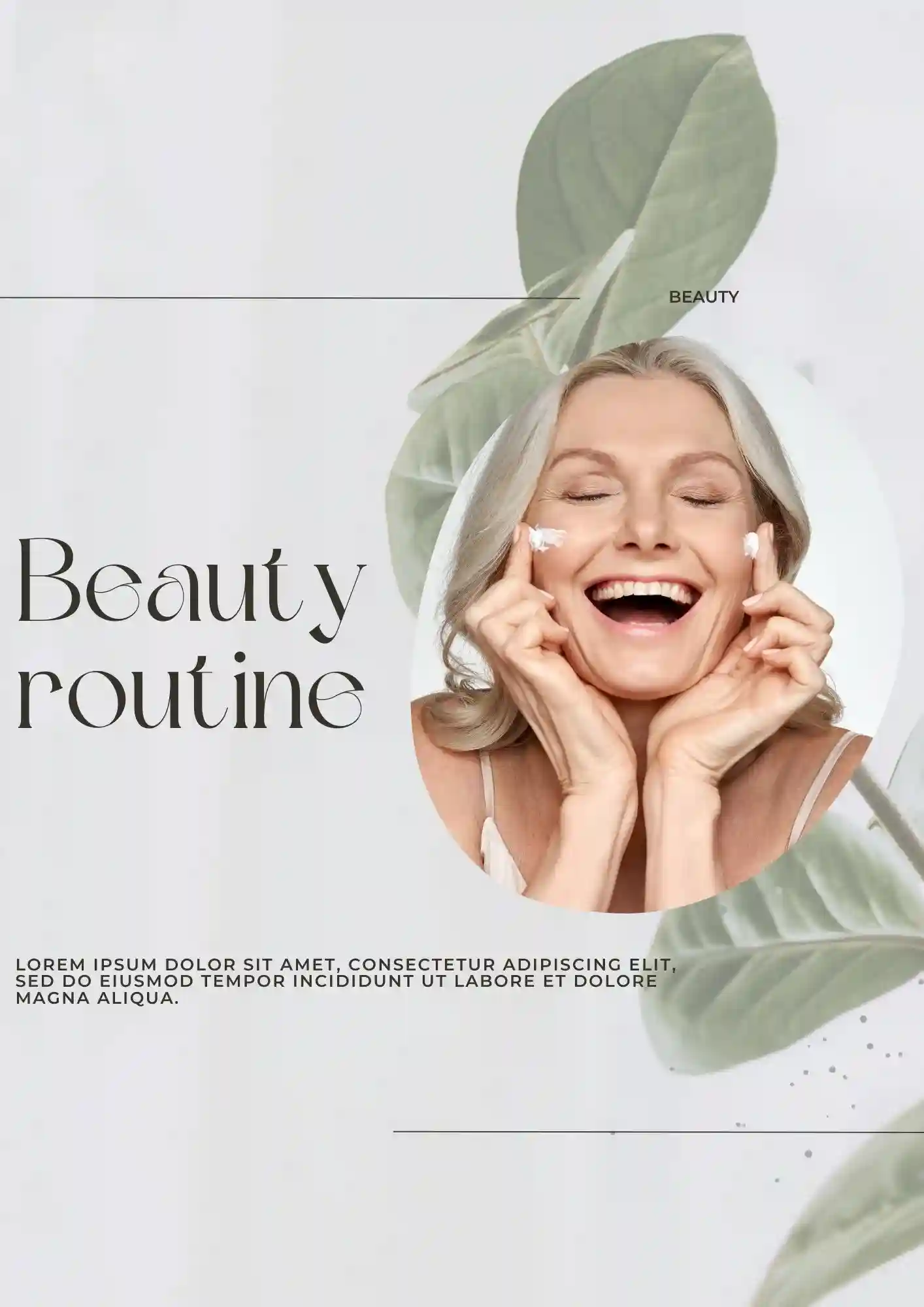
Generic beauty advice doesn't work when your skin type is unique. The Beauty Routine Template suits skincare enthusiasts, estheticians, beauty bloggers, and individuals who want to track routines effectively.

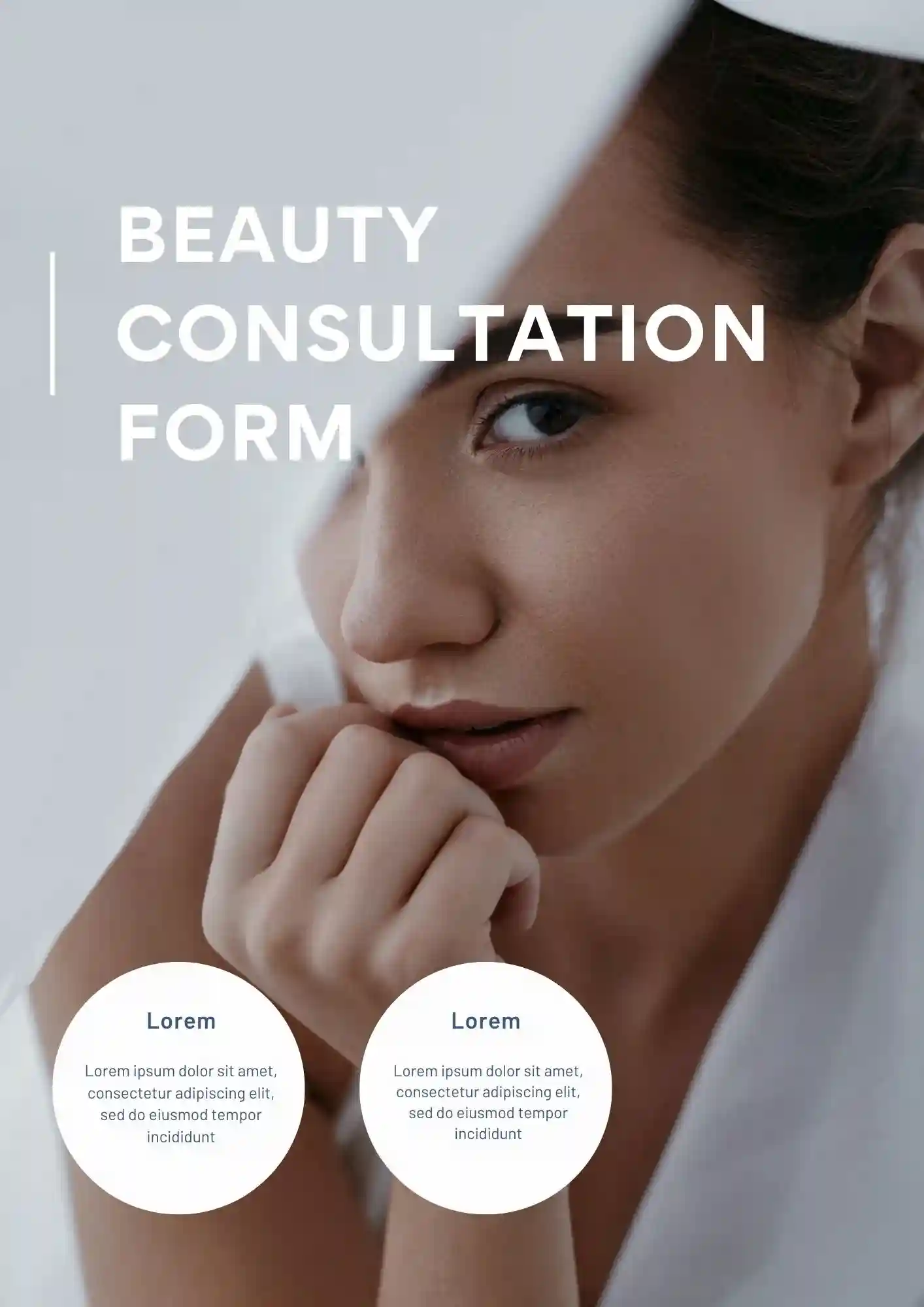
What makes a client consultation feel professional instead of just another paper form? The Beauty Consultation Form Template is useful for estheticians, makeup artists, salon owners, and spa staff who need to collect client data.
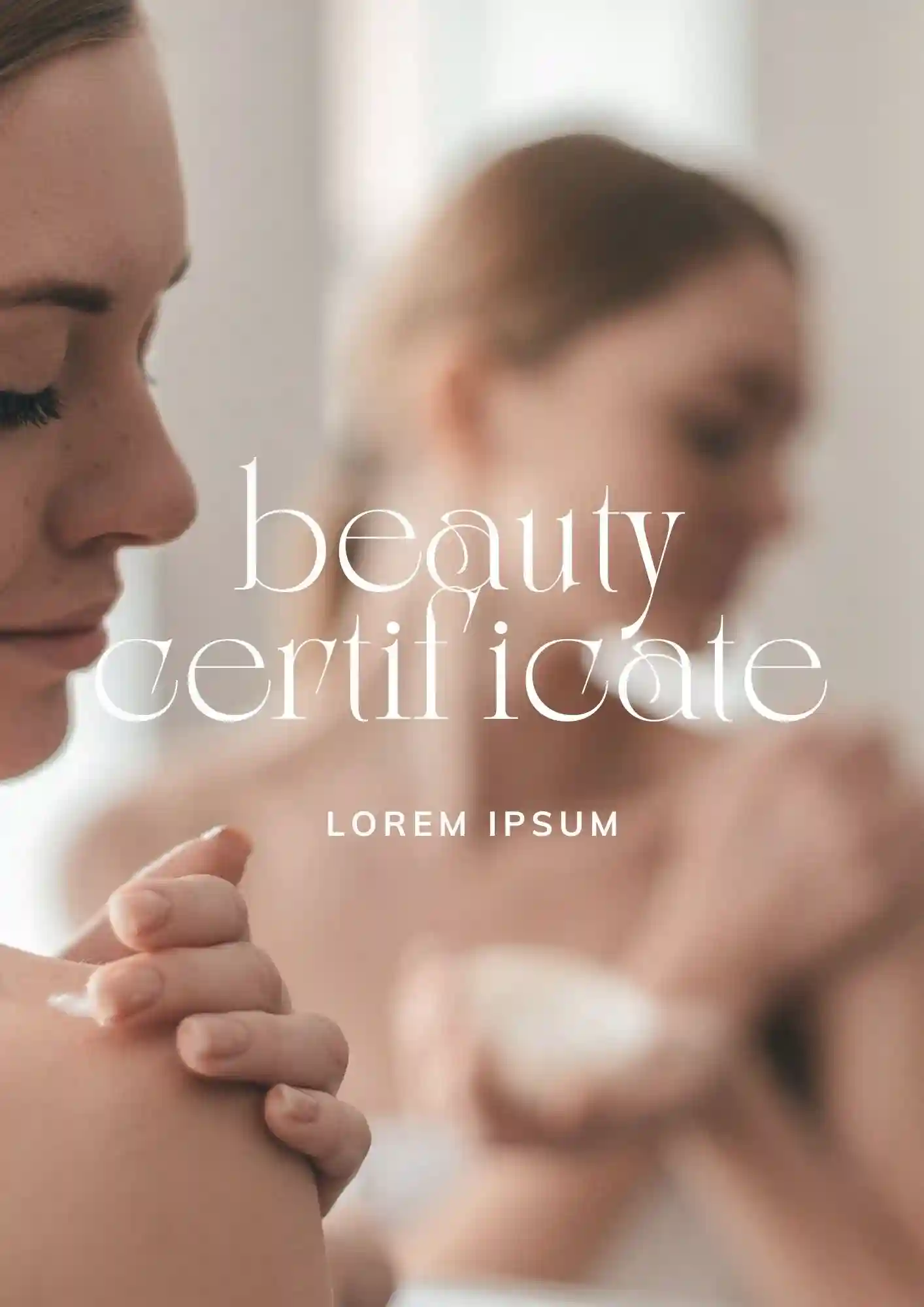
Cheap-looking certificates ruin the value of your beauty certification program. The Beauty Certificate Template is a strong fit for beauty schools, esthetician programs, online course creators, and workshop instructors who want to award credentials.
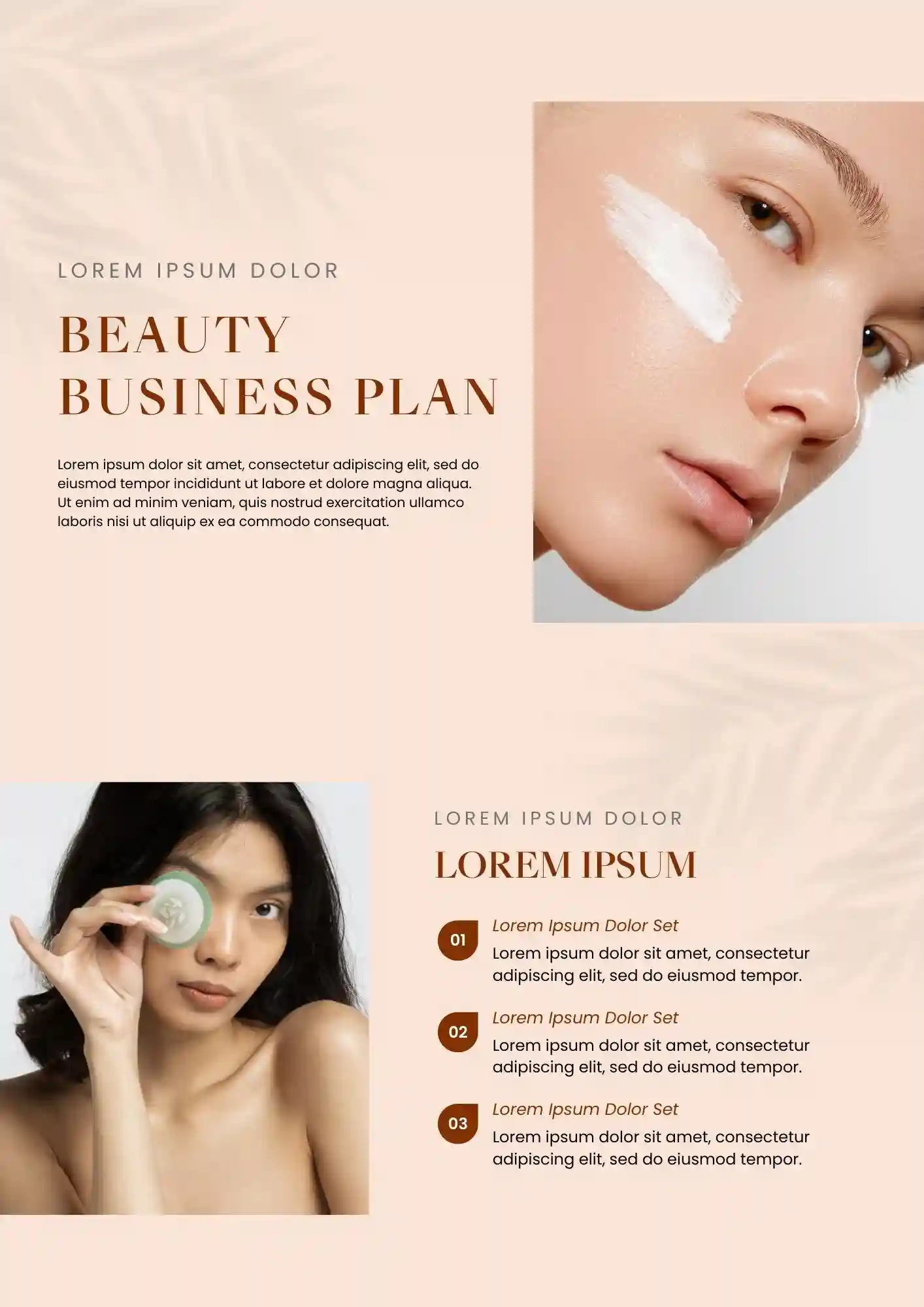
Can a beauty business plan still look polished when it covers finances, marketing, and operations? The Beauty Business Plan Template works for salon owners, mobile estheticians, beauty startup founders, and franchise applicants who need investor-ready docs.
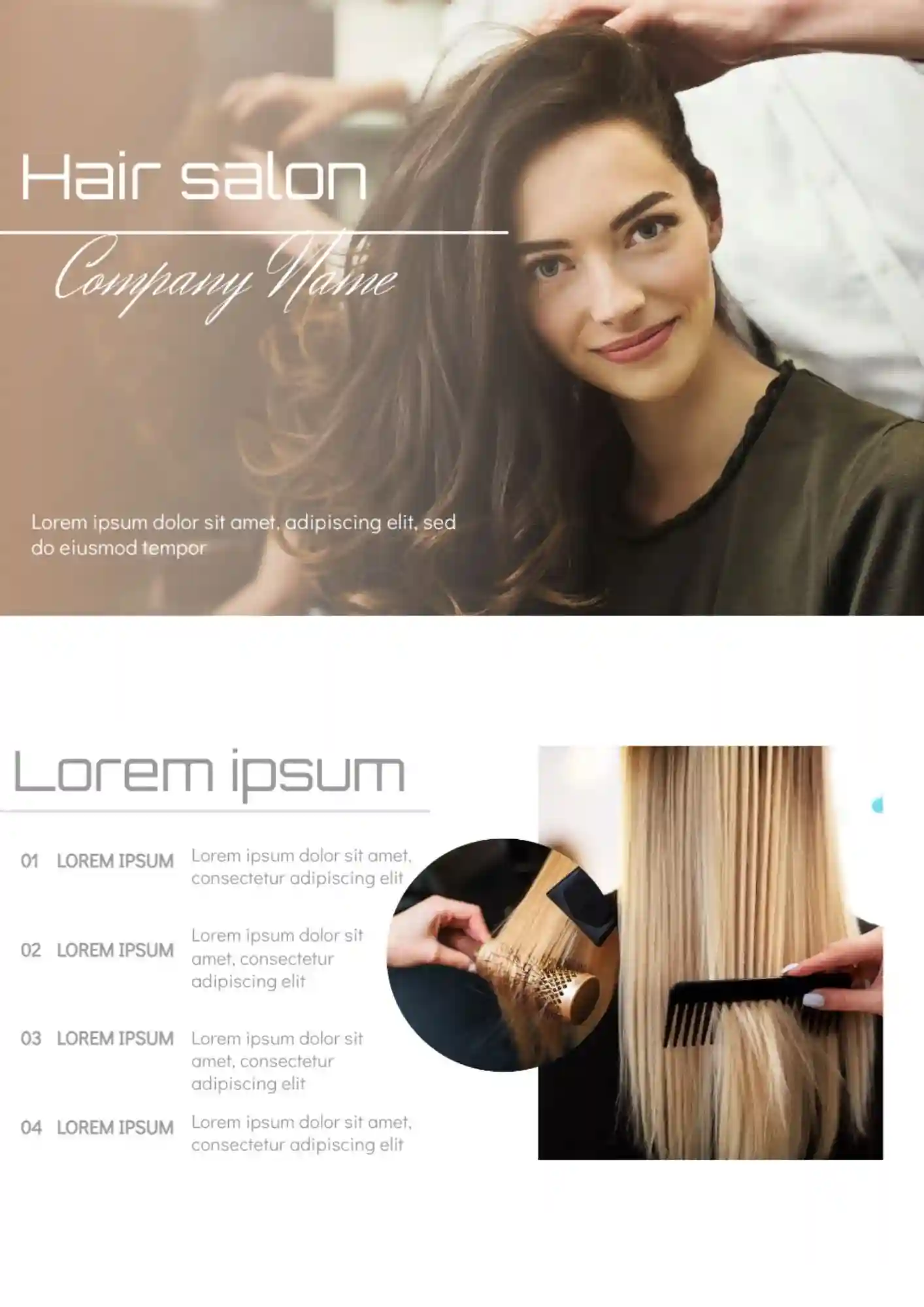
Running a hair salon but your service menu, promotions, or class materials look too basic for the quality you offer? Hair Salon Template gives salons, beauty specialists, and service brands a polished format that makes services and offers feel more attractive and professional.
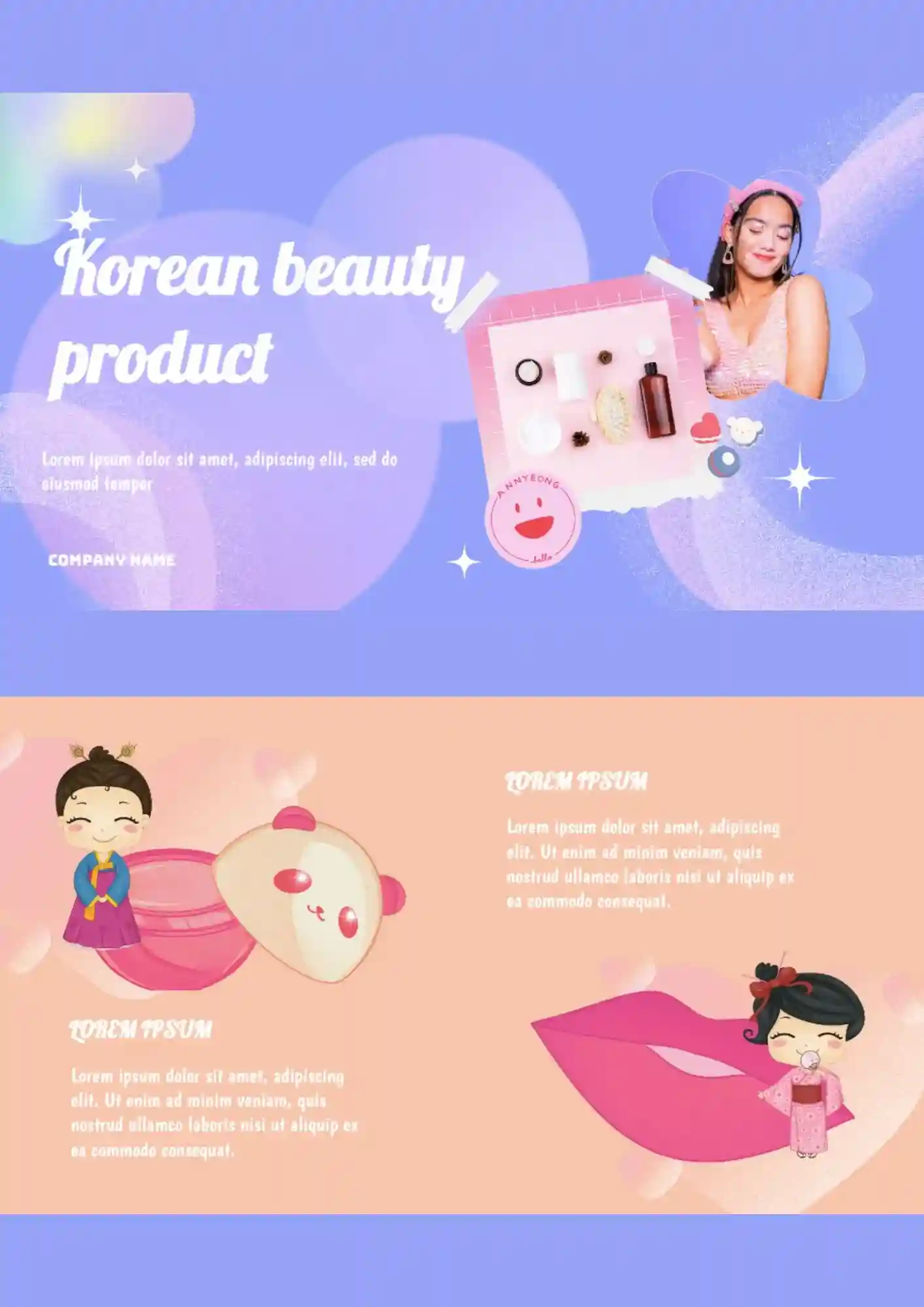
Trying to sell Korean skincare products but your presentation looks too plain and doesn't highlight the premium feel of the brand? Korean Beauty Product Template helps showcase skincare, cosmetics, and beauty campaigns in a clean, modern layout that feels fresh and trustworthy.
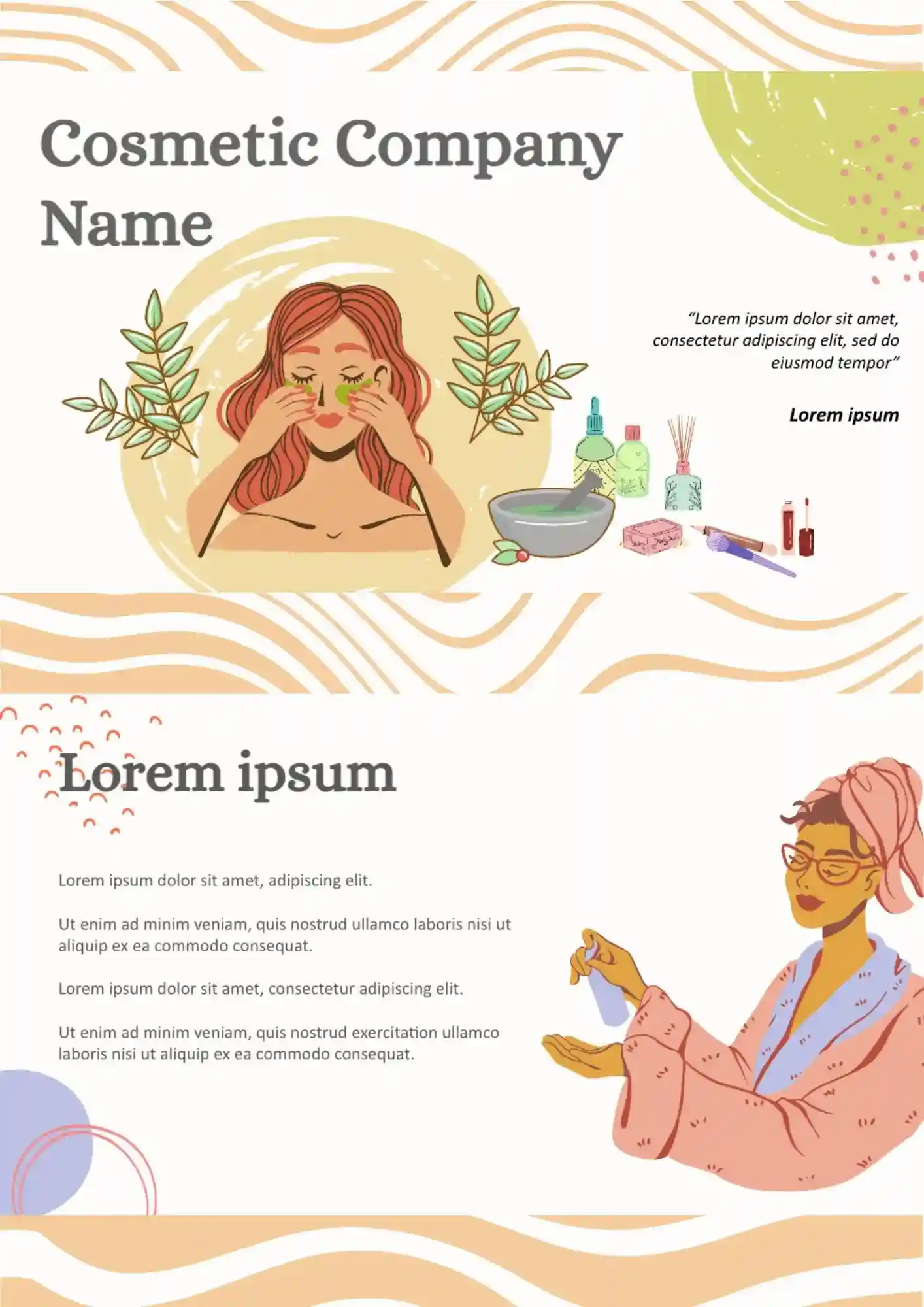
Your cosmetic products look great, but your presentation deck feels too generic and doesn't match the premium image of your brand? Cosmetic Template is built for cosmetic brands, stores, beauty creators, and marketers who need a polished, visually refined format for product showcases and campaigns.
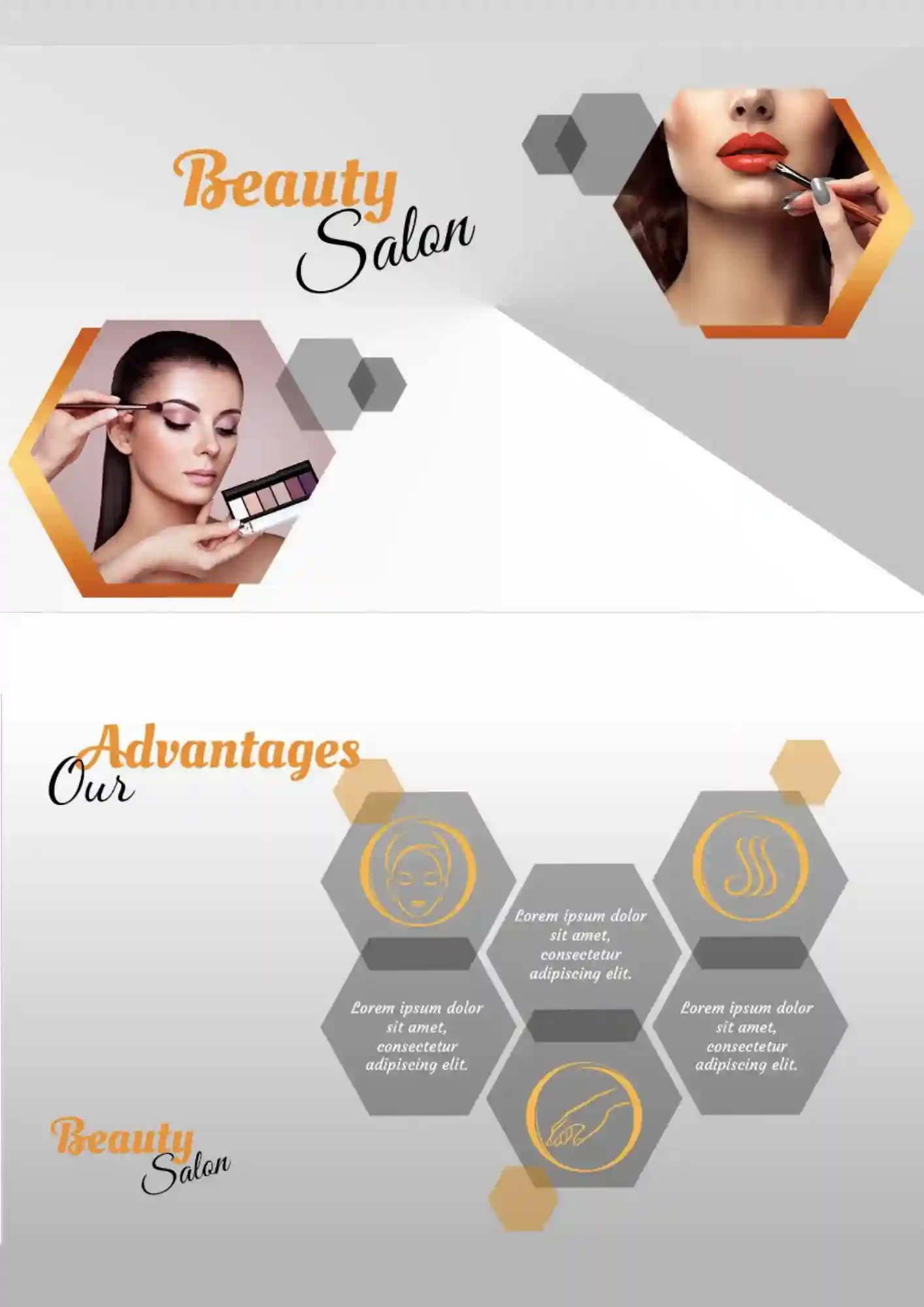
You should not have any specific skills to use beauty salon templates for Google Slides. It is allow you to save a lot of time by obtaining the desired result.
What are the best Beauty Templates in 2026?
Can I innovate the basis in the beauty Google Slides related to the benefits of the template?
Can I reuse already downloaded files?
Do I require you to register on the website to download the beauty files without the need to pay for them?
Are beauty files and documents suitable for PowerPoint?
What Are Beauty Templates for Google Slides and MS PowerPoint?
Beauty Templates are ready-made presentation designs for salons, косметологів, skincare specialists, beauty brands, and consultants who need polished visual slides for services, routines, forms, and business planning. They are useful for certificates, consultation documents, cosmetic presentations, and brand materials where style, clarity, and presentation quality matter. If you also need presentation layouts for healthcare, wellness, or client-facing professional materials, take a look at our Medical Templates.
We create these templates to help you save time and keep your slides elegant, organized, and easy to personalize. They work well when you want to present beauty-related information without designing every slide from scratch. They also help you maintain a consistent visual style, so your presentation looks more professional and appealing from beginning to end.

Benefits of Using Beauty Templates
Beauty Templates make it easier to present services, plans, and client information in a visually attractive way. They also help you create slides that feel more polished and brand-ready.
- present beauty services and ideas in a clean visual format;
- save time with ready-made presentation slide layouts;
- adapt the design for salons, skincare, cosmetics, and consulting use;
- keep information easy to scan during meetings or presentations;
- prepare slides for sharing, printing, or presenting on screen.
In practice, a good beauty template helps you communicate more clearly while giving your content a stylish and professional look.

How to Customize Google Slides Beauty Templates
Google Slides makes it simple to edit a beauty template and adapt it to your brand or task. You can update the content, refine the design, and prepare the final version in a few clear steps.
- Open the template in Google Slides or download it as a PowerPoint file.
- Replace placeholder text with your services, consultation details, goals, or beauty tips.
- Add your logo, images, icons, prices, or product details if needed.
- Adjust fonts, colors, and slide elements to match your visual style.
- Save the finished file as PDF, ODP, TXT, or PowerPoint.
You can also create different versions for beauty consultations, salon planning, skincare routines, or cosmetic presentations depending on your needs.

Popular Types of Beauty Templates
We offer different Beauty Templates for certificates, plans, forms, and cosmetic presentations. Each option is designed for a specific use, so you can choose the version that fits your presentation best.
- Beauty Certificate Template — a stylish option for awards, course completion, and salon recognition;
- Beauty Business Plan Template — a professional layout for presenting salon goals, strategies, and growth plans;
- Beauty Consultation Form Template — a practical format for collecting and presenting client beauty details and preferences;
- Beauty Routine Template — a clear design for daily skincare, treatment steps, and self-care plans;
- Cosmetic Template — a flexible choice for showcasing cosmetic products, beauty brands, and promotional content.
Download Free Beauty Templates for Your Needs
Our Beauty Templates are free to download and easy to adapt for many types of visual content. Choose the design that matches your brand or task, edit it in Google Slides or PowerPoint, and create slides that look elegant and professional. We design these templates to help you save time, present beauty-related information clearly, and make your content more visually appealing.


Choose your preferred social media platform from options like Pinterest, Facebook, Twitter, and more. Share our templates with your contacts or friends. If you’re not active on these social networks, you can simply copy the link and paste it into the one you use.