

 Back to templates
 Free Itinerary Google Docs Templates
Easily create a convenient plan or itinerary? No problem! With our free itinerary templates, you can create a stylish plan for any event, whether it’s a wedding, party, or business trip.
Our designers have already developed a Google Docs itinerary template for you, so all you need to do is add your own information. It will only take you 10–15 minutes. You don’t need any special skills to add the information, just basic proficiency in working with text editors. Use the editable template in a convenient format: download it to your smartphone or print the ready document.
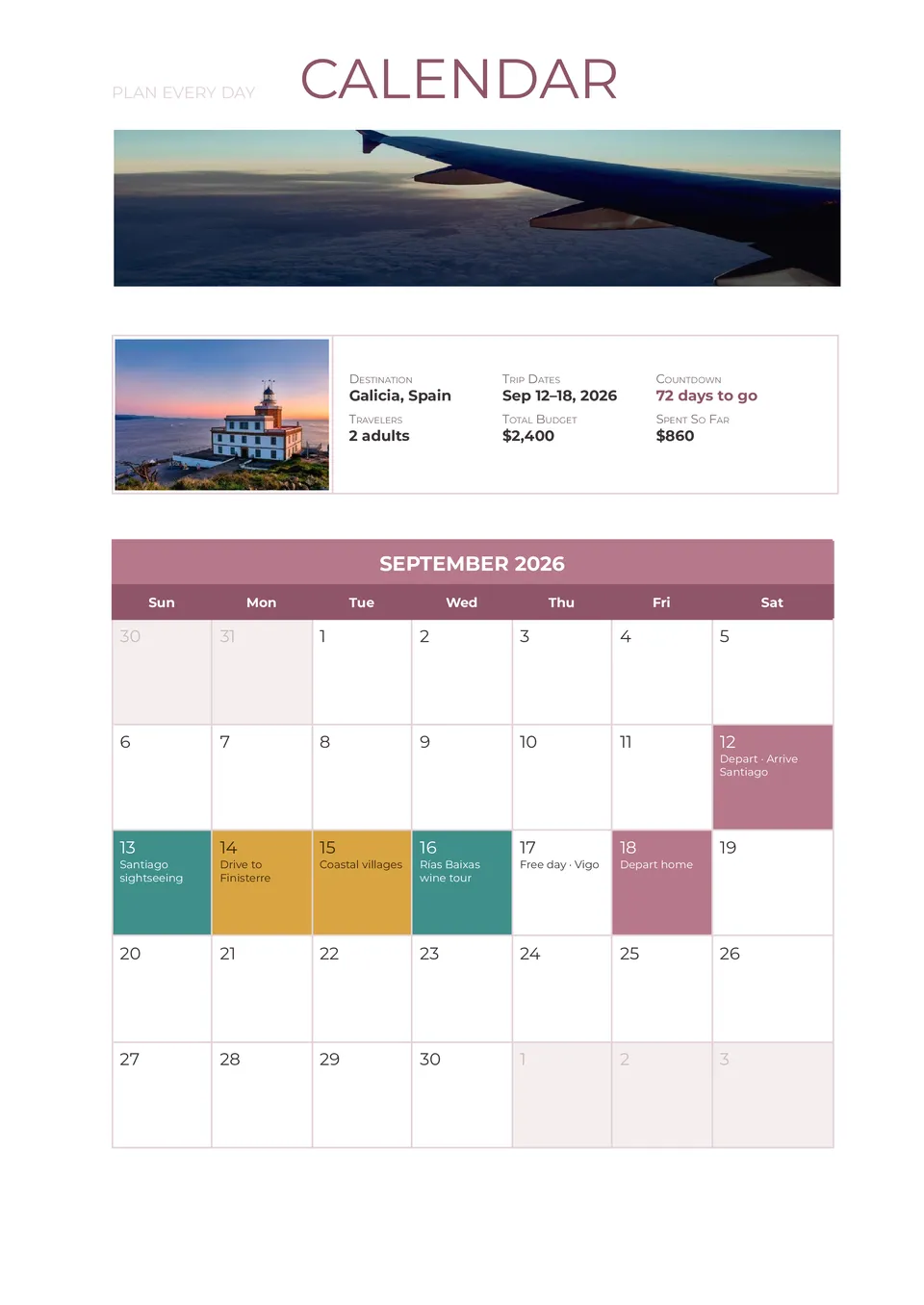
Need to see your entire trip at a glance instead of scrolling through long lists and separate files? Travel Itinerary Calendar Template combines your schedule with a calendar view so flights, stays, and activities are visible by date in one visual overview.

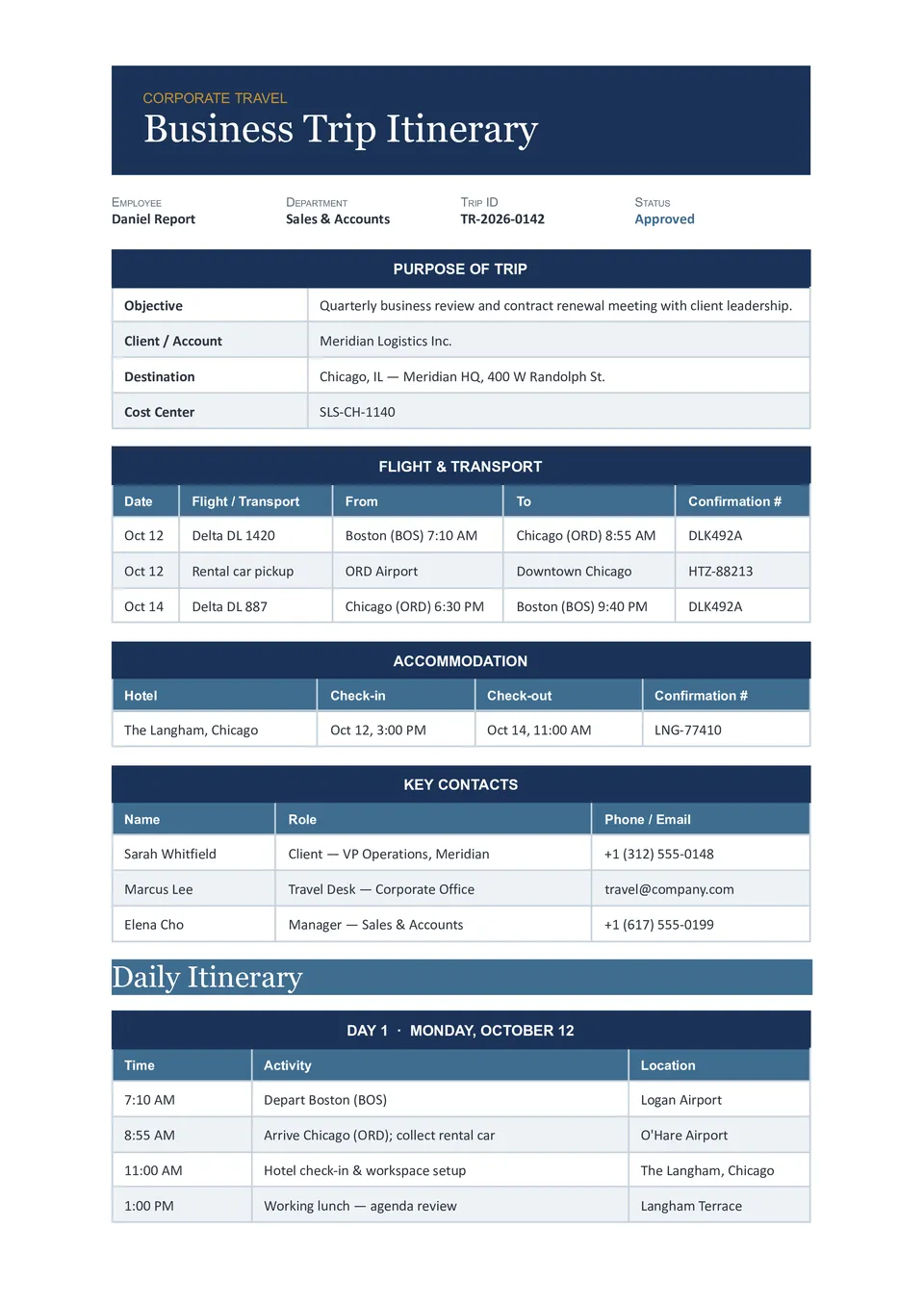
Managing multiple employee trips and losing track of flights, meetings, and hotels? Corporate Travel Itinerary Template organizes traveler details, flight and hotel info, meeting schedules, transport, and company notes in one structured document for HR and travel coordinators.
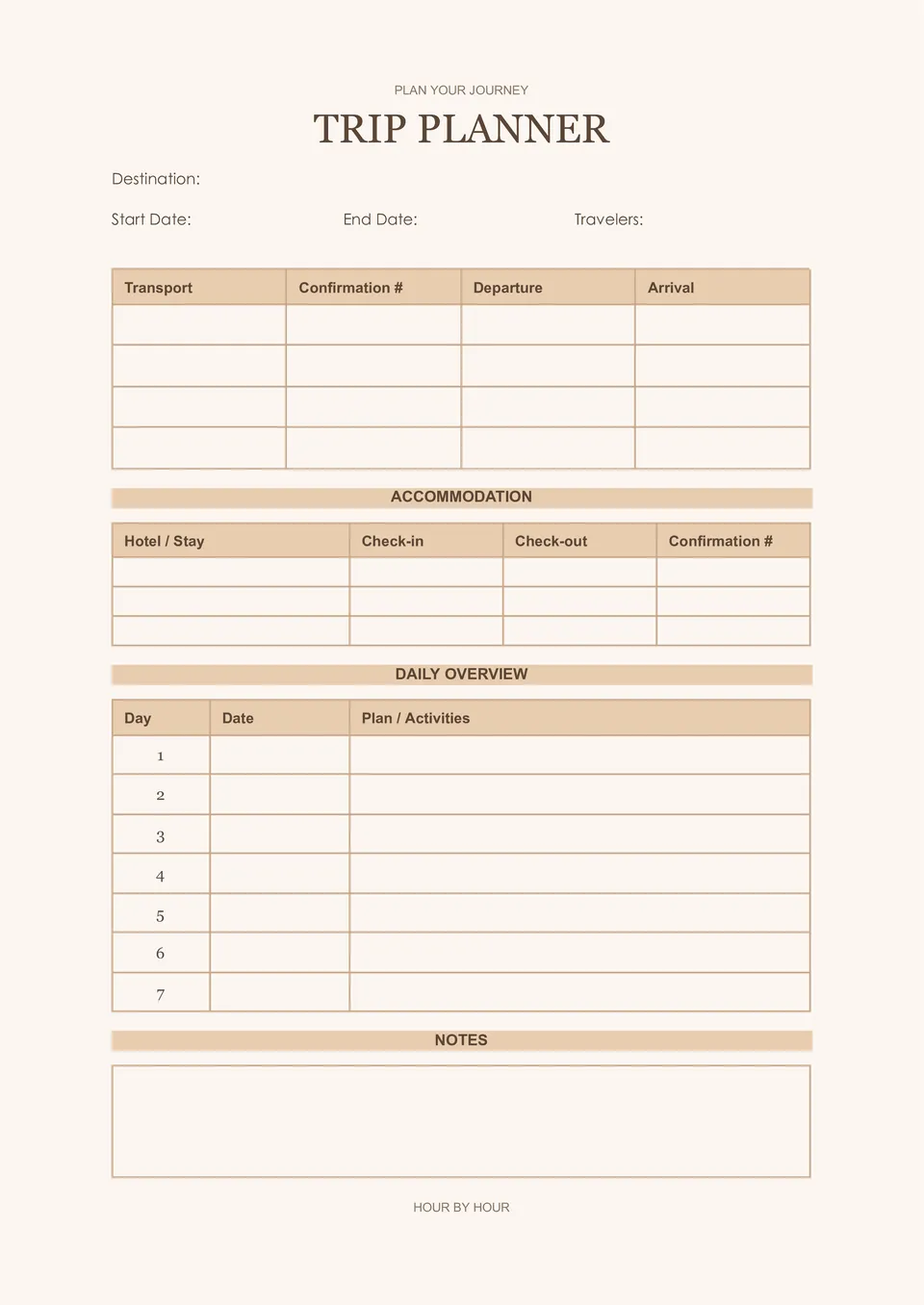
Prefer a paper copy you can carry in your bag instead of relying on your phone while traveling? Printable Travel Itinerary Template includes traveler details, daily schedules, transport, accommodations, and emergency contacts in a clean, print-ready format.
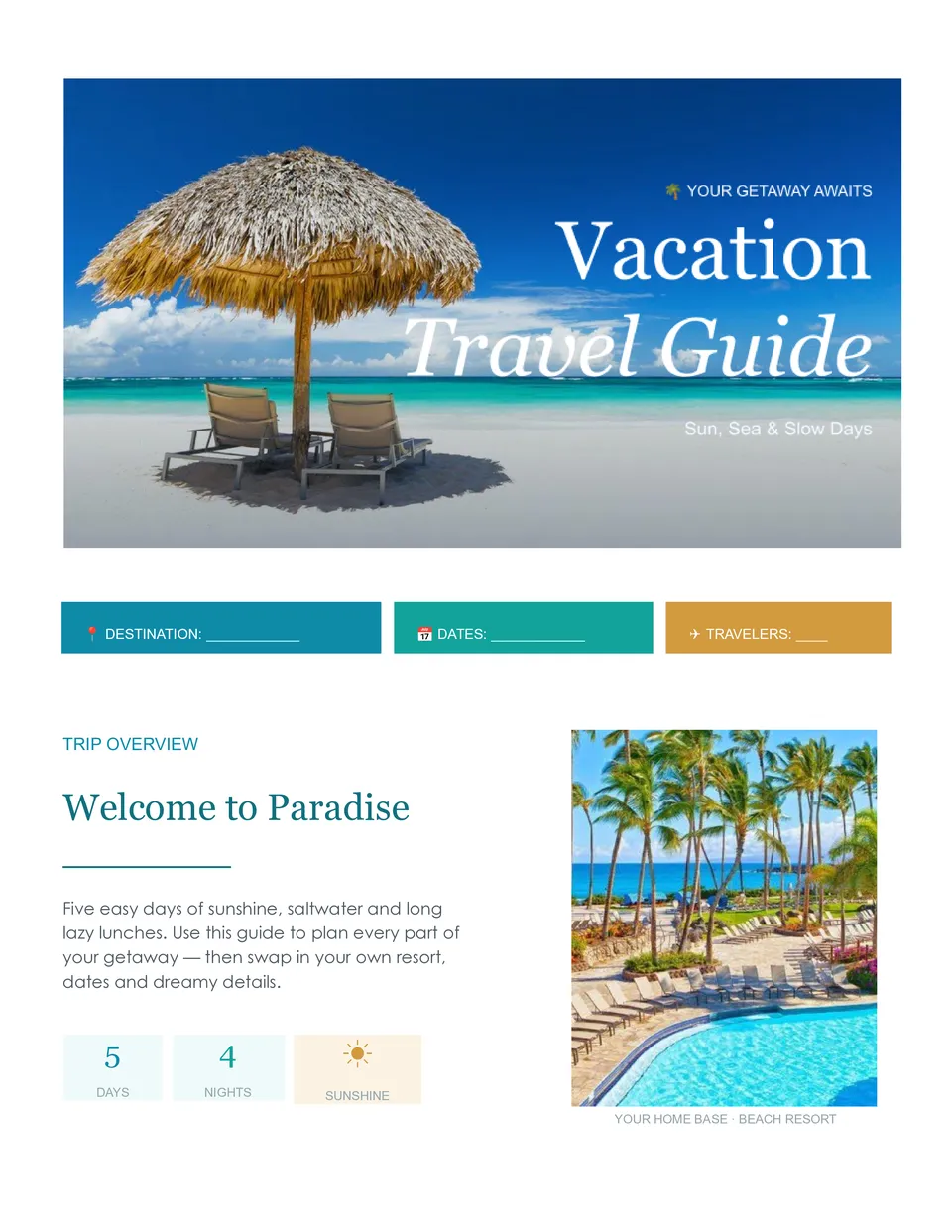
Want your vacation to feel relaxing instead of stressful because plans are scattered everywhere? Vacation Travel Itinerary Template helps families, couples, and friends structure flights, stays, activities, and important trip info into one shareable document.
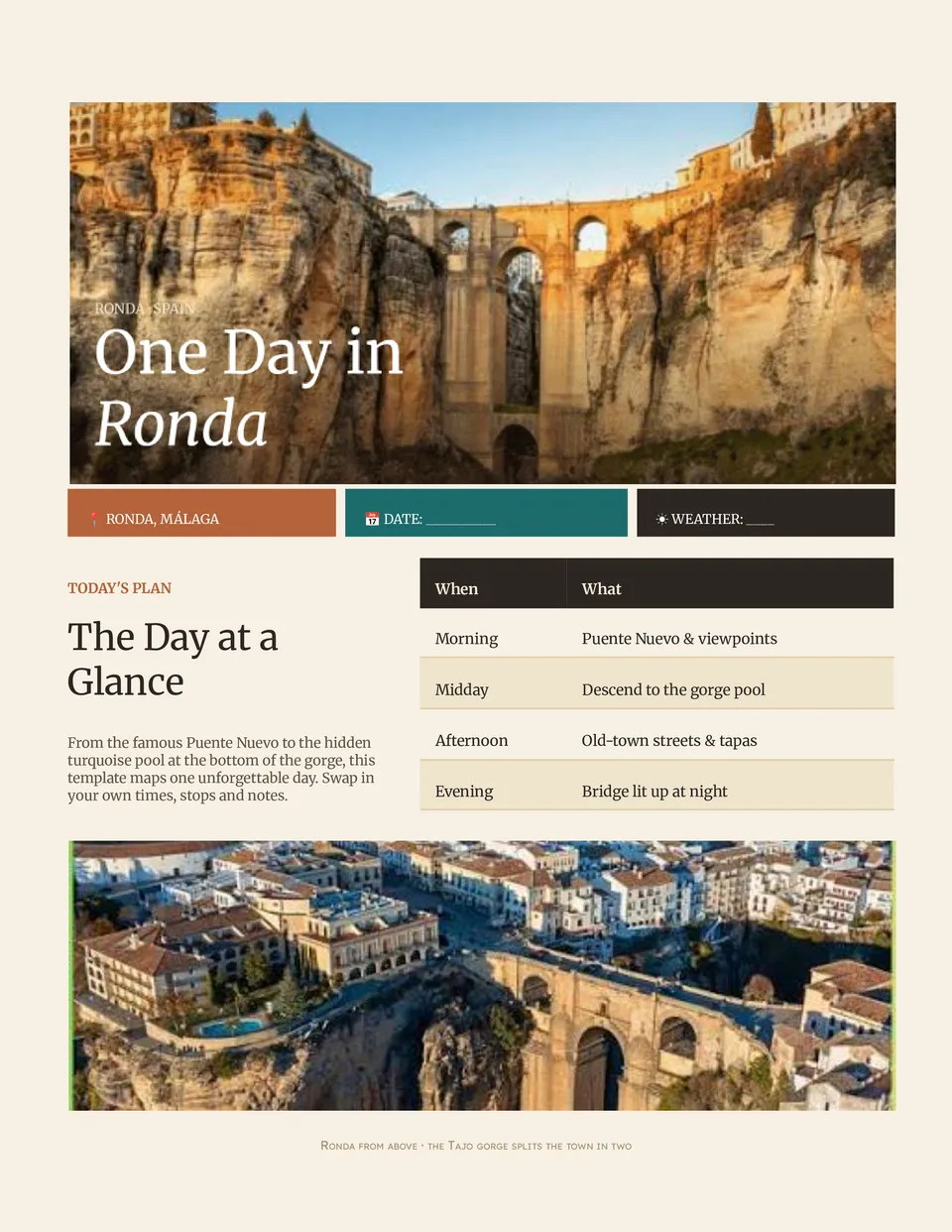
Afraid you'll miss must-see spots because your day is unplanned and chaotic? Daily Travel Itinerary Template breaks your trip into hour-by-hour plans with time slots, activities, locations, and notes for each part of your day.
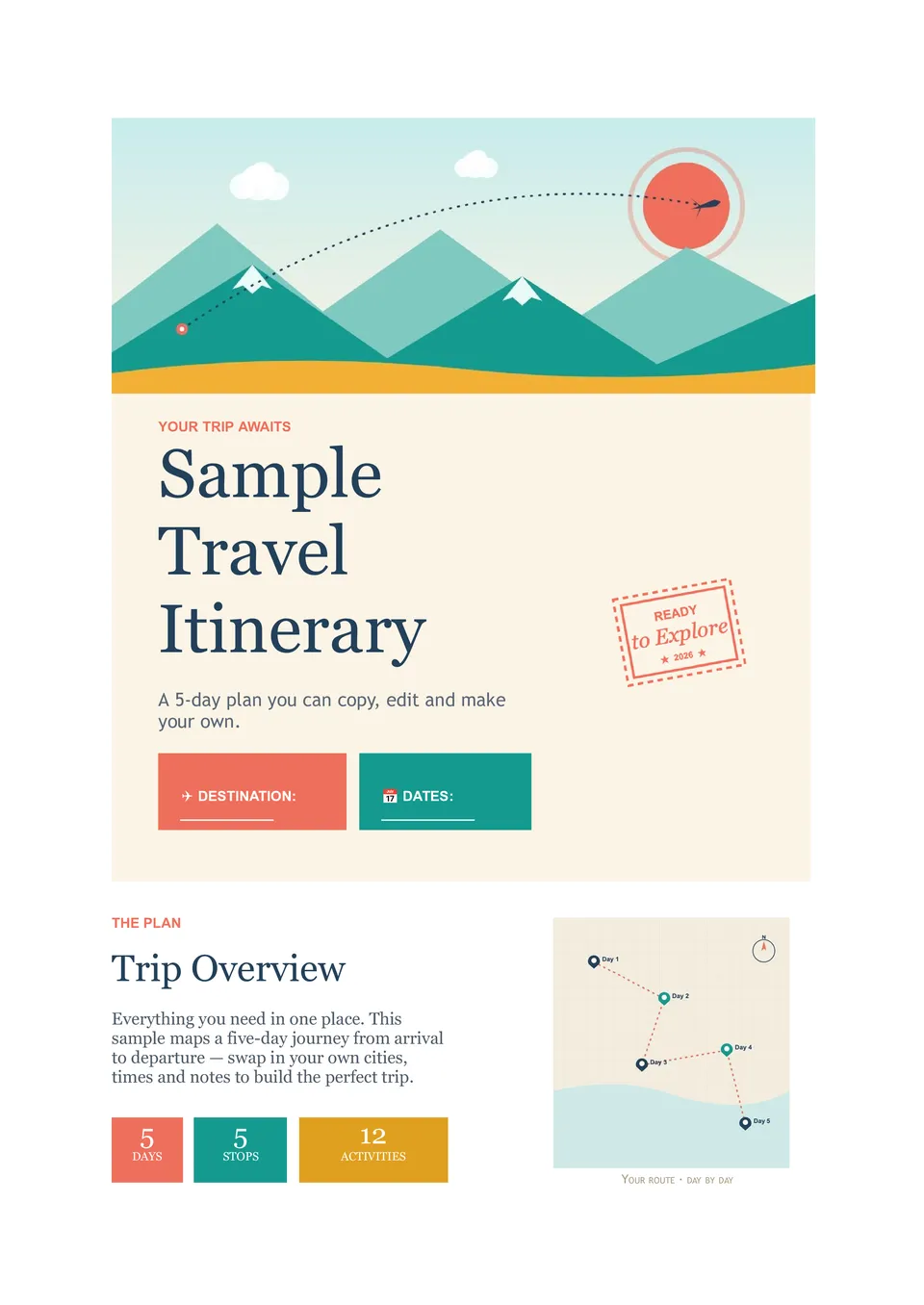
Not sure how a complete trip plan should look before you start building your own? Sample Travel Itinerary Template includes traveler info, trip overview, daily activities, accommodation details, transportation, emergency contacts, and notes already laid out in a full example.

Tired of digging through confirmation emails before every meeting and flight? Business Travel Itinerary Template brings flights, hotels, meetings, transport, and contacts into one practical document you can share with colleagues. Ideal for executives, sales teams, and anyone who travels regularly for work.

Need your high-end trip to look as polished in planning as it feels in real life? Luxury Travel Itinerary Template presents private transfers, exclusive experiences, and premium stays in a refined Google Docs layout with space for timing and client notes.
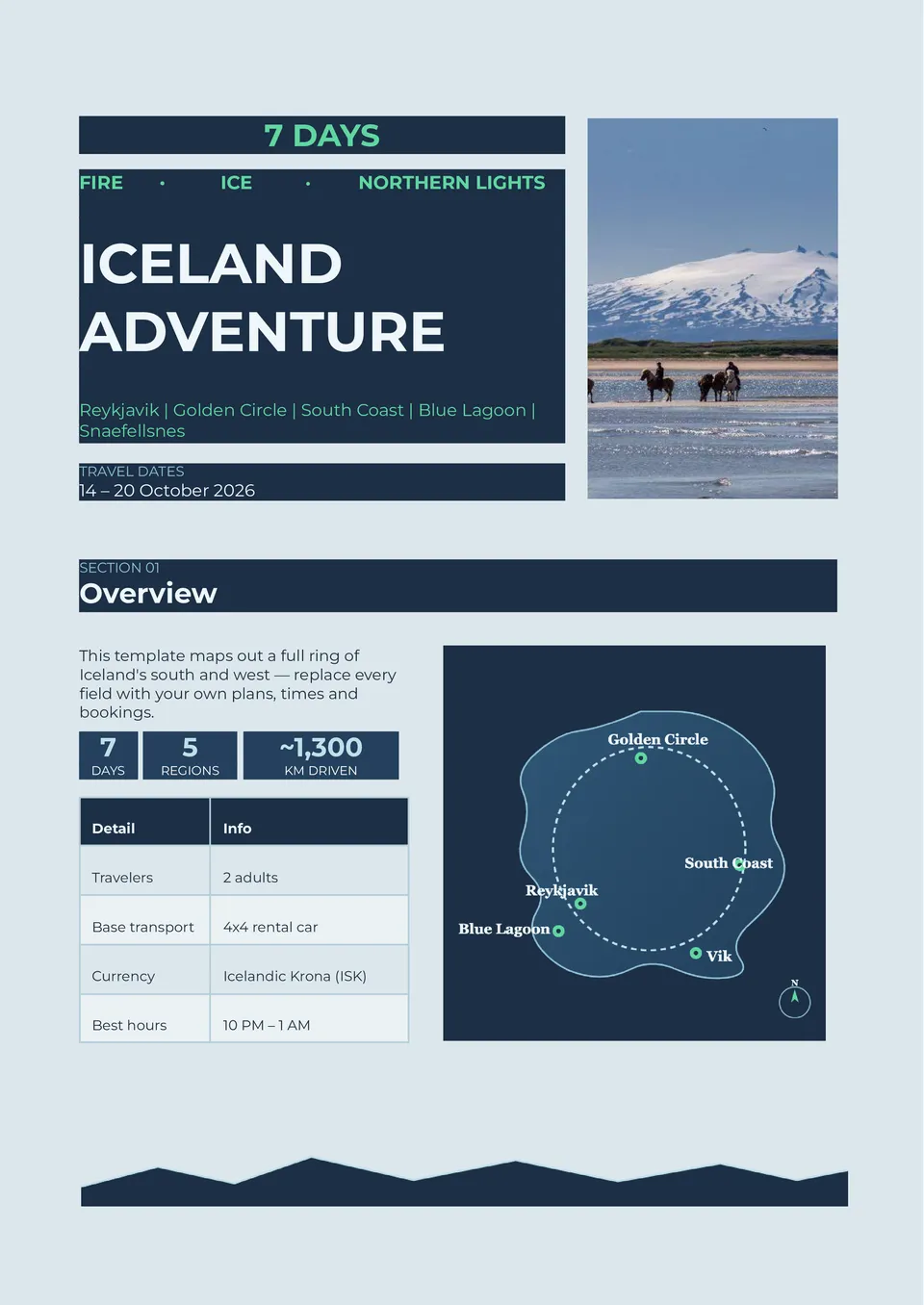
Worried about long drives, weather changes, and missing key stops on your Iceland road trip? Iceland Travel Itinerary Template lays out the Ring Road, Golden Circle, and major attractions with daily routes, activities, and travel times.
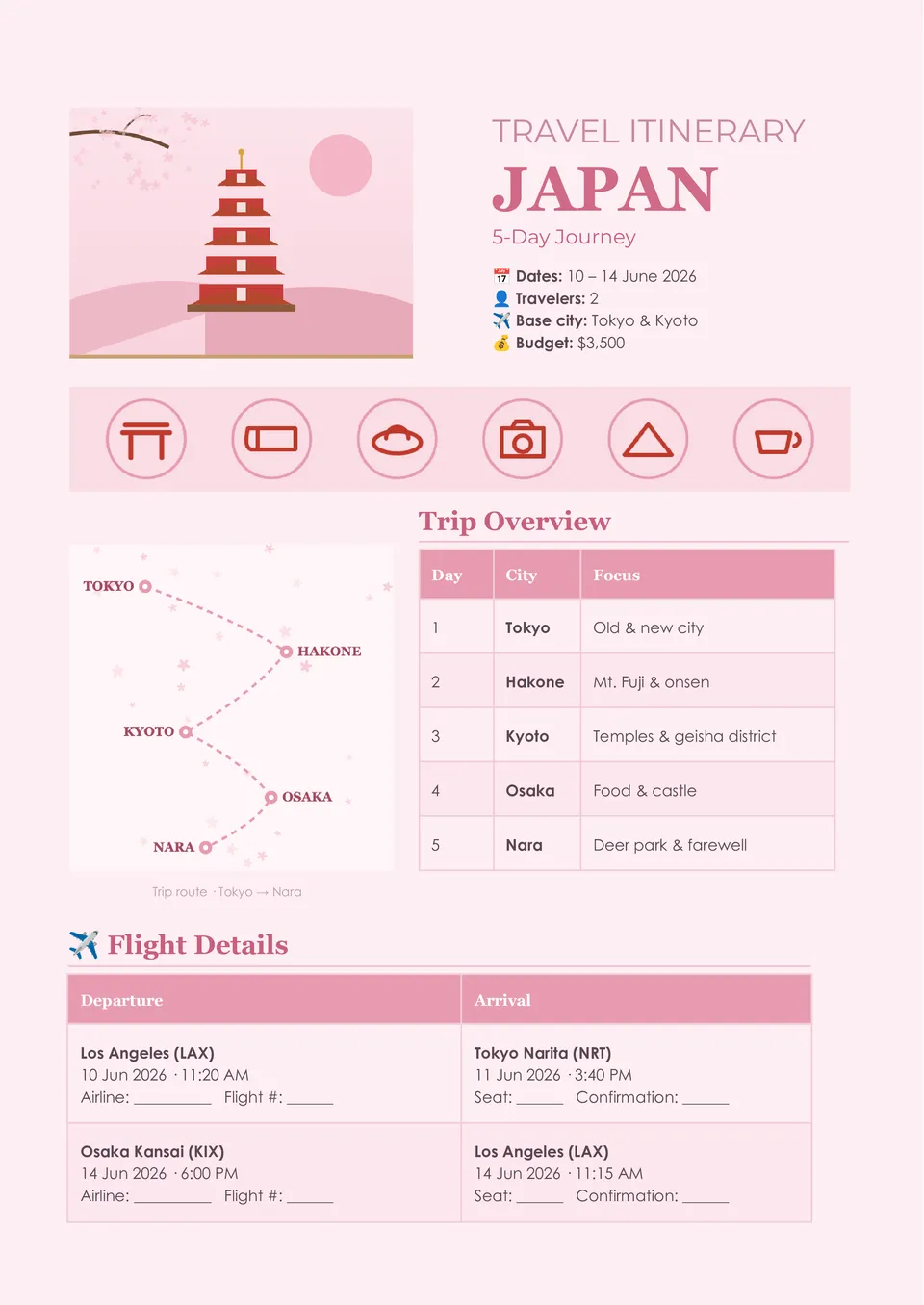
Want to enjoy Tokyo, Kyoto, and Osaka without wasting time figuring out transport and daily routes on the go? Japan Travel Itinerary Template organizes cities, attractions, and travel days into a clear schedule with space for transport, activities, and notes.
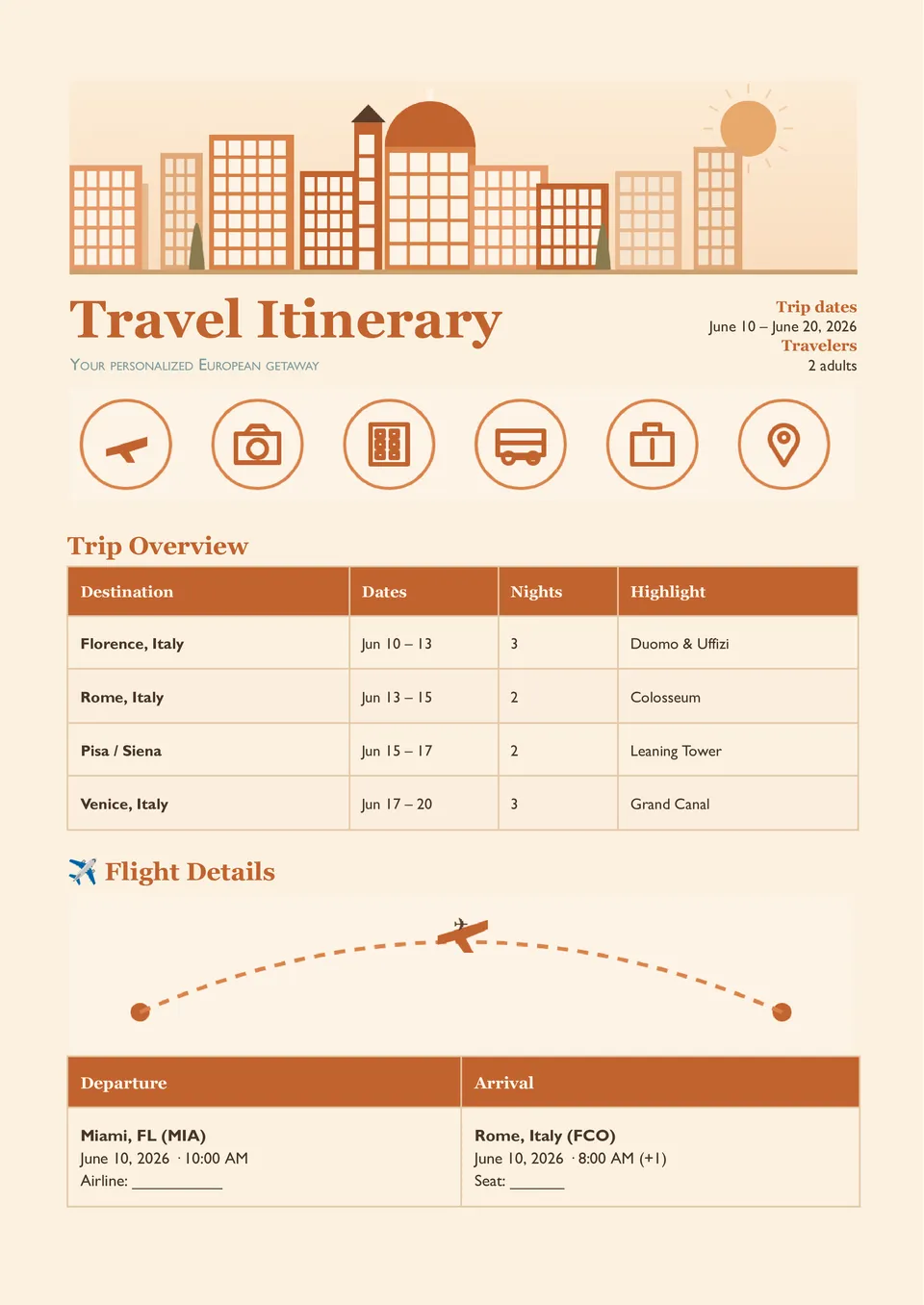
Struggling to keep flights, hotels, and daily activities in one organized place instead of scattered across emails and tabs? Travel Itinerary Planner Template maps out schedules, transportation, accommodations, and key trip details in a clear Google Docs layout.
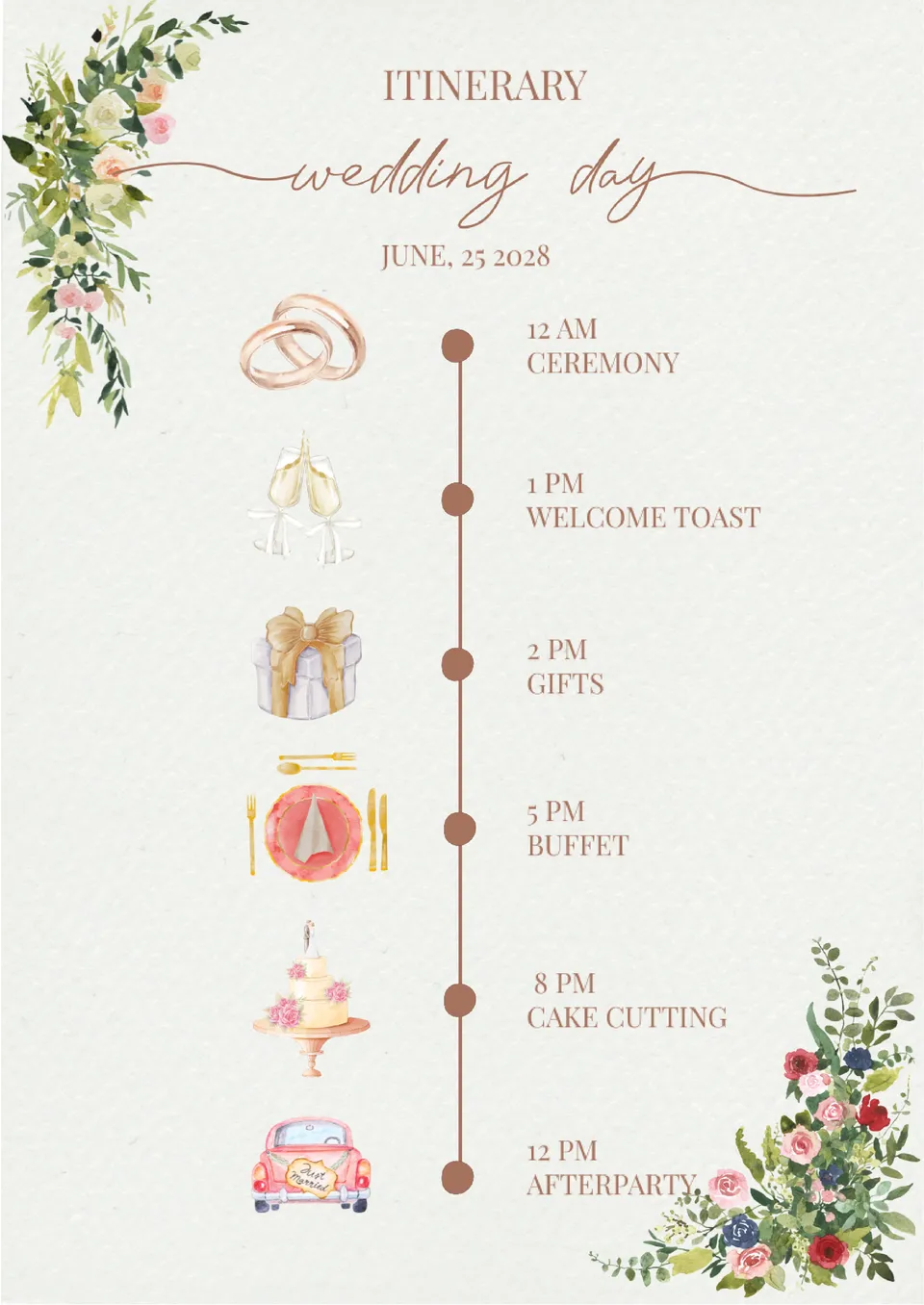
Looking to streamline your wedding day planning? The Wedding Event Itinerary Template provides a clear and detailed layout to organize every moment, from the ceremony to the reception.
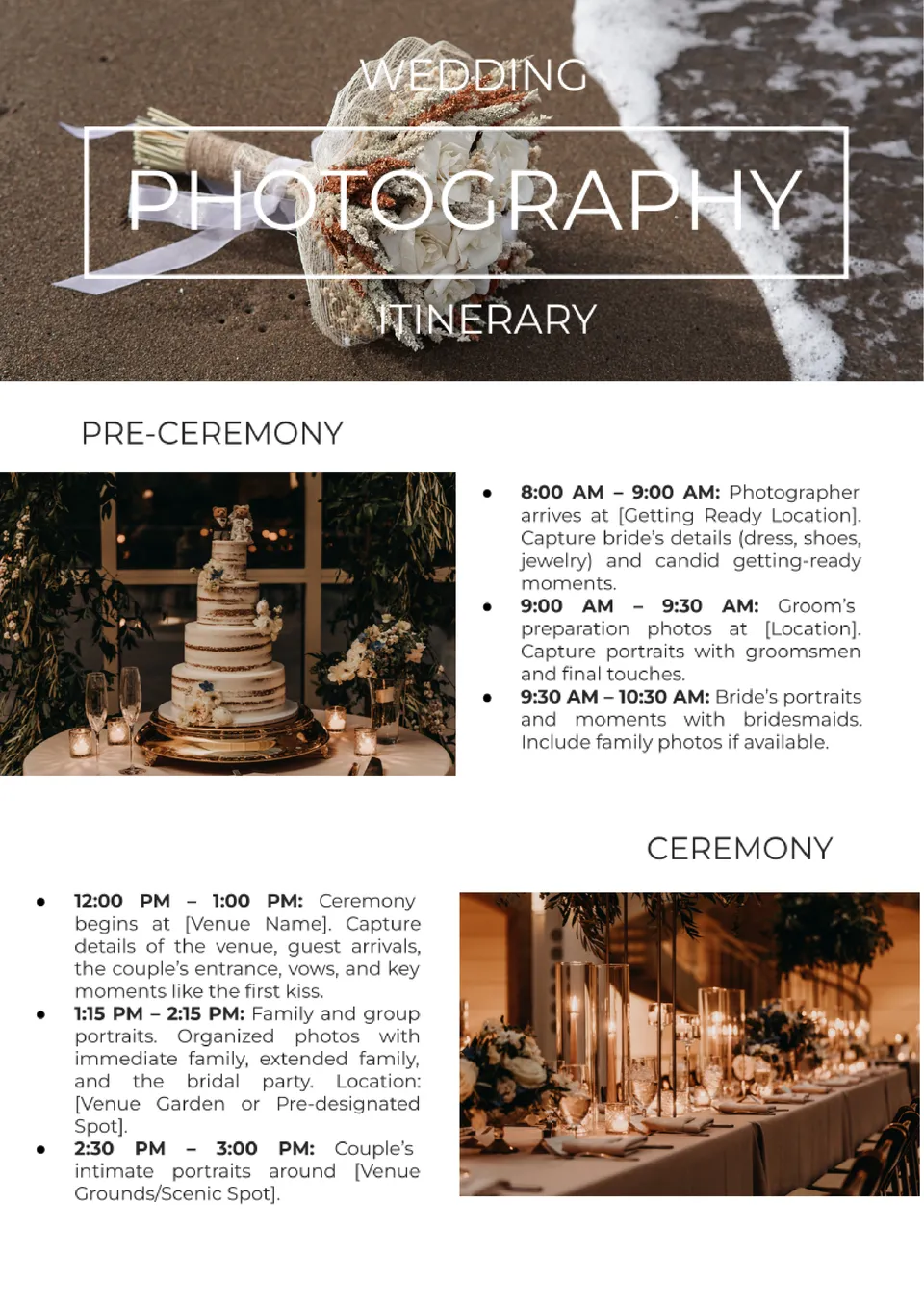
Planning to capture every moment of a couple's special day? The Wedding Photography Itinerary Template is an essential tool for photographers to stay organized and ensure no detail is missed.
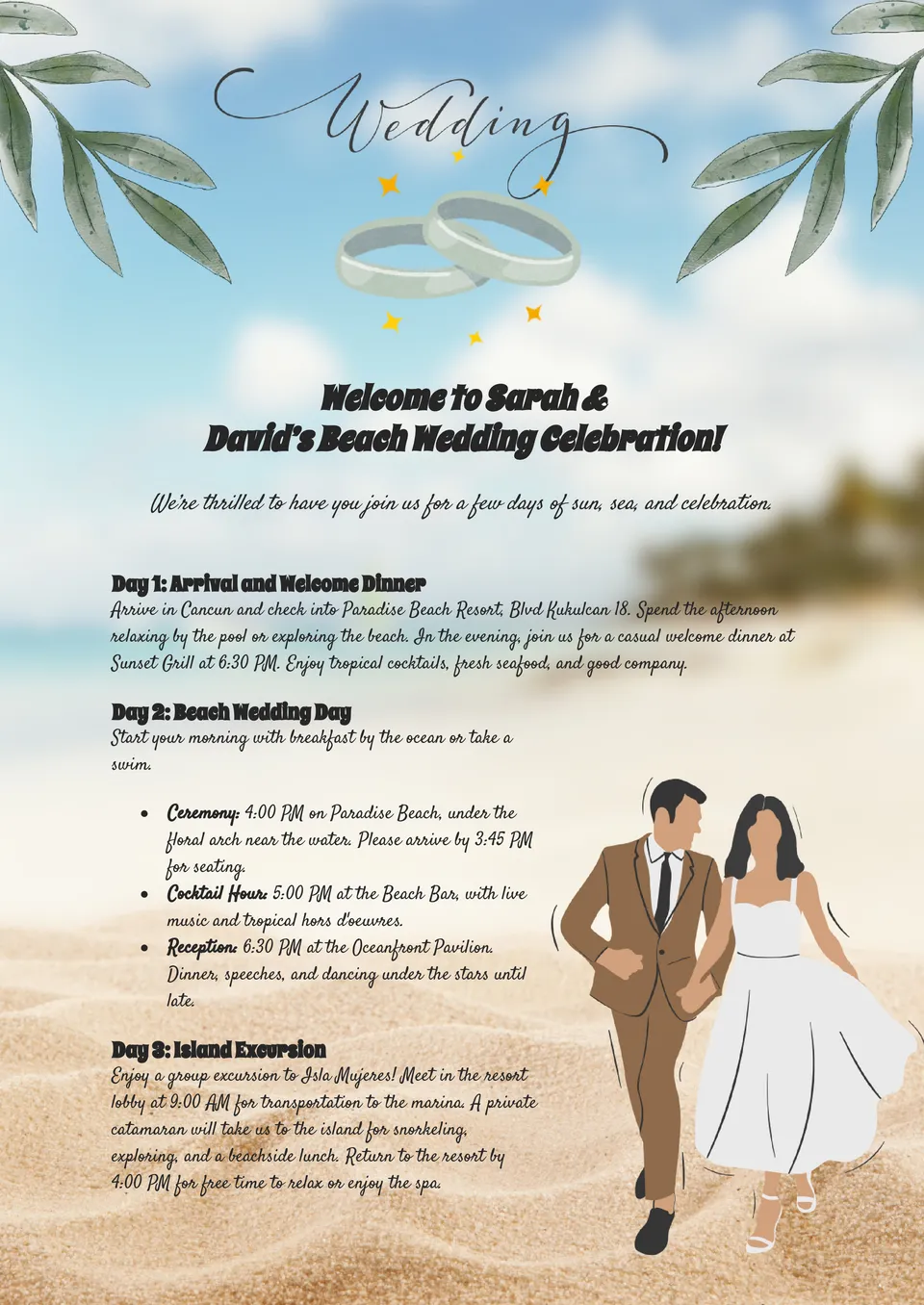
Dreaming of a perfect beach wedding? The Beach Wedding Itinerary Template is tailored to capture the unique charm of a seaside celebration.
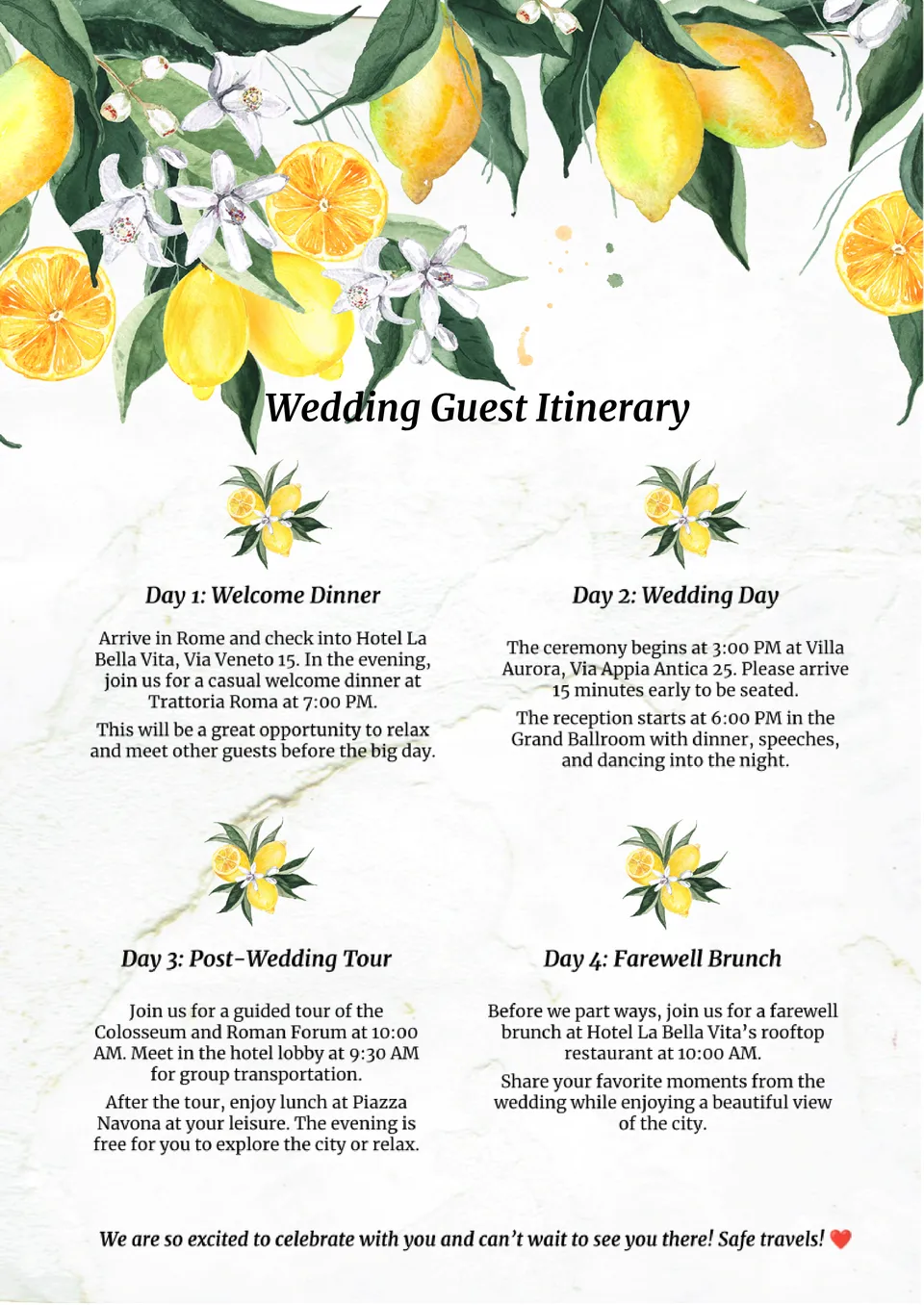
Want to ensure your wedding guests have a stress-free experience? The Wedding Guest Itinerary Template provides a clear and organized schedule for your attendees.
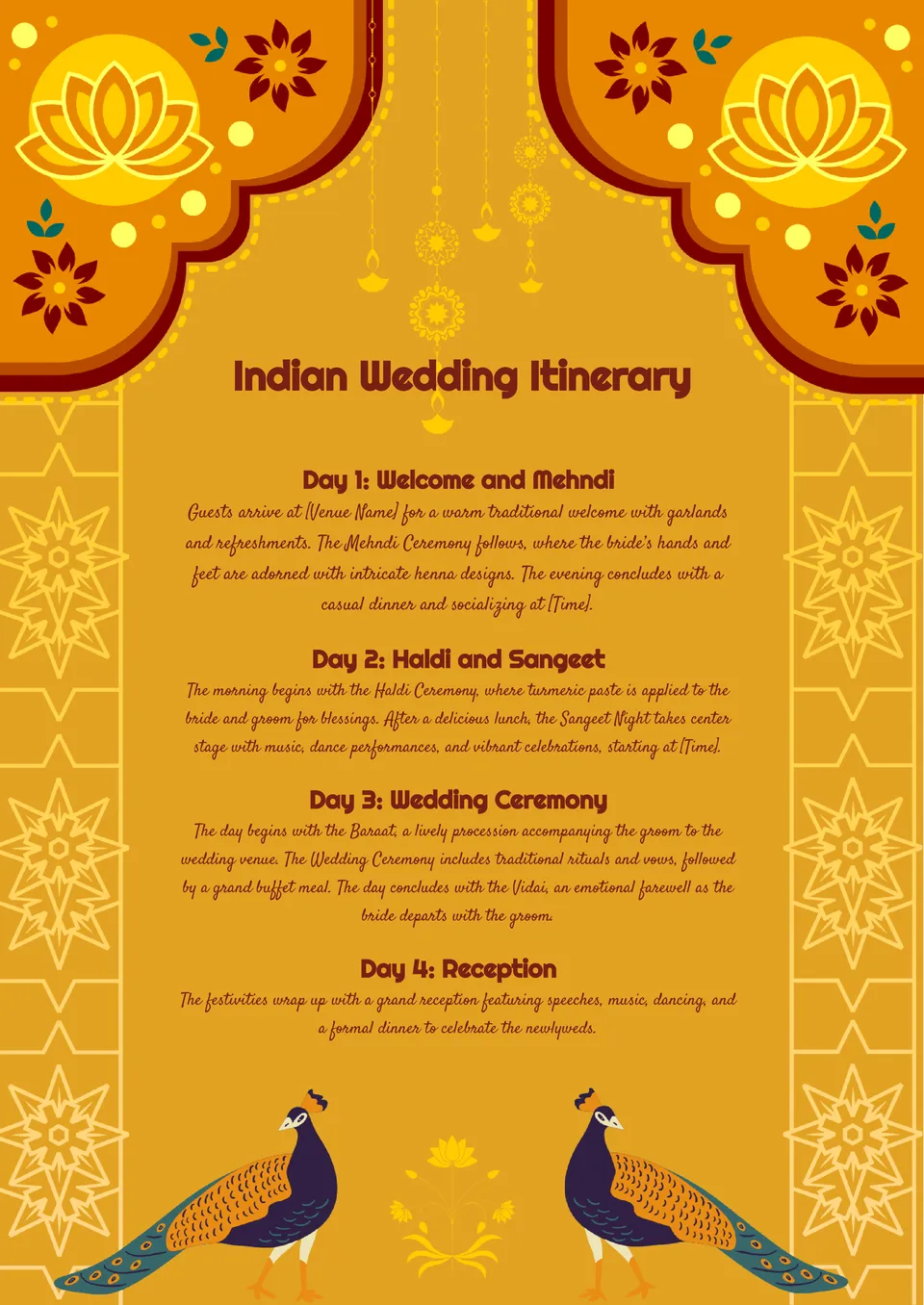
Planning a vibrant and culturally rich Indian wedding? The Indian Wedding Itinerary Template is designed to accommodate the multiple ceremonies and traditions that make these events so special.
What are the best Itinerary Templates in 2026?
What is the most effective approach to use a template?
What should I know to avoid bad results?
Do I need to attract specific specialists to use the files?
How can I change the data shown in the file?
How to make an itinerary template?
Itinerary Templates
Family vacations, corporate trips, parties, and children’s celebrations – everything can be quickly organized with the help of a ready-made Google Docs Itinerary Template. It allows for a detailed outline of planned entertainment and future locations. Use the editable template as a substitute for a travel map, program, and daily schedule.

Who Needs an Itinerary Template?
The Trip Itinerary Template can be used by tour operators, event agencies, various organizations, and private individuals. They simplify trip planning and inform participants about the event. From the Docs&Slides gallery, choose a suitable template and describe:
- every stop along the way;
- the timing for the day and the entire trip;
- actions or objectives upon arriving at a location;
- dress code or a list of recommended items to bring;
- behavior rules in public areas you plan to visit and other useful advice.
The content of the template depends on its purpose and objective. It can be used in any situation where there’s a need to organize and break down one large event into several segments.

Which Vacation Itinerary Template to Choose?
A printable template will be useful for organizing trips, personal holidays, and corporate meetings. Invited guests will know how to reach the meeting place either independently or together with other participants. They will be informed about what to expect during a walk, a long trip, or an event.
In the gallery, you can download templates for:
- hiking trips;
- cruises;
- family vacations;
- official ceremonies;
- birthdays;
- children’s parties;
- informal gatherings;
- corporate events;
- training;
- outdoor team-building activities, and many more.
A free itinerary template can be used for trip planning and quick participant notification. You won’t need to remember the sequence of actions and explain them. Simply modify the design of the Google Docs templates and distribute them to the invited guests. Each person will receive a detailed plan and will know what to bring and what to avoid. Participants will be able to prepare in advance for a trip, business meeting, or entertainment event.

What to Include in an Itinerary Template in Google Docs?
Edit the free template according to your event. Describe each item briefly so that no questions remain for the reader. Consider what might interest them during the preparation for the event, during its execution, and after its completion. This way, you can inform about behavior rules and appearance requirements at the places you plan to visit.
Before printing the template, specify:
- the title;
- start and end date/time;
- conditions of the trip or event (transfer, mode of transport, locations, etc.);
- objectives of the stops, planned entertainments, or actions.
In the template, answer the question about the dedication of time. It’ll be much easier to design your first itinerary, having a general idea of the trip or event. For instance, on a tourist trip, allocate free time between sightseeing, photoshoots, tasting local dishes and drinks, walks, overnight stays, etc. In itinerary templates for bachelorette parties, parties, and children’s celebrations, list the entertainments awaiting you. For business meetings, allocate time for project discussions, professional development, coffee breaks, and so on.

How to Use Itinerary Templates in Your Personal Life and Work?
Our gallery features Google itinerary templates from professional designers that can be downloaded for free. You can make them exclusive and distinct with your edits. Download the document, edit the text, and change colors or images. Share the itinerary with event participants—send the edited template in electronic format.


Choose your preferred social media platform from options like Pinterest, Facebook, Twitter, and more. Share our templates with your contacts or friends. If you’re not active on these social networks, you can simply copy the link and paste it into the one you use.