

 Back to templates
 Free Inventory Google Sheets Templates
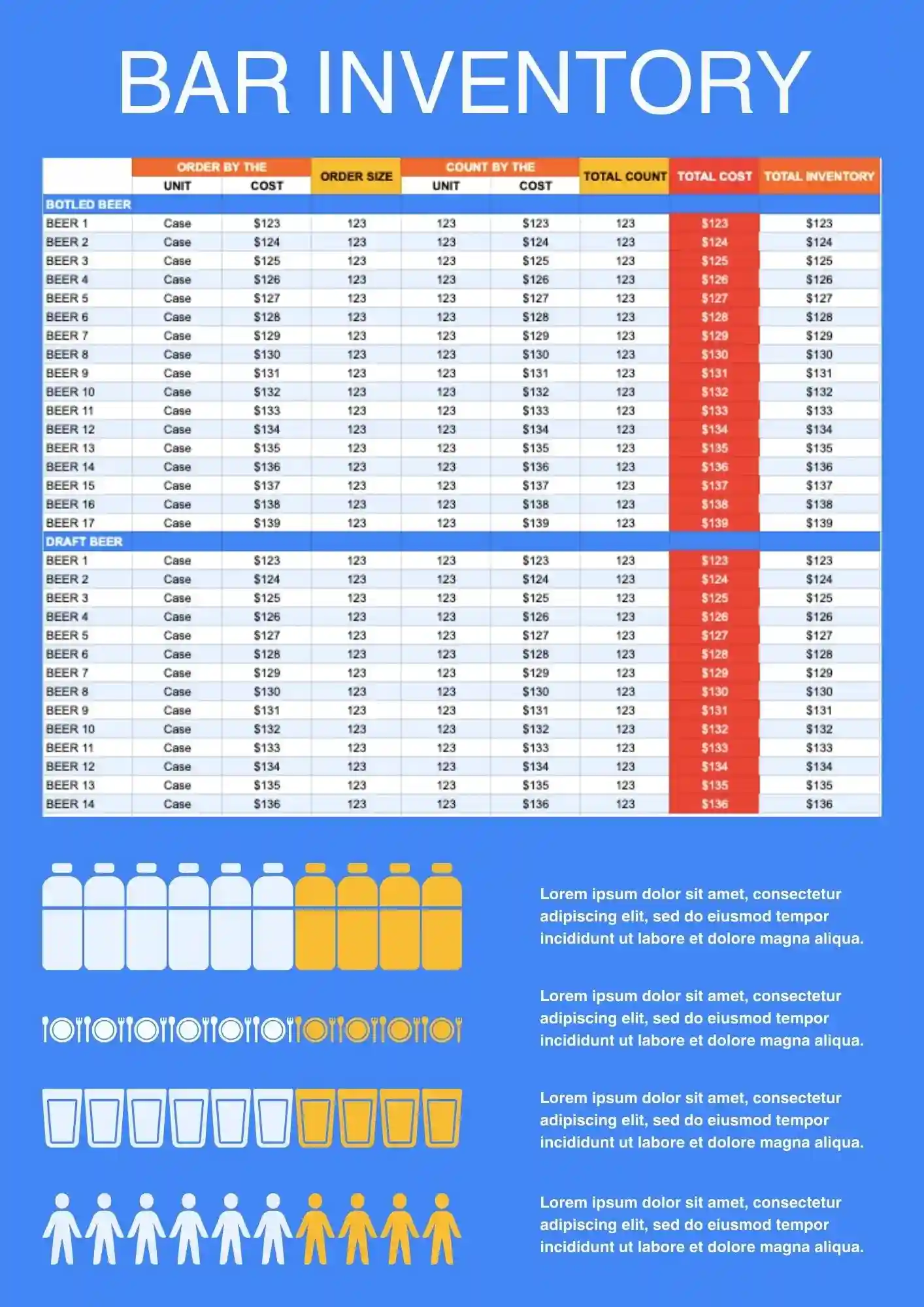
Need a better way to track bottles, supplies, and stock levels behind the bar? Bar Inventory Template helps bars, restaurants, and hospitality teams keep inventory records more organized and easier to update. It works well for monitoring beverage stock, supply usage, and restocking needs in one place. You can edit the fields and labels to match your bar setup and product list. Get this template free, start using it immediately, and keep your bar inventory under better control.

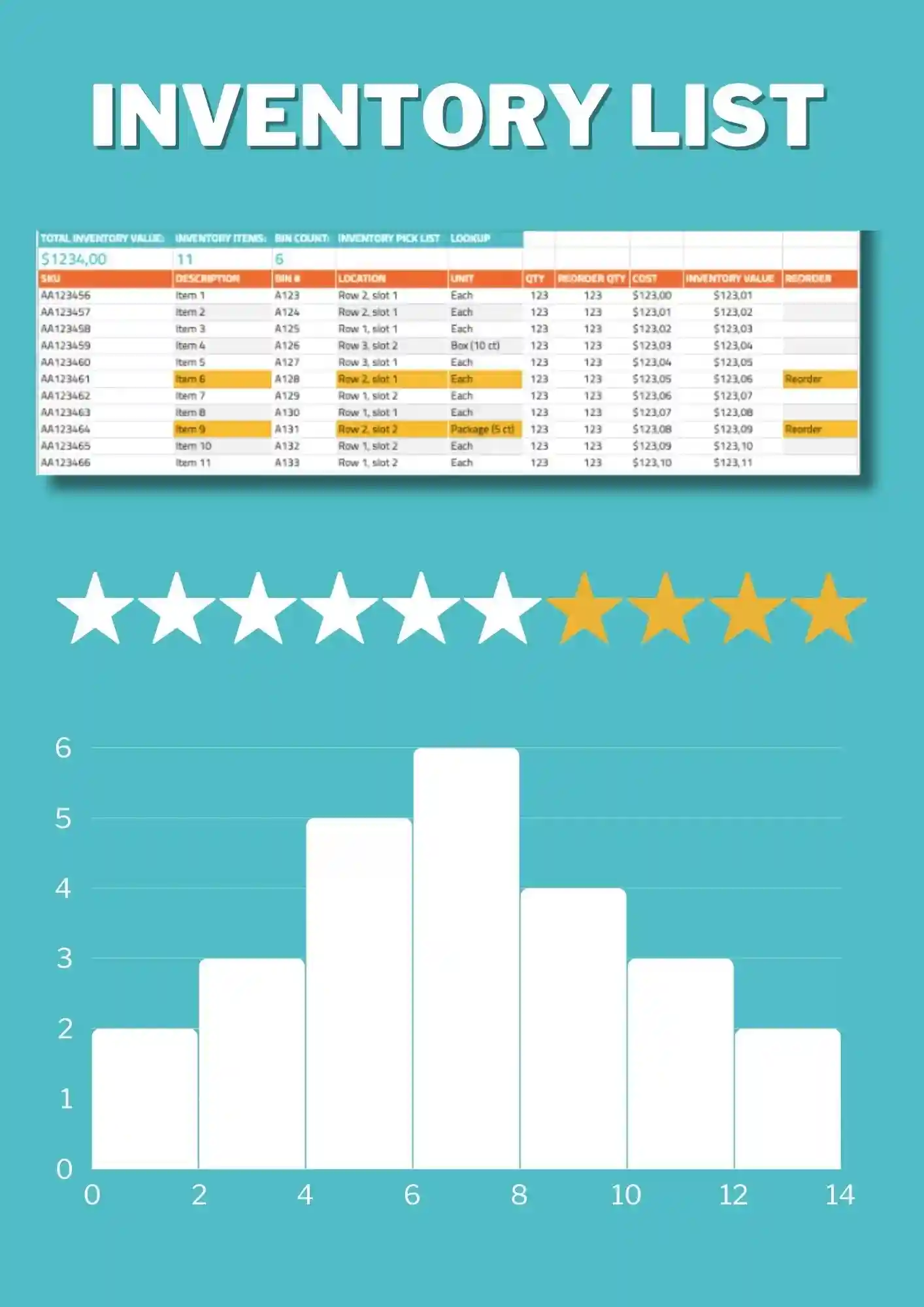
List Inventory Template is a straightforward option for tracking item names, quantities, and stock details in one clean file. It works for businesses, teams, and individuals who want a simple inventory record without extra complexity. The structure is easy to edit, so you can adapt categories and item information to your own system. It helps reduce confusion and keeps your records easier to read. Use this free template as soon as you download it and simplify your inventory workflow.
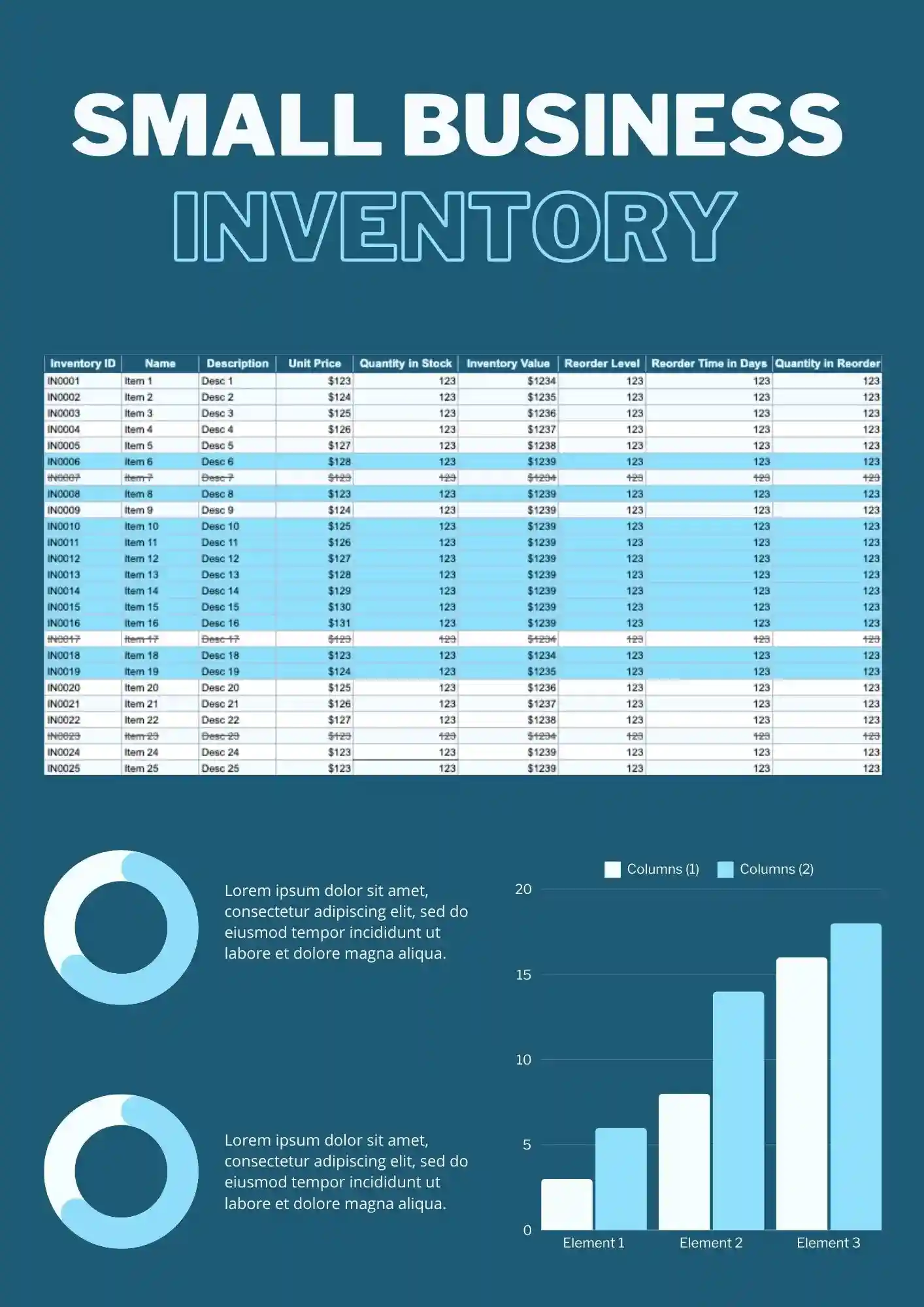
Trying to stay on top of small business inventory without a reliable system can lead to missed items and wasted time. Inventory Small Business Template helps organize stock records in a way that feels clear, practical, and easy to update. It works for retail businesses, local sellers, and growing teams that need a better view of what is in stock. You can customize text, colors, and fields to fit the way your business tracks inventory. Free to download and ready when you need a faster way to manage stock.
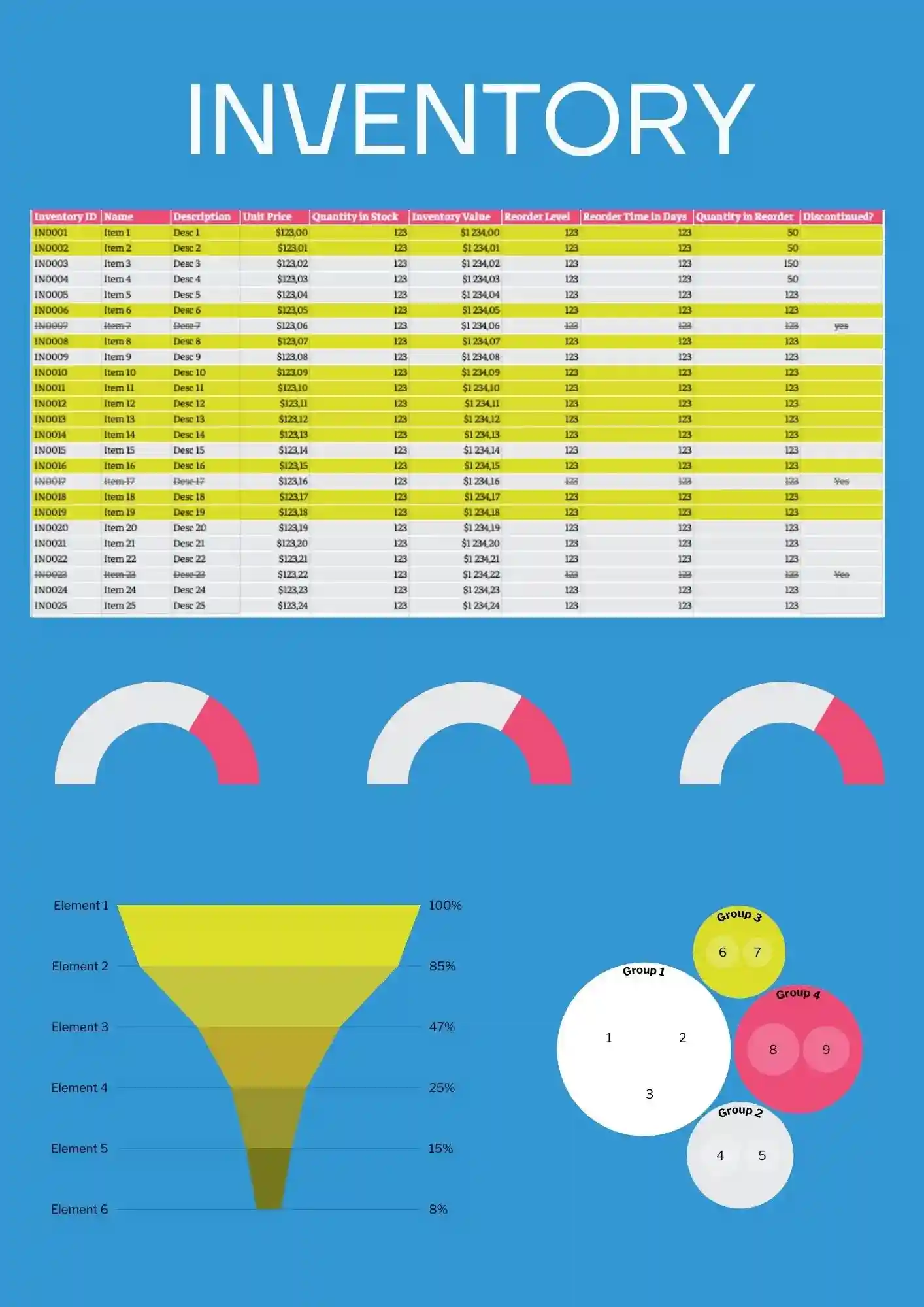
Looking for a flexible inventory tracker that can work across products, supplies, or general stock? Inventory Template gives you a practical starting point for organizing items, quantities, and updates in one place. It is useful for businesses, offices, schools, and anyone who needs a clean stock management file. You can edit the content and design details to fit your inventory process. Grab this free download and put a more reliable inventory system in place today.
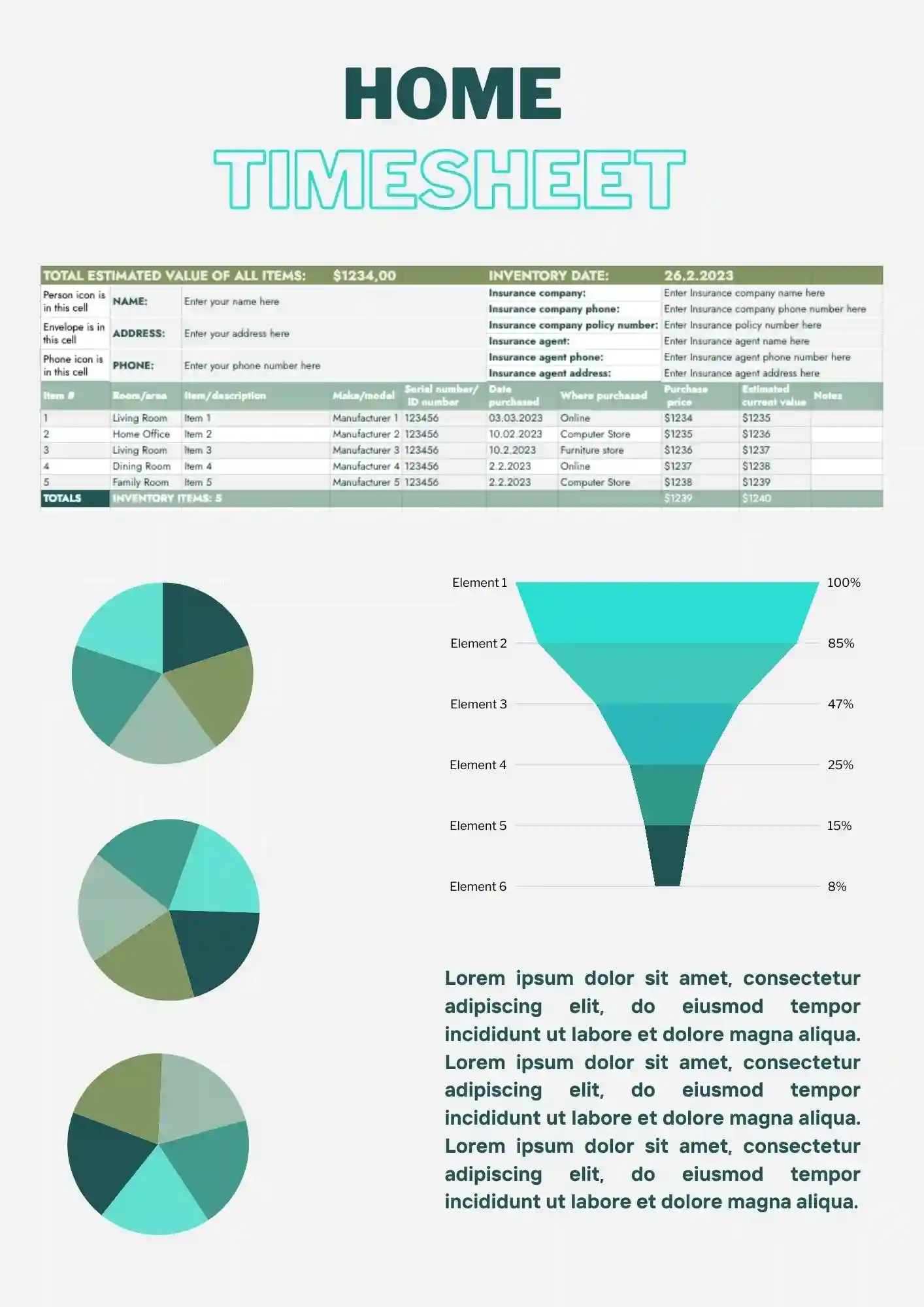
Keeping track of household items is much easier when everything is recorded in one organized list. Home Inventory Template helps you manage personal belongings, home supplies, or valuable items without creating a tracker from scratch. It works well for homeowners, renters, and families who want a clearer record of what they own. The sheet can be customized to fit rooms, categories, or item types. Download it free and start building a home inventory that stays easy to update.
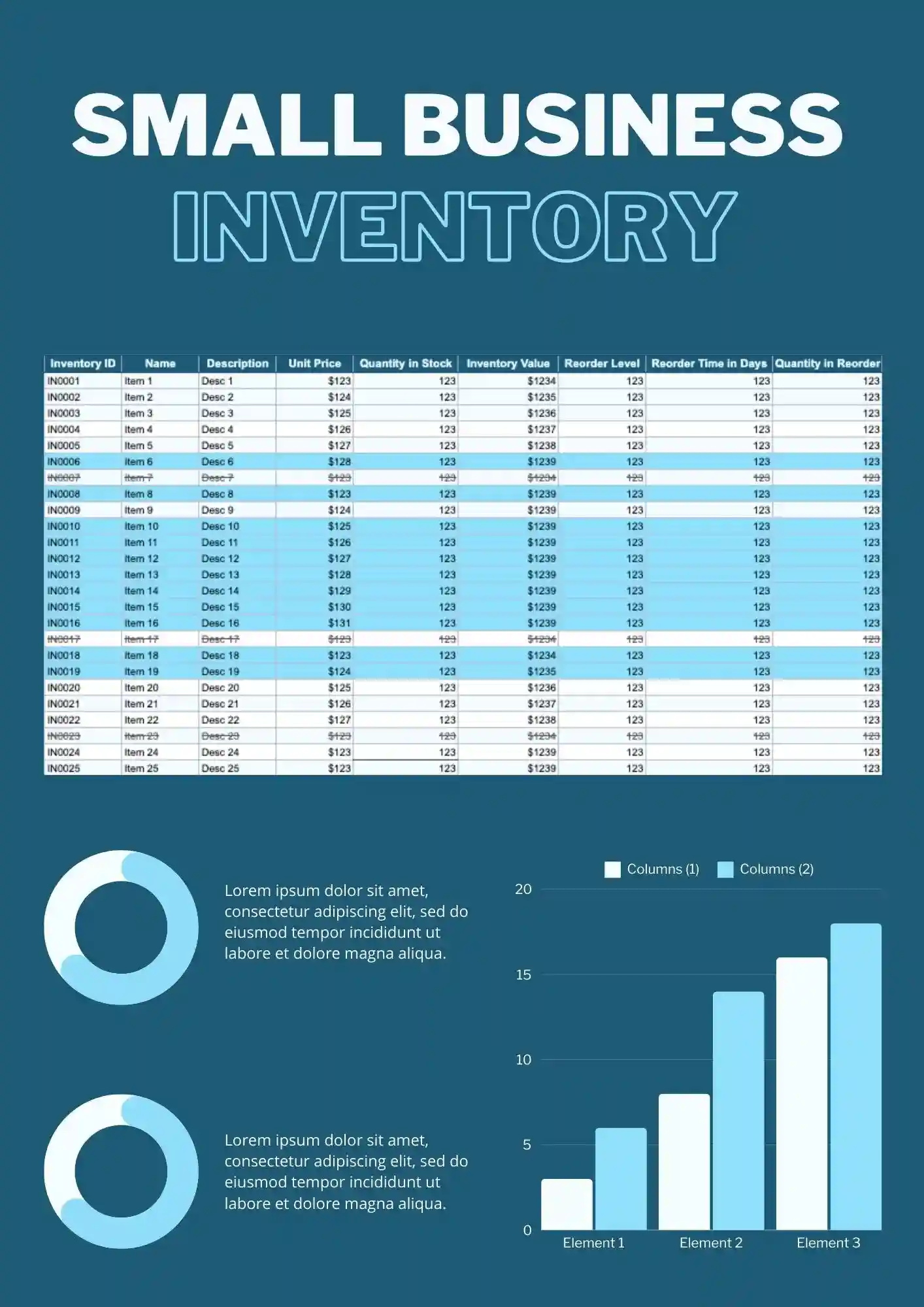
Running a small business gets harder when inventory is scattered across notes, tabs, and outdated files. Small Business Inventory Template gives you a clear setup for tracking stock, product details, and quantity changes in one place. It fits shop owners, small teams, and independent sellers who need better control over daily inventory. The editable layout makes it easy to tailor the sheet to your products and process. Get it for free and start organizing your inventory with less effort.
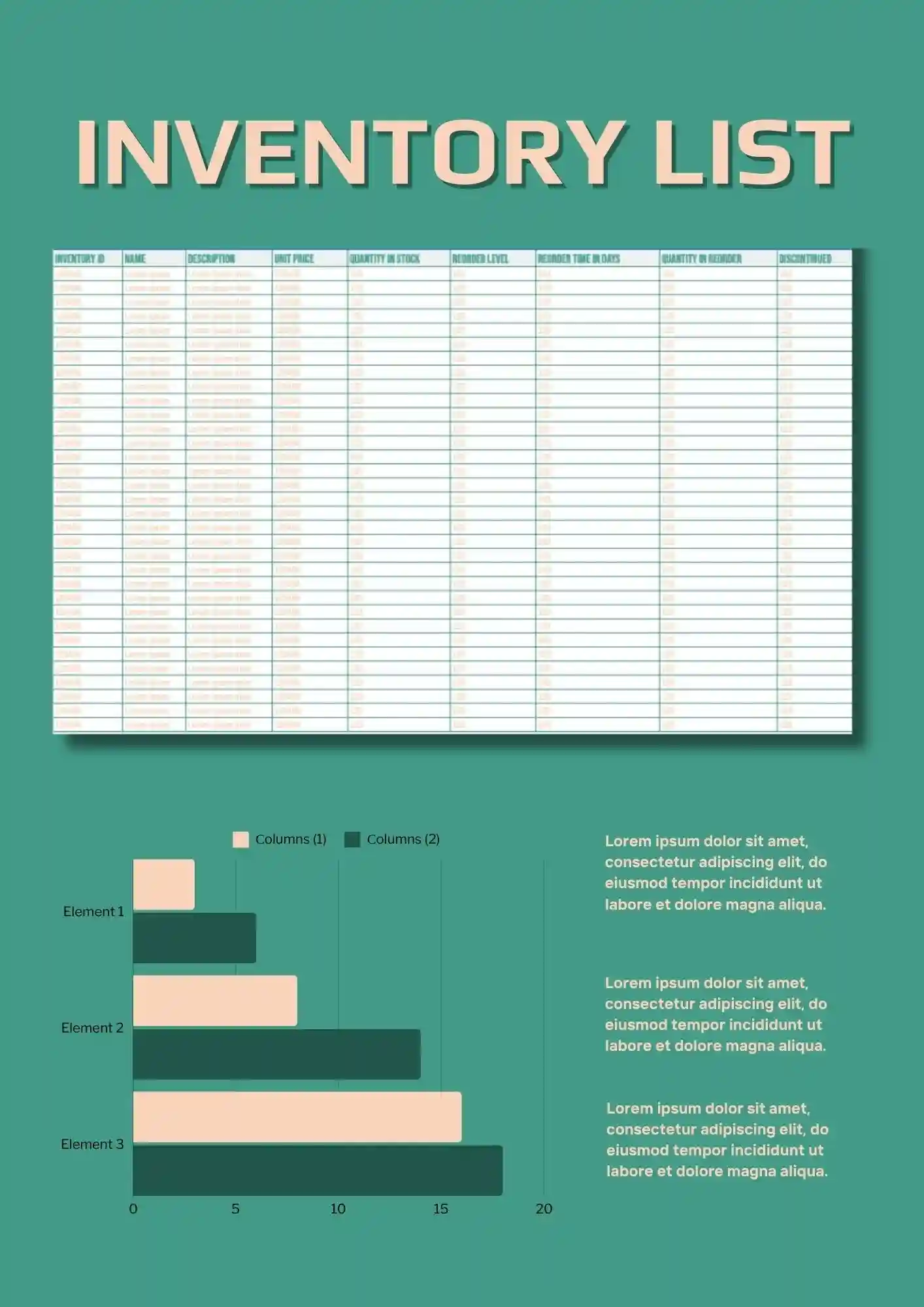
Need a simple way to keep products, quantities, and stock details in one organized place? Inventory List Template helps you track items clearly without building a sheet from scratch. It works well for stores, offices, warehouses, and small teams that need a cleaner stock overview. You can adjust the labels, colors, and item details to match your workflow. Download it free, use it right away, and keep your inventory list easier to manage.
What Are Inventory Templates for Google Sheets and Microsoft Excel?
Inventory Templates are structured spreadsheet layouts we designed for small business owners, shop managers, homeowners, and admins who need to track stock, goods, assets, or supplies accurately. Whether you’re listing home items, monitoring small business inventory, or keeping bar supplies organized, these templates give your tasks clarity and efficiency.
Each template works in Google Sheets and Microsoft Excel so you can log quantities, update status, and categorize inventory in a clean, easy‑to‑read format. We made these Inventory Templates to help you reduce manual errors, stay organized, and spend more time managing rather than formatting spreadsheets.

Benefits of Using Inventory Templates
Using Inventory Templates simplifies the tracking process and improves visibility over your inventory. Ready layouts help avoid confusion, wasted items, or miscounting, and make audits or stock checks much easier.
- suitable for home inventory, small business stock, bar supplies, or general asset tracking;
- includes fields for item name, quantity, location, status, or value;
- editable formats so you can adjust categories or add custom columns;
- clean designs that work well on screen or when printing sheets;
- reduces setup time and minimizes risk of mistakes.
These templates let you manage inventory efficiently and with confidence.

How to Customize Google Sheets Inventory Templates
Customizing Inventory Templates is fast and straightforward. You open one sheet, fill in your current stock, adjust categories, and you’re ready to go. Export options mean you can share or archive easily when needed.
- Open your chosen template in Google Sheets or Microsoft Excel.
- Replace placeholder items with your product names, details, and quantities.
- Add or remove columns for status, location, or value changes.
- Adjust formatting, colors, or number formats (currency, units) to your preference.
- Export the inventory sheet as Microsoft Excel, PDF, ODS, CSV, or TSV for backup, sharing or printing.
If you also plan scheduling or time tracking, explore our Timesheet Templates for organized timelines and logs.

Popular Types of Inventory Templates
We offer Inventory Templates built for different use cases:
- List Inventory Template – basic list format for general tracking;
- Inventory Small Business Template – fields for suppliers, stock value, and reorder levels;
- Home Inventory Template – ideal for organizing household items and property;
- Inventory List Template – simple layout for quick scanning or record keeping;
- Bar Inventory Template – designed for drink types, stock counts, and restock tracking.
Download Free Inventory Templates for Your Needs
Choose an Inventory Template, populate it with your items, and begin keeping exact records. All templates are free, easy to edit, and ready in minutes. Download our free Inventory Template today and simplify your stock management.


Choose your preferred social media platform from options like Pinterest, Facebook, Twitter, and more. Share our templates with your contacts or friends. If you’re not active on these social networks, you can simply copy the link and paste it into the one you use.