

 Back to templates
 Free Table Of Contents Google Docs Templates
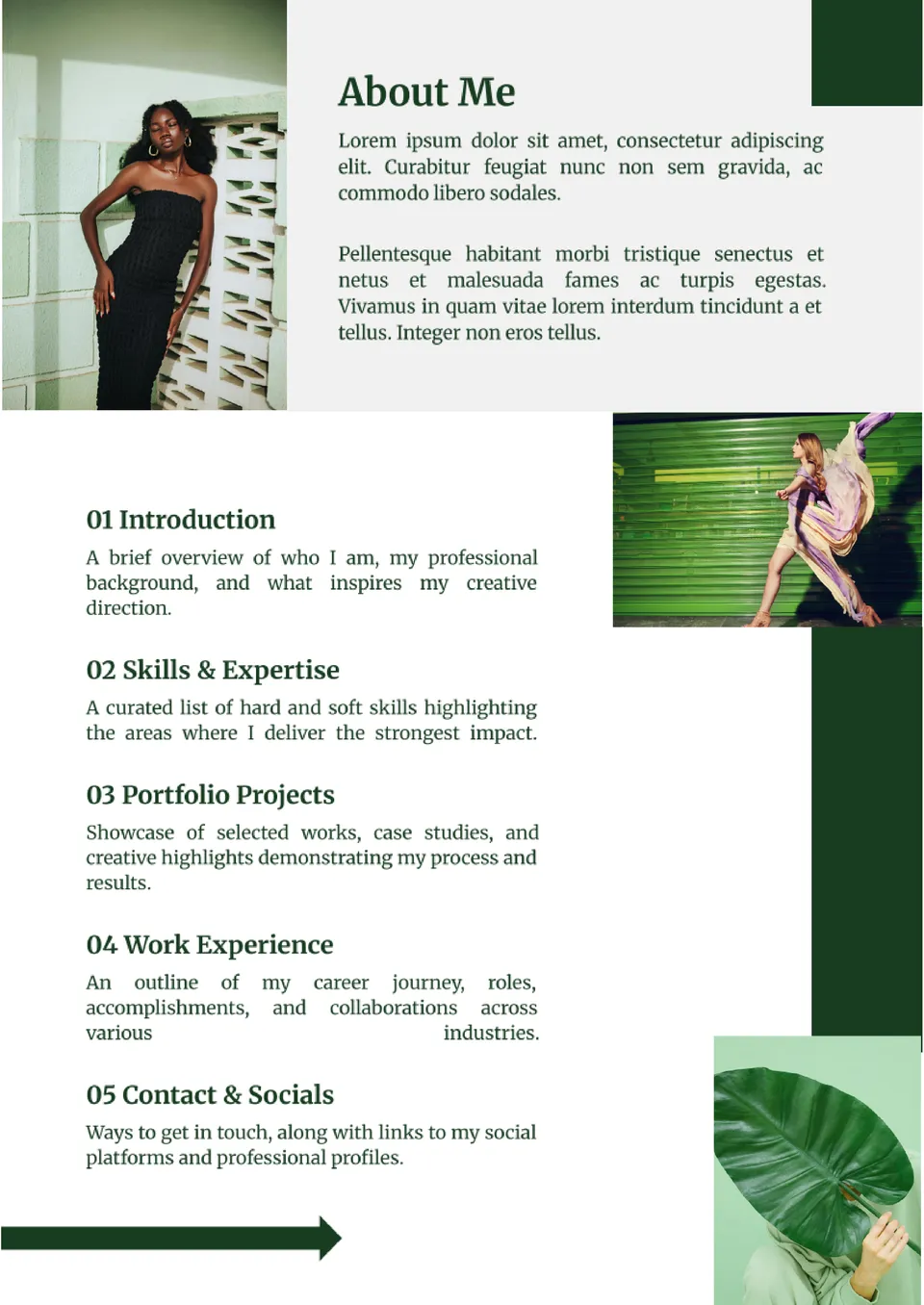
The Portfolio Table of Contents Template gives creatives a polished starting point to organize projects, resumes, and case studies. It’s designed to help employers and clients find work samples effortlessly.


The Aesthetic Table of Contents Template adds style and balance to your creative documents. With modern design elements and gentle colors, it works perfectly for journals, portfolios, blogs, and ebooks.
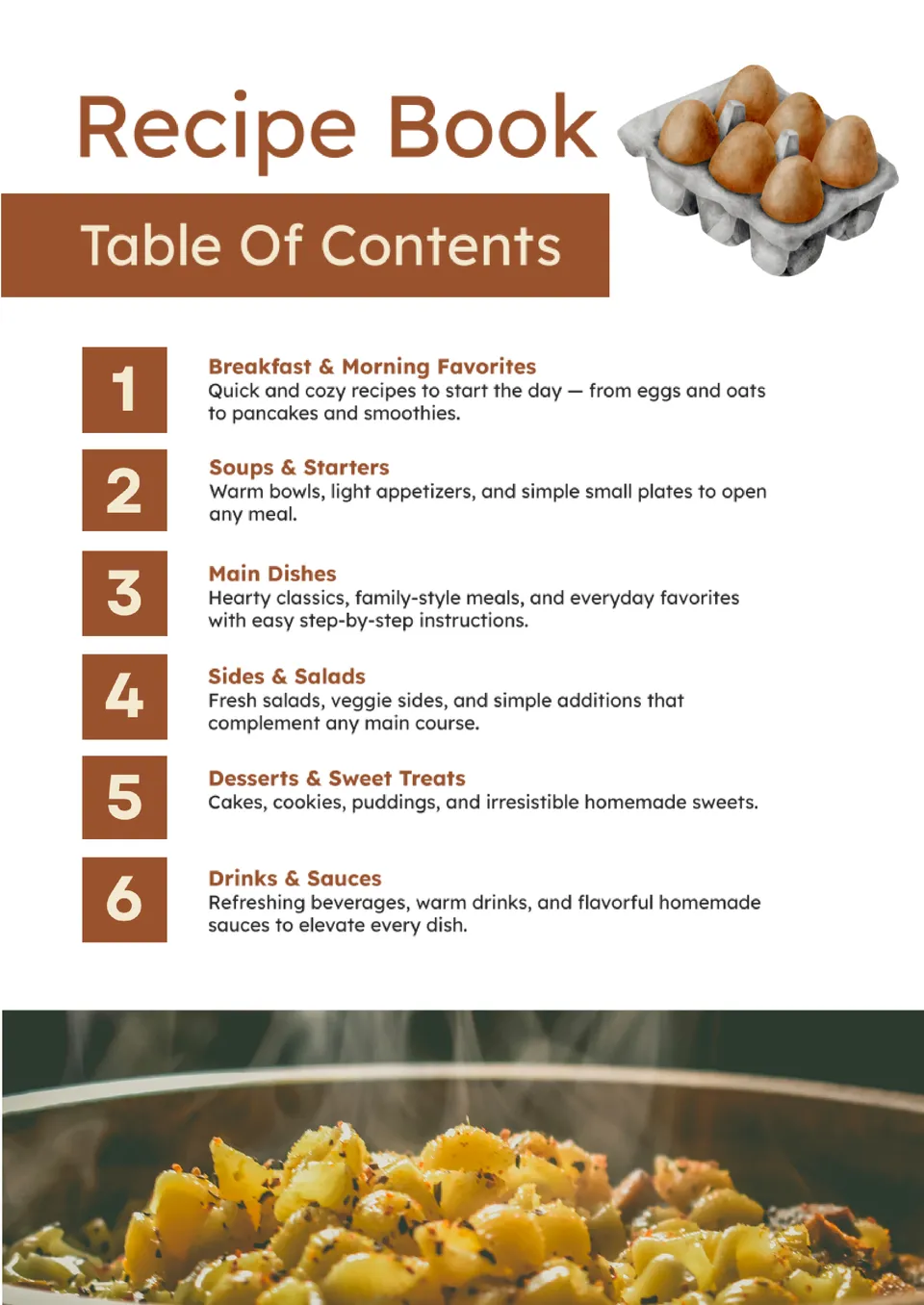
Need to organize your favorite recipes into a cook-ready layout? The Recipe Book Table of Contents Template helps you list categories, dishes, and sections clearly.
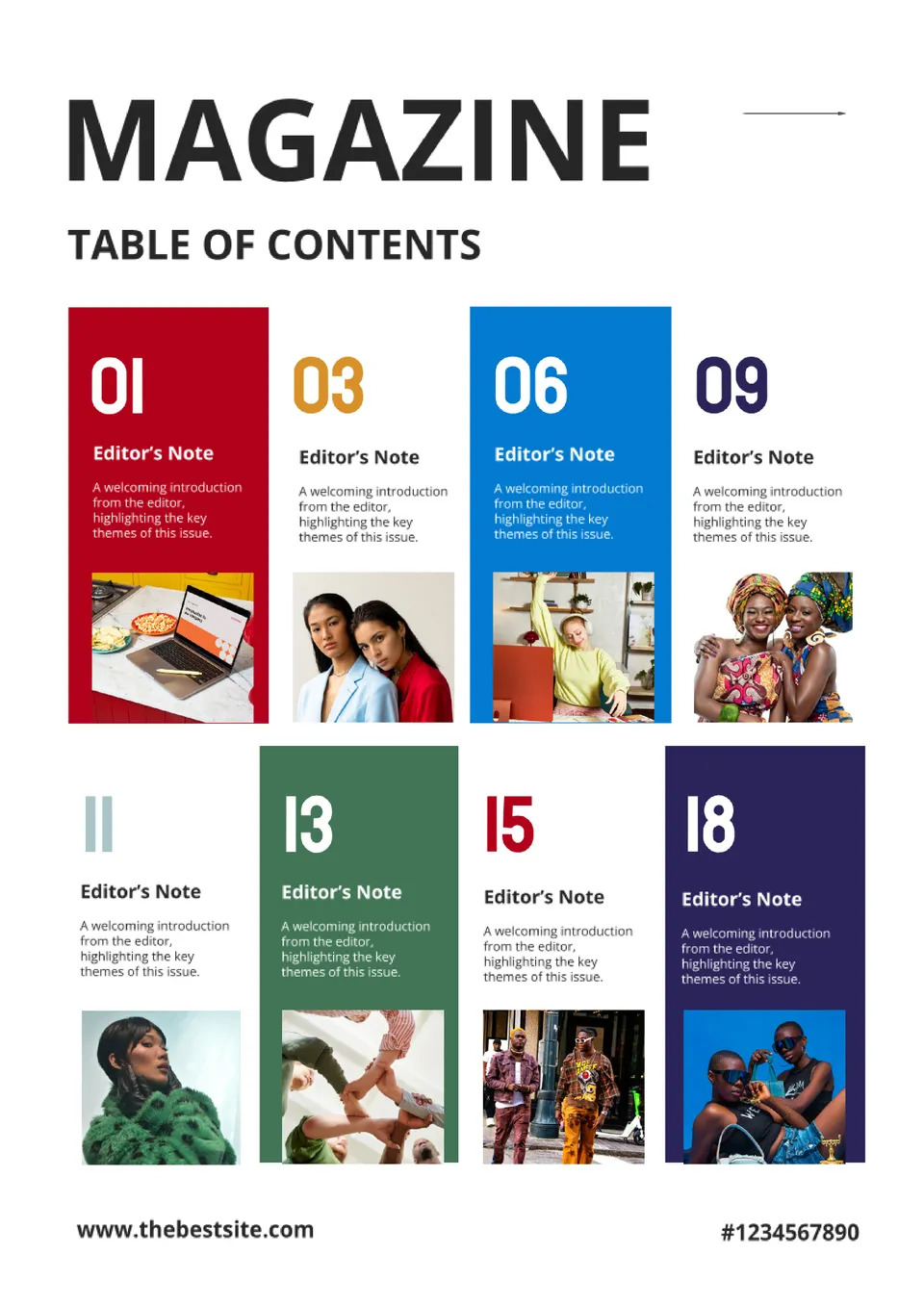
Want your magazine to feel sleek and easy to browse from the first page? The Magazine Table of Contents Template offers a professionally designed layout that highlights articles, features, and contributors.

Looking for a fun and simple way to organize your child’s book or project? The Kid Table of Contents Template gives playful, easy-to-read sections perfect for kids’ stories, school work, and classroom books.
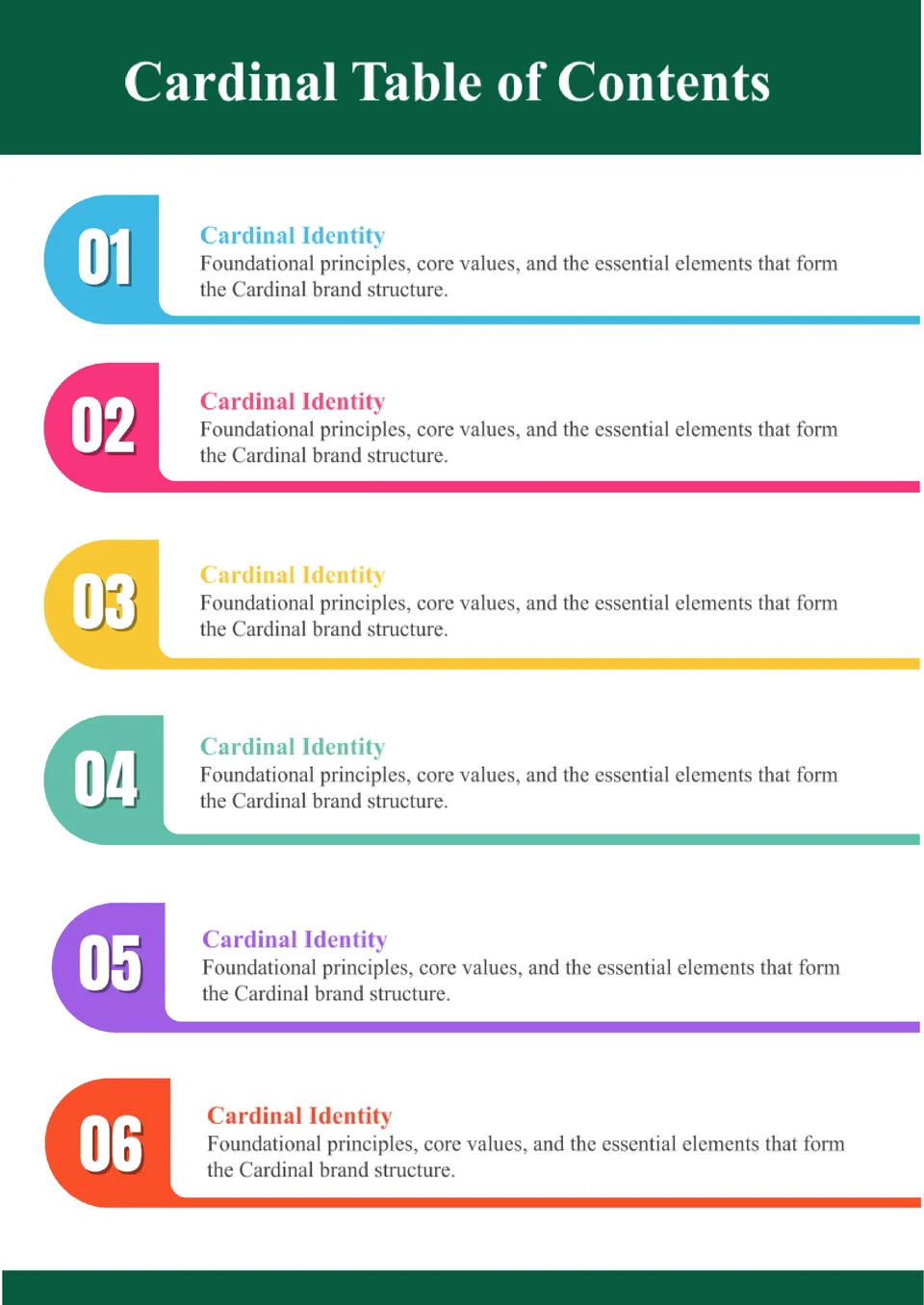
The Cardinal Table of Contents Template offers a bold, stylish structure for organizing documents that need authority and clarity. Ideal for professional reports, portfolios, and business documents, it balances visual impact with readability.
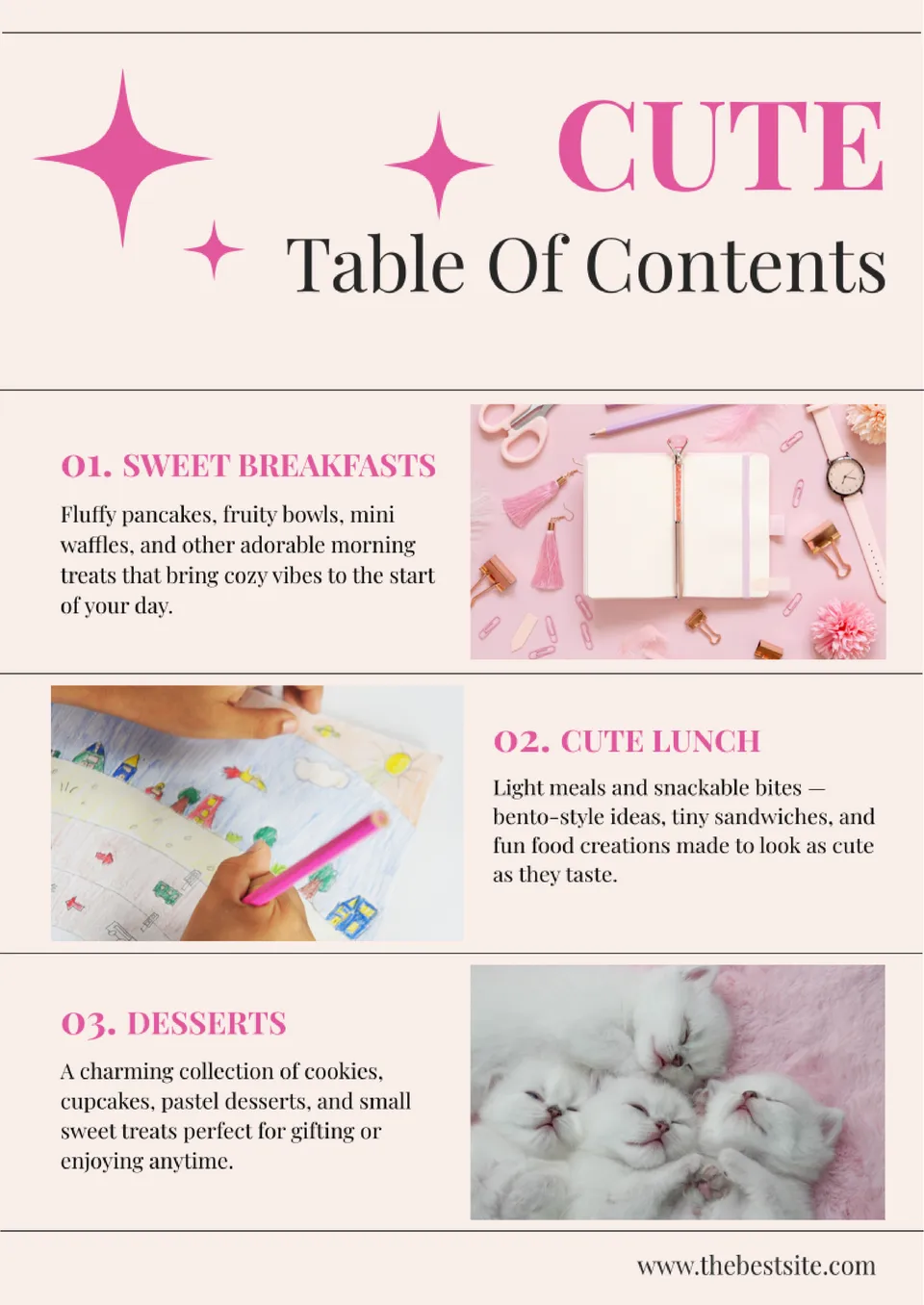
The Cute Table of Contents Template brings charm and personality to your document’s start page. Designed with soft colors and playful touches, it’s perfect for planners, journals, school projects, or creative ebooks.
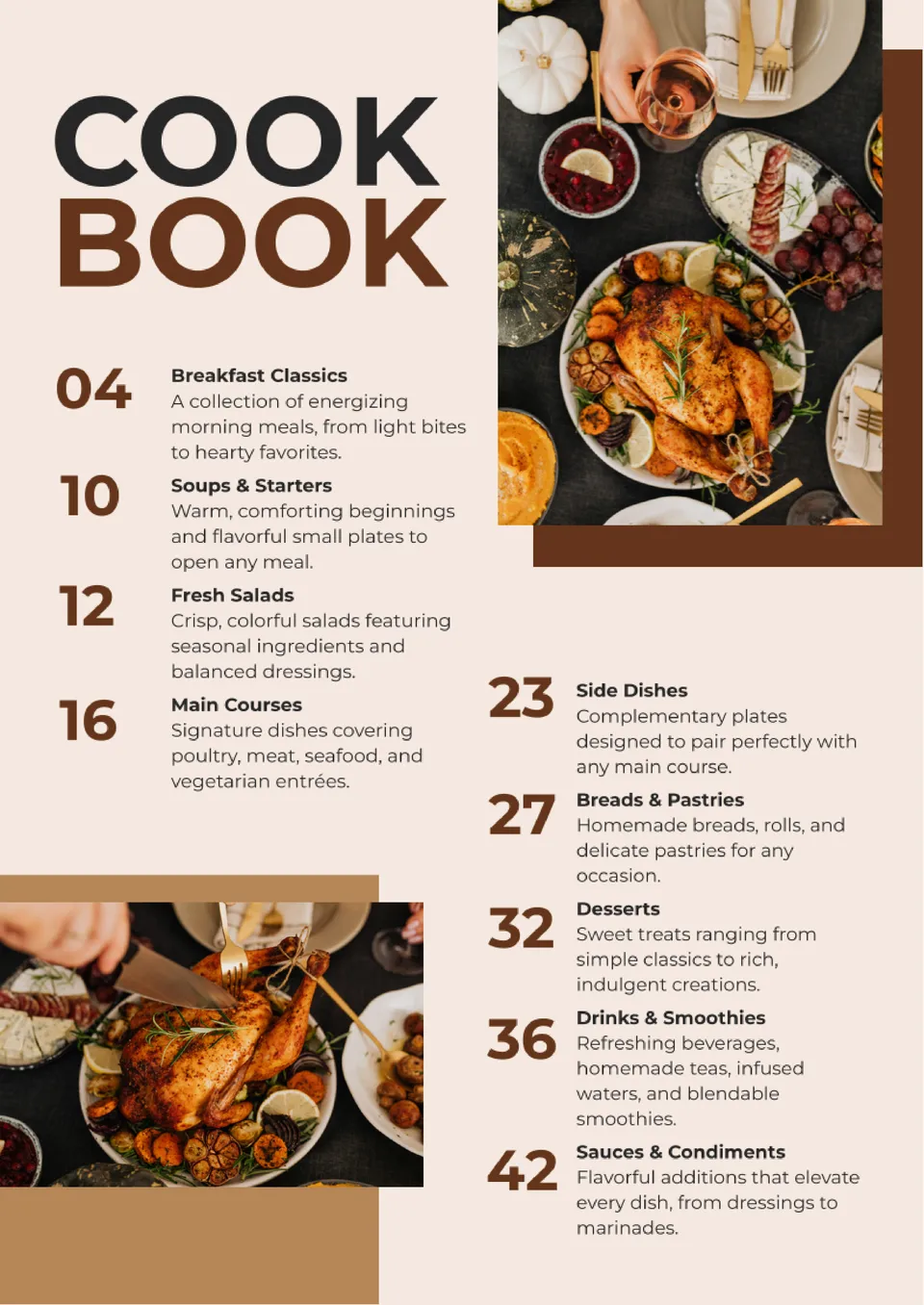
Want your cookbook to feel organized and easy to follow? The Cookbook Table of Contents Template lets you list recipes, categories, and sections in a visually appealing, structured layout.
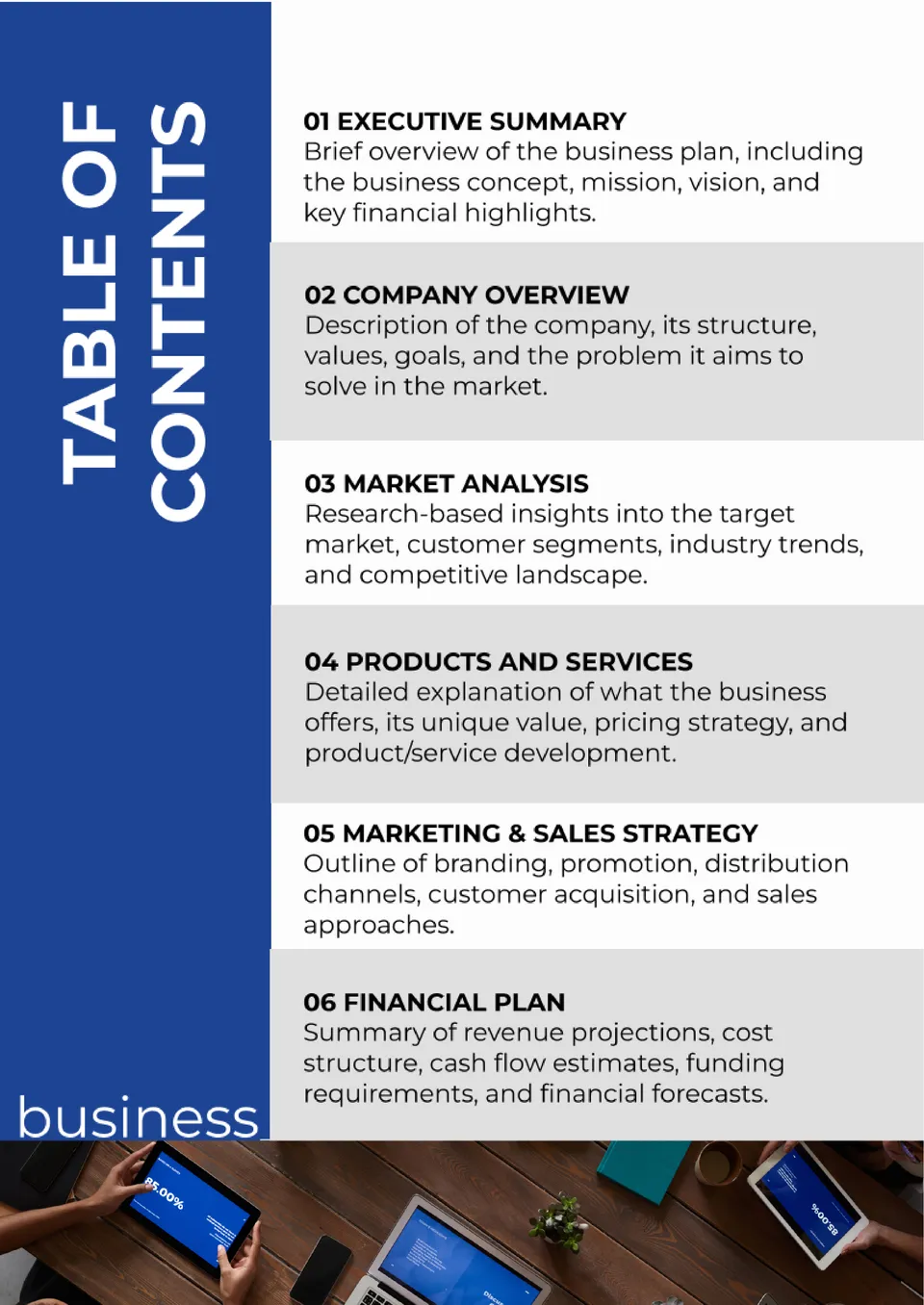
Looking to give your business plan a polished first impression? The Business Plan Table of Contents Template provides a clear roadmap of all major sections so investors and partners can find what they need fast.
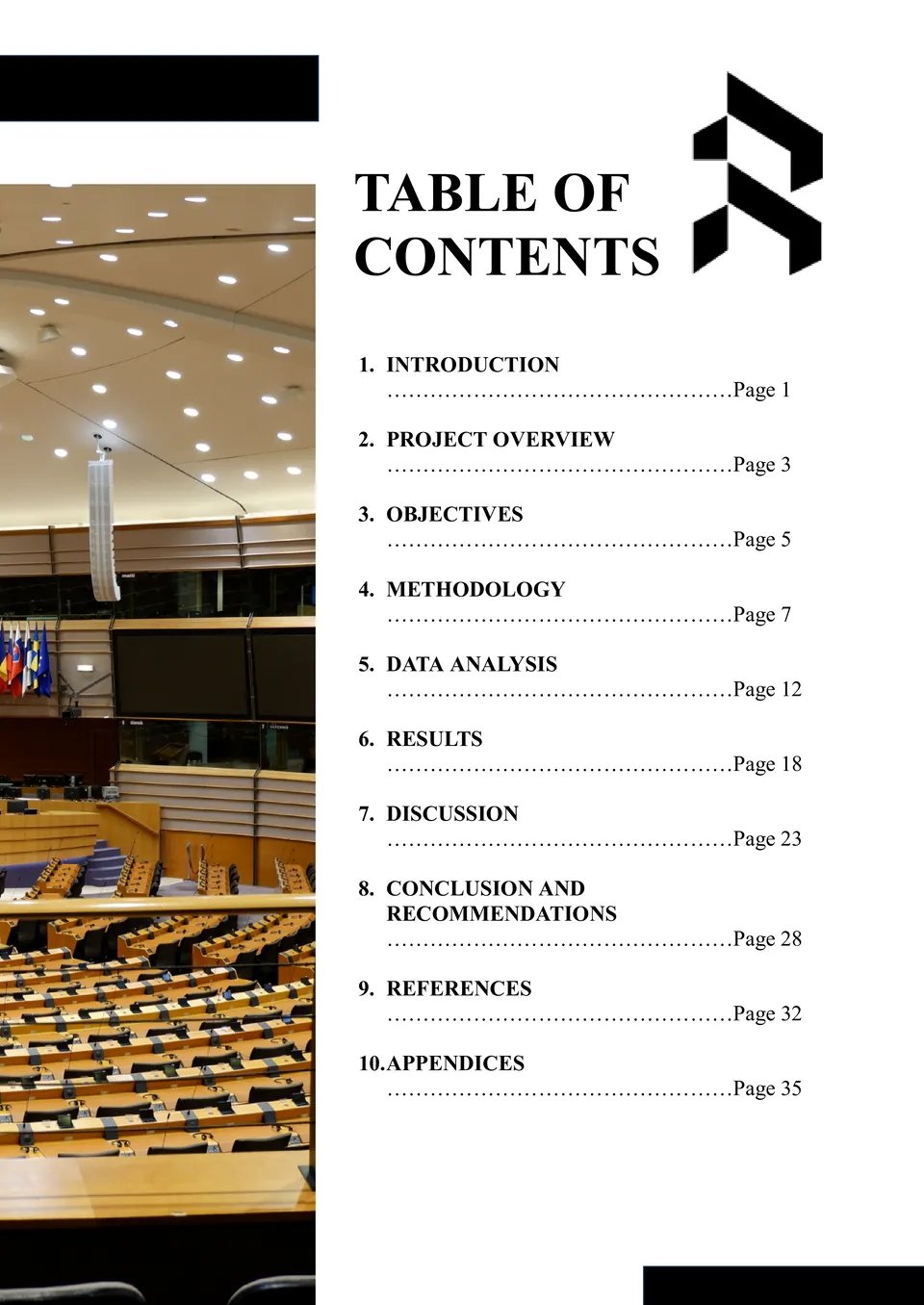
Need a quick way to organize long documents with a professional structure? The Blank Table of Contents Template gives you a clean, editable layout to map chapters, sections, and headings.
What Are Table of Contents Templates for Google Docs and MS Word?
Table of Contents Templates are ready-made layouts for books, magazines, business plans, and portfolios that need a clear structure at the beginning of the document. They help readers find sections quickly and give long documents a more organized and professional look. If you also need a fuller format for multi-page written material, take a look at our Book Templates.
We create these templates to help you save time and keep your document structure clean, readable, and easy to customize. They work well when you want to list chapters, sections, or headings without building the design from scratch. They also help you keep the same formatting across different projects, so the document feels consistent from start to finish.

Benefits of Using Table of Contents Templates
Table of Contents Templates make it easier to organize content in a way that is simple to scan and follow. They also help readers understand the flow of the document before they start reading.
- show sections and chapters in a clear order;
- save time with a ready-made contents layout;
- adapt the design for books, reports, or business documents;
- make long documents easier to navigate;
- prepare contents pages for print or digital use.
In practice, a good contents template helps make your document more polished and easier to use.

How to Customize Table of Contents Templates in Google Docs
Google Docs makes it simple to edit a table of contents template and adapt it to your project. You can update the headings, adjust the layout, and prepare the final version in just a few steps.
- Open the template in Google Docs or download it as a Word file.
- Replace placeholder text with your section titles, chapter names, or headings.
- Add page numbers, dots, or other formatting details if needed.
- Adjust fonts, spacing, and alignment to match the rest of the document.
- Save the finished file as PDF, DOCX, or another required format.
You can also use different styles for a book, a magazine, or a business plan depending on the type of document you are creating.

Popular Types of Table of Contents Templates
We offer different Table of Contents Templates for books, magazines, business plans, and portfolios. Each option is designed for a specific purpose, so you can choose the version that fits your document best.
- Blank Table of Contents Template — a flexible format for building a custom contents page from scratch;
- Magazine Table of Contents Template — a stylish layout for editorial content and publication sections;
- Recipe Book Table of Contents Template — a useful choice for cookbooks and recipe collections;
- Business Plan Table of Contents Template — a structured option for organizing professional business sections;
- Portfolio Table of Contents Template — a practical format for creative work and project collections.
Download Free Table of Contents Templates for Your Needs
Our Table of Contents Templates are free to download and easy to adapt for many different documents. Choose the design that matches your project, edit it in Google Docs or Word, and create a contents page that looks clean and well organized. We design these templates to help you save time, improve navigation, and give your document a more professional finish.


Choose your preferred social media platform from options like Pinterest, Facebook, Twitter, and more. Share our templates with your contacts or friends. If you’re not active on these social networks, you can simply copy the link and paste it into the one you use.