

 Back to templates
Free Mind Map Google Slides Templates
Explore a topic before turning it into a paper, presentation, or detailed plan with free mind map templates. The collection includes student, project, marketing, business, concept, and bubble maps, plus blank and colorful designs. Branches and connected shapes give related ideas a place around one central subject. Add keywords, questions, supporting details, or images as your thinking develops. Find a simple overview for quick notes or a more detailed structure for a larger brainstorming session.

Are students struggling to organize a large topic, remember key details, or turn scattered notes into a useful revision guide? Student Mind Map Template provides a central subject area with branches for definitions, examples, questions, key facts, connections, and summaries. Learners can use it for exam preparation, essay planning, lesson review, research, or vocabulary development. The visual format helps break difficult material into smaller parts and makes relationships easier to recall. It is free to customize, ready to download or print, and useful for both classroom activities and independent study.


Marketing Mind Map Template maps a campaign or brand strategy through branches for audience, positioning, messaging, channels, content, budget, timeline, and success metrics. Marketing managers, agencies, entrepreneurs, and students can use it to organize campaign ideas before turning them into a detailed plan. The visual structure helps connect customer needs with promotional tactics and measurable outcomes. Teams can add subtopics for social media, email, advertising, partnerships, or launch activities as the strategy develops. You can edit it for free and prepare the map for brainstorming sessions, client presentations, or internal planning.

Do plain planning diagrams make it harder for your audience to distinguish categories, priorities, and connections? Colorful Mind Map Template uses contrasting branches, nodes, and visual accents to separate related ideas and make the map more memorable. Teachers, trainers, presenters, marketers, and creative teams can use it for workshops, lessons, strategy sessions, and visual summaries. Color coding helps viewers follow the structure and recognize which ideas belong together. The editable design is free to use, easy to adapt, and ready for printing or presenting once your content is complete.

Simple Mind Map Template focuses on the essential relationship between one main idea and its supporting topics. It includes a central node, clear branches, editable labels, and enough space for short notes or keywords. Learners, professionals, and teams can use it to summarize a lesson, outline a presentation, plan a meeting, or organize a quick brainstorming session. The uncluttered layout keeps the information readable even when several branches are added. You can personalize it without cost and prepare it for print, digital sharing, or repeated use.

Are project goals, tasks, resources, risks, and responsibilities scattered across separate planning documents? Project Mind Map Template organizes a central project idea into branches for objectives, deliverables, timeline, stakeholders, budget, resources, risks, and action items. Project managers, teams, students, and clients can use it to explore the full scope before turning the plan into a schedule. The visual overview helps reveal dependencies, missing information, and areas that need further discussion. You can customize every branch for free, then download, print, or present the map during planning meetings.

Bubble Mind Map Template places a main idea in the center and surrounds it with connected bubbles for characteristics, associations, supporting details, or related concepts. Students, teachers, workshop facilitators, and brainstorming teams can use it for vocabulary, character descriptions, product ideas, topic exploration, or early-stage planning. The simple bubble structure helps participants contribute ideas quickly without needing a complex hierarchy. Different colors, labels, and bubble sizes can be used to separate themes or emphasize priority points. It is free to edit, easy to understand, and ready for downloading, printing, or sharing.

Want a more engaging way to develop ideas than writing a long list that quickly becomes difficult to follow? Creative Mind Map Template combines a central concept with connected branches for themes, variations, references, images, and possible directions. Designers, writers, educators, marketers, and creative teams can use it during brainstorming, content planning, workshops, or early-stage development. The visual layout encourages free association while keeping related ideas grouped together. You can adjust the colors, text, and visual elements at no cost and use the finished map for presentations or team discussions.

Business Mind Map Template brings core business areas such as market, product, sales, marketing, finance, operations, and team into one visual strategy map. Founders, consultants, managers, and students can use it to explore business models, identify dependencies, and organize planning discussions. The branching structure helps teams move from a central business idea to specific functions, risks, and next steps. Editable nodes make it simple to add priorities, metrics, responsibilities, or supporting information. This free design is ready to personalize, download, print, or share with stakeholders.

Are complex ideas difficult to explain because their relationships are spread across paragraphs and separate notes? Concept Mind Map Template connects a central topic with related concepts, categories, supporting details, and linking lines. Teachers, researchers, students, and project teams can use it to map theories, processes, systems, research questions, or solutions. The visual structure makes connections and patterns easier to see and discuss. You can edit the labels, colors, and branches for free and prepare the finished map for presentations, handouts, or collaborative review.

Need a flexible canvas for organizing thoughts without preset categories or distracting content? Blank Mind Map Template provides a central idea area with editable branches, connectors, labels, and open spaces for related topics. Students, teachers, researchers, planners, and creative teams can use it for brainstorming, studying, outlining, or problem-solving. The open structure lets you decide how many levels and branches your map needs. It is free to customize, ready to download, print, or present once your ideas are added.
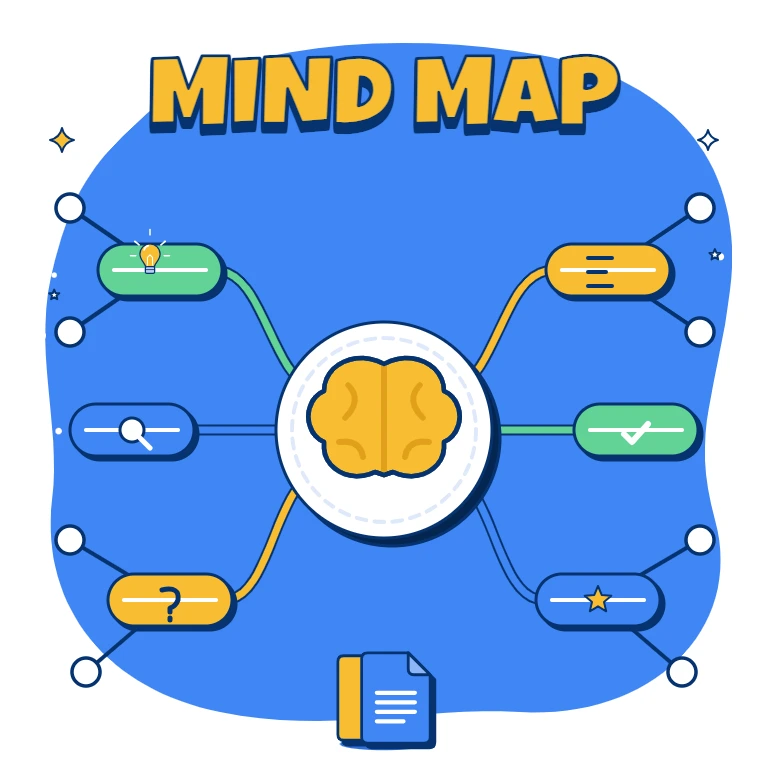
What Are Mind Map Templates for Google Slides and MS PowerPoint?
For students reviewing a difficult subject, marketers developing a campaign, and teams exploring a new project, ideas rarely arrive in a tidy sequence. Our Mind Map Templates turn a central topic into connected branches for supporting details, questions, and possible directions. Use them for brainstorming, lesson summaries, presentation outlines, or early-stage planning.
We create these layouts to give scattered thoughts a visible structure without forcing them into paragraphs. Prepared nodes, connectors, and labels let you explore relationships before deciding what comes next. Choose a restrained diagram for a quick overview or a colorful layout for a workshop discussion.
Benefits of Using Mind Map Templates
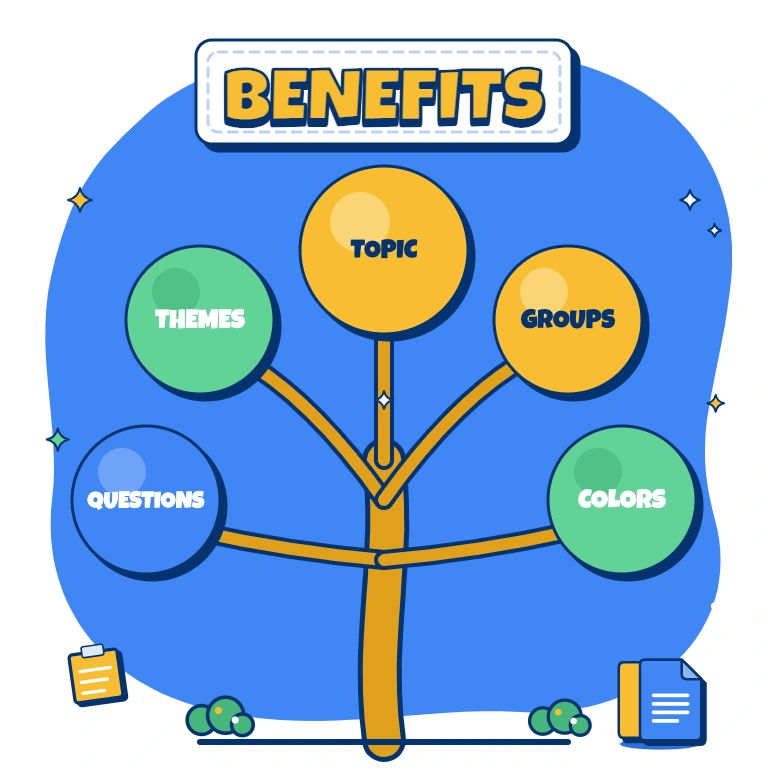
A branching layout keeps the main topic in view while making room for detail. Our designs support both open-ended exploration and concise summaries.
- divide a broad subject into manageable themes;
- group related ideas instead of maintaining disconnected lists;
- spot unanswered questions and missing information;
- use color to distinguish categories and priorities;
- present the overall picture before discussing individual branches.
The focus is on connections: showing how each point contributes to the subject rather than simply filling a slide with notes.
How to Customize Google Slides Mind Map Templates
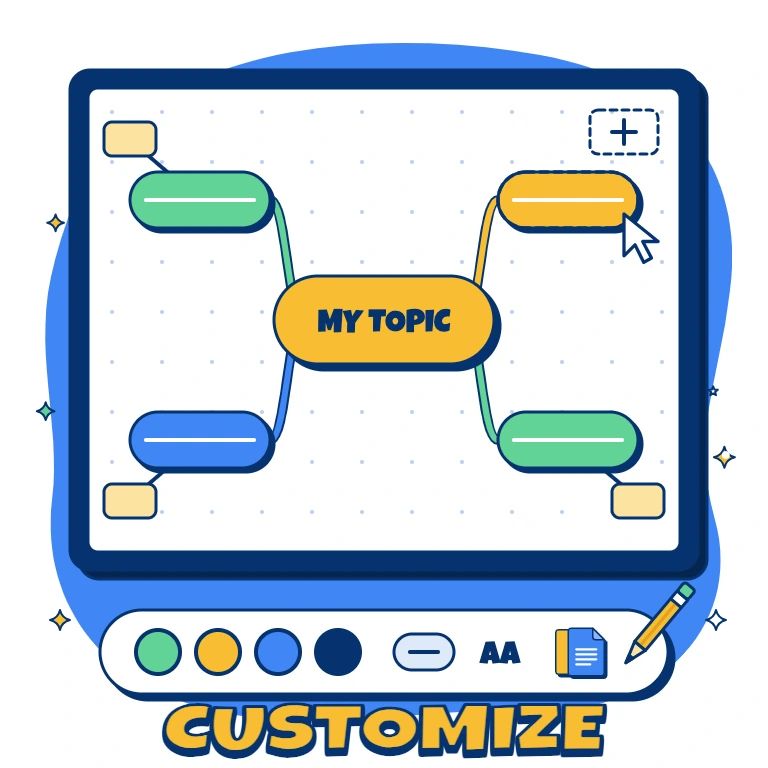
Start with one clearly defined topic and a few main branches. Editable text, colors, and objects make it easy to adapt the structure as your ideas develop.
- Open the template in Google Slides or download it for Microsoft PowerPoint.
- Replace the central label with your subject or planning question.
- Name the main branches and add short supporting keywords.
- Duplicate or remove nodes, then adjust connectors and spacing.
- Review readability and save the map for presenting, sharing, or printing.
Keep lengthy explanations outside the diagram so viewers can follow its structure at a glance.
Popular Types of Mind Map Templates
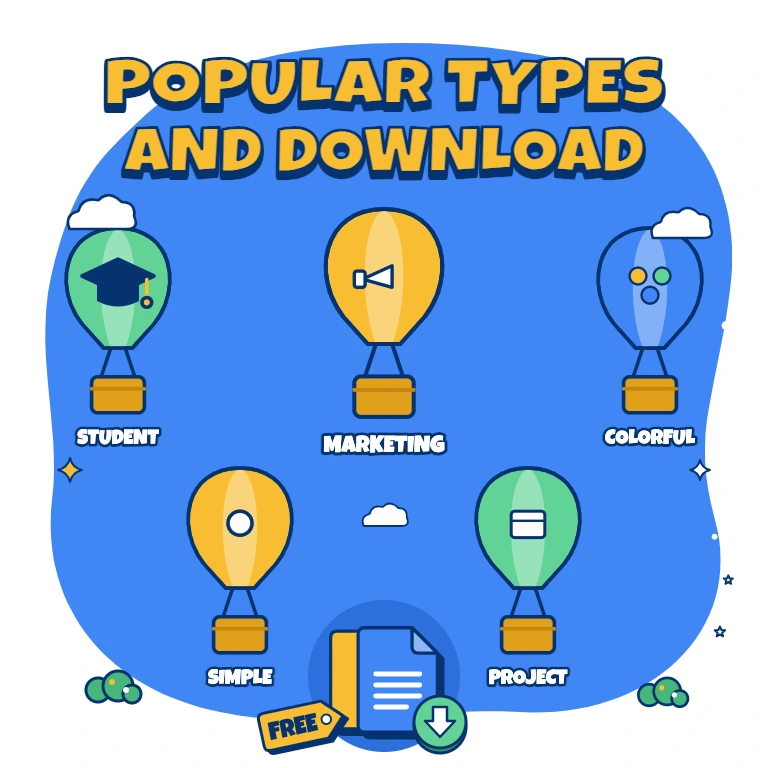
We’ve designed options for learning, campaign strategy, visual summaries, and project preparation:
- Student Mind Map Template — organize definitions, examples, questions, and key facts for revision or essay planning;
- Marketing Mind Map Template — connect audiences, messaging, channels, budgets, and success metrics;
- Colorful Mind Map Template — distinguish related themes through contrasting branches and visual accents;
- Simple Mind Map Template — outline one main idea and its supporting topics with minimal distractions;
- Project Mind Map Template — explore objectives, deliverables, resources, risks, and responsibilities before scheduling work.
Choose the structure that matches your task and the level of detail your audience needs.
Download Free Mind Map Templates for Your Ideas
Start with a free, editable layout instead of drawing every branch yourself. Choose your preferred format, personalize the labels and colors, and download your finished map for a meeting, lesson, or planning session. Developing a technology-focused topic? Explore our AI Presentation Templates to turn your outline into a presentation about artificial intelligence. Pick your mind map design and add your first idea today.

Choose your preferred social media platform from options like Pinterest, Facebook, Twitter, and more. Share our templates with your contacts or friends. If you’re not active on these social networks, you can simply copy the link and paste it into the one you use.