

 Back to templates
 Free New Year Google Slides Templates

Can a festive deck still look polished and colorful at the same time? The Chinese New Year Template works for schools, families, creators, and event planners who want to share holiday content with strong visual appeal.

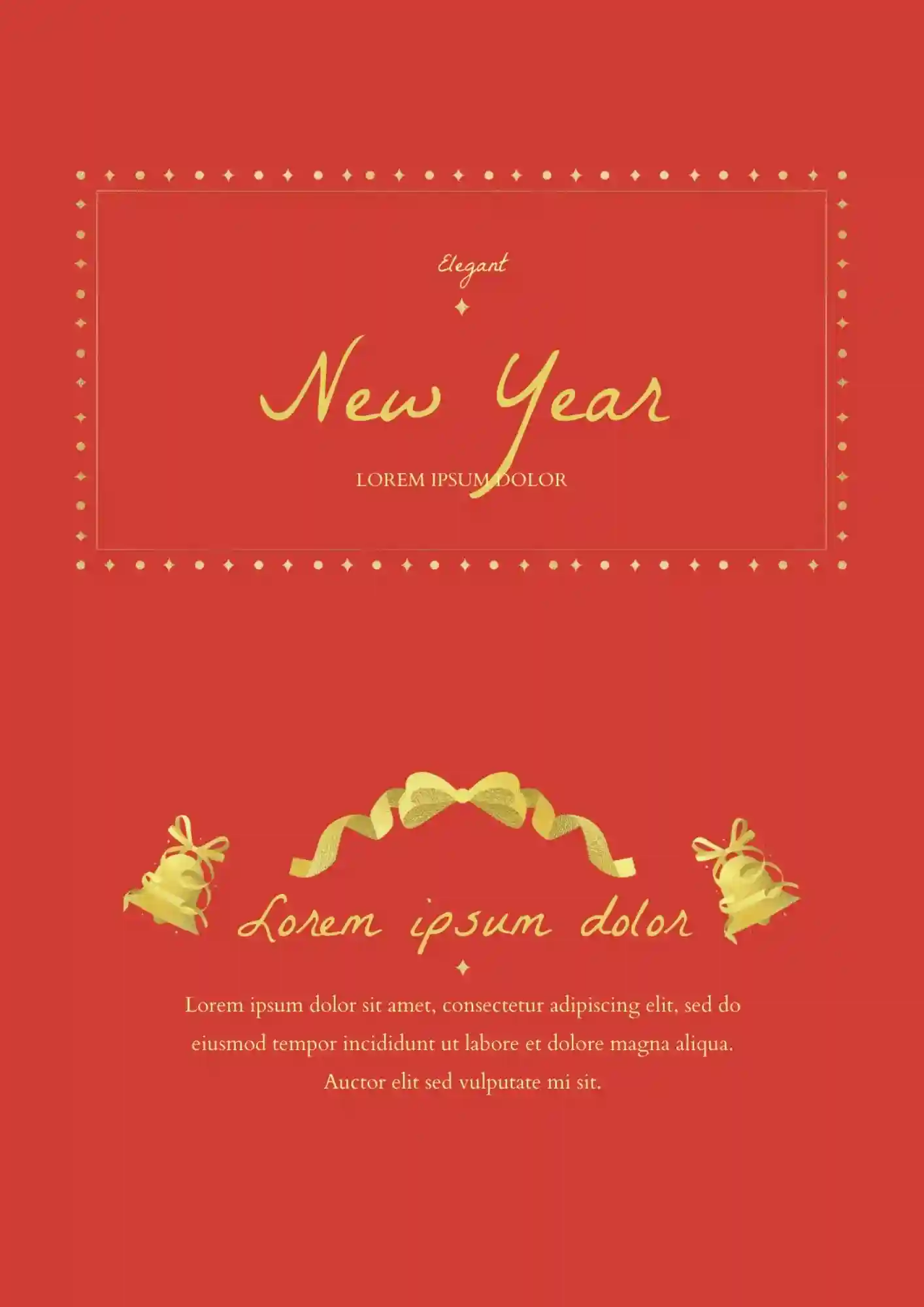
Cheap-looking decks ruin an expensive New Year gala. The Elegant Happy New Year Template is a strong fit for luxury hotels, wedding planners, corporate sponsors, and gala organizers who want a polished celebration style.

What makes a New Year deck feel memorable instead of generic? The Happy New Year 2023 Template is useful for personal greetings, classroom activities, and party announcements.

Generic holiday slides get ignored in 10 seconds. The Happy New Year Template suits party hosts, schools, and social media managers who want to create a bright holiday presentation.
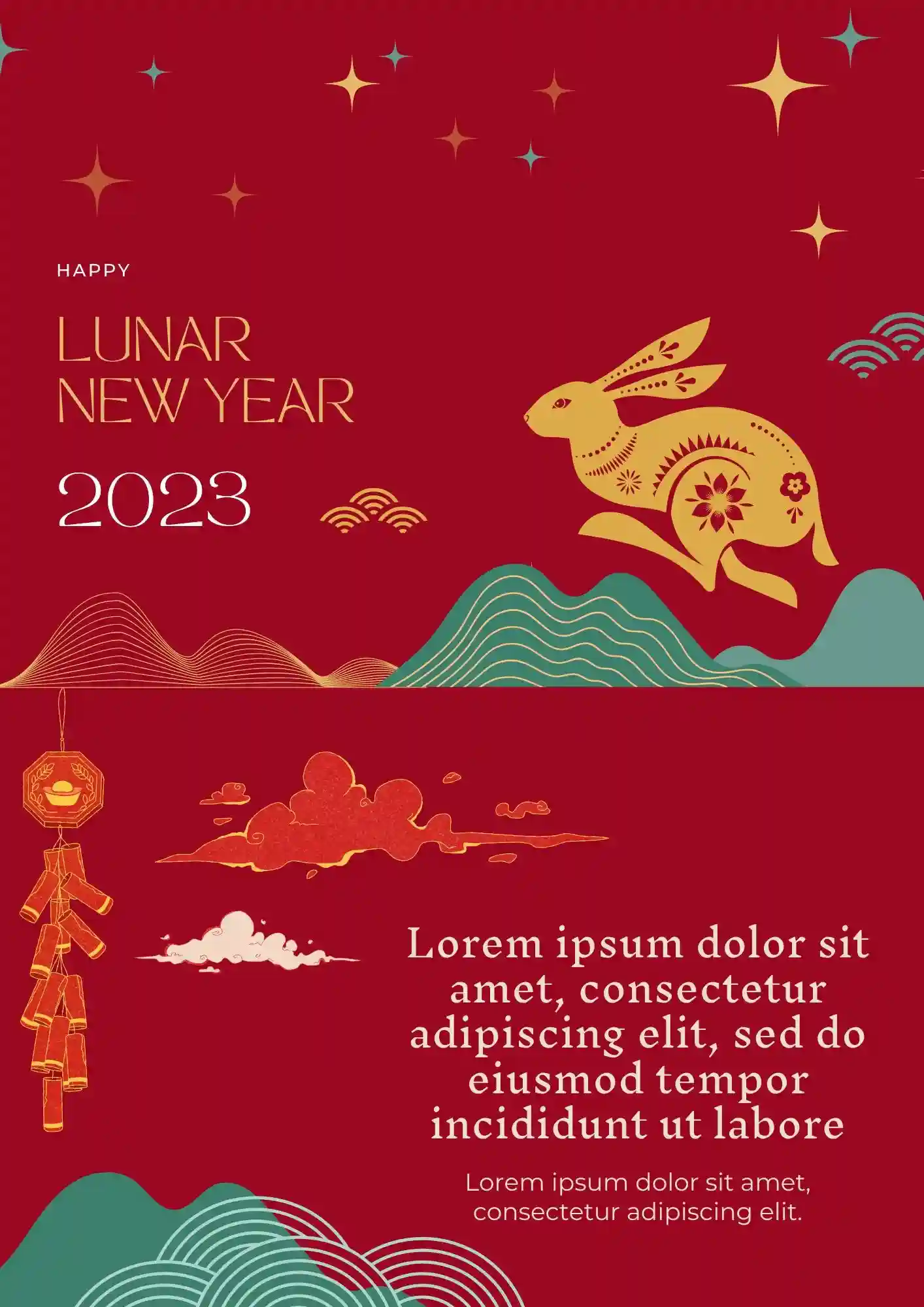
Does your holiday presentation need a festive design that feels brighter and more special? The Lunar New Year Template works well for teachers, families, event planners, and creators who want to celebrate the season visually.
What Are New Year Templates for Google Slides and MS PowerPoint?
New Year Templates are festive slide designs we’ve created for anyone who wants to celebrate the start of a new year in style—whether for personal reflections, event invitations, business reviews, or social media greetings. These layouts capture seasonal cheer and help you present messages of hope, resolutions, or celebration.
All templates are compatible with Google Slides and MS PowerPoint, making it easy for you to edit greetings, add photos or quotes, and share beautifully themed slides without designing from scratch. They work for parties, year‑end recaps, goal‑setting presentations, or community events—and look great on screen or in print.

Benefits of Using New Year Templates
Using a ready‑made New Year Template means you skip setup stress and jump straight into celebrating or reflecting. These slides help you look polished and festive with minimal effort while keeping consistency across content.
- ideal for New Year’s greetings, reflections, or community announcements;
- themes featuring seasonal symbols, typography, and decorative elements;
- intuitive editing of text, images, and layout for your own message;
- sets designed for visual harmony on both slide shows and social media grids;
- helps avoid mismatched design styles or uneven formatting.
When your slide deck feels festive and unified, your message shines brighter.

How to Customize Google Slides New Year Templates
Customization is simple and fun. Open your template in Google Slides or MS PowerPoint, replace placeholders with your greetings, photos, or goals, then style to match your theme. When done, you can export in formats that suit sharing and printing.
- Open the chosen template in Google Slides or Microsoft PowerPoint.
- Replace sample greetings, dates, quotes, or messages with your own content.
- Insert images, icons, or illustrations that reflect your New Year aesthetic.
- Adjust colors, fonts, and spacing to create mood—elegant, bold, or cozy.
- Export as PDF, ODP, TXT, or PowerPoint for sharing, printing, or posting.
For more themed holiday vibes, check our Halloween Templates with designs built for seasonal impact.

Popular Types of New Year Templates
We offer several designs to match different New Year needs:
- Chinese New Year Template – festival design with cultural motifs;
- Elegant Happy New Year Template – classy style for formal gatherings or business recaps;
- Happy New Year 2023 Template – retrospectives or year‑in‑review slides;
- Happy New Year Template – general use for social posts, cards or greetings;
- Lunar New Year Template – lunar calendar themes with cultural touches;
Download Free New Year Templates for Your Needs
Choose your New Year Template, plug in your message, and spread festive cheer with ease. All templates are free, quick to personalize, and ready for sharing. Download our free New Year Template now and start the year off beautifully.


Choose your preferred social media platform from options like Pinterest, Facebook, Twitter, and more. Share our templates with your contacts or friends. If you’re not active on these social networks, you can simply copy the link and paste it into the one you use.