

 Back to templates
 Free Packing Slip Google Docs Templates

Designed as a reference, the Sample Packing Slip Template shows how a complete packing slip should look with real example data. It suits students, new business owners, and employees learning shipping procedures.

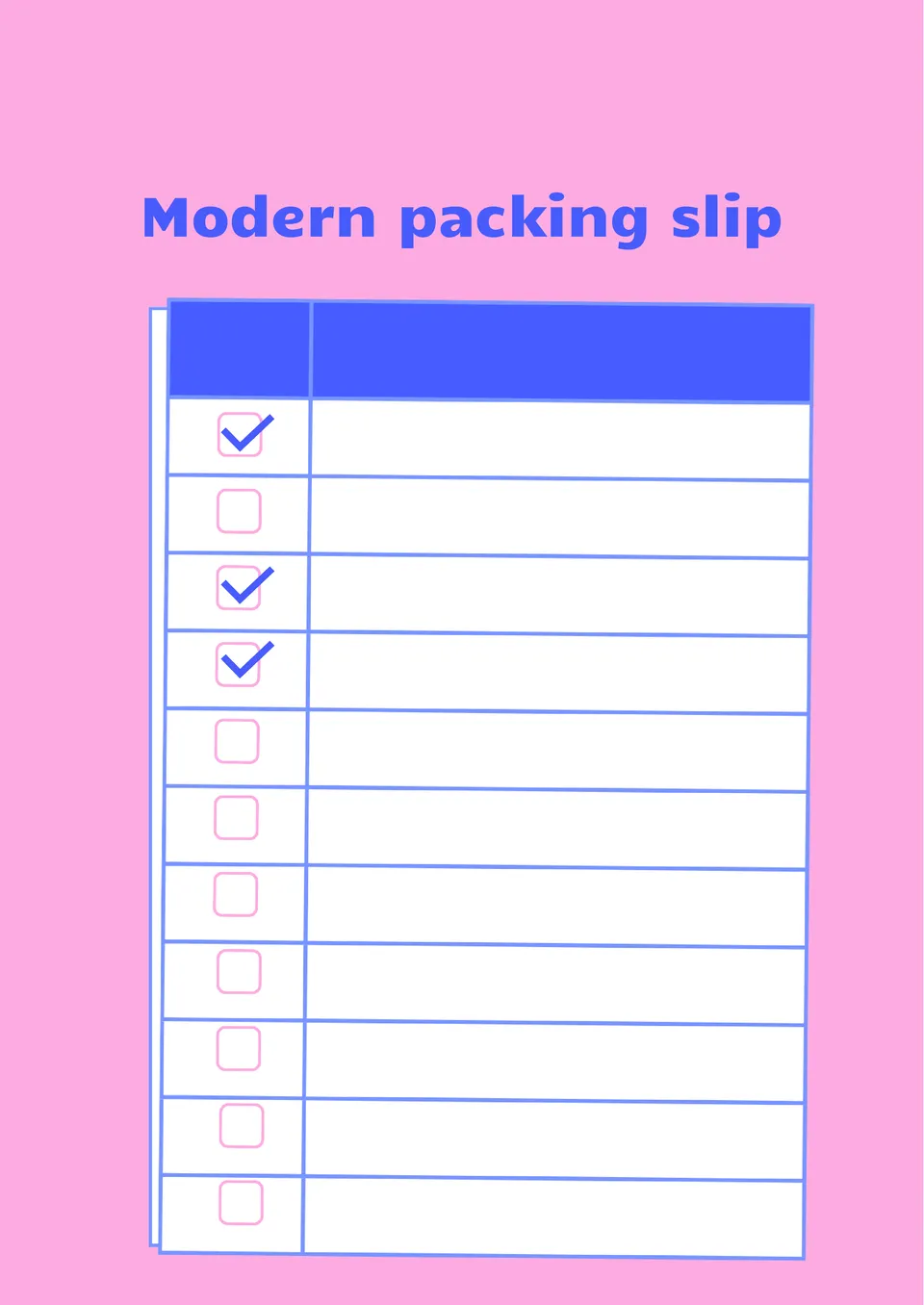
With a clean, contemporary design, the Modern Packing Slip Template gives shipping documents a fresh and professional appearance. It works well for e-commerce brands, startups, and modern retailers.

Built for easy editing, the Fillable Packing Slip Template helps users fill in shipment details without redesigning the document. It is useful for shipping departments, retailers, and small business owners.
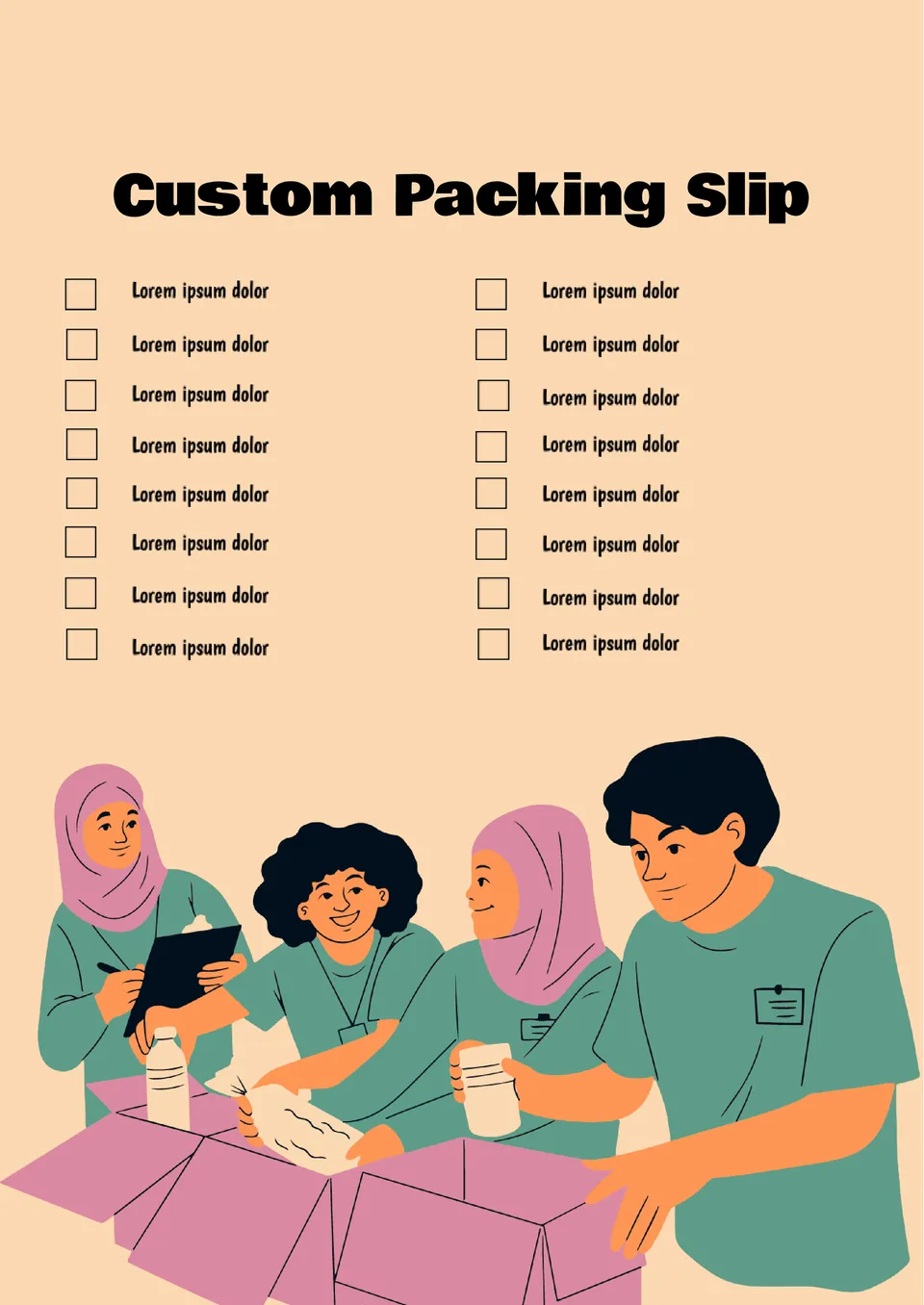
What makes a packing slip feel more professional and aligned with your brand identity? The Custom Packing Slip Template is made for small businesses, online stores, and brands that want a personalized look.
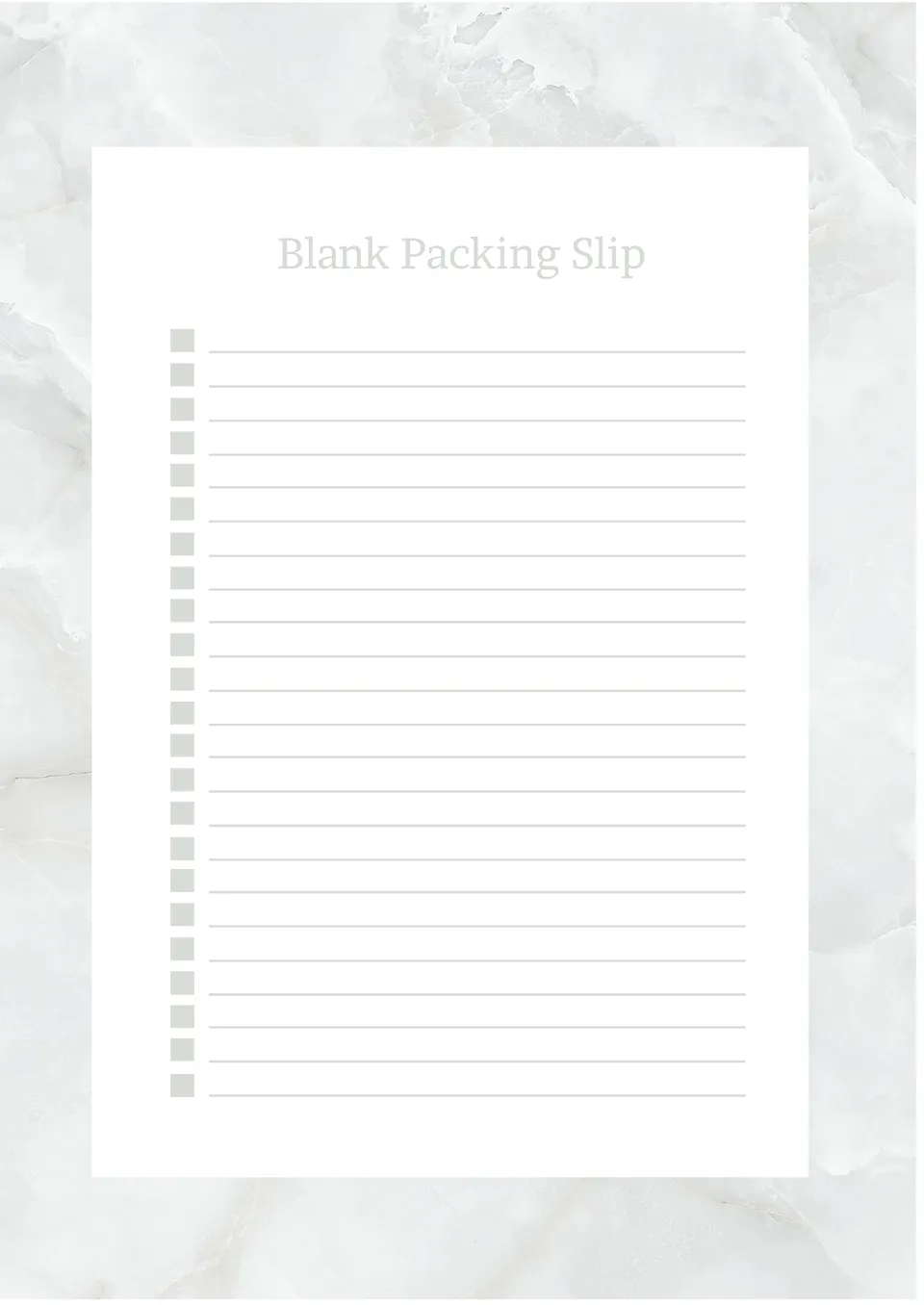
How can shipping teams create packing slips without wasting time on formatting each one? The Blank Packing Slip Template is useful for warehouse staff, small businesses, and e-commerce sellers.
What Are Packing Slip Templates for Google Docs and MS Word?
Packing Slip Templates are ready-made documents used to list the contents of a shipment. They provide details such as item names, quantities, and special delivery instructions. By using templates, you save time and avoid designing slips from scratch.
These templates help streamline operations, reduce errors, and present a consistent, professional appearance. They are especially useful for businesses handling multiple shipments daily or managing logistics between departments. A clear Packing Slip improves efficiency and reduces confusion at every step — from warehouse teams to customers.
Benefits of Using Packing Slip Templates
Professionally designed Packing Slip Templates help improve order accuracy and communication. They support warehouse staff in verifying shipments and assist customers in checking received items. Using them consistently also contributes to better inventory control and fewer support issues.
- List all items included in a shipment to avoid mistakes;
- Help warehouse teams confirm contents before dispatch;
- Reduce customer complaints about missing products;
- Support returns with documented order details;
- Maintain brand consistency with polished layouts.
Instead of creating a slip from scratch each time, you can open a template, enter shipment details, and print or share it digitally in minutes.

How to Customize Packing Slip Templates in Google Docs
Google Docs makes customizing a Packing Slip quick and accessible. You don’t need design experience — just follow a few simple steps:
- Open the template in Google Docs or download it as a Word file.
- Replace placeholder info with your business name and order details.
- Add product names, SKUs, and item quantities.
- Adjust fonts, colors, or insert your logo for branding.
- Save or export the file in your desired format — PDF, DOCX, or print-ready.
You can also add notes, use tables for better structure, or link tracking numbers for digital versions.

Popular Types of Packing Slip Templates
We offer a selection of Packing Slip Templates tailored to different business needs. Whether you prefer a minimal layout or a detailed form with branding options, there’s a format to match your workflow:
- Sample Packing Slip Template — basic format for listing shipment contents;
- Modern Packing Slip Template — clean, updated design for professional use;
- Fillable Packing Slip Template — editable version for digital customization;
- Custom Packing Slip Template — includes space for logo and company info;
- Blank Packing Slip Template — flexible template for full personalization.
Download Free Packing Slip Templates
All Packing Slip Templates are free to download and easy to use. Select the style that suits your needs, edit it in Google Docs or Word, and include it in your next shipment. These templates save time, reduce shipping errors, and give your documentation a professional finish.


Choose your preferred social media platform from options like Pinterest, Facebook, Twitter, and more. Share our templates with your contacts or friends. If you’re not active on these social networks, you can simply copy the link and paste it into the one you use.