

 Back to templates
 Free Science Google Slides Templates
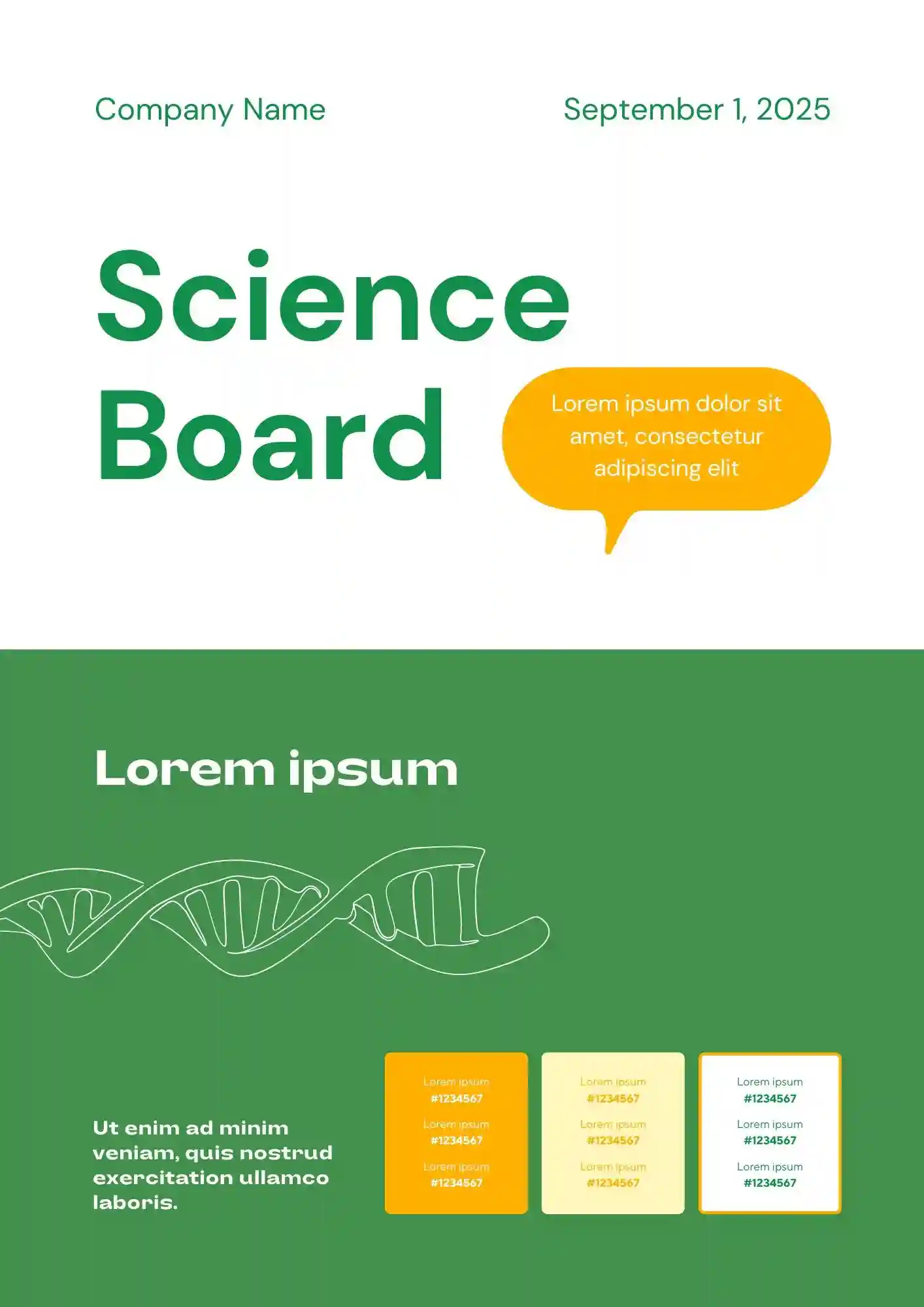
Need a clearer way to present your experiment without overcrowding your science project board? The Science Board Template is a good fit for students, teachers, and parents preparing science fair presentations.

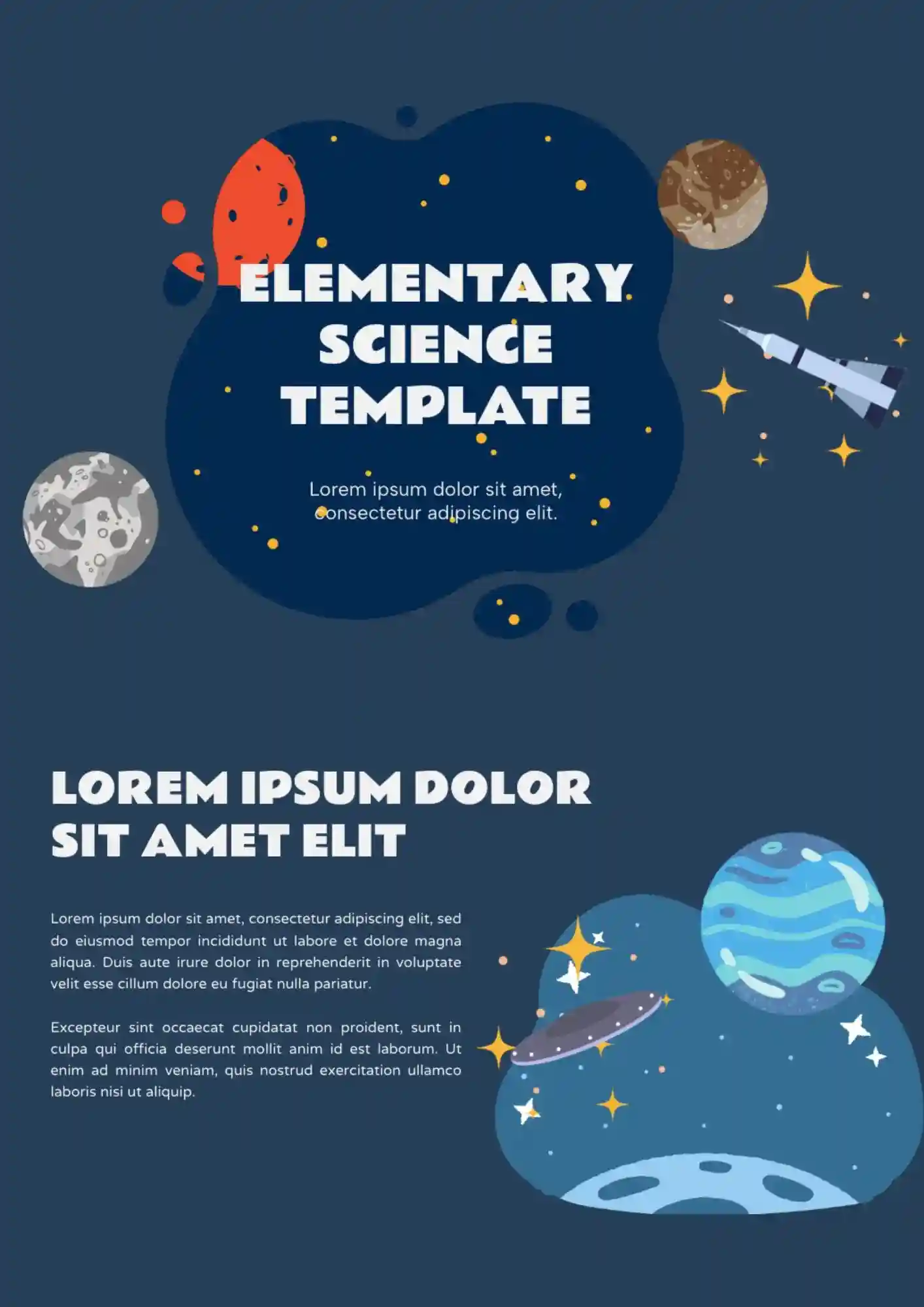
Built for younger learners, the Elementary Science Template makes science presentations more engaging for elementary classrooms. It works well for elementary teachers, students, tutors, and parents supporting school lessons.
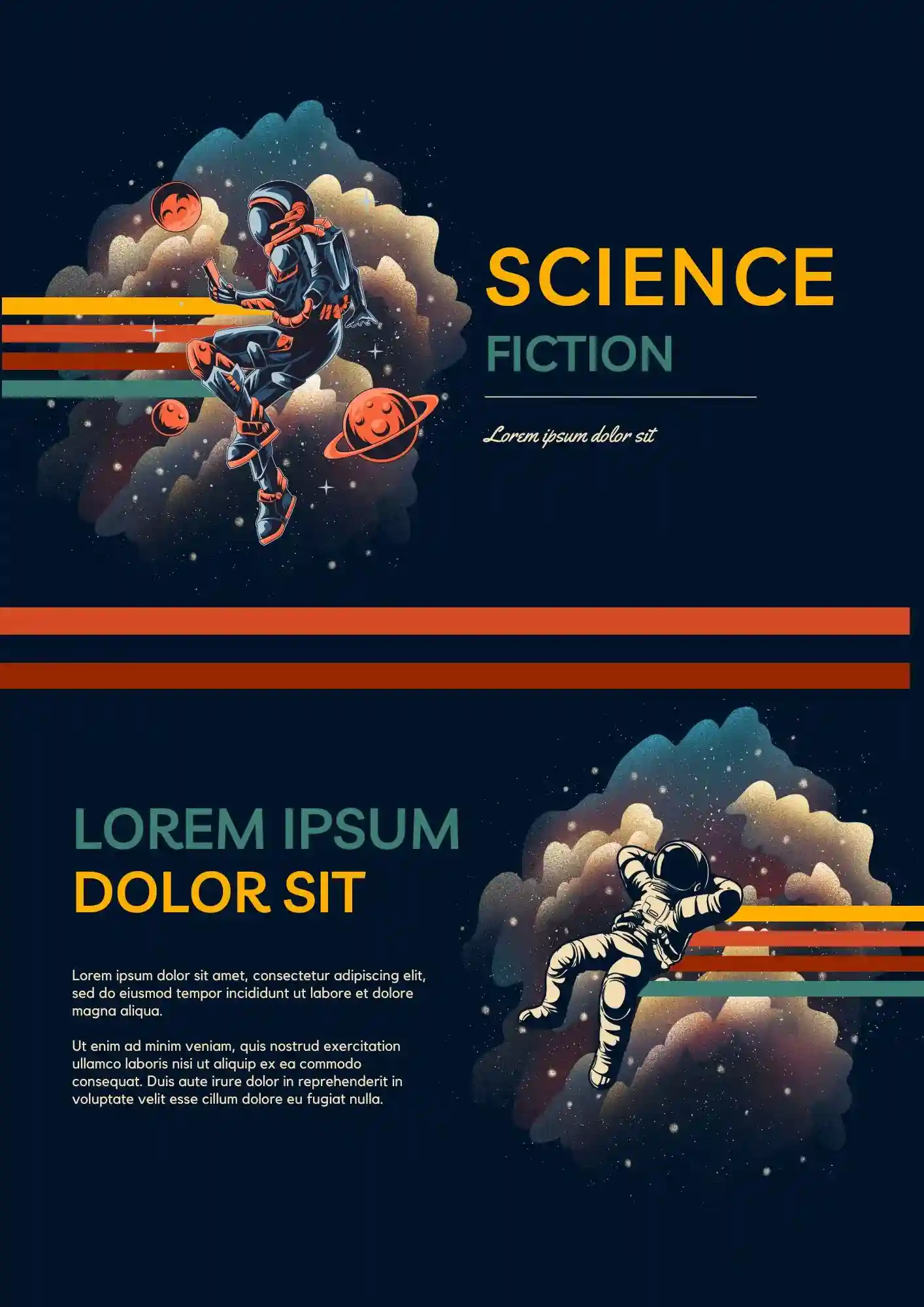
Your creative presentation should feel more futuristic than a plain classroom deck. The Science Fiction Template is a good fit for students, teachers, writers, and creators who want a themed slide design.
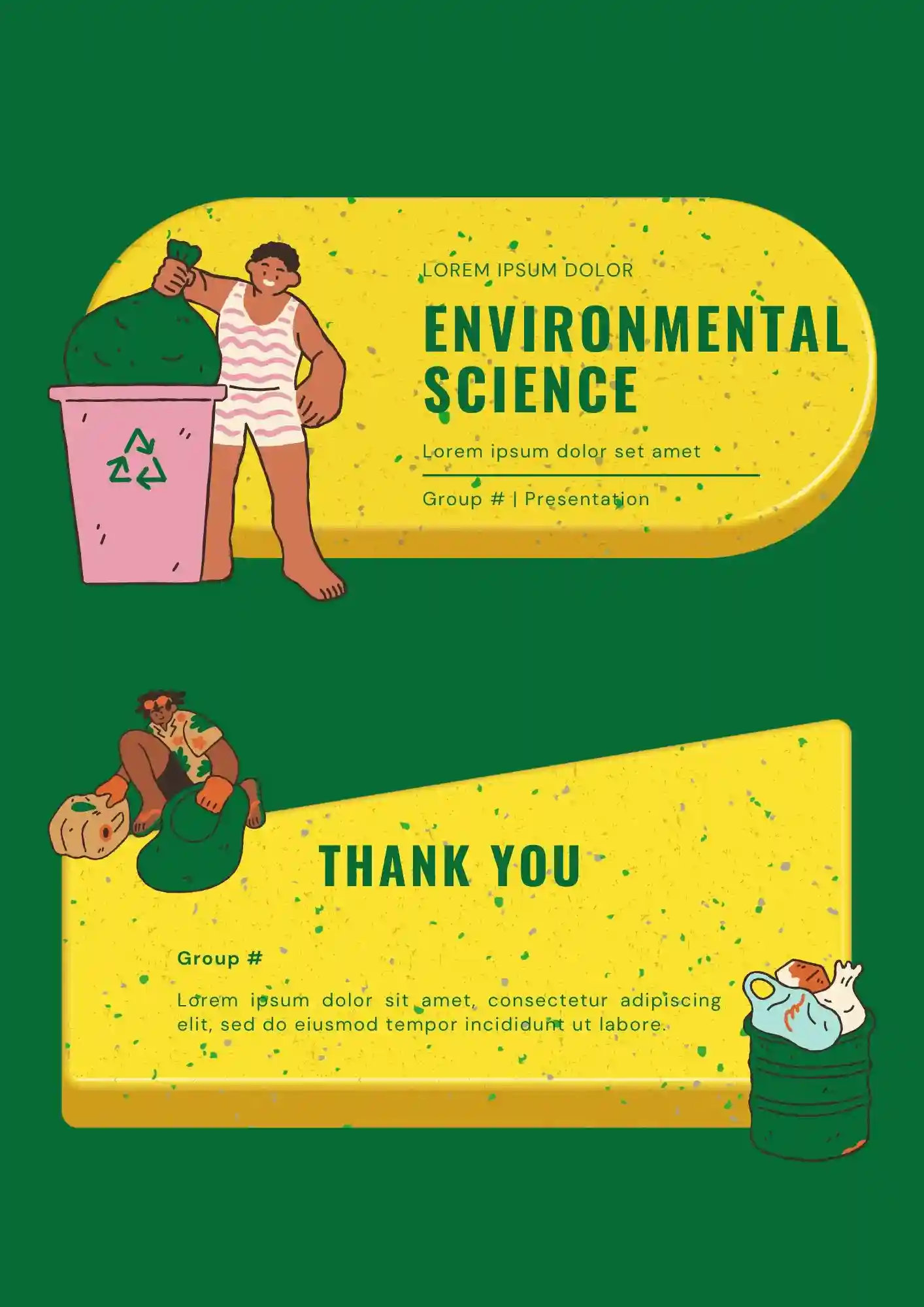
Designing lessons about ecosystems and sustainability without a clear slide structure? The Environmental Science Template helps teachers, students, researchers, and environmental organizations create educational presentations.
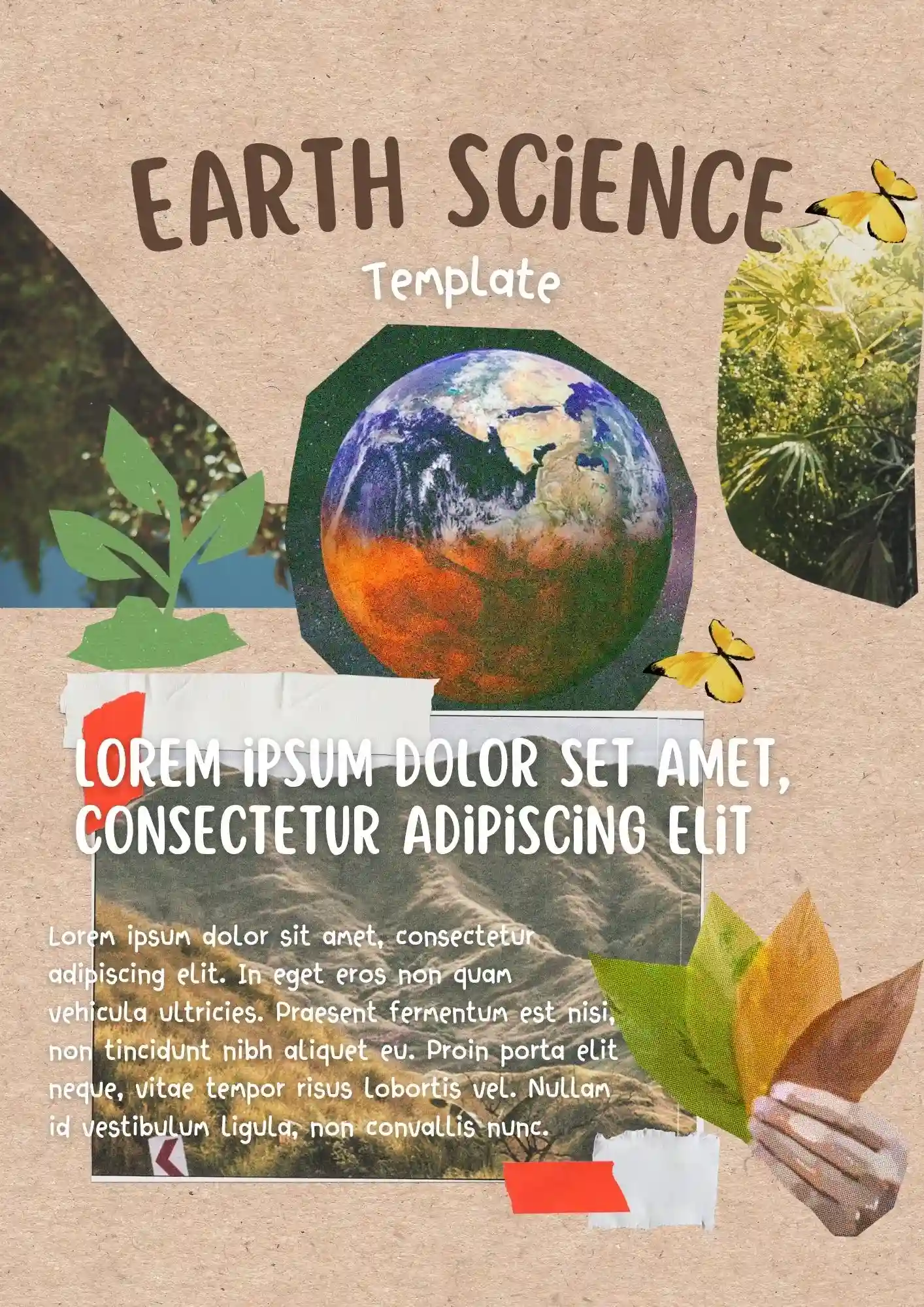
Does your lesson need visuals that actually help students understand earth systems instead of distracting them? The Earth Science Template is useful for teachers, students, tutors, and educators preparing classroom presentations.
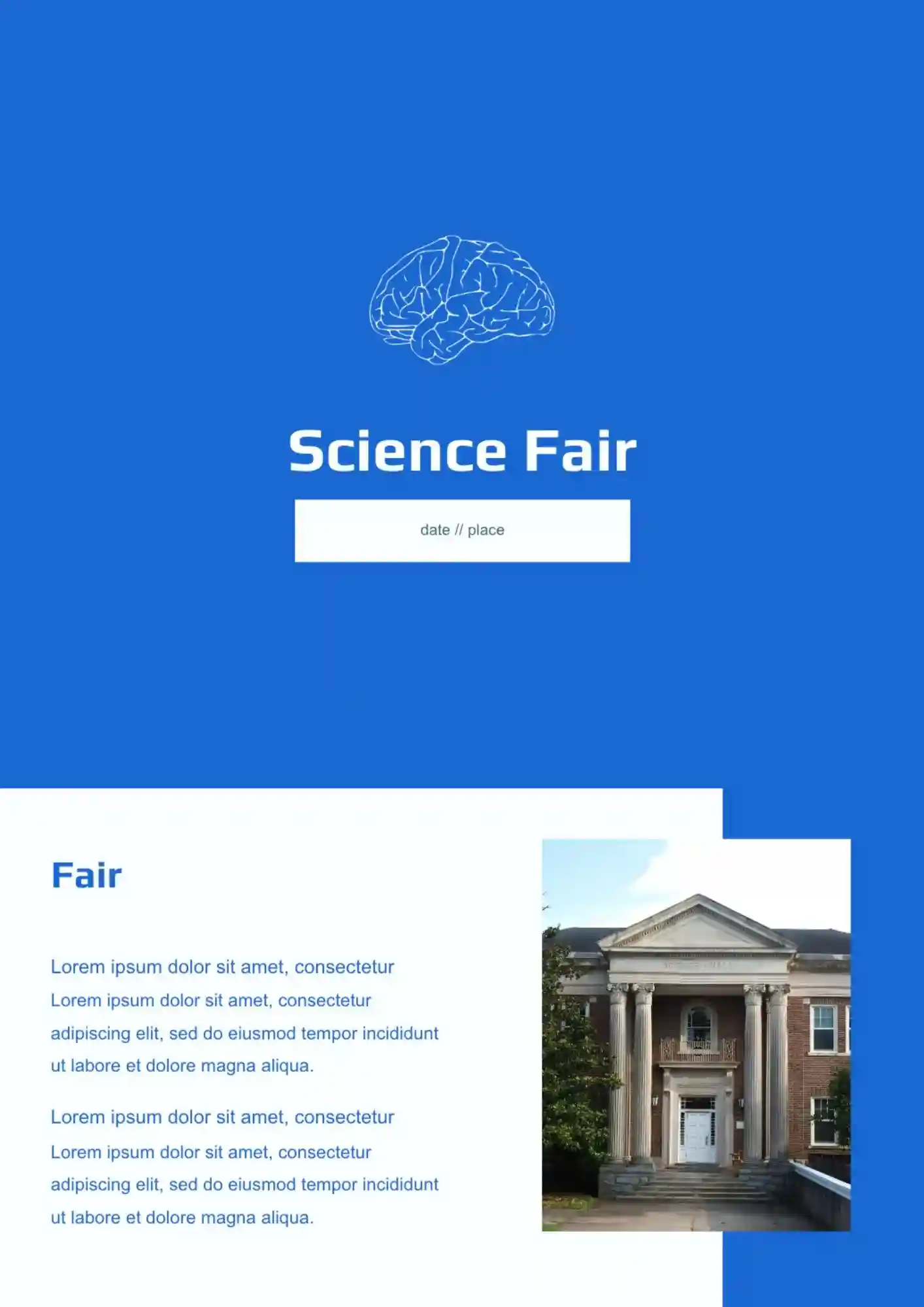
Need to present science fair work clearly when results and ideas compete for space? The Science Fair Template is a strong fit for students, teachers, and schools who need a clean science layout.
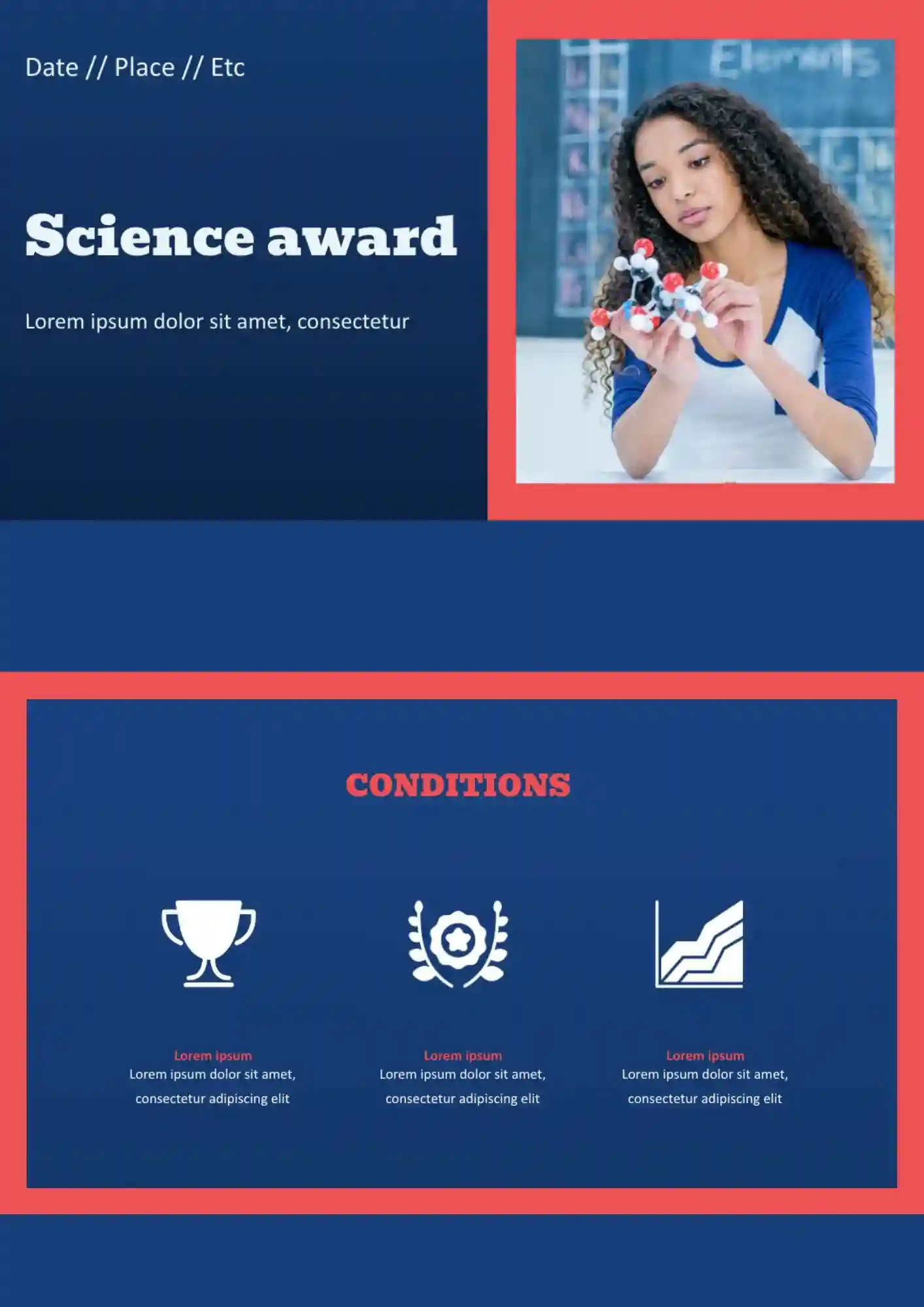
Need a clear way to present student or research awards without building the recognition slides from scratch? The Science Award Template suits schools, teachers, and event organizers who need a polished recognition layout.
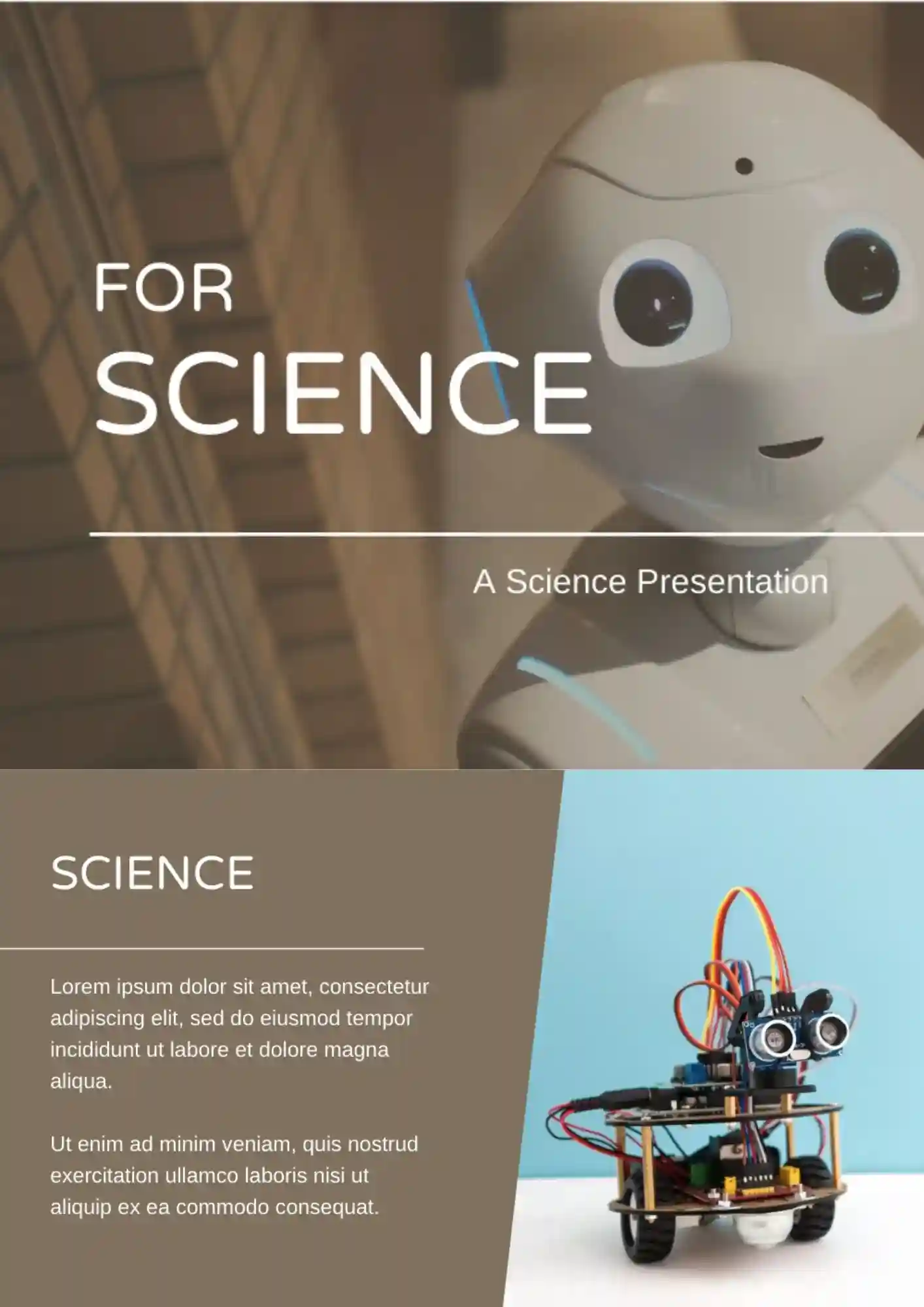
Trying to present science content clearly when charts, notes, and visuals all need space? The Science Template works well for students, teachers, and researchers who need a flexible academic layout.
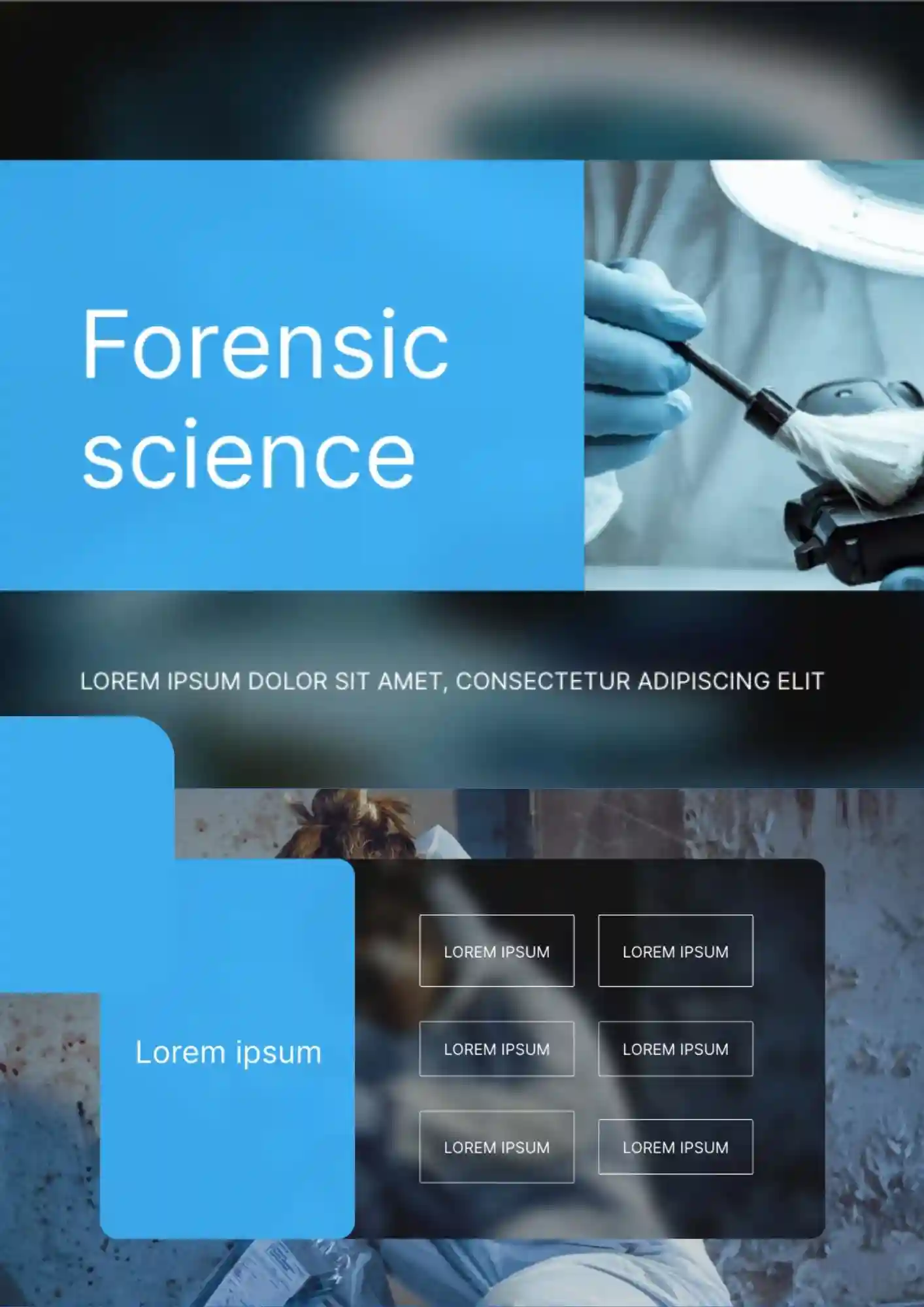
Need a presentation that makes forensic science topics look clear, credible, and more professional from the first slide? Forensic Science Template is a strong fit for lessons, research topics, case-based presentations, and educational materials related to science and investigation.

Need a clear way to show data science results without crowding charts, methods, and key points onto one page? The Data Science Template is useful for analysts, students, and data teams who need a focused presentation style.
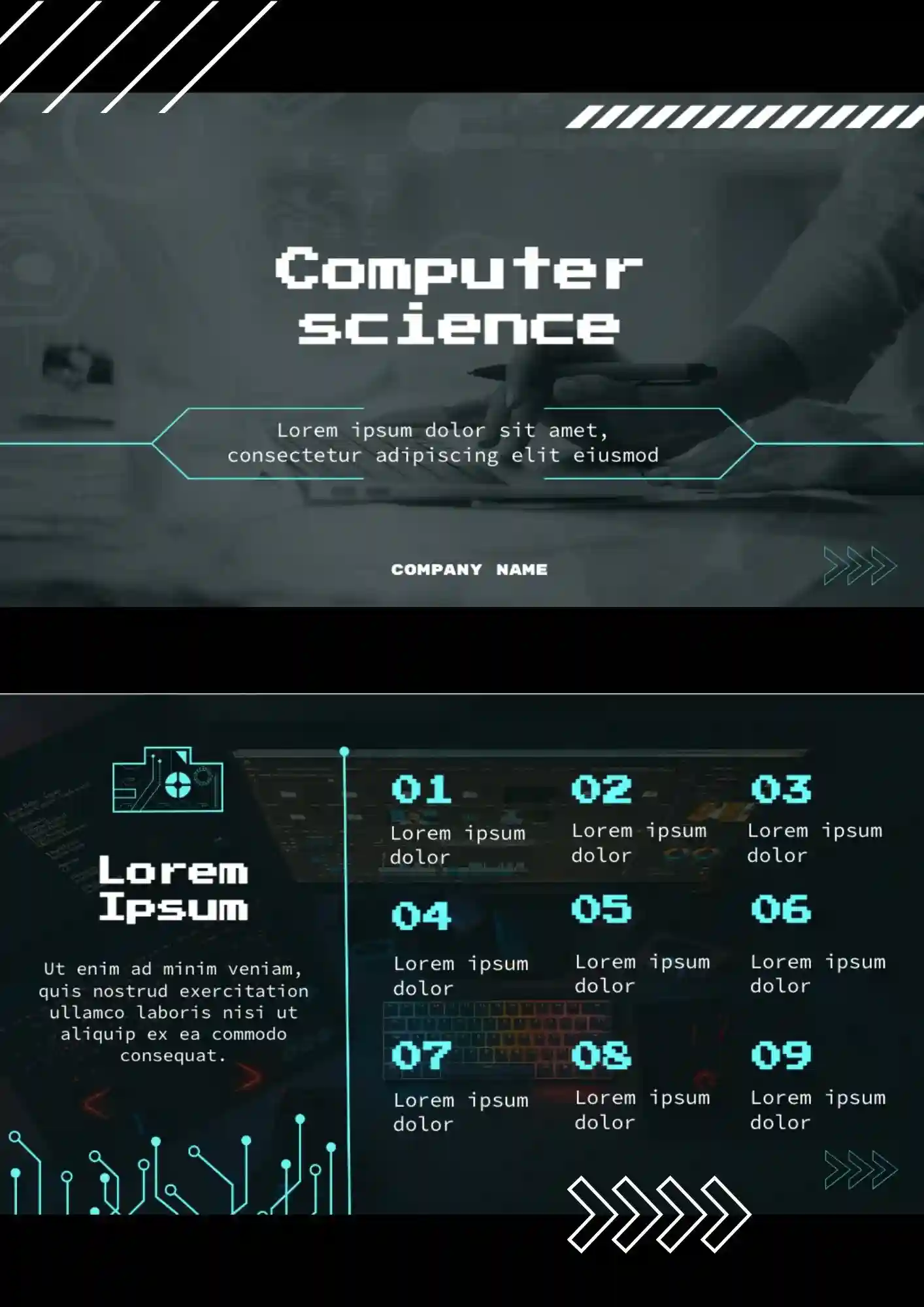
Need a presentation that matches the logic, precision, and modern feel of computer science topics? The Computer Science Template is a strong fit for students, teachers, developers, and tech presenters who want a more relevant visual style for technical content.
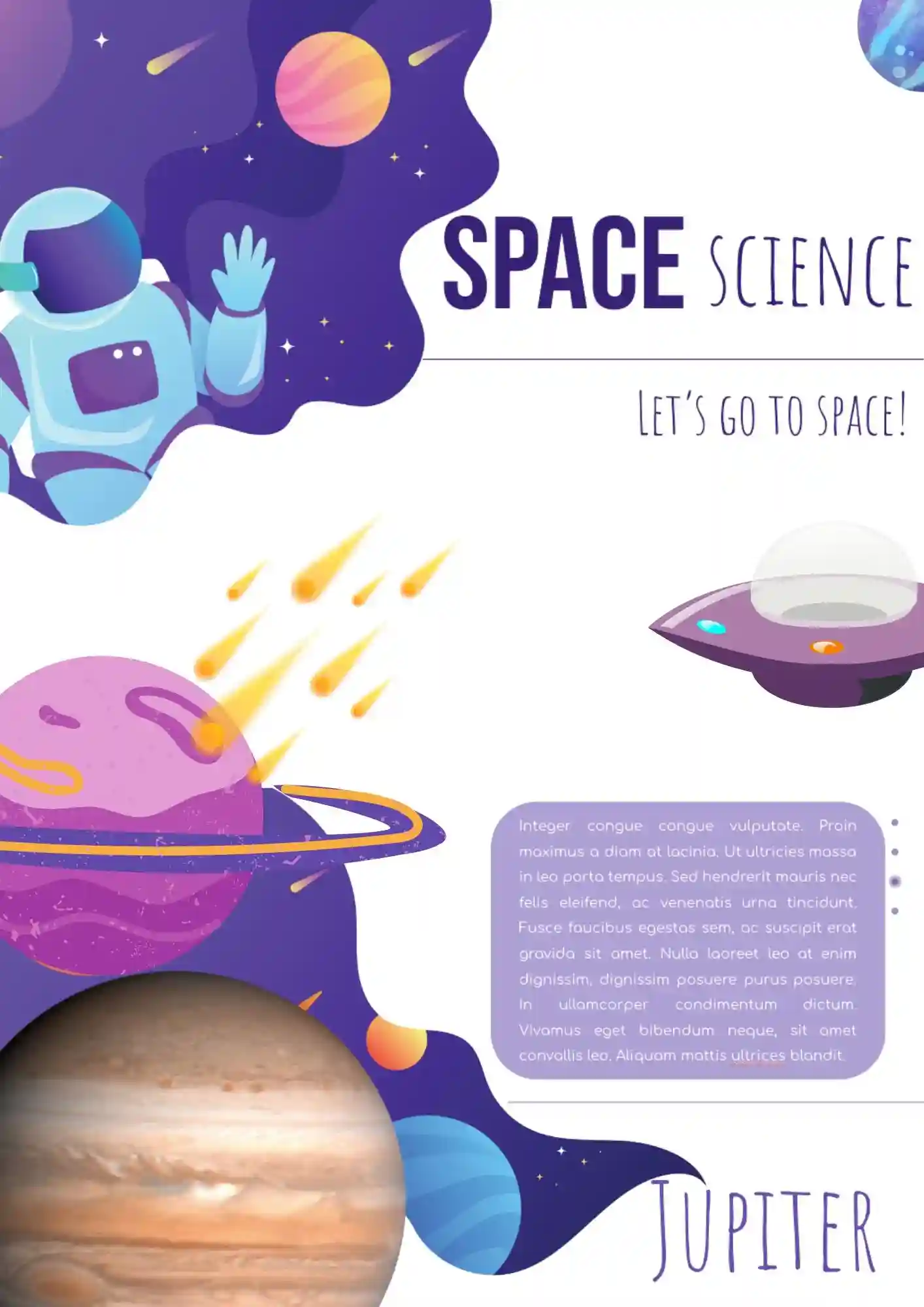
The creation of the slides in this field is the most convenient and effective way for the visualization of the achievement and studies in this field. The use of space science templates based on the Google Slides can greatly simplify this task by offering the users to introduce the online documents with the ready-made design.
What are the best Science Templates in 2026?
What do science files include?
What are the best documents to use for a science fair?
How do I get science files for free?
What applications should I download to use the files with the maximum productivity?
What Are Science Templates for Google Slides and MS PowerPoint?
Science Templates are ready-made presentation layouts for classroom lessons, lab reports, research talks, and science fair projects that need a clear and professional visual structure. They are useful for data science, earth science, elementary science, and board-style project presentations, where organized slides help explain complex ideas more effectively. If you also need more classroom-focused layouts for teaching materials and lesson planning, take a look at our Technology Templates.
We create these templates to help you save time and make science presentations more polished, organized, and easier to customize. They work well when you need to present scientific ideas without starting from scratch. They also help you keep a consistent visual flow, so your audience can focus on the content instead of the formatting.

Benefits of Using Science Templates
Science Templates make it easier to present data, experiments, and concepts in a format that is simple to understand. They also help teachers, students, and presenters build slides that feel structured and credible.
- present scientific ideas in a clear visual format;
- save time with ready-made science slide layouts;
- adapt slides for class, research, or science fair use;
- support diagrams, charts, and topic explanations;
- prepare materials for teaching, presenting, or reporting results.
In practice, a good science template helps you communicate information more clearly and keeps the audience focused on the research or lesson.

How to Customize Google Slides Science Templates
Google Slides makes it simple to edit a science template and adapt it to your topic or project. You can update the text, refine the design, and prepare the final version in a few straightforward steps.
- Open the template in Google Slides or download it as a PowerPoint file.
- Replace placeholder text with your topic, findings, or lesson details.
- Add diagrams, photos, charts, or scientific symbols if needed.
- Adjust fonts, spacing, and colors to match your subject or grade level.
- Save the finished file as PDF, ODP, TXT, or PowerPoint.
You can also create different versions for data analysis, earth science, elementary lessons, or science fair presentations depending on your needs.

Popular Types of Science Templates
We offer different Science Templates for data analysis, general science topics, earth studies, younger students, and project boards. Each option is designed for a specific use, so you can choose the version that fits your presentation best.
- Data Science Template — a practical choice for analytics, charts, and technical storytelling;
- Science Template — a versatile format for general science lessons and presentations;
- Earth Science Template — a useful option for geology, climate, and environmental topics;
- Elementary Science Template — a student-friendly layout for younger learners and classroom activities;
- Science Board Template — a structured choice for science fair boards and project displays.
Download Free Science Templates for Your Needs
Our Science Templates are free to download and easy to adapt for many educational and research tasks. Choose the design that matches your topic, edit it in Google Slides or PowerPoint, and create slides that look clear, modern, and professional. We design these templates to help you save time, present science content more clearly, and make your presentation more effective.


Choose your preferred social media platform from options like Pinterest, Facebook, Twitter, and more. Share our templates with your contacts or friends. If you’re not active on these social networks, you can simply copy the link and paste it into the one you use.