

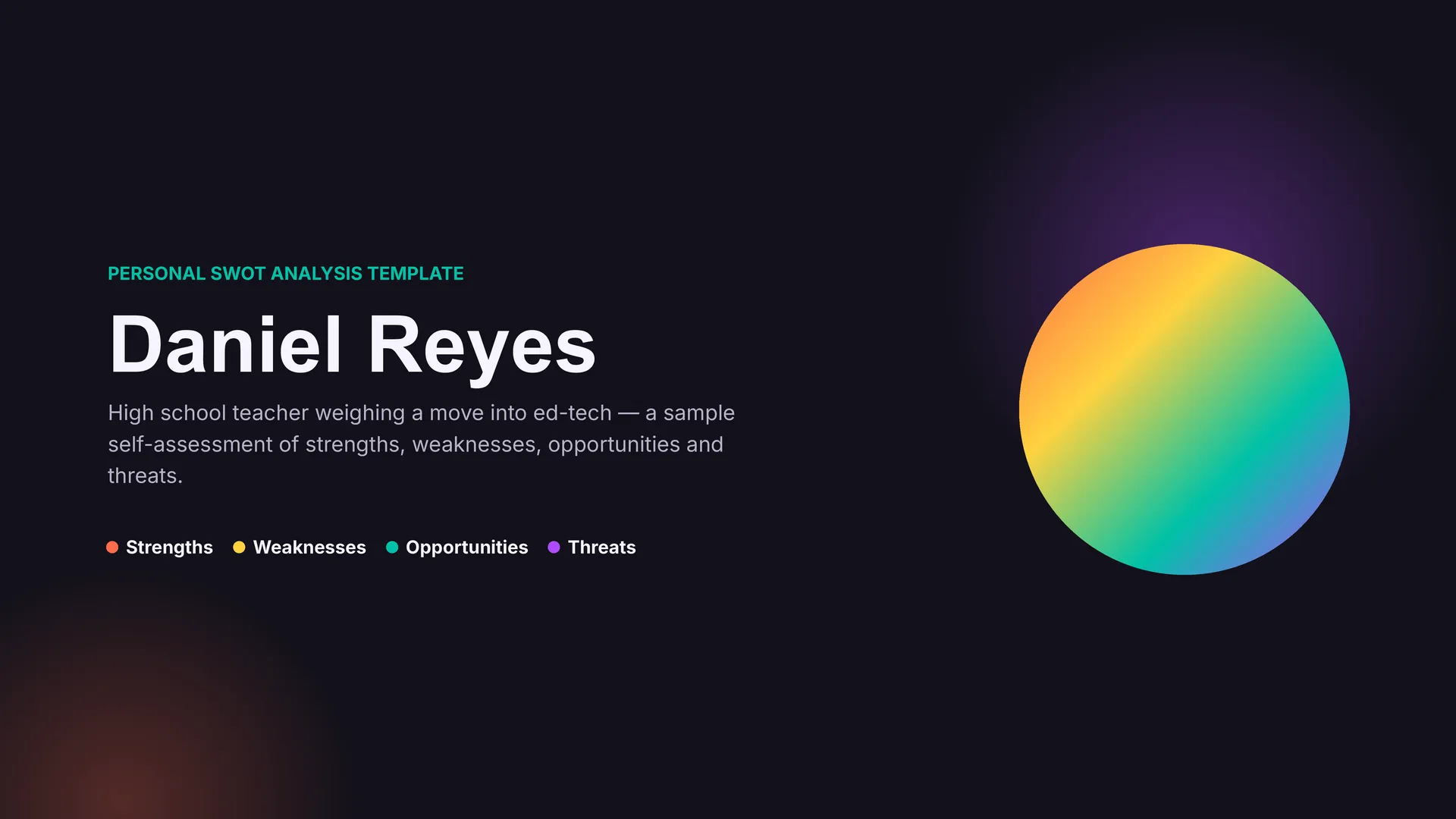
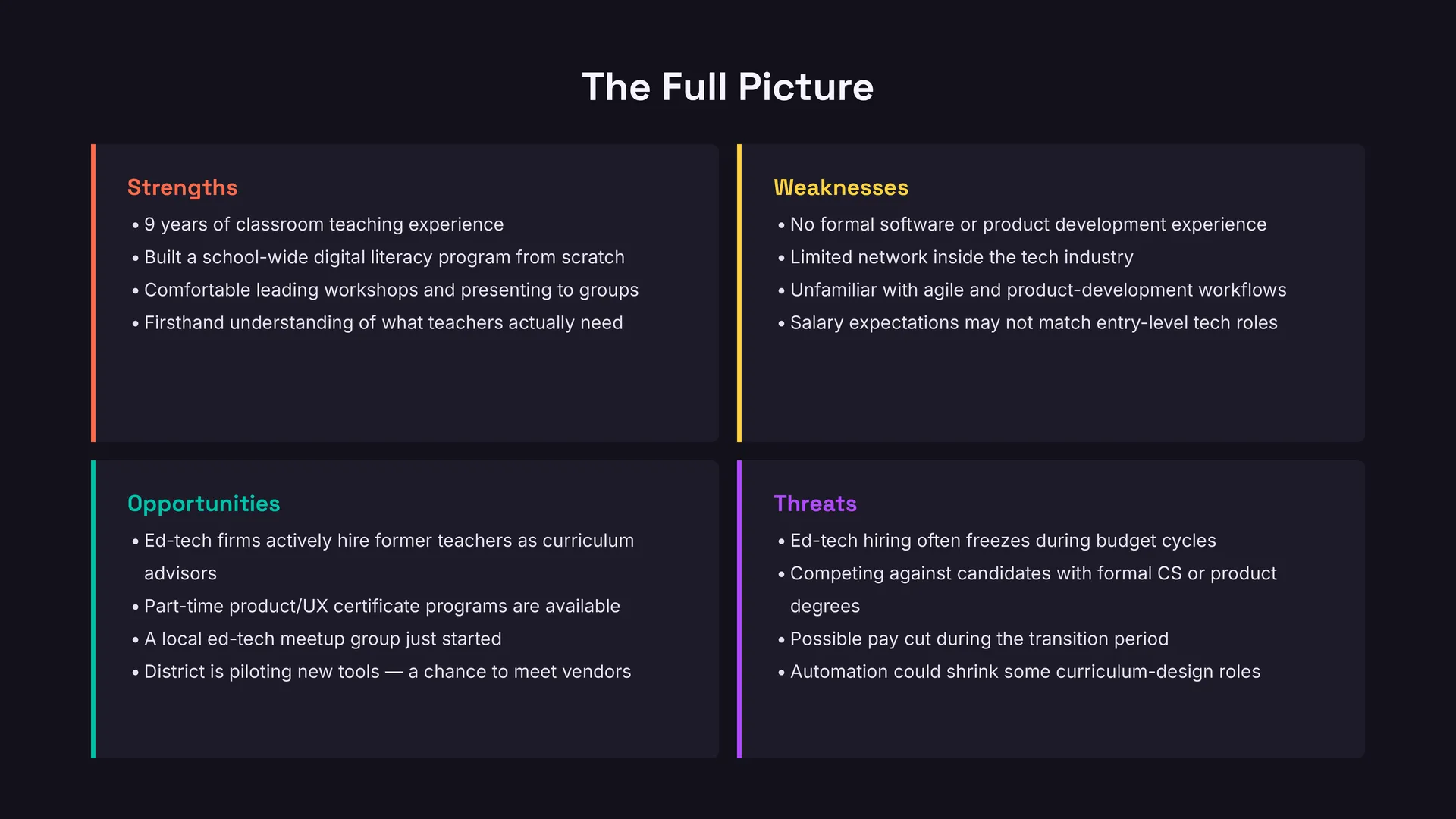
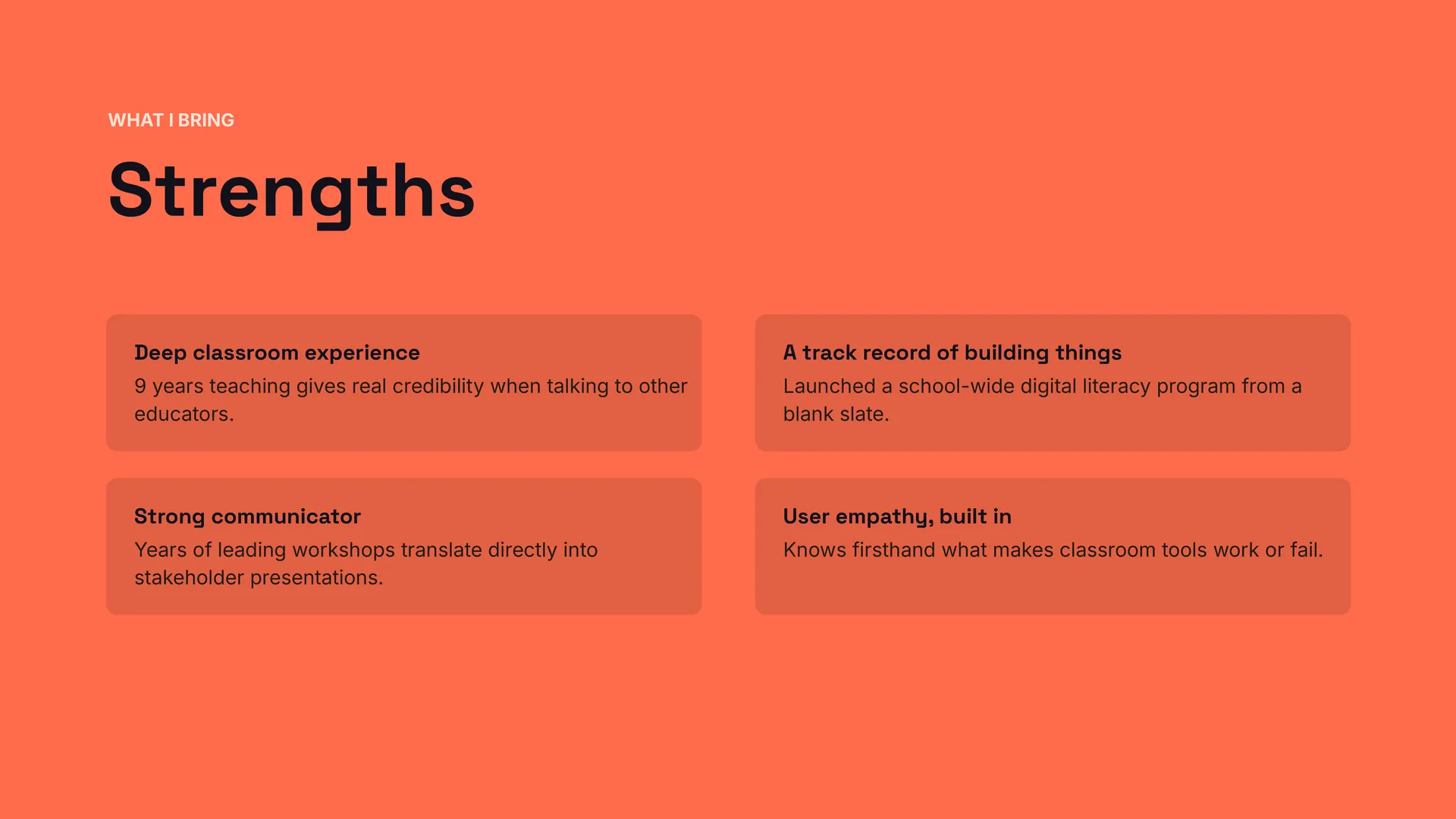
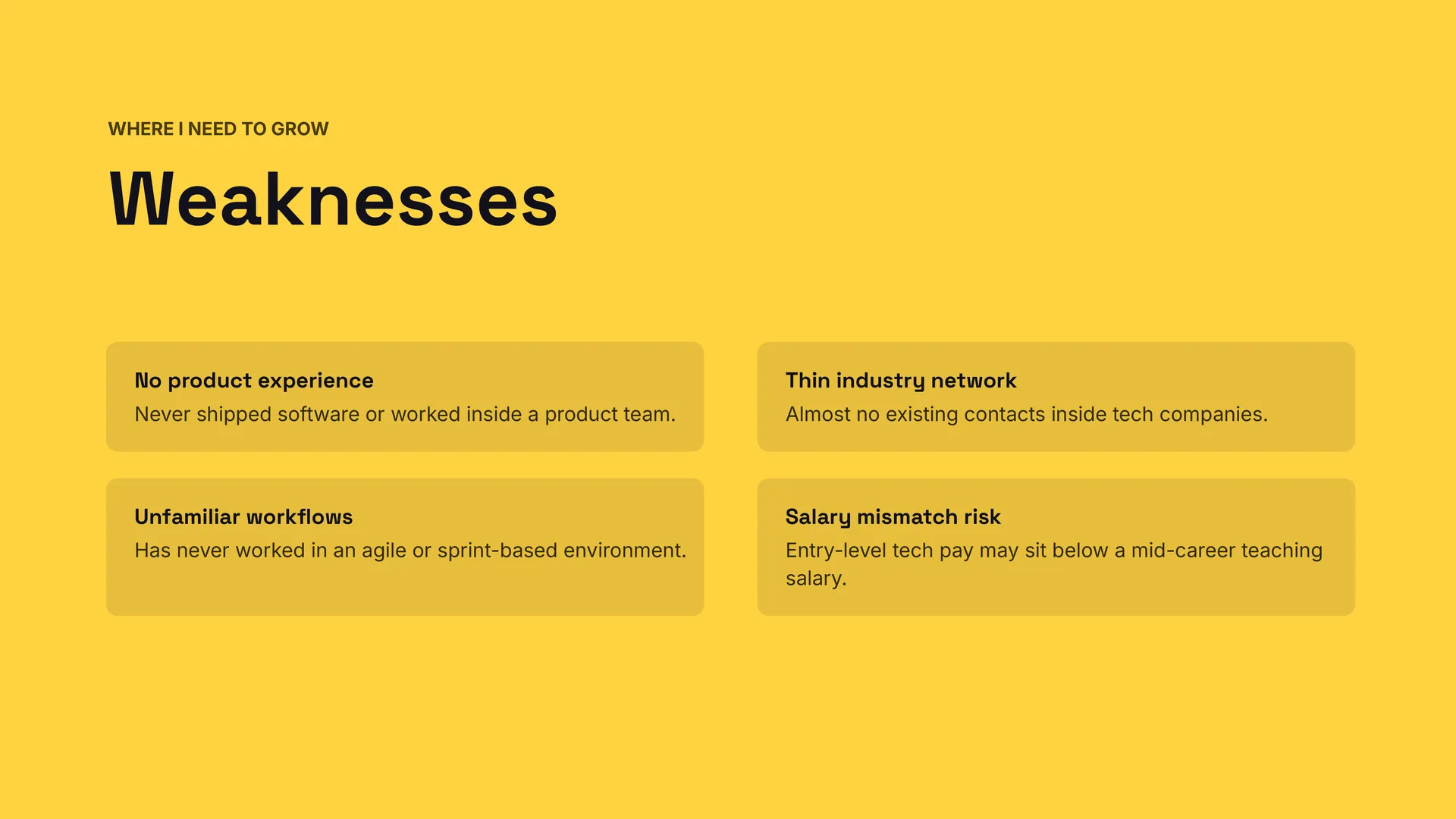
Personal SWOT Analysis Template



designer
My goal is to create beautiful and intuitive graphic designs for individuals and businesses! I, Kateryna Kyrylova, specialize in a variety of formats, from Google products to Microsoft.
Achievements:


designed more than 1500 templates for docsandslides.com
Template text reviewed by an expert from docsandslide's blog.



1

2

3

Related SWOT Analysis Templates

Colorful SWOT Analysis Template uses distinct colors for each quadrant to make strengths, weaknesses, opportunities, and threats visually distinct at a glance. Trainers, presenters, and team leads can use it when they want a more engaging, memorable SWOT for workshops or client meetings. The color coding helps the audience follow the logic and recall key points later. You can modify colors, text, and design elements for free and prepare the SWOT for print or digital presentation.


Do leaders and teams need a single, organized view of the company’s strategic position before making key decisions? Company SWOT Analysis Template brings together organizational strengths, weaknesses, market opportunities, and threats in one presentation-ready framework. Executives, consultants, and business students can use it for board updates, strategy offsites, or case studies. The structured layout makes complex information easier to communicate and prioritize. It is free, editable, and ready for downloading, presenting, or sharing with stakeholders.
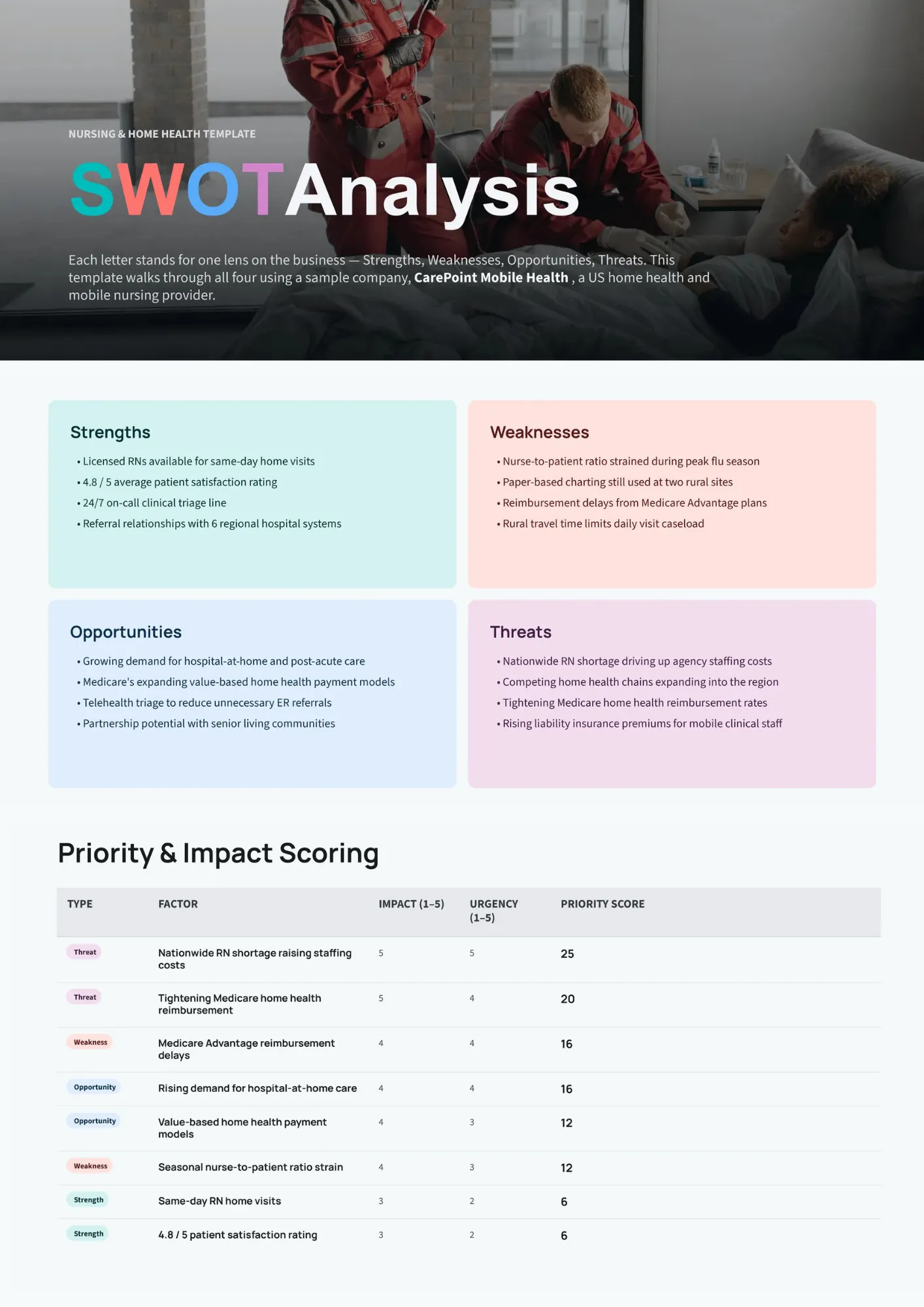
Nursing SWOT Analysis Template helps healthcare professionals and departments evaluate internal capabilities and external factors affecting patient care and operations. Nurses, nurse managers, and educators can use it to assess units, programs, or career paths within the healthcare environment. The four-quadrant format supports clear discussion of resources, challenges, trends, and risks. You can tailor the content for free and use the analysis for planning, accreditation, or professional development.

Are you trying to understand how your competitors compare to your own business but lack a structured way to capture it? Competitor SWOT Analysis Template lets you map rivals’ strengths, weaknesses, opportunities, and threats side by side with your own perspective. Marketers, founders, and strategy teams can use it to spot market gaps, threats, and potential differentiators. The visual comparison makes competitive insights easier to discuss and act on. It is free to customize and suitable for presentations, workshops, or internal strategy documents.
Related SWOT Analysis Templates
Colorful SWOT Analysis Template uses distinct colors for each quadrant to make strengths, weaknesses, opportunities, and threats visually distinct at a glance. Trainers, presenters, and team leads can use it when they want a more engaging, memorable SWOT for workshops or client meetings. The color coding helps the audience follow the logic and recall key points later. You can modify colors, text, and design elements for free and prepare the SWOT for print or digital presentation.
Do leaders and teams need a single, organized view of the company’s strategic position before making key decisions? Company SWOT Analysis Template brings together organizational strengths, weaknesses, market opportunities, and threats in one presentation-ready framework. Executives, consultants, and business students can use it for board updates, strategy offsites, or case studies. The structured layout makes complex information easier to communicate and prioritize. It is free, editable, and ready for downloading, presenting, or sharing with stakeholders.
Nursing SWOT Analysis Template helps healthcare professionals and departments evaluate internal capabilities and external factors affecting patient care and operations. Nurses, nurse managers, and educators can use it to assess units, programs, or career paths within the healthcare environment. The four-quadrant format supports clear discussion of resources, challenges, trends, and risks. You can tailor the content for free and use the analysis for planning, accreditation, or professional development.
Are you trying to understand how your competitors compare to your own business but lack a structured way to capture it? Competitor SWOT Analysis Template lets you map rivals’ strengths, weaknesses, opportunities, and threats side by side with your own perspective. Marketers, founders, and strategy teams can use it to spot market gaps, threats, and potential differentiators. The visual comparison makes competitive insights easier to discuss and act on. It is free to customize and suitable for presentations, workshops, or internal strategy documents.
Don’t forget to check your spam box!

Generating high-quality templates requires significant time and dedication. We simply request the inclusion of a small attribution link. Select the platform where you intend to utilize the template.
Copy this link and paste it wherever it’s visible, close to where you’re using the image. If that’s not possible, place it at the footer of your website, blog or newsletter, or in the credits section.
Place the attribution line near the image’s usage on your website, or if that’s not feasible, include it in the credits section. For example: ‘image: Docsandslides.com’. This template was created using images from Docsandslides.com.

Choose your preferred social media platform from options like Pinterest, Facebook, Twitter, and more. Share our templates with your contacts or friends. If you’re not active on these social networks, you can simply copy the link and paste it into the one you use.