

 Back to templates
 Free Journal Google Docs Templates - Page 5
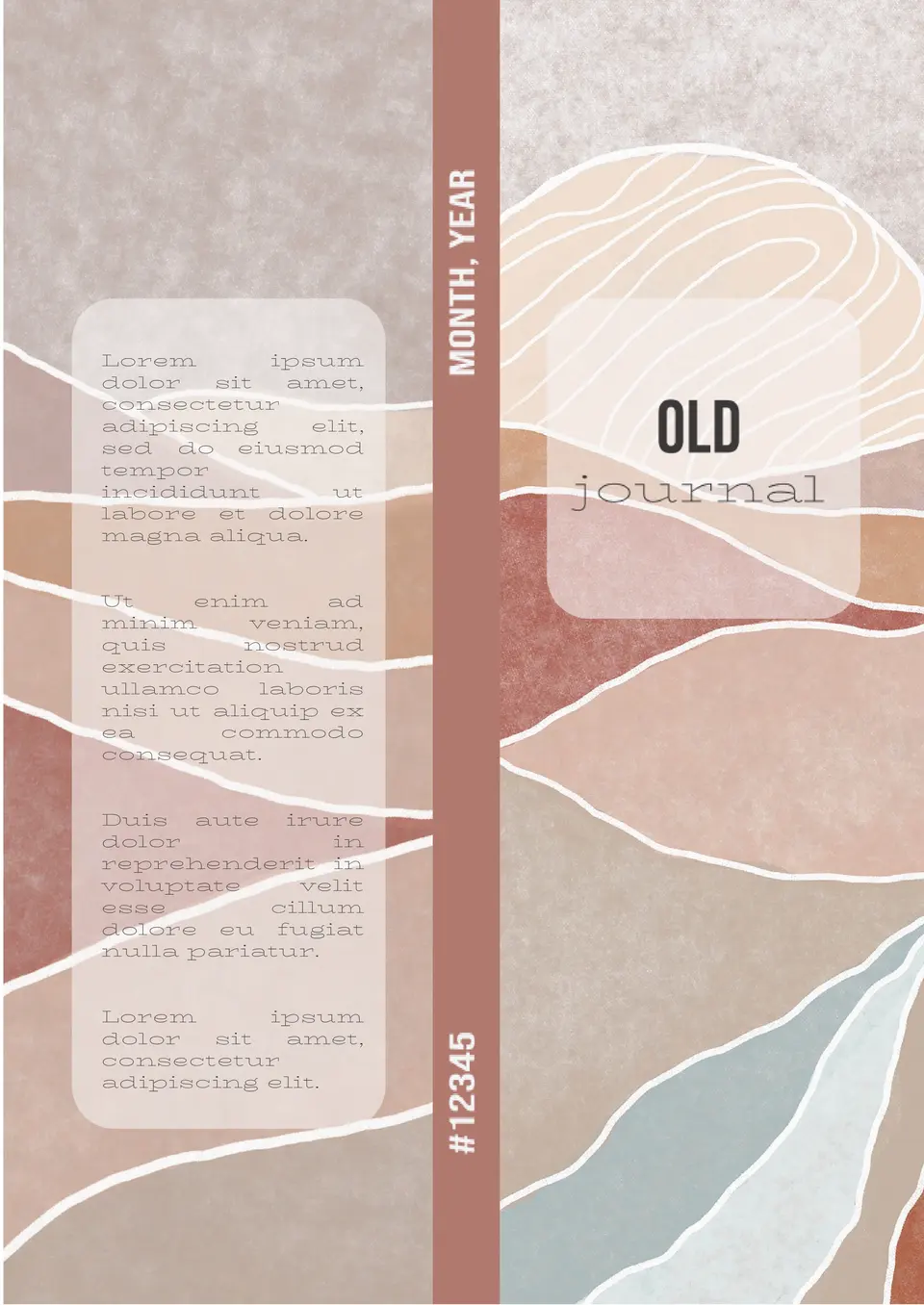
With a vintage, aged design, the Old Journal Template helps users create journals that look antique and nostalgic. It suits writers, historians, and anyone who wants a classic journal aesthetic.


The template will be helpful for pupils, students, scientific and educational establishments. Add your own photo if you prefer and start editing the text to tell of your discoveries or research results.

First of all, financial and trading companies should pay attention to Trading Journal Template for Google Docs. The blue and white color range can be replaced with one to match your corporate style.
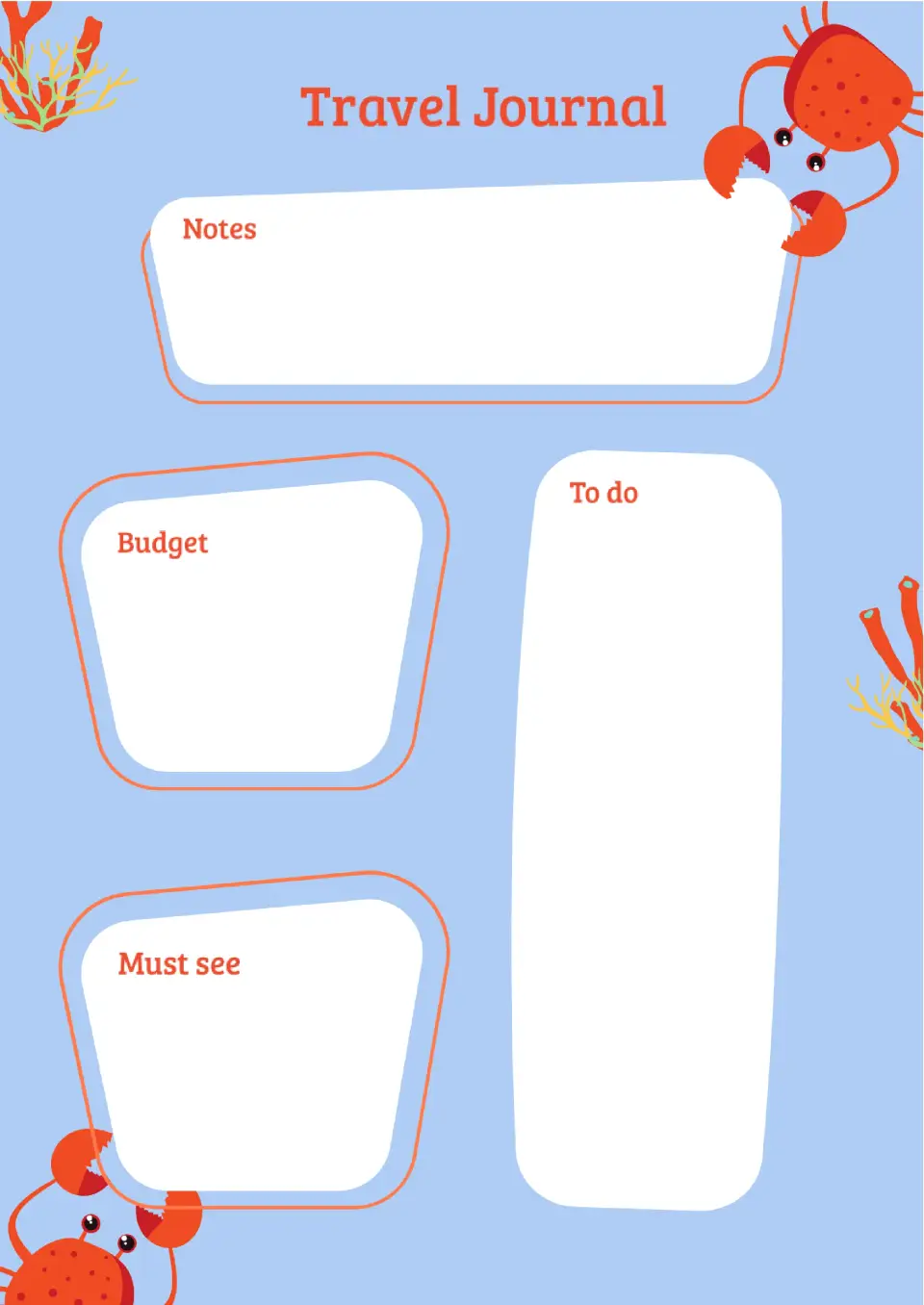
If you are going on a trip, download the Travel Journal Template on Google Docs. To keep everything in mind, list the places you want to visit, your budget and detailed daily plans in the template.
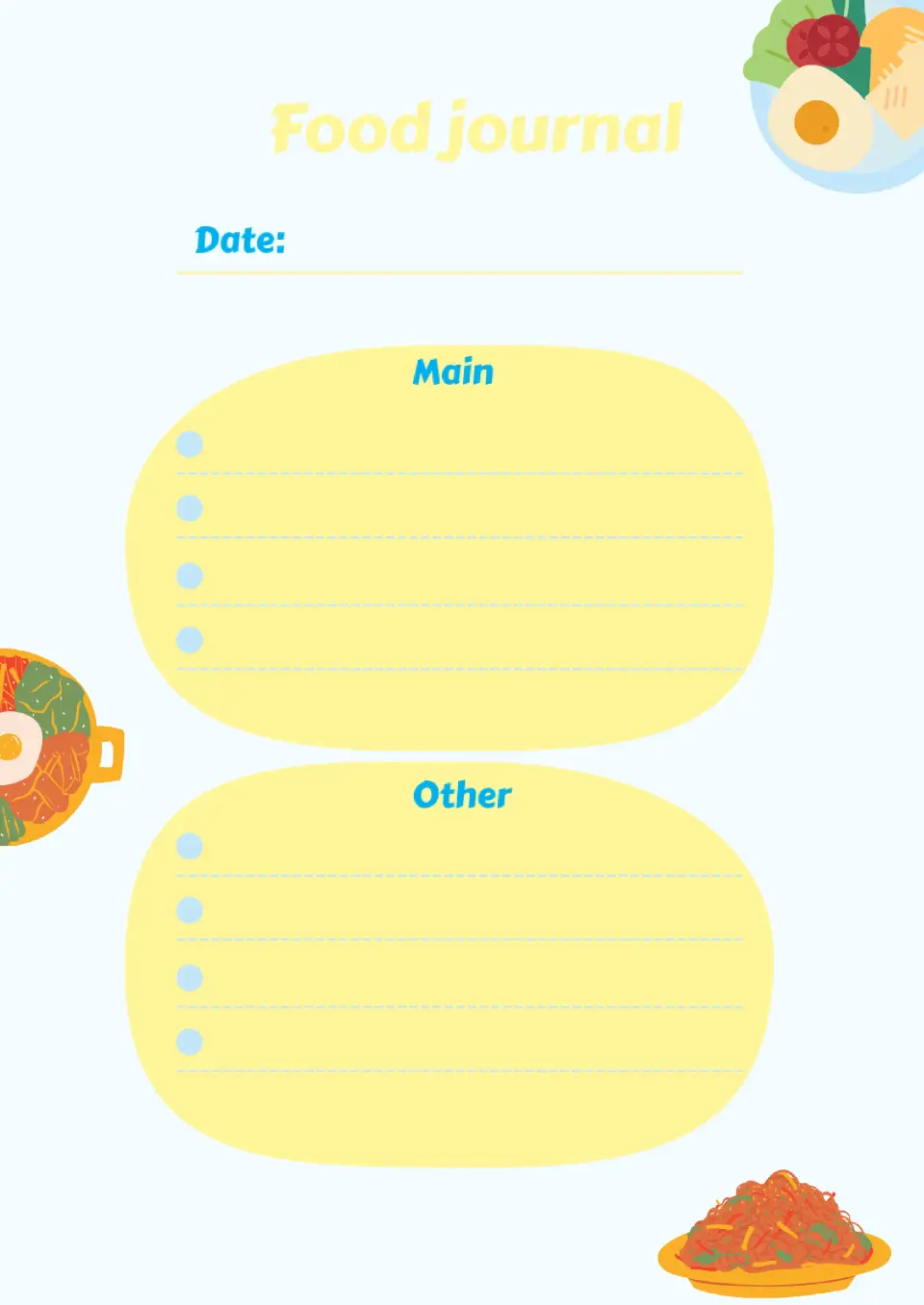
This colorful template will come in handy for people who want to start keeping track of their meals. Enter the date at the top and write down everything you ate during the day in two lists: main meals and other meals.

It is appropriate to keep a personal diary not only for teenagers, but also for adults. Record the results of your working day, important memories, plans for the future in it. The template can be printed or filled out online.
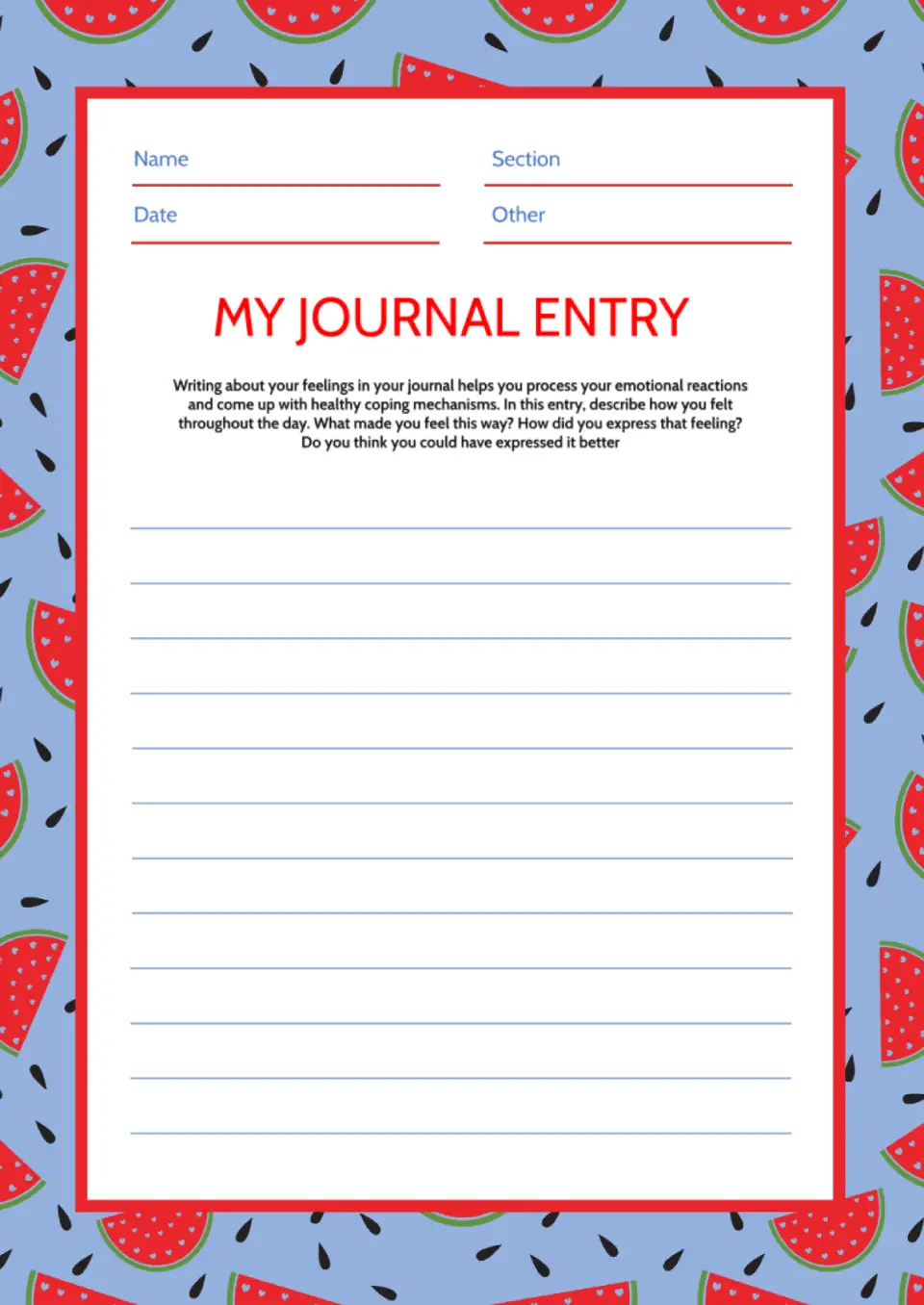
The Journal Entry Template is a helpful option for students, writers, and anyone who wants a clear format for recording daily thoughts or experiences. It gives each entry a more organized structure, which makes it easier to reflect, review, and keep track of important moments.

Want a better way to start journaling without building a layout from scratch? The Journal Template works well for students, professionals, creatives, and anyone who wants a structured place for notes, thoughts, and reflections.

The Bullet Journal Template is ideal for writers, students, planners, and anyone who likes a flexible way to organize thoughts, goals, and routines. It gives you a clean starting point for tracking habits, making lists, and capturing ideas in a more creative format.

Choose your preferred social media platform from options like Pinterest, Facebook, Twitter, and more. Share our templates with your contacts or friends. If you’re not active on these social networks, you can simply copy the link and paste it into the one you use.