

 Back to templates
 Free Envelope Google Docs Templates
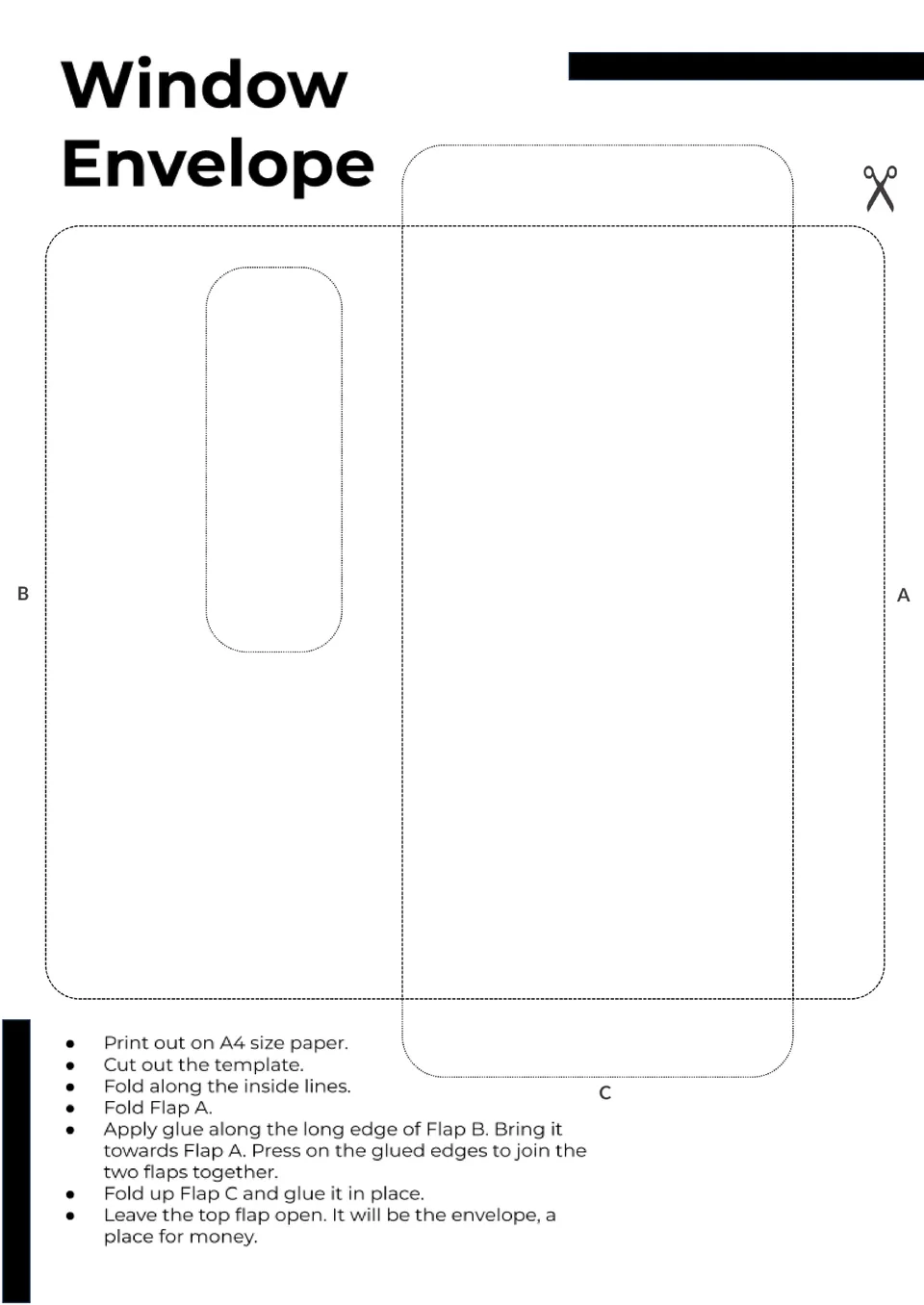
Need envelopes that make your mail instantly legible through a window? The Window Envelope Template offers accurate dimensions and editable positioning so your addresses align perfectly.


Want a simple system to organize your budget or manage spending? The Cash Envelope Template gives you a structured layout for categorizing money by purpose—like groceries, rent, or entertainment.

Looking for a stylish way to present gift cards or small surprises? The Gift Card Envelope Template provides fun, easy‑to‑customize designs perfect for holidays, birthdays, and celebrations.
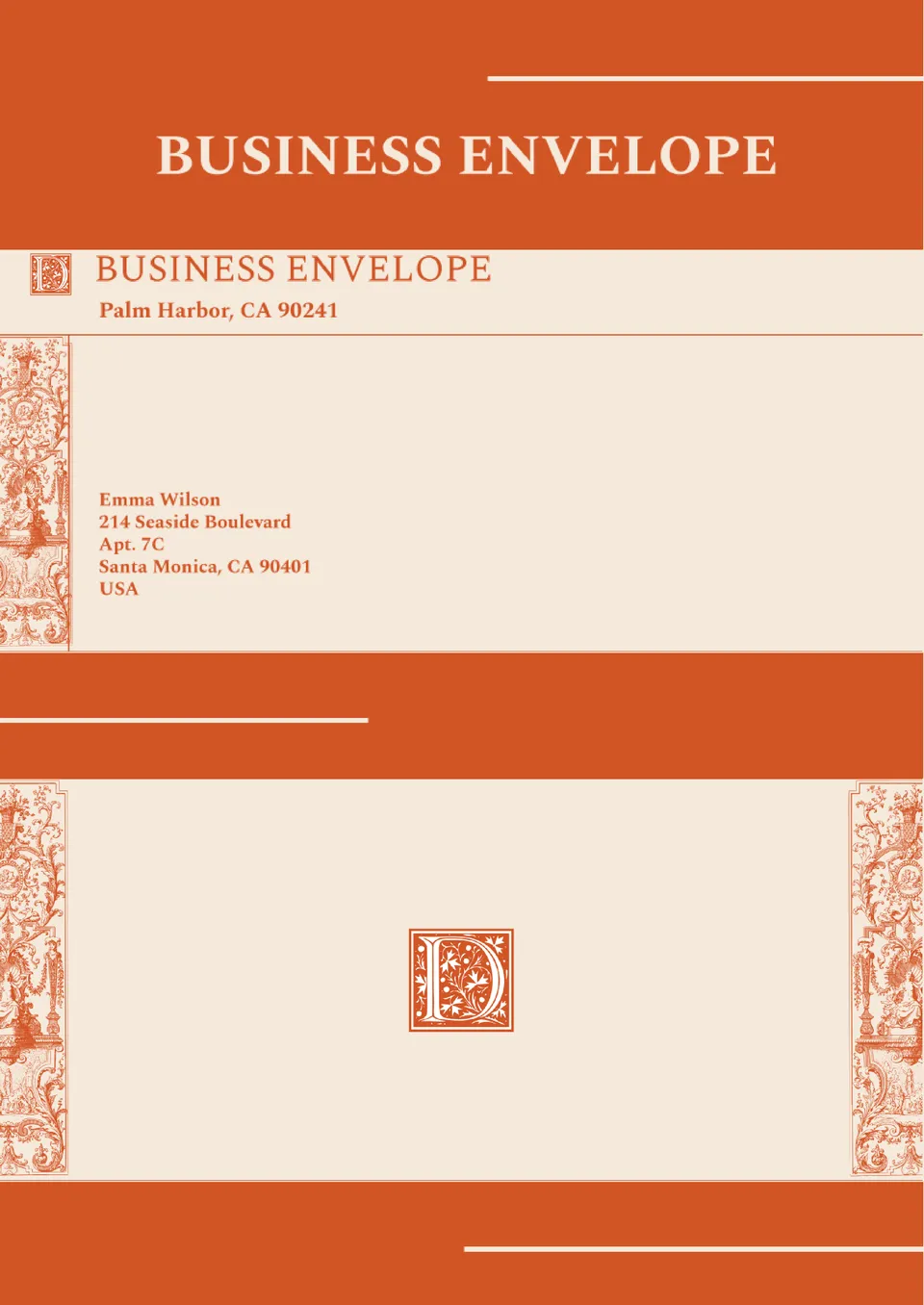
Want your business mail to look as professional as your brand? The Business Envelope Template offers a sleek layout for company logos, return addresses, and contact details.

Looking for an effortless way to design envelopes that match your mail style? The Mail Template Envelope gives you clean, editable layouts for addresses and graphics in Google Docs.
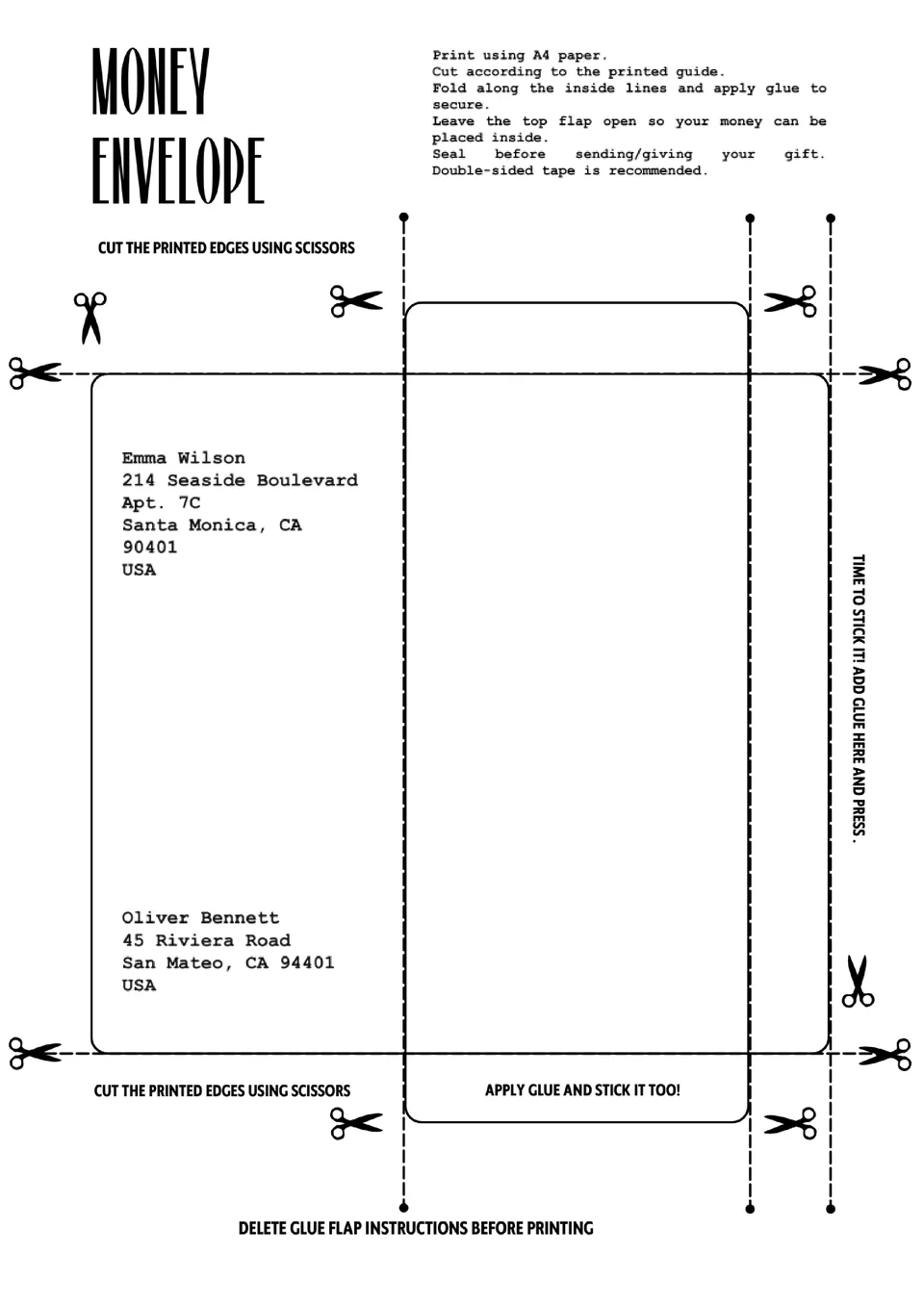
The Money Envelope Template gives you clear, editable layouts for cash gifts, event tips, or fundraisers. It’s ideal for weddings, holidays, or business purposes where presentation matters.
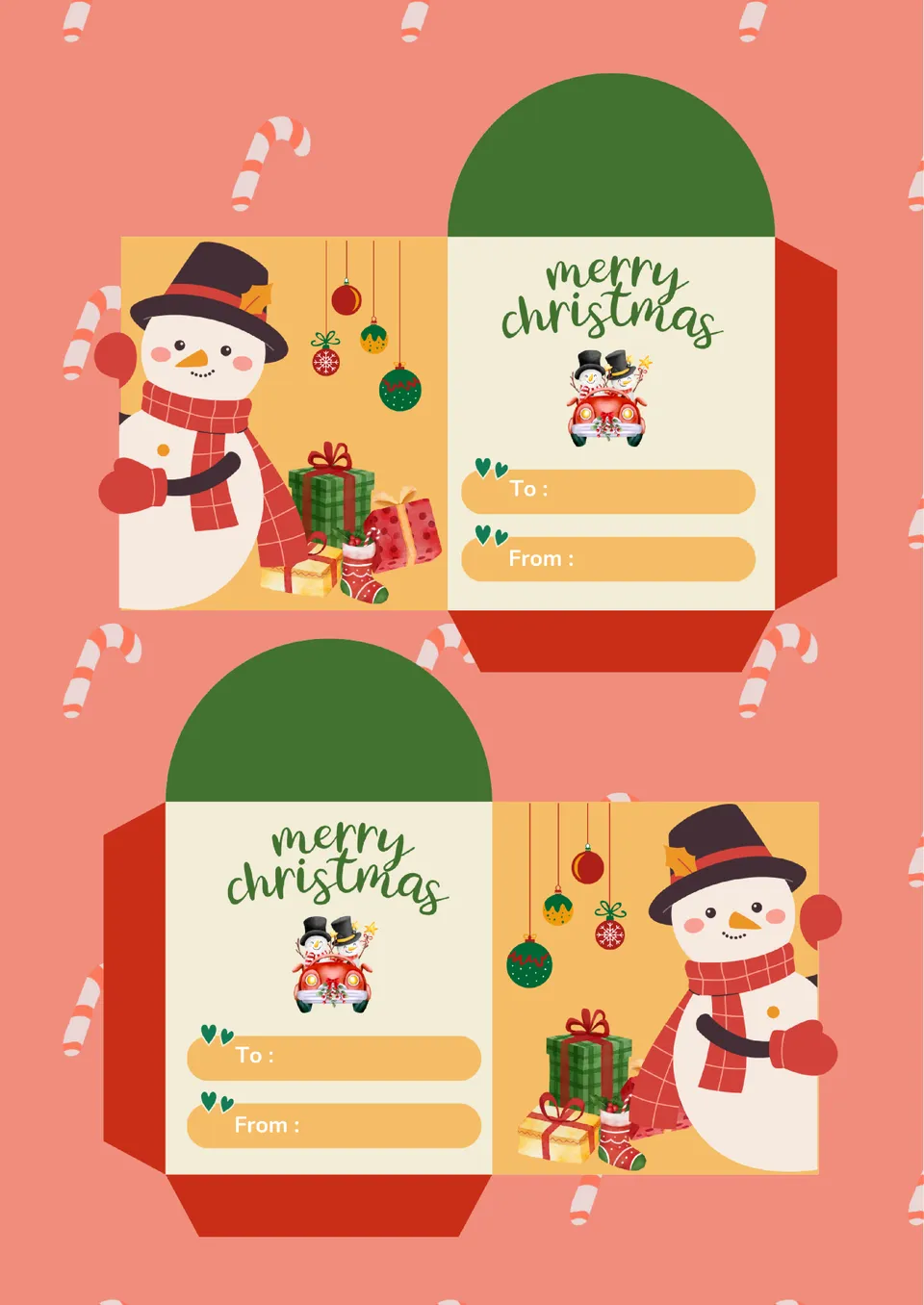
The Mini Envelope Template helps you design small, cute envelopes for cards, notes, or gift holders. Its easy‑to‑use layout lets you adjust size and artwork in minutes. Perfect for parties, businesses, or personal stationery projects.
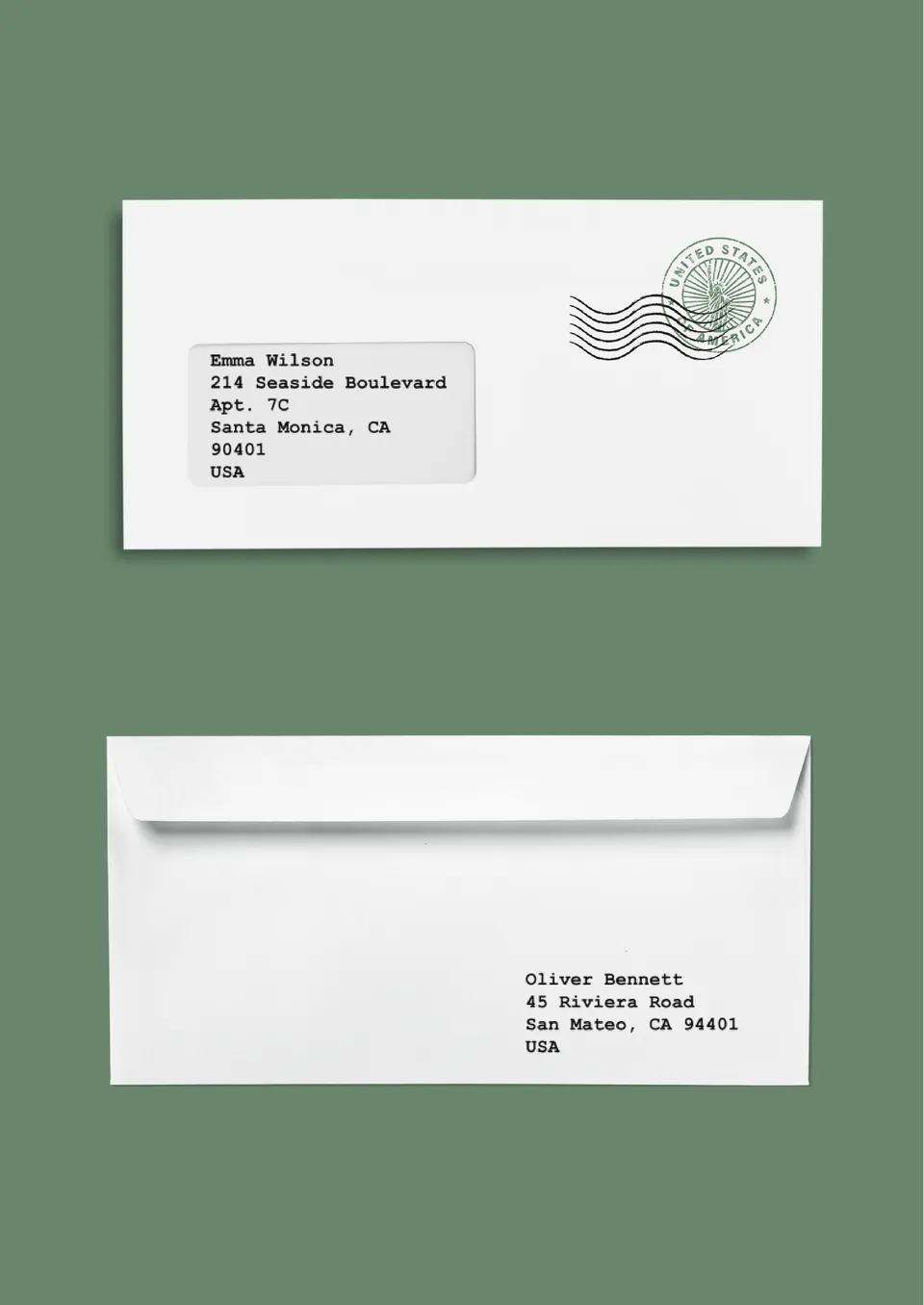
Looking to create perfectly sized, ready‑to‑print envelopes? The Letter Envelope Template gives you accurate dimensions and fold‑lines so every piece comes out crisp.
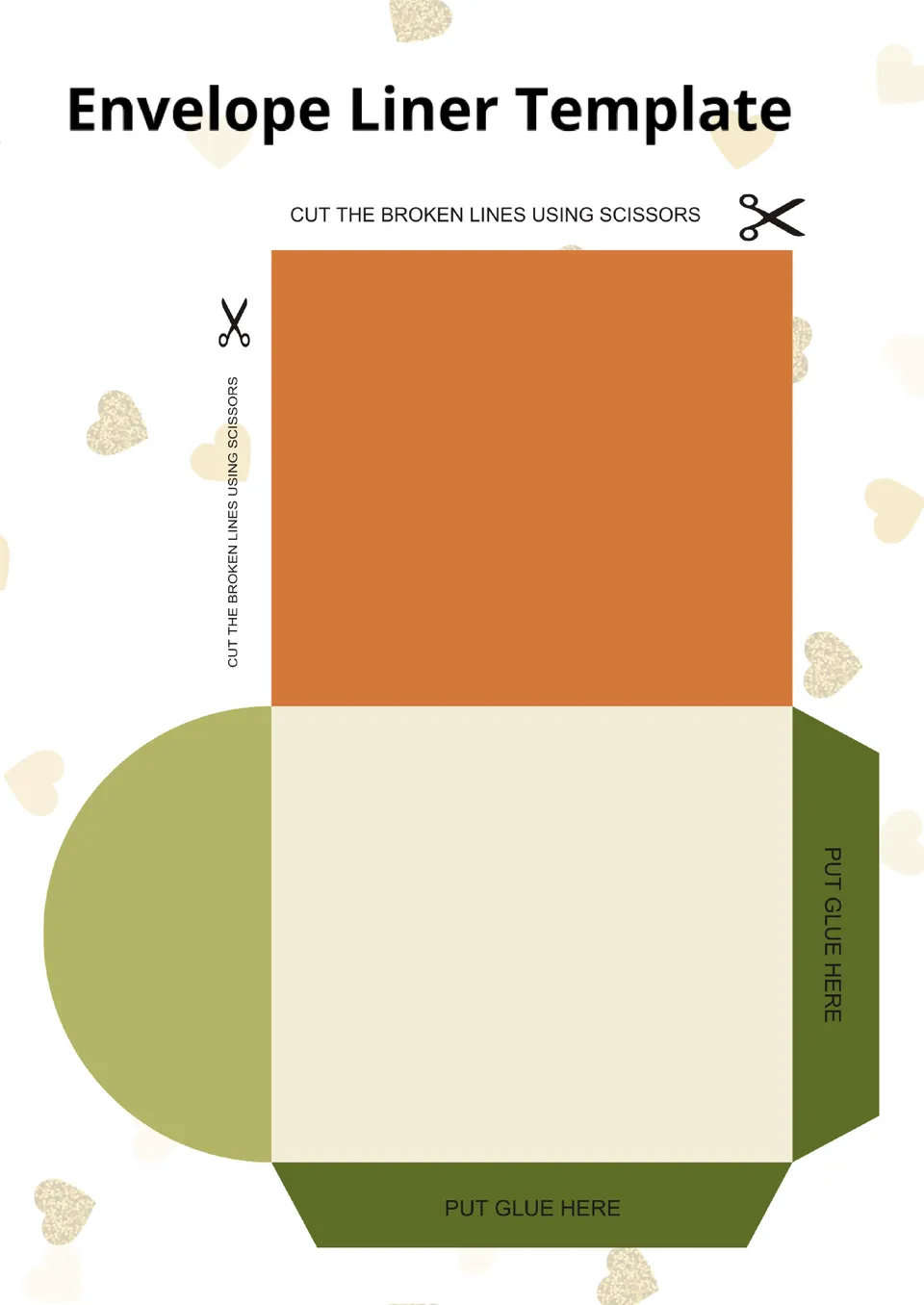
Want to add a stylish, custom touch to your envelopes? The Envelope Liner Template allows you to design and fit liners that match your theme or brand.
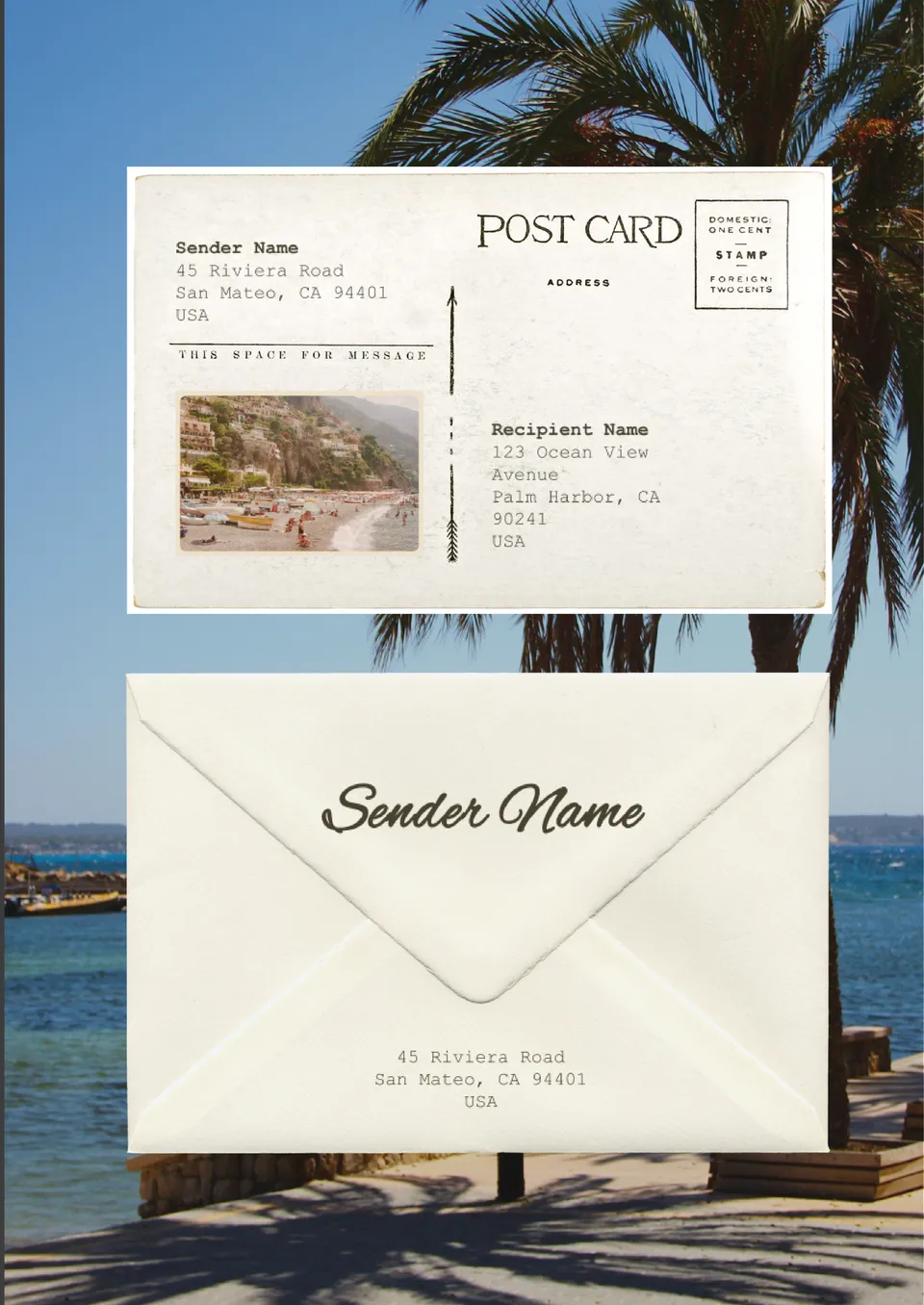
Looking for a quick way to print neat, professional envelope addresses? The Envelope Address Template gives you editable layouts to enter names and addresses with clean formatting.

Choose your preferred social media platform from options like Pinterest, Facebook, Twitter, and more. Share our templates with your contacts or friends. If you’re not active on these social networks, you can simply copy the link and paste it into the one you use.