

 Back to templates
 Agenda Templates - Page 2
Plan meetings, events, and projects easily with free Agenda Templates designed to keep discussions structured and organized. These ready-made layouts help you outline topics, set timelines, and highlight key points so every meeting or event runs smoothly and stays focused on important goals.
These templates are ideal for managers, team leaders, event organizers, teachers, and professionals who need a clear plan for business meetings, workshops, training sessions, or special events. Browse the collection, choose a layout that fits your agenda, and customize it in minutes.
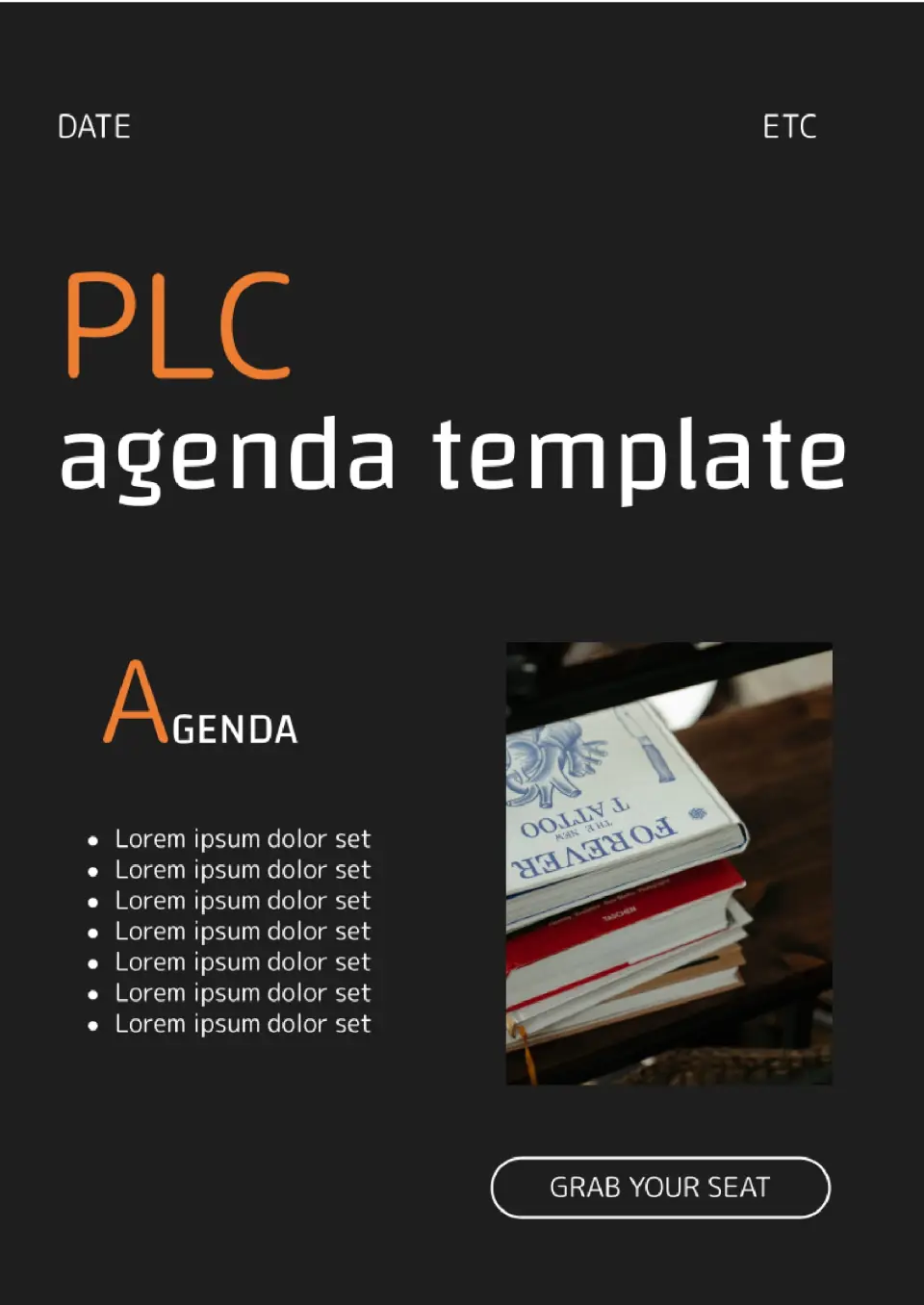
To ensure that your business meeting doesn’t end up as a lot of talk, create a clear agenda using our template. Think about the topics on which decisions should be made, and then add them to the list on the left.

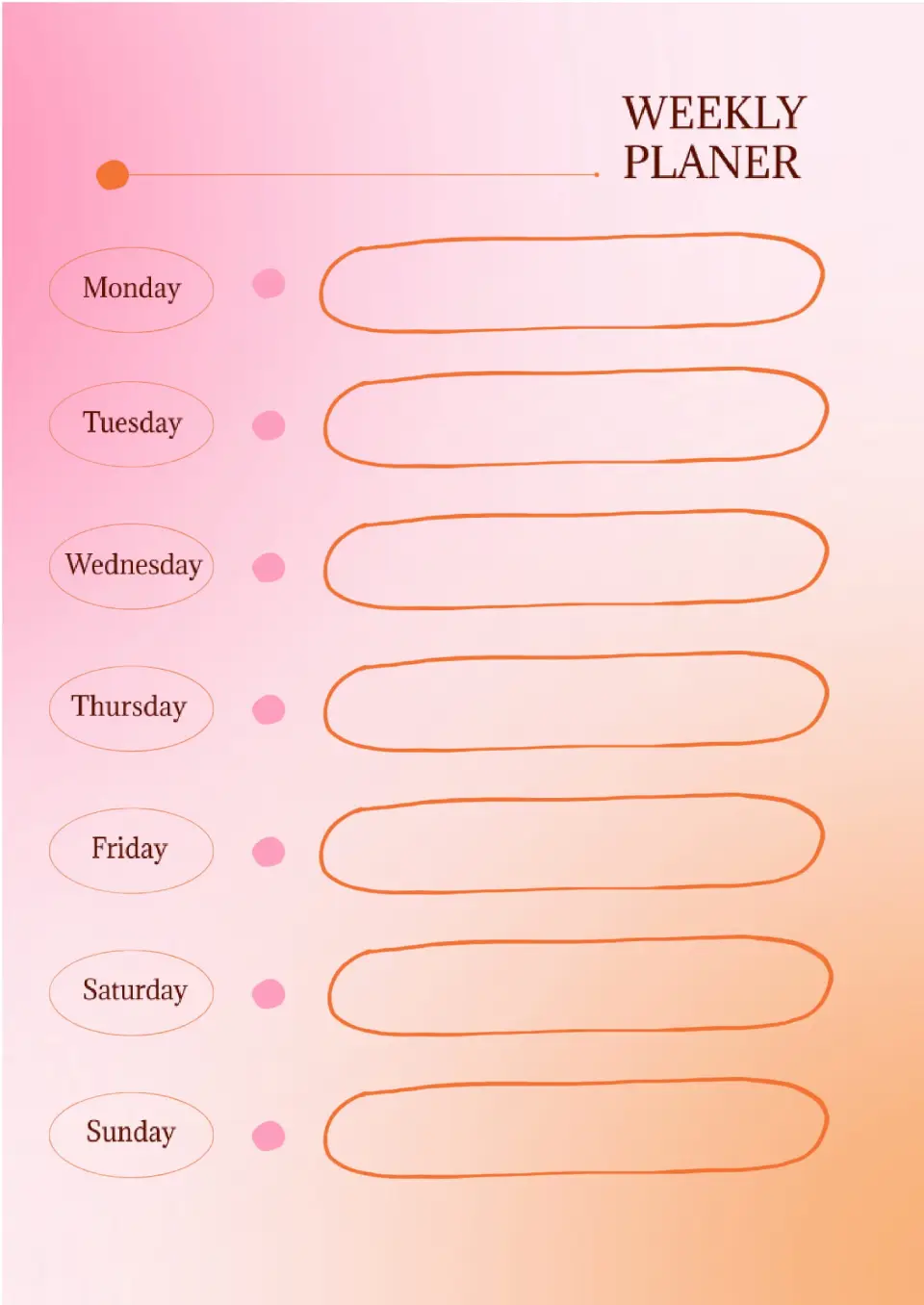
Use this agenda template if you have many events scheduled within the week. There is an opportunity to indicate where and when they will take place.
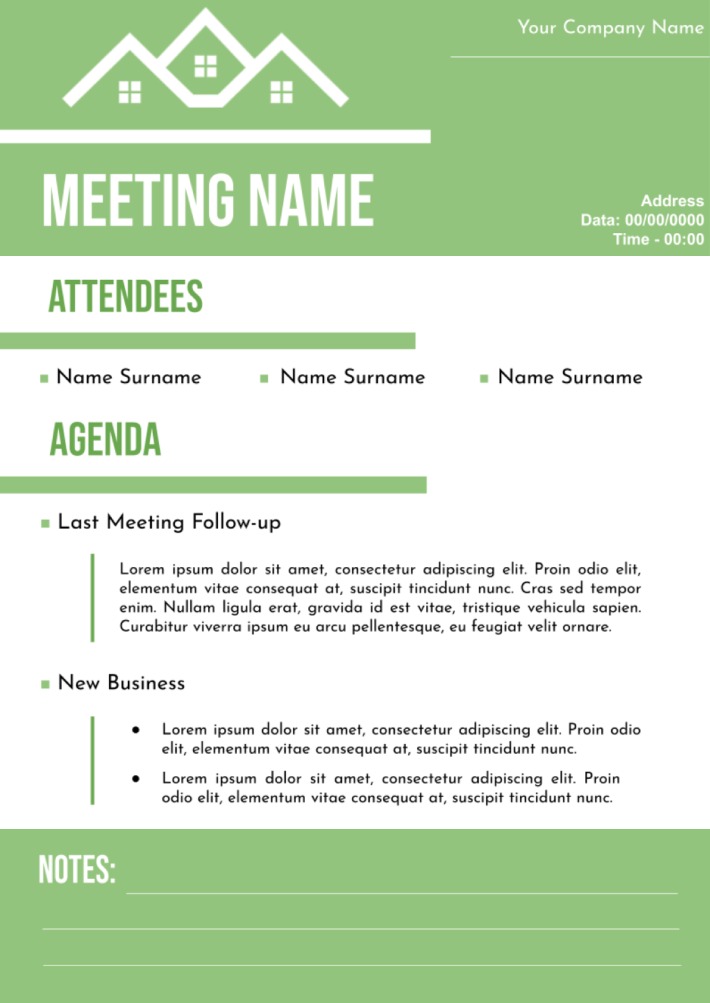
It is suitable for everyday workshop venues and business meetings. In addition to the actual topic and the speakers’ names, you may indicate the points of the previous discussion. There is some blank space for notes below.

Choose your preferred social media platform from options like Pinterest, Facebook, Twitter, and more. Share our templates with your contacts or friends. If you’re not active on these social networks, you can simply copy the link and paste it into the one you use.