

 Back to templates
 Agenda Templates
Plan meetings, events, and projects easily with free Agenda Templates designed to keep discussions structured and organized. These ready-made layouts help you outline topics, set timelines, and highlight key points so every meeting or event runs smoothly and stays focused on important goals.
These templates are ideal for managers, team leaders, event organizers, teachers, and professionals who need a clear plan for business meetings, workshops, training sessions, or special events. Browse the collection, choose a layout that fits your agenda, and customize it in minutes.
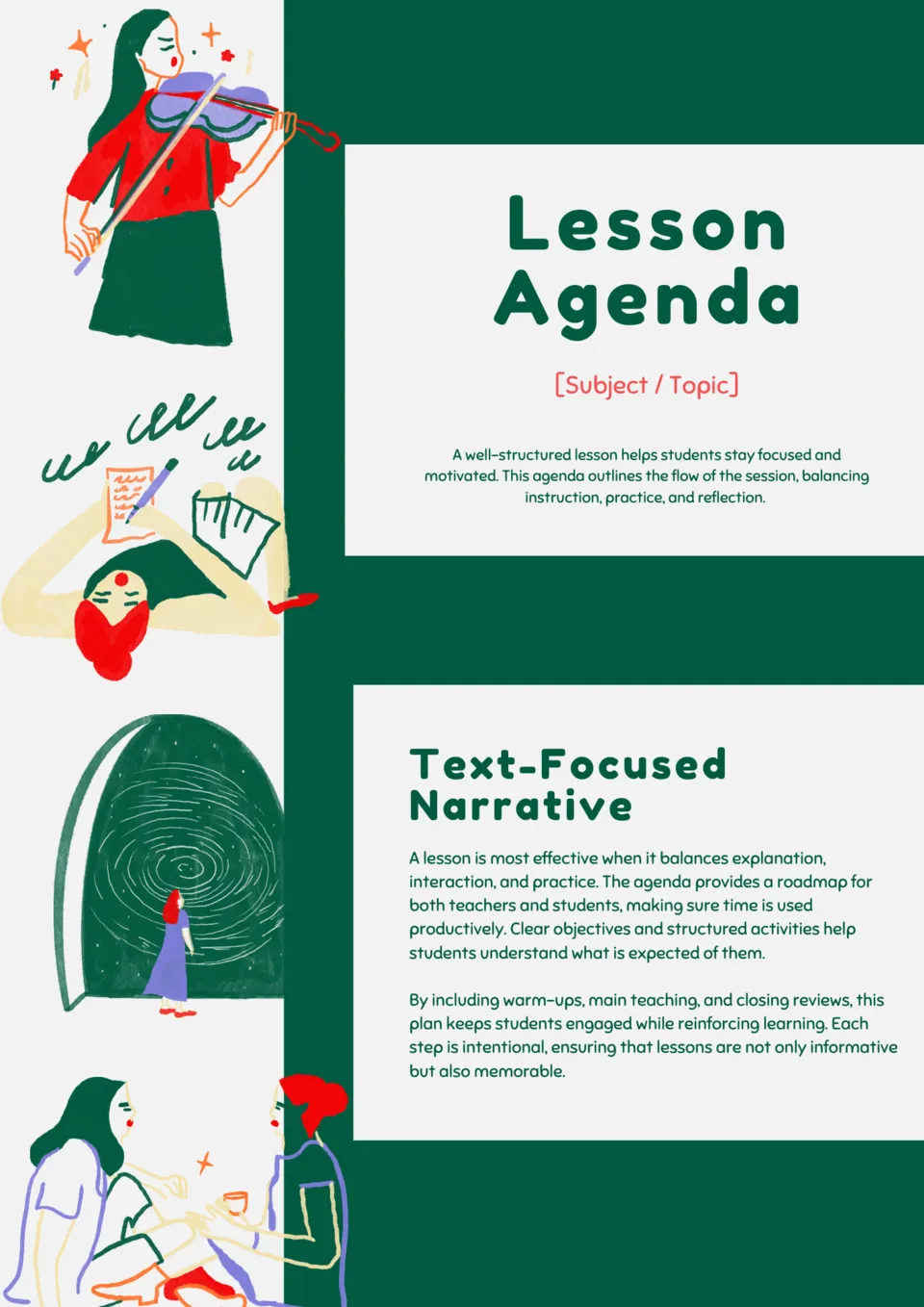
Make your lessons organized and engaging with the Classroom Lesson Agenda Template. It provides structured slides to outline activities, objectives, and timing for every class.

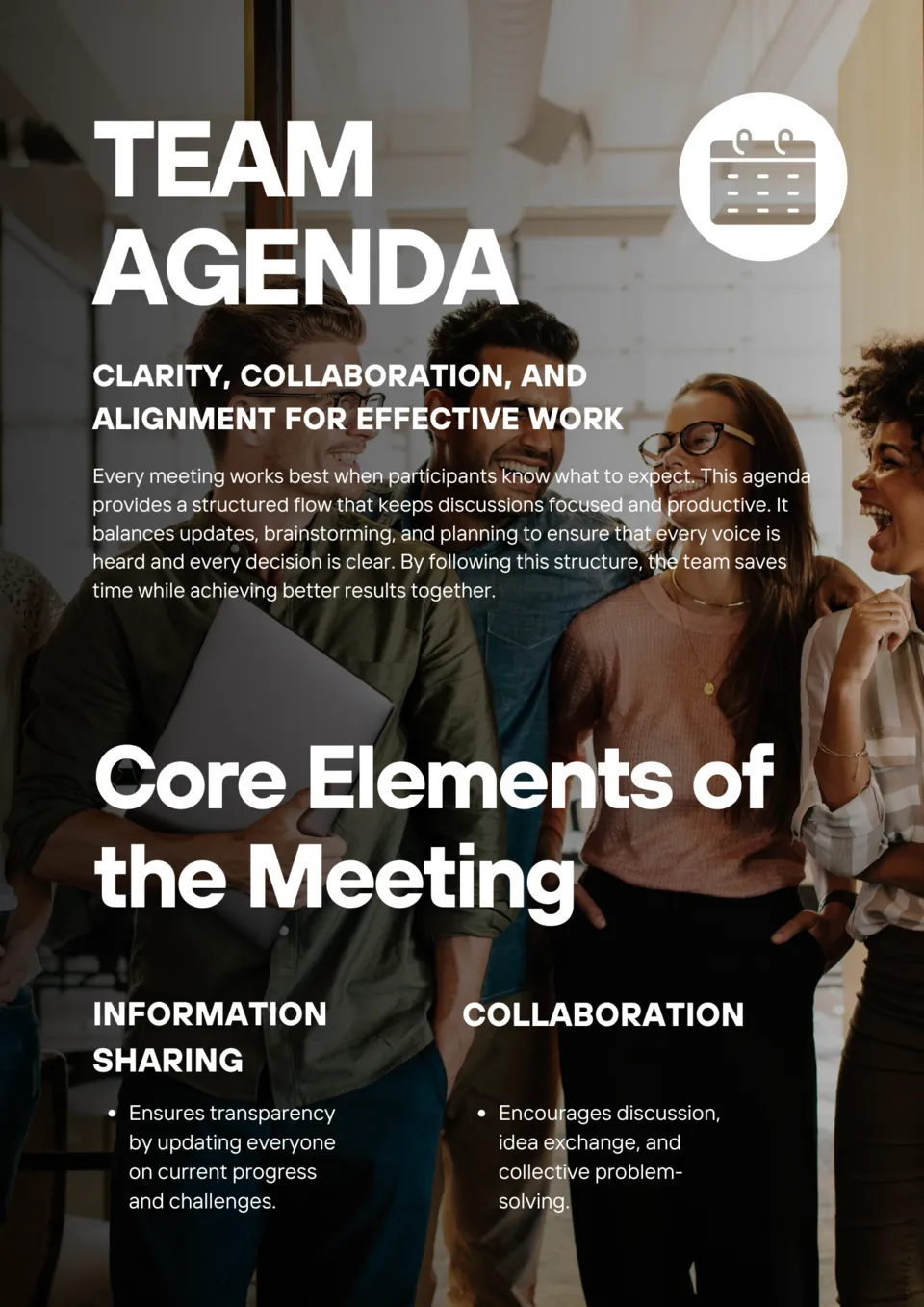
Streamline your team meetings and boost productivity with the Team Meeting Agenda Template. Clear, professional layouts help you set topics, assign responsibilities, and track action items.
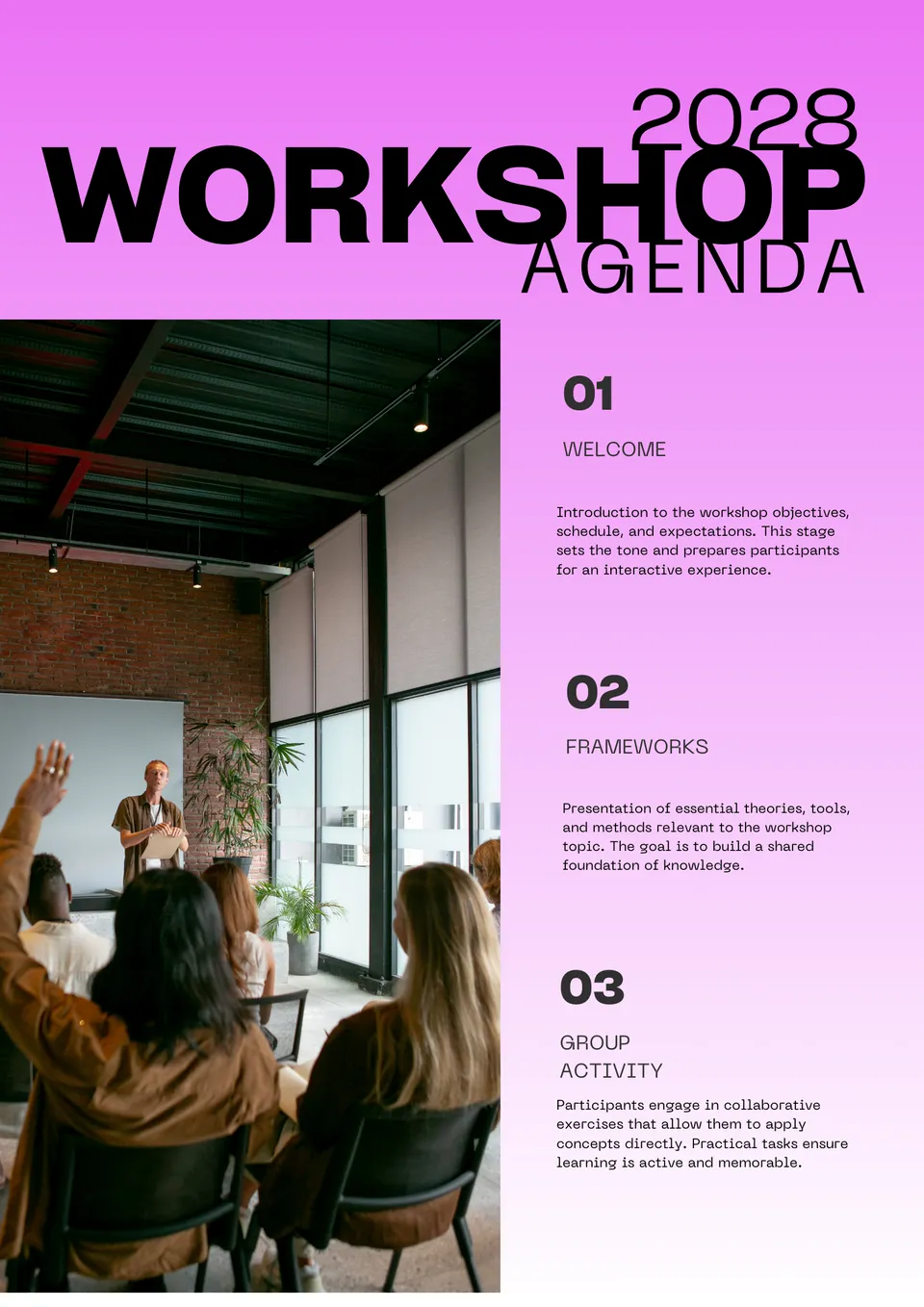
Want to make your workshops more productive and engaging? The Workshop Agenda Template allows you to schedule activities, breaks, and discussions efficiently.

Looking for a way to organize your next conference seamlessly? The Business Conference Agenda Template provides polished, easy-to-edit slides to outline sessions, speakers, and networking opportunities.
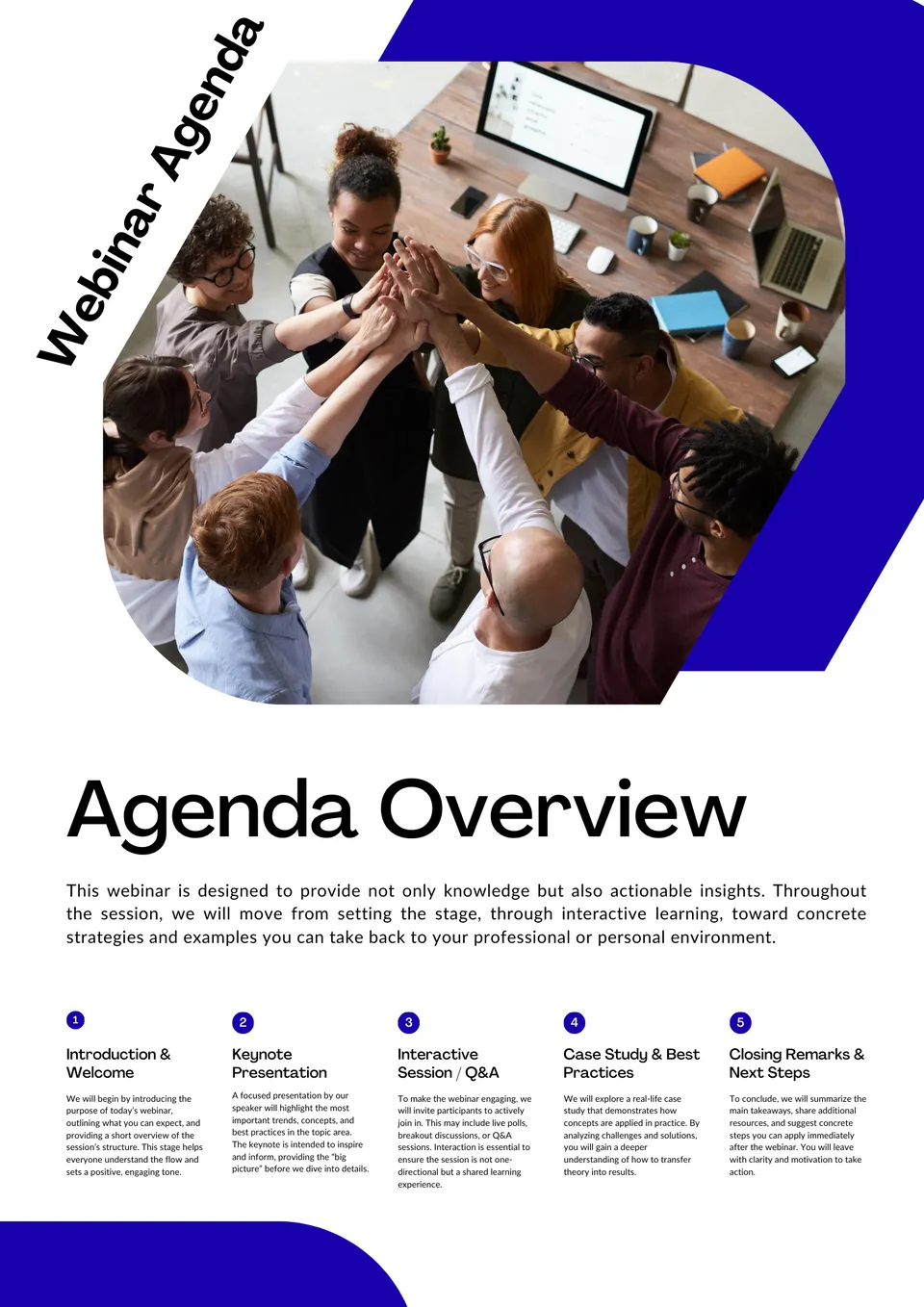
Want to run webinars that keep attendees engaged from start to finish? The Webinar Agenda Template helps you structure every session with clear timelines, topics, and speaker details.
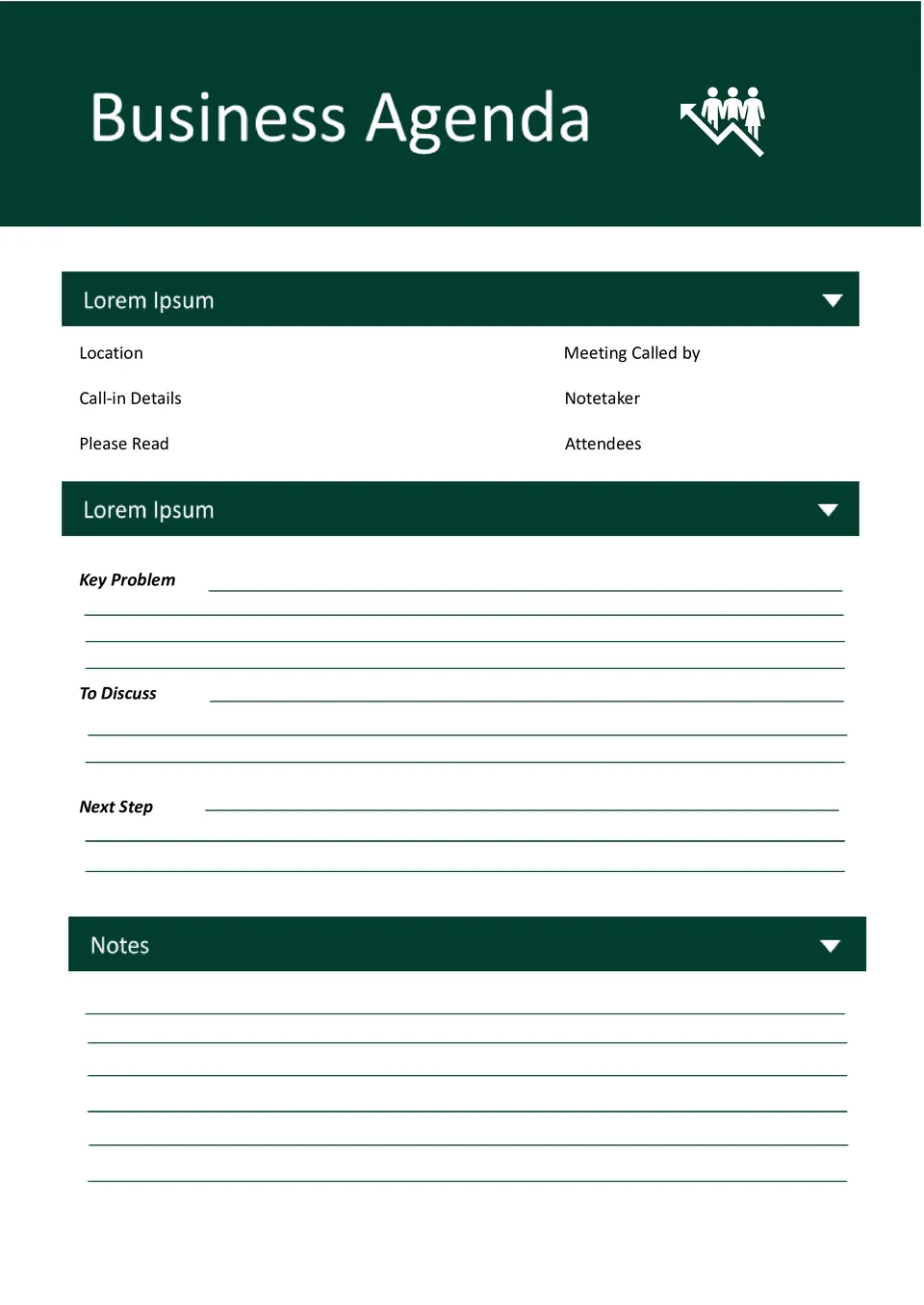
With space for topics, time allocations, and participants, the Business Agenda Template helps teams run meetings that stay focused and efficient. It works for office teams, managers, and business professionals.

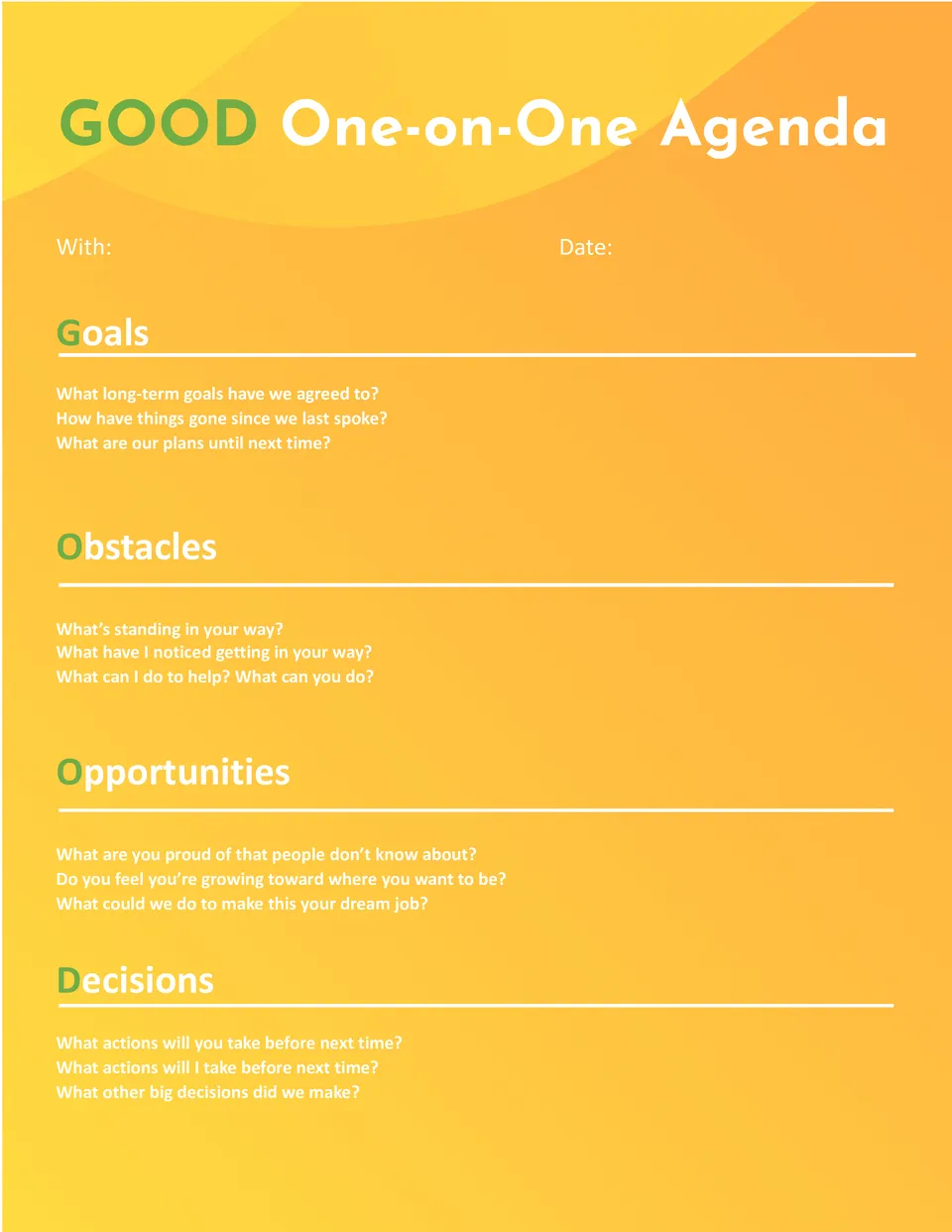
What makes one-on-one meetings more productive when there's limited time and important topics to cover? The One-on-One Agenda Template is a strong fit for managers, direct reports, and team leads.
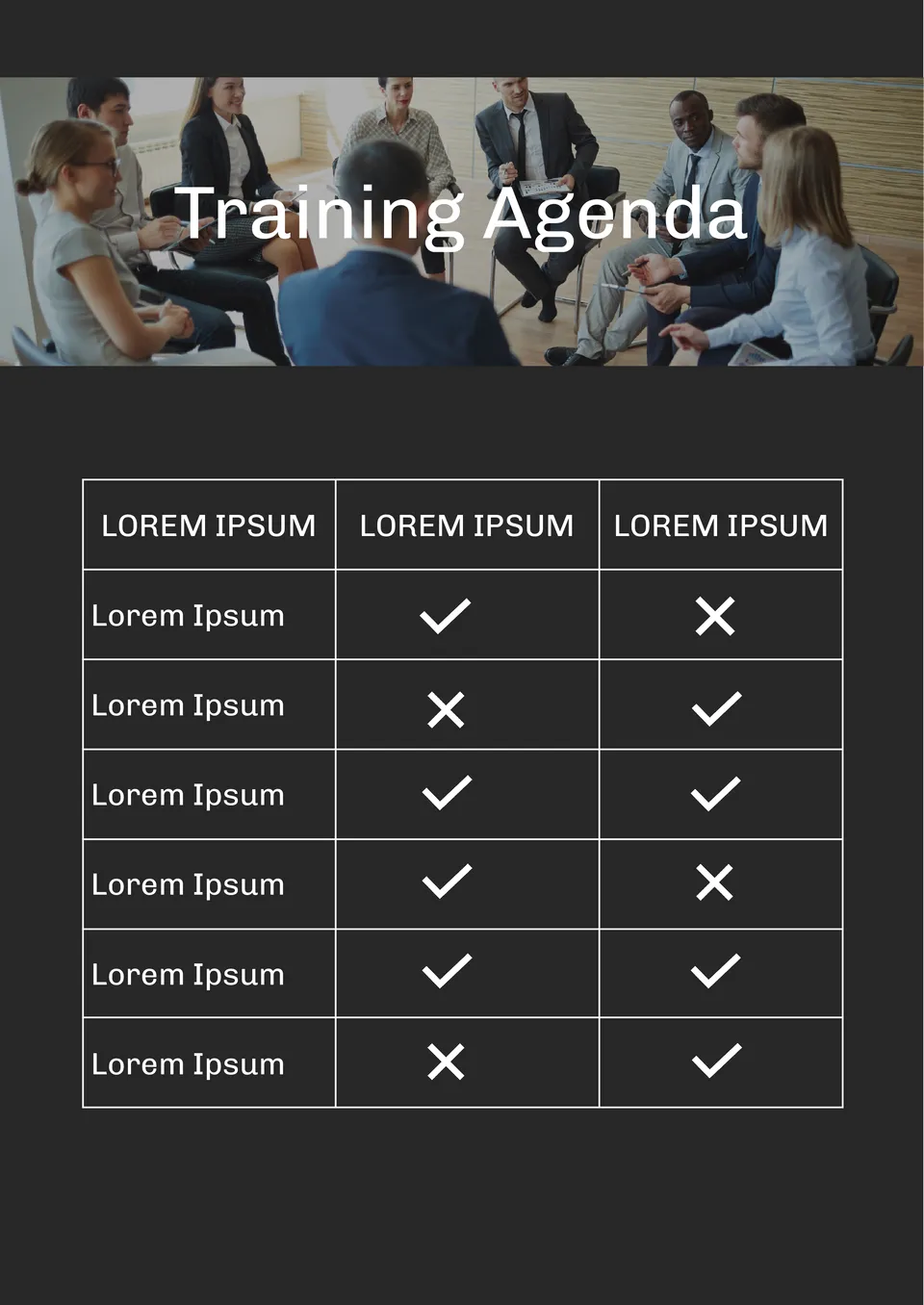
Organized around learning goals, the Training Agenda Template helps trainers and teams plan sessions with clear topics, timing, and activities. It suits corporate trainers, HR teams, and workshop leaders.
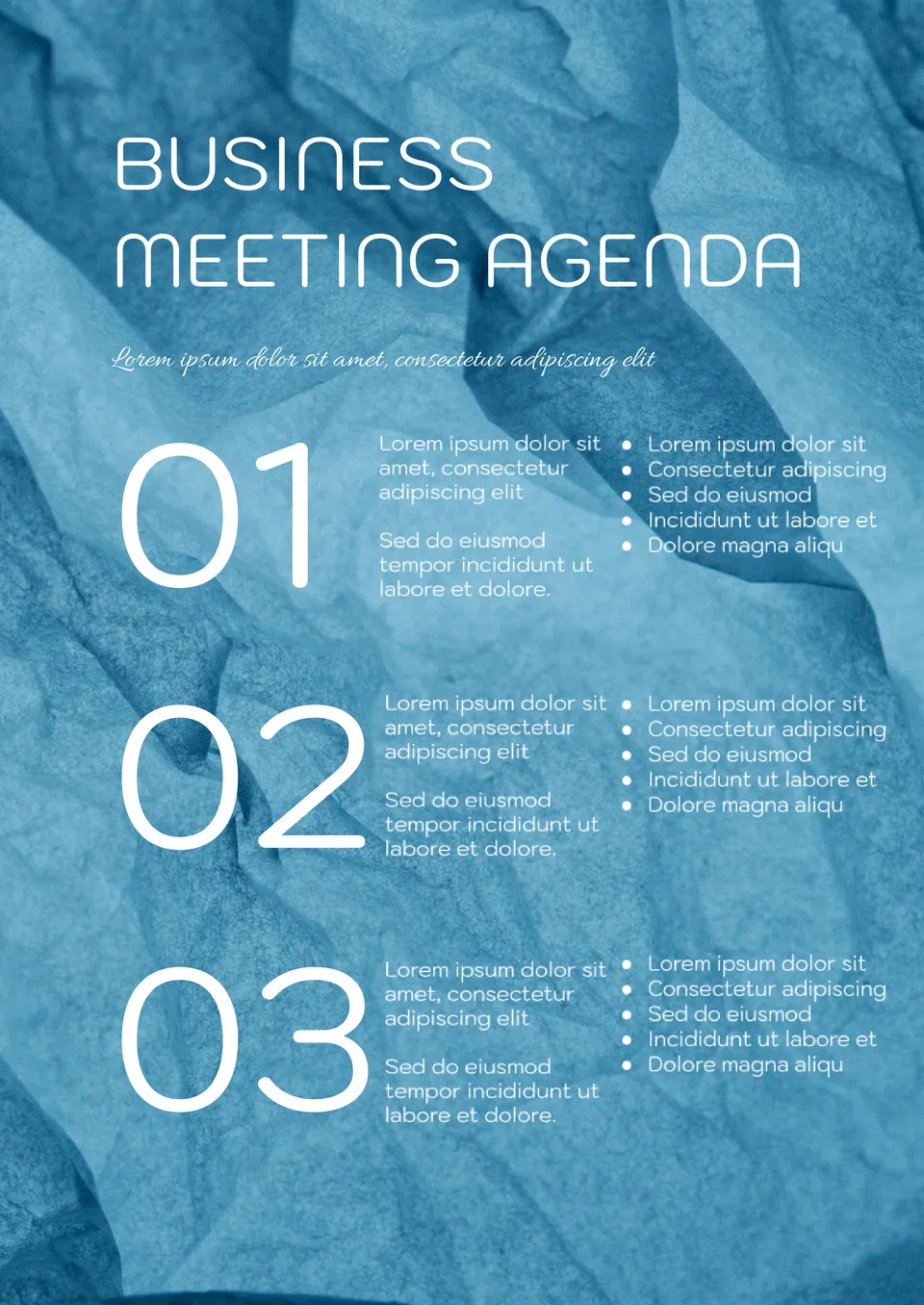
Built for professional discussions, the Business Meeting Agenda Template helps teams plan meetings with clear objectives, topics, and follow-ups. It suits business professionals, managers, and executives in corporate settings.
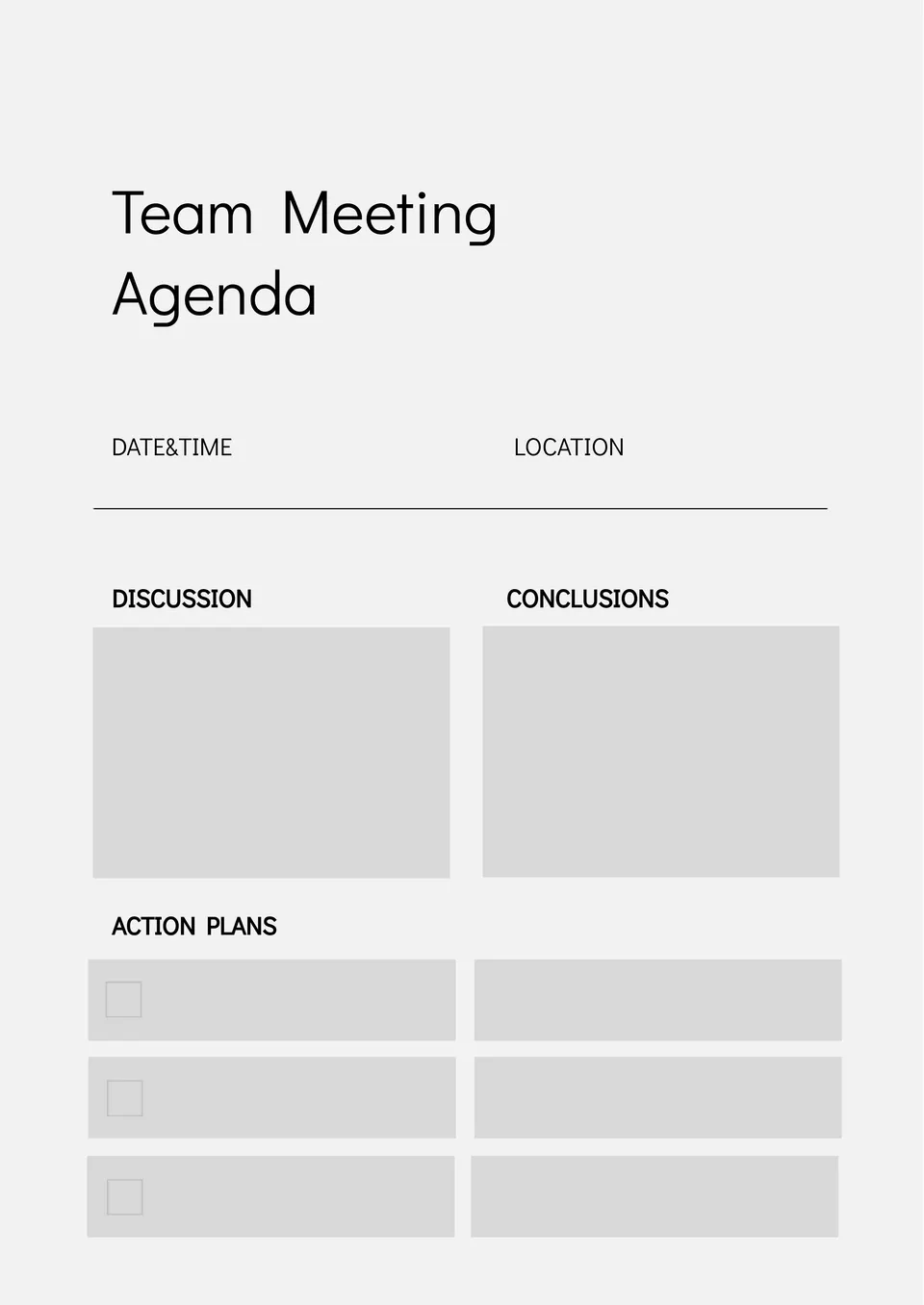
What helps teams run meetings more efficiently when there are many topics and limited time to cover them? The Team Meeting Agenda Template is made for team leads, project managers, and office teams.
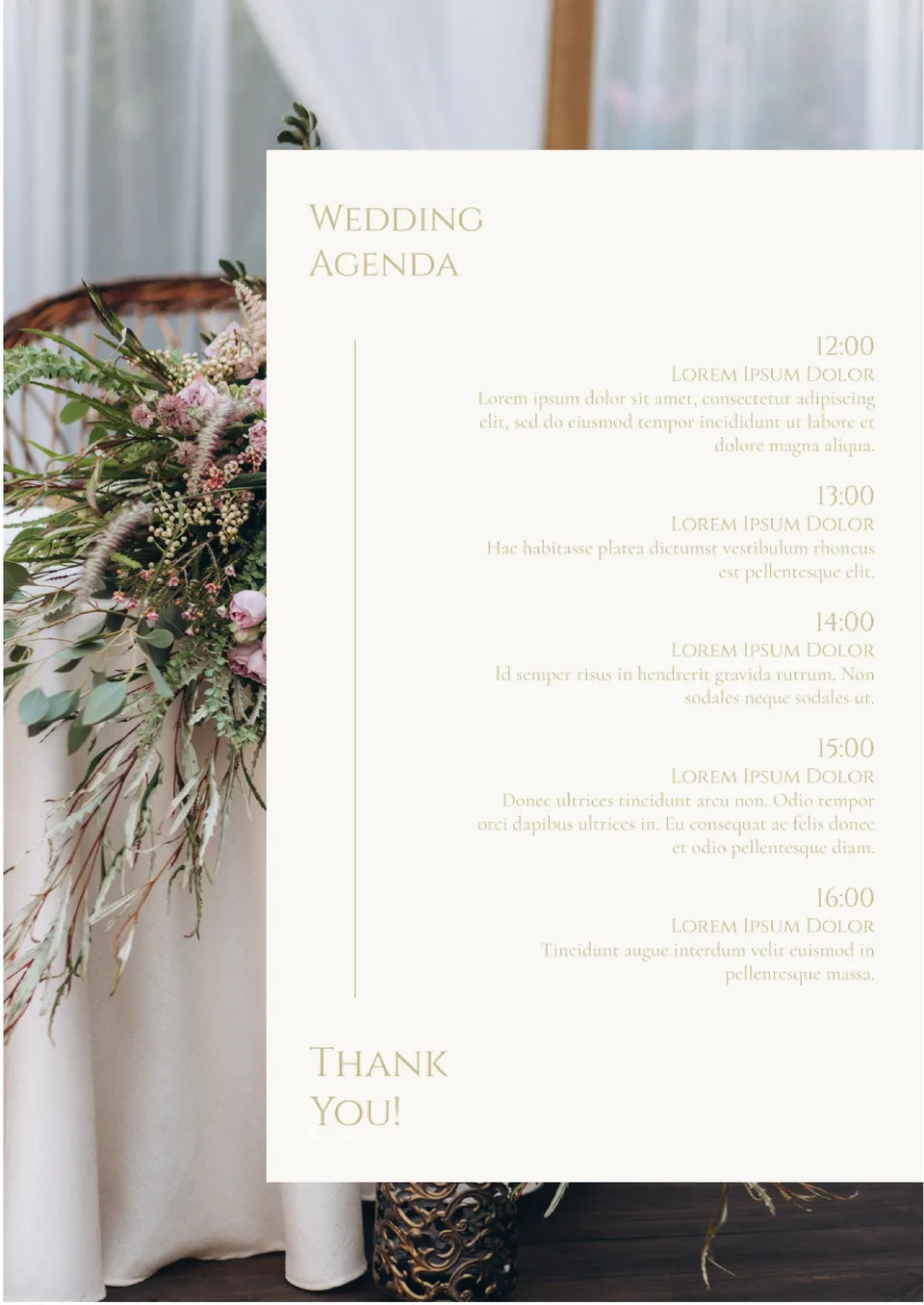
Want to coordinate your wedding day smoothly but worried everything will feel chaotic without a clear plan? The Day-of Wedding Agenda Template is made for couples, wedding planners, and coordinators.
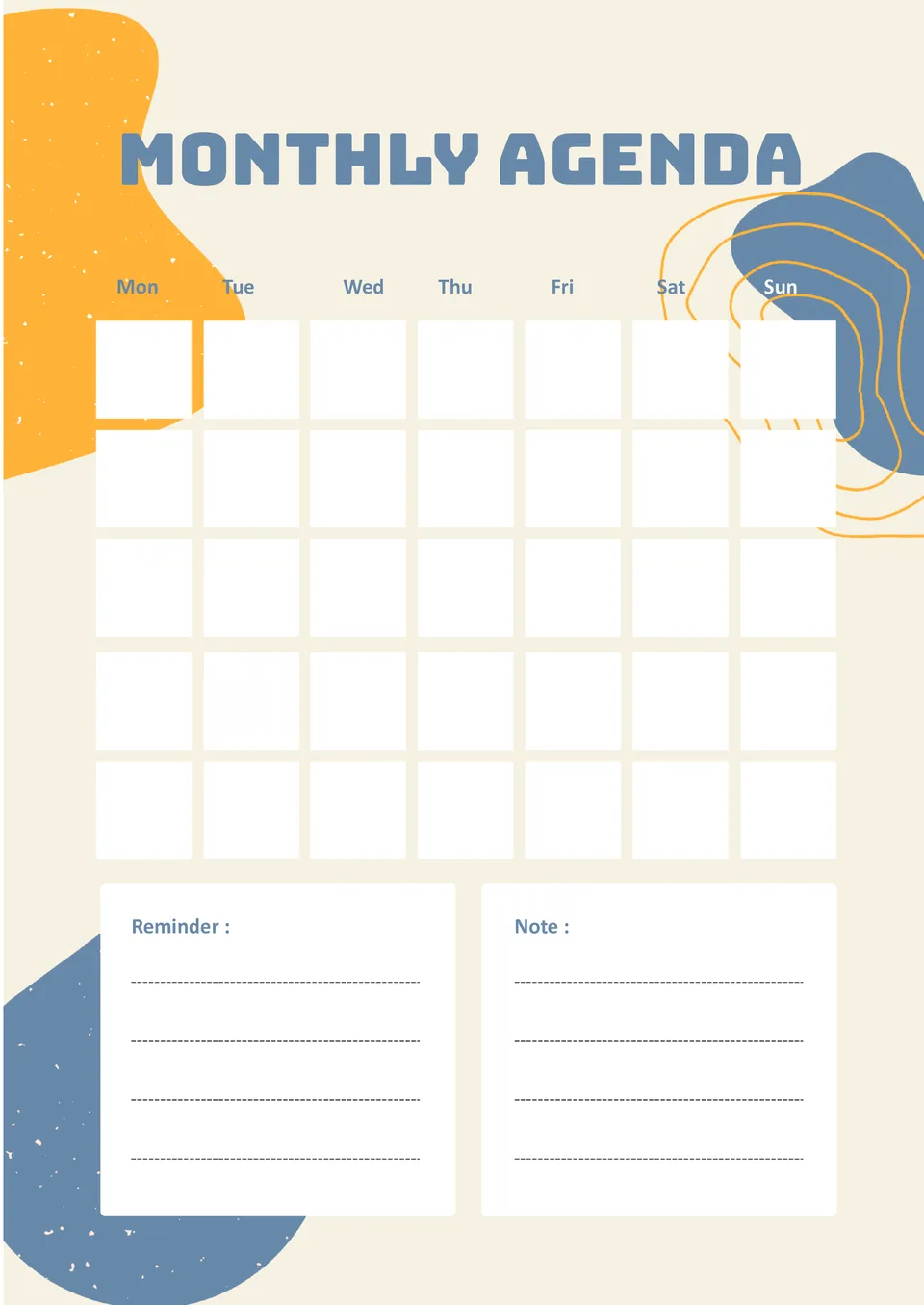
With space for goals, appointments, and deadlines, the Monthly Agenda Template helps you plan your entire month without feeling scattered. It suits professionals, students, and anyone who wants to stay organized over a 30-day period.
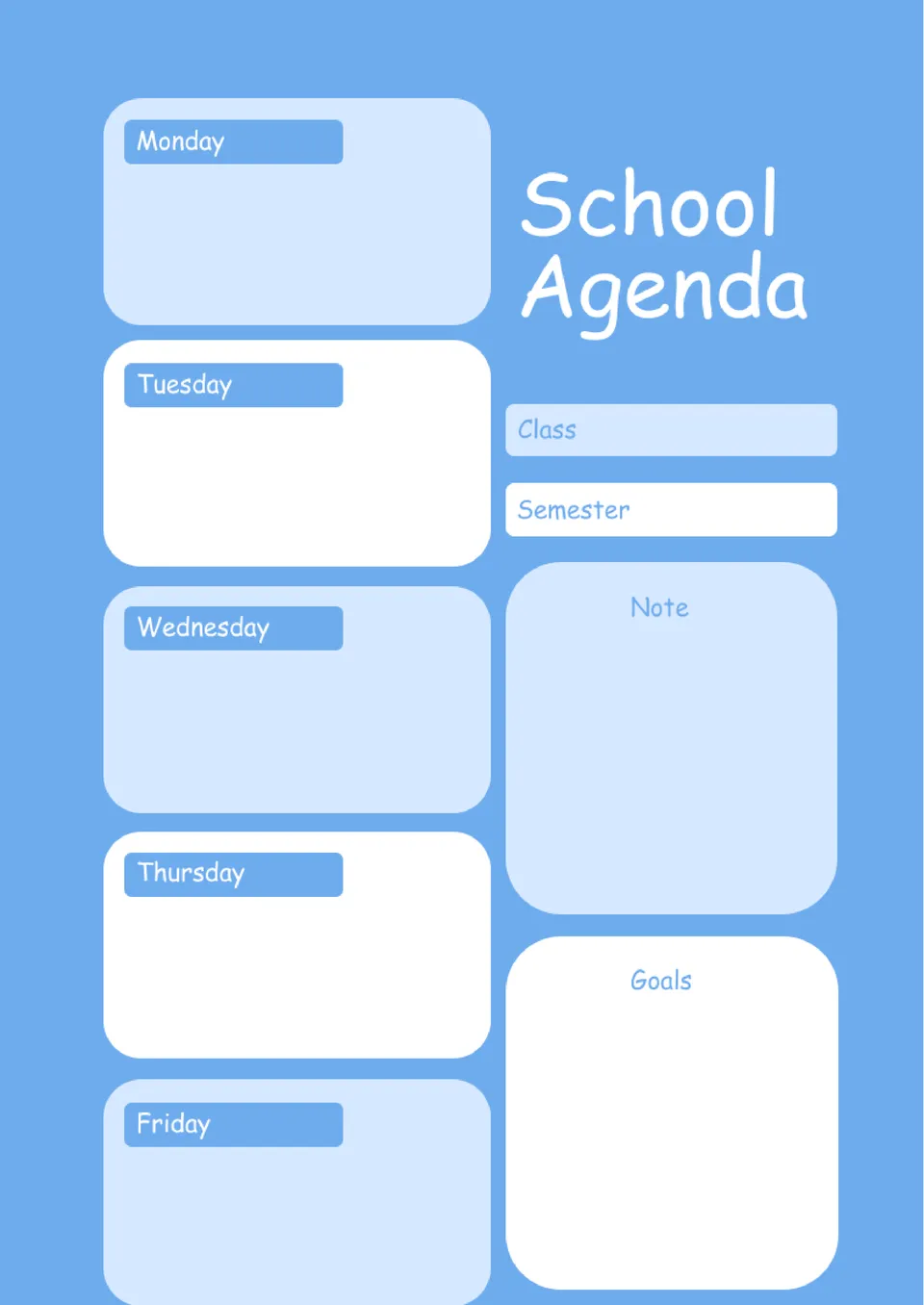
Struggling to keep track of assignments, tests, and deadlines without feeling overwhelmed? The School Agenda Template is a good fit for students, parents, and teachers who need to organize schoolwork.
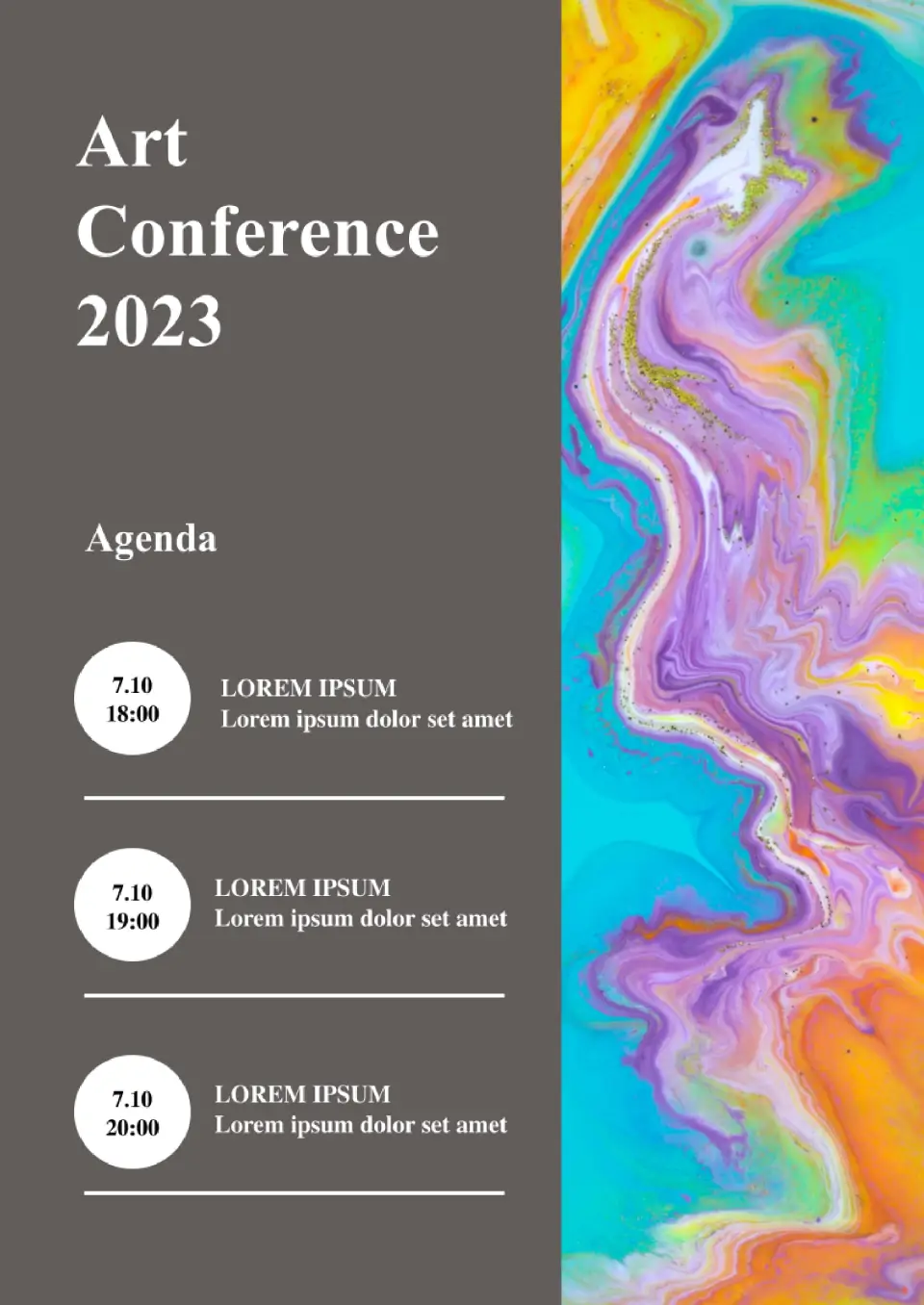
Stressed about coordinating a multi‑session conference schedule? The Conference Agenda Template is a smart option for organizers, admins, and event teams that need to manage tracks, speakers, and breaks in one place.
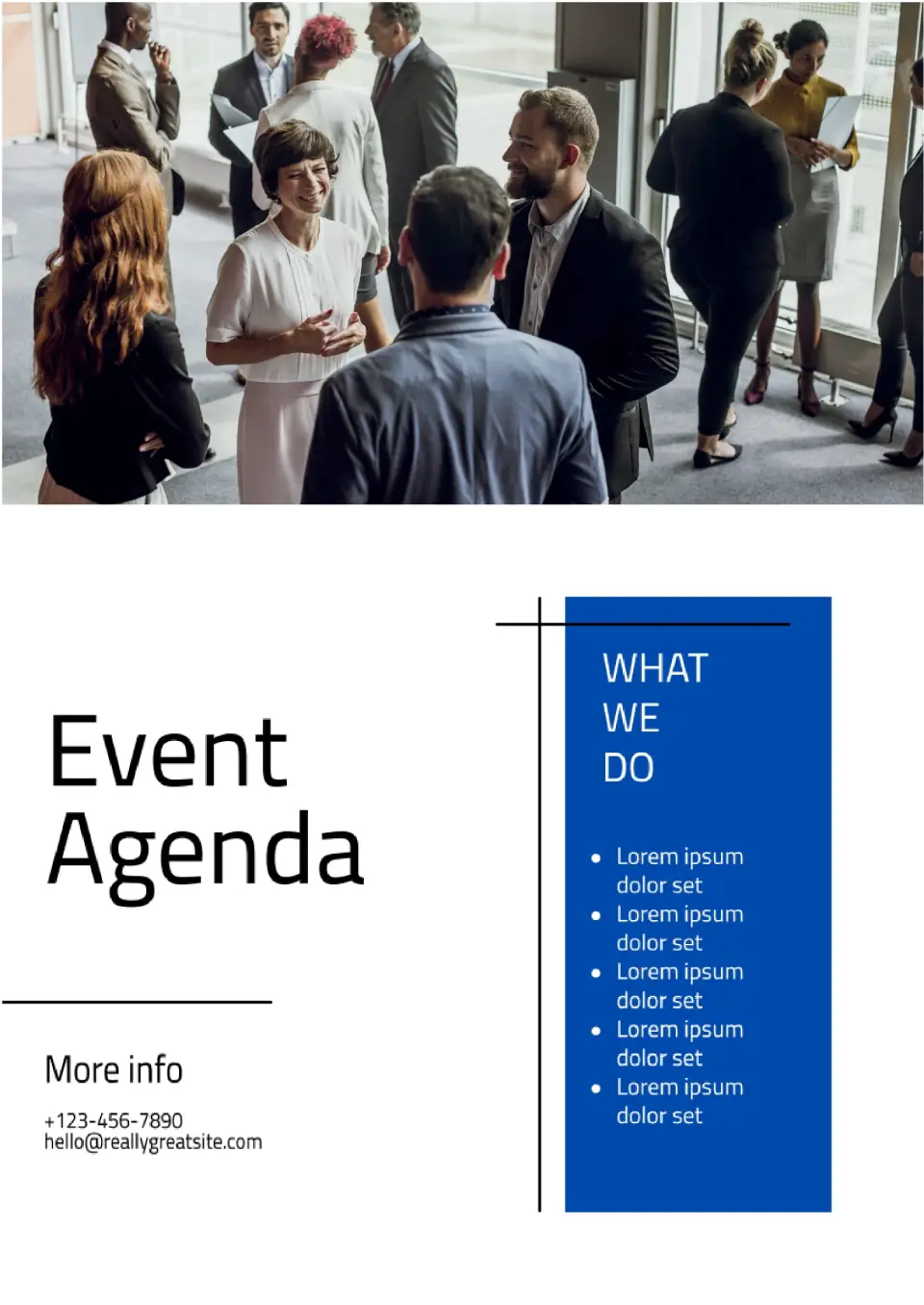
Need a better way to plan your next event without losing track of sessions and speakers? The Event Agenda Template is a strong choice for organizers, nonprofits, businesses, and community groups that want a clear schedule layout.
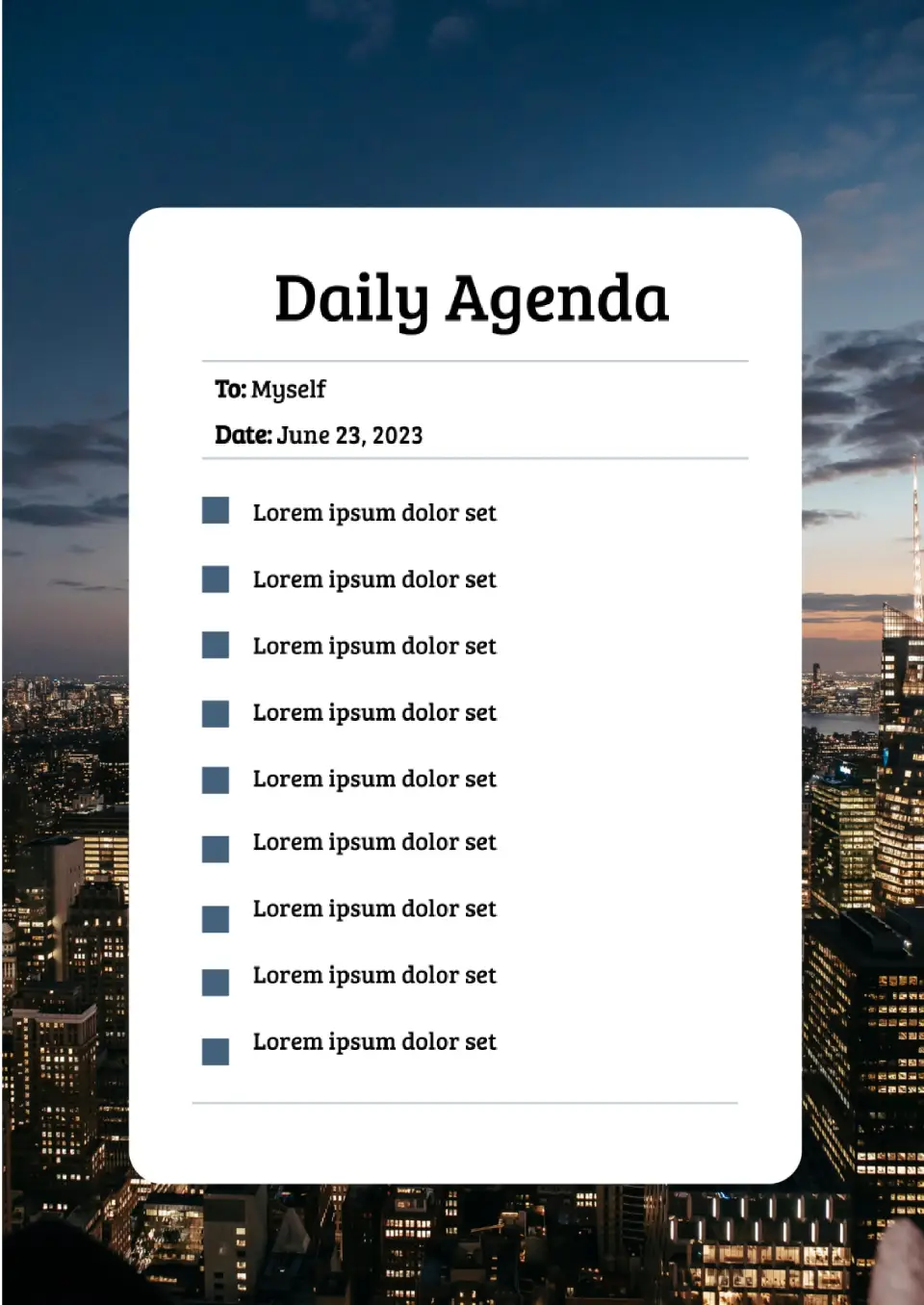
Want a simple layout to plan each day instead of jumping between random notes? The Daily Agenda Template is ideal for teachers, students, managers, and busy professionals who need a structured view of their day.
What Are Agenda Templates and How Can You Use Them?
Agenda Templates are ready-made layouts designed to help you plan meetings, training sessions, webinars, workshops, and recurring weekly discussions in a clear and organized way. They are useful for team meetings, training agendas, webinar outlines, workshop planning, and weekly schedules, where a structured format helps participants understand the flow of the session. They help you save time and keep every meeting focused by giving you a clean structure for topics, timing, and action items.
Whether you are leading a team, organizing a class, or preparing a client session, Agenda Templates make it easier to communicate priorities and keep everyone aligned before the meeting begins. Instead of building a plan from scratch, you can start with a layout that already separates the most important details in a simple and practical format.

Benefits of Using Agenda Templates
Agenda Templates help you run meetings and sessions more efficiently by giving everyone a clear roadmap of what to expect. They also make it easier to keep discussions on track and manage time well.
- organize meetings, workshops, and webinars in a clear visual or written format;
- save time with a ready-made agenda layout instead of building one from scratch;
- adapt the design for team meetings, training sessions, or weekly planning;
- show topics, timing, and action items in a format that is easy to follow;
- prepare agendas for digital sharing, printing, or collaborative editing.
In practice, a good agenda template helps participants understand the structure of the session and makes follow-up easier after the meeting ends.

How to Customize Agenda Templates
Google Docs and Google Slides make it simple to customize an agenda template for your specific meeting or event. Open the file in the format you prefer, then update the sequence, adjust the timing, and refine the layout so it matches the purpose of your session. You can edit the template in Google Docs, Google Slides, Microsoft PowerPoint, PDF, and ODP formats, depending on how you plan to use it.
- Open the template in the format that works best for your workflow.
- Replace placeholder text with your meeting title, date, topics, and presenters.
- Add time blocks, discussion points, or notes for action items if needed.
- Adjust fonts, colors, spacing, and sections to match your brand or team style.
- Save or export the finished file in the format you need for sharing or printing.
You can also create different versions for team meetings, training sessions, webinars, workshops, or weekly planning depending on your goals.

Popular Types of Agenda Templates
We offer different Agenda Templates for team coordination, training, webinars, workshops, and weekly planning. Each option is designed for a specific use, so you can choose the version that best matches your meeting format and workflow.
- Team Meeting Agenda Template — a practical layout for internal meetings, updates, and action items;
- Training Agenda Template — a useful format for workshops, courses, and learning sessions;
- Webinar Agenda Template — a structured choice for online presentations and virtual events;
- Workshop Agenda Template — a flexible design for collaborative sessions and hands-on planning;
- Weekly Agenda Template — a simple option for recurring plans, priorities, and weekly organization.
Download Free Agenda Templates for Your Needs
Our Agenda Templates are free to download and easy to adapt for many types of meetings and sessions. Choose the template that fits your purpose and create a clear plan that supports productivity. These templates help you save time, improve communication, and keep your agenda organized from start to finish.


Choose your preferred social media platform from options like Pinterest, Facebook, Twitter, and more. Share our templates with your contacts or friends. If you’re not active on these social networks, you can simply copy the link and paste it into the one you use.