

 Back to templates
 Free Calendar Google Docs Templates - Page 2
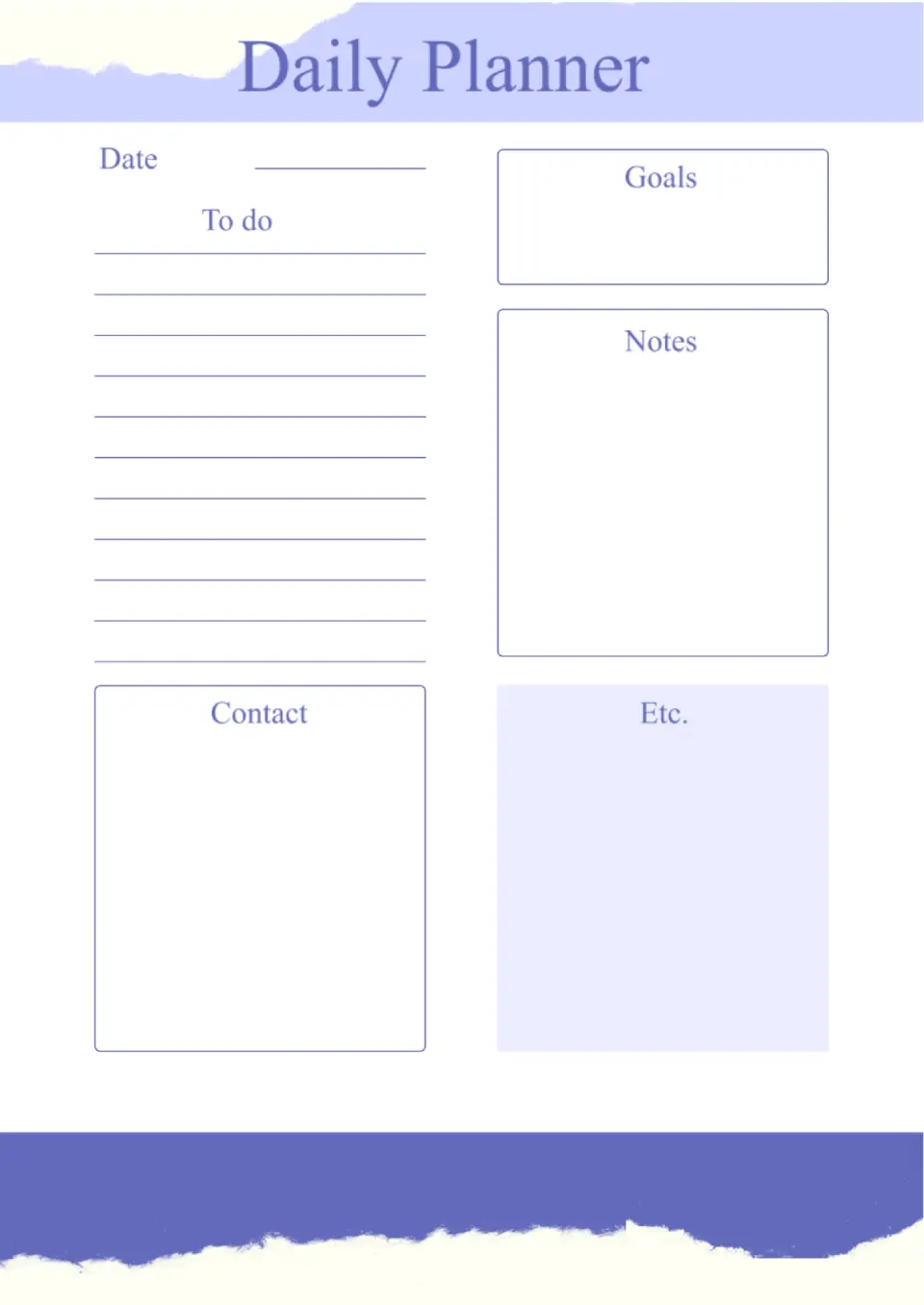
The Daily Calendar Template is a strong fit for busy professionals, students, and parents who want a simple view of each day’s tasks and appointments. It helps you block time, add notes, and track to‑dos in a single, organized layout.

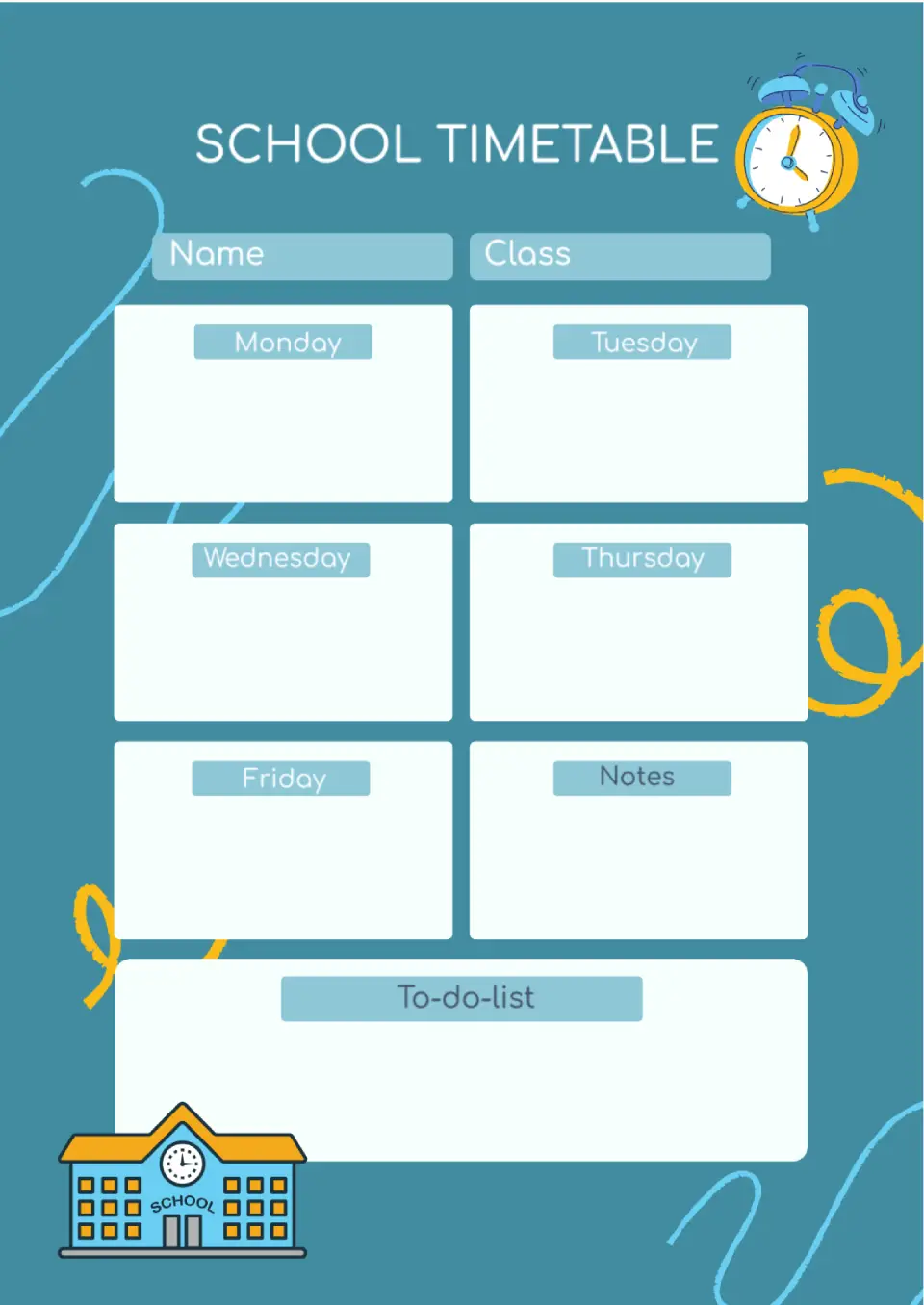
Want a clean way to plan the whole school year without messy notes and spreadsheets? The School Calendar Template is a practical choice for teachers, schools, and families who need a structured view of holidays, breaks, and key events.
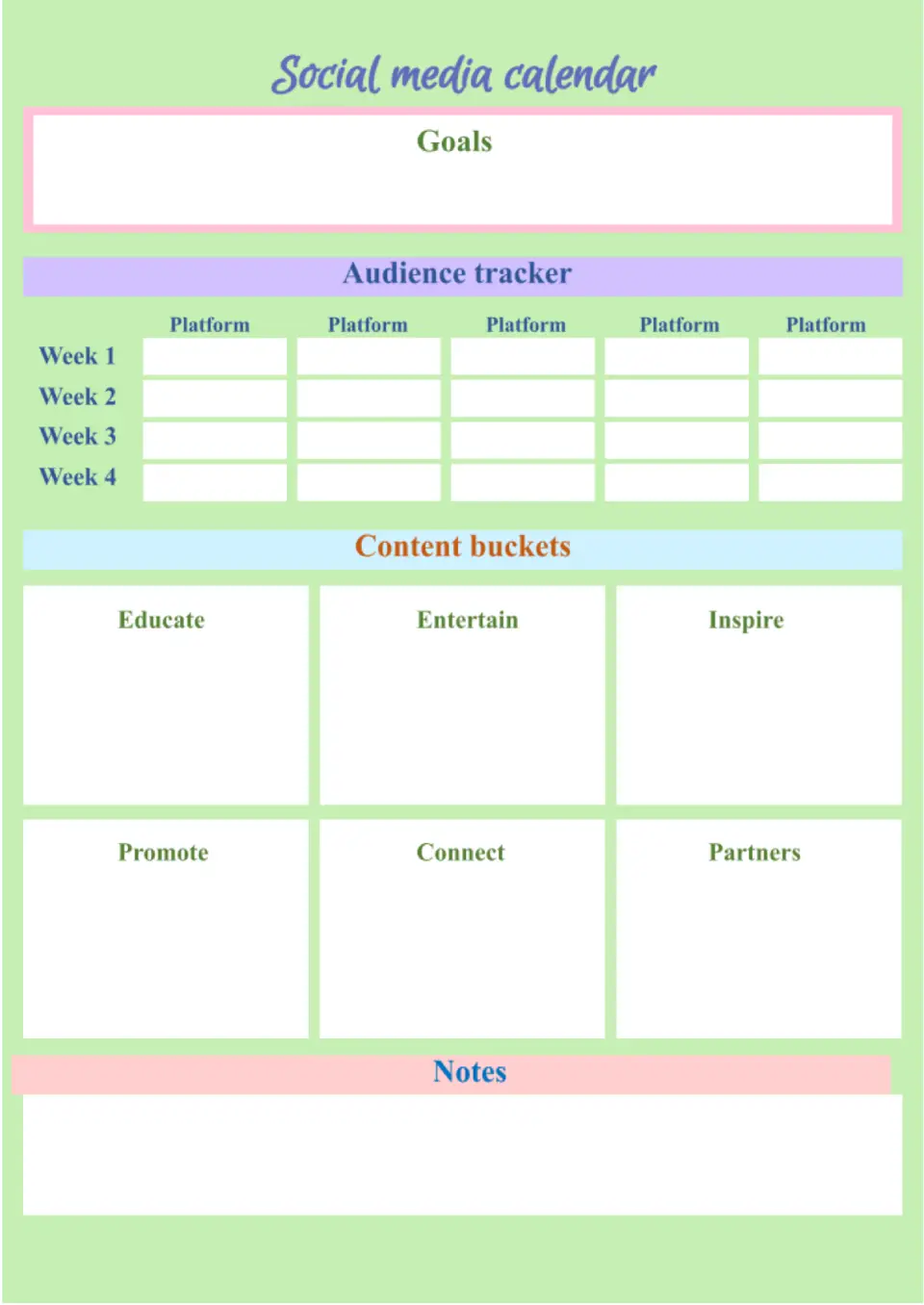
Looking for a smarter way to plan your posts across platforms and dates? The Social Media Calendar Template is a smart choice for marketers, small businesses, creators, and agencies that want a consistent posting rhythm.
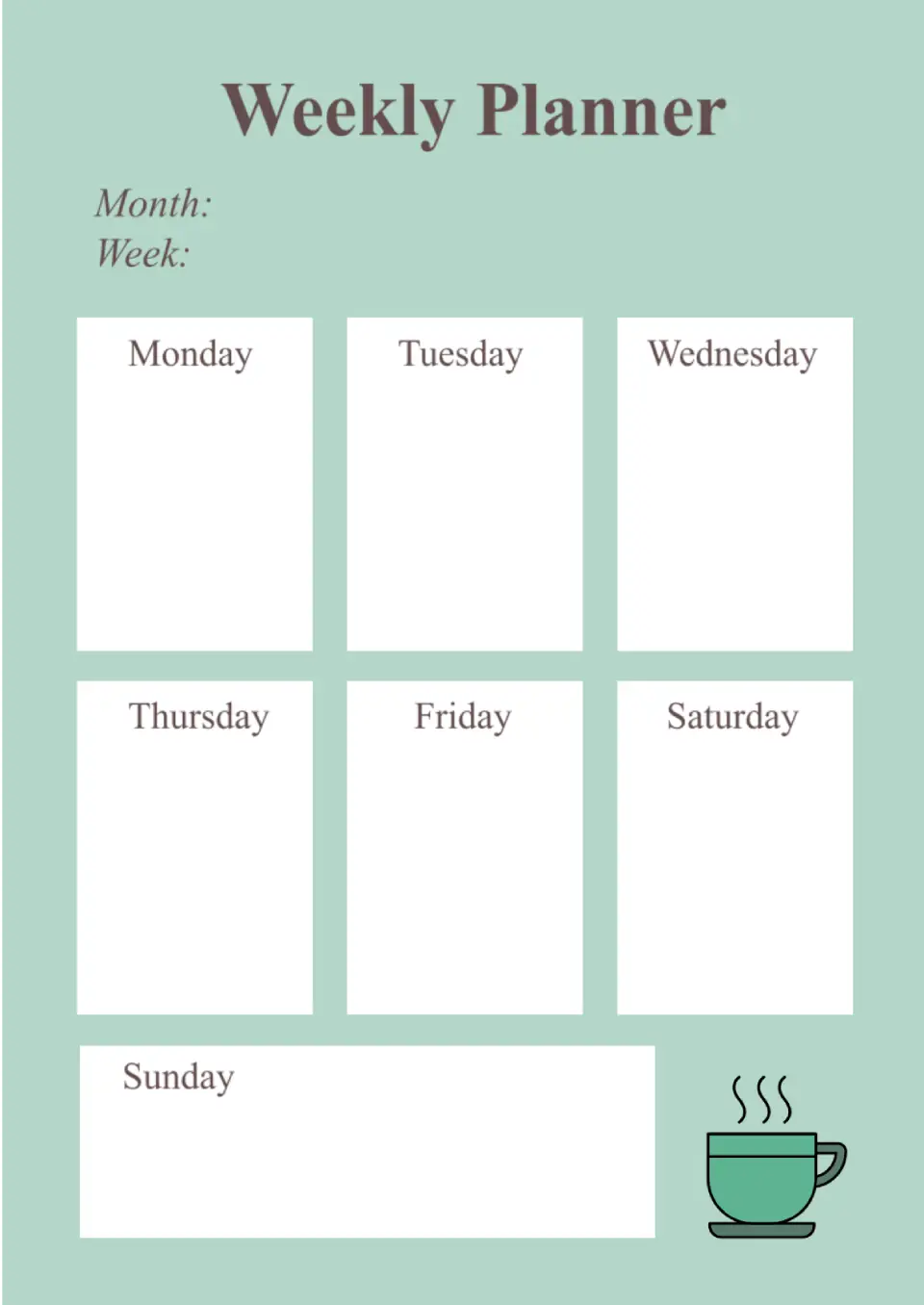
The Weekly Calendar Template is a strong fit for students, professionals, teachers, and busy families who want one clear view of appointments, tasks, and events. It helps you map out your days, block time, and track priorities in a single organized layout.
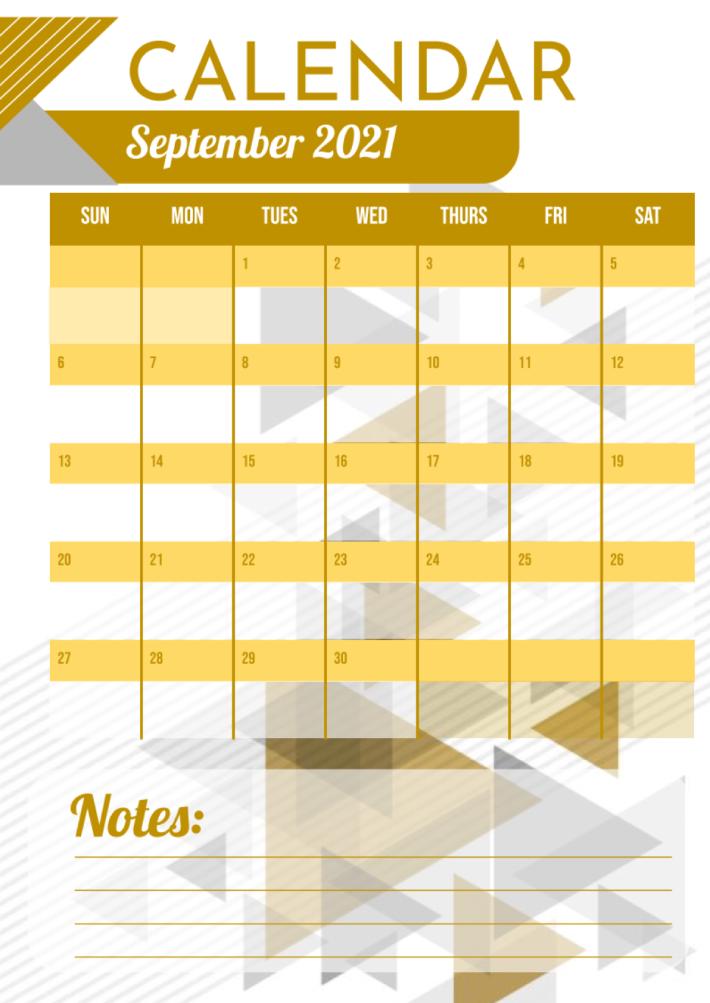
Mark all the essential monthly events in this bright calendar. If you have a lot of things or goals planned for a particular day, make a reference in the note space below the table.

Choose your preferred social media platform from options like Pinterest, Facebook, Twitter, and more. Share our templates with your contacts or friends. If you’re not active on these social networks, you can simply copy the link and paste it into the one you use.