

 Back to templates
 Free Calendar Google Docs Templates
How often do you forget to do important things on time? Project deadlines, congratulating loved ones, bill payments, children’s performances… In order not to miss anything, start planning your life by means of editable calendar templates for Google Docs.
Ready-made free layouts with a design created by professionals are available for various purposes. Mark the most significant events in the annual calendar, fix plans in the monthly or weekly calendar, think over a detailed list of things in the daily calendar. There are also thematic calendar templates in Google Docs, whereby you can create a content plan, teach children to prearrange, etc.
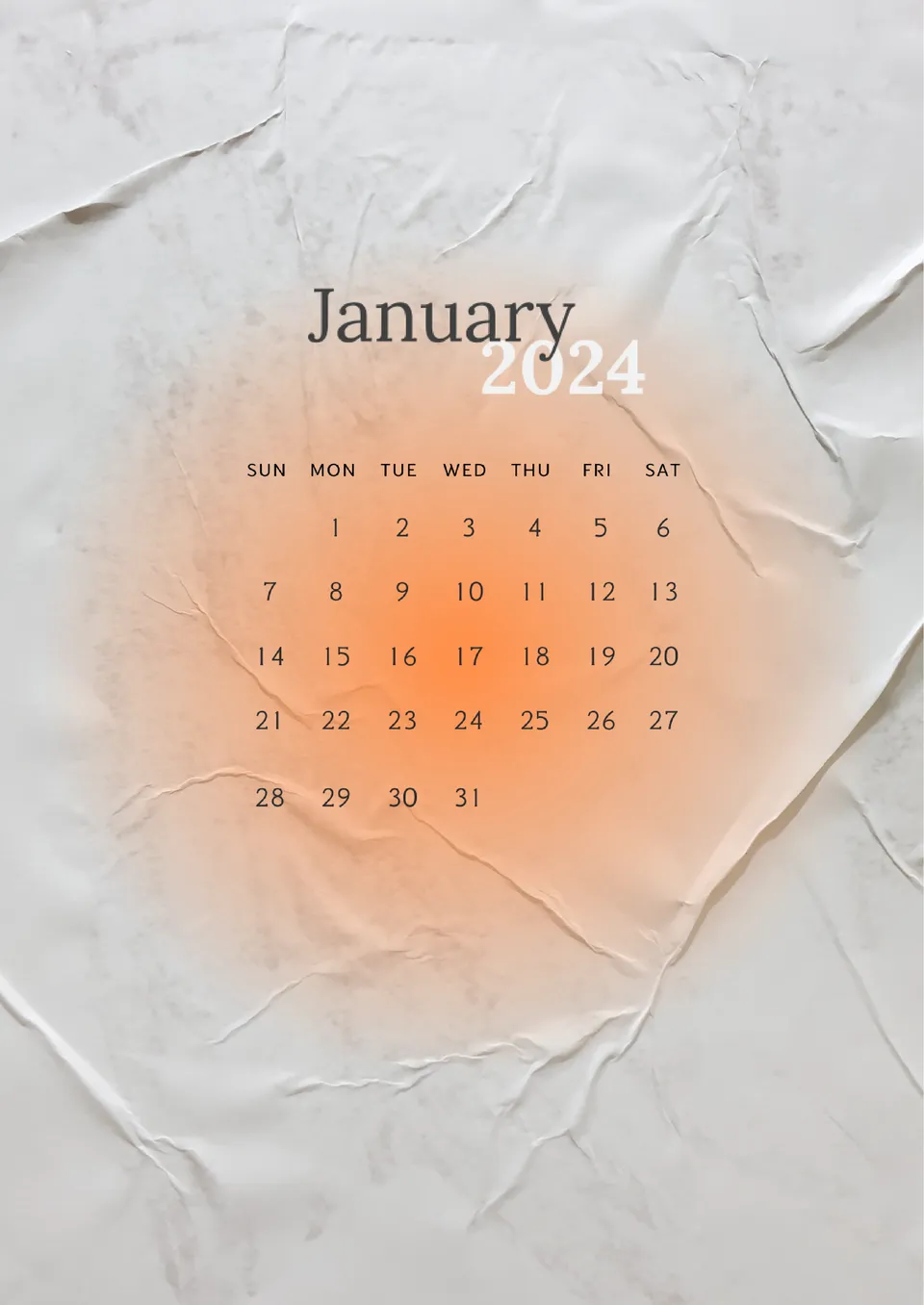
Built for a specific timeframe, the January 2024 Calendar Template lets you plan one month in a focused layout. It suits professionals, students, and individuals who want a clean, standalone month view.

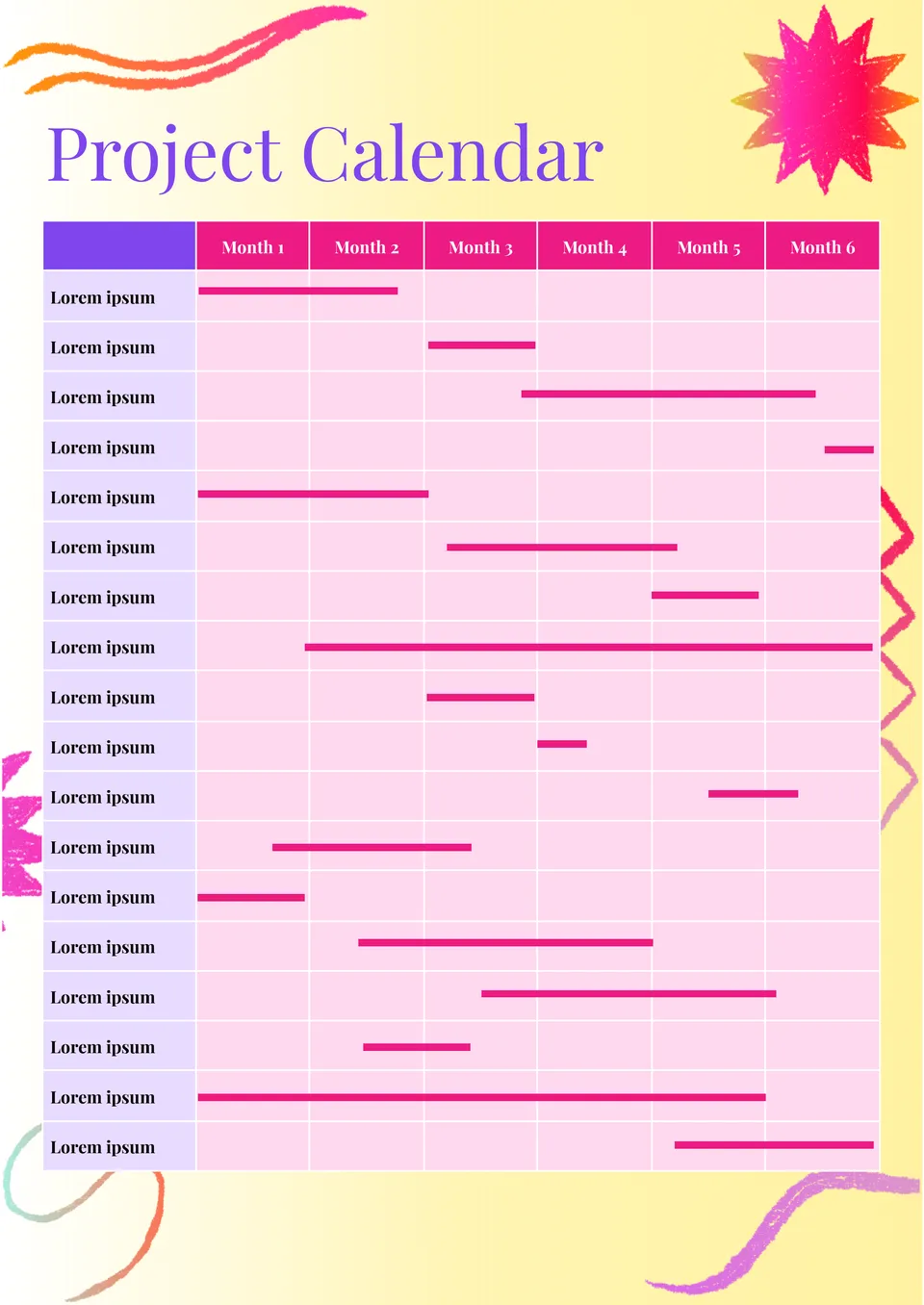
Which format works best for tracking project dates, milestones, and deadlines in one place? The Project Calendar Template is made for managers, teams, and planners who need a better view of project timing.
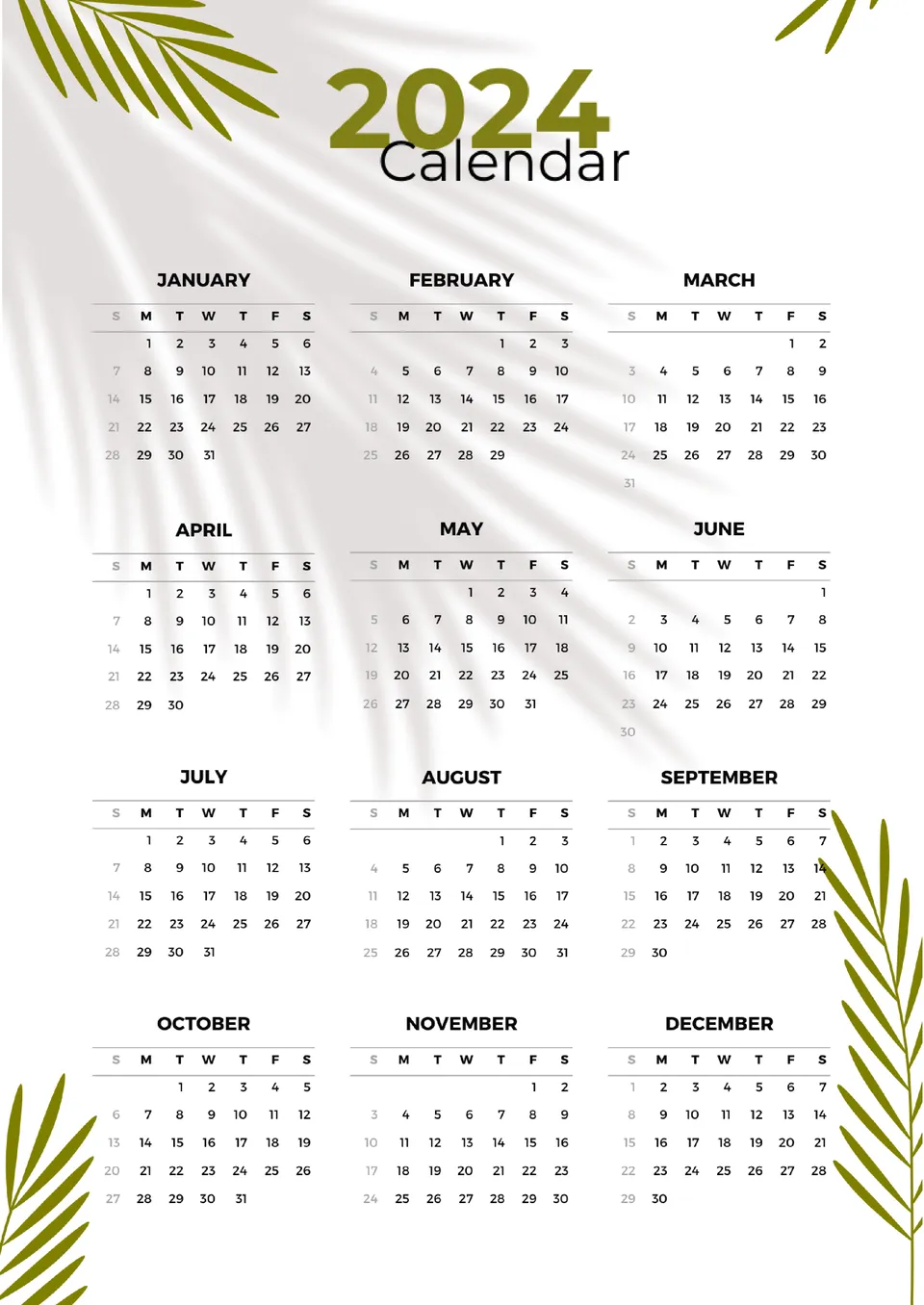
Designed for year-round planning, the 12 Month Calendar Template gives you a full view of the year in one organized layout. It works well for personal planning, office schedules, school dates, and family events.
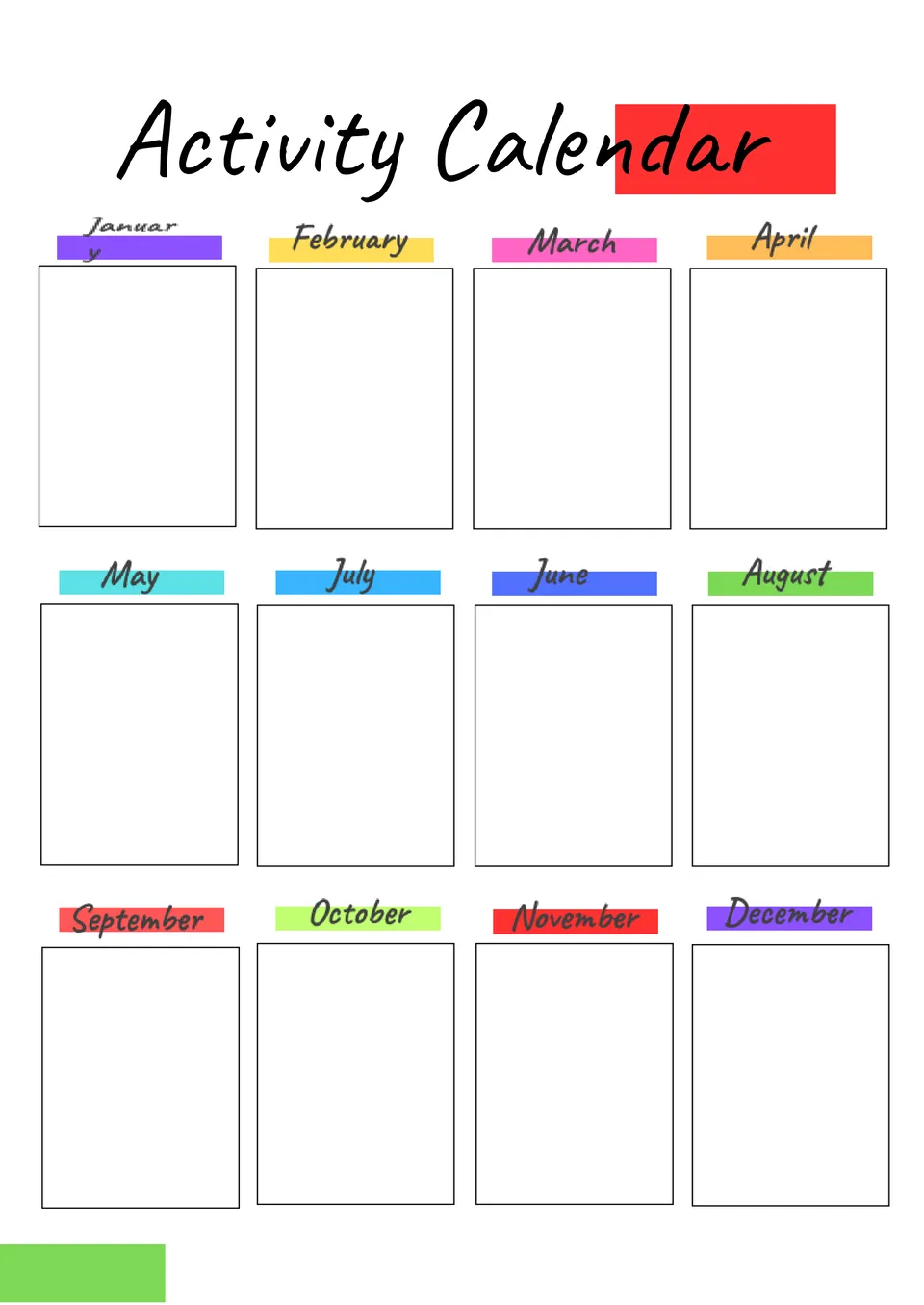
What helps you keep events and daily plans in order without filling the page with clutter? The Activity Calendar Template is a useful choice for schools, care teams, clubs, and anyone planning regular activities.
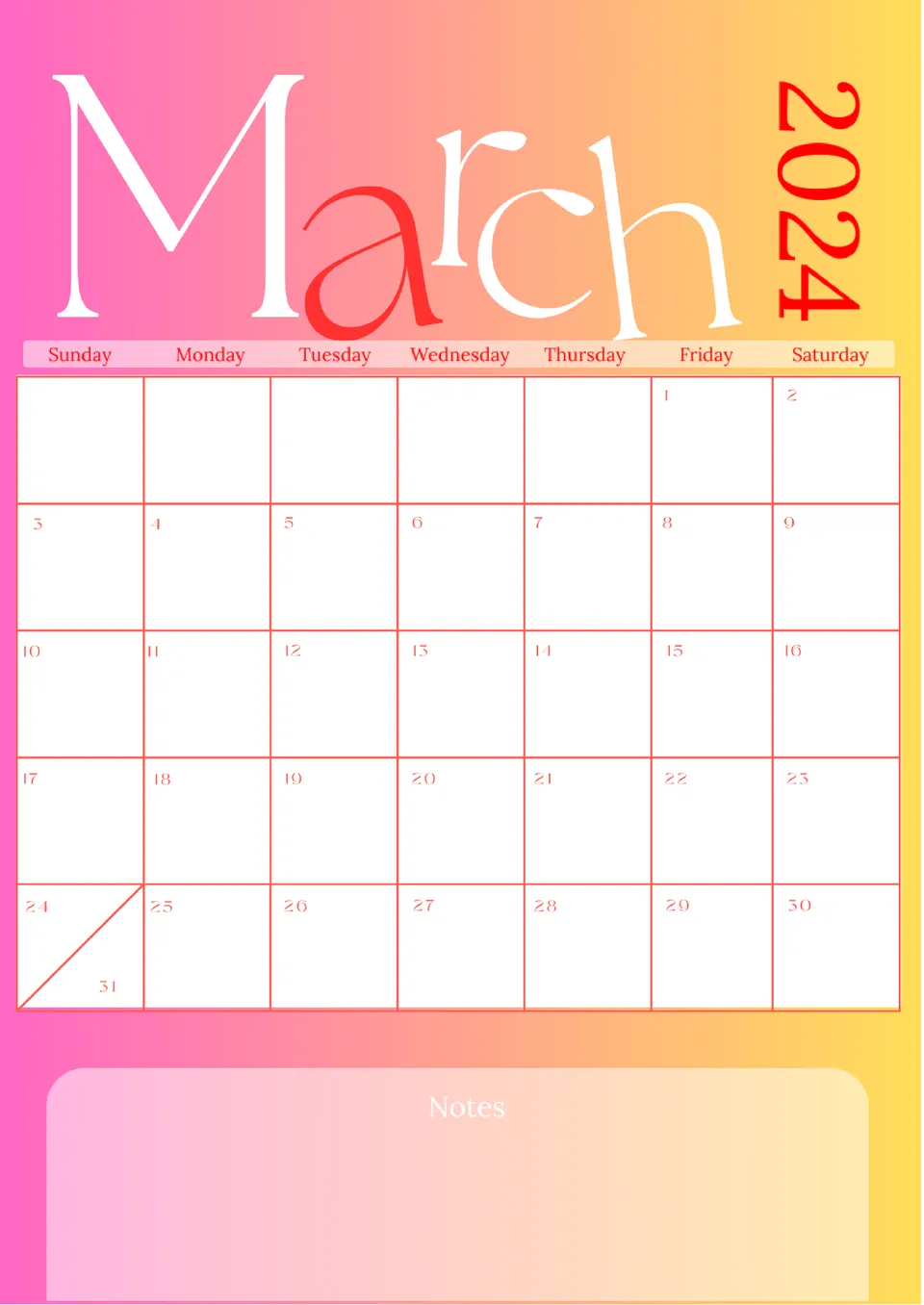
Which format makes it easier to plan a single month without opening multiple pages or apps? The March 2024 Calendar Template is a useful option for school schedules, work projects, and personal events.
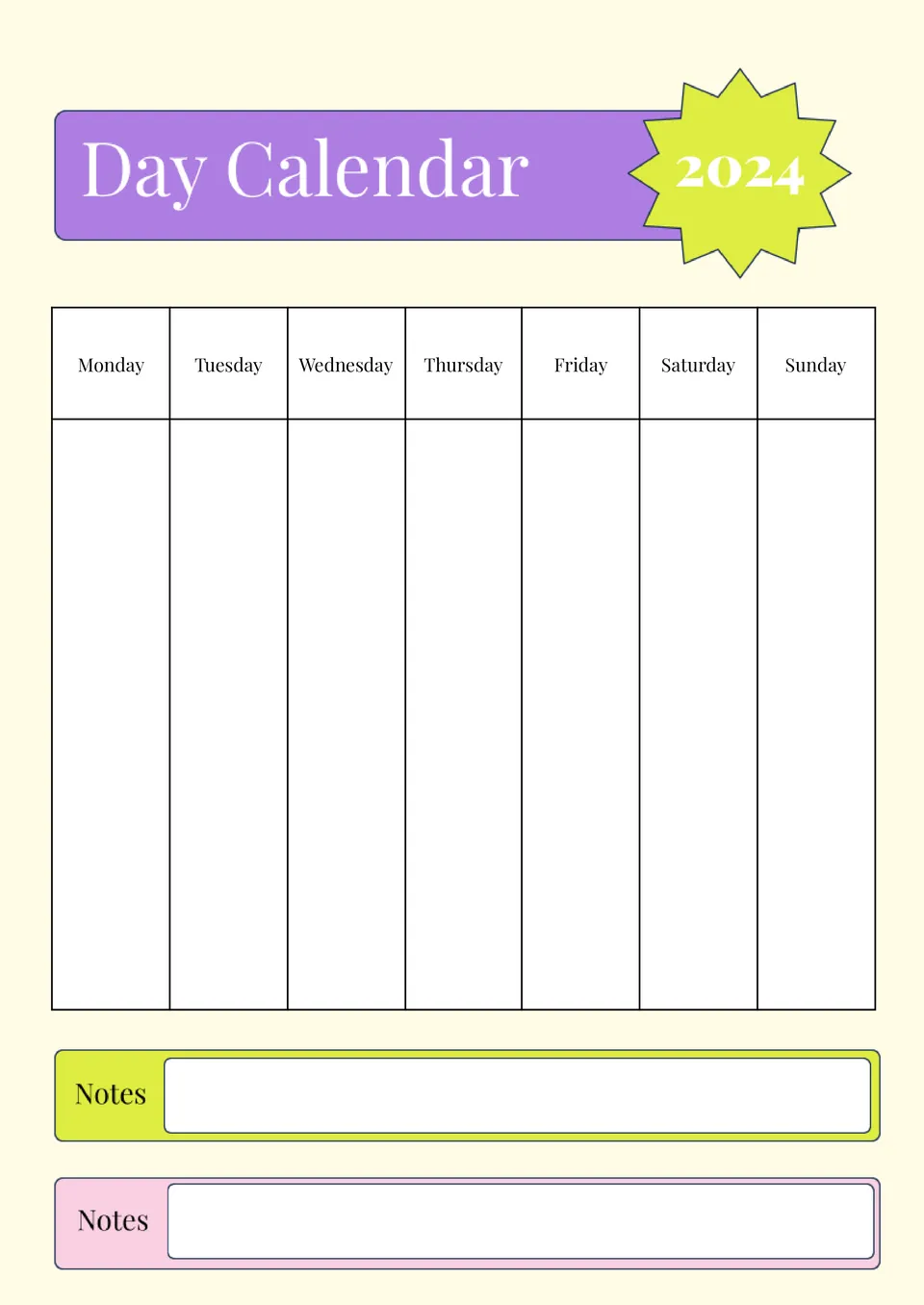
What helps you stay focused when your day has many tasks and commitments? The Day Calendar Template is made for busy professionals, students, and planners who want one clear page per day.
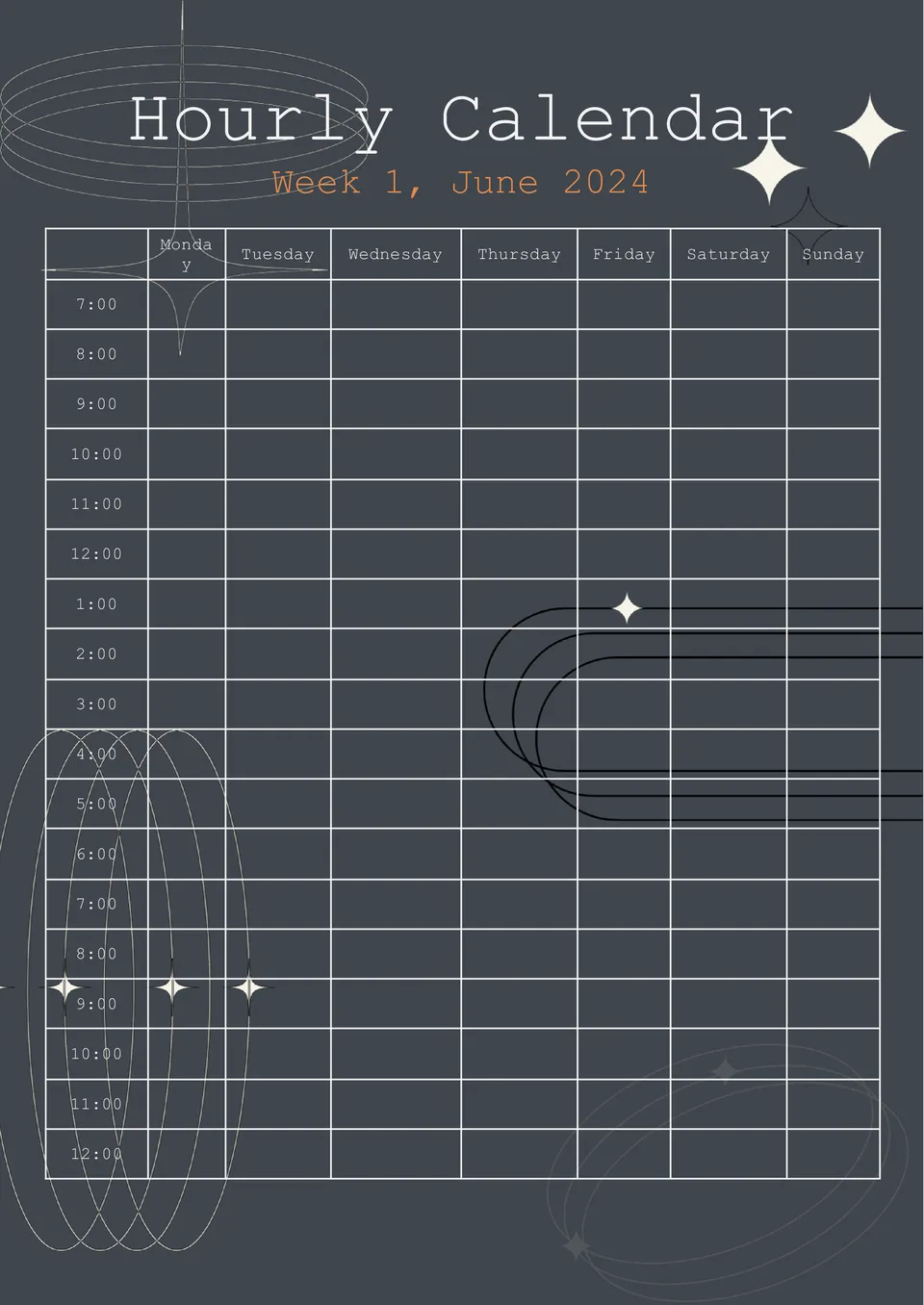
How can teams or clinics keep track of visits, meetings, or appointments without turning the page into a mess? The Hourly Calendar Template is a good fit for managers, schedulers, and service‑based businesses.
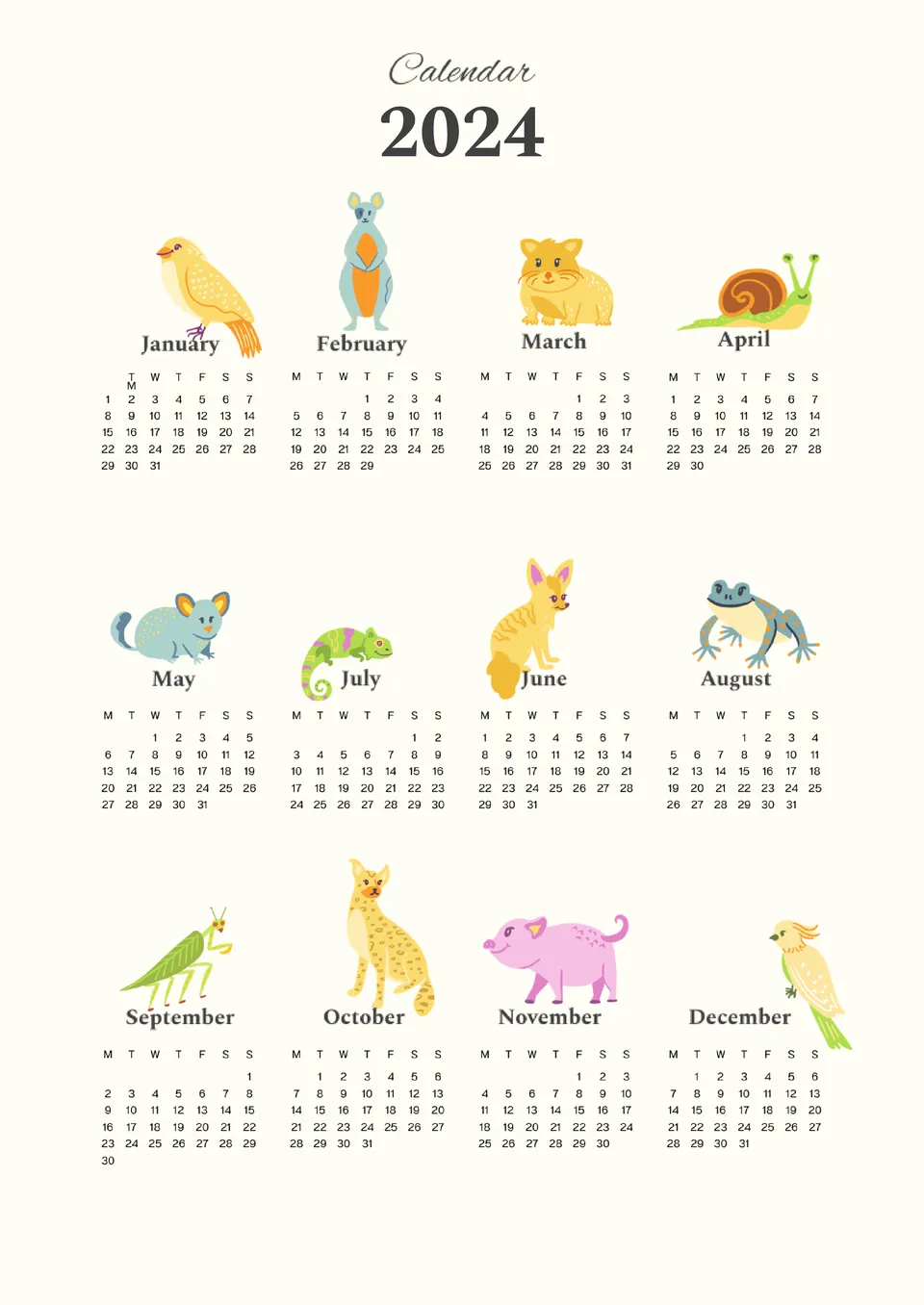
Remembering events should not feel like a dull task. The Cute Calendar Template is made for students, families, and creative planners who like a friendlier, more playful design.
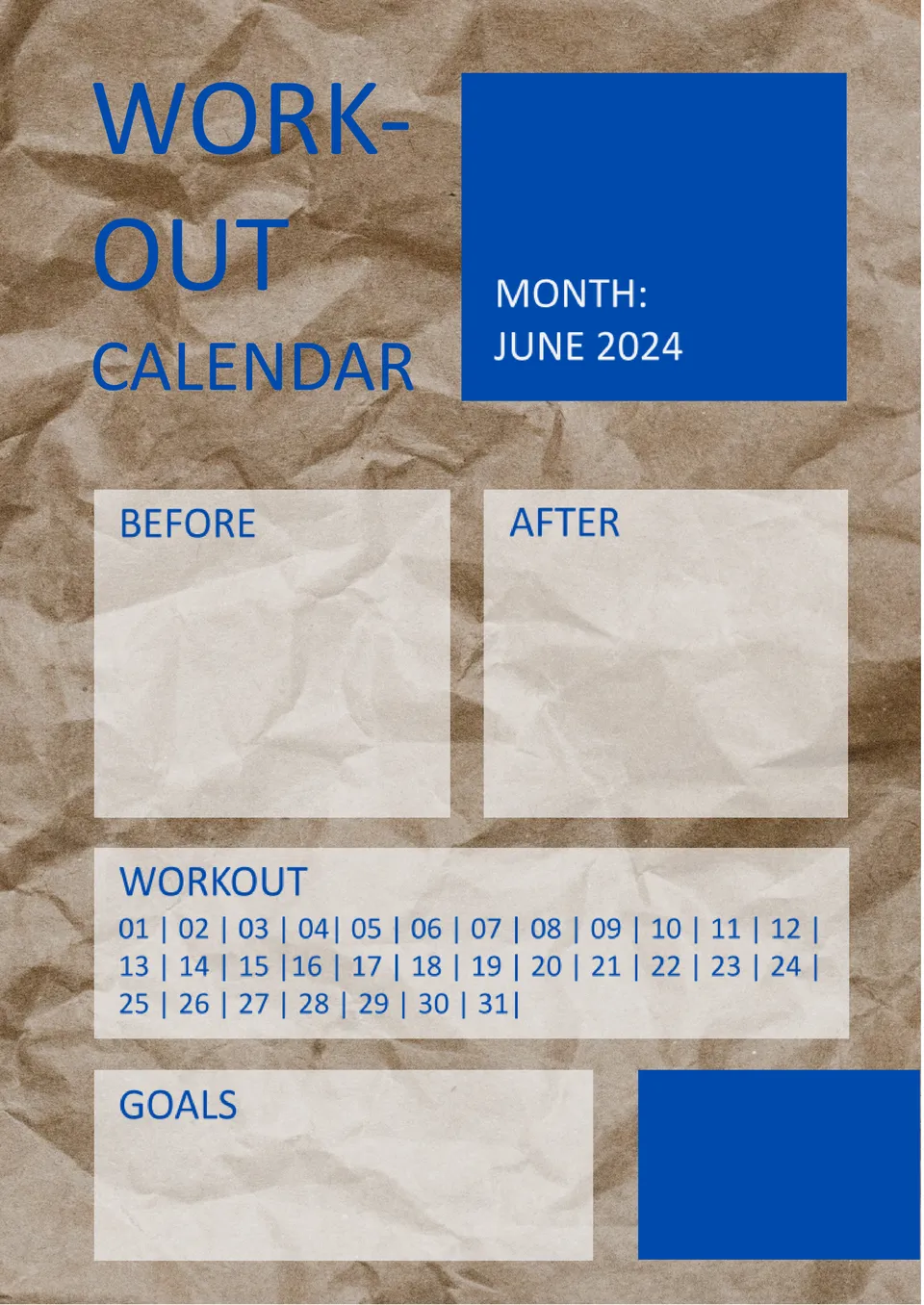
Designed for fitness tracking, the Workout Calendar Template gives users a simple way to plan and review exercise routines. It works well for runners, gym‑goers, and home‑workout fans who want to stay consistent.
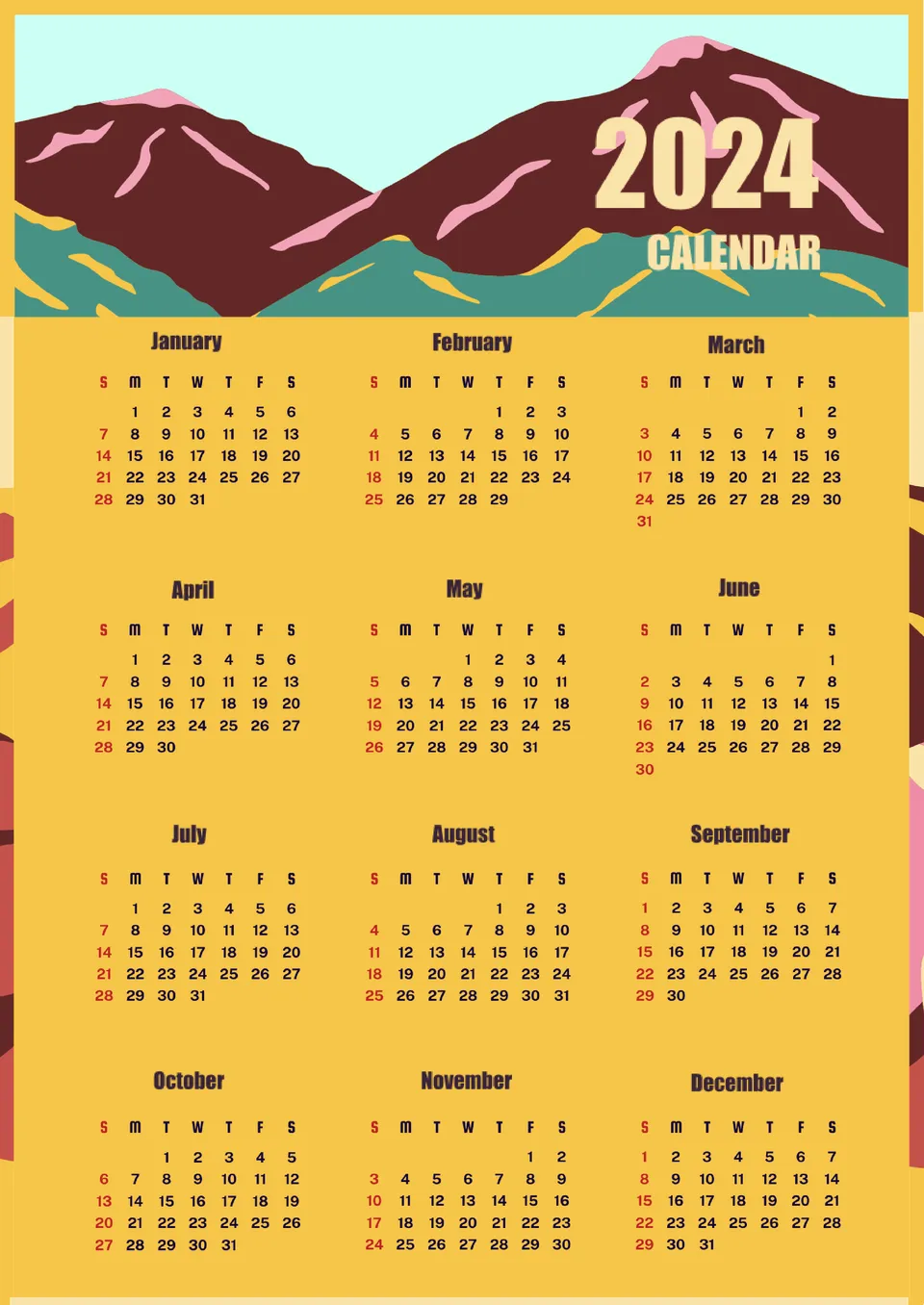
What’s the best way to keep an entire year organized in one clear view? The Yearly Calendar Template is a useful option for personal planning, school use, and small business scheduling.
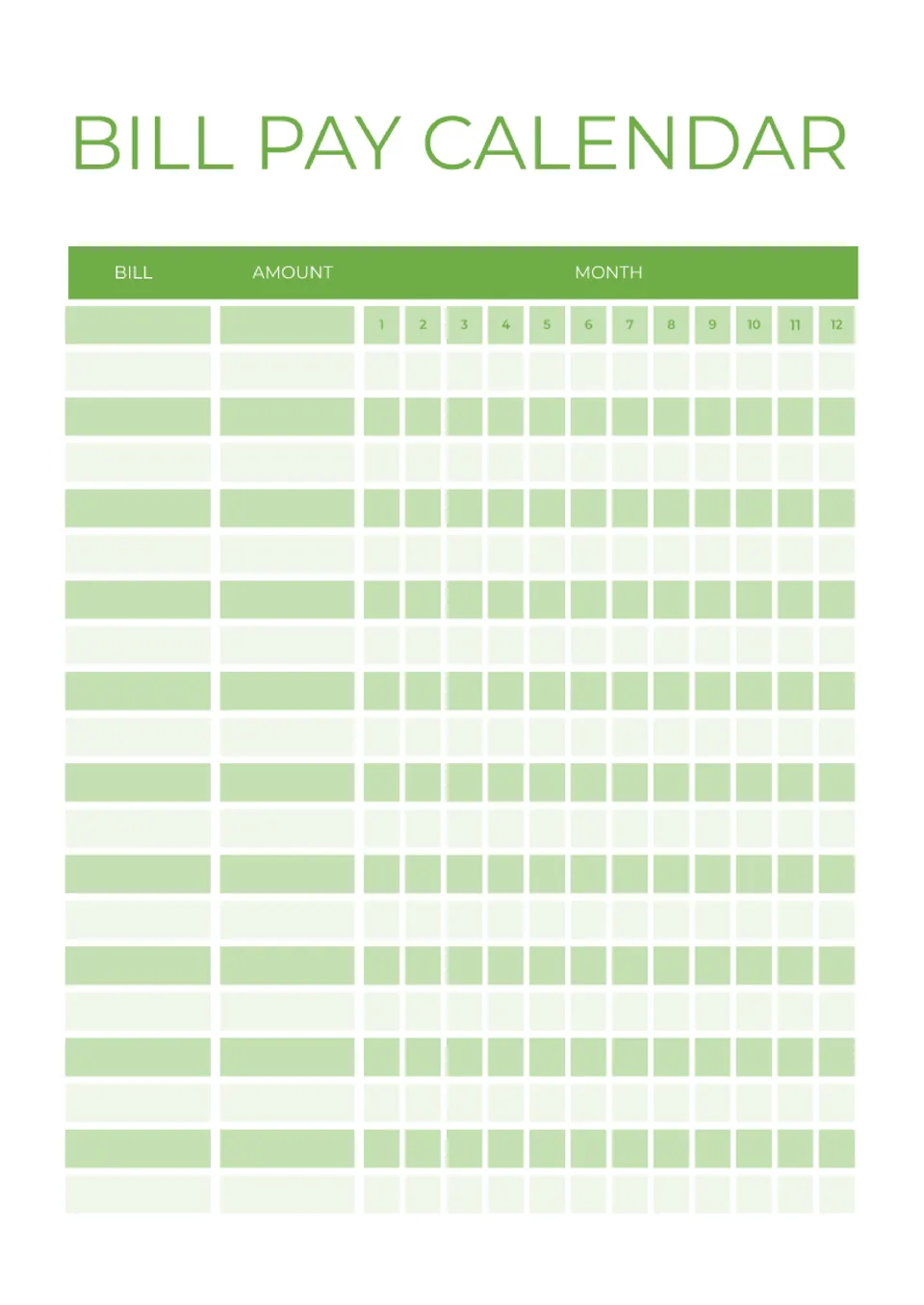
What makes it easier to remember bill due dates and avoid late payments when there are many recurring expenses? The Bill Pay Calendar Template is made for homeowners, renters, and anyone managing monthly bills.
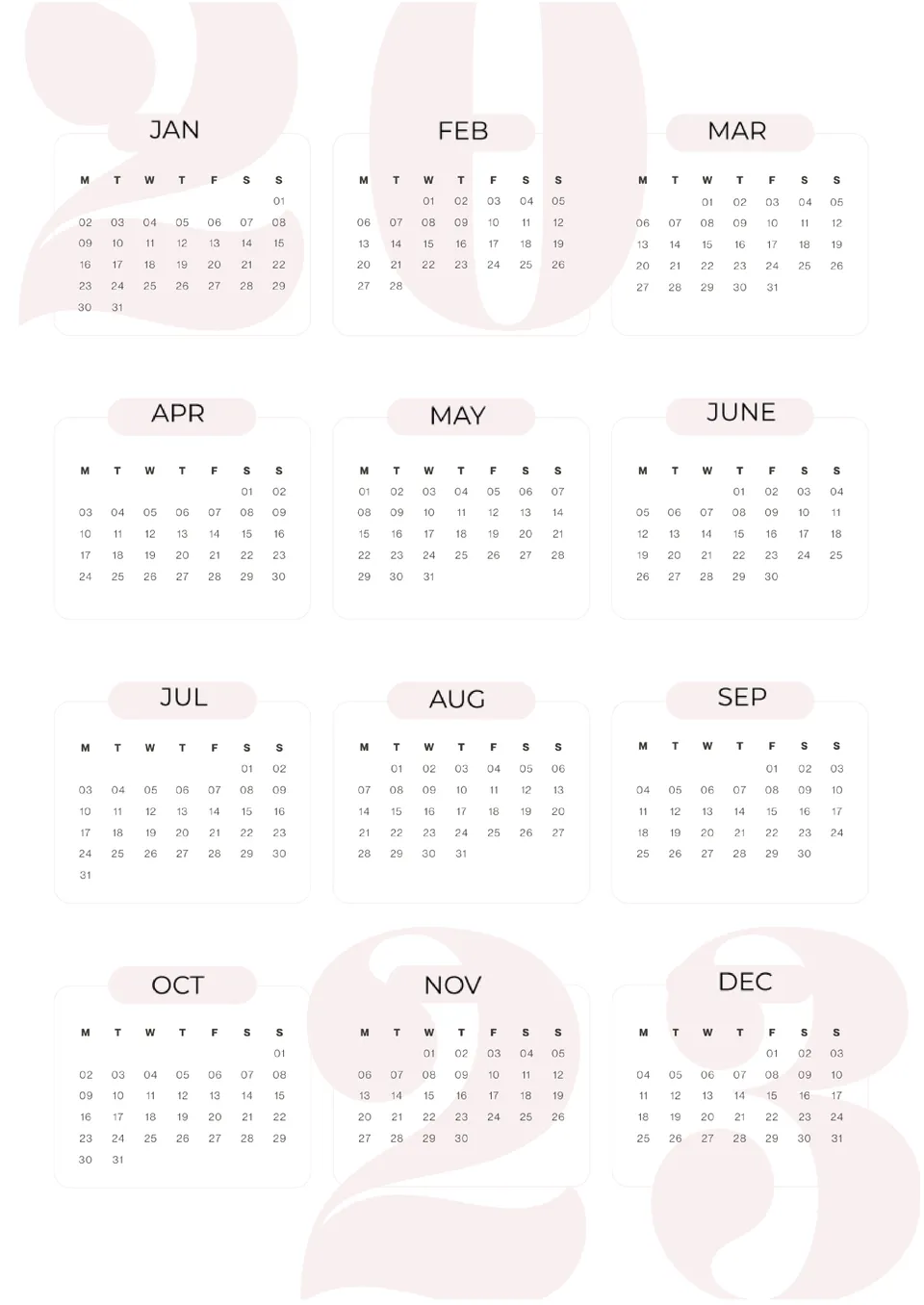
2023 Calendar Template in Google Docs has a minimalist design. Month names are placed on a soft pink background, while the rest of the sheet is white.
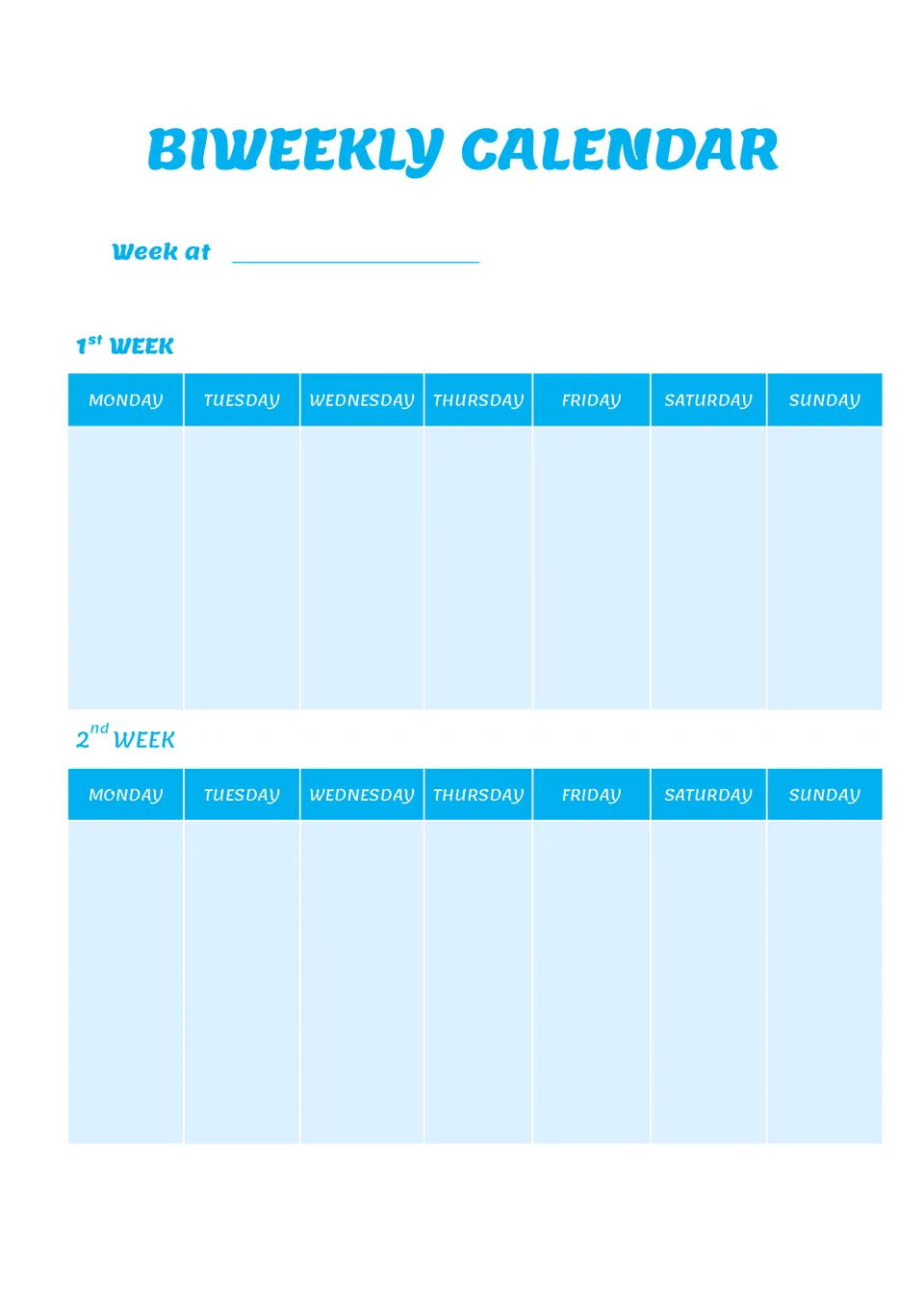
Designed for two-week planning, the Biweekly Calendar Template helps users organize tasks, appointments, and deadlines over a 14-day period. It suits students, professionals, and teams who prefer planning in two-week cycles.
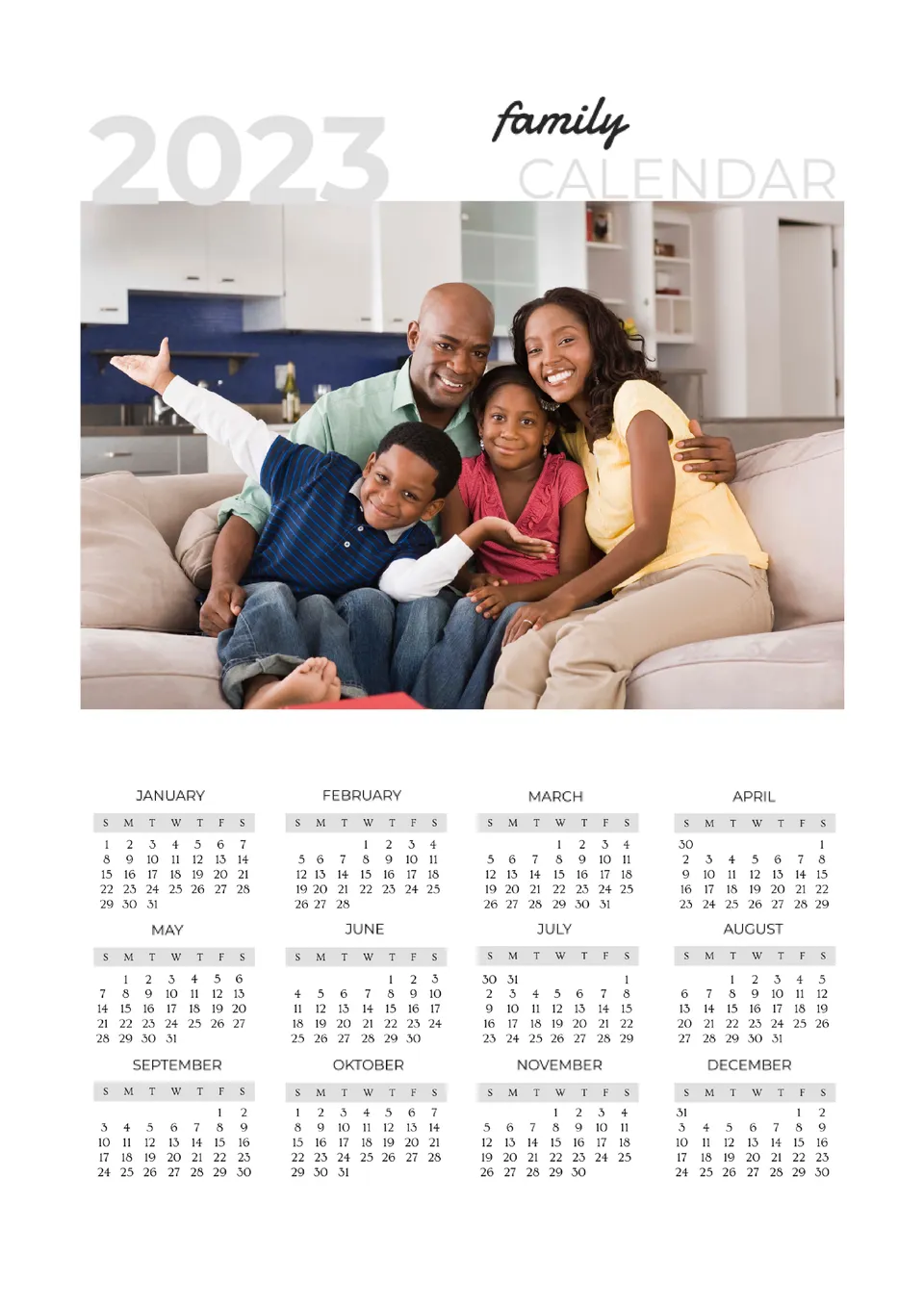
How can busy families keep everyone’s activities, appointments, and events in one place without confusion? The Family Calendar Template is a strong fit for parents, guardians, and households with multiple family members.
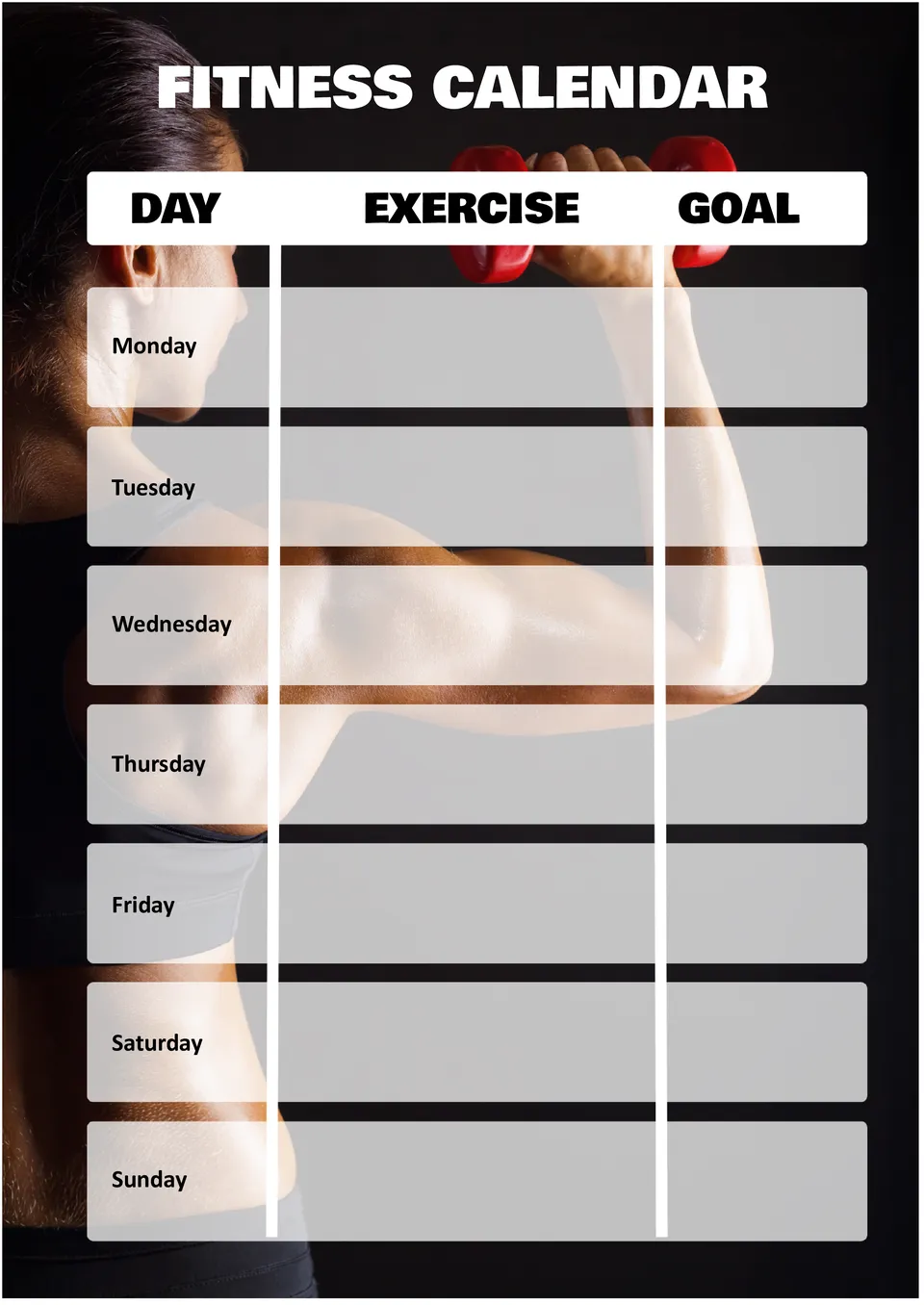
What helps people stay consistent with workouts when tracking different exercises and goals over time? The Fitness Calendar Template is useful for gym-goers, personal trainers, and anyone working on fitness goals.
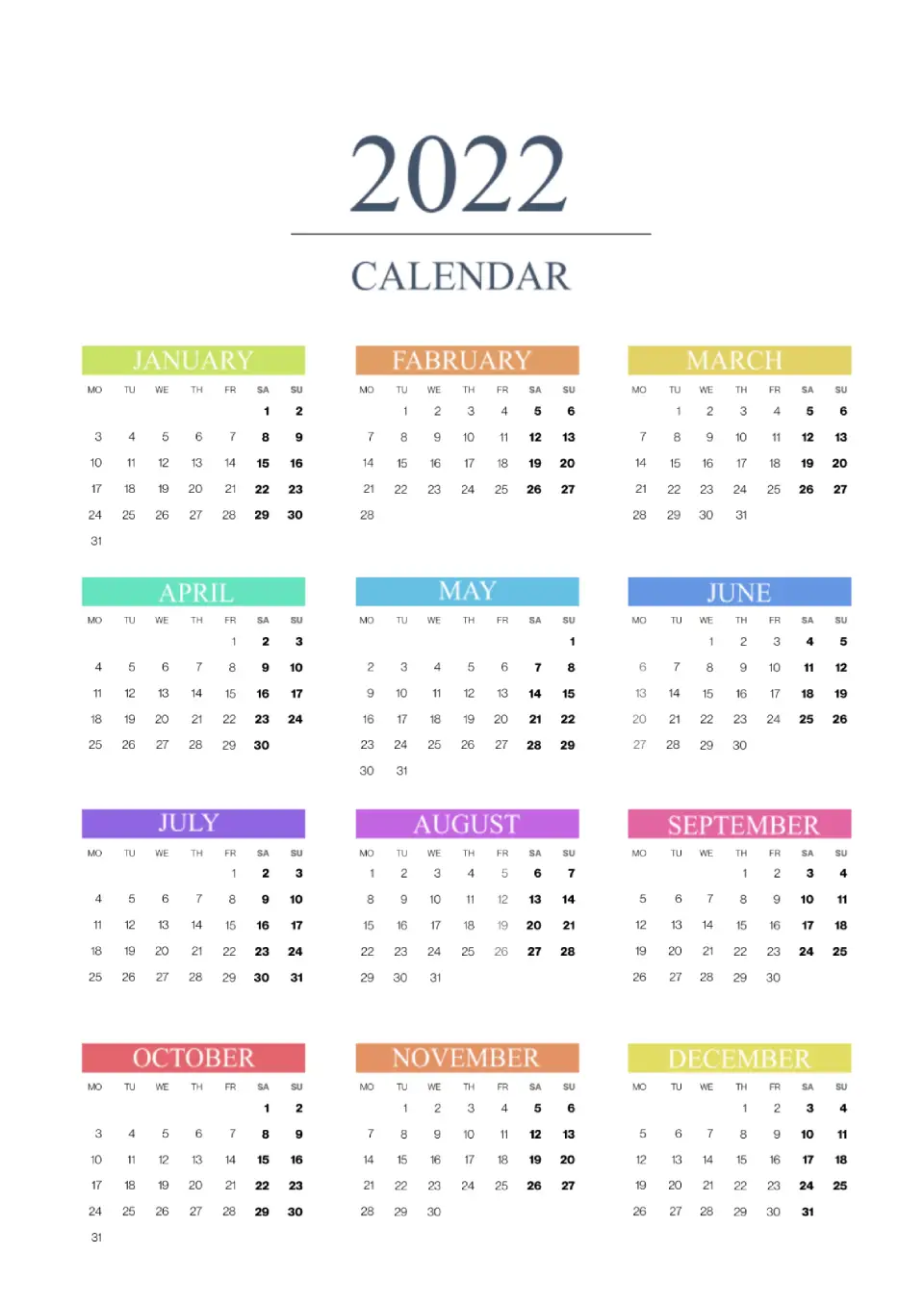
The 2022 Calendar Template is a handy option for anyone who still works with 2022‑based projects, reports, or historical records. It gives you a full‑year layout with clear months, dates, and space for events or notes. This free template is ready to use, easy to download, and editable for your style and needs.
What are the best Calendar Templates in 2026?
Is there a calendar template in Google Docs?
How to get a calendar template in Google Docs?
Why should I choose calendar templates in Google Docs to use?
What actions should I avoid during the use of the templates?
Do I need any additional programs to use templates?
What is the main complexity of using the calendar templates?
Calendar Templates For Google Docs and MS Word
Digital calendars have a number of advantages over paper calendars. You can edit them online at any time, personalize them to your goals, and share them with colleagues. By setting up automatic reminders, you will be notified when an important event or deadline is approaching. Use Google Docs templates prepared by professionals to save even more of your time and effort.

Who Can Use Calendar Templates?
Google Docs calendar template will be useful for anyone who wants to plan their life effectively. They are suitable not only for business activities but also for personal purposes. They can be divided into the following categories:
By Duration
A weekly calendar will help you set small tasks for a short period. Monthly or quarterly – to set tasks for a longer period. Annual – to strategically look far ahead, noting vacations, important dates, big goals.
For Work
Calendar template for Google Docs will make it easier to manage projects of any complexity. This way you can plan each stage, set deadlines, and track progress. These layouts will be useful primarily for businessmen, developers, and all working groups that need to coordinate their tasks.
Financial
They will help you keep track of finances, think through expenses, and track your budget. Mark there the dates of regular payments, purchase amounts, expenses, and income. It will also be useful to create financial goals for different periods of time.
For Personal Tasks
Such editable Google Docs calendars are used to control your daily life. These are schedules for sports training, social media posts, homework lists, etc.
It is wise to use several types of calendars at once to see the progress of your achievements at different distances. To plan your day, you can additionally use checklist templates to specify a more detailed list of goals.

Why Choose Our Google Docs Calendar Template?
The Docs&Slides team consists of experienced designers who create unique, high-quality calendar templates. Our collection is regularly updated so that you can find the most suitable option for you. And most importantly: all layouts are absolutely free!
You don’t even need to register on the site – just open the template you like, copy it to your disk, and start editing. By choosing our resource, you also get the following advantages:
- Large selection of thematic Google calendar templates with professional design;
- Free use for personal and business purposes;
- Thoughtful structure of thematic layouts;
- Easy editing with a wide range of options for changes;
- Ability to print both empty and filled templates;
- Significant time and effort savings;
- Professional result without expenses.
If you are going to choose a Google Drive calendar template for an unusual purpose for which there is no layout yet, then the solution is as follows. Choose the option that suits you best in terms of structure. During the edit process, you can easily change the lettering, background, color scheme, fonts, and visual elements. All you have to do is save the finished document in a convenient format.


Choose your preferred social media platform from options like Pinterest, Facebook, Twitter, and more. Share our templates with your contacts or friends. If you’re not active on these social networks, you can simply copy the link and paste it into the one you use.