

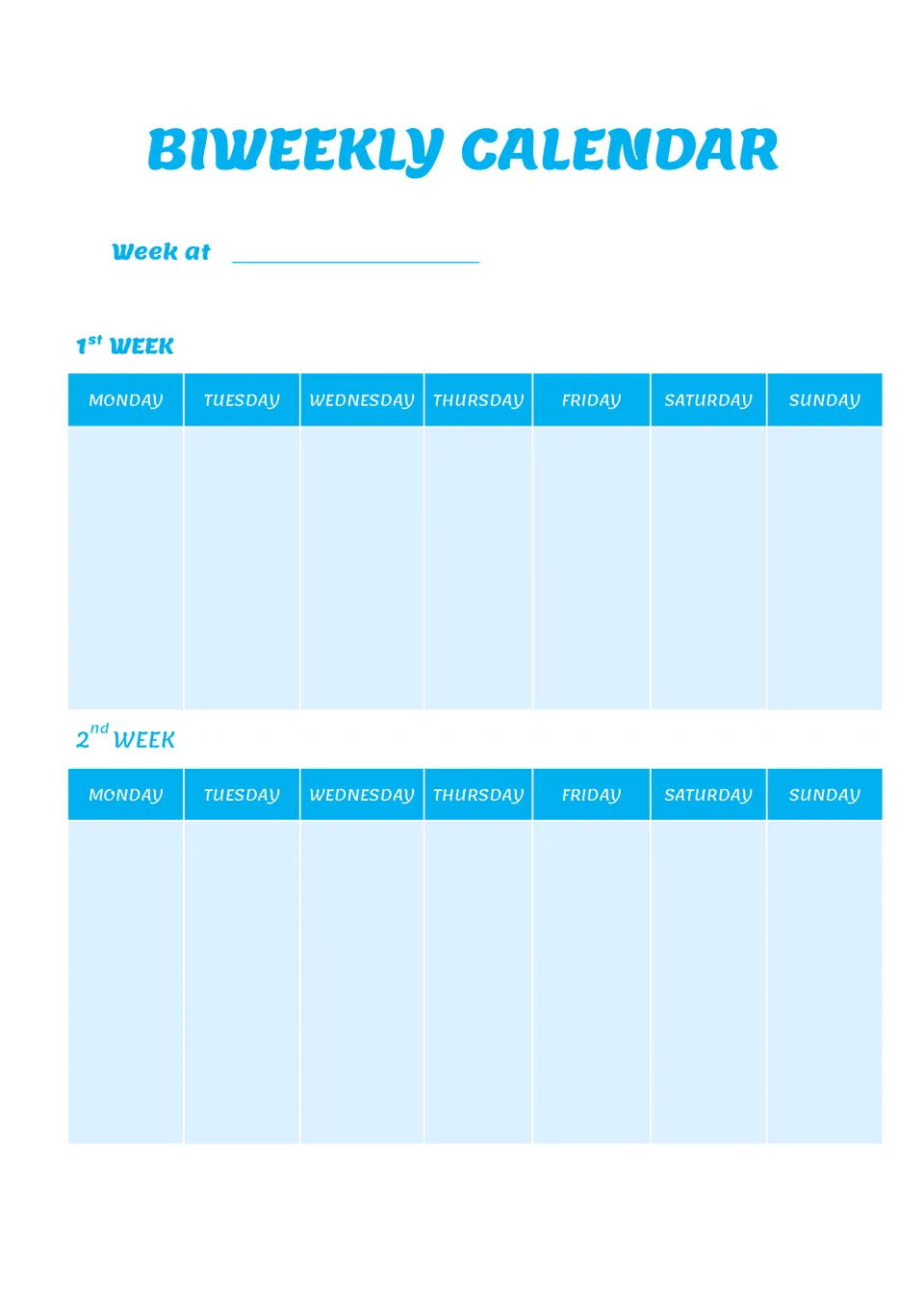
Biweekly Calendar Template



designer
My goal is to create beautiful and intuitive graphic designs for individuals and businesses! I, Kateryna Kyrylova, specialize in a variety of formats, from Google products to Microsoft.
Achievements:


designed more than 1500 templates for docsandslides.com
Template text reviewed by an expert from docsandslide's blog.



Related Calendar Templates

Built for a specific timeframe, the January 2024 Calendar Template lets you plan one month in a focused layout. It suits professionals, students, and individuals who want a clean, standalone month view.

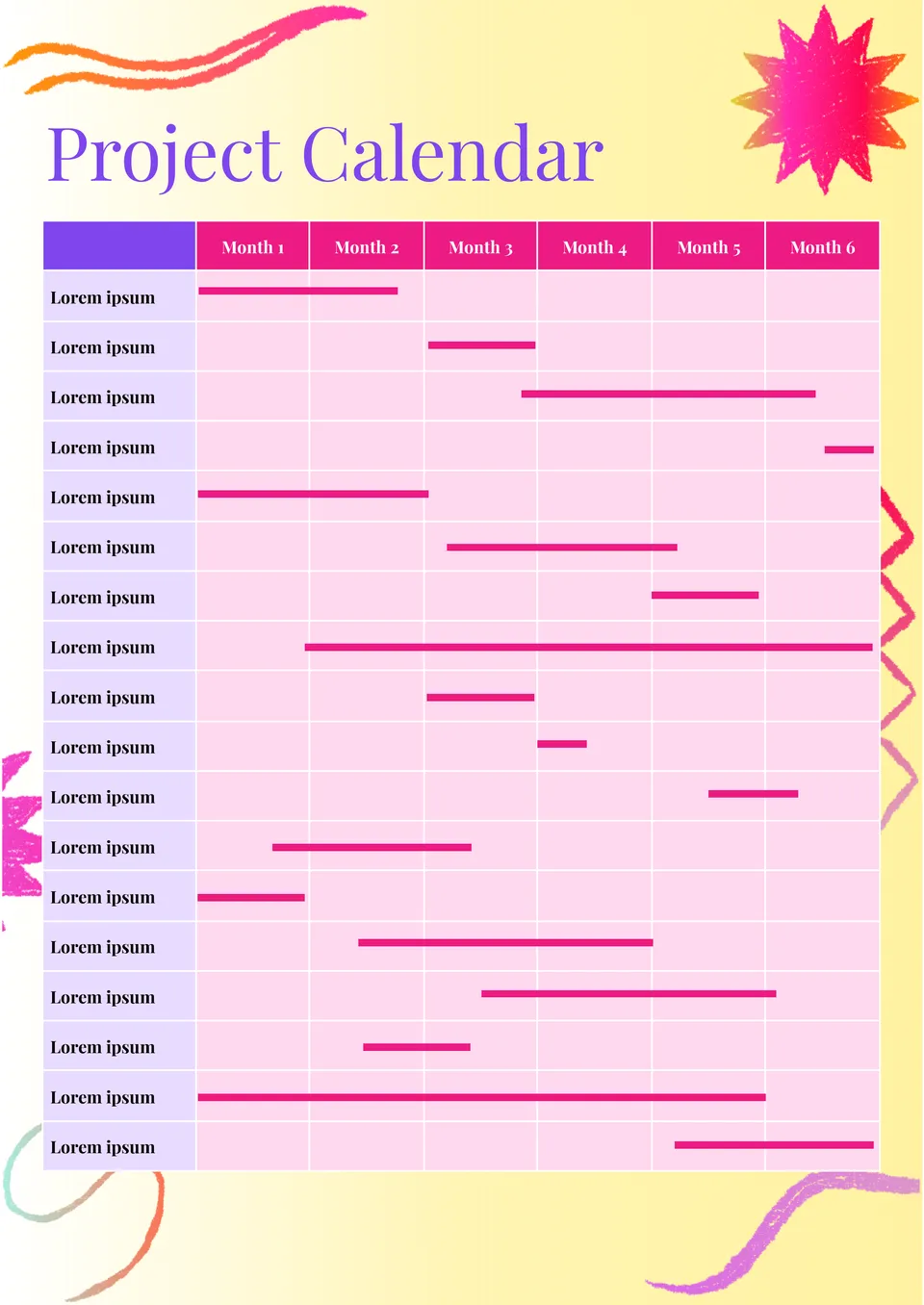
Which format works best for tracking project dates, milestones, and deadlines in one place? The Project Calendar Template is made for managers, teams, and planners who need a better view of project timing.
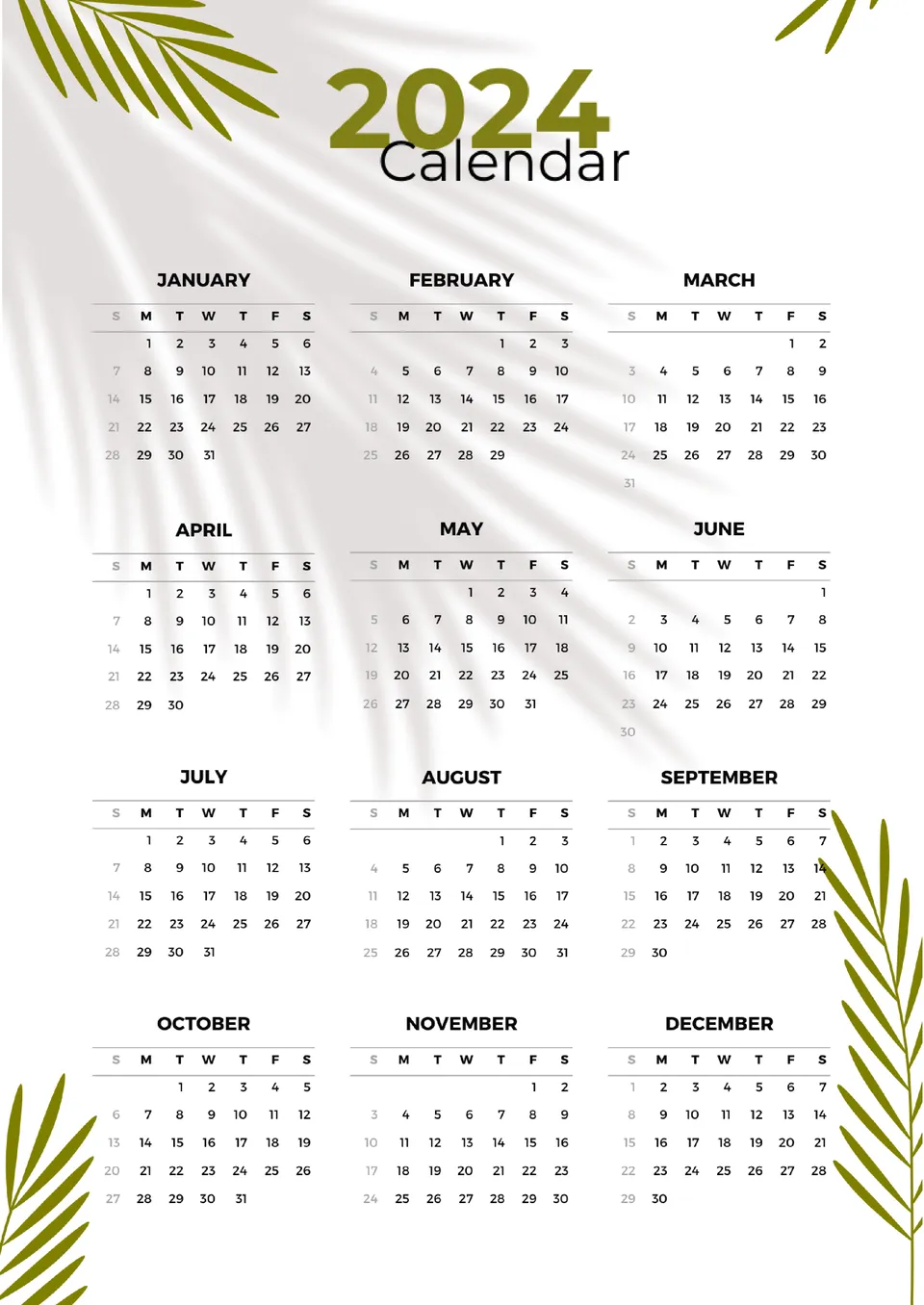
Designed for year-round planning, the 12 Month Calendar Template gives you a full view of the year in one organized layout. It works well for personal planning, office schedules, school dates, and family events.
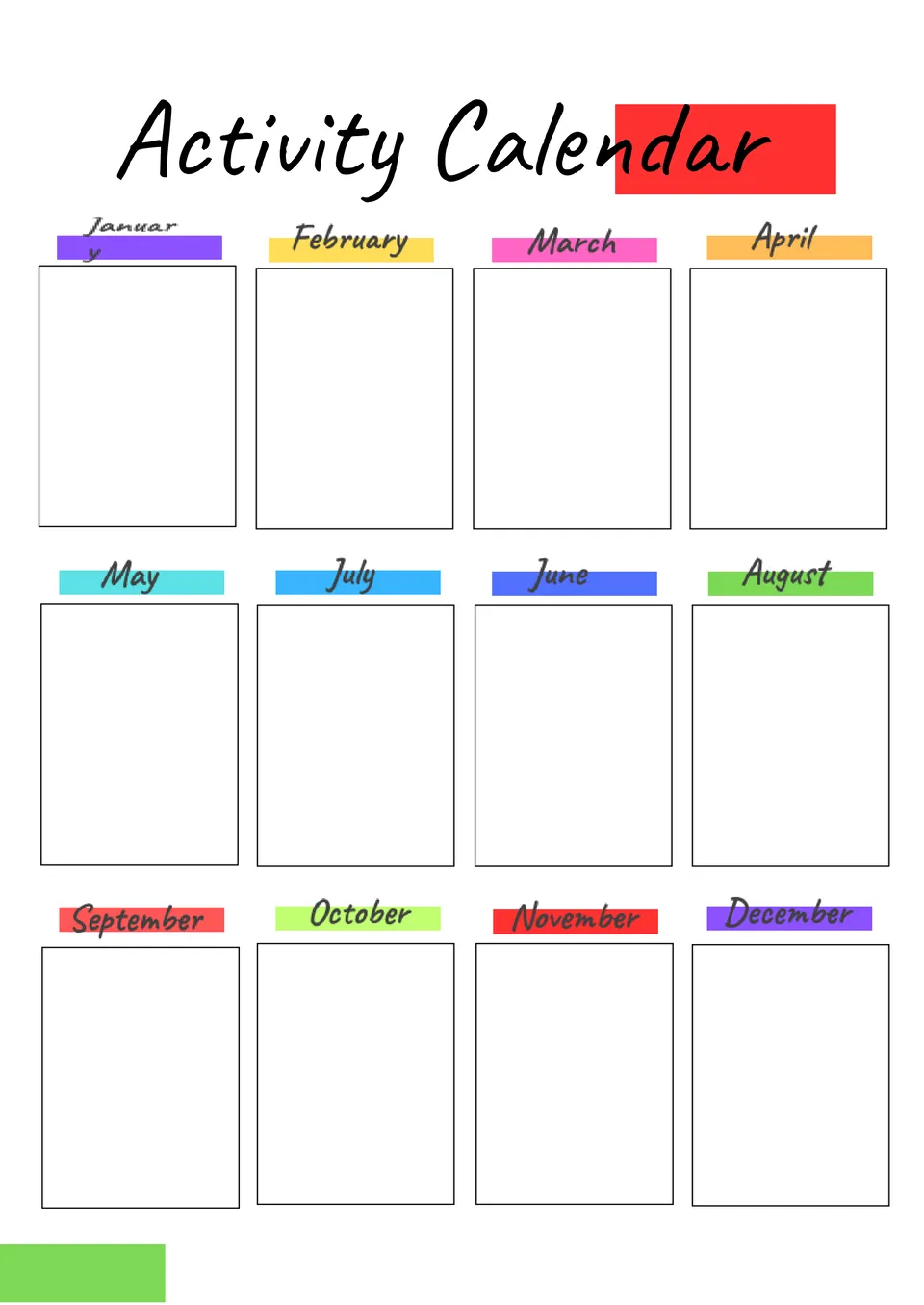
What helps you keep events and daily plans in order without filling the page with clutter? The Activity Calendar Template is a useful choice for schools, care teams, clubs, and anyone planning regular activities.
Related Calendar Templates
Built for a specific timeframe, the January 2024 Calendar Template lets you plan one month in a focused layout. It suits professionals, students, and individuals who want a clean, standalone month view.
Which format works best for tracking project dates, milestones, and deadlines in one place? The Project Calendar Template is made for managers, teams, and planners who need a better view of project timing.
Designed for year-round planning, the 12 Month Calendar Template gives you a full view of the year in one organized layout. It works well for personal planning, office schedules, school dates, and family events.
What helps you keep events and daily plans in order without filling the page with clutter? The Activity Calendar Template is a useful choice for schools, care teams, clubs, and anyone planning regular activities.
Don’t forget to check your spam box!

Generating high-quality templates requires significant time and dedication. We simply request the inclusion of a small attribution link. Select the platform where you intend to utilize the template.
Copy this link and paste it wherever it’s visible, close to where you’re using the image. If that’s not possible, place it at the footer of your website, blog or newsletter, or in the credits section.
Place the attribution line near the image’s usage on your website, or if that’s not feasible, include it in the credits section. For example: ‘image: Docsandslides.com’. This template was created using images from Docsandslides.com.

Choose your preferred social media platform from options like Pinterest, Facebook, Twitter, and more. Share our templates with your contacts or friends. If you’re not active on these social networks, you can simply copy the link and paste it into the one you use.