

 Back to templates
 Free Chicago Style Google Docs Templates
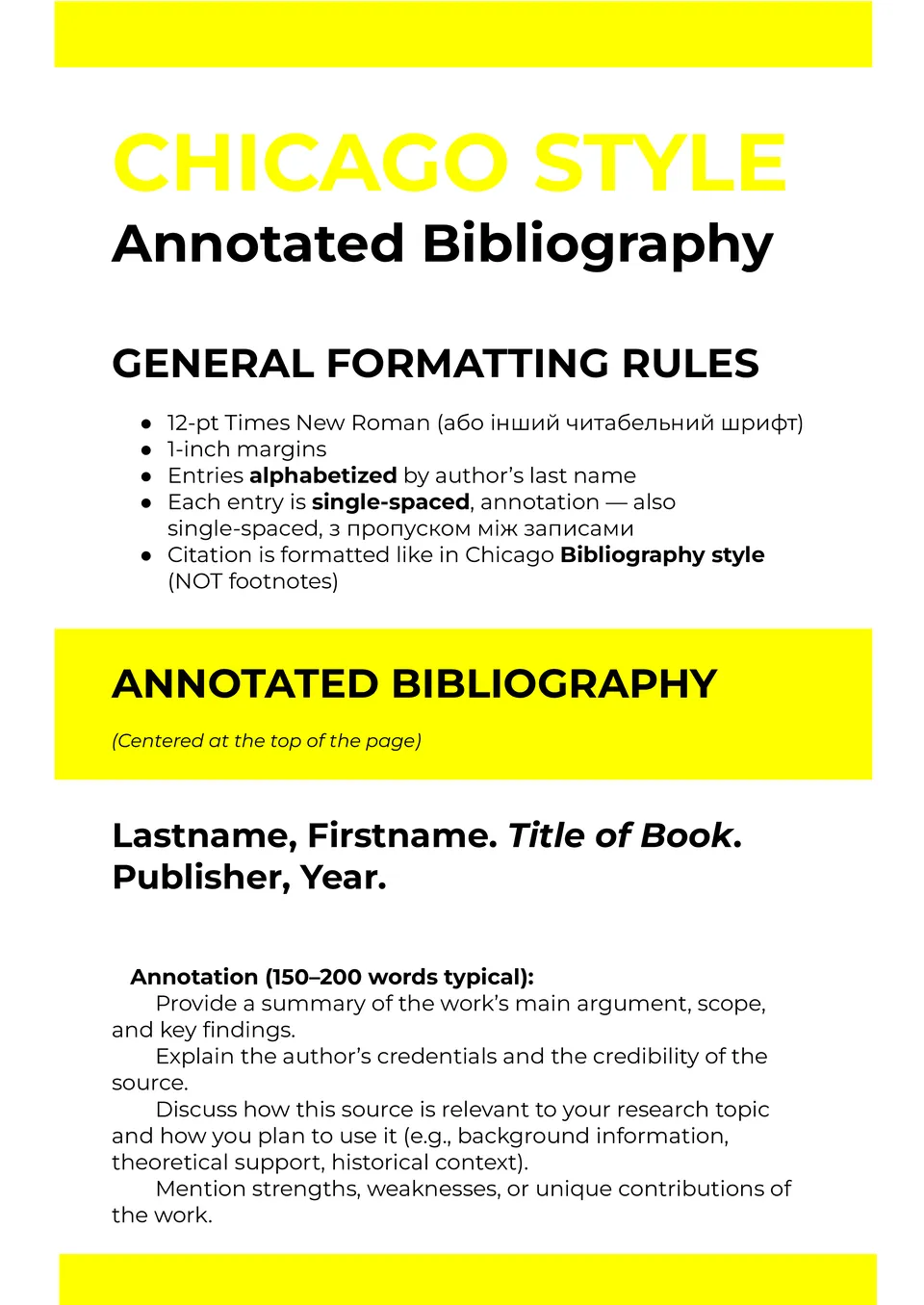
The Chicago Style Annotated Bibliography Template organizes sources with concise summaries and evaluations, making Chicago‑style formatting simple. It follows citation rules for clarity and consistency, ensuring your references look professional.

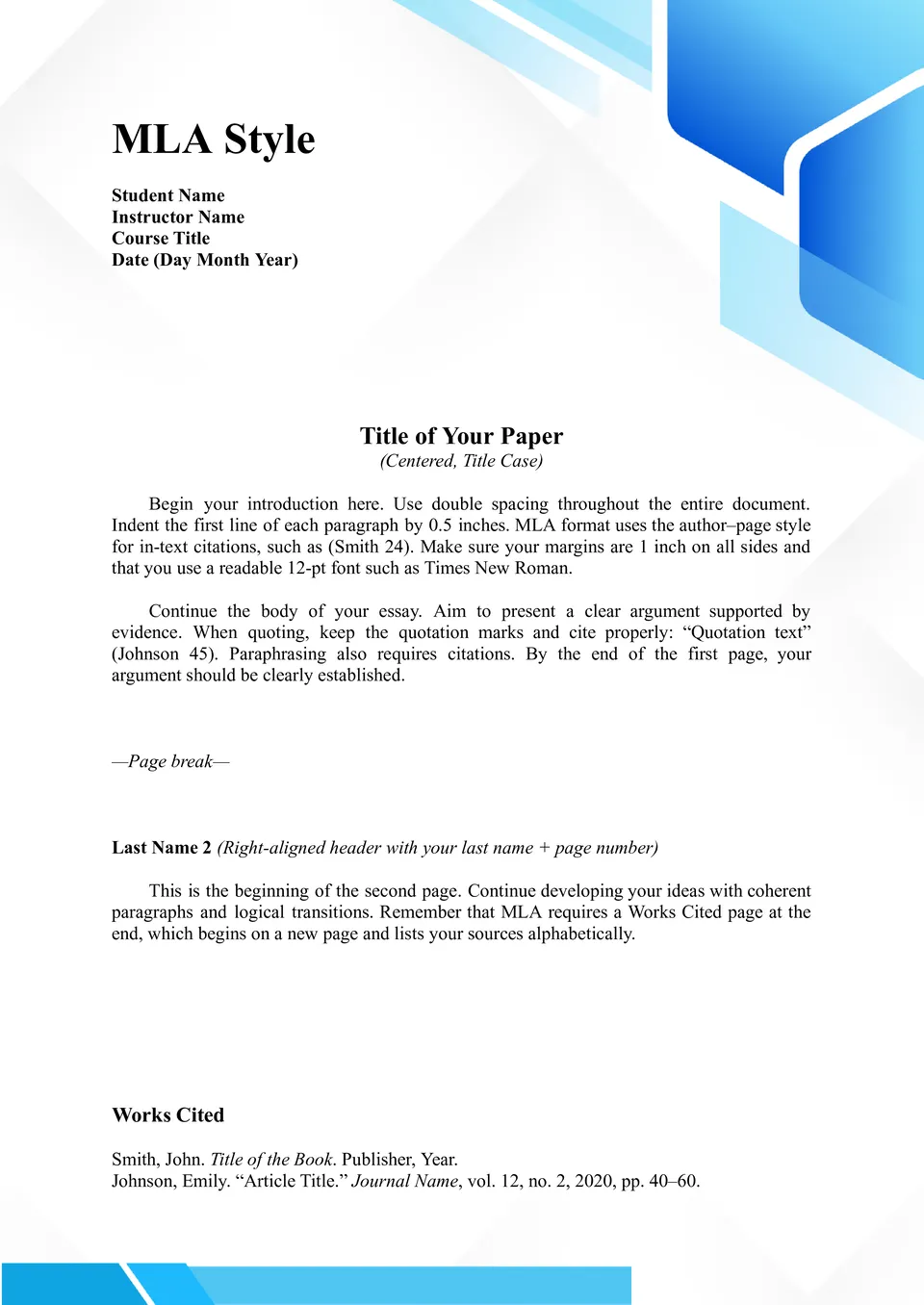
Wondering how to combine Chicago and MLA elements for hybrid formatting projects? The MLA Chicago Style Template gives you a flexible setup blending key aspects of both systems, useful for interdisciplinary work.
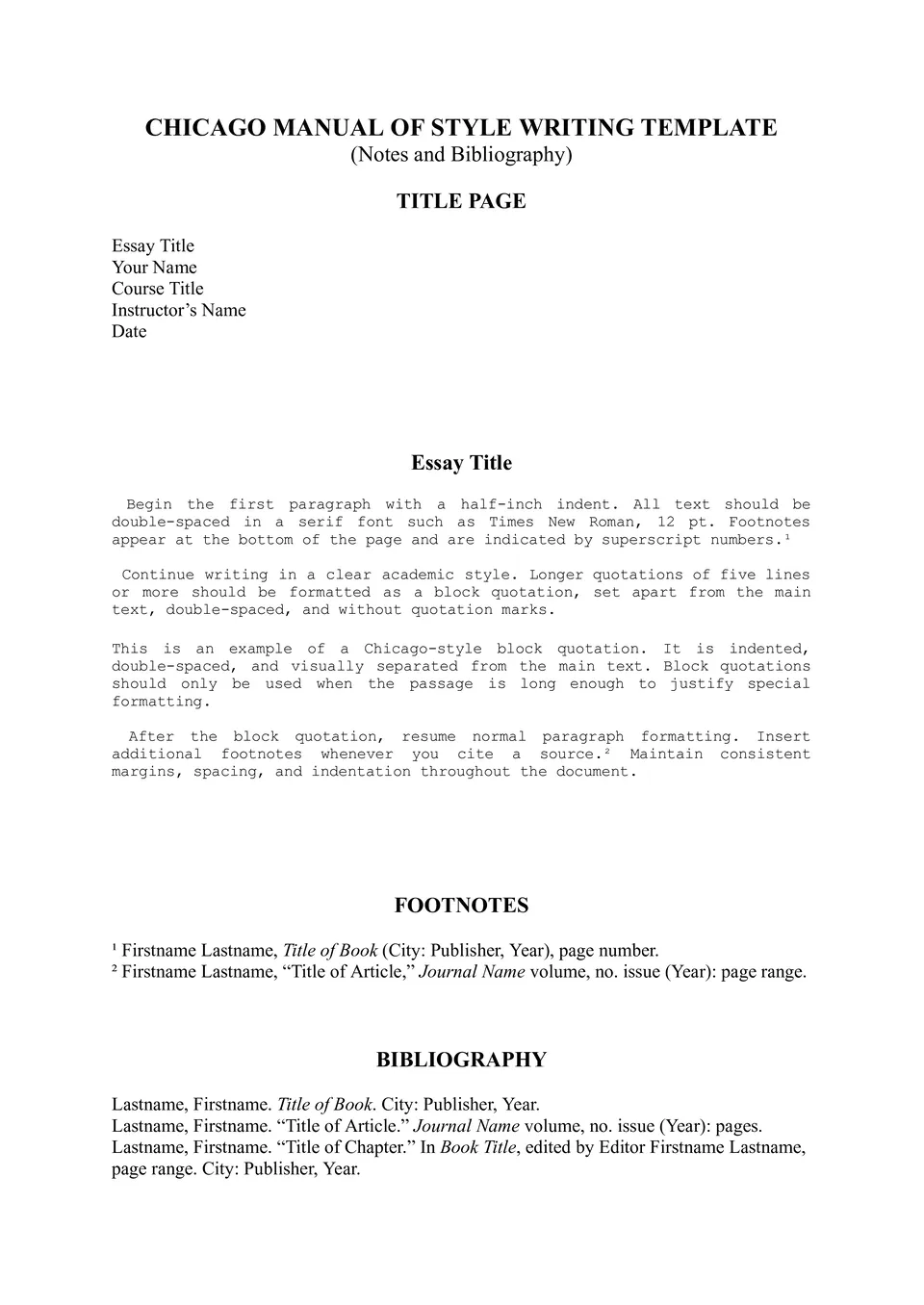
Need a ready‑made structure to start any Chicago‑style document? The Chicago Style Template for Writing provides formatted text, footnotes, and consistent styles throughout.
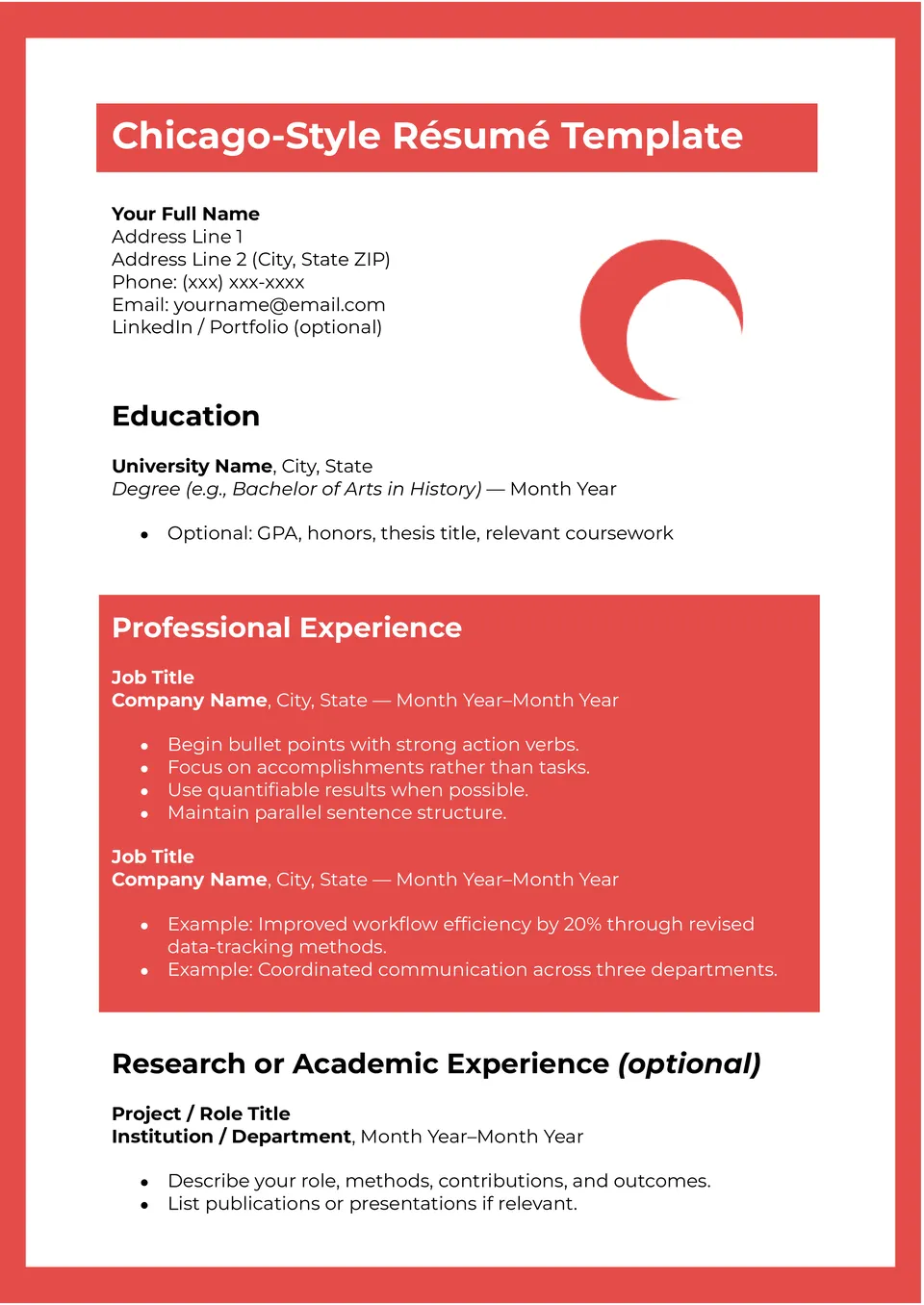
Want a resume that looks clean, structured, and easy to read? The Chicago Style Resume Template gives you a professional layout with sections for experience, education, and skills.
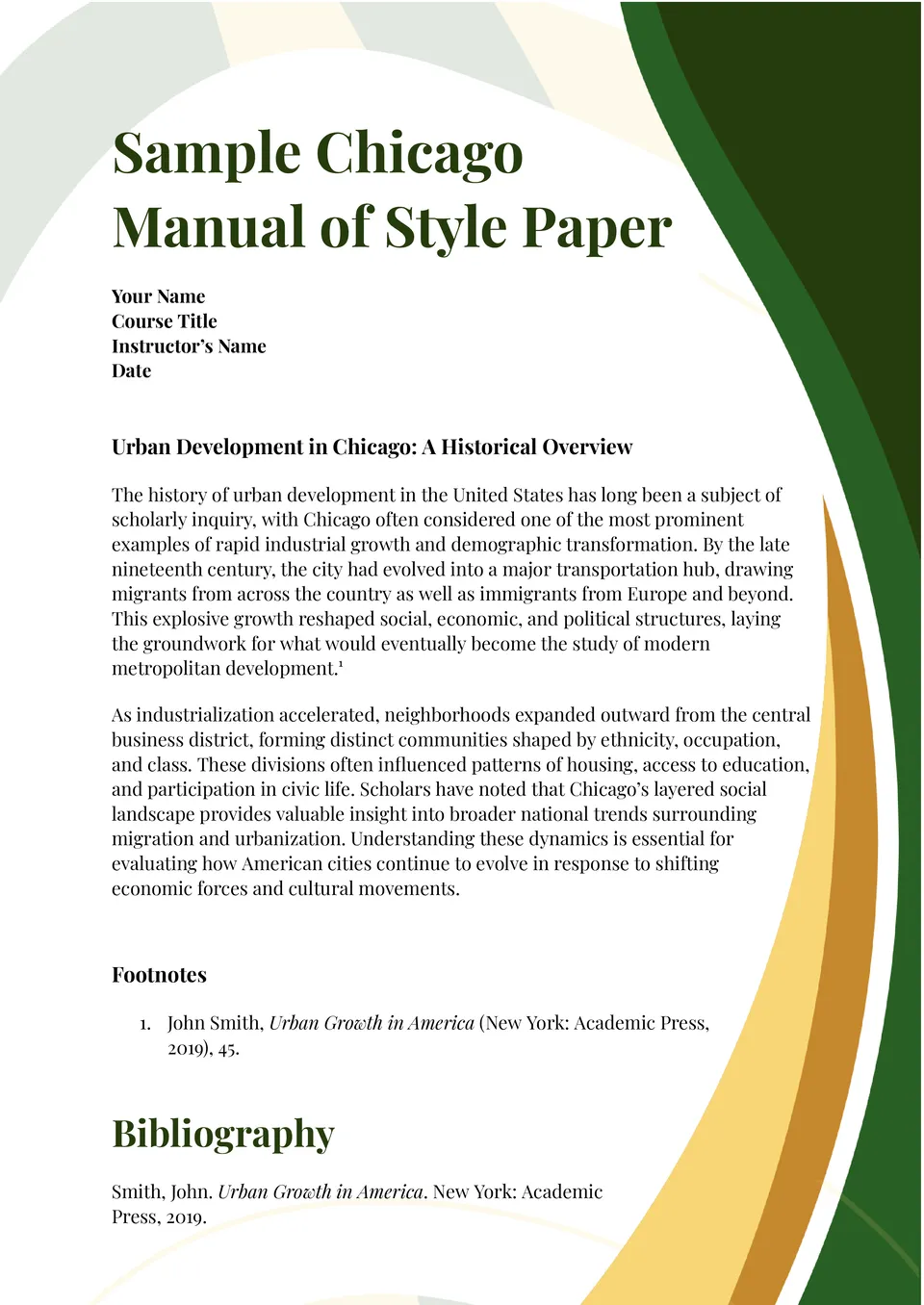
Looking for a reliable starting point for any Chicago‑style document? The Chicago Manual of Style Template sets up margins, spacing, headings, and footnote formats so you don’t start from scratch.
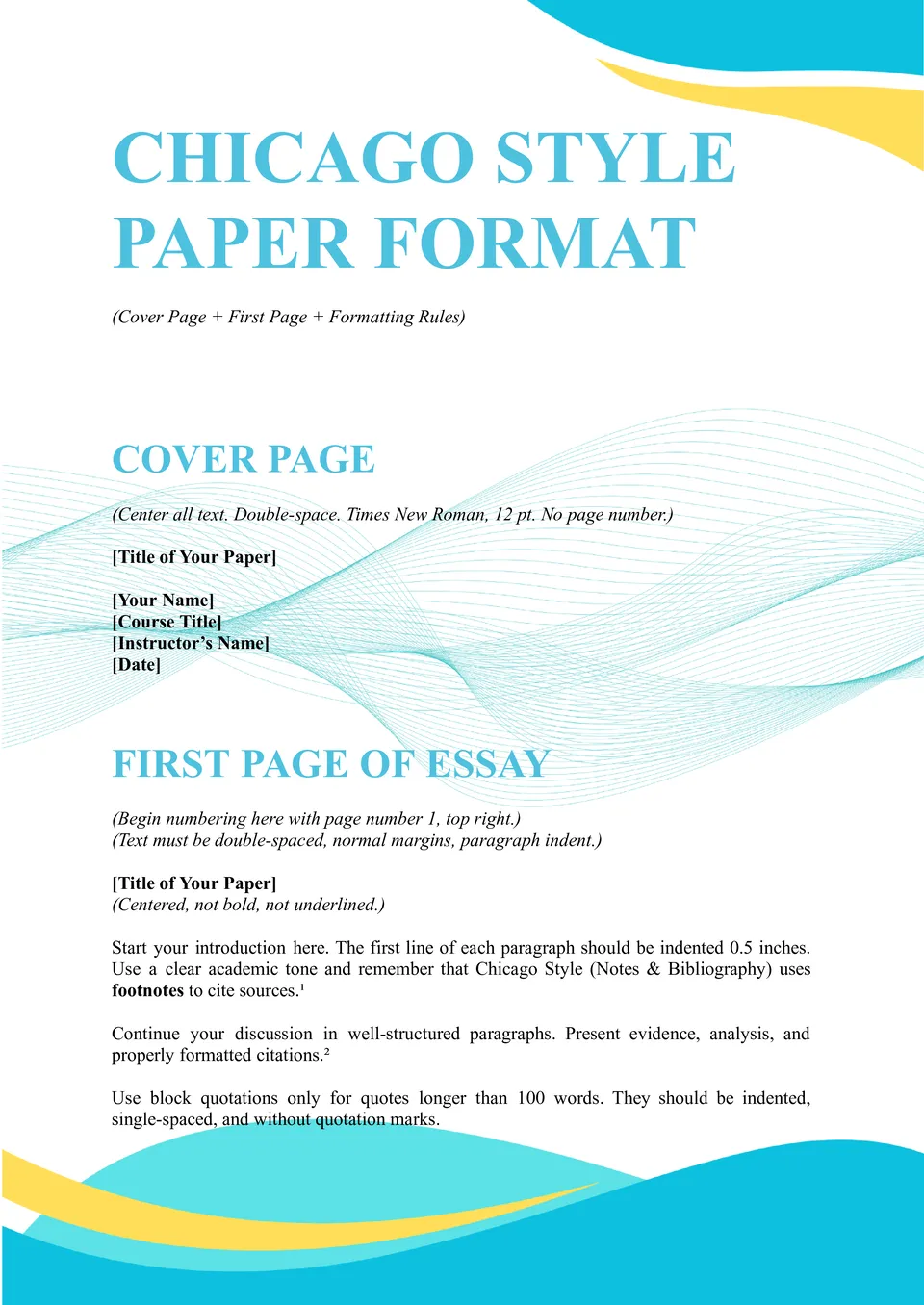
The Chicago Style Paper Format Template helps you apply correct Chicago formatting across the entire document. It organizes margins, spacing, and layout so everything stays consistent.

The Chicago Style Cover Page Template gives your paper a polished and professional first impression. It includes a clear structure for titles, names, and dates without formatting stress.

Need a title page that meets Chicago requirements instantly? The Chicago Style Title Page Template provides correct spacing and placement for all required details.
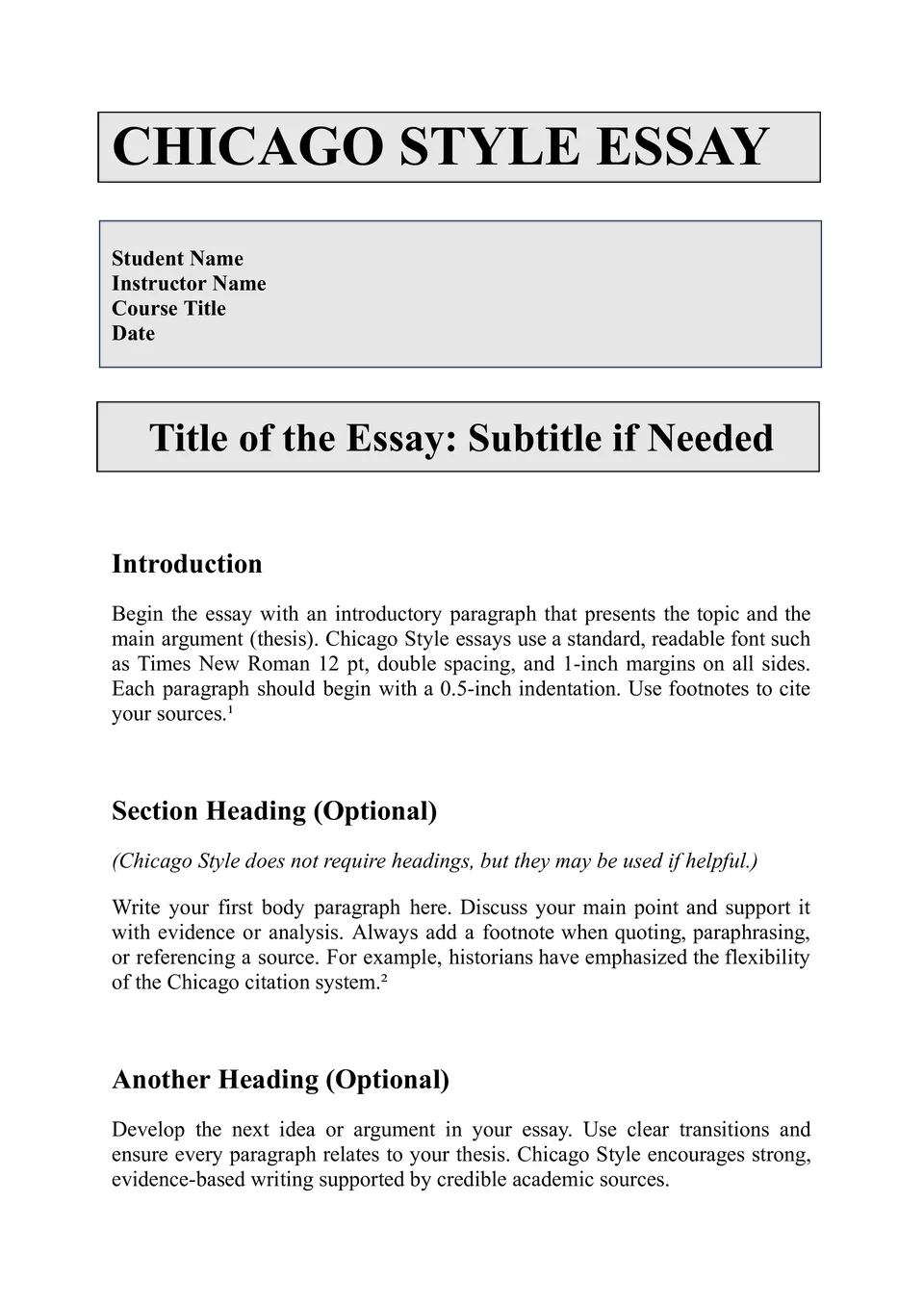
Want your essay to follow Chicago style without constant formatting checks? The Chicago Style Essay Template sets up the proper layout so your writing stays consistent.
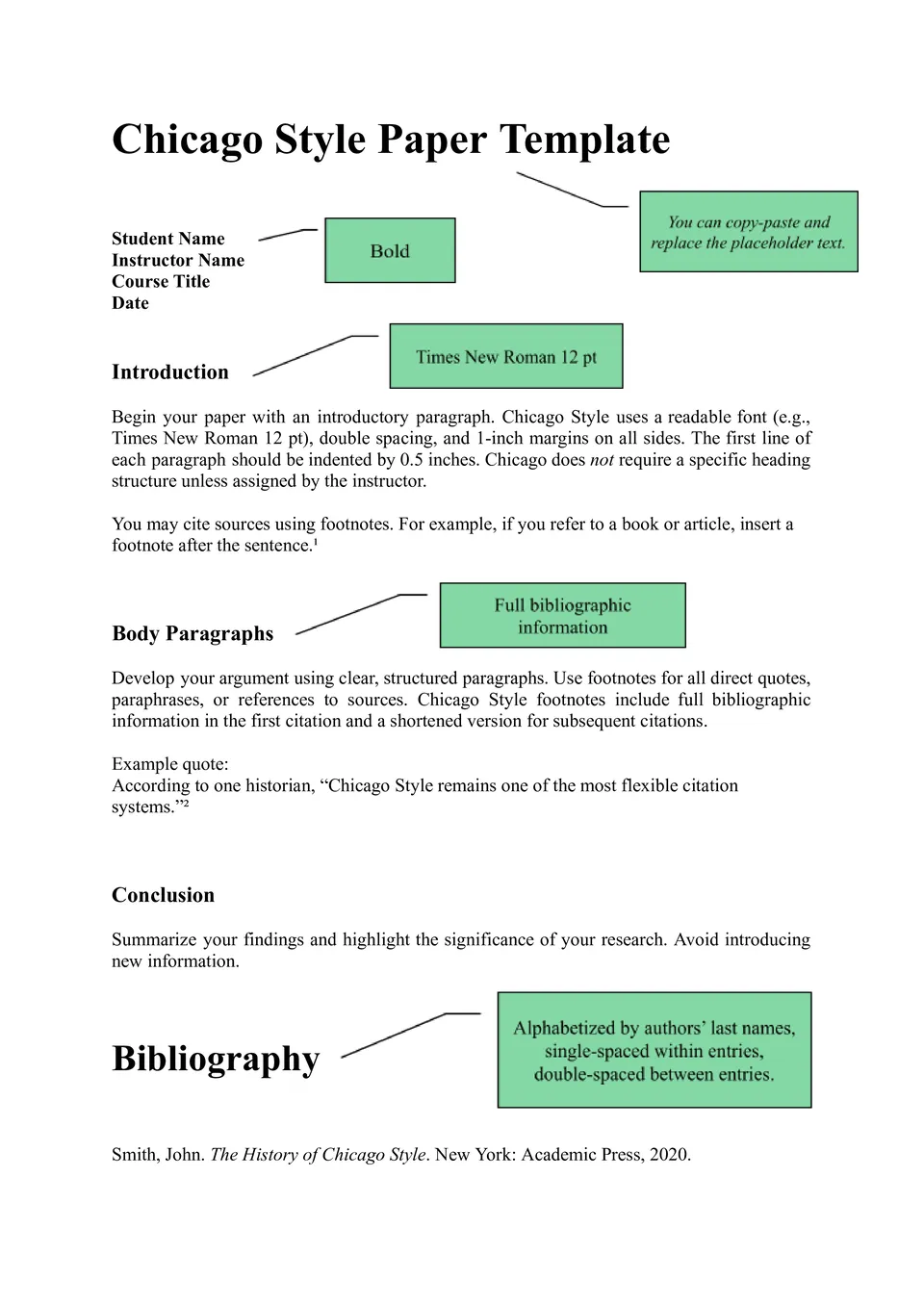
Looking for an easy way to format a paper in Chicago style correctly? The Chicago Style Paper Template gives you the right margins, spacing, and structure from the start.

Choose your preferred social media platform from options like Pinterest, Facebook, Twitter, and more. Share our templates with your contacts or friends. If you’re not active on these social networks, you can simply copy the link and paste it into the one you use.