

 Back to templates
 Free Recipe Google Docs Templates
Keep your favorite recipes in one document, creating a unique cookbook from them. Then, having forgotten one of the cooking instructions, you will no longer have to look for it on various sites, it will be enough to review your file.
Thanks to the free recipe template for Google Docs, your book will look as good as if it was developed by a professional designer. You can add only the dishes you need, and then easily replenish the collection at any time. You may easily share the completed Google Docs recipe templates with loved ones, revealing your best culinary secrets.
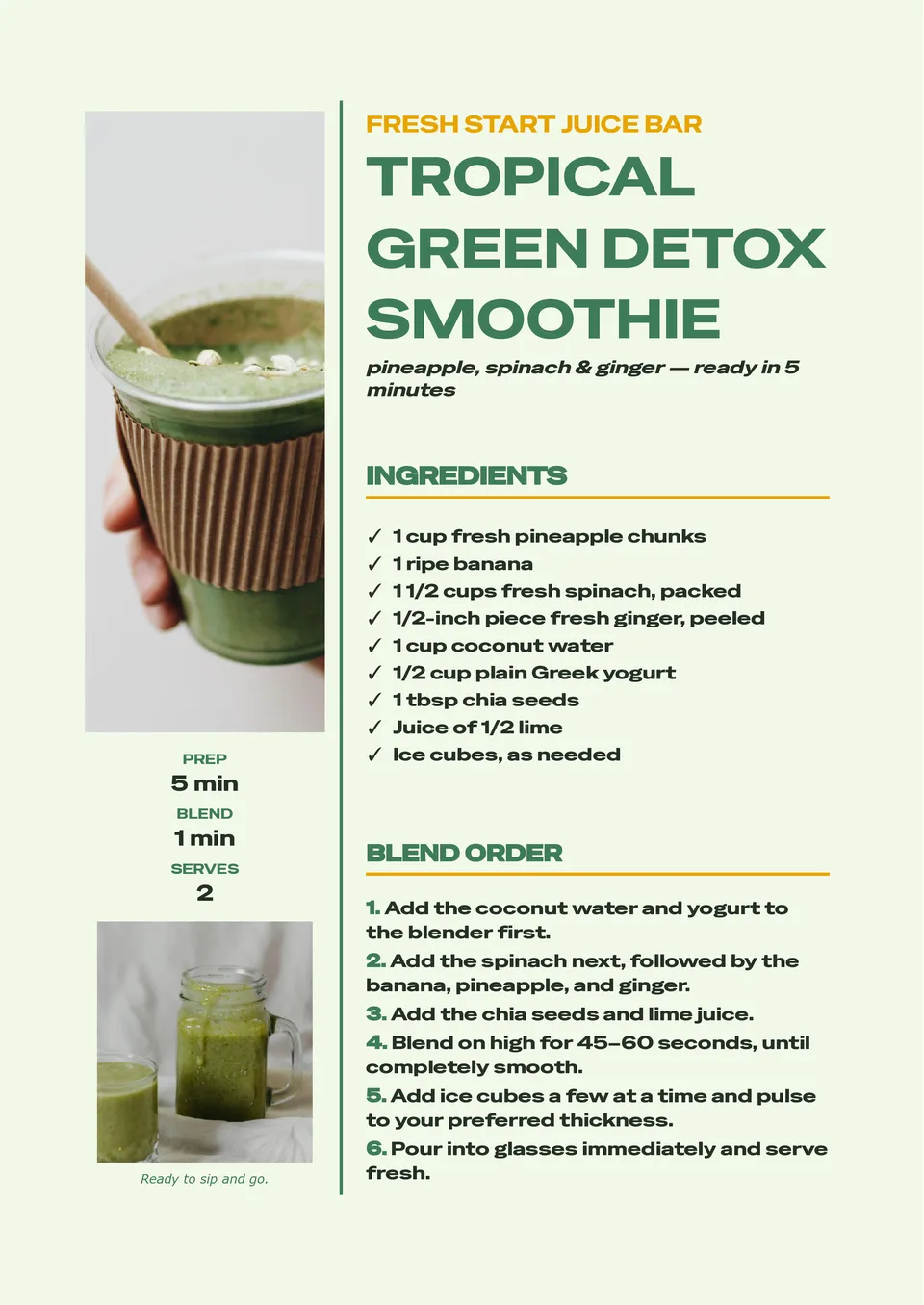
A consistent smoothie recipe is much easier to repeat when ingredients, portions, and blending instructions are written in one clear place. Smoothie Recipe Template provides room for fruits, vegetables, liquids, add-ins, serving size, nutrition notes, preparation steps, and optional garnish ideas. It is useful for wellness creators, cafés, fitness coaches, parents, and anyone building a personal collection of quick drinks. The layout makes it simple to compare combinations and adjust recipes for different dietary preferences. Add your own ingredients and visuals, then save, print, or share the free editable design with others.

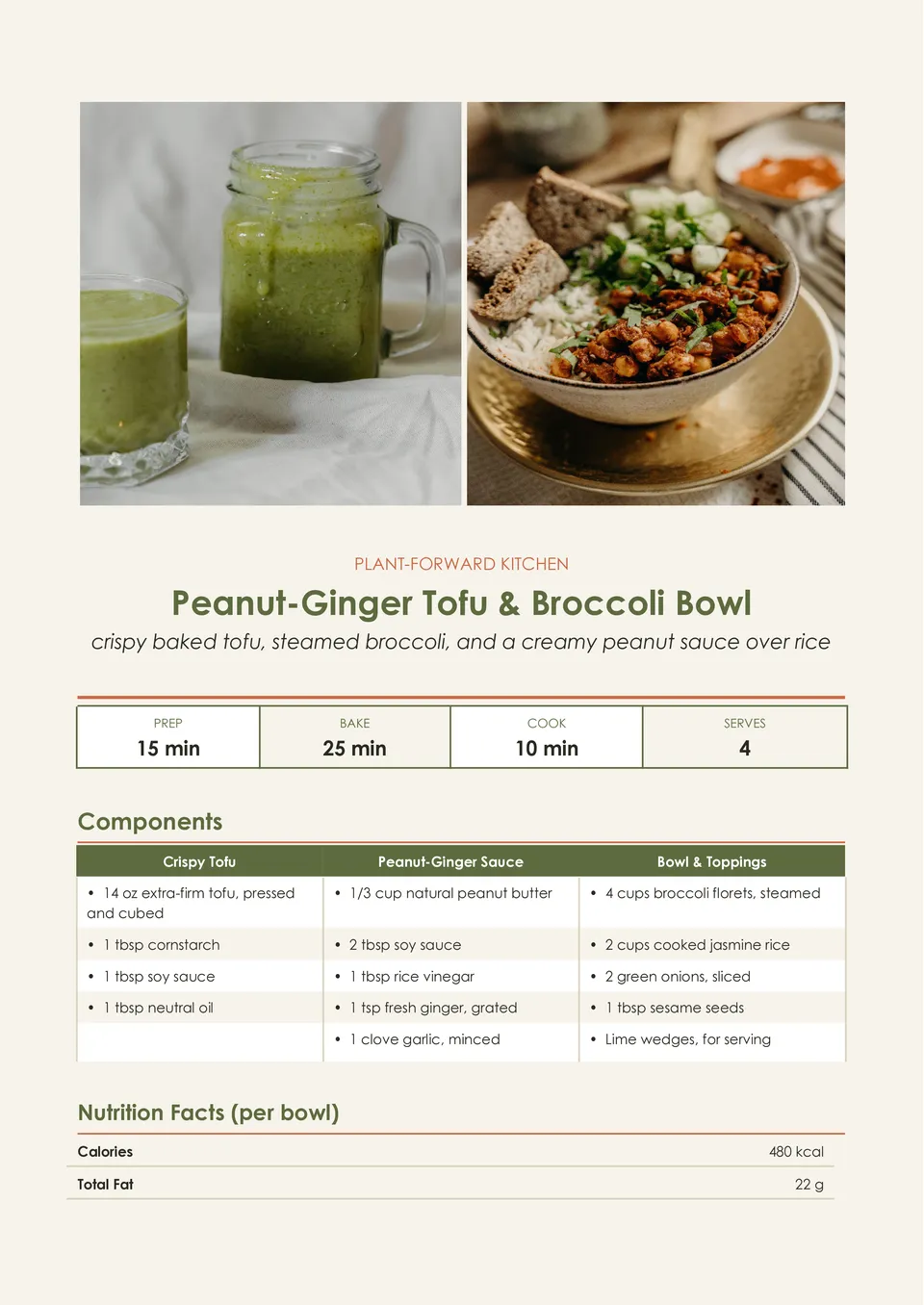
Vegan Recipe Template helps present plant-based dishes with room for ingredients, substitutions, preparation directions, cooking time, servings, allergen notes, and serving suggestions. It is made for vegan home cooks, recipe bloggers, restaurants, nutrition professionals, and anyone sharing meat- and dairy-free meal ideas. The organized page can make ingredient swaps and dietary details easier for readers to understand before they start cooking. Change every editable element to match a specific dish, brand, or meal plan. The template is free for personal and business use and can be downloaded, printed, or shared as soon as your recipe is ready.
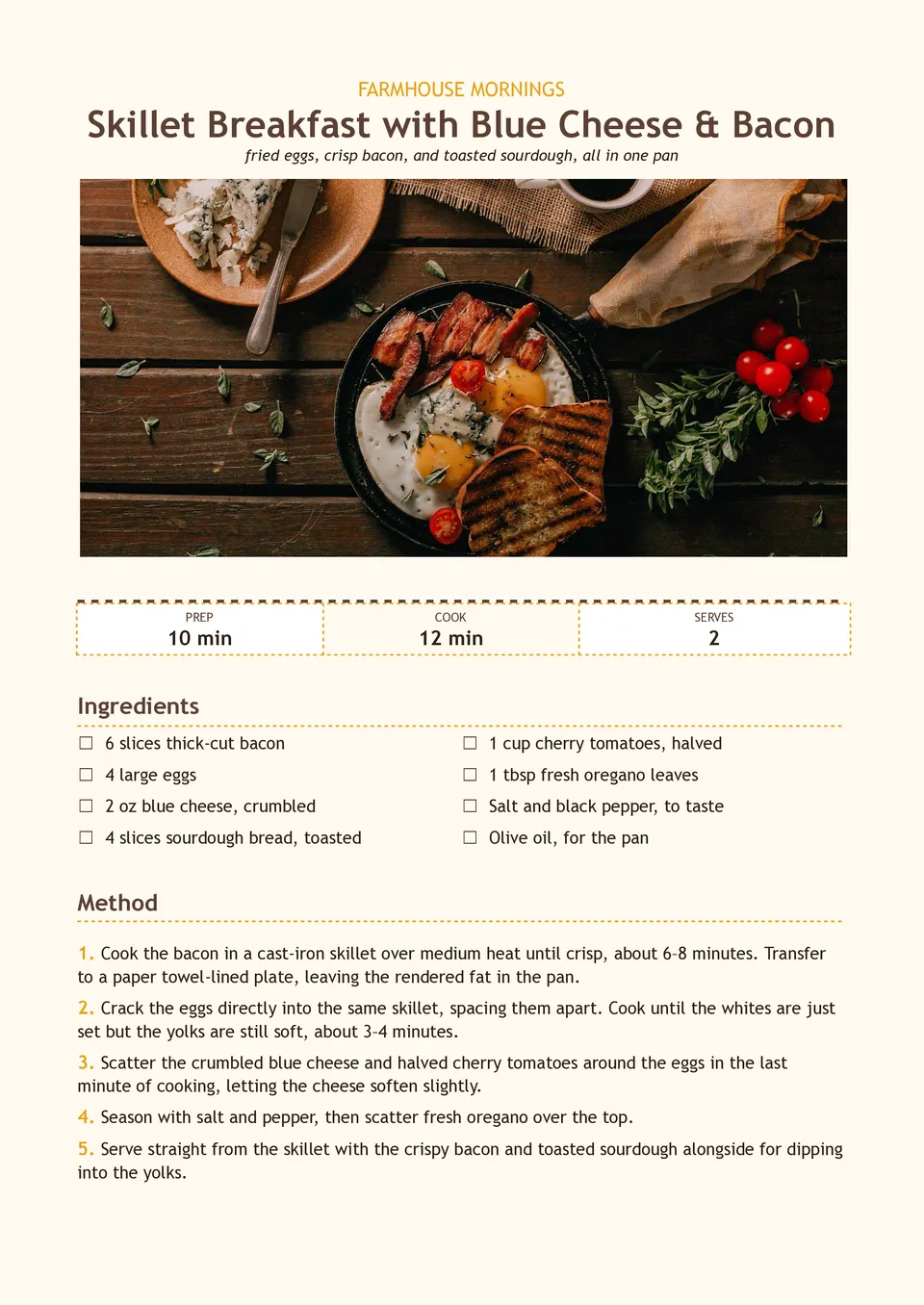
Are morning recipes scattered between screenshots, bookmarks, and handwritten notes when you need a quick meal idea? Breakfast Recipe Template brings ingredients, preparation steps, cooking times, servings, substitutions, and make-ahead notes together on one page. It suits meal-prep enthusiasts, families, nutrition coaches, cafés, and food creators planning breakfasts for busy weekdays or brunch menus. The structured layout makes it easier to recreate favorite dishes and share them with others. You can adapt the text and visuals at no charge, then print the result or keep it in a digital recipe collection.
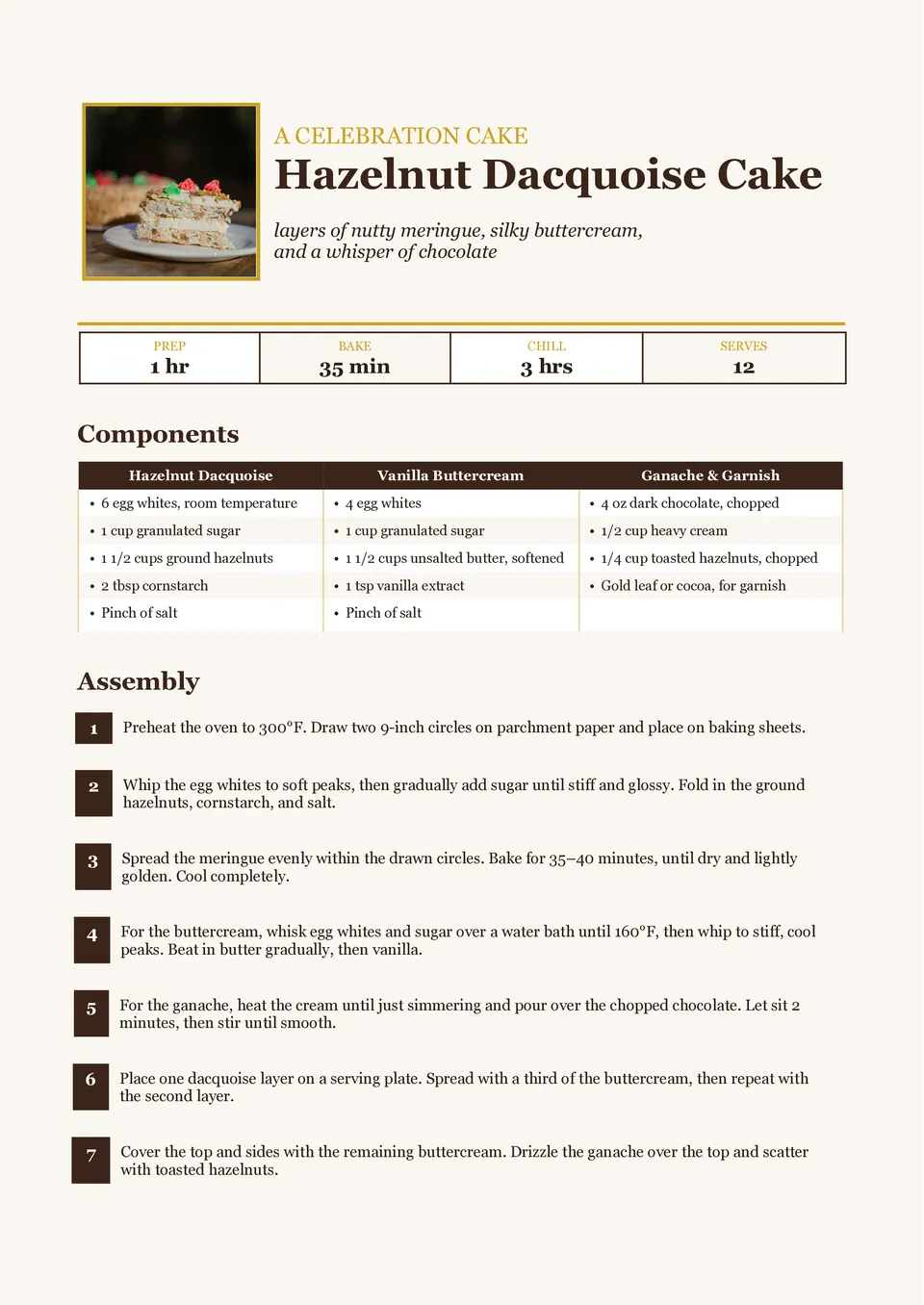
Dessert Recipe Template turns cakes, pies, cookies, puddings, and other sweet creations into recipes that are simple to follow and enjoyable to share. It includes editable areas for the dessert name, ingredients, method, preparation and baking time, servings, decorating steps, and serving ideas. Home bakers, food bloggers, pastry businesses, and people making celebration menus can use it to present signature treats with more polish. Clear separation between the recipe stages helps prevent important finishing details from being overlooked. The ready-made design is free to customize and can be downloaded or printed for a cookbook, gift, or kitchen reference.
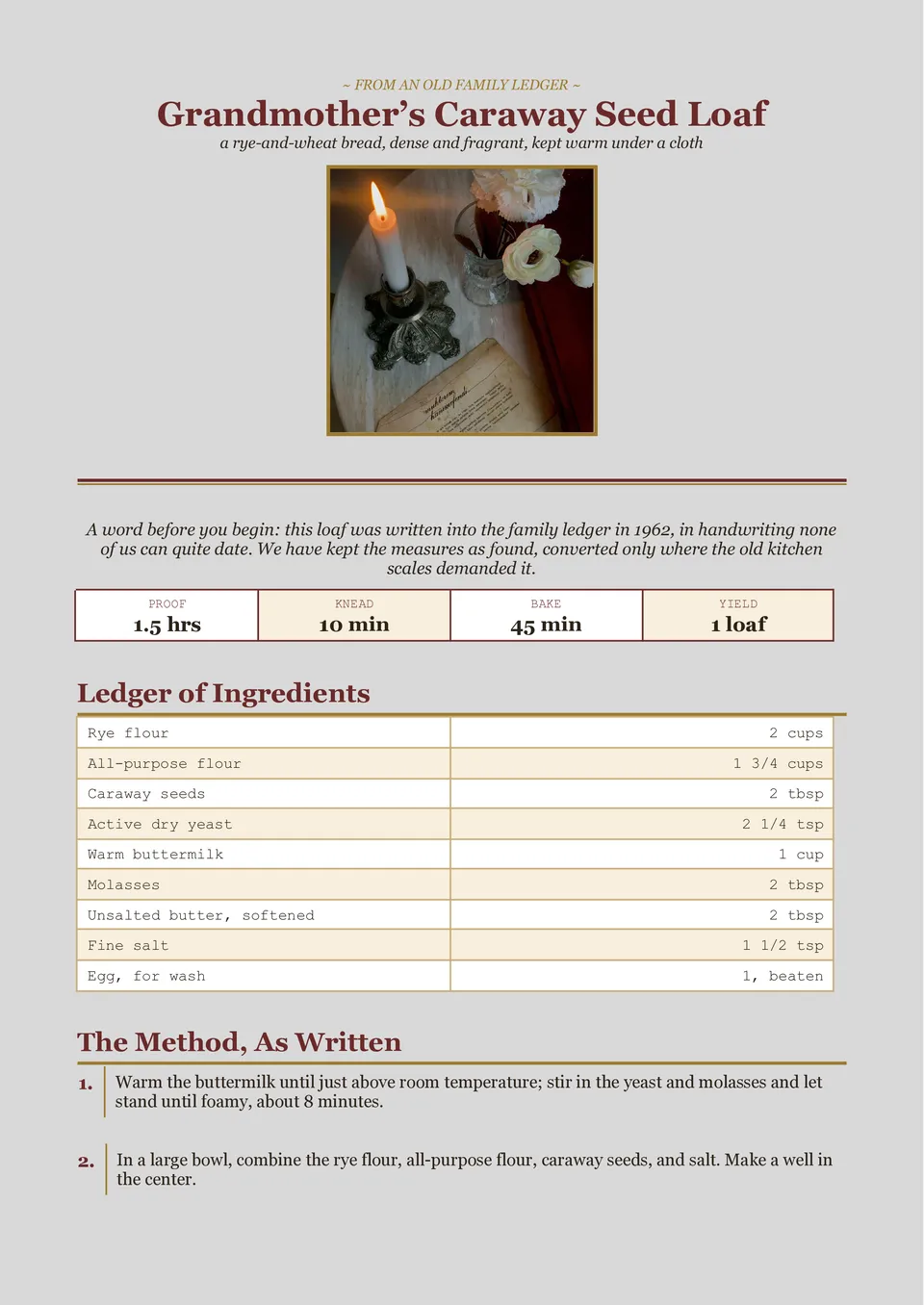
Vintage Recipe Template gives classic dishes, handwritten family notes, and retro-inspired food collections a nostalgic presentation. The page can hold a recipe title, ingredients, directions, cooking time, servings, source attribution, and a short story about the dish. It is a fitting choice for family cookbooks, heritage recipes, cafés with a traditional identity, and giftable recipe collections. The old-fashioned visual direction adds character without making the instructions harder to follow. You can update the wording, images, and colors for free before printing it as a recipe card or sharing it digitally.
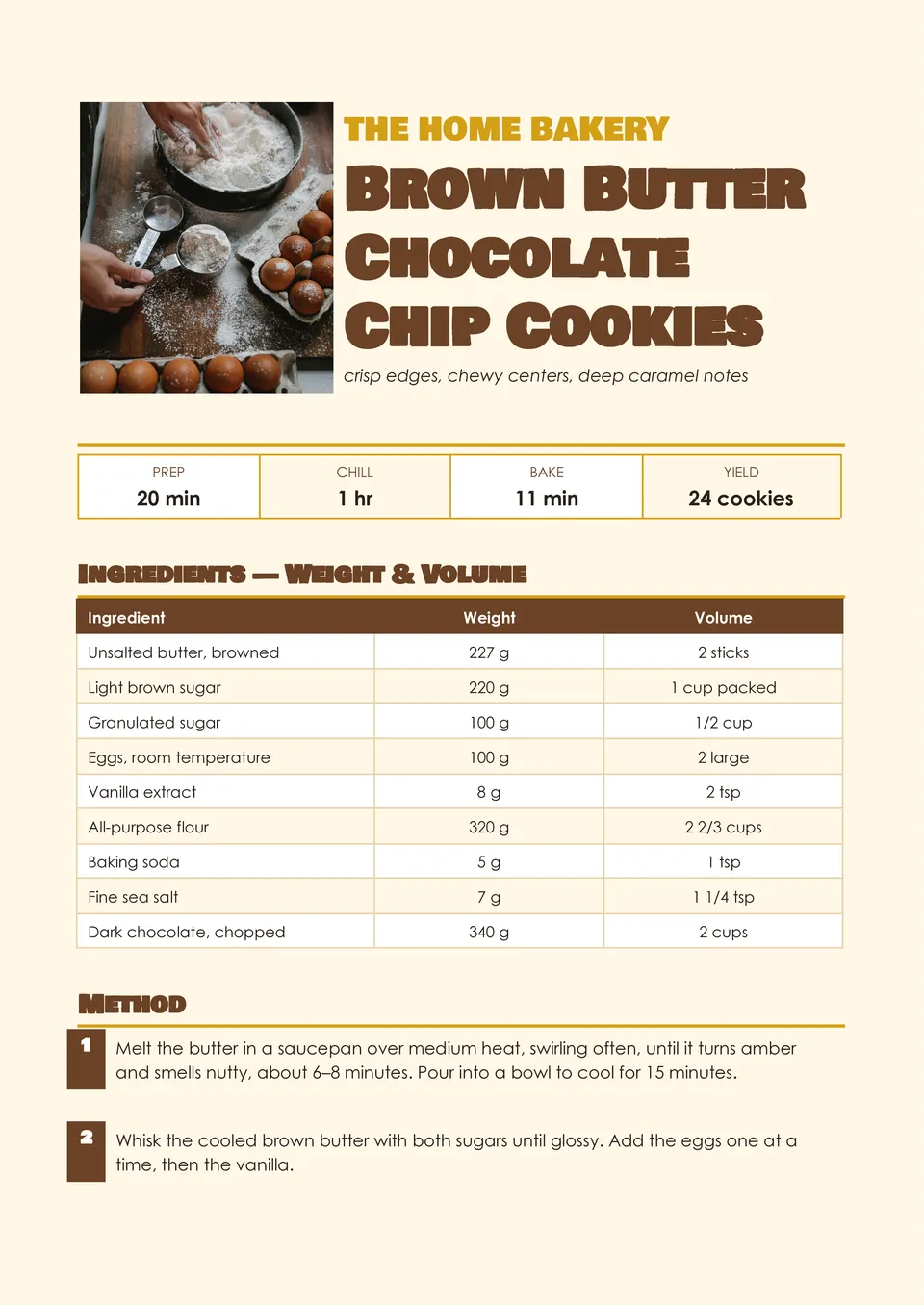
Are measurements, oven temperatures, and baking steps getting lost when you write recipes in random notes? Baking Recipe Template gives each important detail its own place, including ingredients, quantities, preparation steps, baking temperature, bake time, yield, decorating ideas, and storage guidance. Bakers, pastry chefs, cottage-food businesses, and people preparing recipe books can use it to document cakes, cookies, breads, and pastries. The well-organized page helps reduce mistakes when a recipe must be repeated exactly. Edit the design for free with your branding or photos, then download and print a polished version for customers, friends, or your kitchen binder.
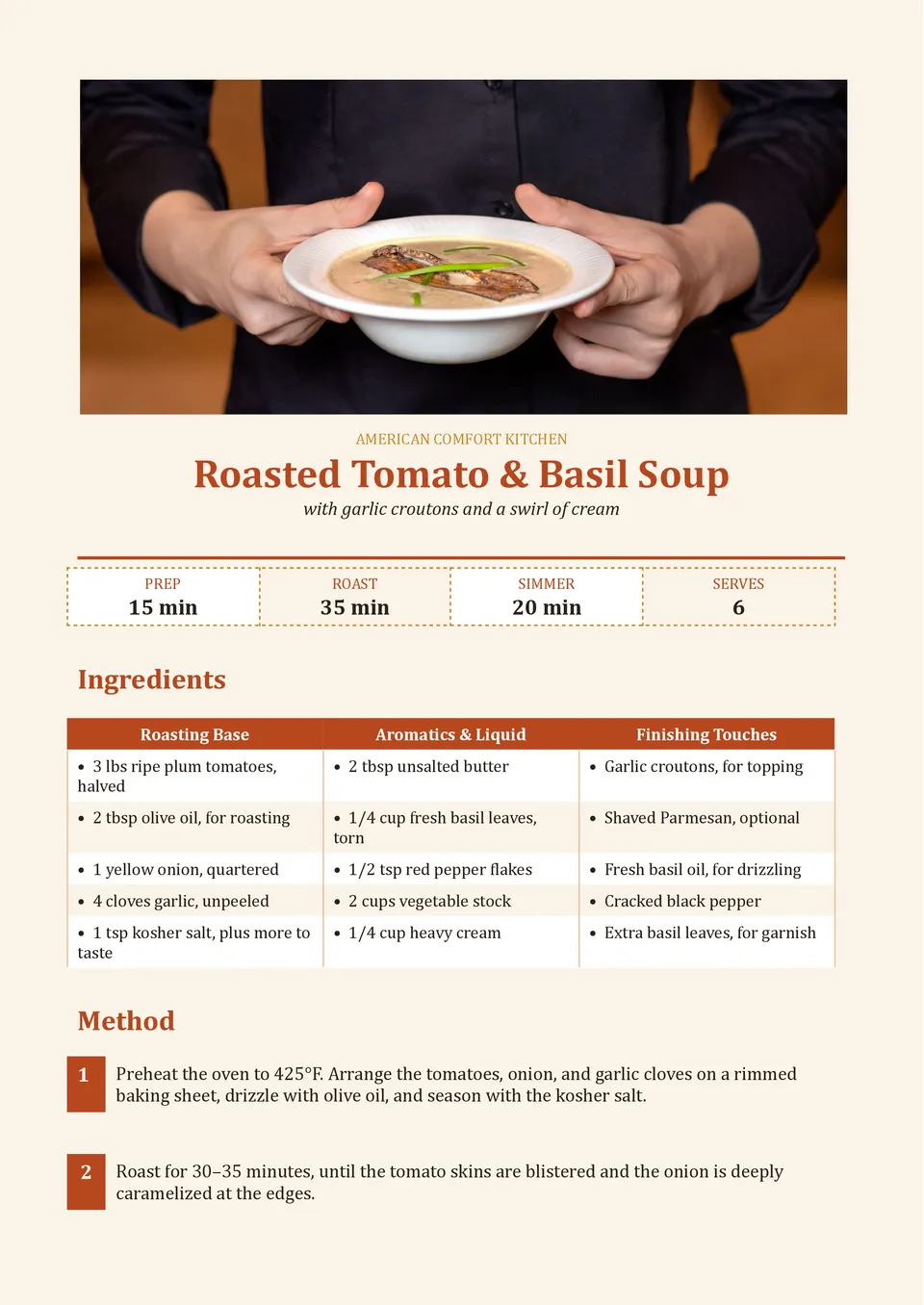
Need to make a soup recipe easy for someone else to recreate without missing prep times, ingredient amounts, or serving notes? Soup Recipe Template organizes the dish name, ingredient quantities, preparation time, cooking instructions, optional toppings, and serving suggestions in one practical layout. It works well for home cooks, cafés, food bloggers, and families collecting seasonal comfort-food recipes. The separated sections help readers move from chopping and simmering to serving without searching through a long block of text. It is free to use, easy to revise for any soup variation, and ready to print or share once completed.
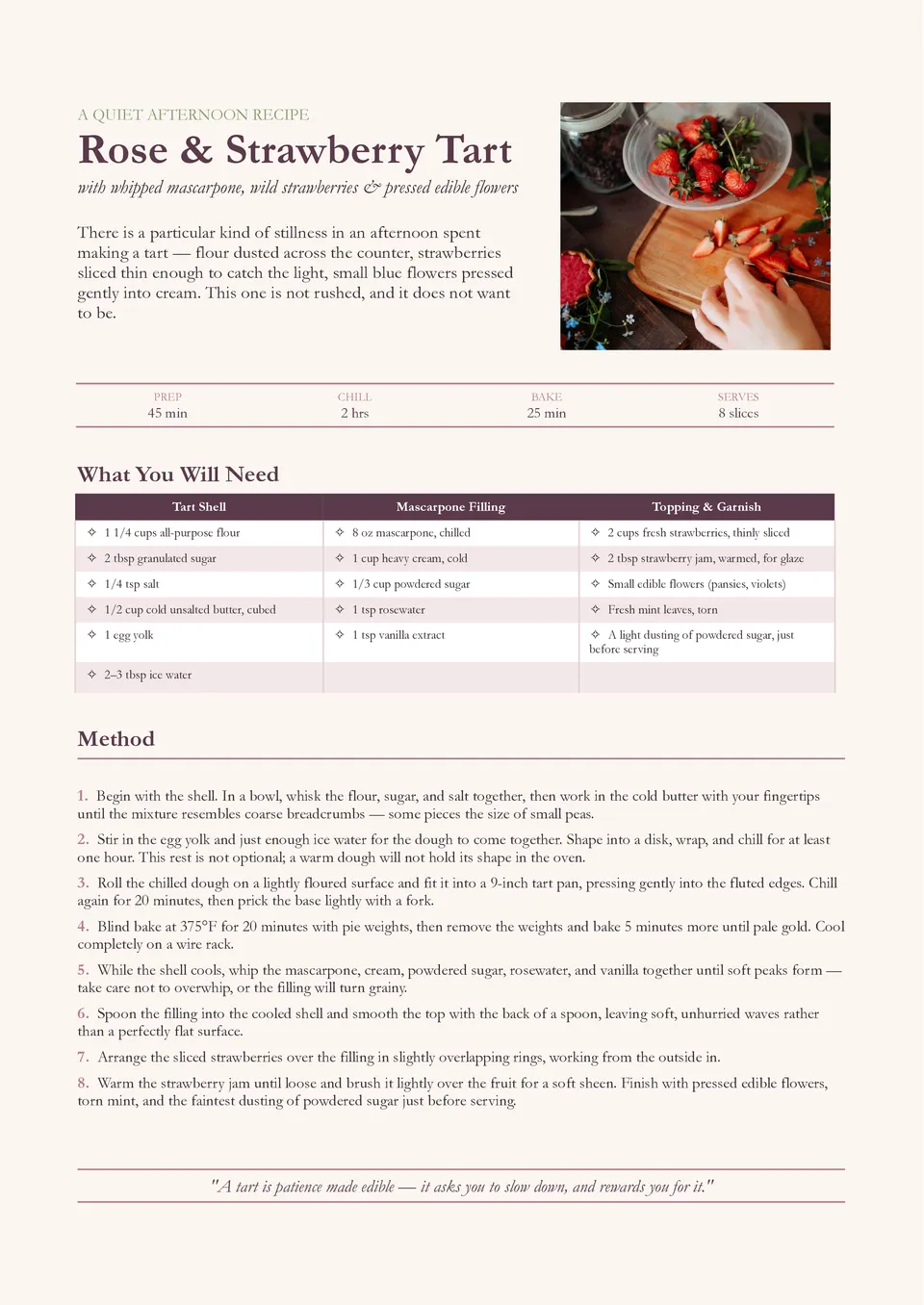
Are your recipes useful but too plain to share on social media, include in a cookbook, or give as a gift? Aesthetic Recipe Template pairs editable recipe sections with a visually appealing page that can showcase a title, ingredients, instructions, timing, servings, photos, and cooking tips. Food creators, lifestyle bloggers, bakers, and home cooks can use it to turn a dish into content that looks as inviting as it tastes. The layout gives visual elements and written directions a balanced place on the page. Customize its colors, text, and images for free, then download, print, or send your recipe wherever it needs to go.
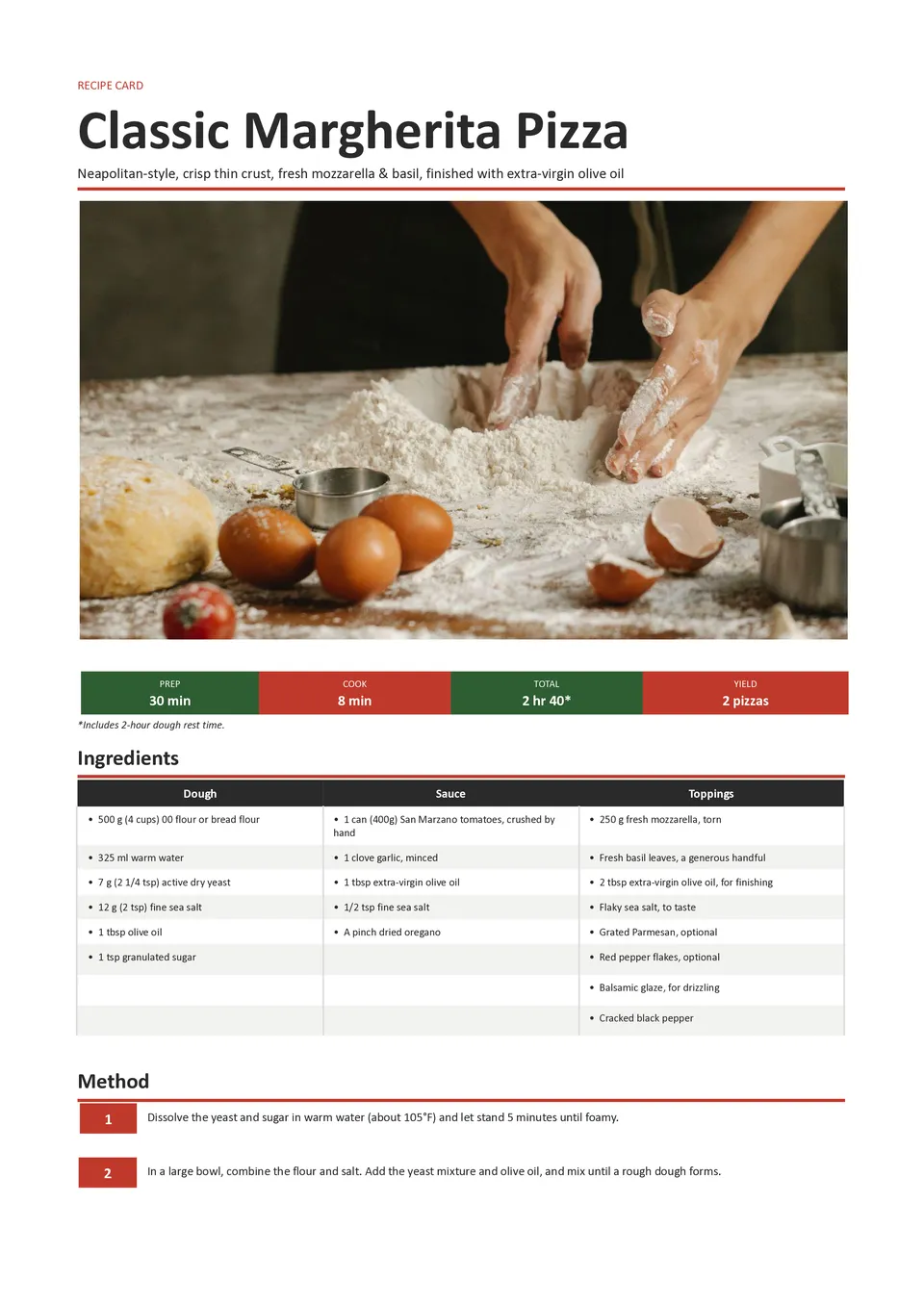
Need a quick way to write down a recipe without creating a complicated page from scratch? Simple Recipe Template keeps the essentials together with dedicated areas for the dish name, ingredient list, preparation steps, servings, cooking time, and useful notes. It is ideal for busy home cooks, students, meal-prep planners, and small food businesses that need a clear, no-fuss layout. Its uncluttered structure makes recipes easier to follow while cooking and easier to share afterward. Available at no cost, the design can be personalized in minutes, then printed or saved for later use.
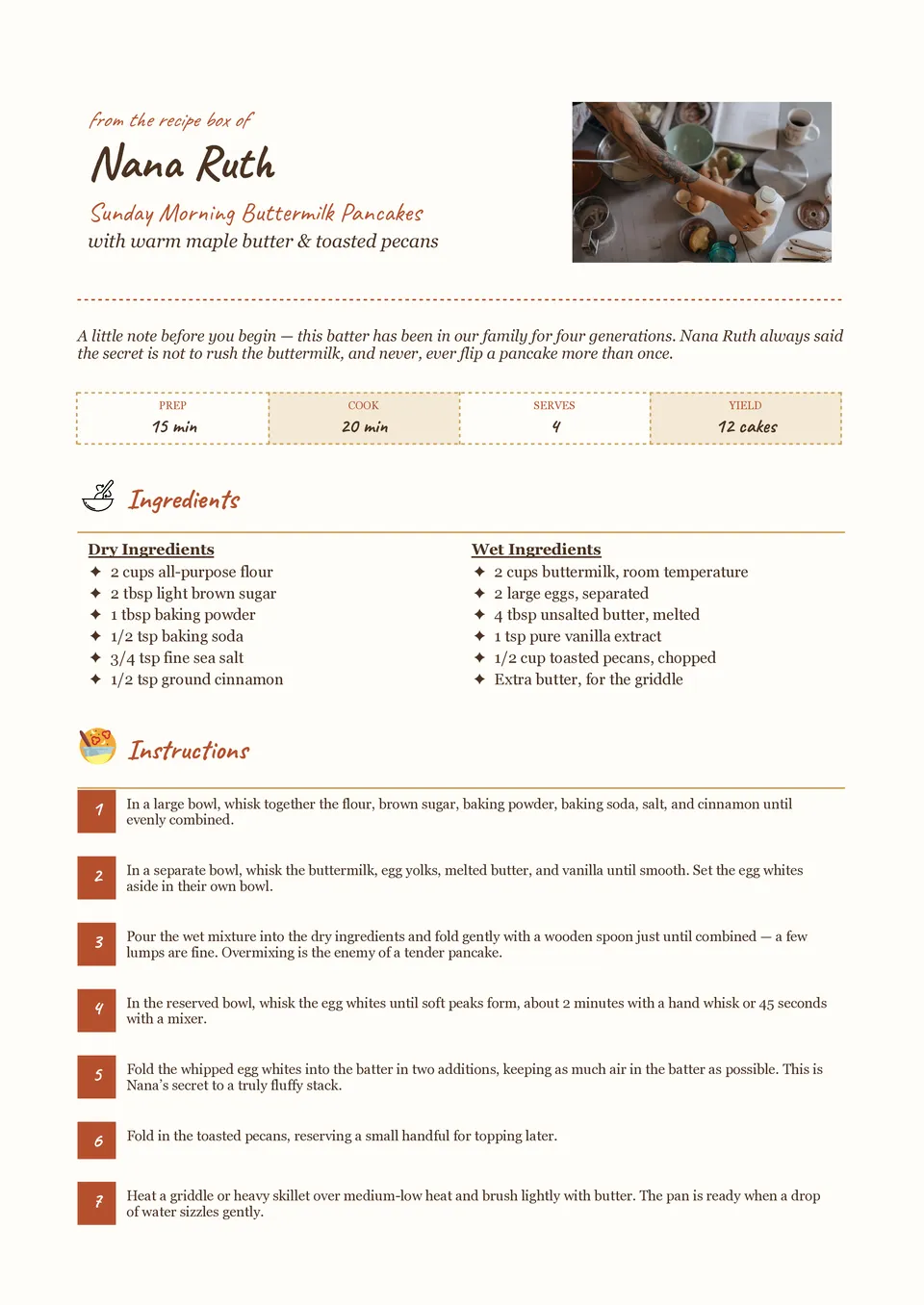
Want to preserve a family dish or share a favorite recipe with the personal feel of a handwritten card? Handwritten Recipe Template includes space for the recipe title, ingredients, step-by-step directions, cooking time, servings, and personal notes. It suits home cooks, food bloggers, parents, and anyone compiling a keepsake recipe collection. The handwritten-inspired design makes everyday instructions feel warmer and more memorable while keeping every detail readable. You can edit the content, add your own photos or tips, and download or print the finished card for free.
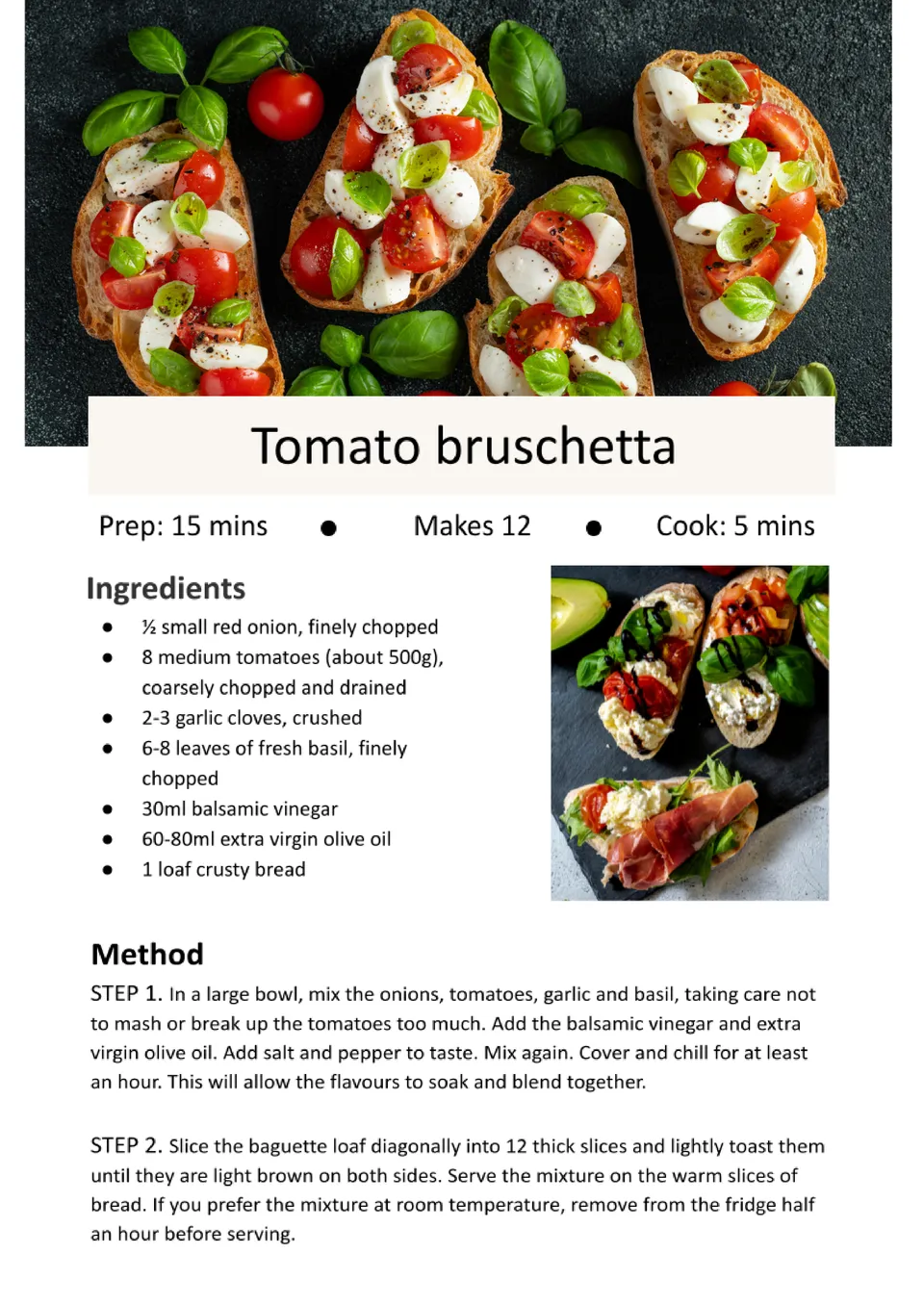
The Modern Recipe Template offers a stylish, contemporary design for documenting your recipes. With sections for ingredients, cooking methods, and serving suggestions, this template ensures that your culinary creations are presented in a visually appealing format.
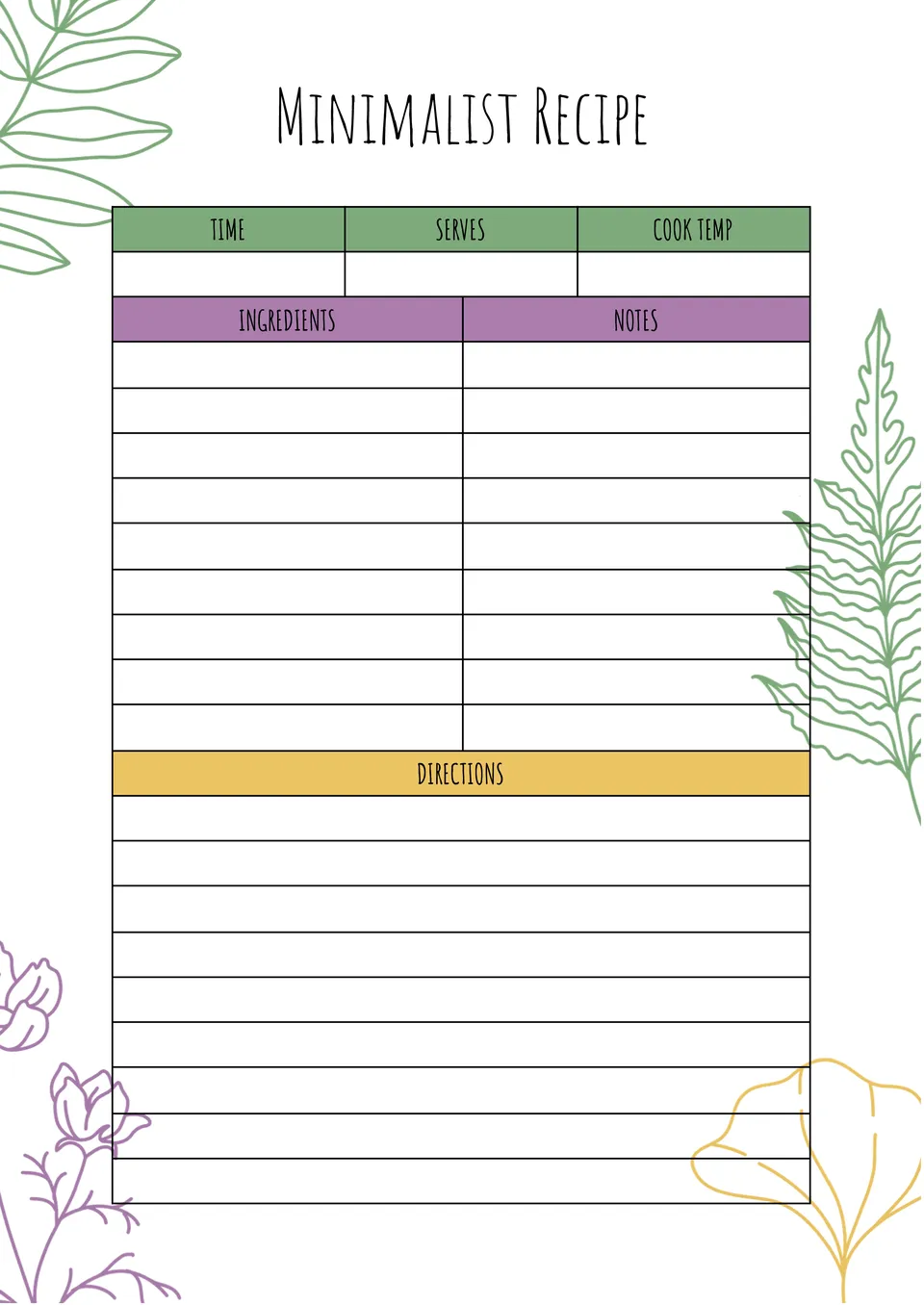
Looking for a sleek and clean way to store your recipes? The Minimalist Recipe Template provides a streamlined layout that prioritizes simplicity and clarity.
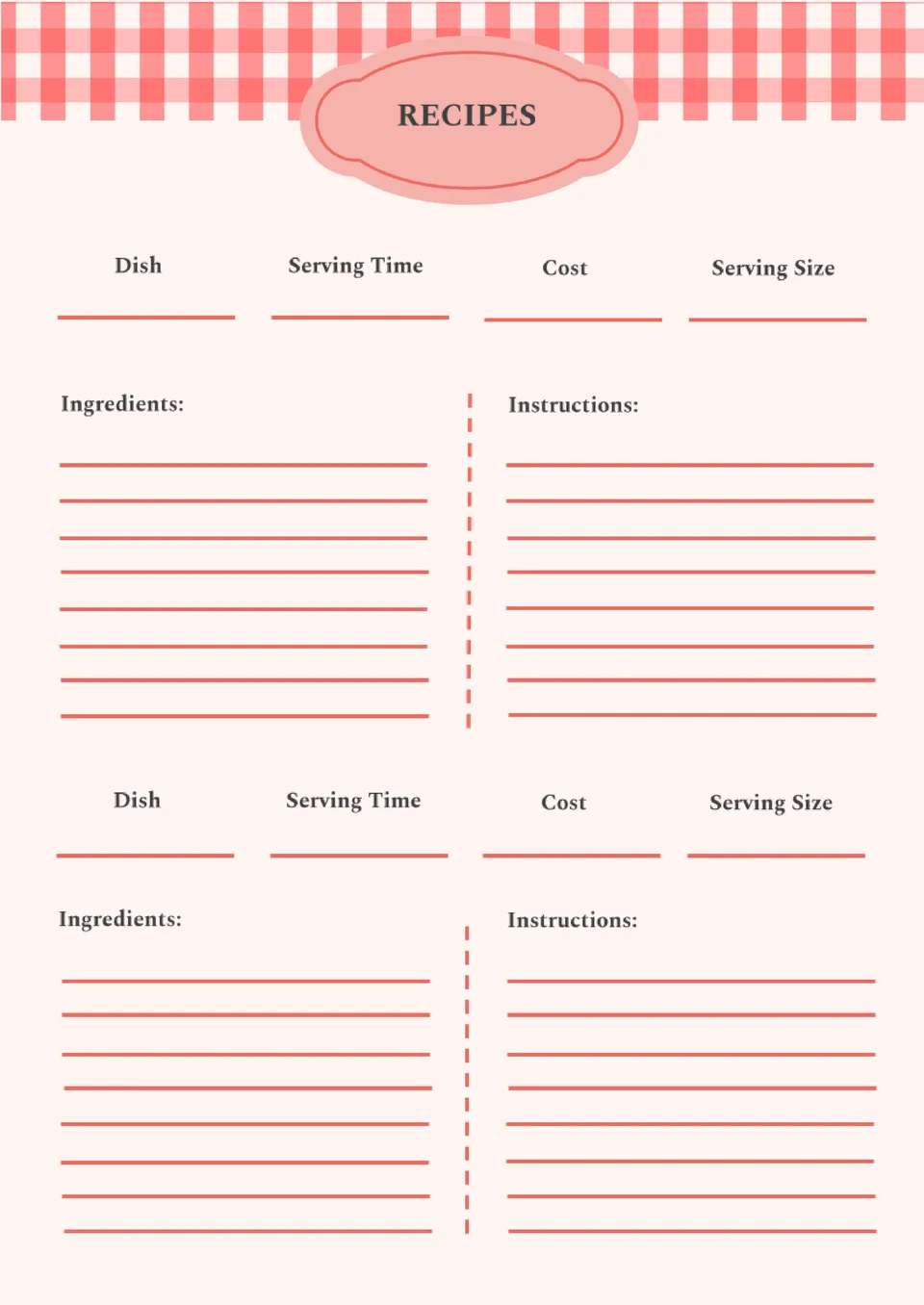
The Kitchen Recipe Template is ideal for organizing your favorite dishes in a structured, easy-to-follow layout. Perfect for home cooks and professionals alike, this template allows you to document ingredients, cooking steps, and helpful tips, ensuring that your recipes are always clear and easy to replicate.
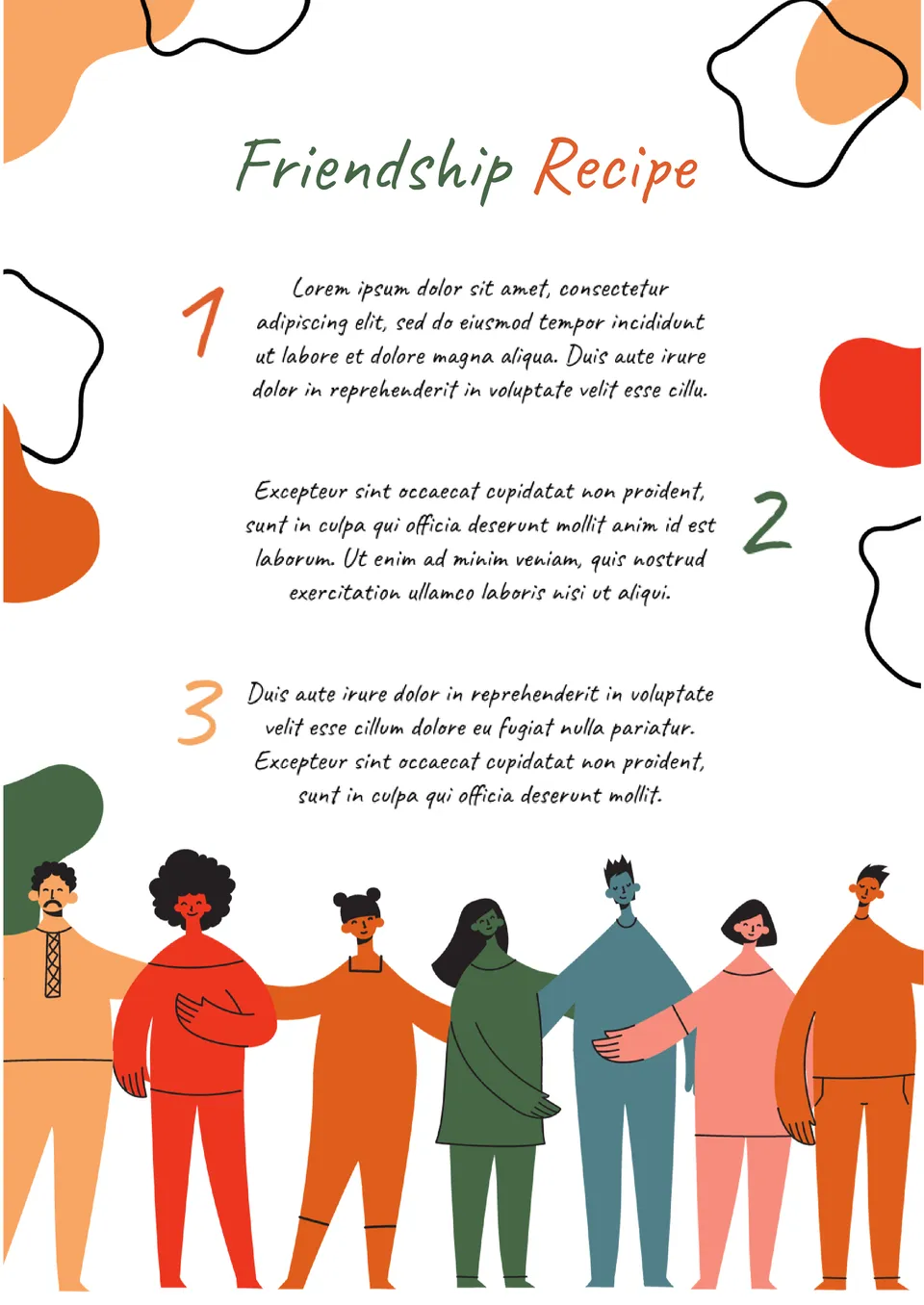
Want to create a heartfelt tribute to the special people in your life? The Friendship Recipe Template offers a creative and engaging way to celebrate friendships by listing the "ingredients" and "steps" that make them unique.
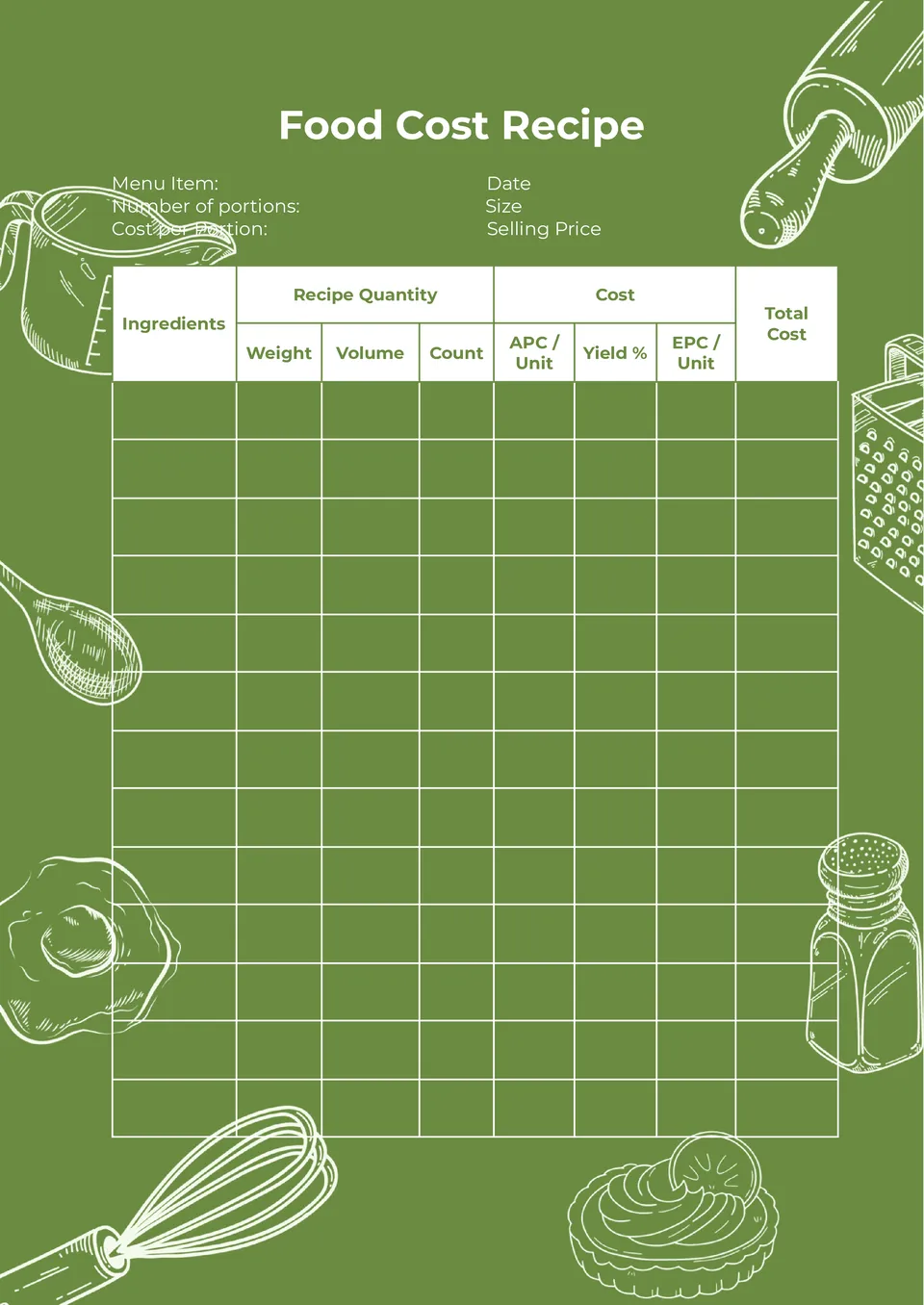
Tracking food costs is essential for maintaining profitability, especially in a commercial kitchen. The Food Cost Recipe Template offers a detailed format that helps you organize your ingredients, quantities, and costs.
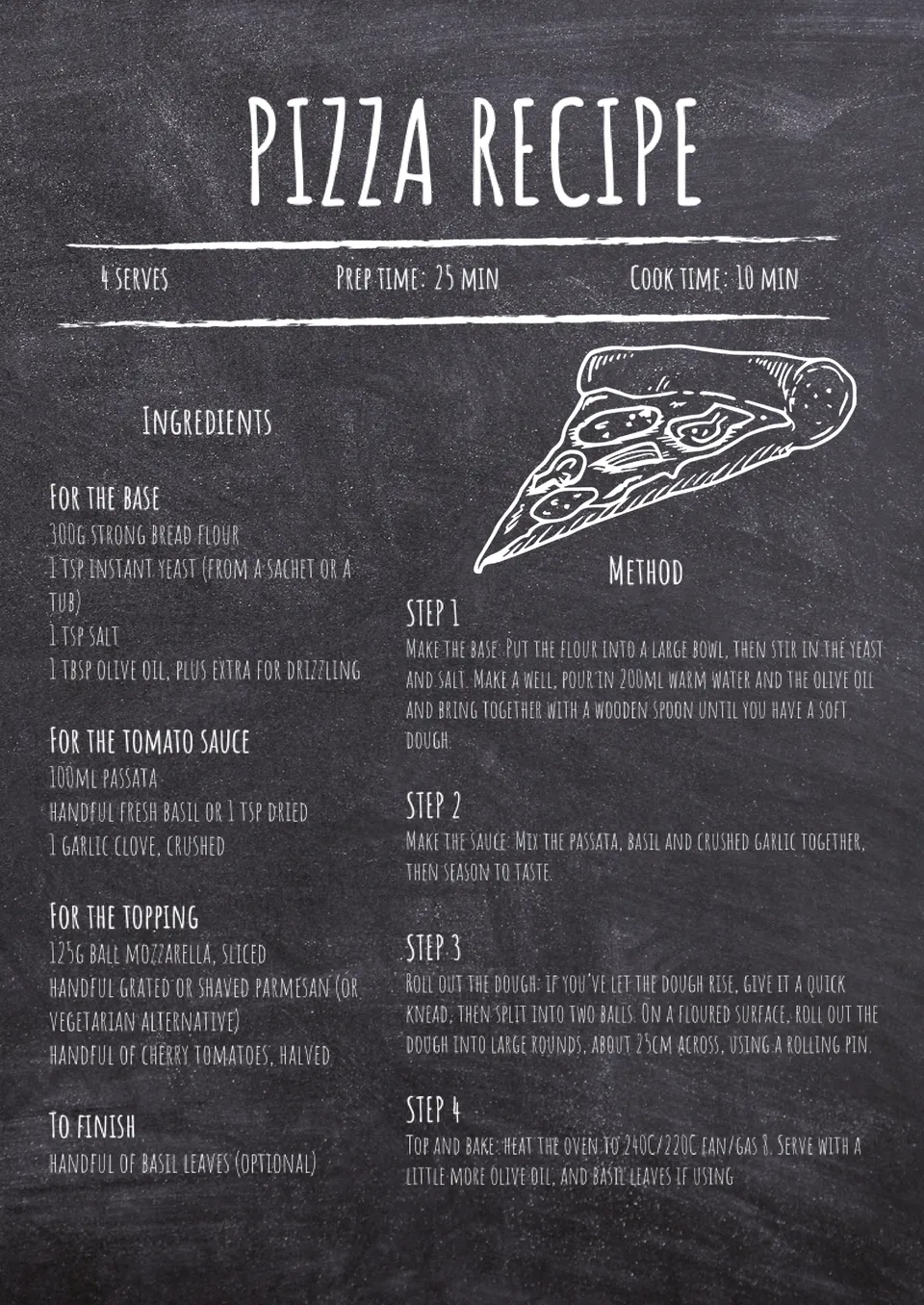
Add a rustic touch to your recipe collection with the Chalkboard Recipe Template. This design is perfect for presenting your favorite dishes in a unique, visually appealing way.
What are the best Recipe Templates in 2026?
How do I save and access my recipe templates in Google Docs?
What do I need to use recipe templates for Google Docs?
Is there a recipe template in Google Docs?
How can I make the cooking directions understandable for a variety of audiences?
What should I know to choose the proper file?
Do I need to implement changes in the structure of the recipe dedicated to the templates that occurred as a result of the Google Docs?
What information should I avoid during the process aimed at writing down a recipe?
Recipe Templates for Google Docs: Stylish, Practical, and Beginner-Friendly
Our professional free recipe templates for Google Docs not only look good, but also have a well-thought-out structure. They include a list of ingredients, a step-by-step description of cooking, and space for photos and notes. This allows you to present information in a logical and convenient way so that even a beginner in cooking can use your recipe. And thanks to the online functionality, sharing your cooking instructions has become an easy task that takes just a few seconds.

Who Will Find The Recipe Template Useful
It’s hard to keep the recipes for all the delicious dishes in your mind. You either have to look for the instructions again or experiment with an unexpected result. To avoid wasting time, you can create your own cookbook using an editable Google Docs recipe template. This great solution will make life easier for anyone who loves to cook delicious food. Docs&Slides layouts will also be useful:
- Journalists and editors of culinary sections to publish materials about food and drinks in a uniform style.
- Food bloggers to create professionally designed recipes with photos and additional materials.
- Chefs of restaurants, cafes, and other catering establishments. Using the recipe template, you can quickly share cooking instructions with other team members.
- Teachers of culinary schools to pass on clear, well-structured recipes to their students.
- Organizations related to the food industry. The layouts will help standardize and systematize the cooking process by maintaining a single document format.
You can store Google Docs recipe templates in the cloud to access them from any device. If you want, you can print them out in the form of a traditional cookbook.
If you want to create a long-lasting family heirloom that will be passed down from generation to generation, order the cover and binding of the sheets from a professional printing house. In this case, be sure to add lots of blank recipe templates so that your descendants can fill in the blank pages in the future.

Benefits of Using a Recipe Template for Google Docs
The main advantage of templates is that they allow you to quickly create recipes with the same structure and format. Once you choose a layout, you can use it for years. Just change the name of the dish, photo, ingredients, and cooking steps.
All our Google Doc recipe templates have the following benefits for users:
- free;
- professional design;
- easy to edit;
- well-thought-out structure;
- ready to print.
Designing recipes has never been easier! Just choose the layout you like, get it in your email, and add your own information.
There are several other types of google docs templates that can be useful for your household chores. When you go shopping, list all the products you need for cooking in Packing List Templates. To avoid confusion between everyday and holiday dishes, sort them using themed Menu Templates. And with the help of Card Templates, invite friends and family to lunch or dinner to see your culinary masterpiece.


Choose your preferred social media platform from options like Pinterest, Facebook, Twitter, and more. Share our templates with your contacts or friends. If you’re not active on these social networks, you can simply copy the link and paste it into the one you use.