

 Back to templates
 Free Ticket Google Docs Templates
Well-designed tickets can serve as effective advertising for an event, establishment, or company. To create tickets that visitors would want to keep as souvenirs, there’s no need to hire a designer. Simply choose one of the free ticket templates for Google Docs, professionally designed.
Our templates are easy to use even for those who do not have much experience with online documents. Just copy the layout to Google Drive and add your own information. After finishing editing, you can print the filled Google Docs ticket template in the necessary quantity, and then distribute them to your audience.
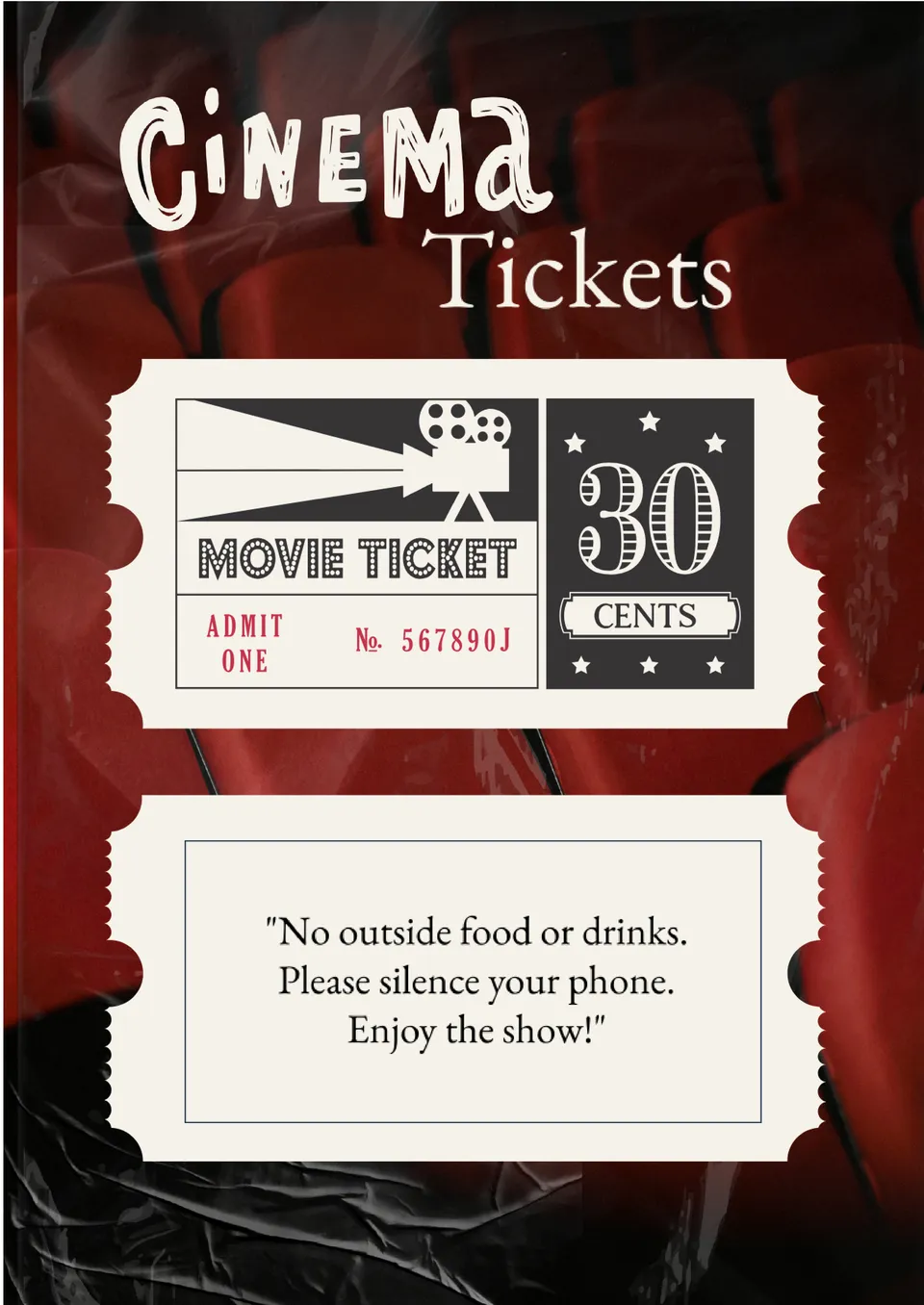
Want a classic movie-style ticket without spending extra time building one from scratch? The Cinema Ticket Template suits theaters, schools, clubs, party hosts, and event planners who want a polished design for screenings or themed events.

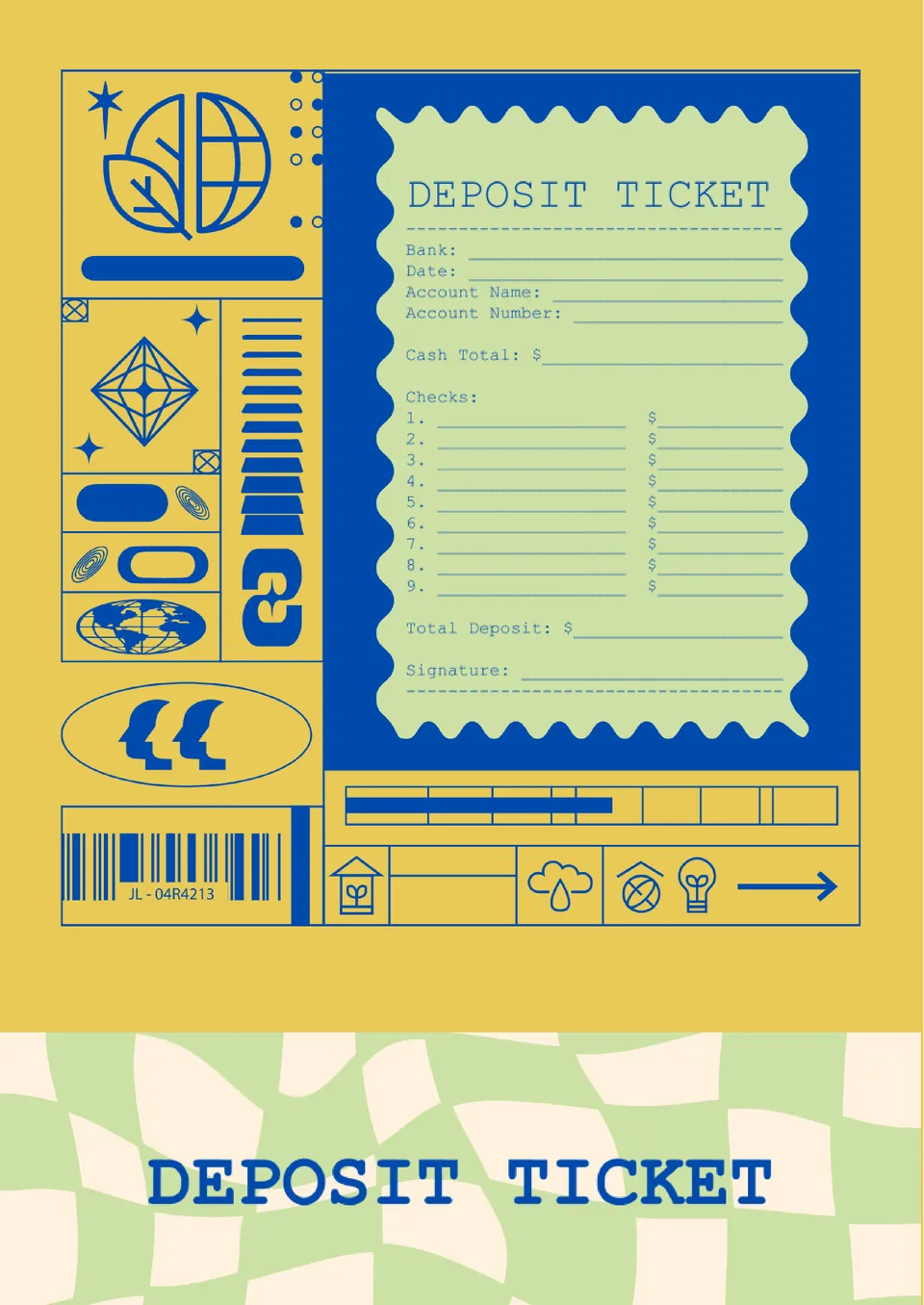
The Deposit Ticket Template is a practical option for offices, businesses, clerks, and individuals who need a more organized way to record deposit information. It is useful when you want a clean layout for handling financial details with less confusion and better consistency.

Looking for a sports-inspired design that feels exciting and event-ready? The Hockey Ticket Template is perfect for clubs, schools, teams, fan events, and organizers who need a bold ticket for games or promotions.
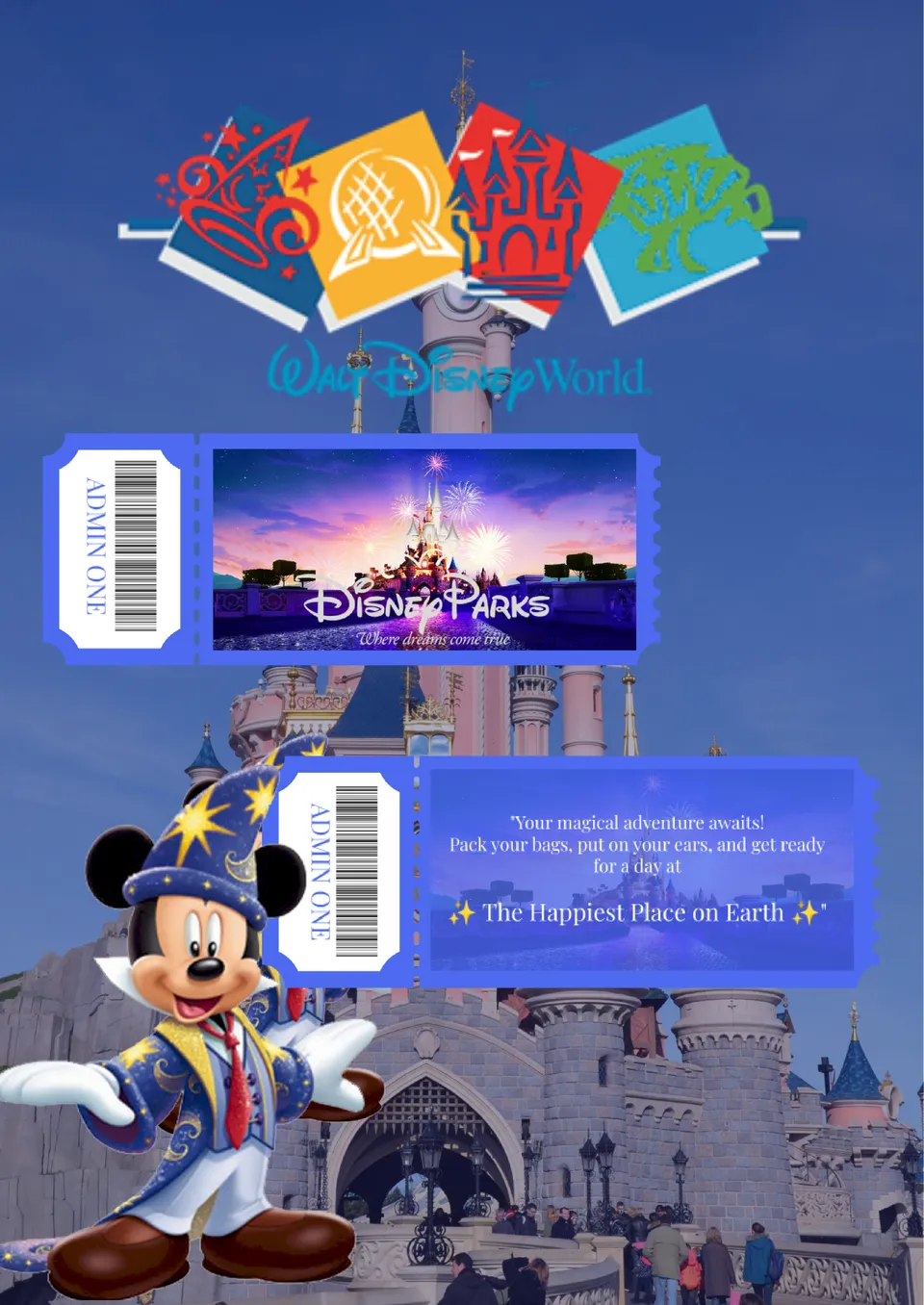
The Disneyland Ticket Template is a creative pick for party planners, designers, travel-themed events, and anyone who wants a fun admission-style design. It works well for invitations, novelty projects, or entertainment concepts that need a recognizable and memorable ticket look.
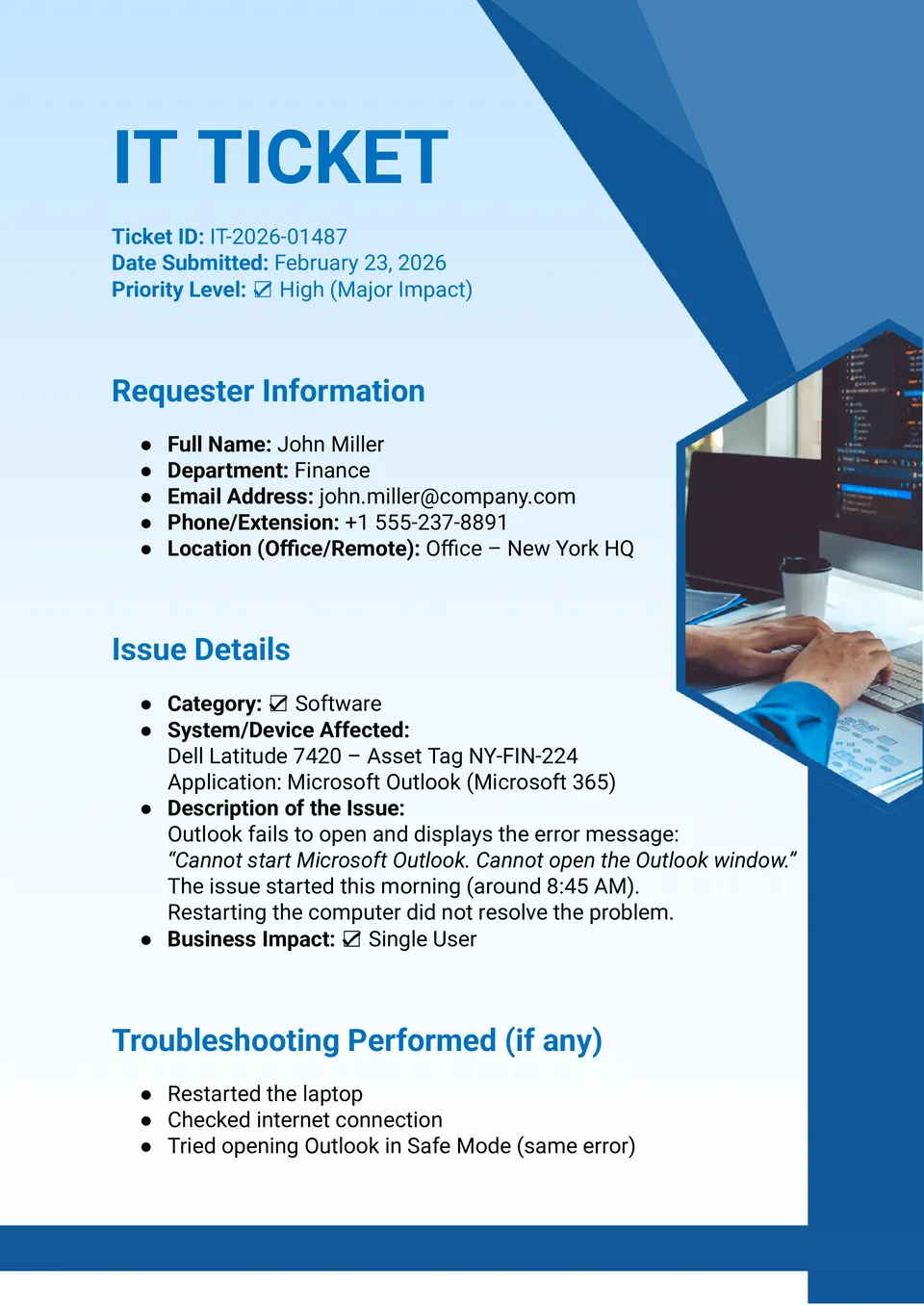
Need a reliable way to organize tech requests without losing important details? The IT Ticket Template is a solid choice for help desks, IT teams, system admins, and companies that want a clearer support process.
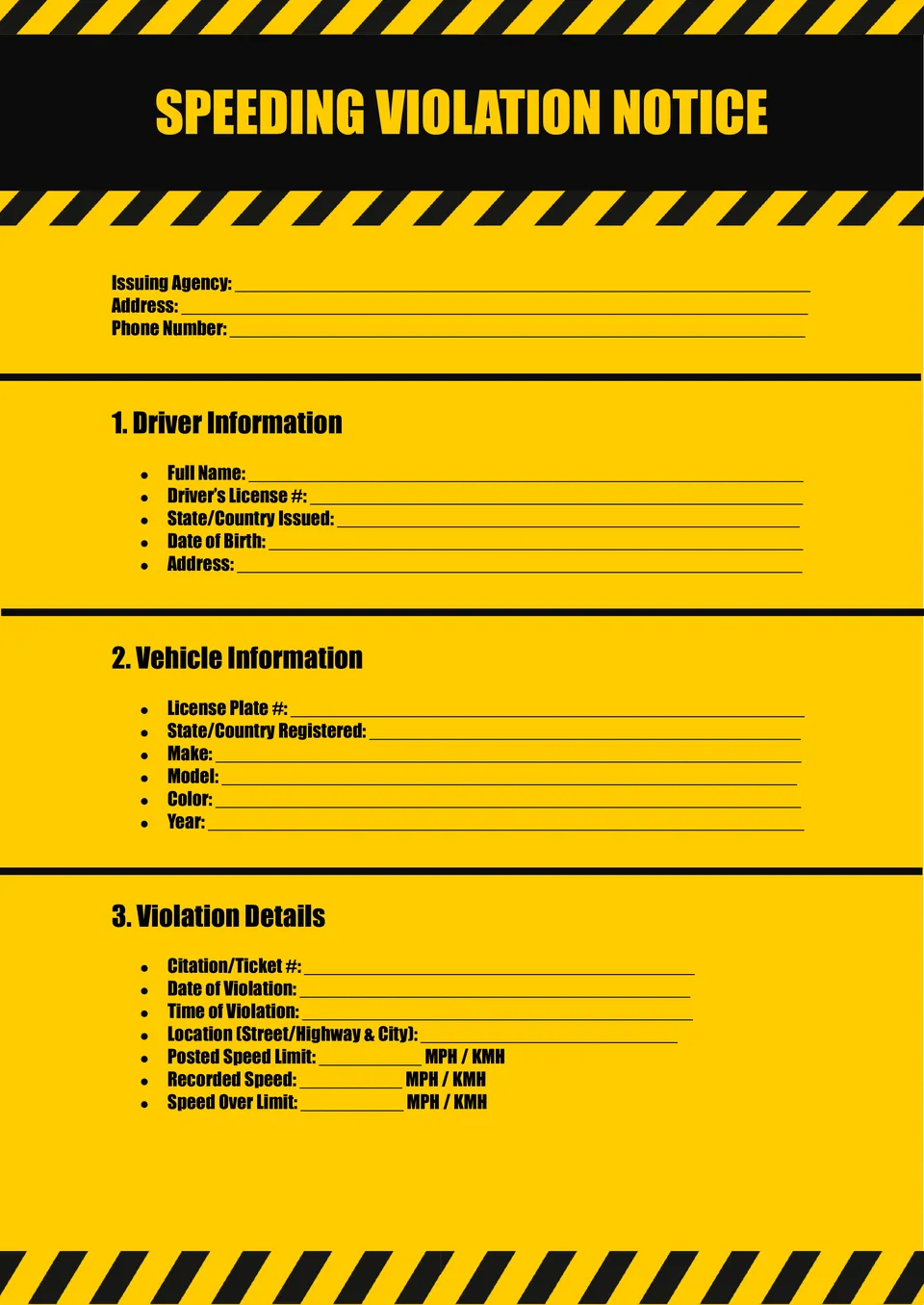
The Speeding Ticket Template is a convenient option for teachers, creatives, event planners, and anyone building a novelty or themed design. It offers a recognizable ticket layout that can be adapted for classroom materials, party elements, or promotional concepts.
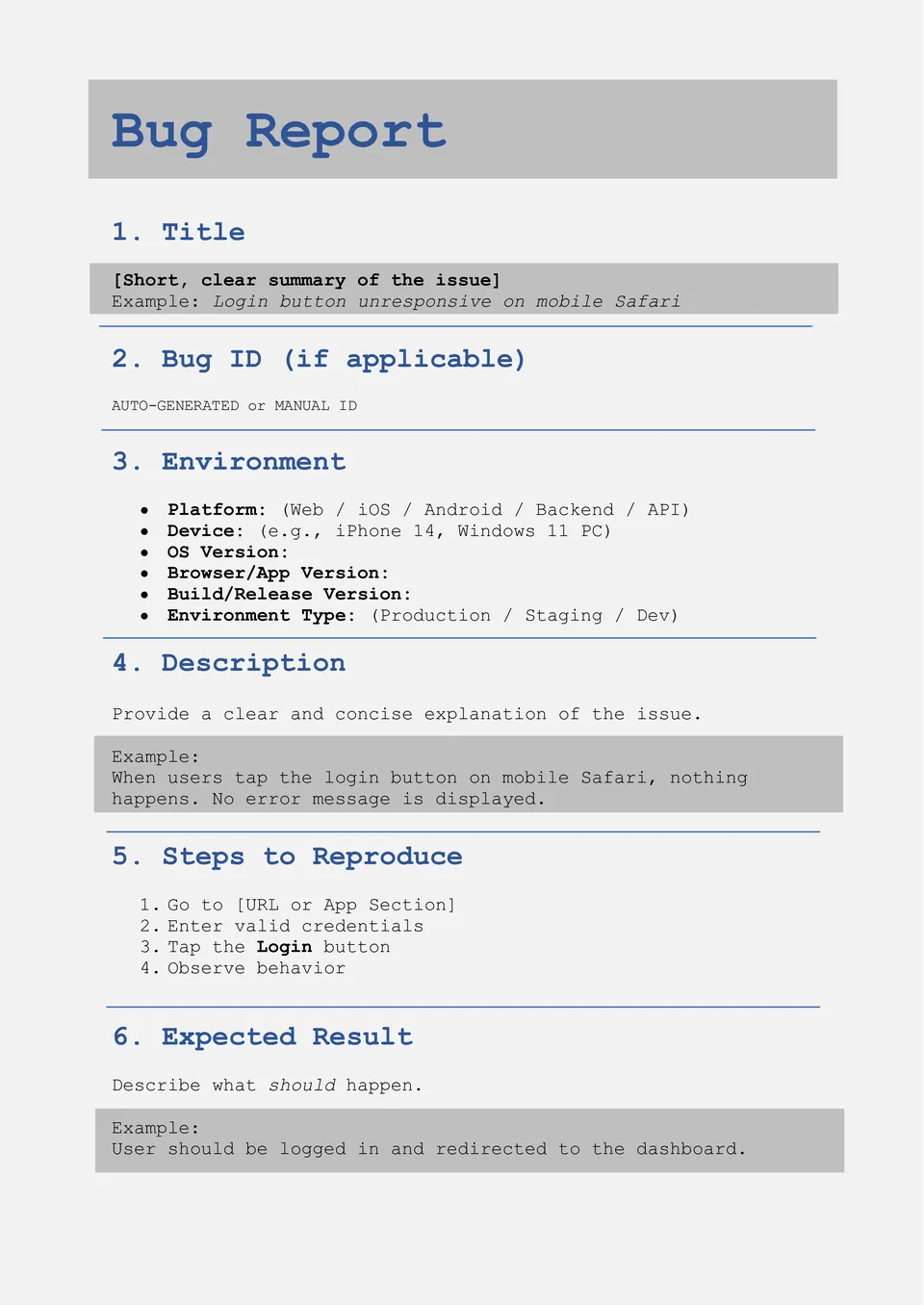
Need a clearer way to report software issues and track technical problems? The Bug Ticket Template is useful for QA teams, developers, testers, product managers, and tech support specialists who need better issue documentation.
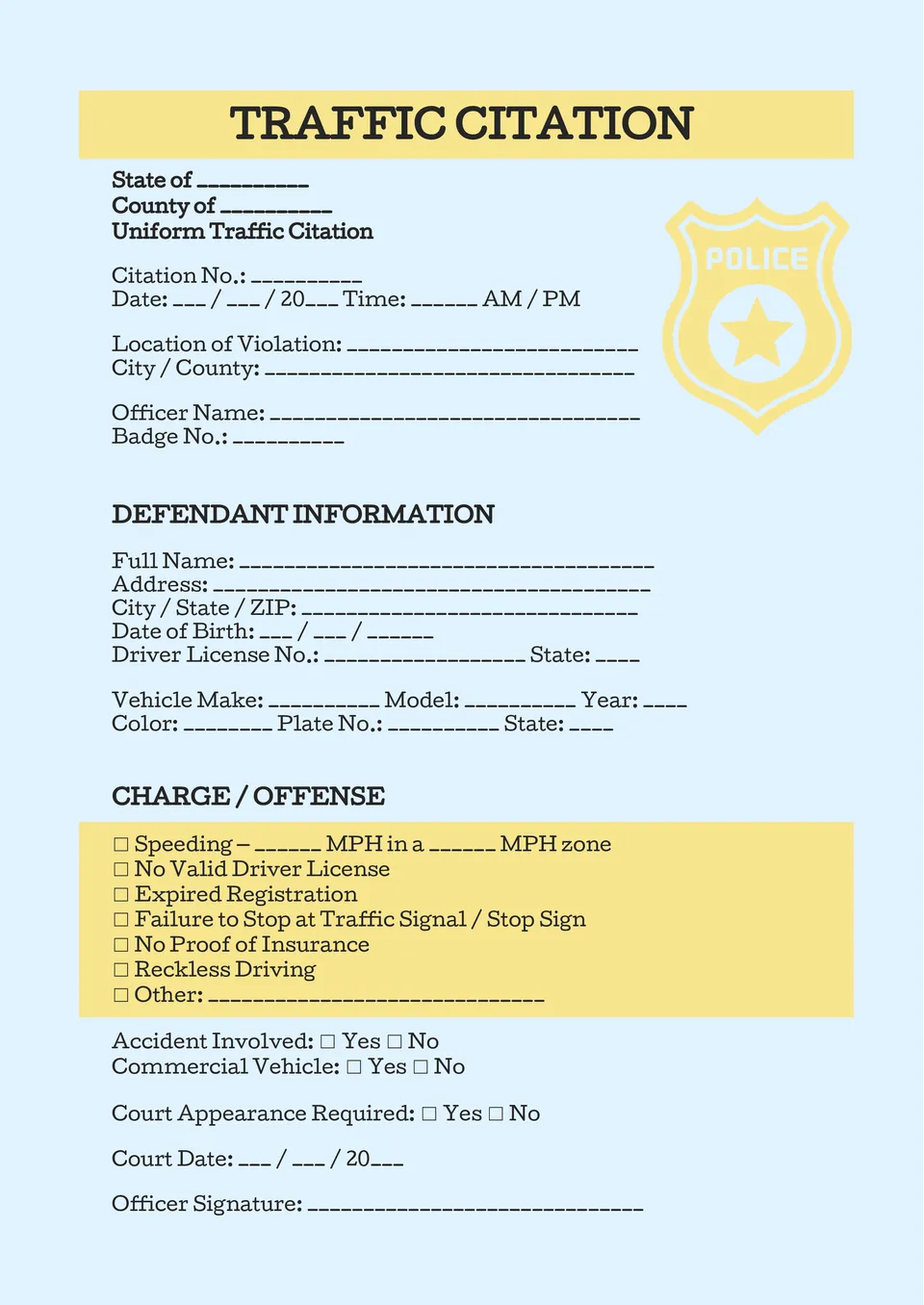
Want a bold ticket-style layout for a themed project, classroom activity, or creative event? The Police Ticket Template suits teachers, designers, marketers, and party planners who want a strong visual concept with room for custom text.
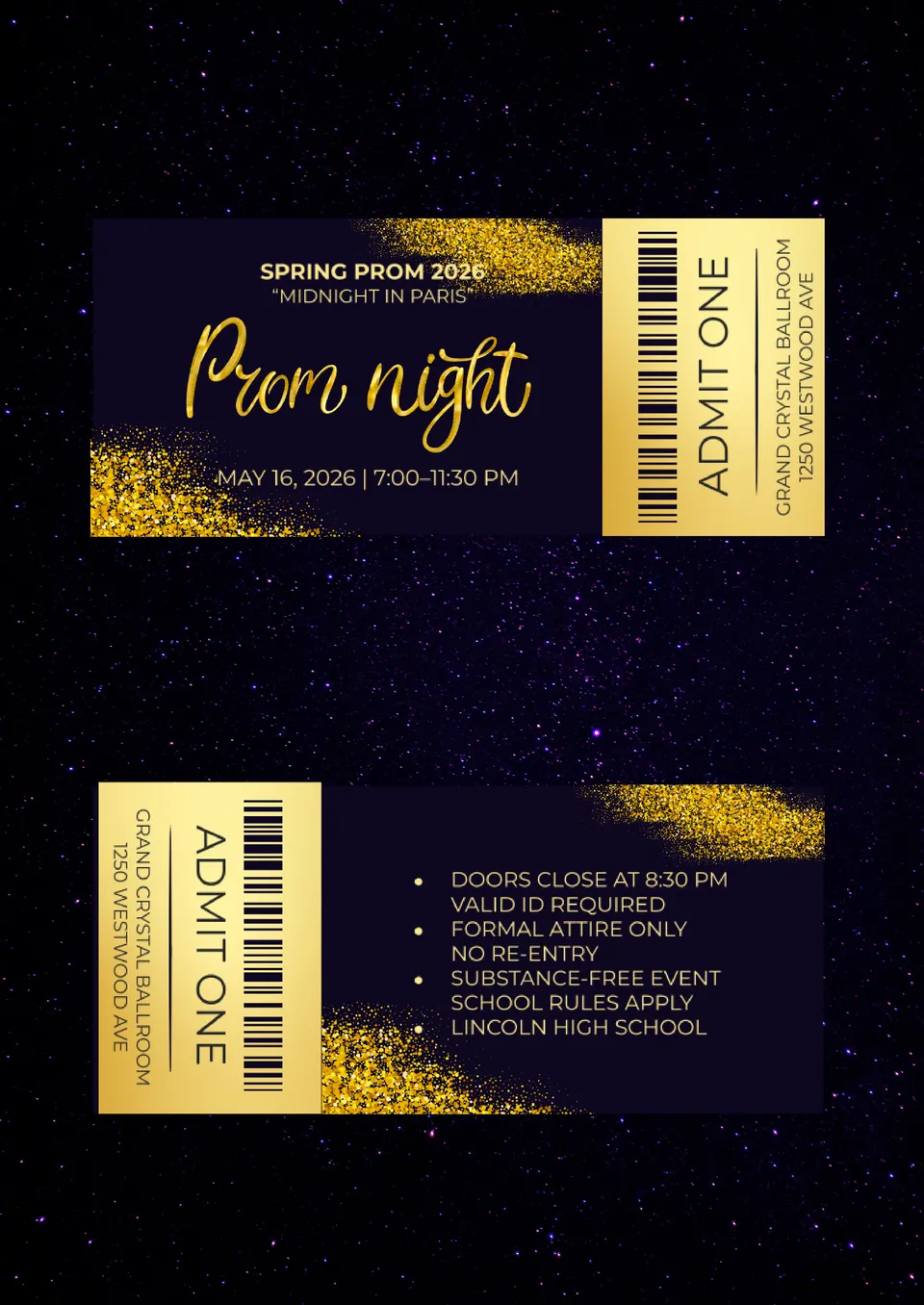
The Prom Ticket Template is a stylish solution for schools, student committees, teachers, and event organizers planning a memorable prom night. It gives you a polished ticket design that works well for admission, distribution, and event presentation.
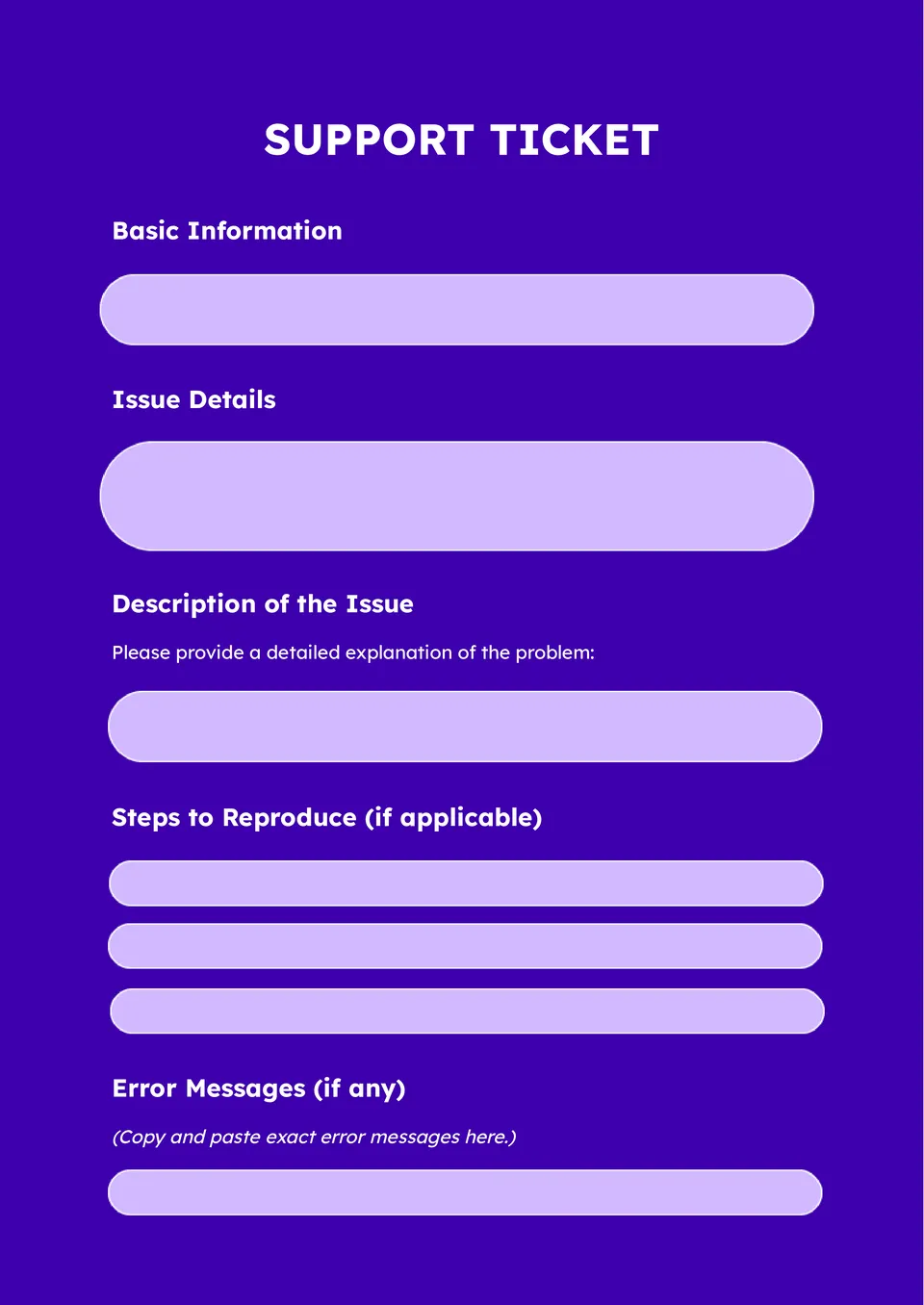
Need a simple way to organize customer requests and service issues? The Support Ticket Template is a practical choice for help desks, service teams, small businesses, and internal support staff who need clear records in one place.
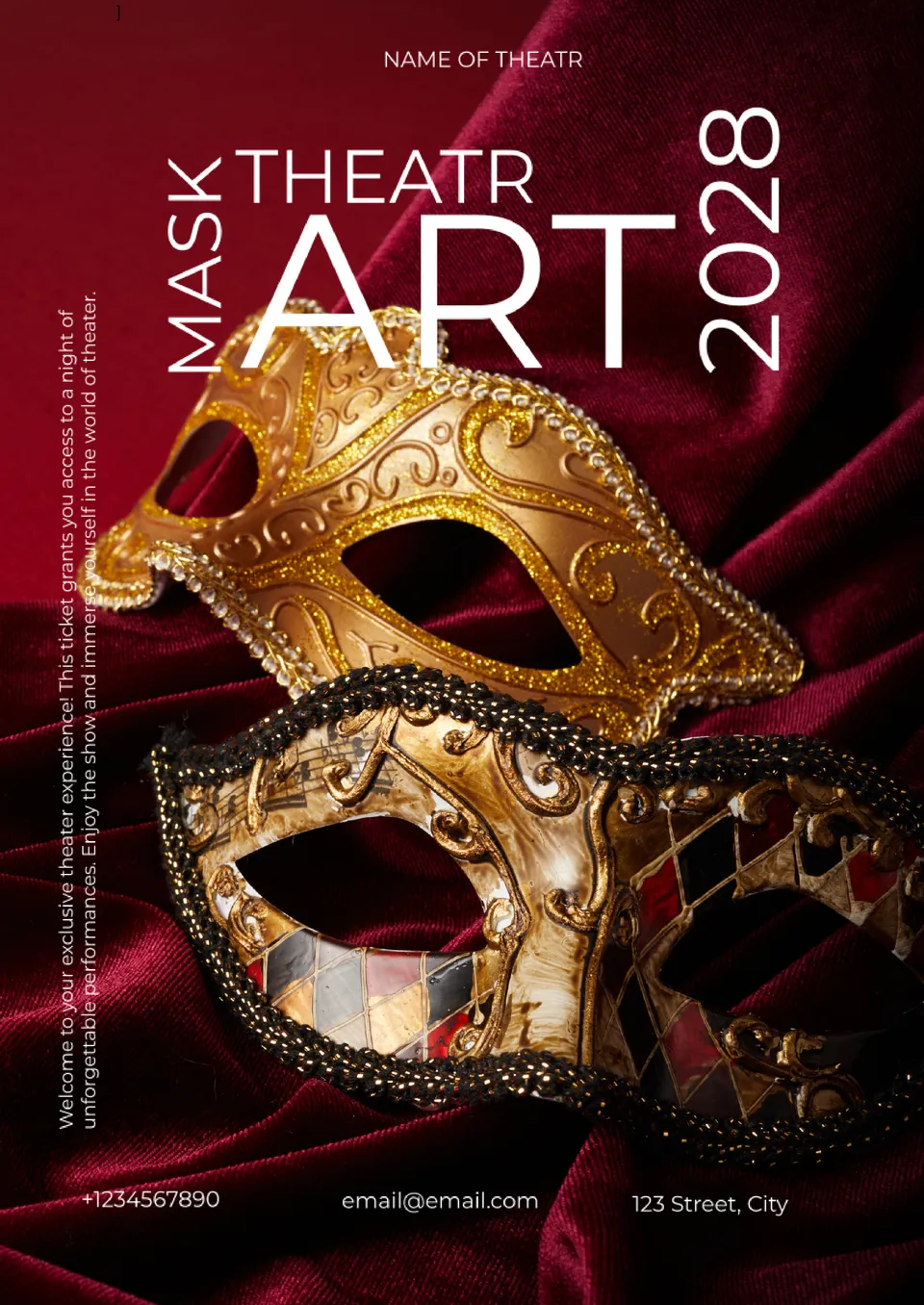
Take center stage with the Theater Ticket Template. Perfect for plays, musical performances, or live shows, the template exudes style and usability.

Want to create an unforgettable raffle or fundraiser? The Lottery Ticket Template has been crafted to maximize excitement and interest and to make ticket creation a breeze.
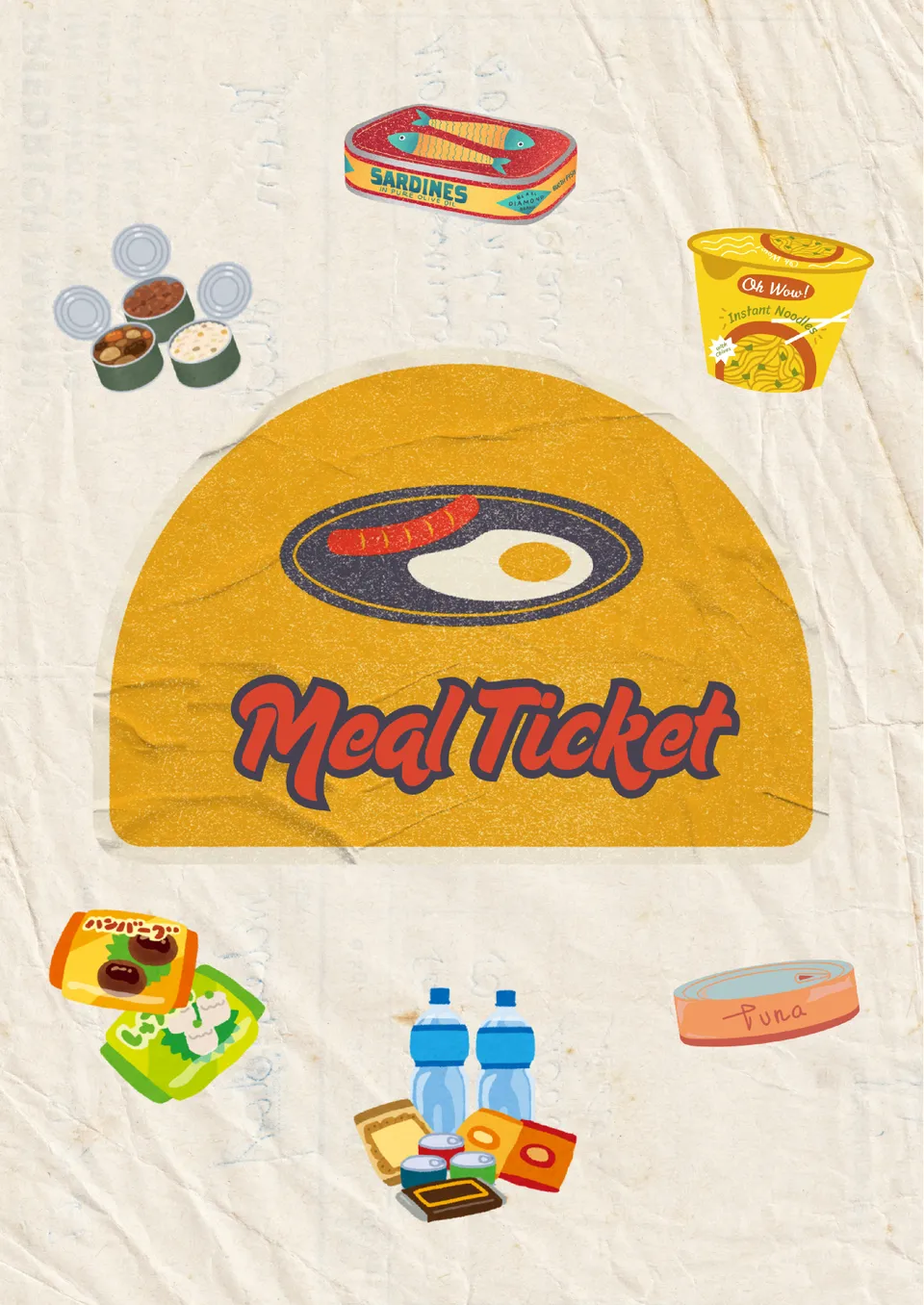
Simplify event planning with the Meal Ticket Template. Whether you’re hosting a fundraiser, corporate luncheon, or social event, you can create easy, professional meal tickets in just minutes.

Give the wonder of the season life—have you dreamed of tickets to your event evoking excitement as if you were really taking the kids to the North Pole? The Polar Express Ticket Template makes as much sense for holiday gatherings, family occasions, or school events as it does for Christmas parties.
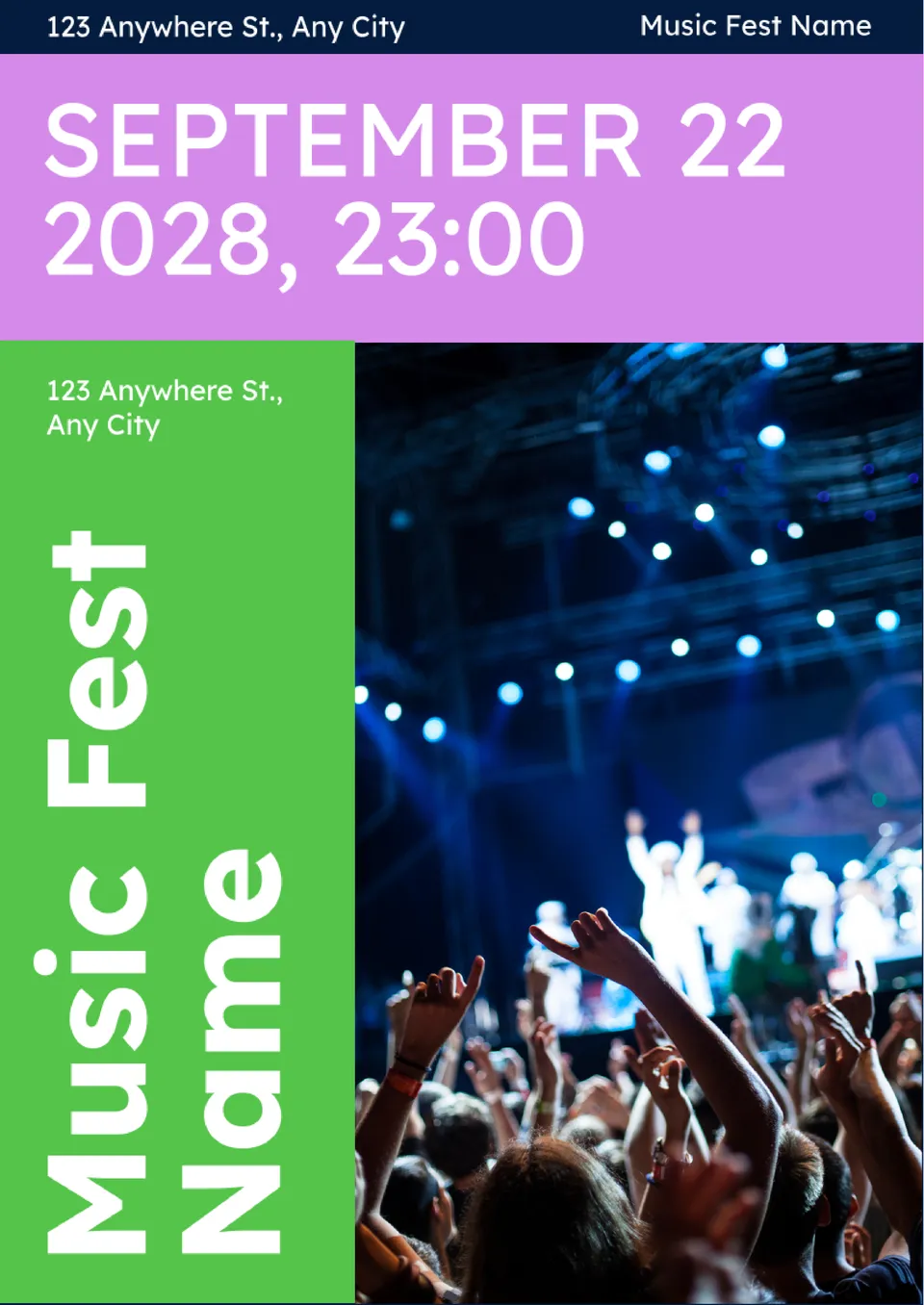
Ever struggled with making your concert tickets look both professional and exciting? The Concert Ticket Template is your ultimate solution!
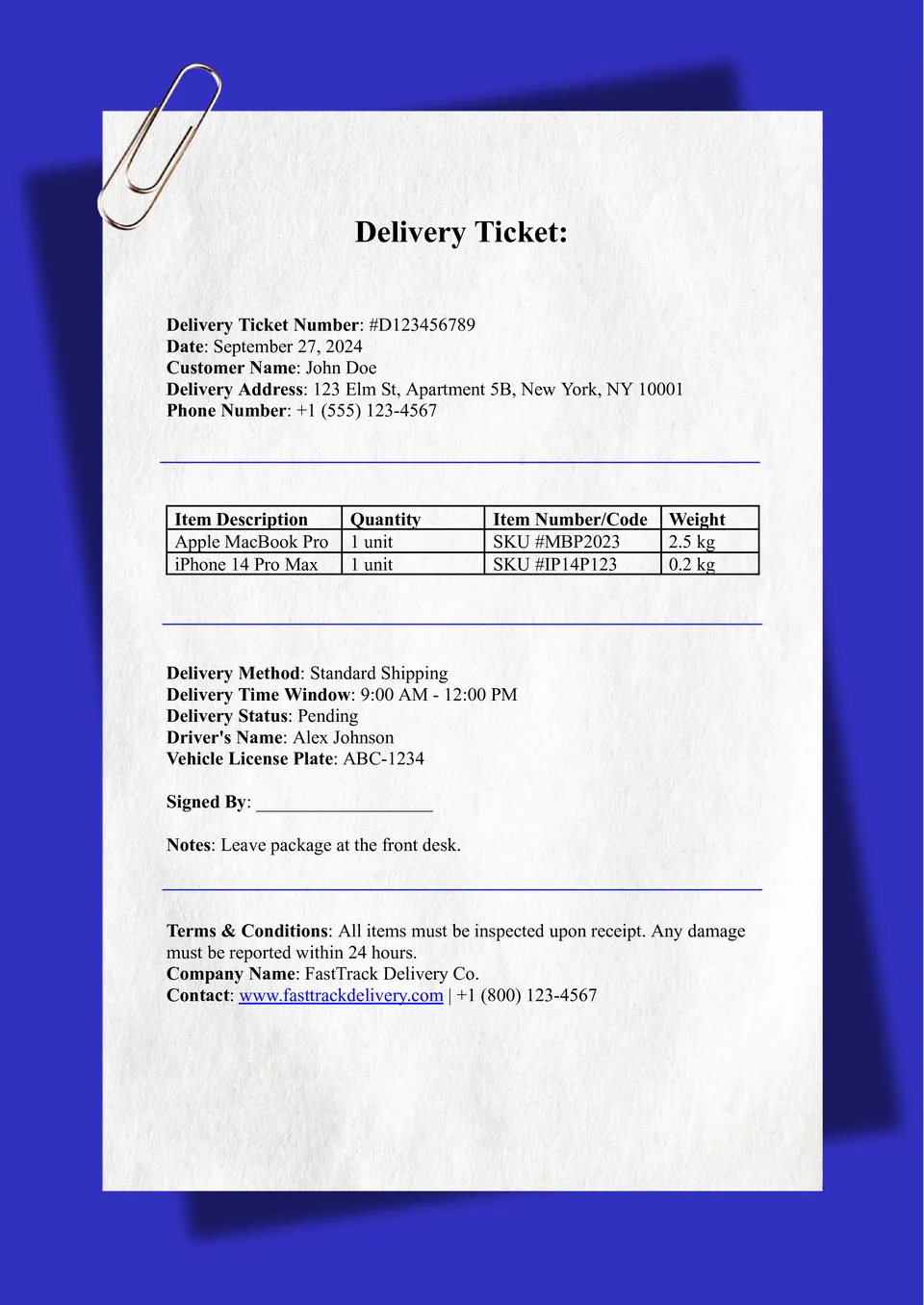
Want to create an organized system for tracking deliveries? The Delivery Ticket Template is perfect for businesses that need to document orders, track shipments, and confirm deliveries with clients.
What are the best Ticket Templates in 2026?
Is there a ticket template in Google Docs?
How do I create a ticket in Google Doc?
How do I save a ticket template in Google Docs for future use?
Ticket Template For Google Docs and MS Word
Tickets are not just a pass to an event. They are able to set the visitor in the right mood, demonstrate the high level of the event, and confirm the professionalism of the organizers. To avoid spending a significant part of your budget on design services, use our Google Docs ticket templates. With their help, you will save not only money, but also time, nerves, and effort.

Who Will Benefit From Ticket Templates
It doesn’t matter if you’re organizing a big music festival or a movie screening in your backyard: if you’re going to have guests, creative tickets will definitely come in handy. In general, ticket templates can be used to create anything:
- Passes to public events. These are tickets for concerts, sports events, theater performances, etc. To create an exclusive design for a specific event, you can change the background, font, colors, and logo.
- Lottery tickets. If you are planning to hold a raffle or charity event, add unique numbers or barcodes to the layout. This will make it easier to determine the winners and check the winning tickets.
- Advertising products and services. Create promo codes or gift certificates for your business. When editing a ticket template in Google Docs, provide details about the promotion, not forgetting to specify the offer’s validity period.
- Tickets for participants of training events. Handing out personalized passes to a conference, lecture, or seminar is a great way to take care of your students. In addition to information about the date, time, and venue, you can add partner logos and advertisements for your other products.
Of course, for personal purposes, google docs templates are also great. Use our editable ticket layouts to create invitations for a party, birthday, wedding, christening. If the celebration is planned in a close circle, add a photo from your own archive to emphasize the attention you paid to organizing the event.

Advantages of Our Google Docs Ticket Templates
The Docs&Slides collection is regularly updated with printable ticket templates with unique designs. We develop them ourselves, so we are confident in their originality and high quality. All of our layouts:
- easy to use;
- easy to edit;
- created by professionals;
- look good;
- have a well-thought-out structure;
- ready to print;
- completely free.
The templates are designed specifically for Google Docs. You can edit them there at any time and save them online without downloading to your device.

How do I Use the Docs&Slides Ticket Template?
After choosing a ticket template for Google Docs that suits your needs, click on its image or title. On the new page, you will see the “Open template” button. After that, you’ll need to provide your email address, to which we’ll send your document right away. If you don’t receive an email from us, please check your spam folder.
At the bottom of the message, you will find a link to the template you have chosen. When you click on it, it will open in Google Docs. All you have to do is click on File and Create a copy to add the ticket template free to your personal cloud storage. Later, you can modify it as you wish.


Choose your preferred social media platform from options like Pinterest, Facebook, Twitter, and more. Share our templates with your contacts or friends. If you’re not active on these social networks, you can simply copy the link and paste it into the one you use.