

 Back to templates
 Book Templates - Page 3
Create a structured publication quickly with free Book Templates designed for stories, reports, photo books, and creative projects. Each layout includes ready-made pages with space for text, images, and titles, helping you organize content clearly without spending time on design.
These templates are suitable for students, teachers, writers, and parents creating children’s books, memory albums, picture stories, or book reports. Browse the collection, choose a layout that fits your project, and customize the pages in minutes.
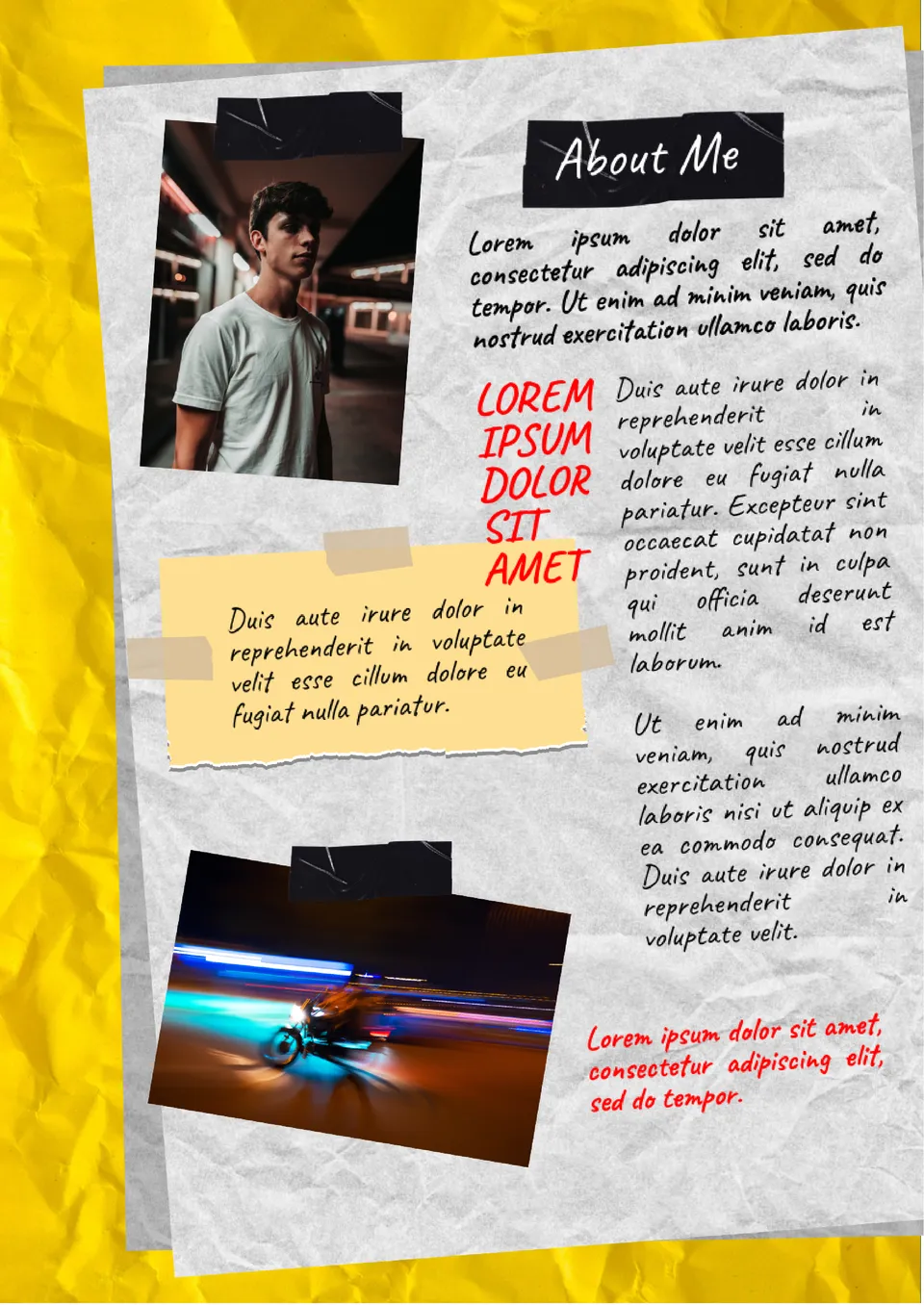
Tell us about yourself in an original way using a template stylized as a piece of crumpled paper. After filling it out, you can publish it on your social media pages, your own website, and any other resources. Your rectangular photo is placed on the left, and there is space for another photo below.

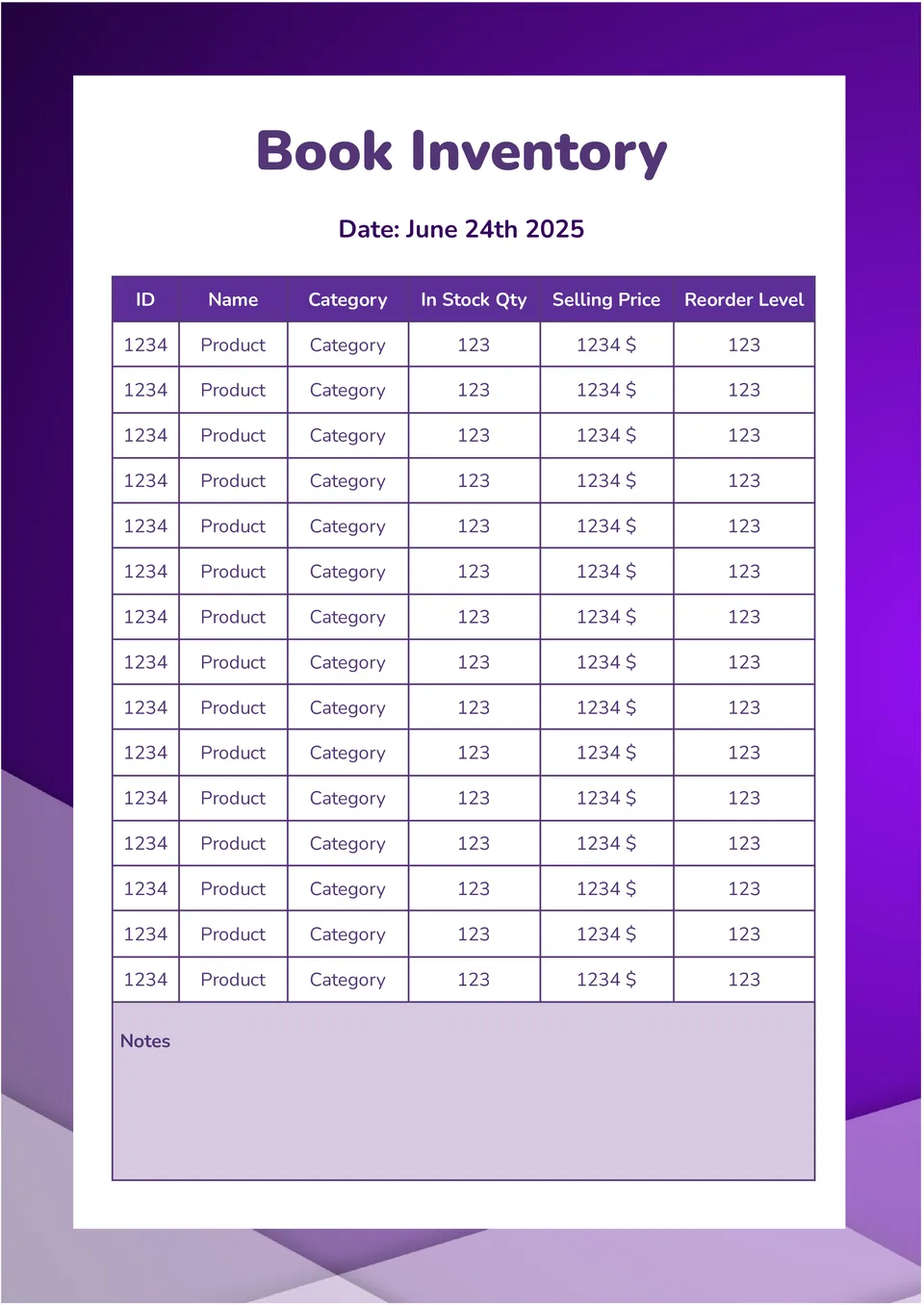
With this useful editable template, you can easily conduct scheduled inventories. The page looks like a table divided into 6 columns: Product ID, name, category, available quantity, selling price, and reorder level.
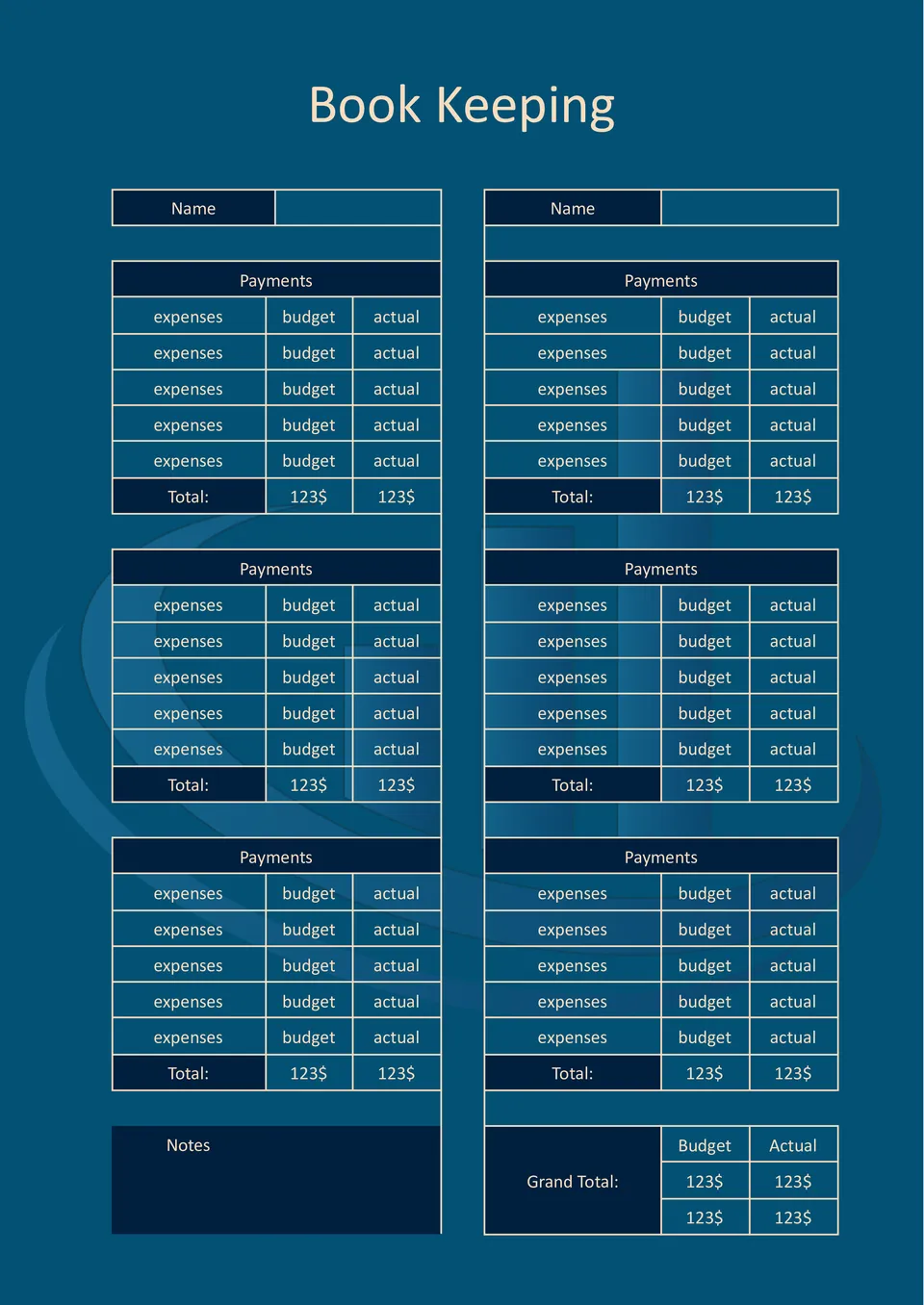
Keep a close eye on your budget with the Book Keeping Template for Google Docs. It will be useful for both company accounting departments and individuals who want to better manage their money.
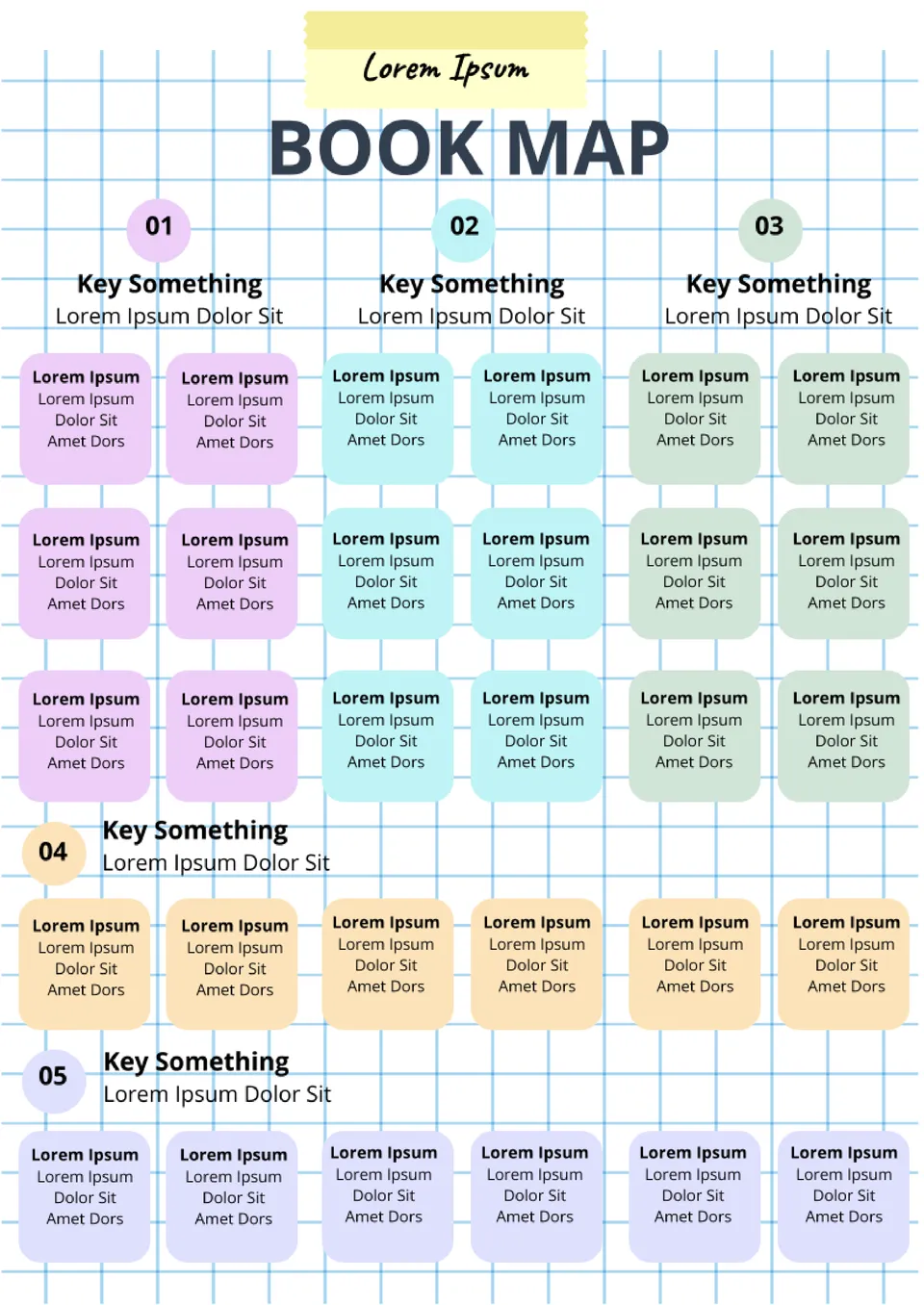
An extremely useful tool for writers that allows you to plan a plot in detail without missing anything. The layout page is visually divided into 5 parts, each with 6 small text boxes. You can enter the theme of the scene, location, list of characters, etc.
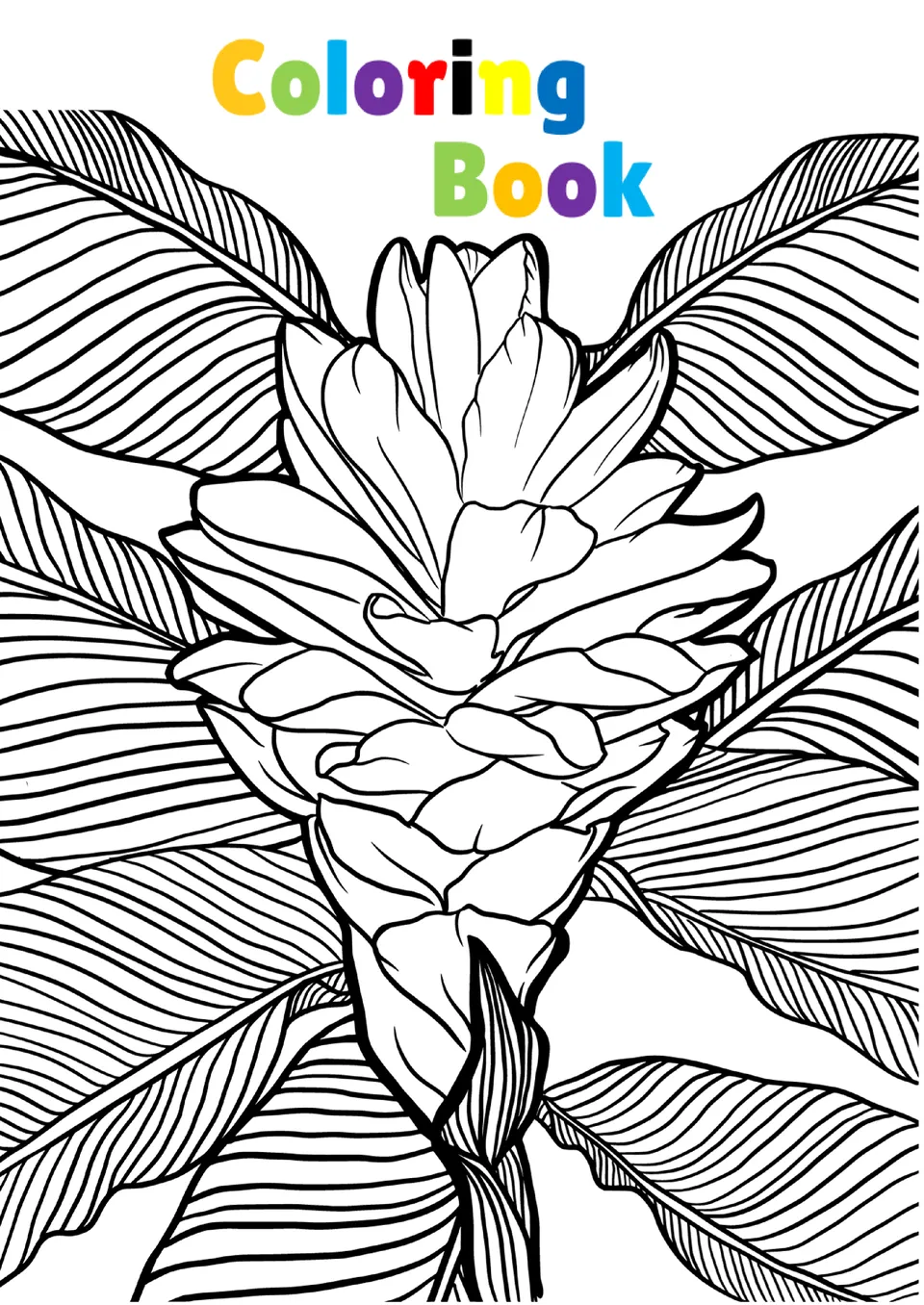
Why buy a coloring book when you can easily make it yourself at home? This printable layout includes pictures of flowers that can be printed all together or by selecting the ones you like best.
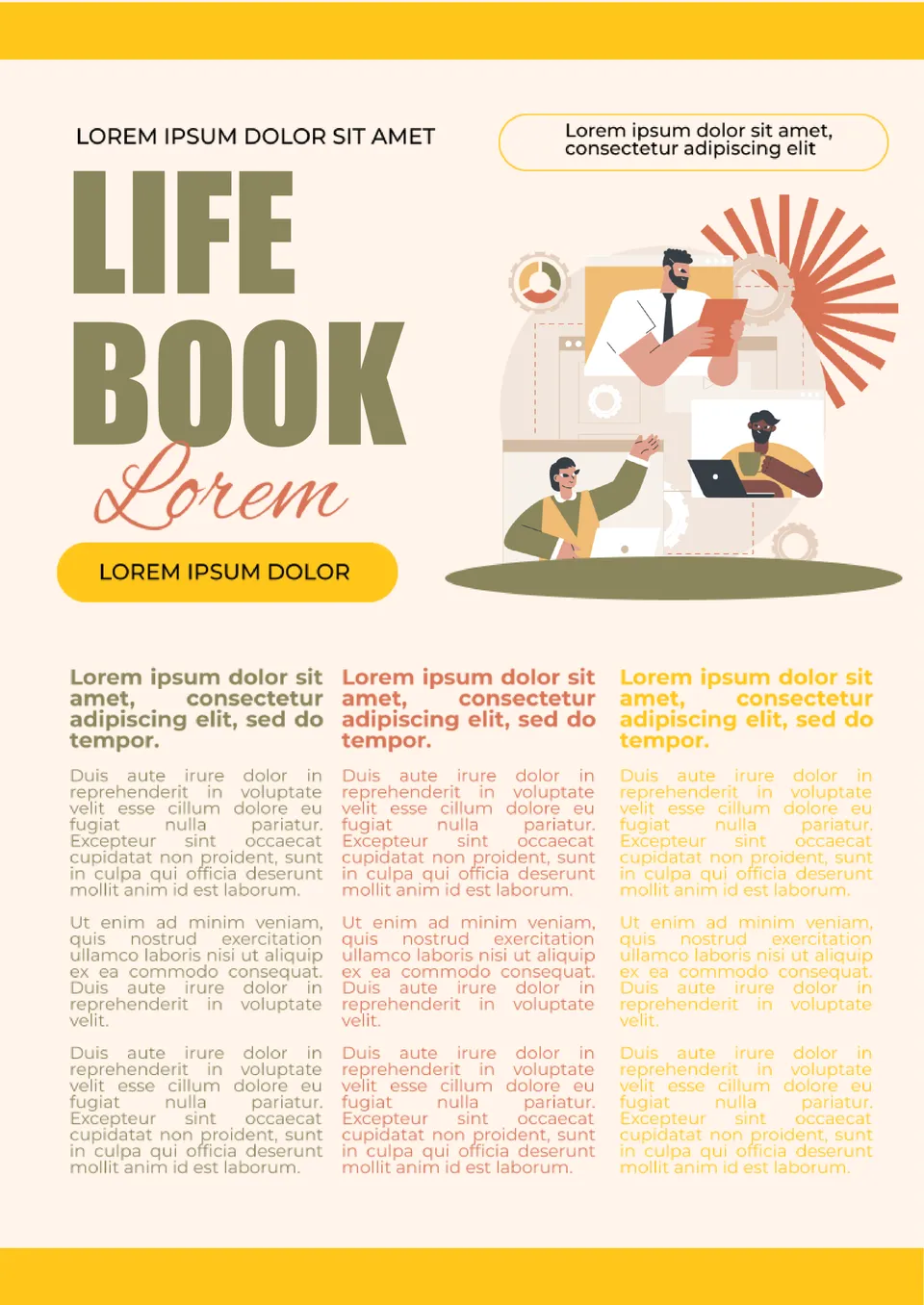
Life Book Template for Google Docs is similar to a newspaper in its structure. You can use it as a diary with news of your own life or create a book about your company, organization, or brand with its help. The entire bottom half of the page is dedicated to text divided into three columns.

This versatile template will help you preserve memories of the most important events in your life. The best photos from your own collection should be placed on the cover. The same photos, but in a larger size, can be used as backgrounds for the following pages.
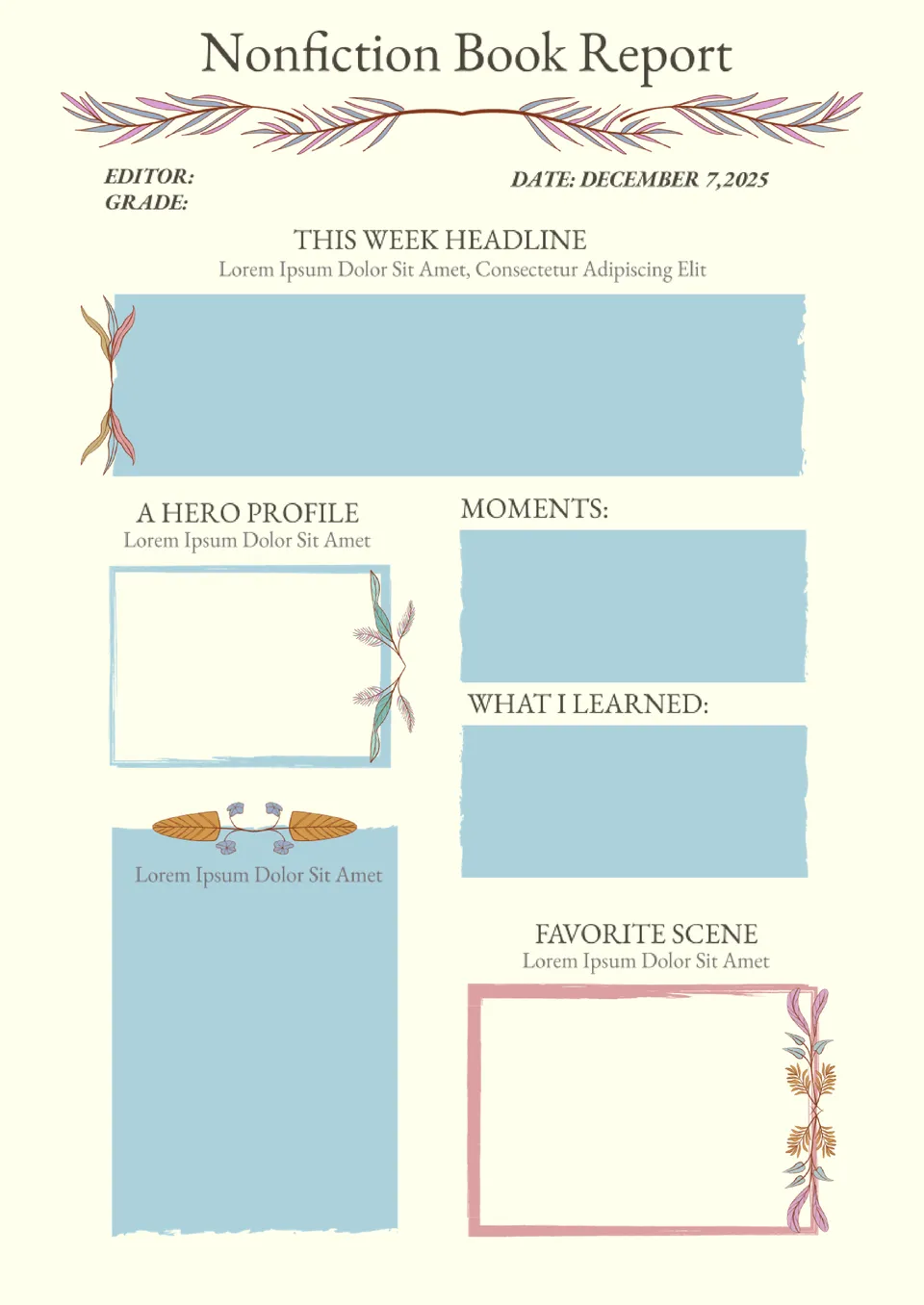
This stylish template is designed to simplify the process of writing an essay. After reading the book, you need to write information about the characters, the main points of the plot, what the story taught you, and your favorite scene in the book in the appropriate blocks.
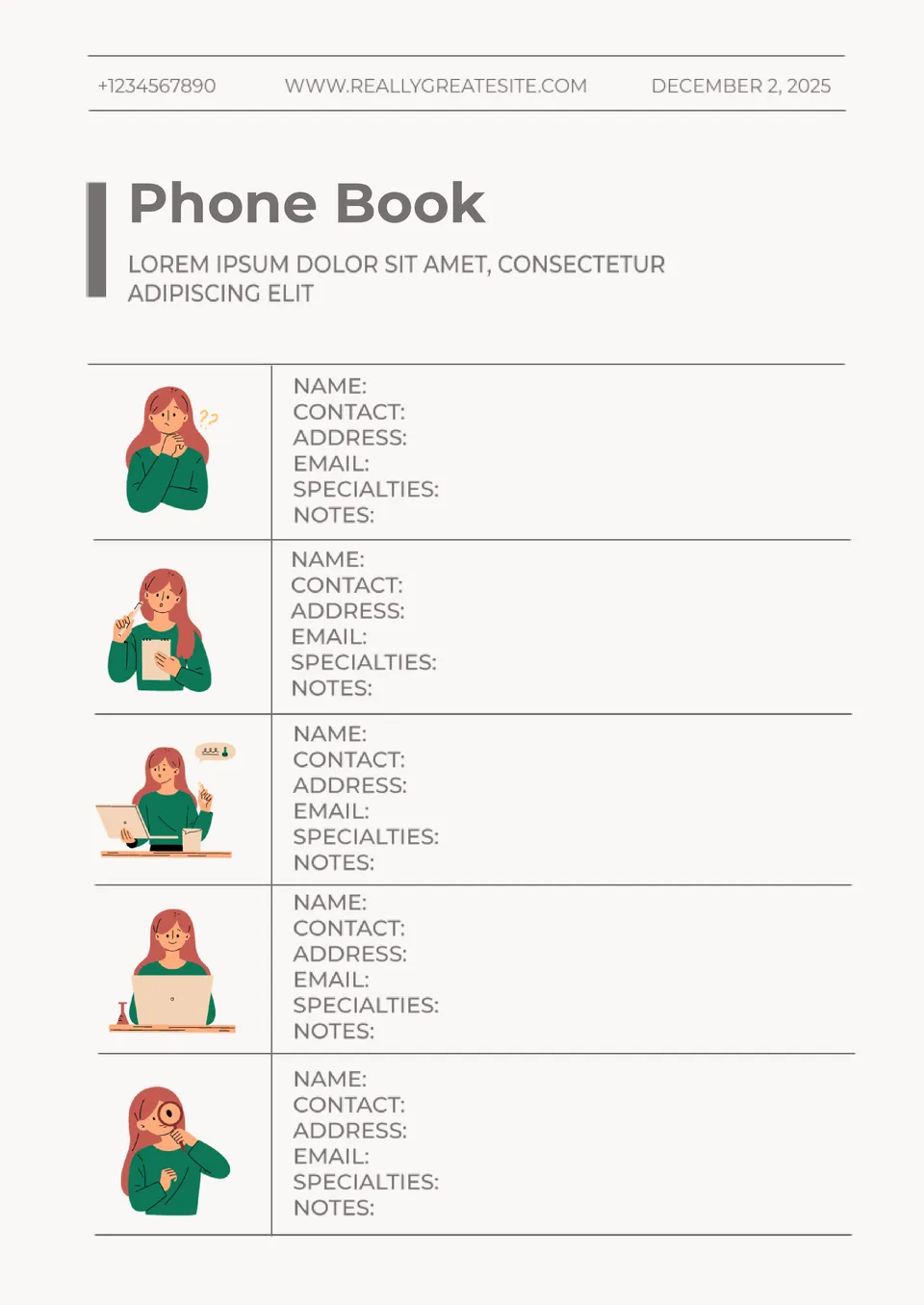
Keep all your important contacts at your fingertips by storing them in an editable Phone Book Template in Google Docs. In addition to the usual data such as name and phone number, there is a place to specify the person’s specialization and your own notes on how to communicate with them.
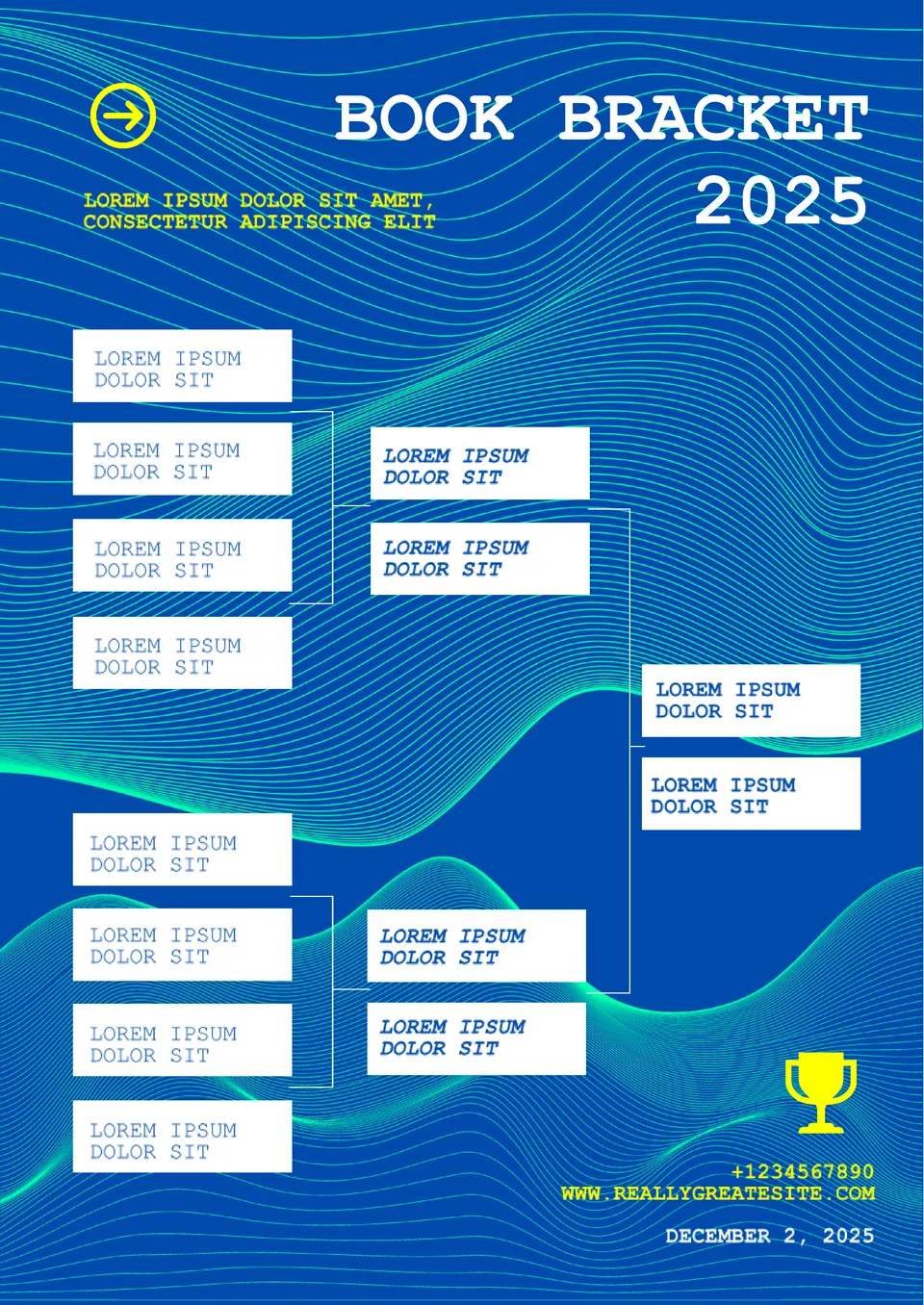
This colorful template will be useful for all fans of sports competitions in the playoff system. It consists of boxes where you should enter the names of teams or athletes competing with each other. Thanks to its universal design in blue tones, the layout will suit any sport.
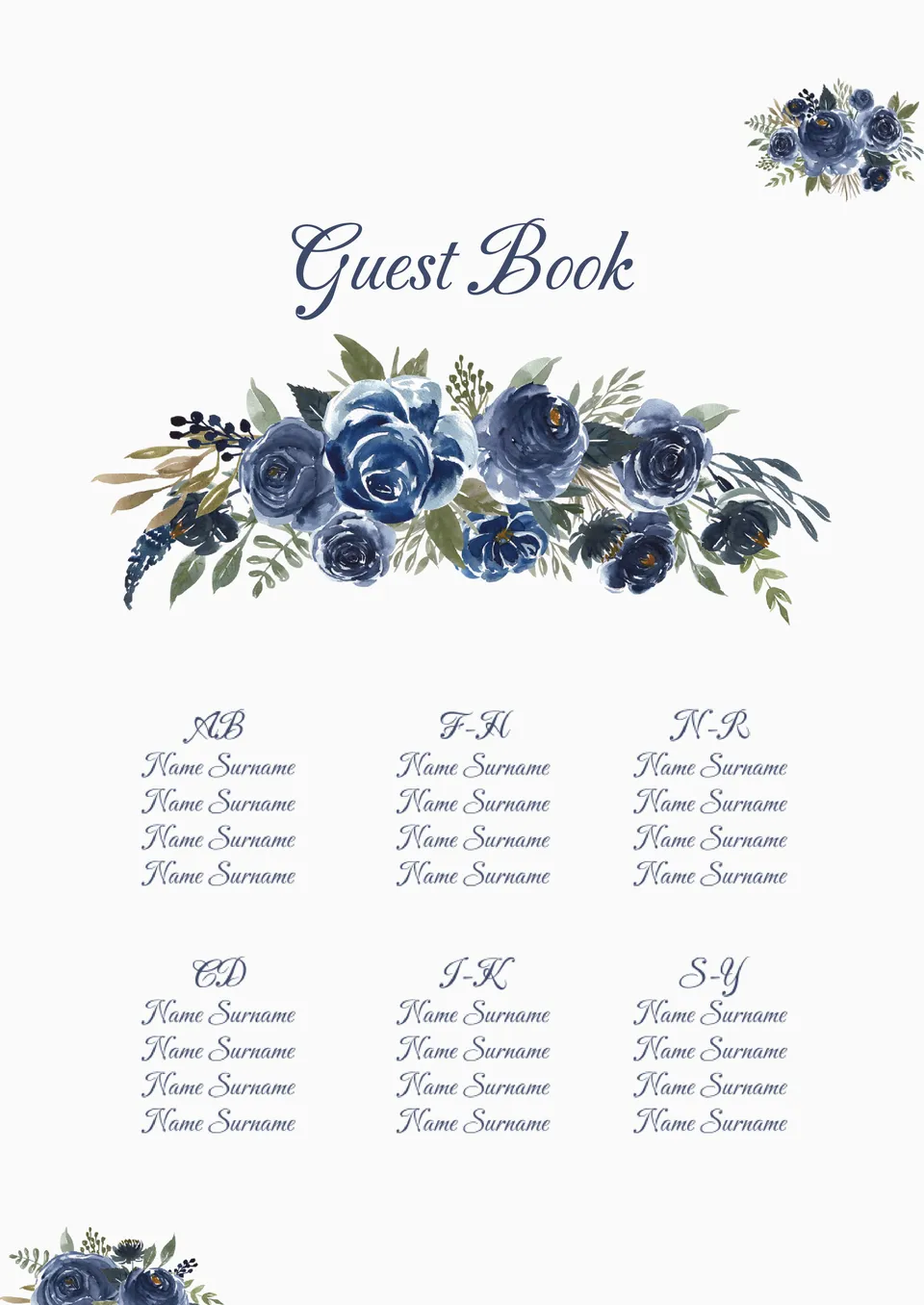
Make sure you don’t forget to invite every single guest by writing their names on this elegant printable template. The page is decorated with beautiful images of flowers that look as if they were painted on the sheet. The list of names is divided into 3 columns, making it easy to check them.
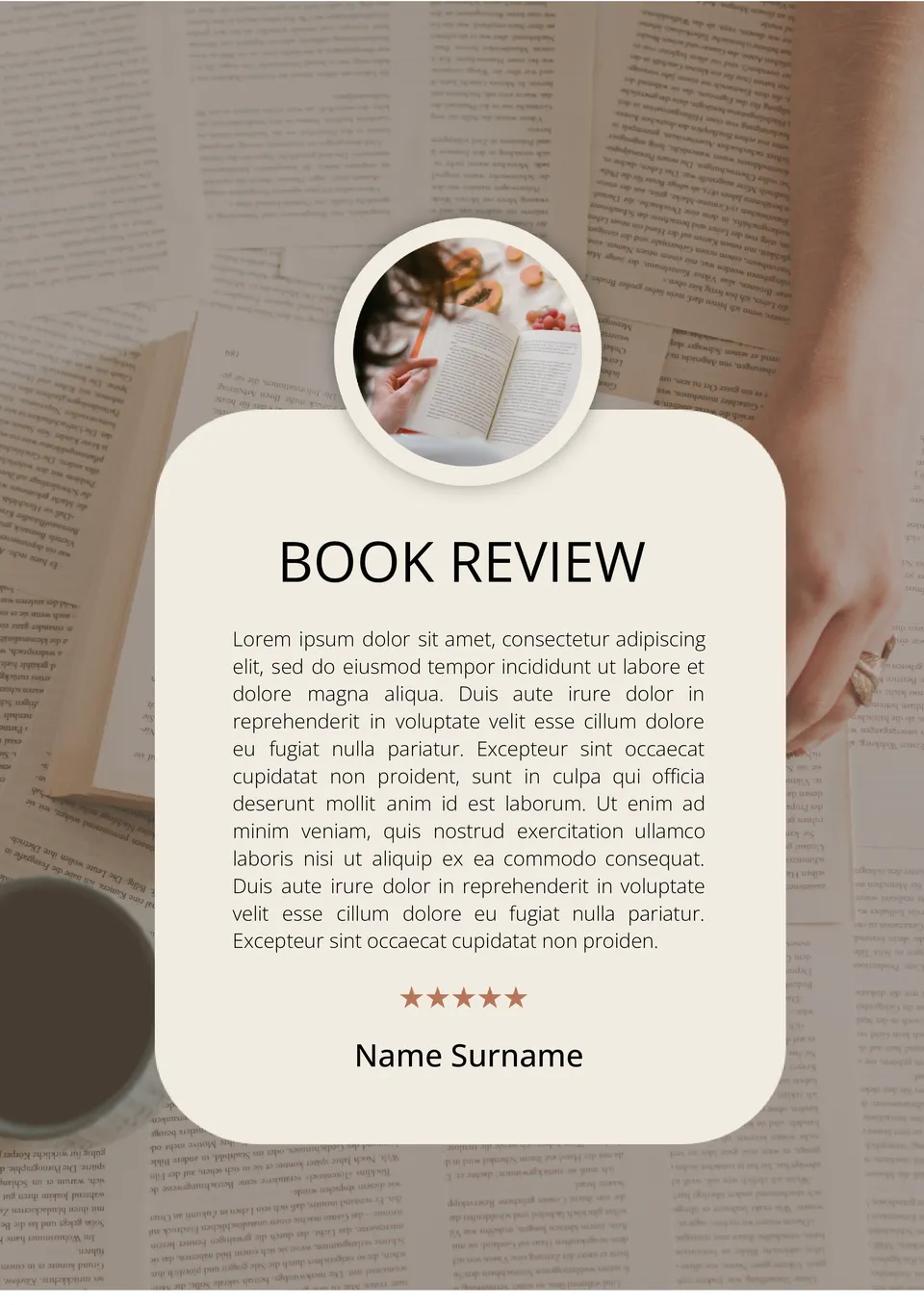
Write down your impressions of a literary work in a stylish Book Review Template for Google Docs. After adding the text of the review, leave 1 to 5 stars below it to rate the book. Once you start keeping such records, you will be able to recall the essence of a work at any time.
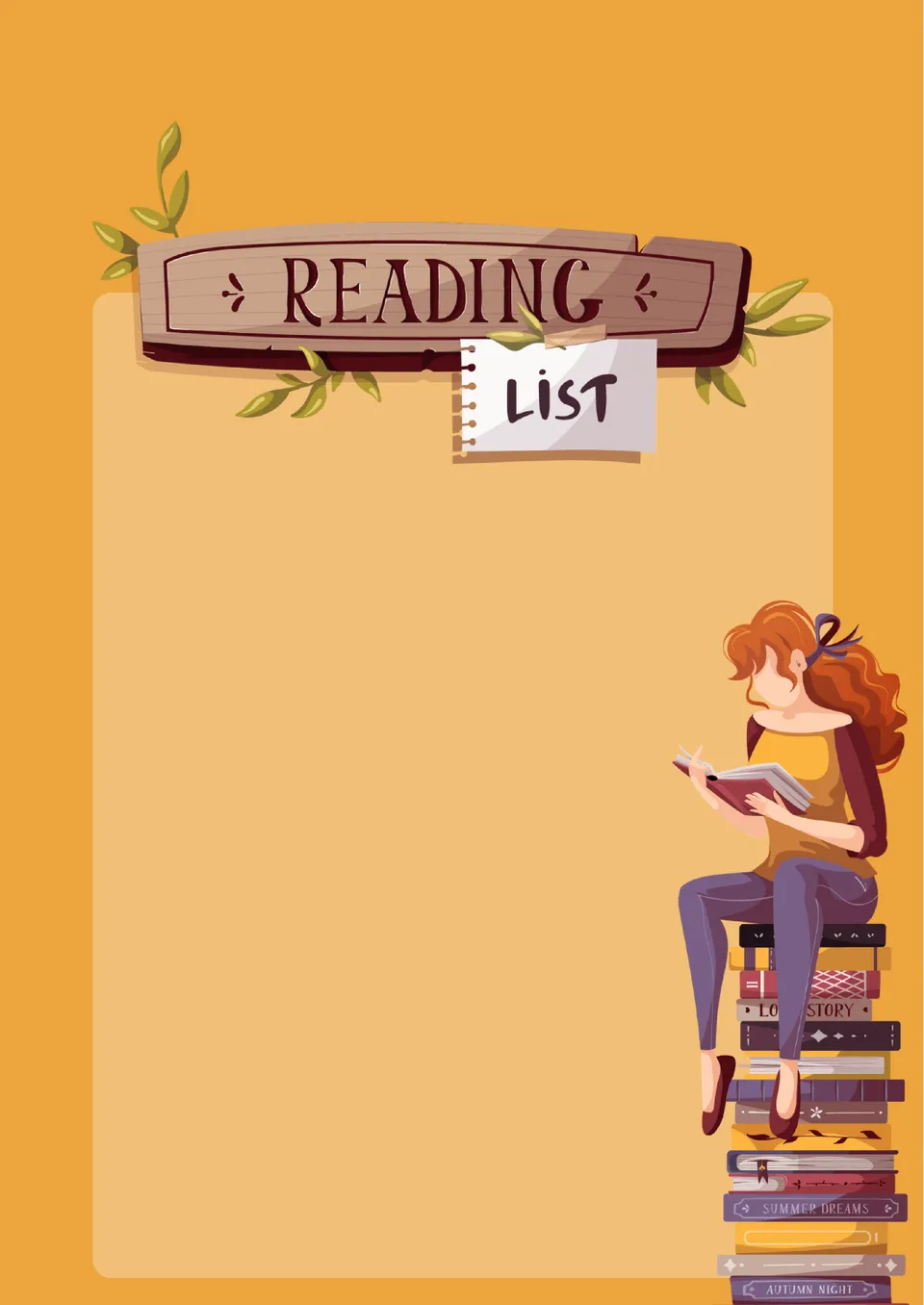
With this editable themed template, you can easily prepare a book list for yourself, your children or students. The bright orange colored hand-drawn design will appeal to readers of all ages.
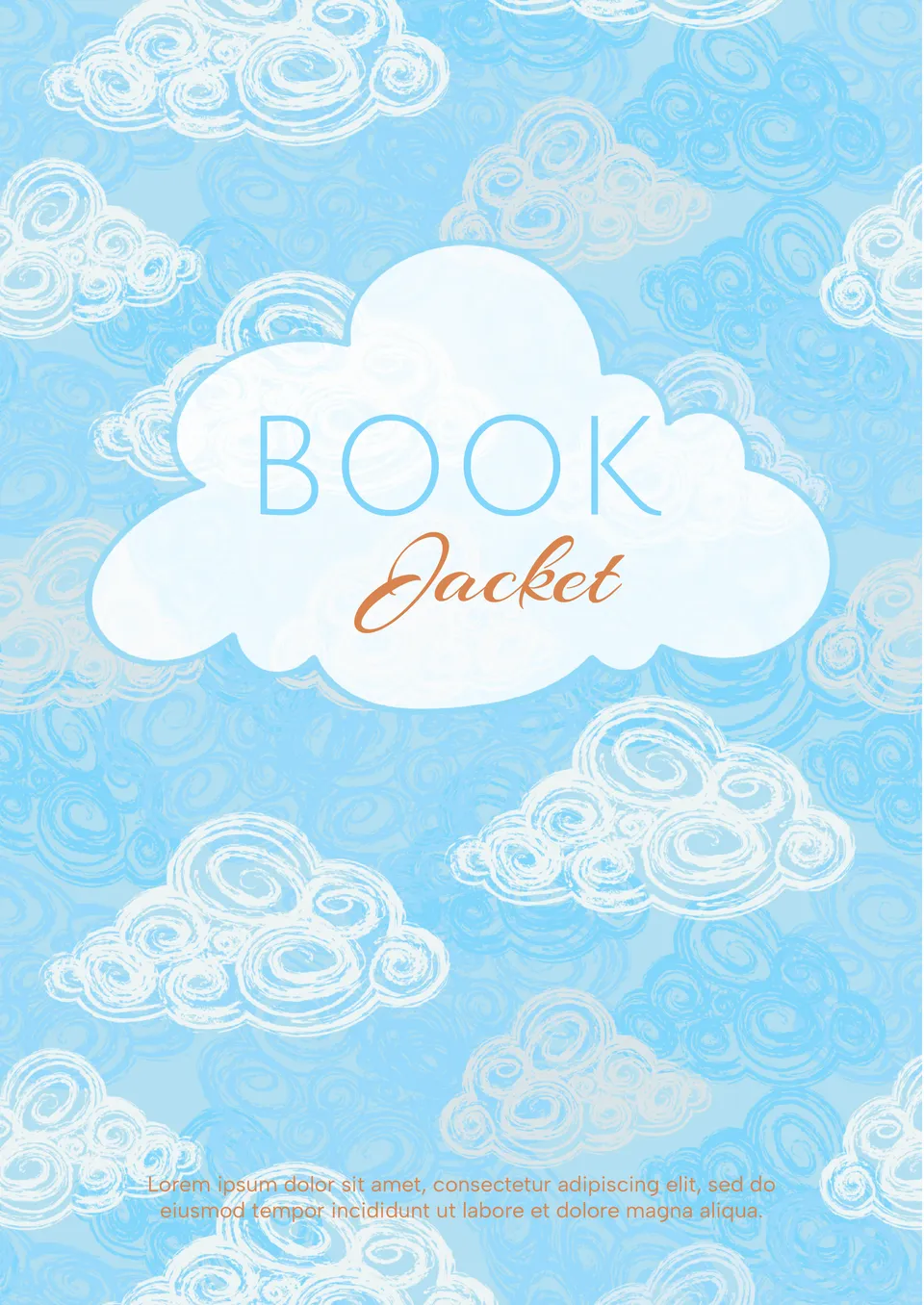
This beautiful template is best suited for children’s books. A calm blue background with images of clouds will appeal to kids of all ages. In addition to the title of the work and the author’s name, you can add a few sentences to the cover that will interest readers.
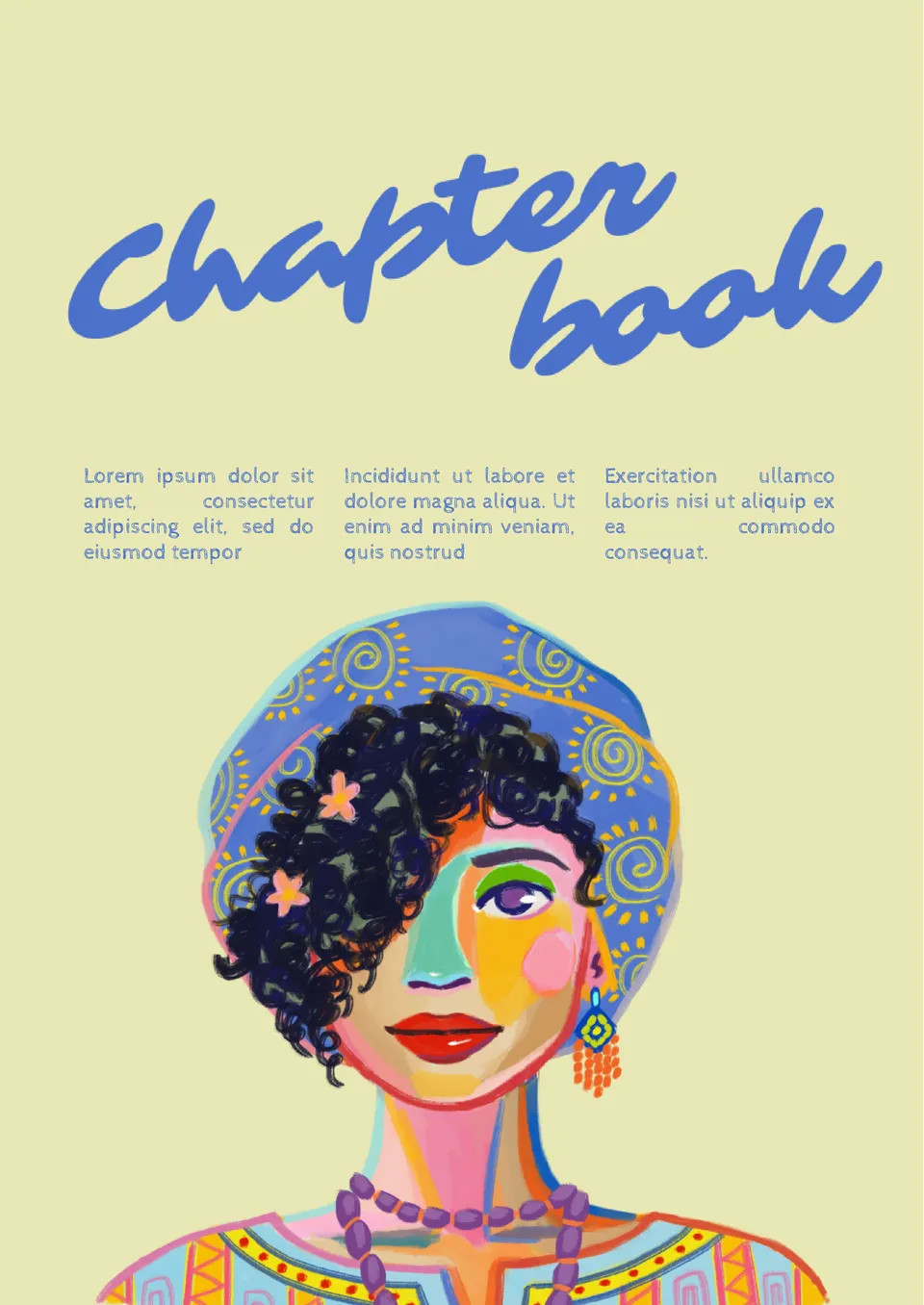
Chapter Book Template for Google Docs will help you create an original cover. The main highlight of the layout is a colorful drawing of a woman decorating the lower half of the sheet.
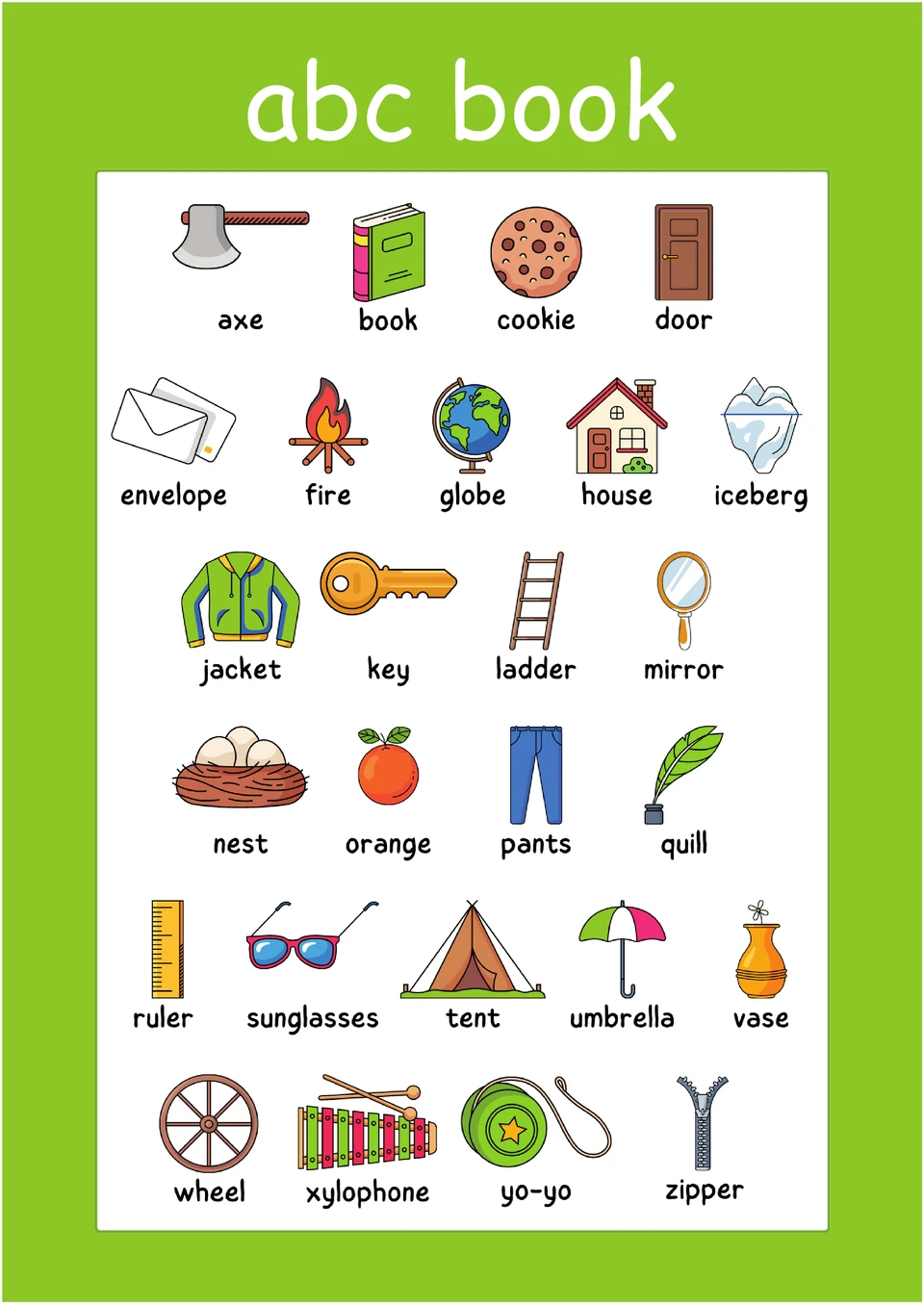
Print this template for your kid to help him learn the alphabet. Colorful drawings will hold the child’s attention for a long time and stick in mind. It is also suitable for kindergartens and primary schools.

Choose your preferred social media platform from options like Pinterest, Facebook, Twitter, and more. Share our templates with your contacts or friends. If you’re not active on these social networks, you can simply copy the link and paste it into the one you use.