

 Back to templates
 Book Templates - Page 2
Create a structured publication quickly with free Book Templates designed for stories, reports, photo books, and creative projects. Each layout includes ready-made pages with space for text, images, and titles, helping you organize content clearly without spending time on design.
These templates are suitable for students, teachers, writers, and parents creating children’s books, memory albums, picture stories, or book reports. Browse the collection, choose a layout that fits your project, and customize the pages in minutes.
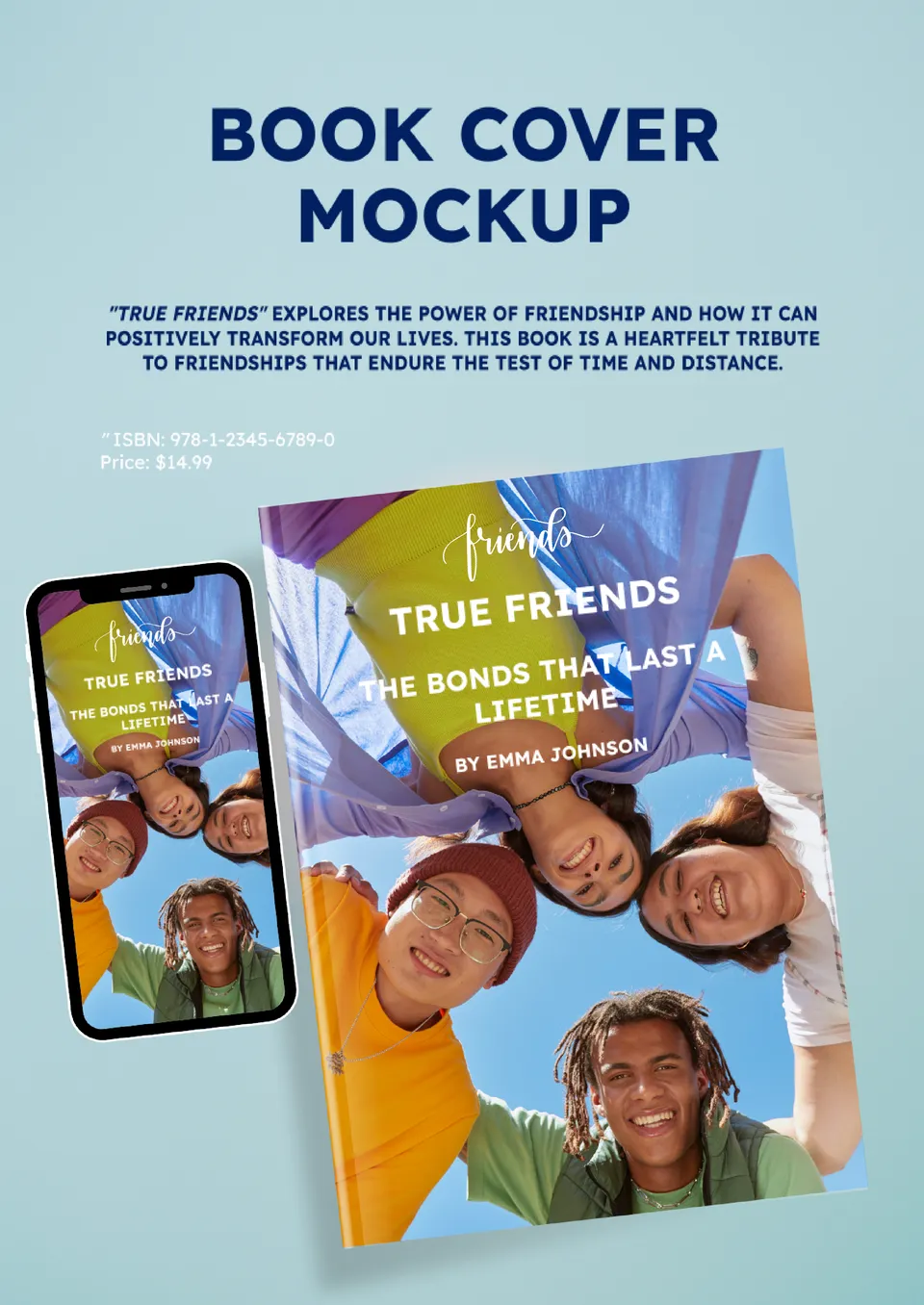
Looking to give your homemade books a professional touch? The Book Binding Template for Google Docs provides a clean and structured layout for assembling your own books.

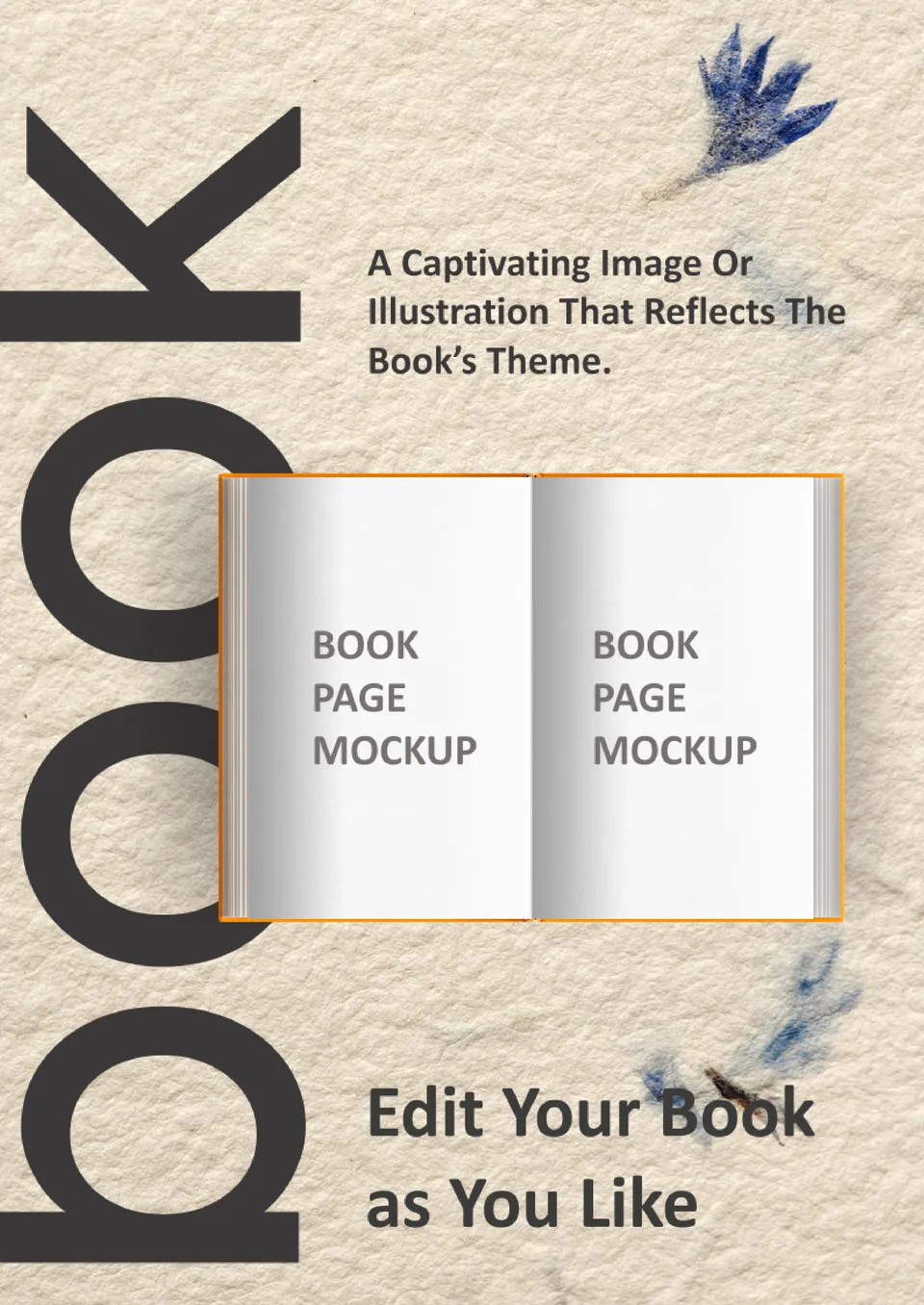
Want to protect and personalize your books? The Book Sleeve Template for Google Docs provides a stylish and functional design to create custom book sleeves.
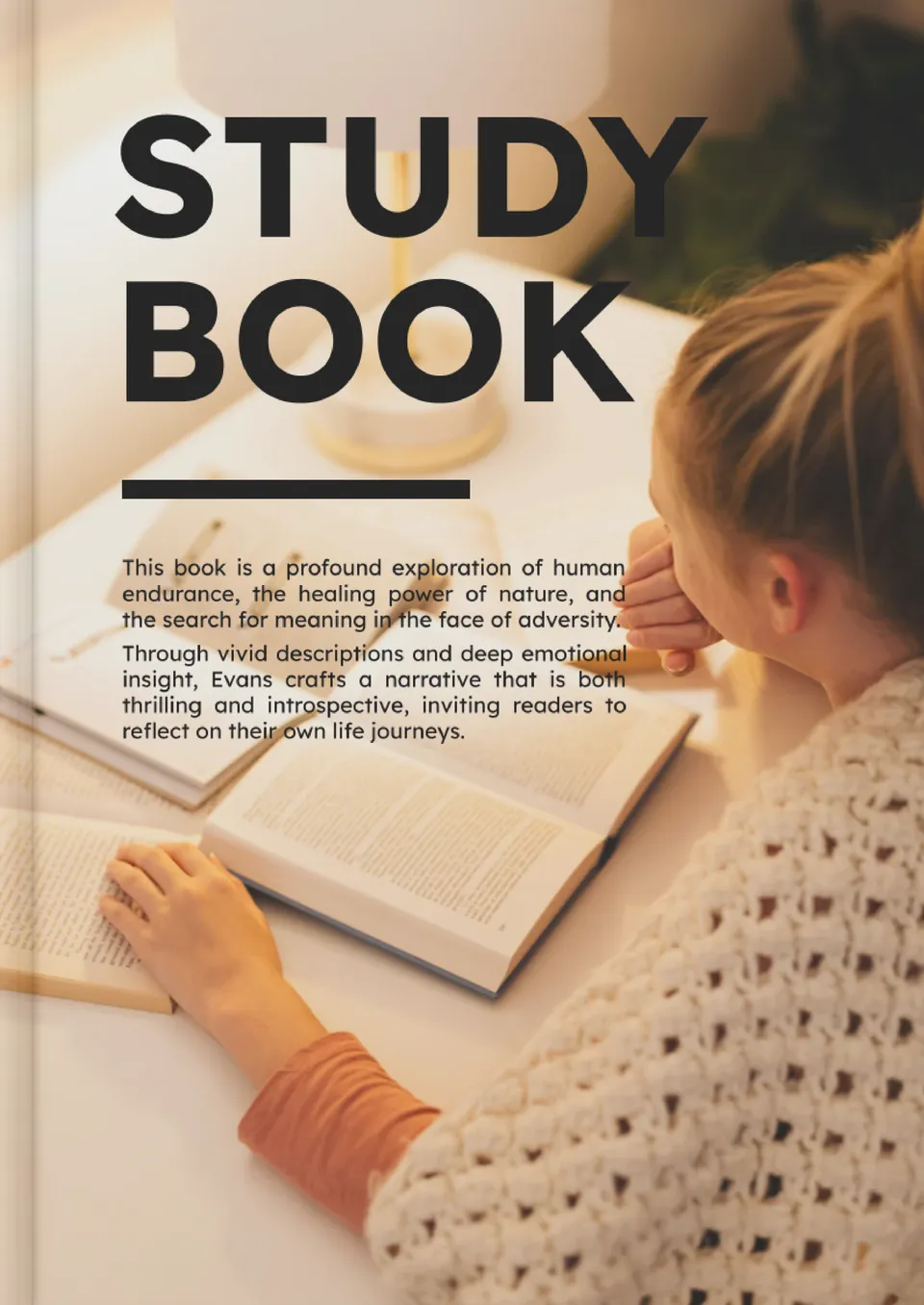
Looking to organize your book discussions? The Book Study Template for Google Docs provides a structured layout for tracking chapter summaries, key themes, and discussion points.
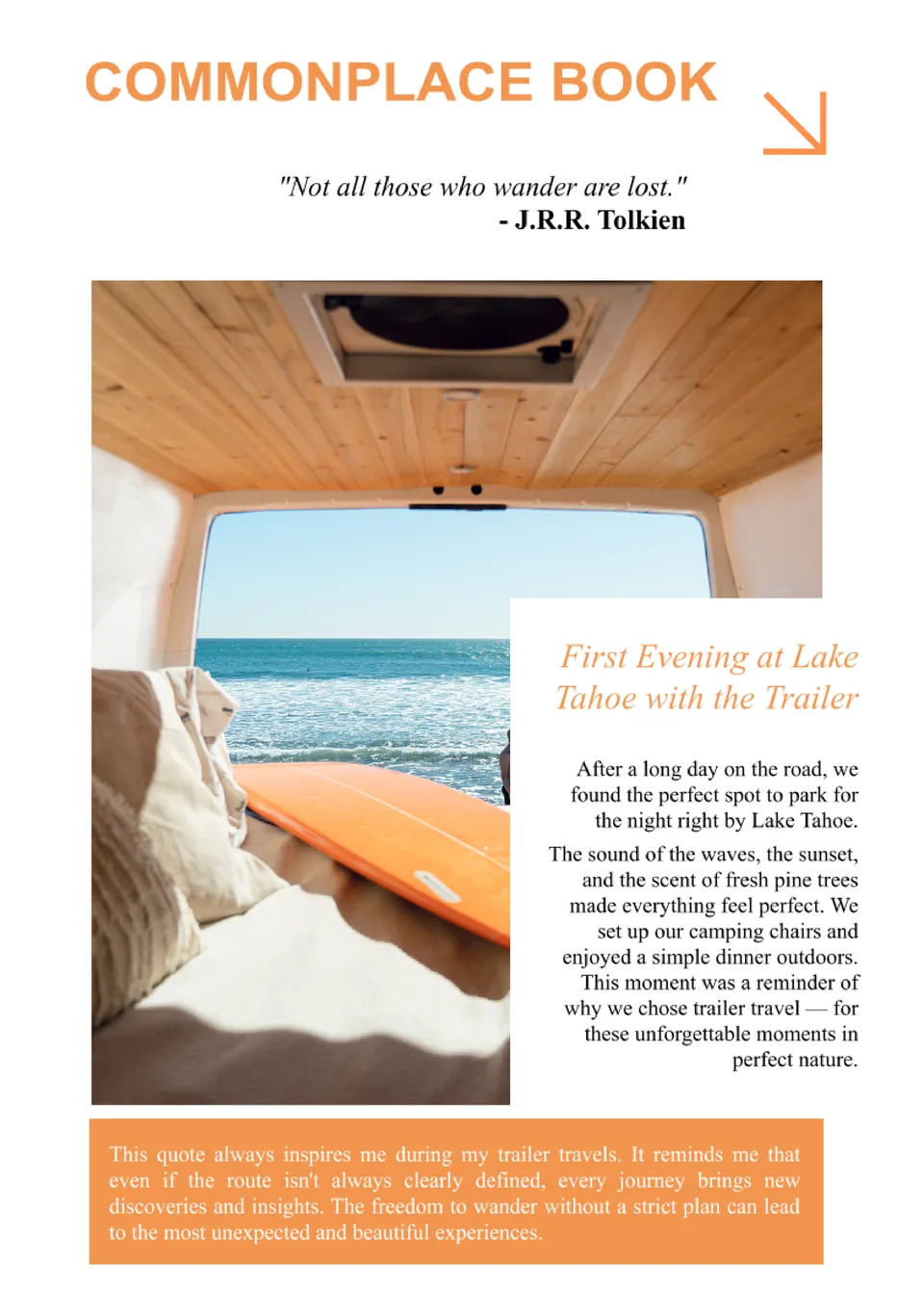
Document your thoughts, quotes, and ideas with the Commonplace Book Template for Google Docs. Perfect for writers, thinkers, and avid readers, this template helps you organize and collect meaningful passages, reflections, or personal insights in one place.
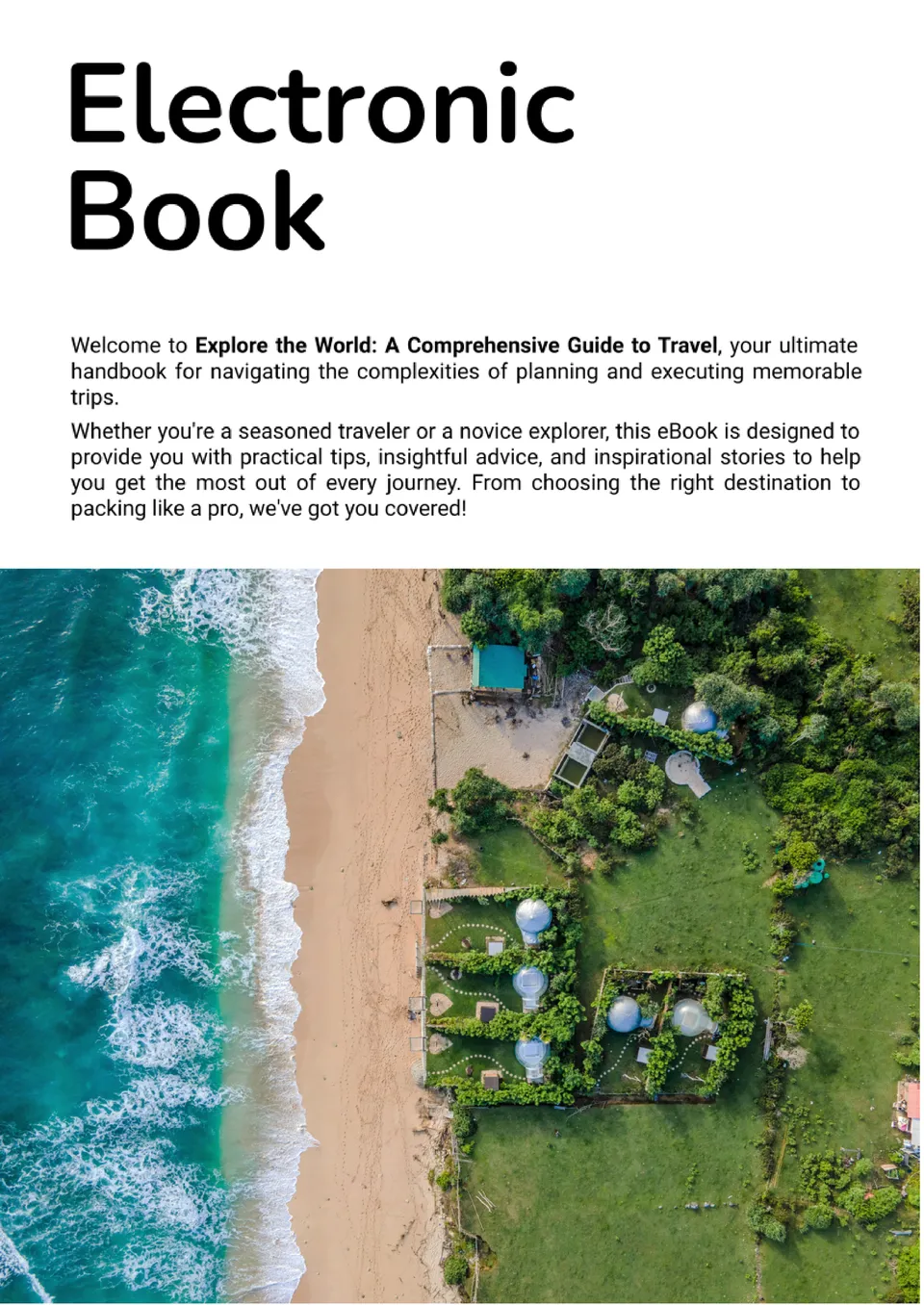
Looking to publish your own e-book? The Electronic Book Template for Google Docs is perfect for creating professional digital books. Whether you're an author, blogger, or educator, this customizable template offers a clean layout for writing, editing, and formatting your content.
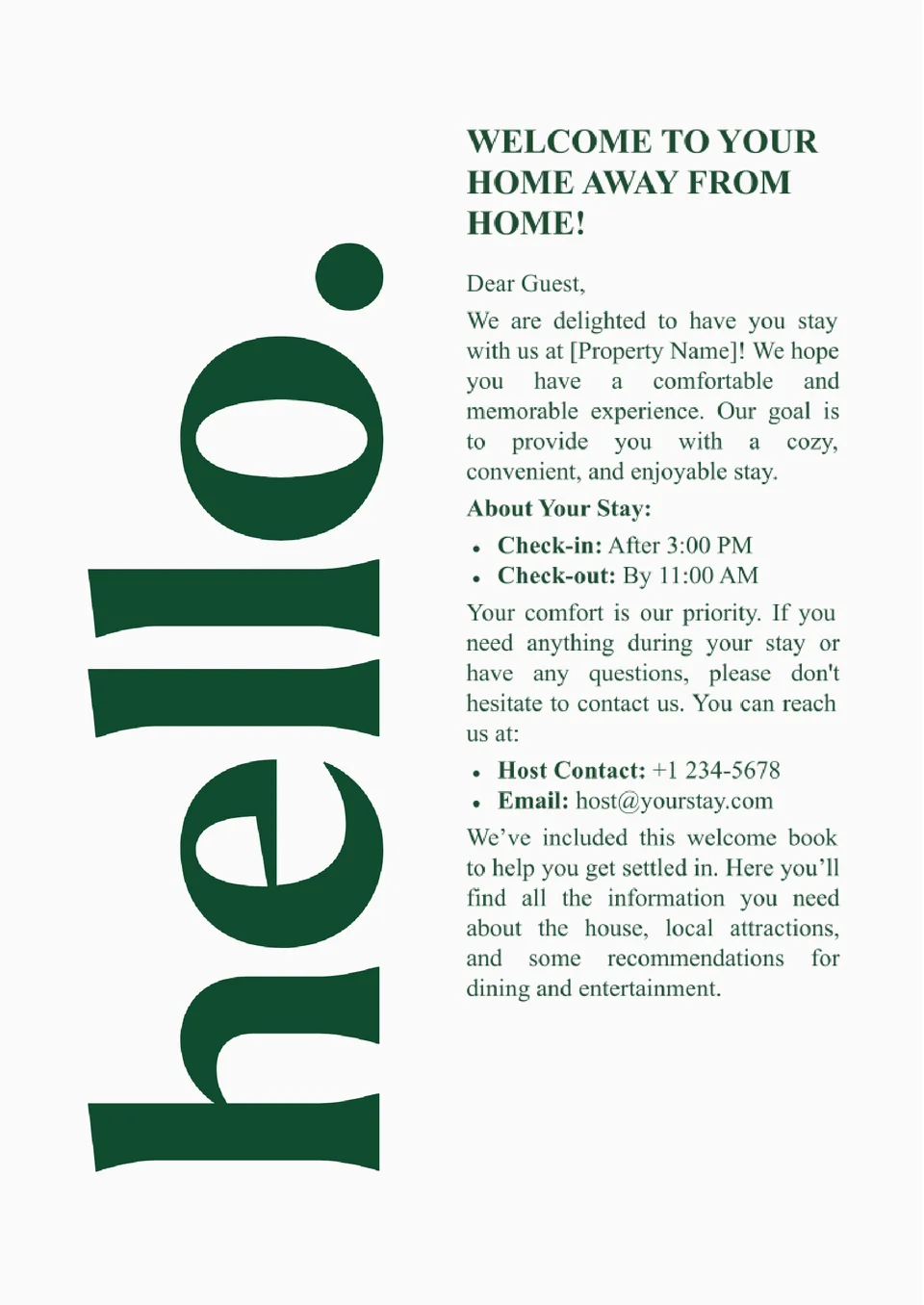
Want to make your guests feel at home? The Guest Welcome Book Template for Google Docs is ideal for creating a personalized guide filled with important information about your property, local attractions, and house rules.
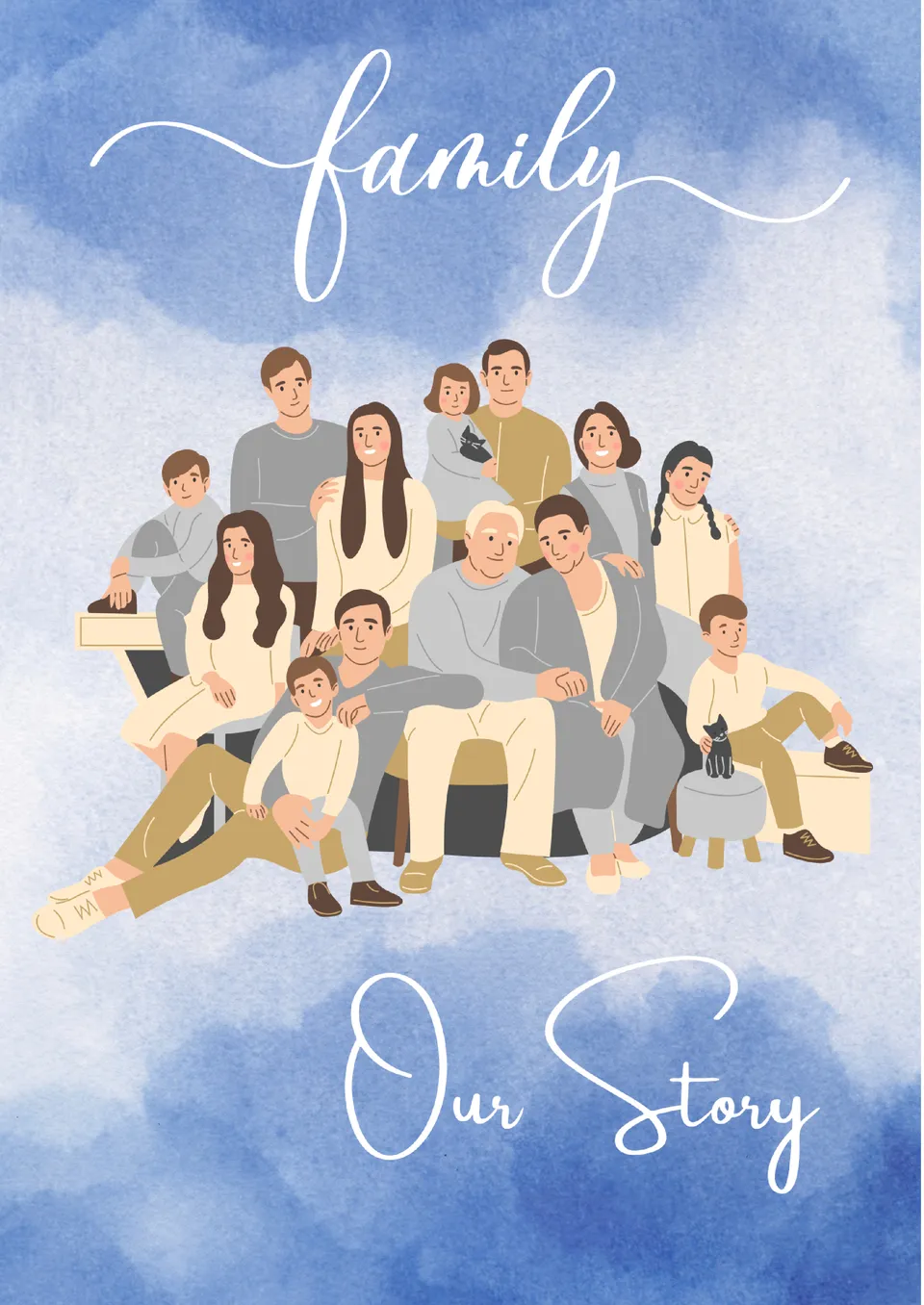
Capture your family’s story with the Family History Book Template for Google Docs. This template is ideal for documenting genealogies, personal memoirs, or historical milestones.
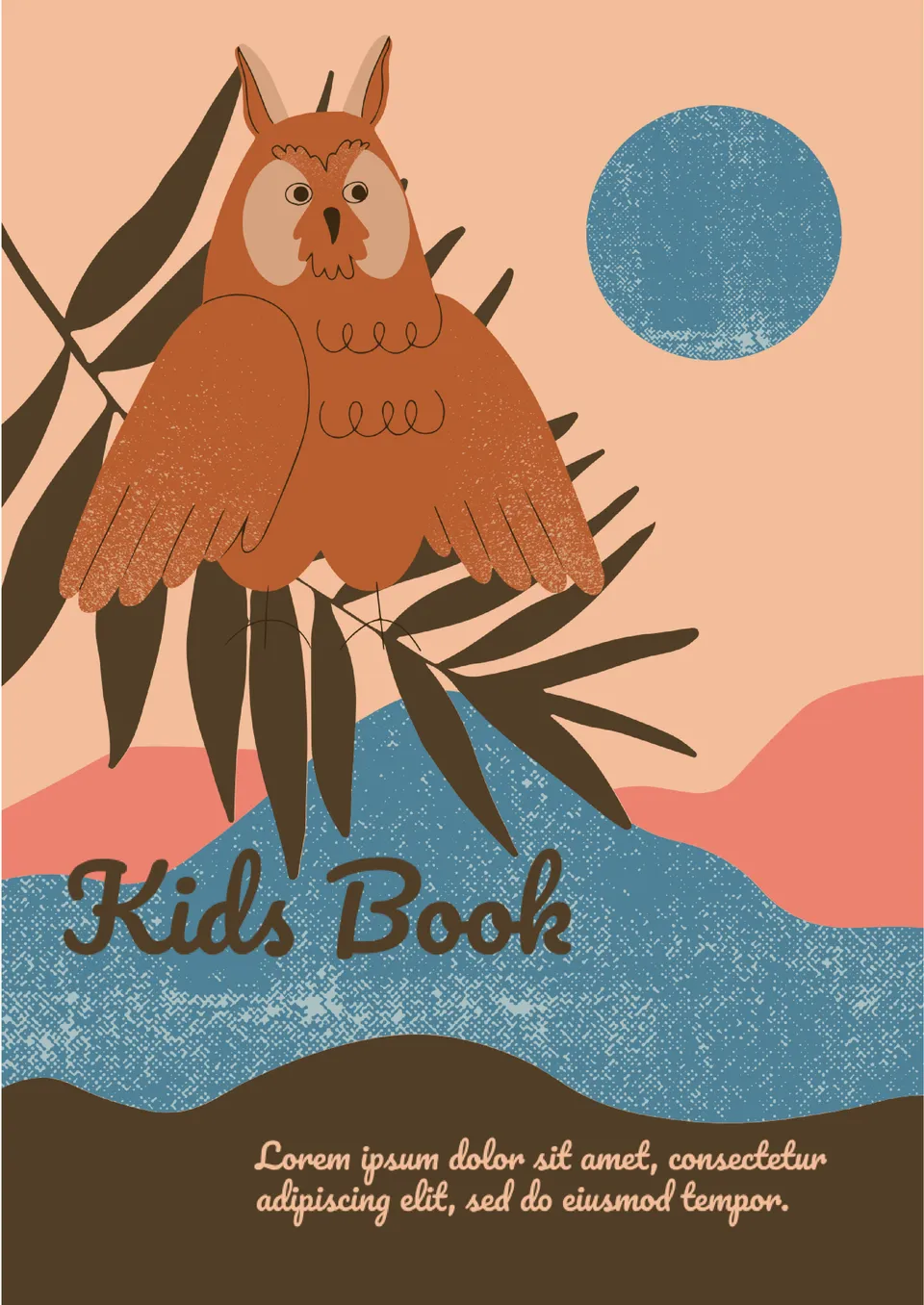
Looking to spark a child's imagination? The Kids Book Template for Google Docs is perfect for creating engaging stories, activity books, or educational content. Its playful and colorful design is sure to capture the attention of young readers, while the customizable pages allow for creative storytelling that both entertains and educates.
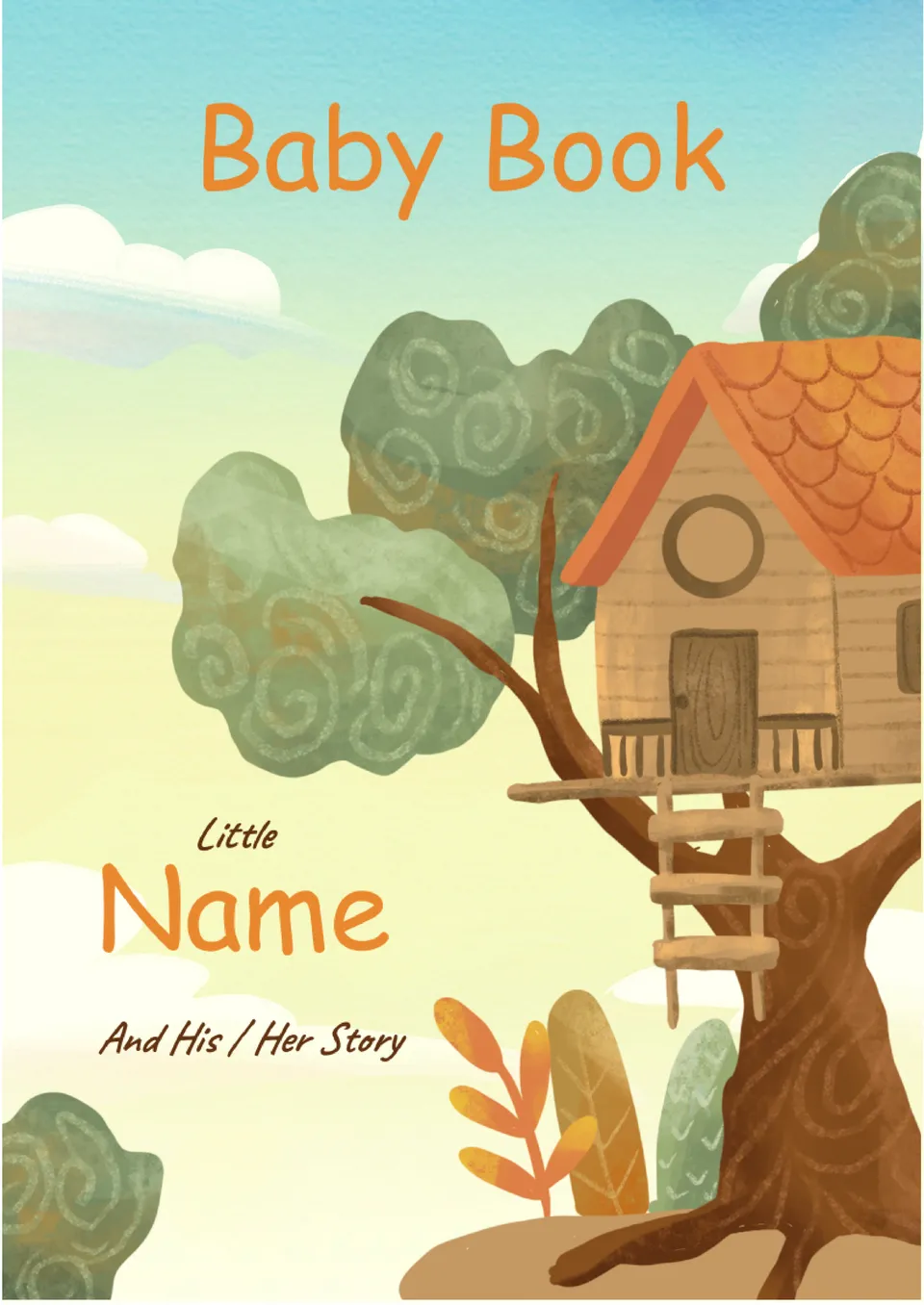
Cherish every precious moment with the Baby Book Template for Google Docs. This template is perfect for capturing your baby's first milestones, from their first smile to their first steps.
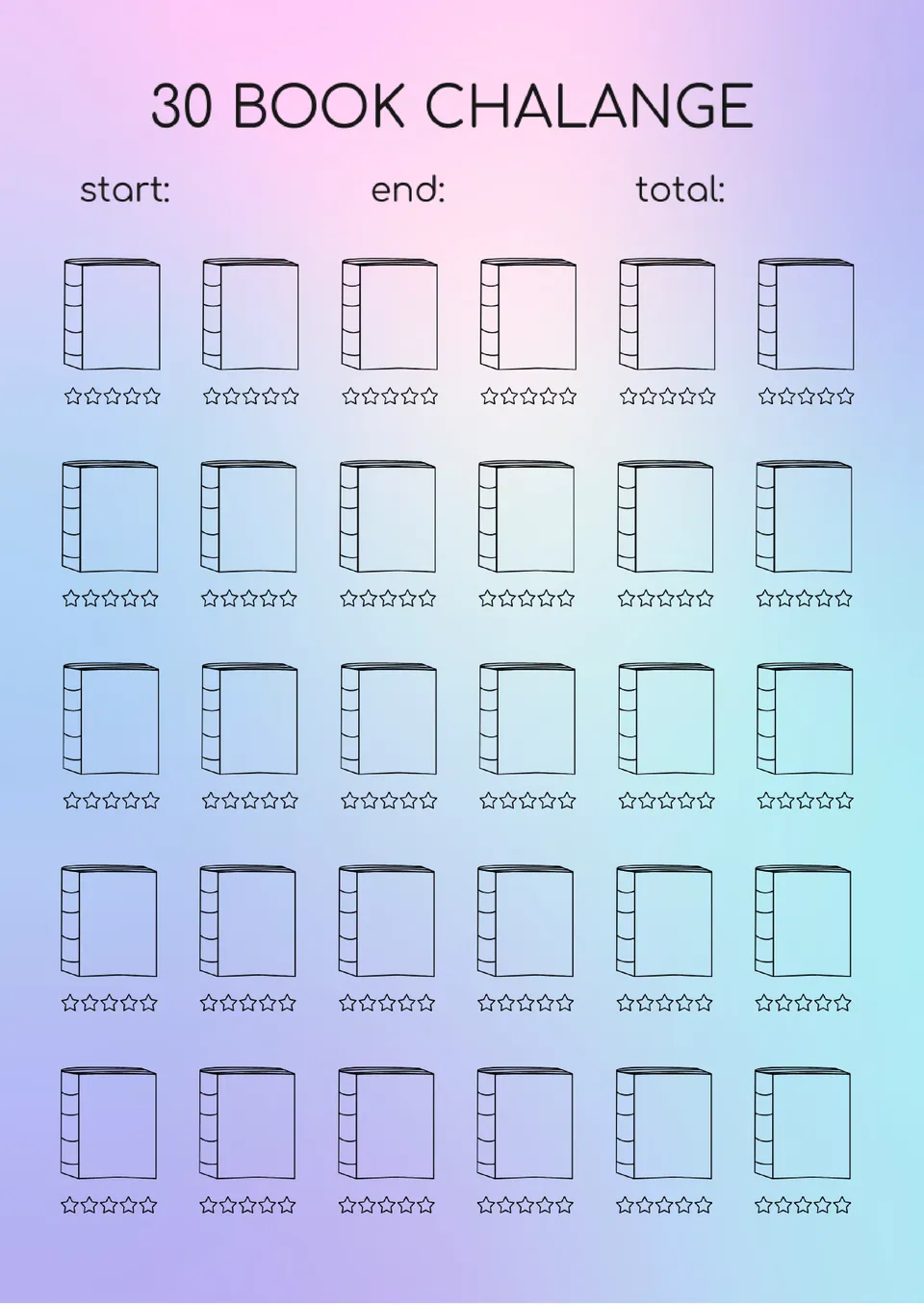
Looking to track your reading progress and challenge yourself? The Book Challenge Template for Google Docs is perfect for avid readers and book clubs. This template provides a structured format to list books, set reading goals, and document insights or reflections.
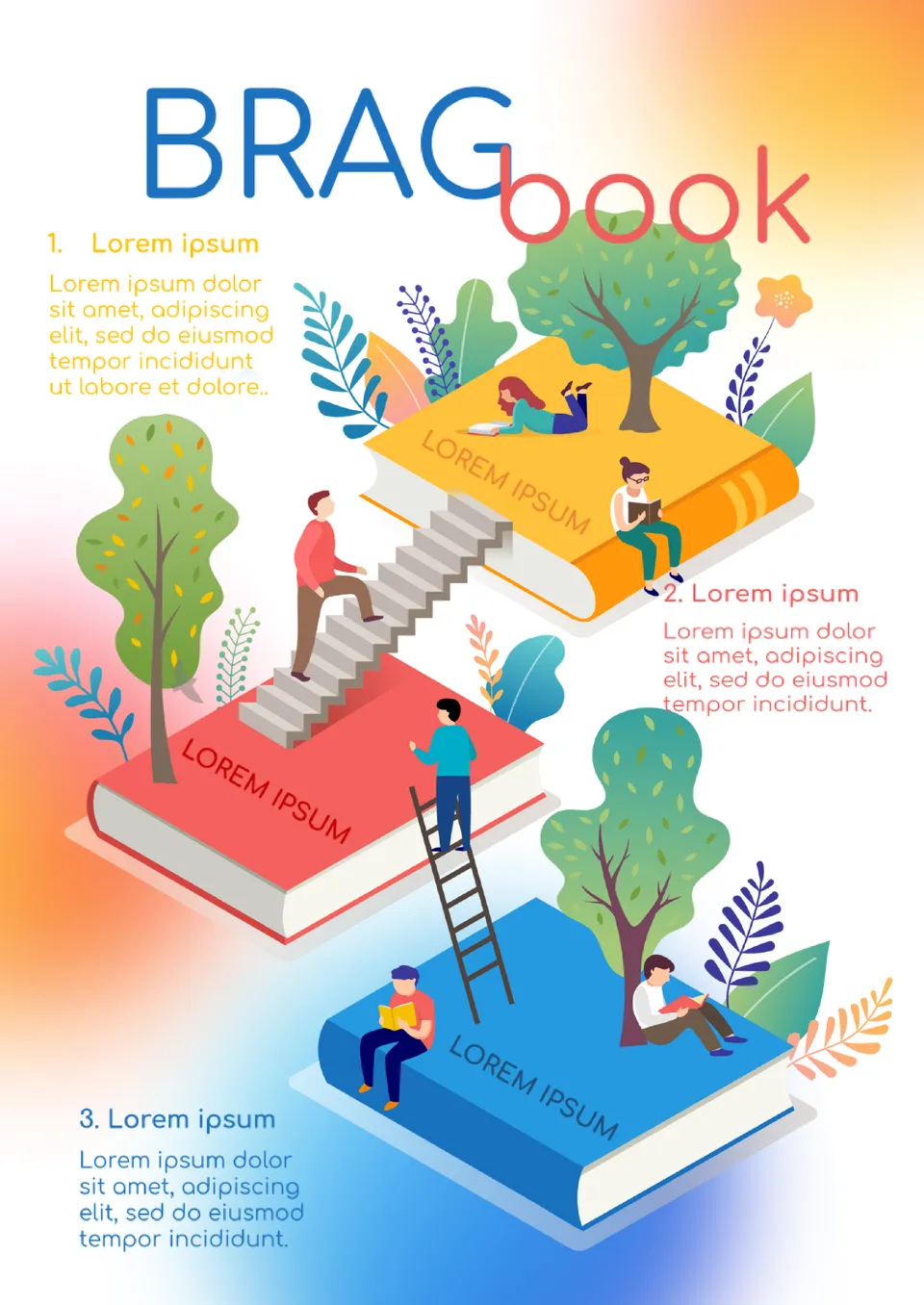
Highlight your achievements with the Brag Book Template for Google Docs. Perfect for professionals looking to showcase their skills, accomplishments, and milestones, this template provides a sleek, organized format.
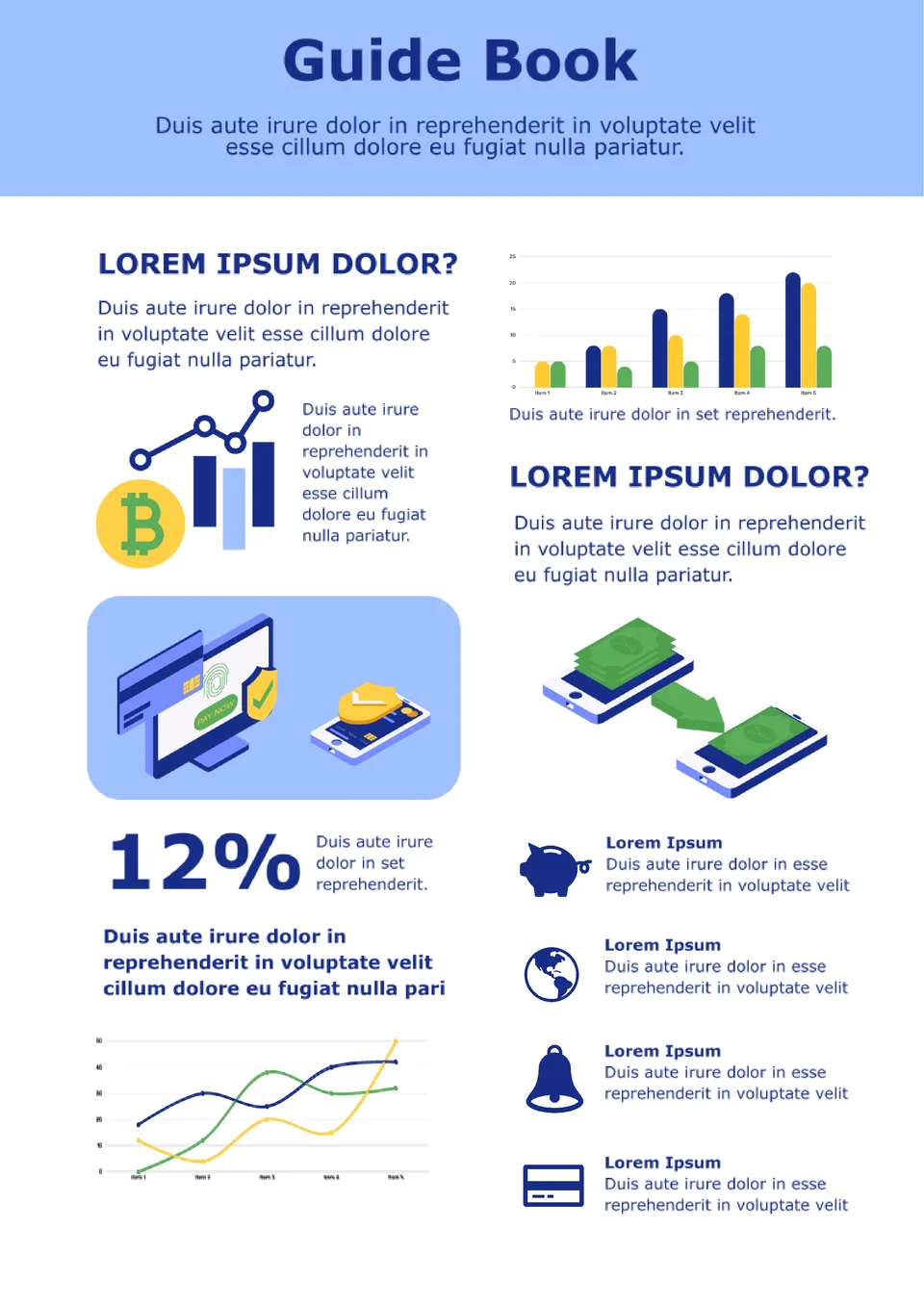
The universal editable Guide Book Template for Google Docs will be useful primarily for creating business reports and presentations. The layout structure allows you to present even the most complex analytical data clearly.
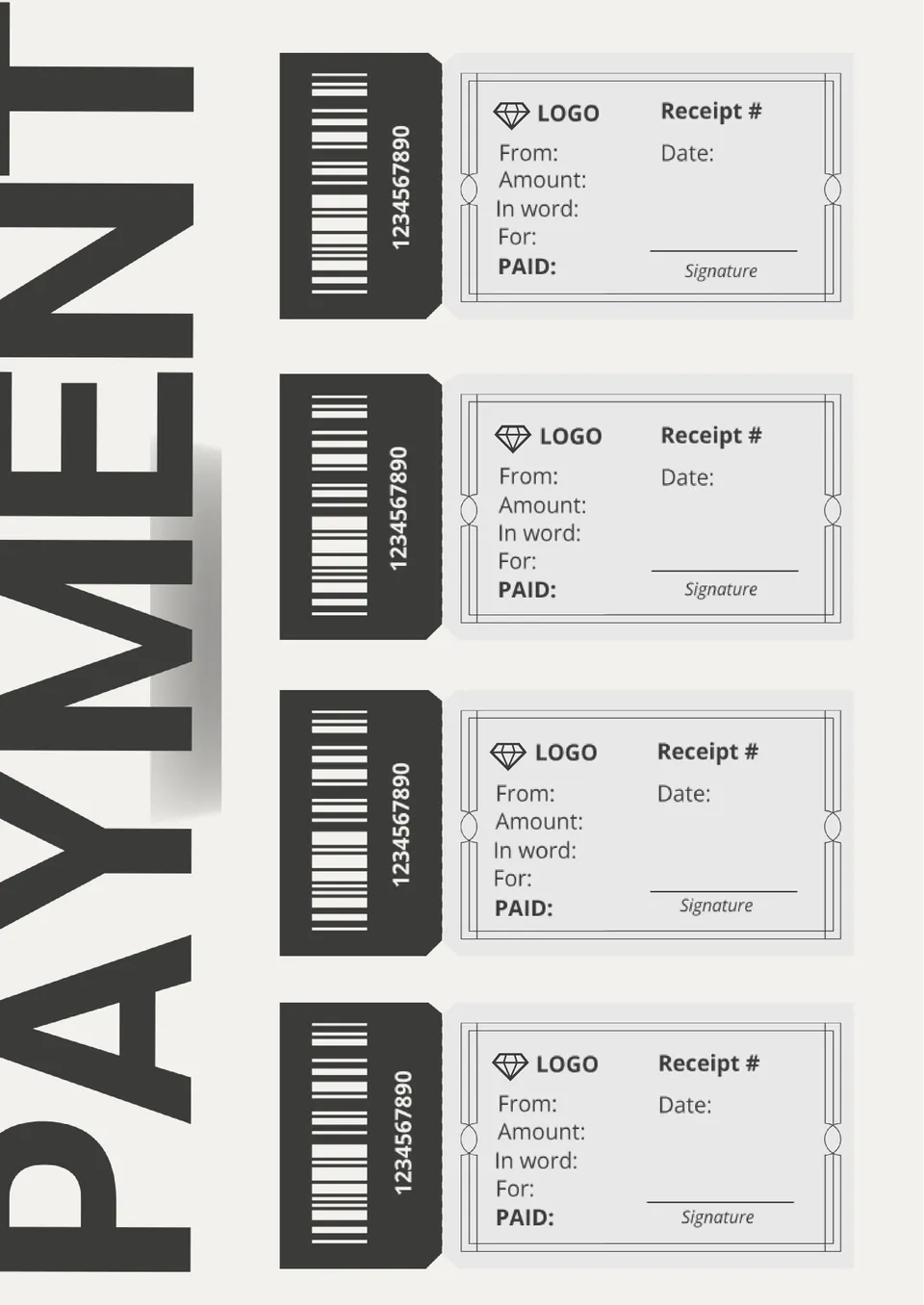
An elegant printable template in black and white color palette will be useful for anyone who uses payment books. There are 4 receipts on one page of the layout, each of which has a number, date, sender, destination, amount, and signature.
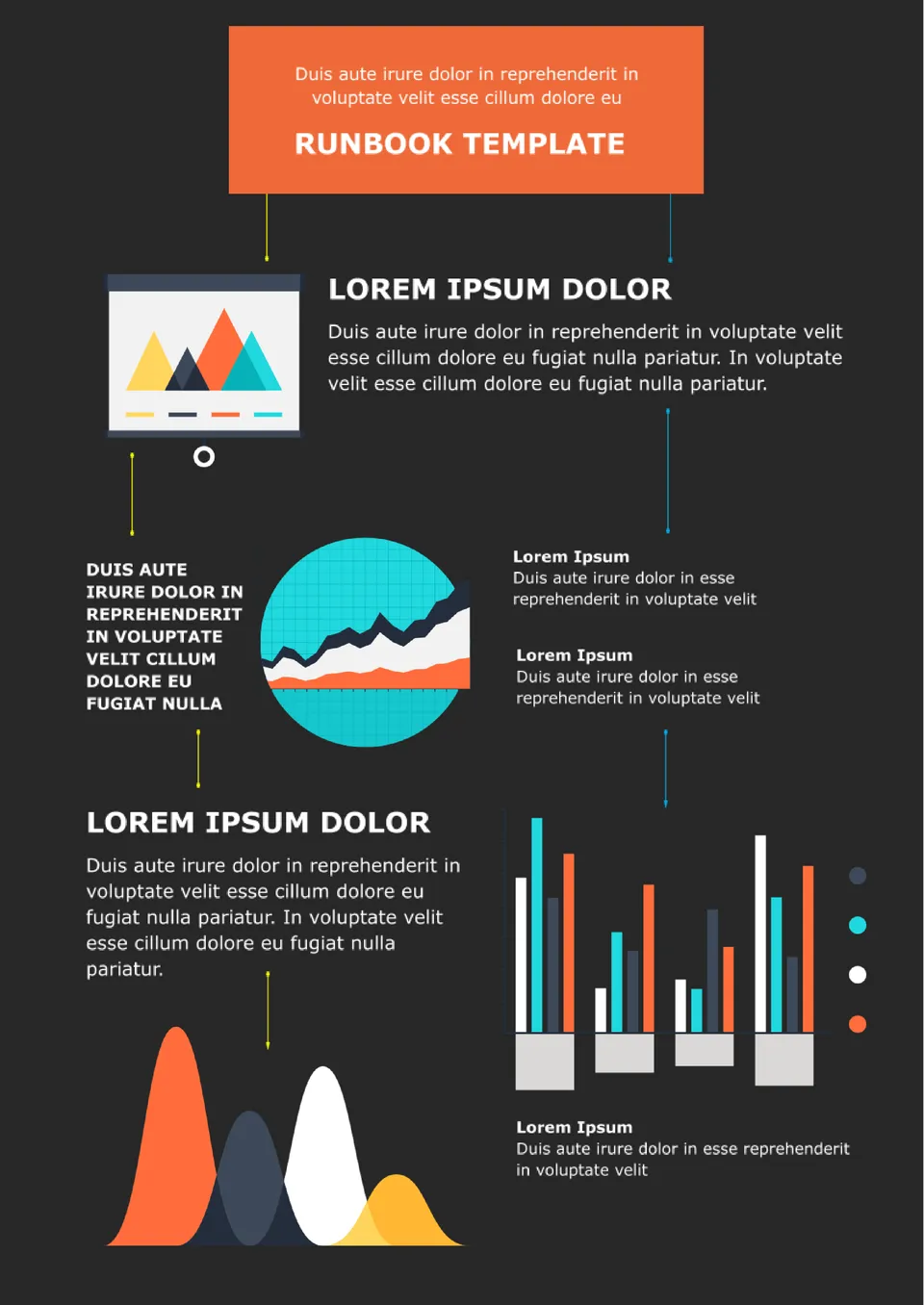
Create a manual for your employees that will contain instructions in case of problems during the workflow. The layout should include a description of possible problems and how to solve them step by step.
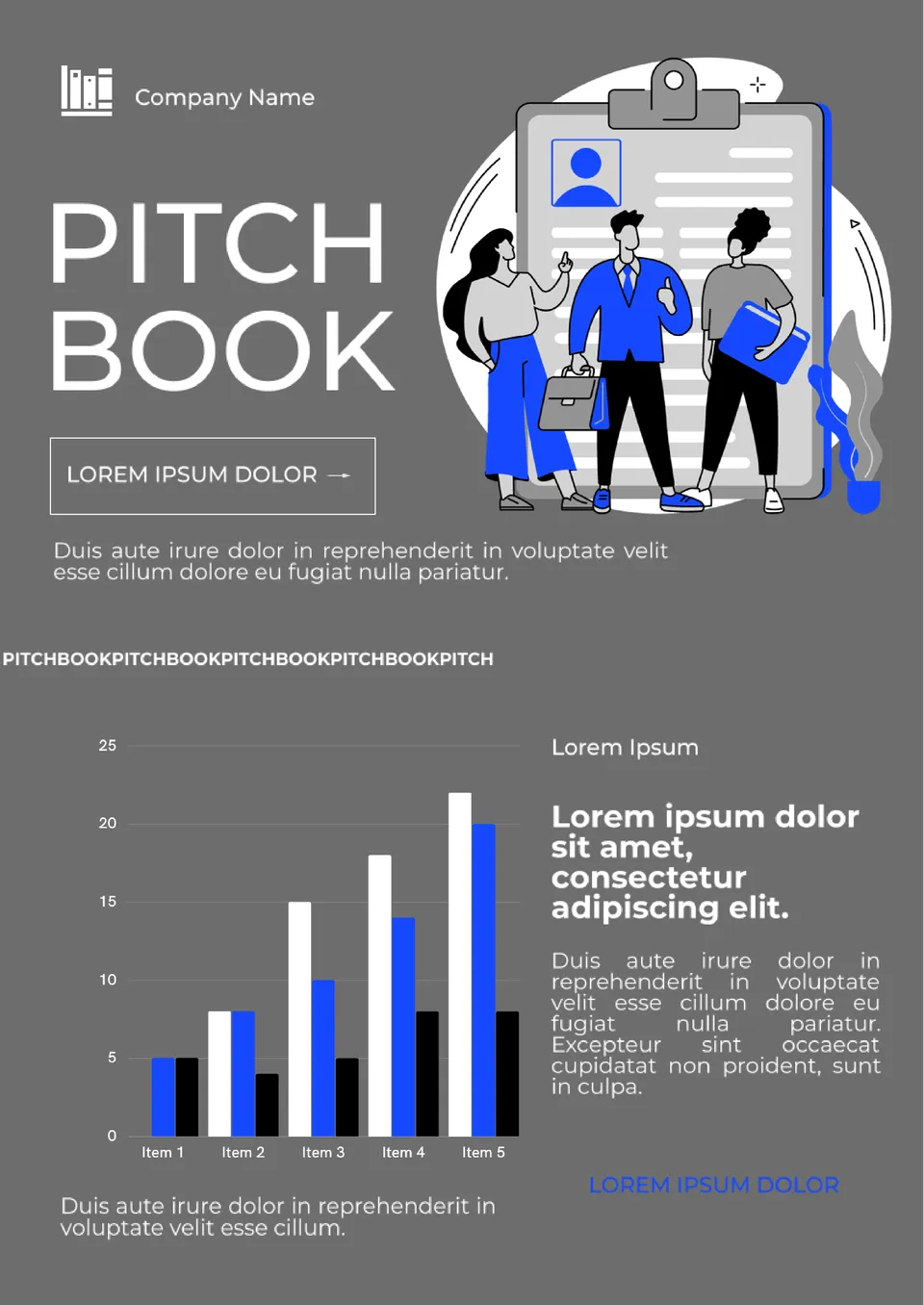
This professional template is designed specifically for creating a stylish marketing presentation. It will come in handy for financial companies, investment banks, business brokers, and anyone who provides advice on investing in the assets of a particular enterprise.
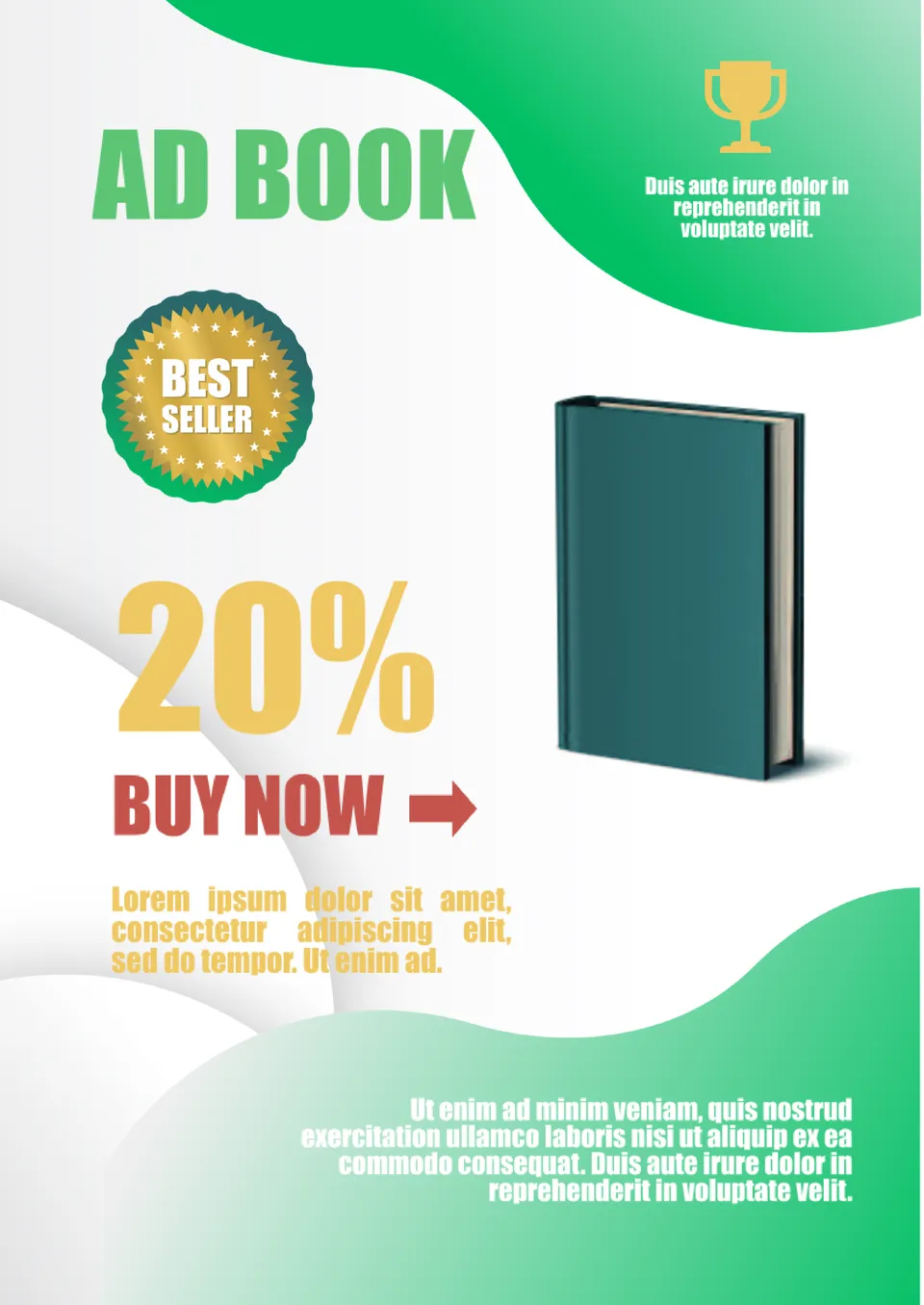
It's not enough to write a story, you have to sell it! The Ad Book Template for Google Docs will help you with this, allowing you to create a bright marketing campaign. The central element of the layout is the image of the book, where you need to add the actual cover.
What Are Book Templates and How Can You Use Them?
Book Templates are ready-made layouts designed to help you create books, covers, jackets, story pages, and memory projects in a clear and organized way. They are useful for children’s books, life books, coloring books, book jackets, and memory books, where a structured format helps you combine text and visuals more effectively. Instead of starting from a blank page, you can begin with a design that already supports the structure of a book.
Whether you are writing a story, building a personal keepsake, or designing a book-related project, Book Templates help you save time and keep your pages consistent. This makes it easier to focus on your content while keeping the design polished and organized.
Benefits of Using Book Templates
Book Templates help you turn ideas into structured pages more efficiently by giving you a clear starting point. They also make it easier to keep your book, cover, or memory project visually consistent from page to page.
- organize book content, covers, and page layouts in a clear format;
- save time with a ready-made book template instead of designing everything from scratch;
- adapt the design for stories, memories, creative projects, or personal use;
- combine text and images in a way that looks balanced and readable;
- prepare pages for digital sharing, editing, or printing.
In practice, a good book template helps you focus on your writing or storytelling while keeping the presentation neat and professional.

How to Customize Book Templates
Google Docs, Google Slides, Microsoft PowerPoint, PDF, and ODP formats make it simple to customize a book template for your story, project, or memory collection. Open the file in the format you prefer, then replace the placeholders and adjust the layout so it matches your theme and content.
- Open the template in the format that works best for your workflow.
- Replace placeholder text with your own story, memories, or book details.
- Add photos, illustrations, or decorative elements if needed.
- Adjust fonts, colors, spacing, and page structure to match your style.
- Save or export the finished file in the format you need for sharing or printing.
You can also create different versions for book jackets, coloring books, life books, children’s books, or memory books depending on your goal.

Popular Types of Book Templates
We offer different Book Templates for covers, creative stories, personal keepsakes, and memory collections. Each option is designed for a specific use, so you can choose the version that best matches your project.
- Jacket Book Template — a practical layout for book covers, wraps, and jacket designs;
- Coloring Book Template — a creative format for illustrations, activity pages, and coloring projects;
- Life Book Template — a meaningful choice for personal stories, milestones, and life memories;
- Children’s Book Template — a playful design for young readers and illustrated stories;
- Memory Book Template — a flexible option for preserving events, moments, and photo memories.
Download Free Book Templates for Your Needs
Our Book Templates are free to download and easy to adapt for many kinds of book-related projects. Choose the template that fits your purpose, edit it in the format you need, and create pages that look organized, creative, and professional. These templates help you save time, present your content clearly, and turn your ideas into a polished finished book.


Choose your preferred social media platform from options like Pinterest, Facebook, Twitter, and more. Share our templates with your contacts or friends. If you’re not active on these social networks, you can simply copy the link and paste it into the one you use.