

 Back to templates
 Google Docs Templates - Page 60
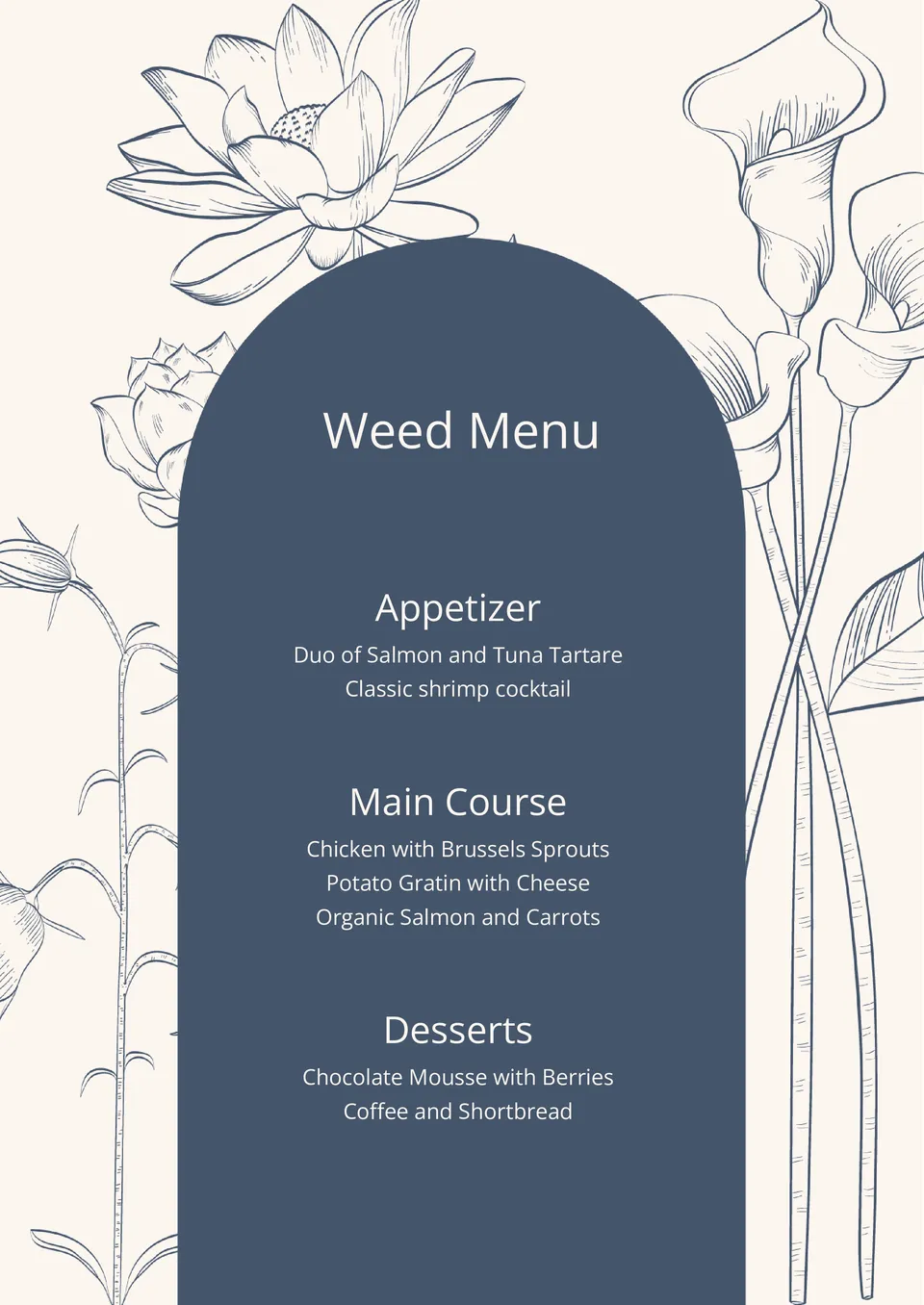
This elegant template will help to make a pleasant impression on your guests. A sophisticated menu will be especially appropriate in restaurants, hotels, lounge bars, and elite clubs. The list of dishes is placed on a centimeter of the sheet on a dark background without prices, but you can add them if necessary.

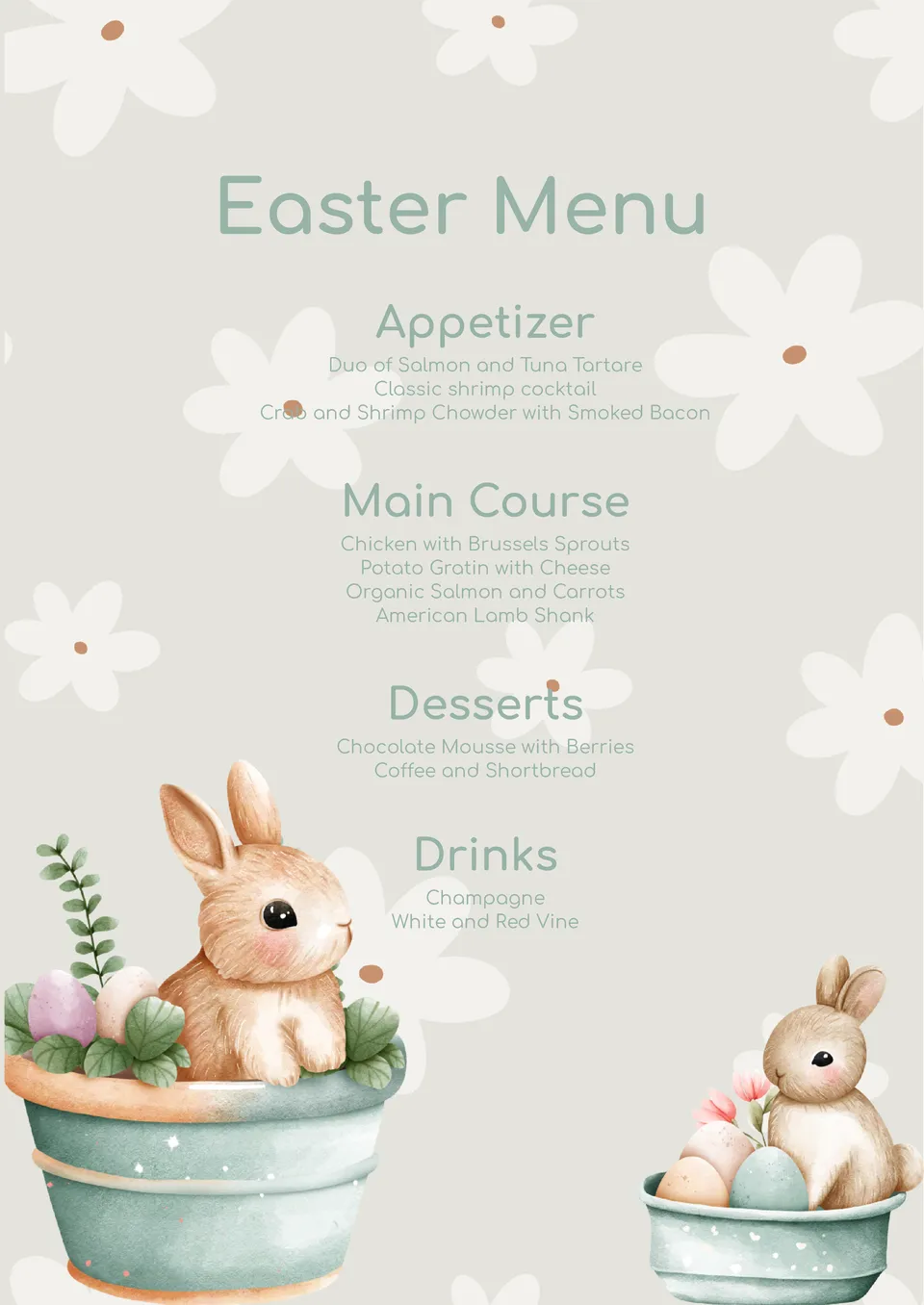
The uniqueness of this Easter Menu Template for Google Docs lies in the hand-drawn design with cute rabbits that will appeal to both adults and children. The beige background is decorated with light flowers, which makes the layout even more festive.
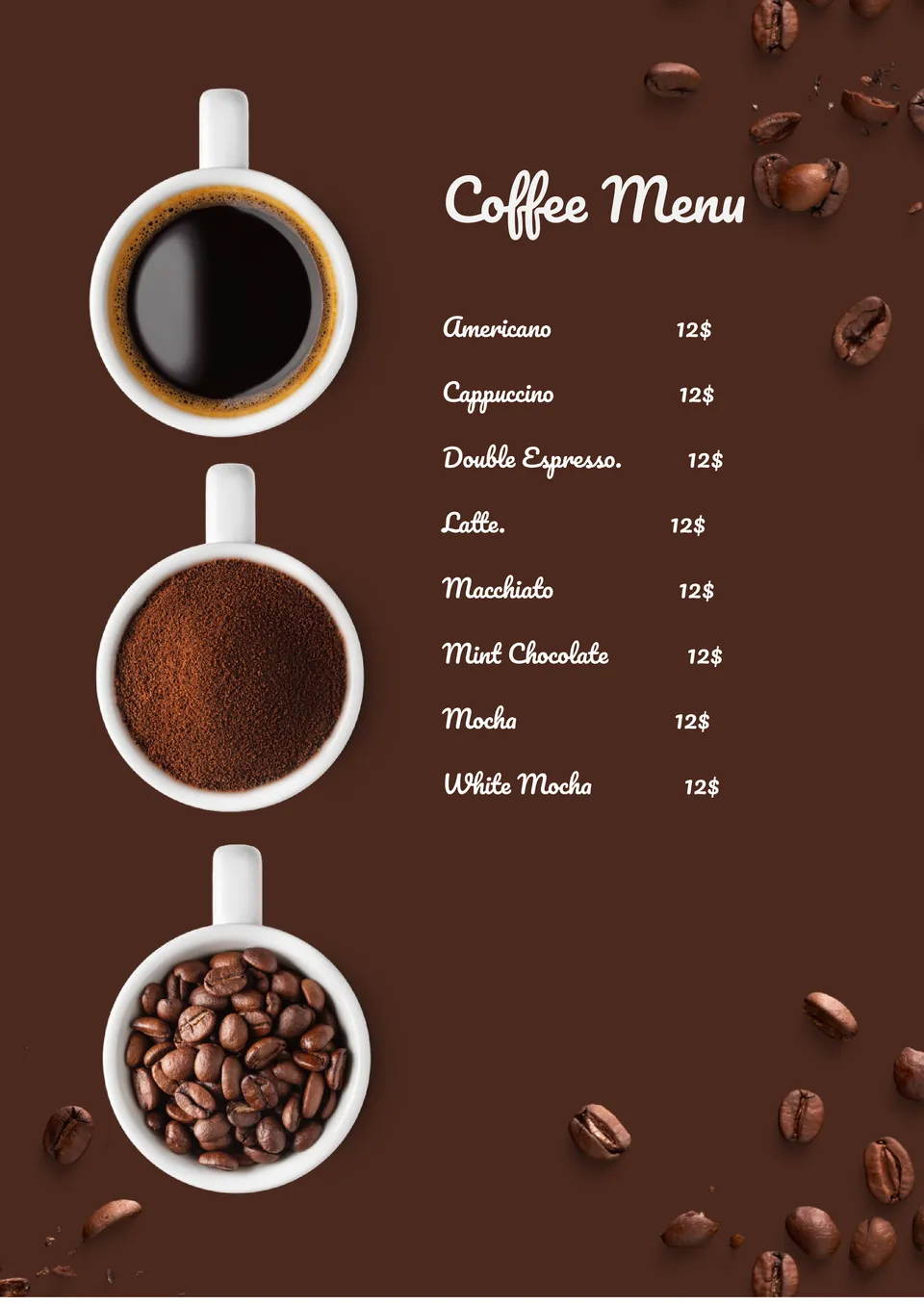
Are you looking to update your coffee menu? Take a look at this atmospheric layout that lists popular hot drinks from Americano to macchiato. All you need to do is add the missing items to the list and specify the current prices.
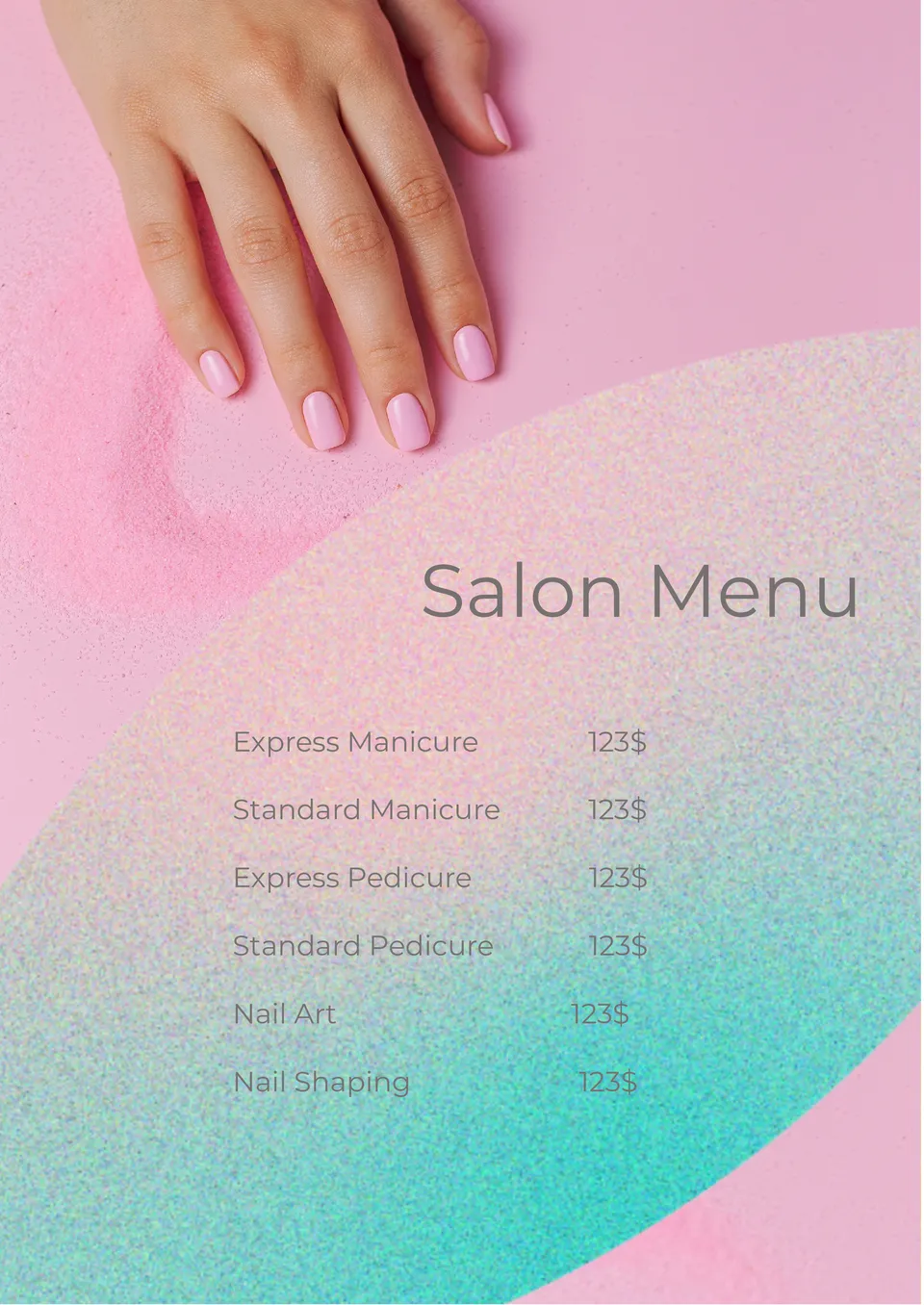
Tell your clients about the cost of your nail care services using the printable Salon Menu Template for Google Docs. The most popular types of procedures are already listed here, including manicures, pedicures, and extensions.
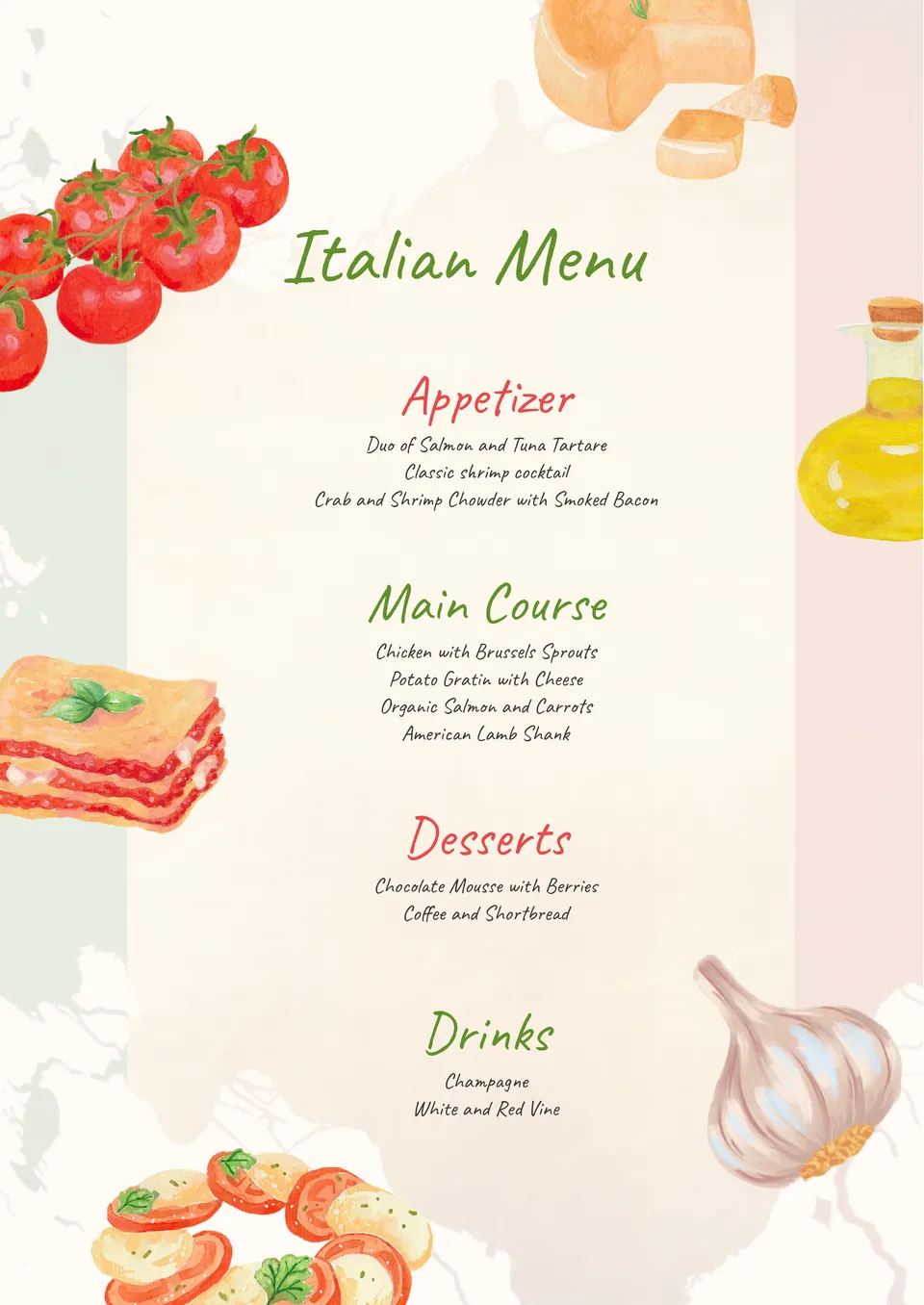
Impress your customers with your Italian menu with this unusual template. The illustrations here are not photos, but drawings of lasagna, tomatoes, olive oil, and other foods traditional for the inhabitants of the peninsula.
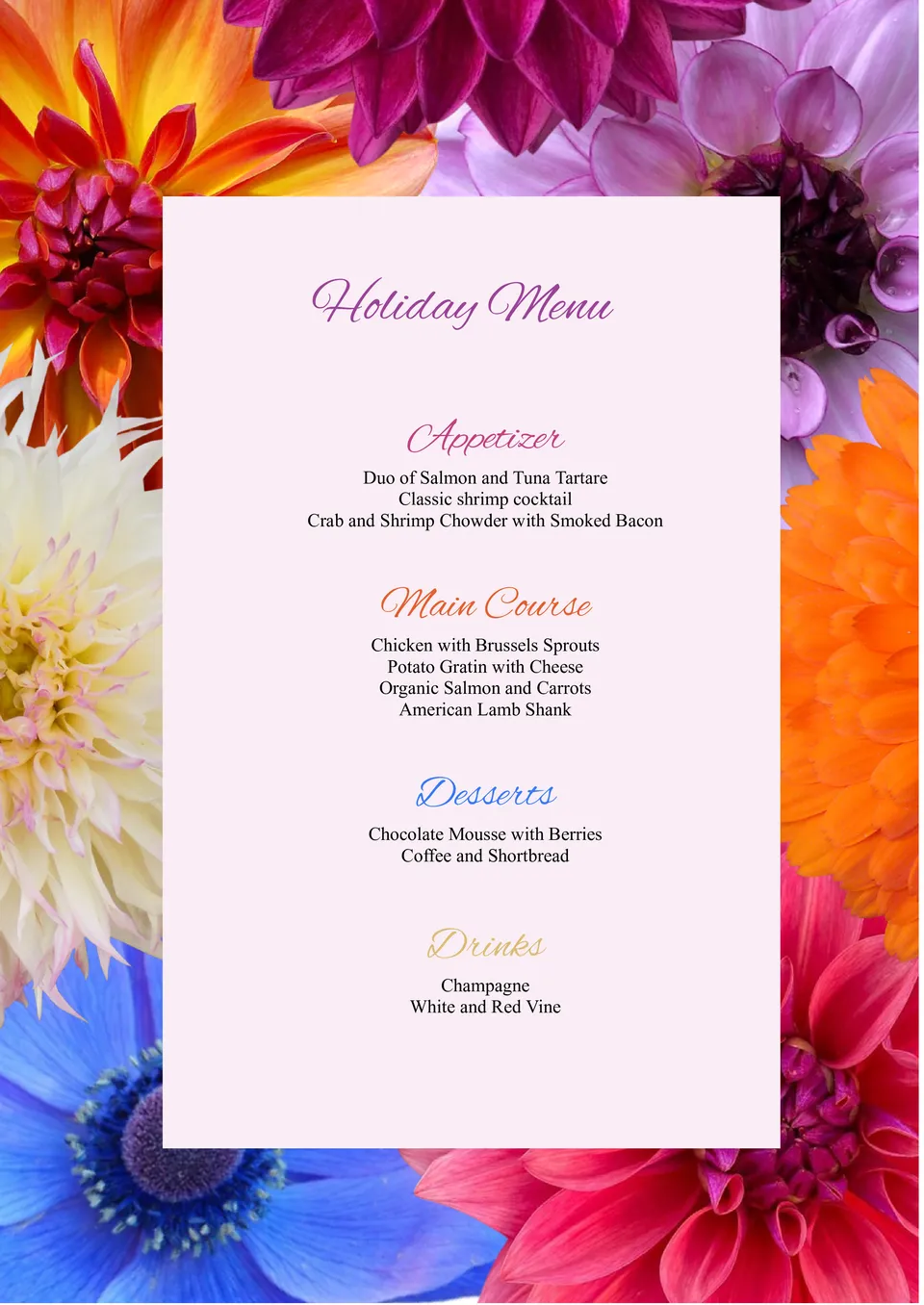
This original template can be used when preparing a festive menu for a birthday, wedding, marriage anniversary, etc. Its main feature is a wide frame with beautiful flowers. In the center, there is a pale pink background on which the type of menu and the list of dishes are written.
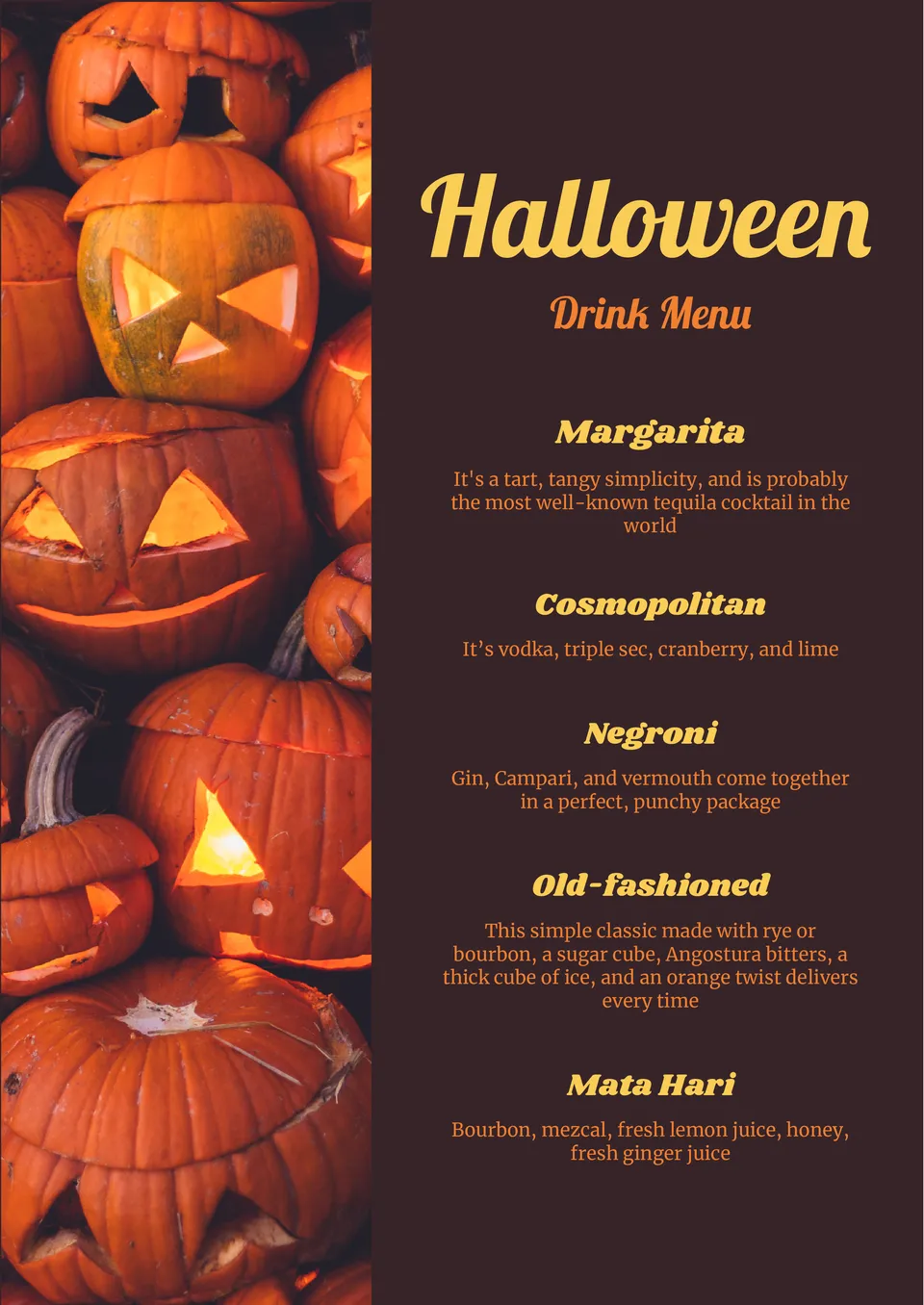
Help your customers get in the mood to celebrate the scariest day of the year with this Halloween themed template. It is perfect for bars, clubs, pubs and other adult establishments. Images of pumpkin lanterns will create a spooky atmosphere that will captivate your visitors.
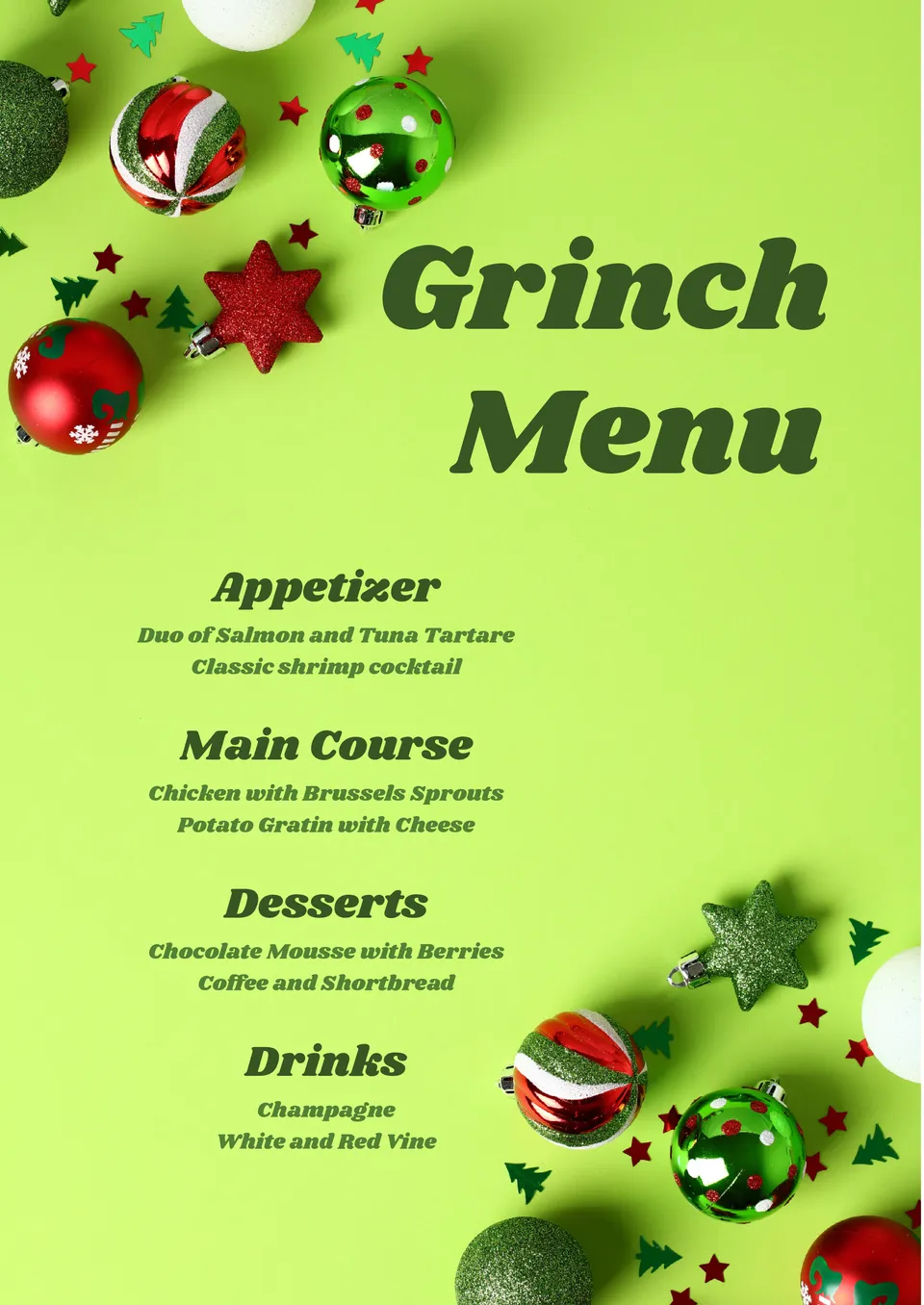
Are you going to prepare a special Christmas or New Year’s menu for your restaurant? In this case, this atmospheric printable template decorated with images of Christmas decorations will definitely come in handy!
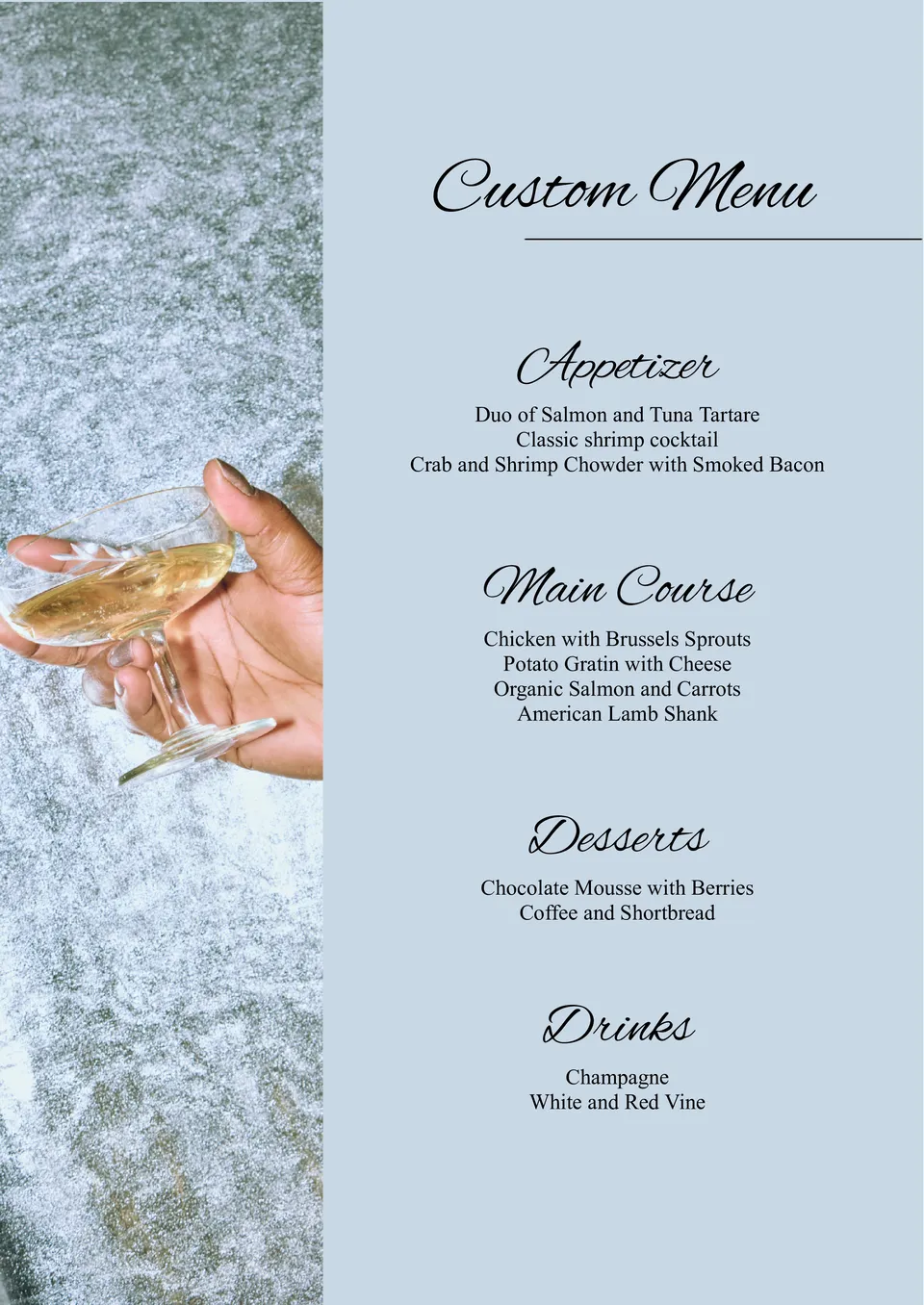
The versatile Custom Menu Template for Google Docs is suitable for any purpose. The left third of the sheet is occupied by a vertical image, and on the right, on a simple monochromatic background, a list of dishes is placed.
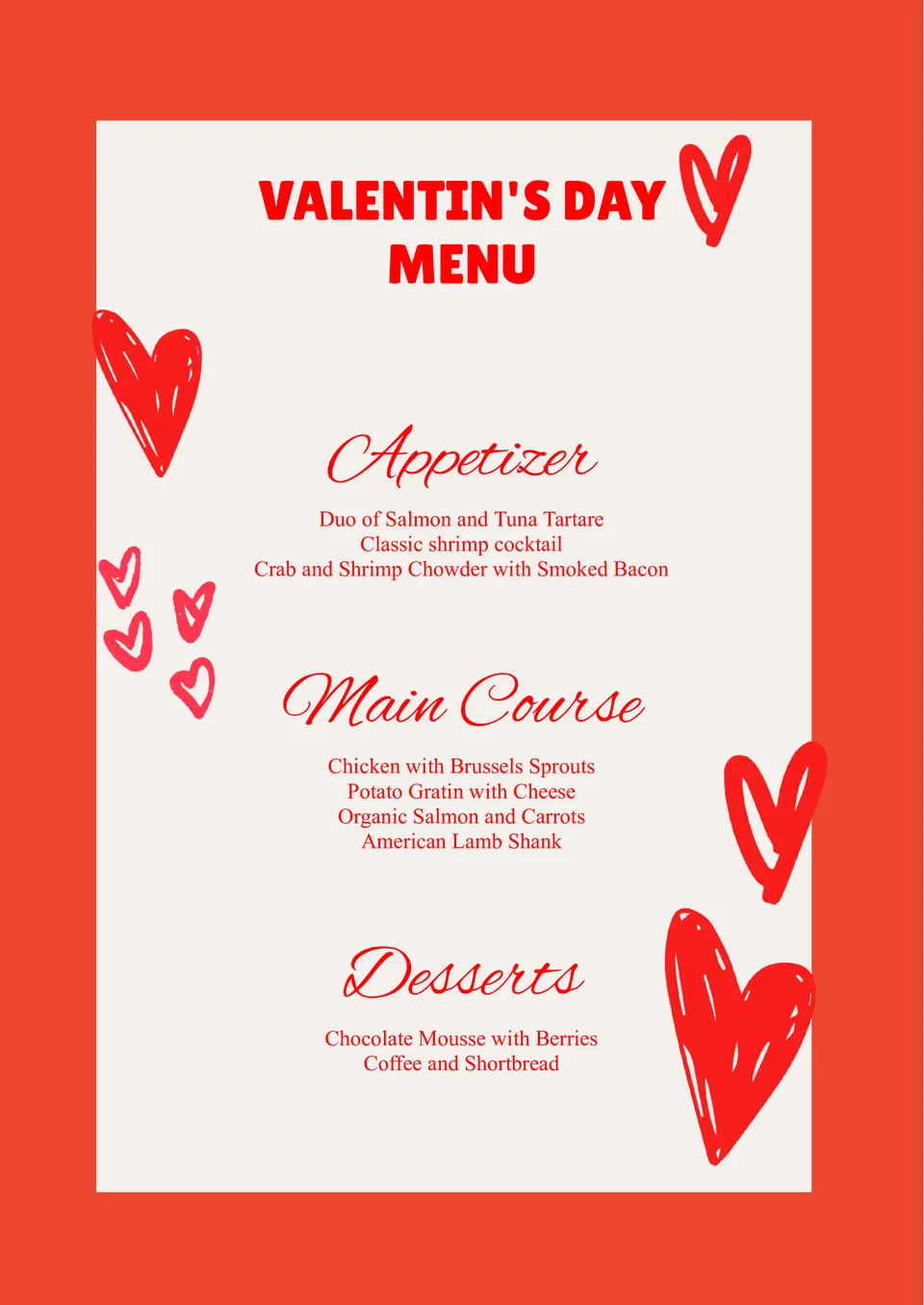
Create a beautiful menu for Valentine’s Day by choosing this themed free template. The red and white color palette and hearts images create a romantic atmosphere that will appeal to lovers. A list of dishes divided into categories is placed in the center of the email.

Choose your preferred social media platform from options like Pinterest, Facebook, Twitter, and more. Share our templates with your contacts or friends. If you’re not active on these social networks, you can simply copy the link and paste it into the one you use.