

 Back to templates
 Free Business Card Google Docs Templates - Page 3
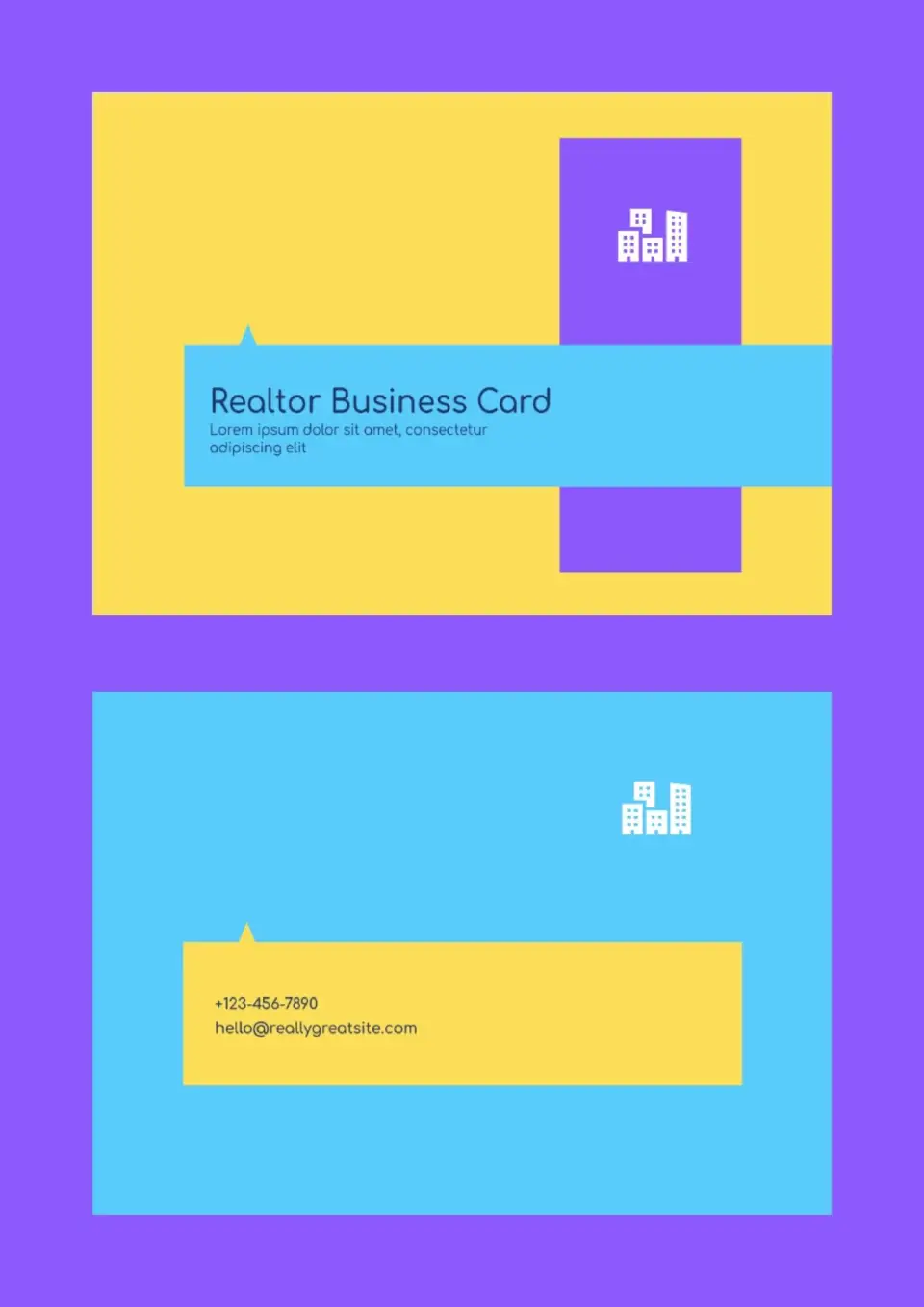
The Realtor Business Card Template is a smart choice for individual real‑estate agents, brokers, and freelancers who want a polished, professional look for every interaction. It gives you a clean layout for your name, role, contact details, and agency so your card feels modern and reliable.

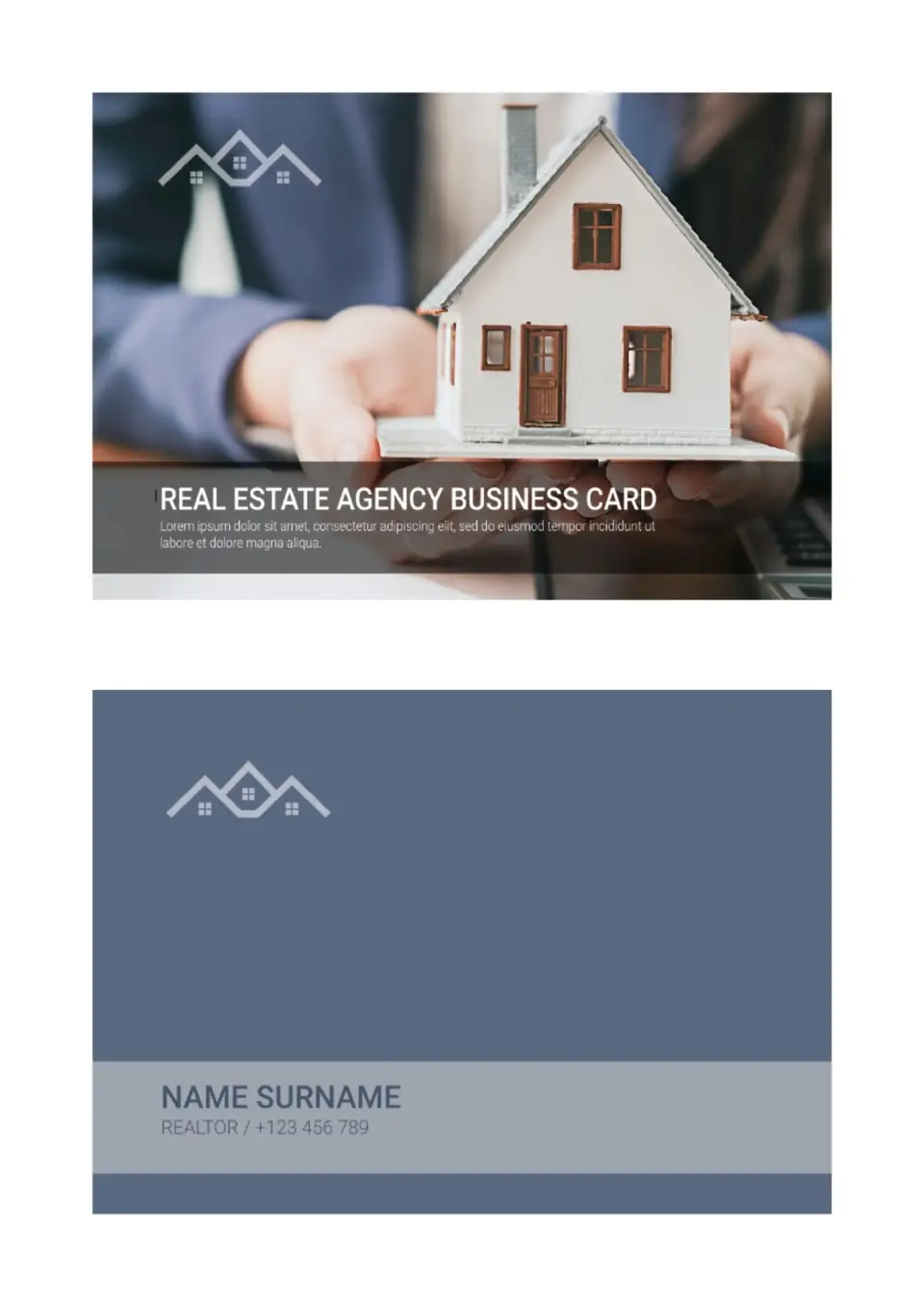
Want a unified design for every agent in your real‑estate firm? The Real Estate Agency Business Card Template is ideal for brokerage owners, teams, and agencies that need a consistent brand look across all staff.
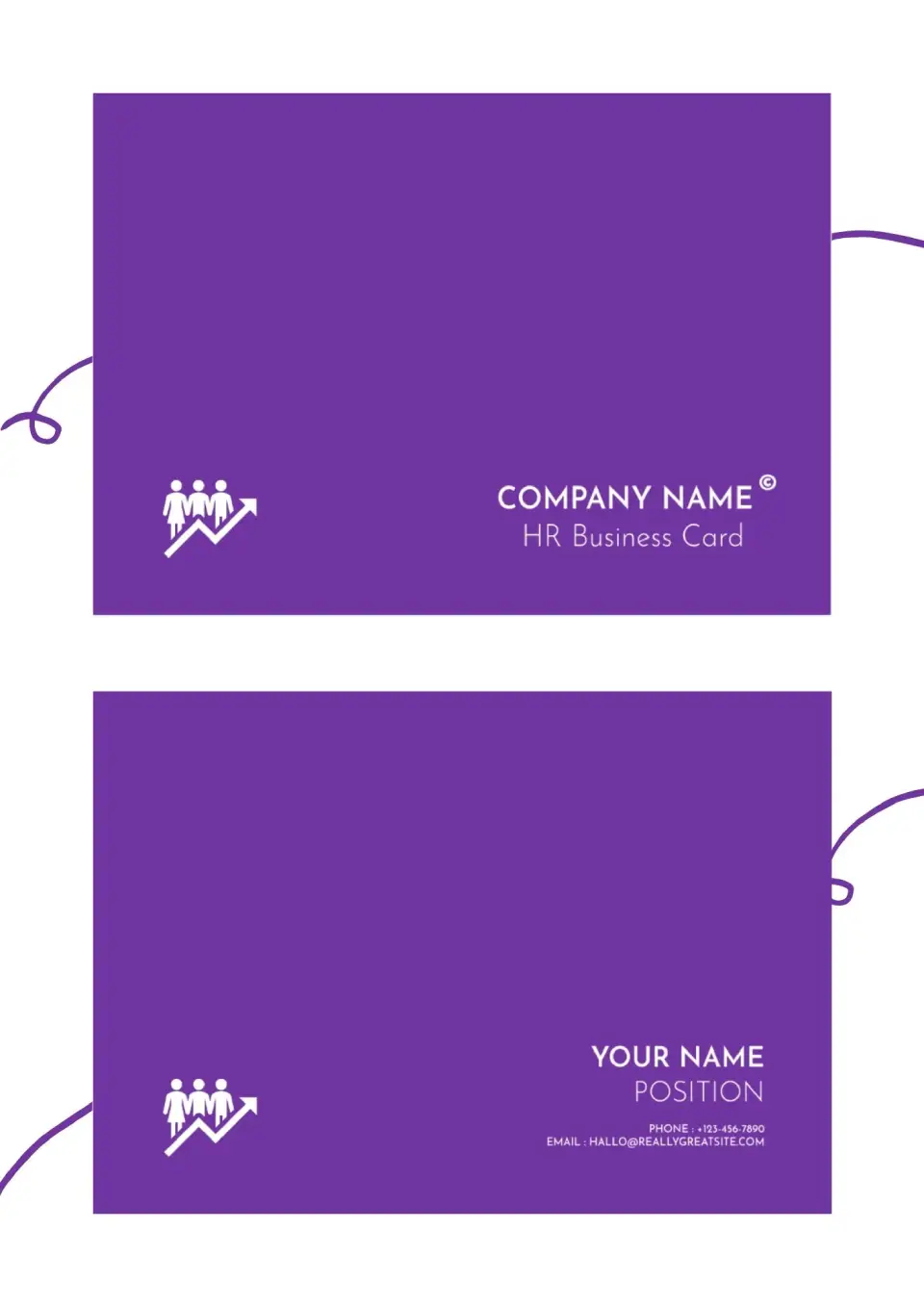
Need a cleaner way to represent your HR function in meetings and networking events? The HR Business Card Template is a practical option for HR managers, recruiters, and people‑ops teams that want to share contact details with clarity and style.
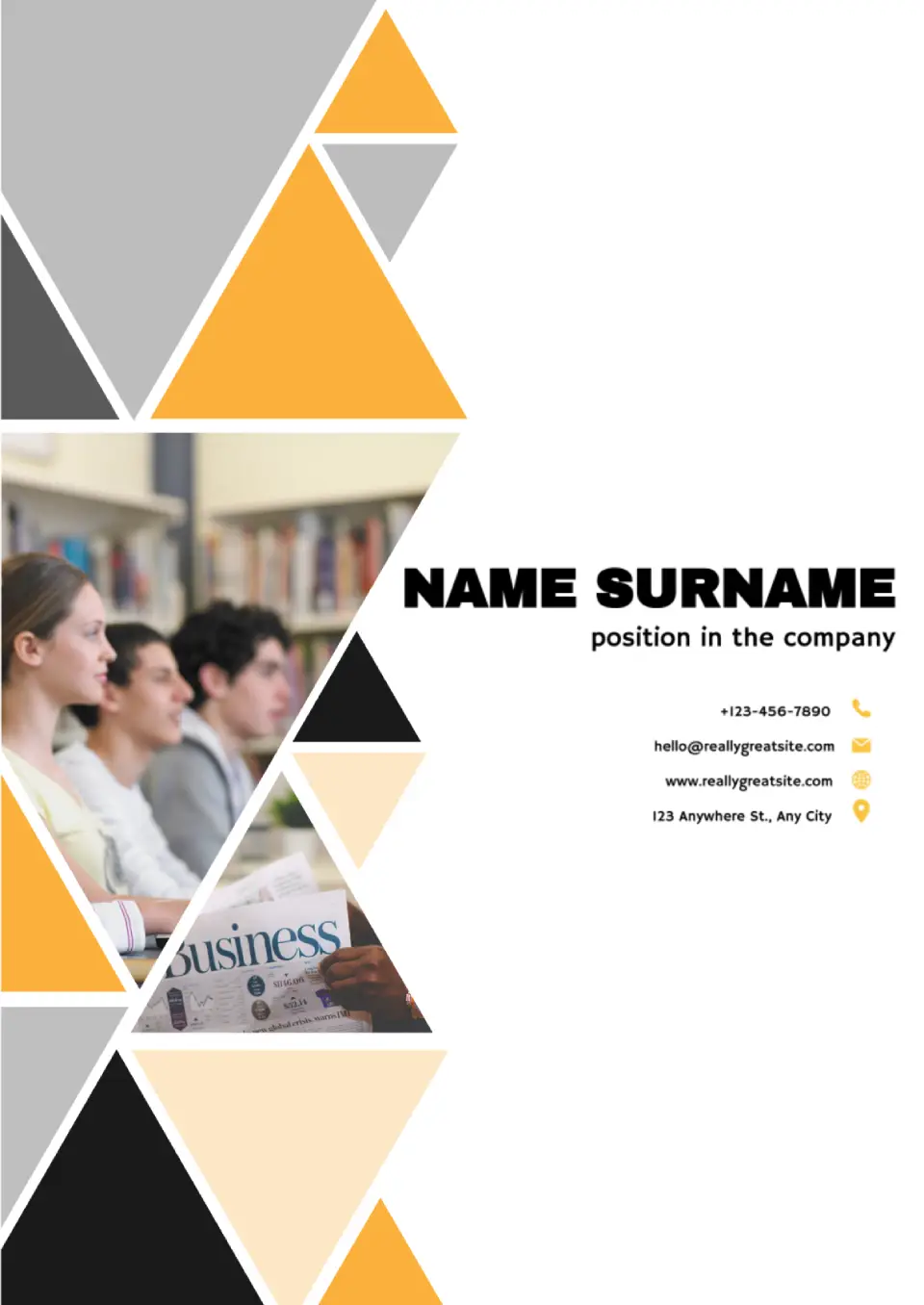
Need a simple layout you can fully customize for any brand or project? The Blank Business Card Template is a practical choice for entrepreneurs, freelancers, students, and professionals who want clean, uncluttered business cards.
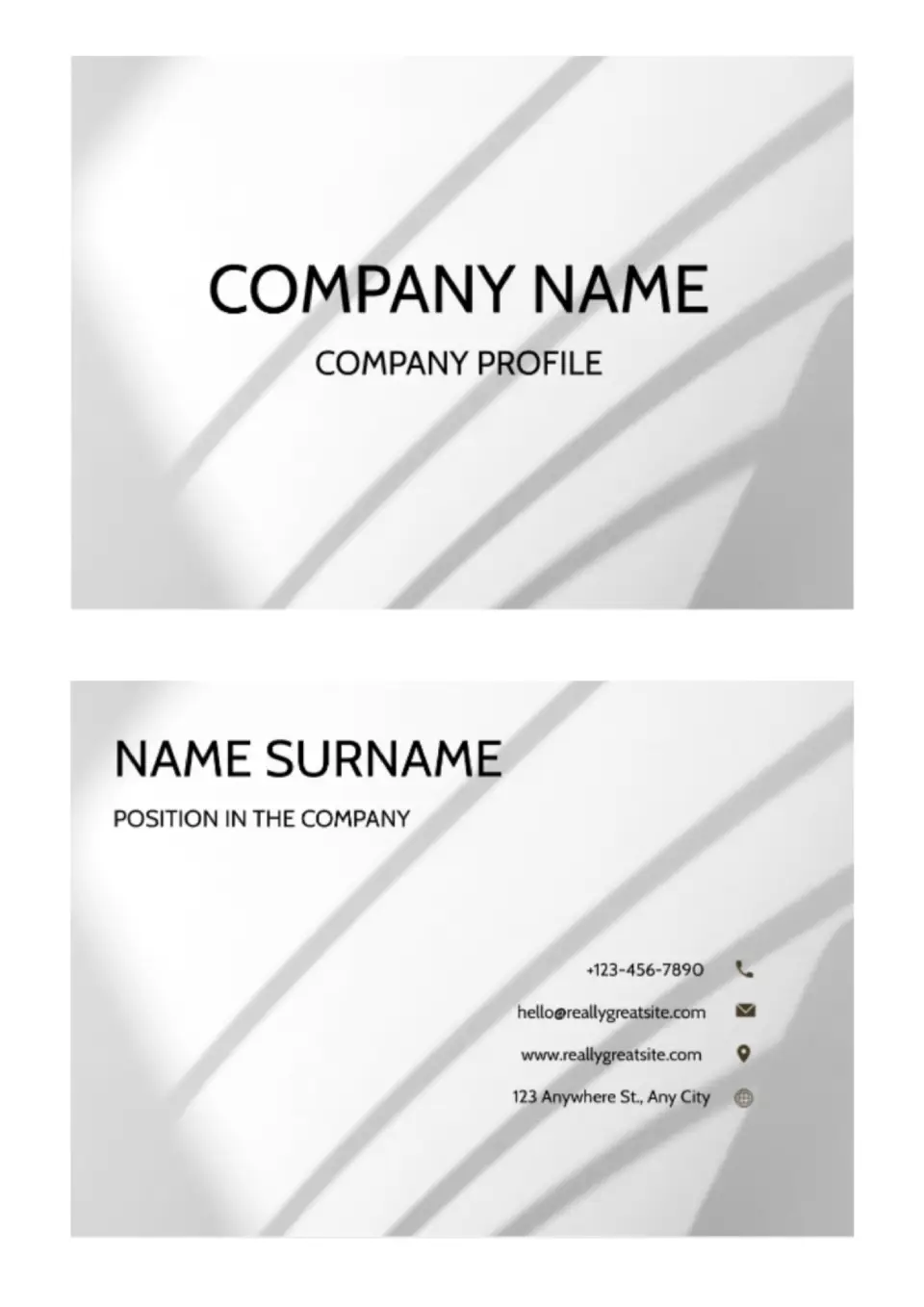
Want a polished way to share your contact details and make a stronger first impression? The Business Card Template is a useful choice for entrepreneurs, freelancers, service providers, and professionals across many industries.

Choose your preferred social media platform from options like Pinterest, Facebook, Twitter, and more. Share our templates with your contacts or friends. If you’re not active on these social networks, you can simply copy the link and paste it into the one you use.