

 Back to templates
 Free Business Card Google Docs Templates - Page 2
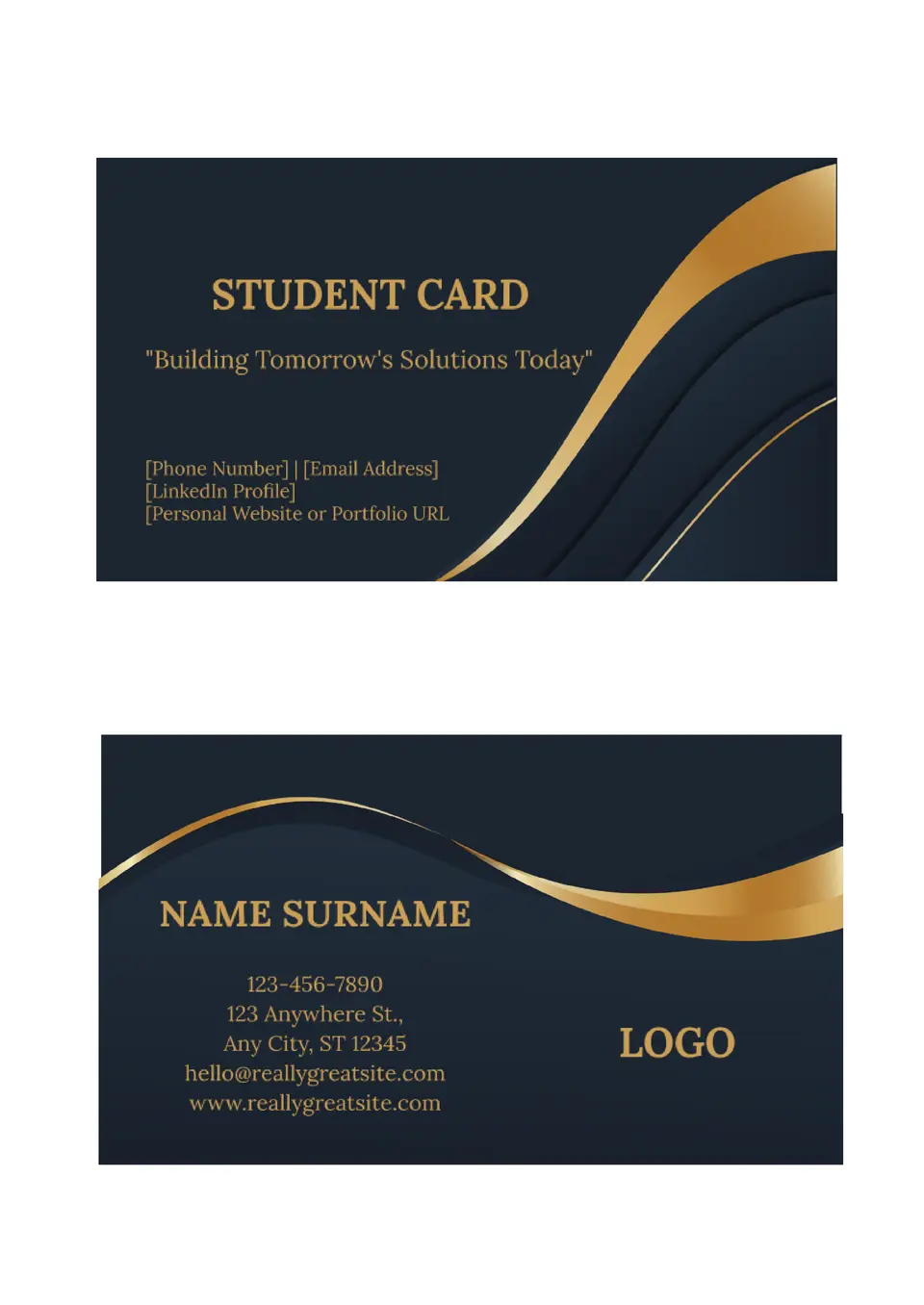
We created the Student Business Card Template for students who want a simple way to present themselves. It works well for networking events, internships, campus projects, and early job searches.

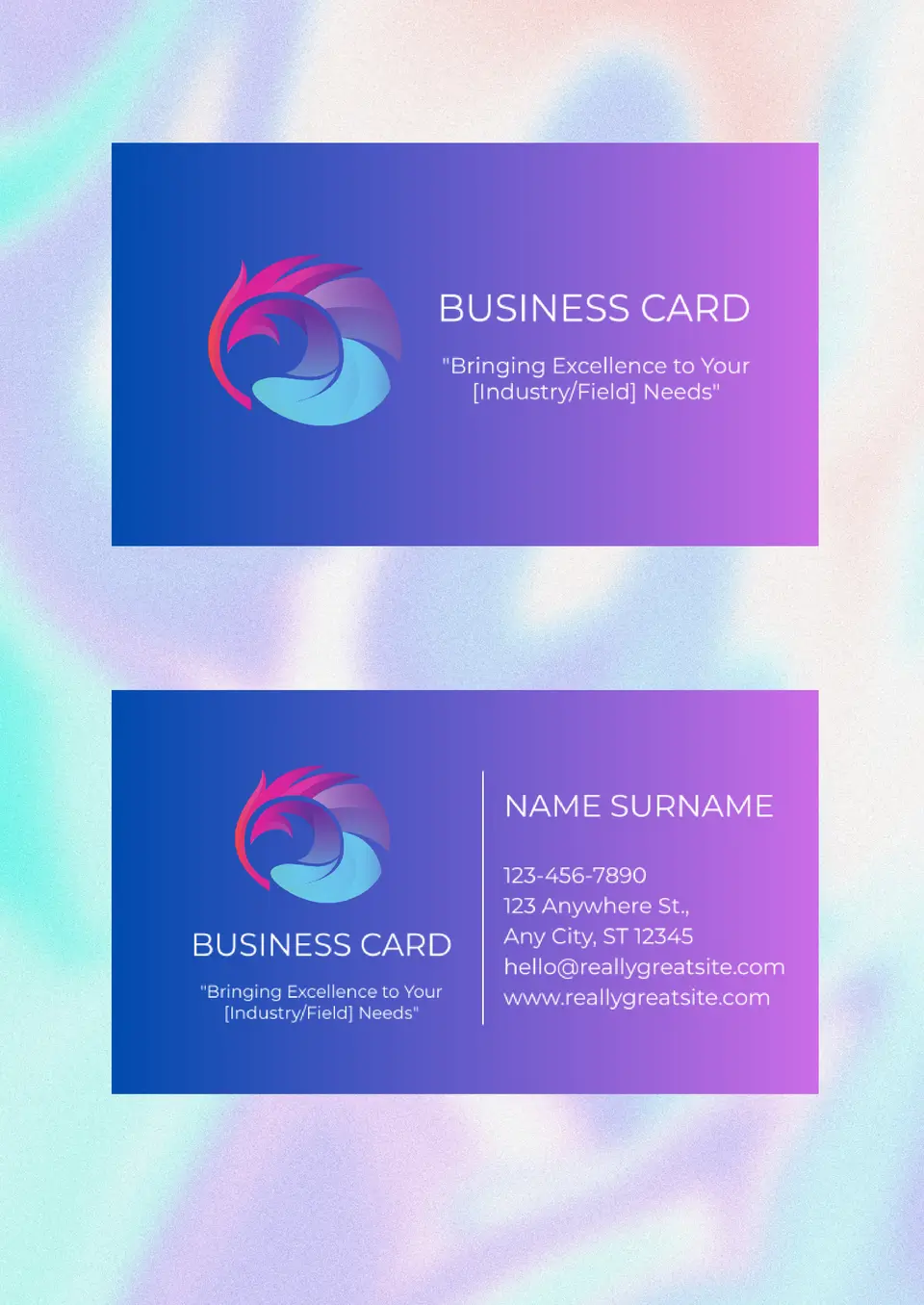
How do you share your contact details in a format that looks clean and professional? The Standard Business Card Template is a good fit for business owners, freelancers, and team members who need a classic card design.
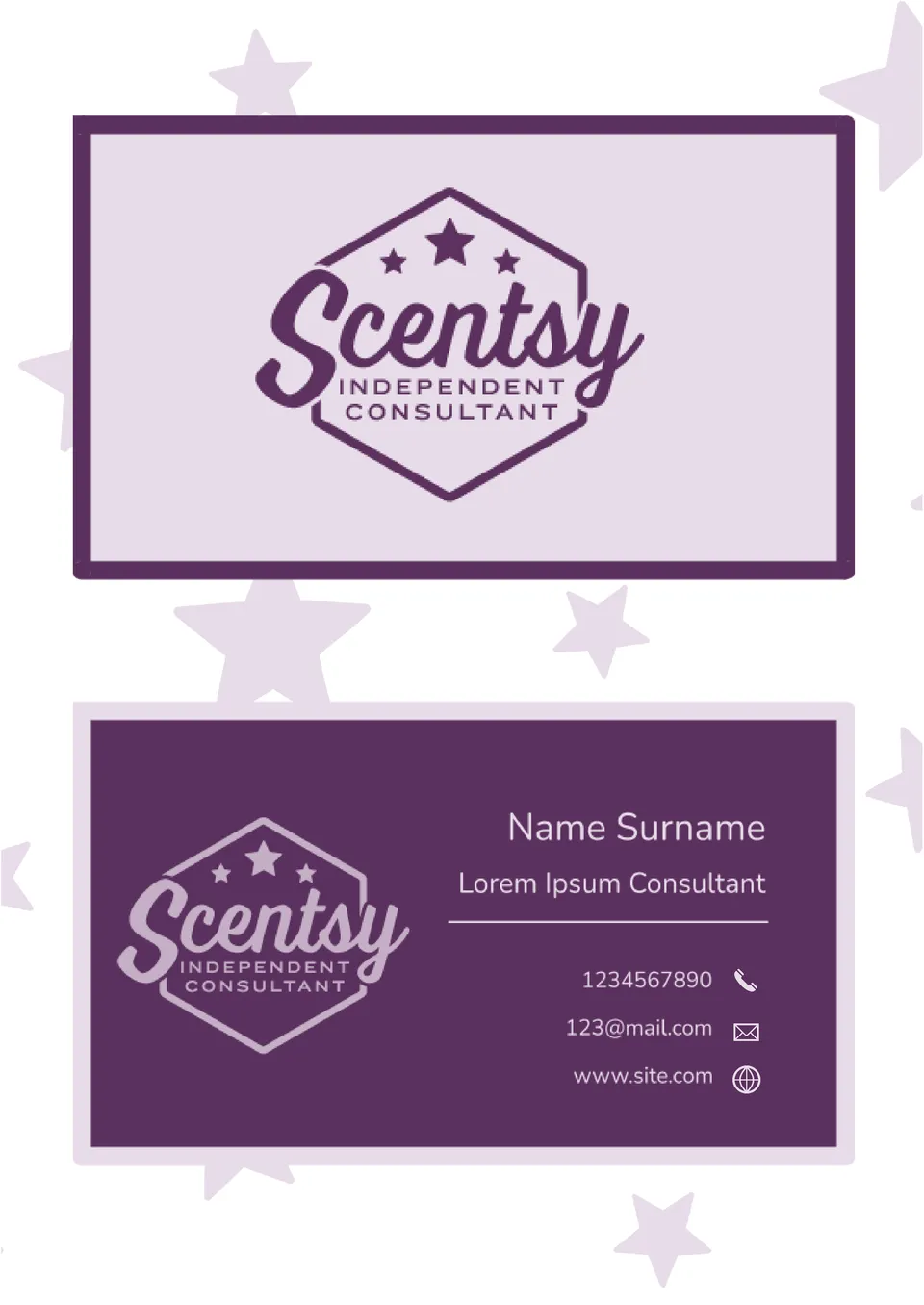
Trying to present your Scentsy details in a way that feels polished and easy to share? The Scentsy Business Card Template suits consultants, sellers, and team members who want a stronger card for networking or customer outreach.
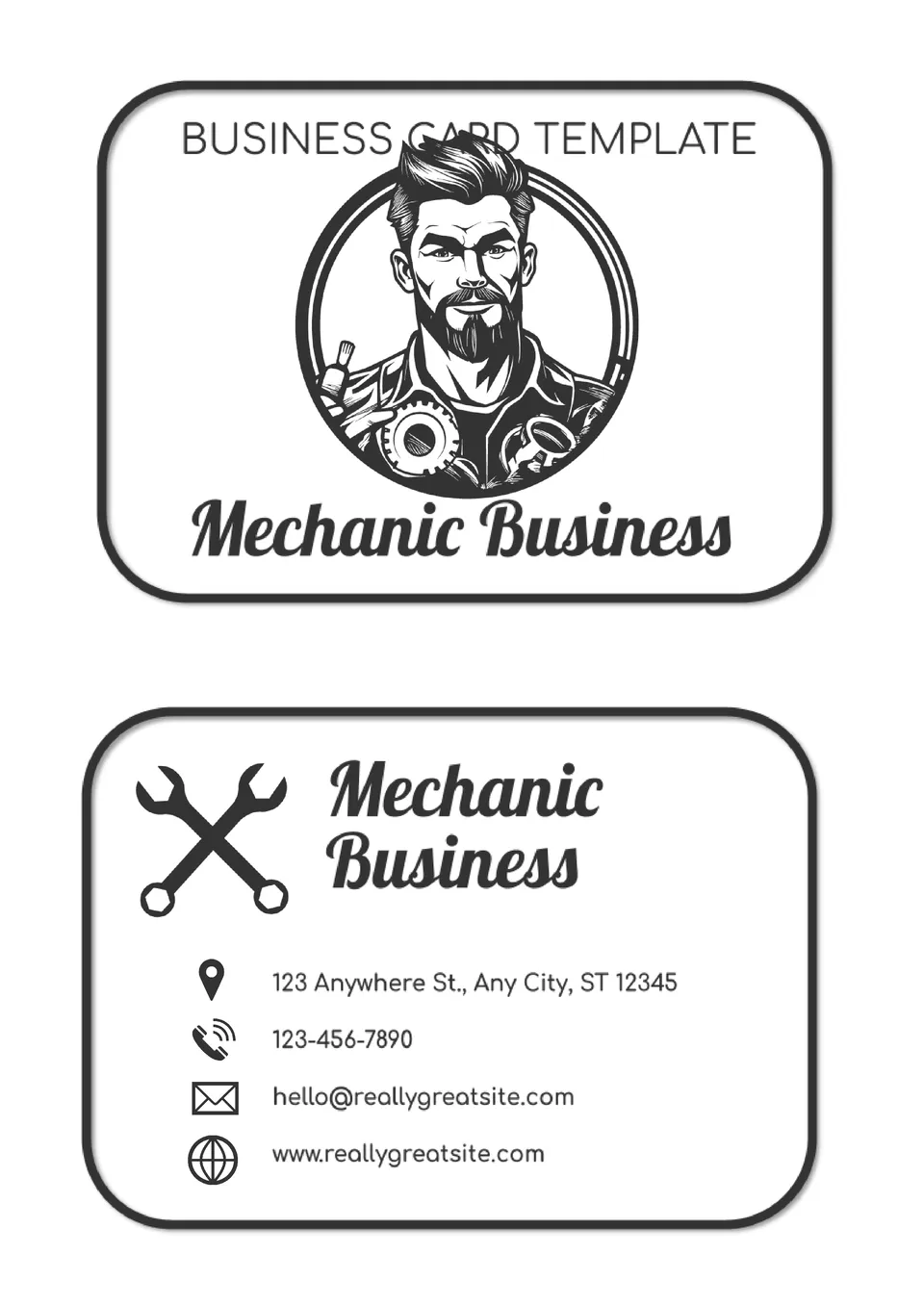
Built for mechanics and auto service professionals, the Mechanic Business Card Template gives your contact details a stronger presentation. It includes space for your name, phone number, job title, and repair business information.
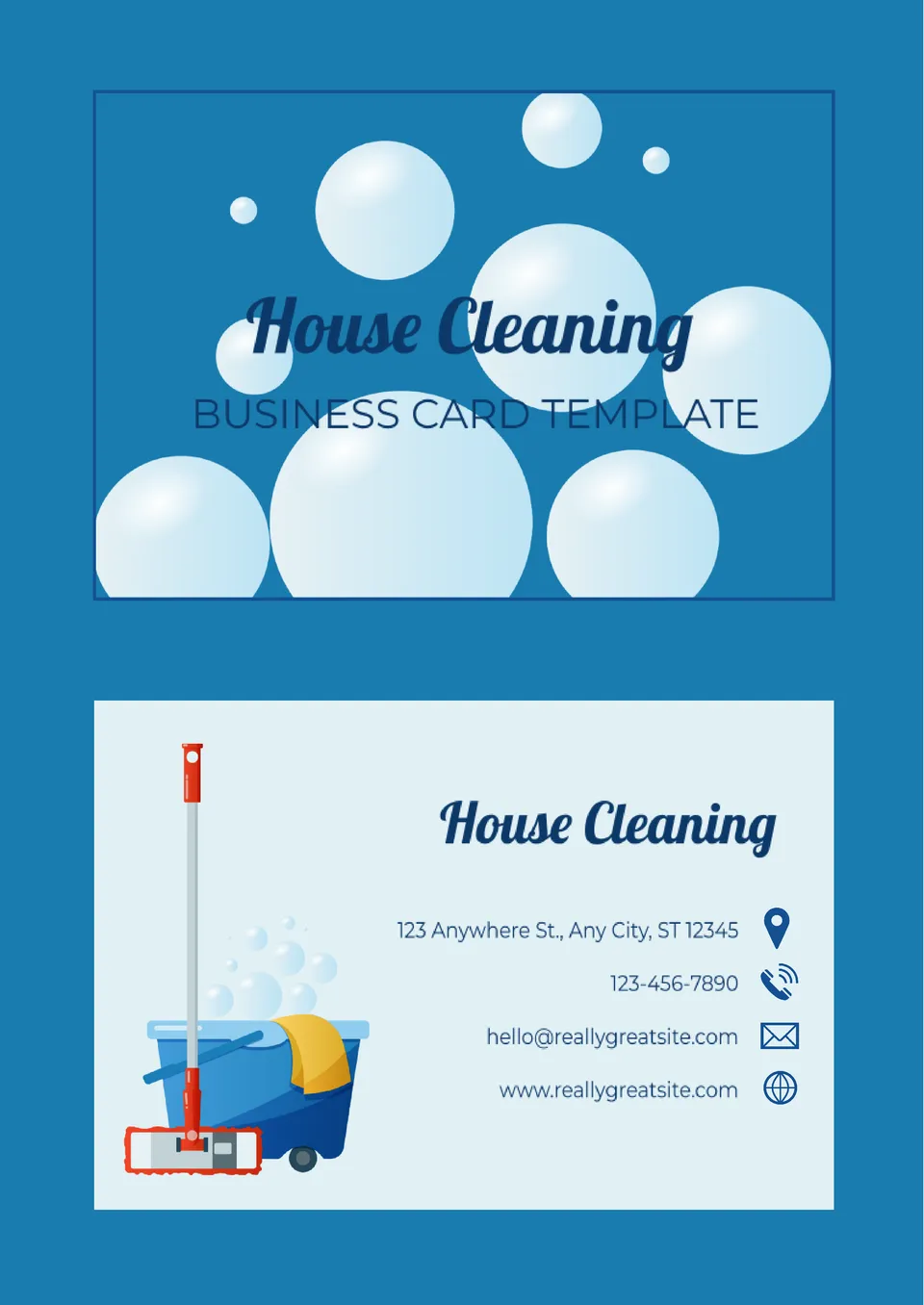
We created the House Cleaning Business Card Template for cleaners, home service providers, and small cleaning teams. It gives you room for your name, phone number, service title, and business details.
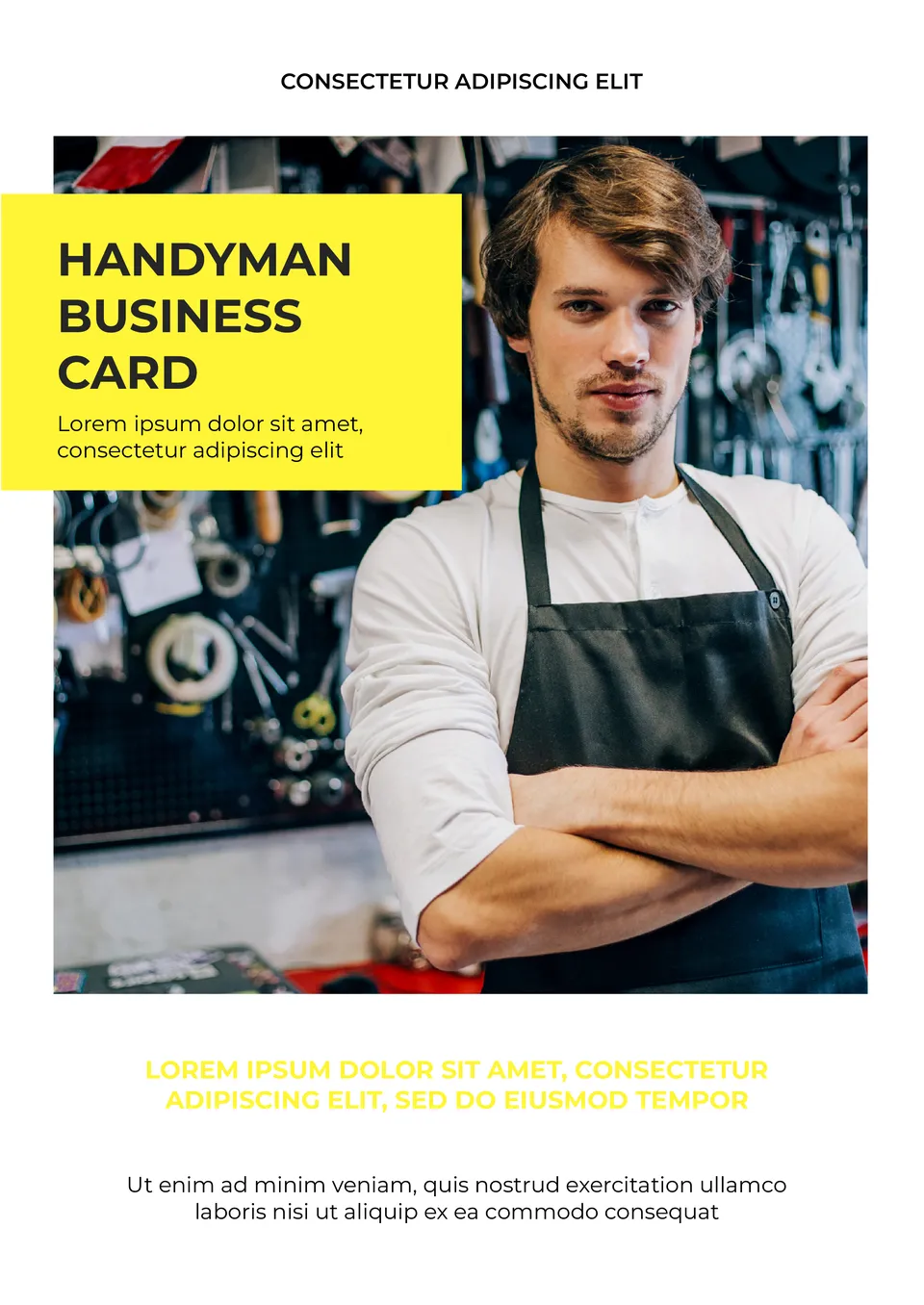
What makes a handyman business card easier to read when customers need contact details fast? The Handyman Business Card Template is a good fit for repair professionals, contractors, and home-service providers.

We created the Electrical Contractor Business Card Template for electricians, contractors, and repair specialists who need a strong first impression. It includes room for your name, phone number, services, and business details.
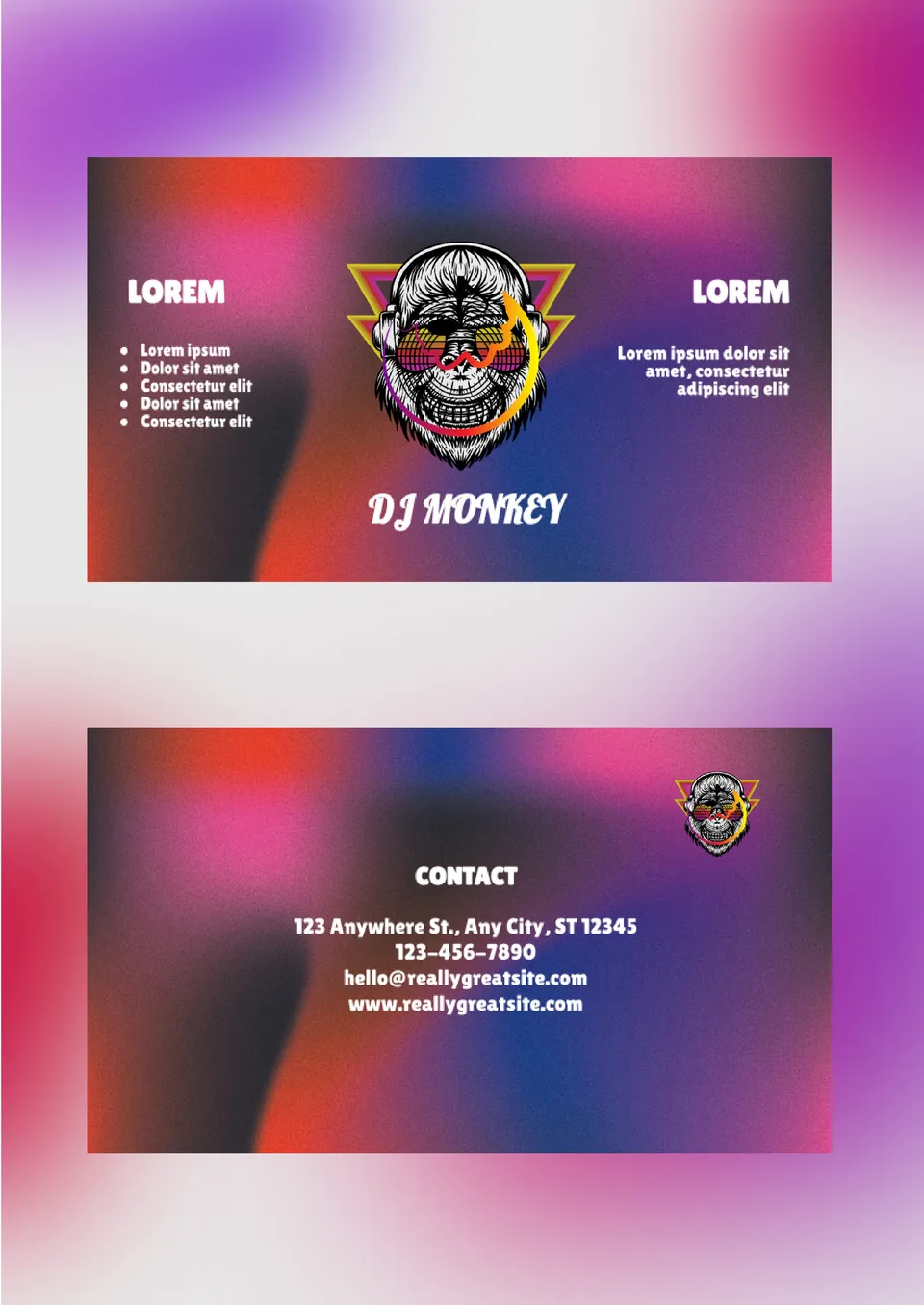
Created for DJs, music performers, and event professionals, the DJ Business Card Template gives your contact details a stronger visual style. It includes space for your name, phone number, brand, and booking information.
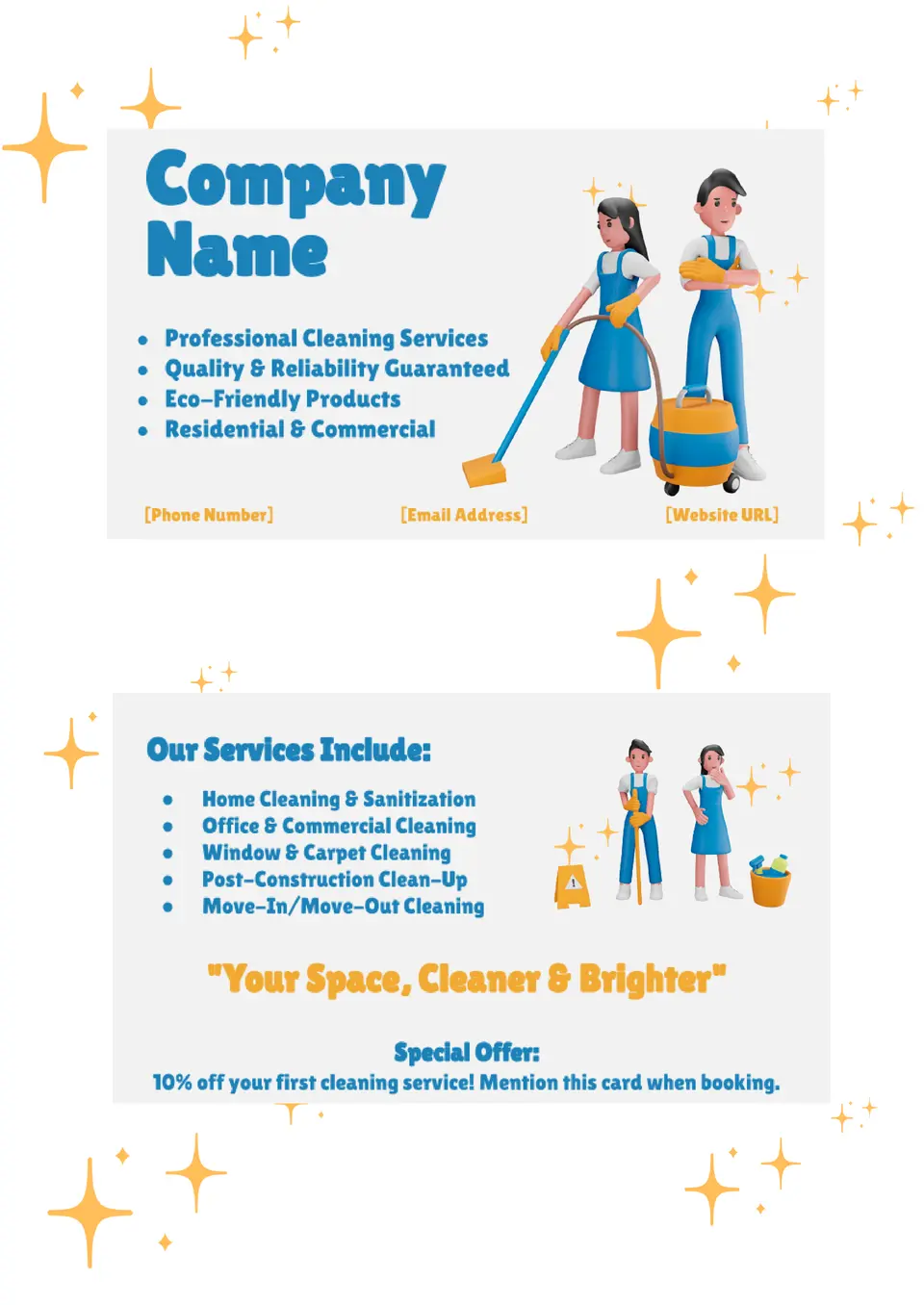
With space for contact details and service information, the Cleaning Business Card Template helps cleaning professionals present themselves in a more polished way. It works well for independent cleaners, cleaning crews, and local service businesses.
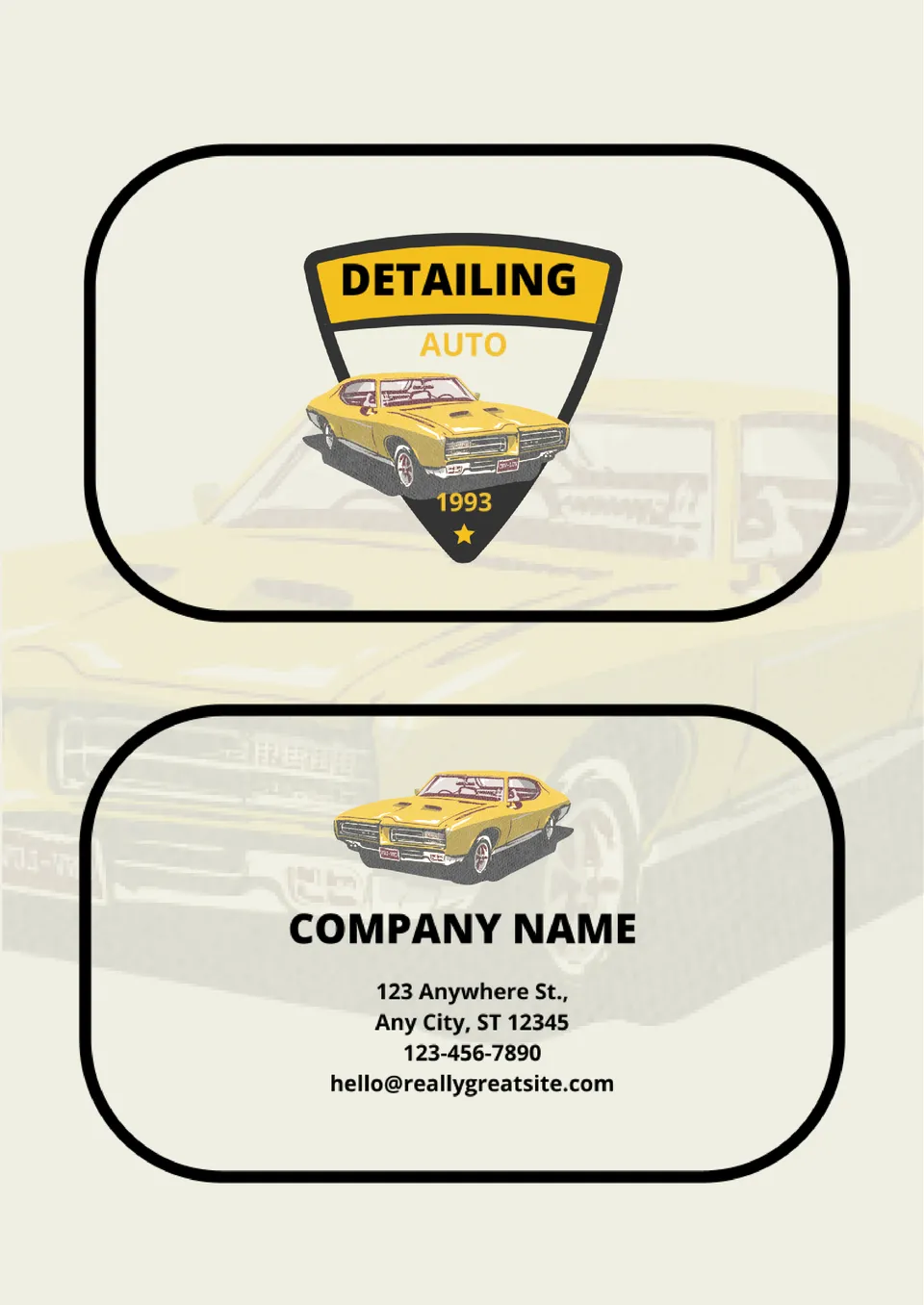
Need a business card that makes your auto detailing service look clean, sharp, and memorable? Auto Detailing Business Card Template Google Docs helps car detailers present their contact details and services in a professional format that supports quick client contact.
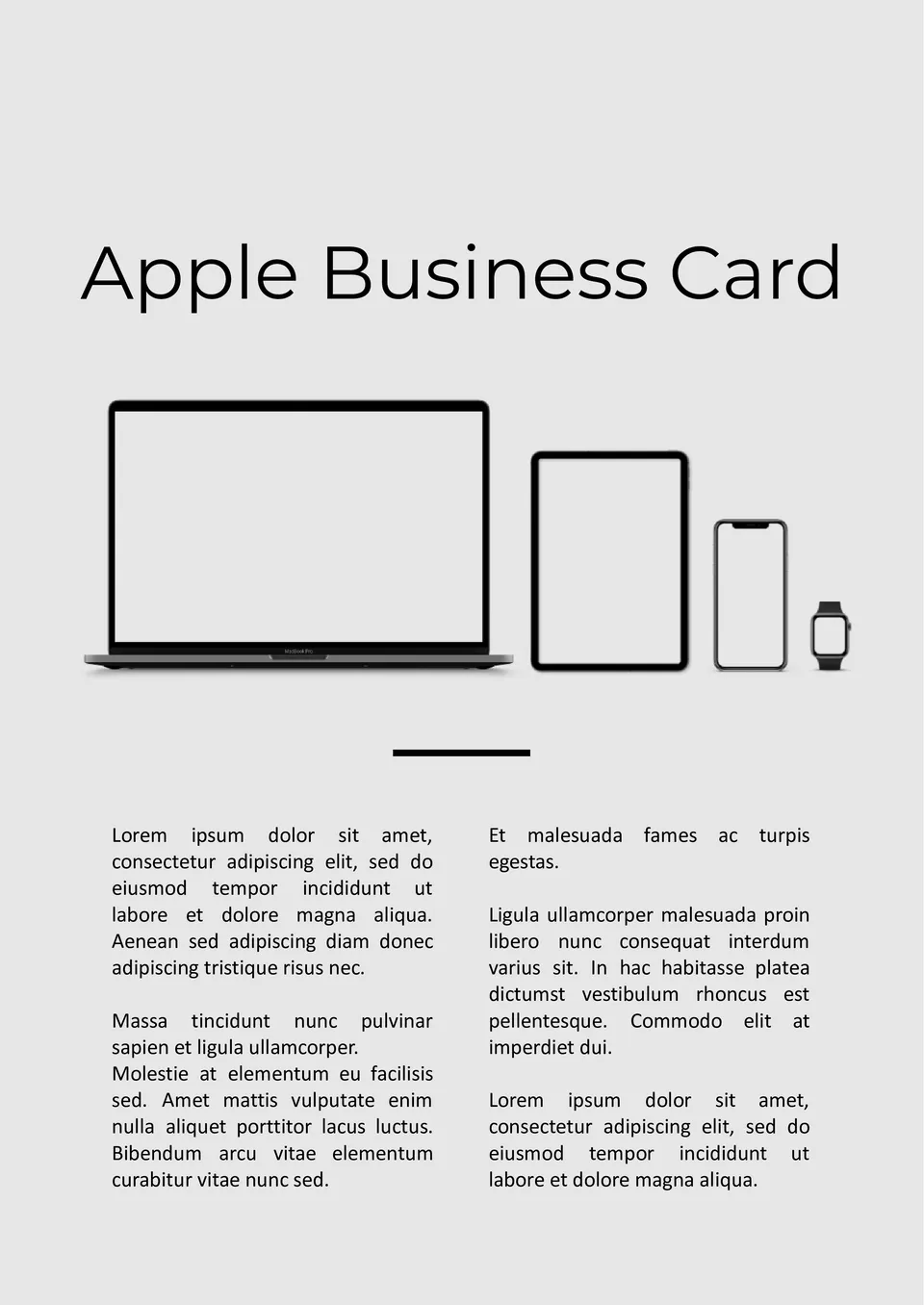
How can professionals create a clean, minimalist business card that matches Apple's design style? The Apple Business Card Template is made for tech professionals, designers, and Apple users who want a simple look.
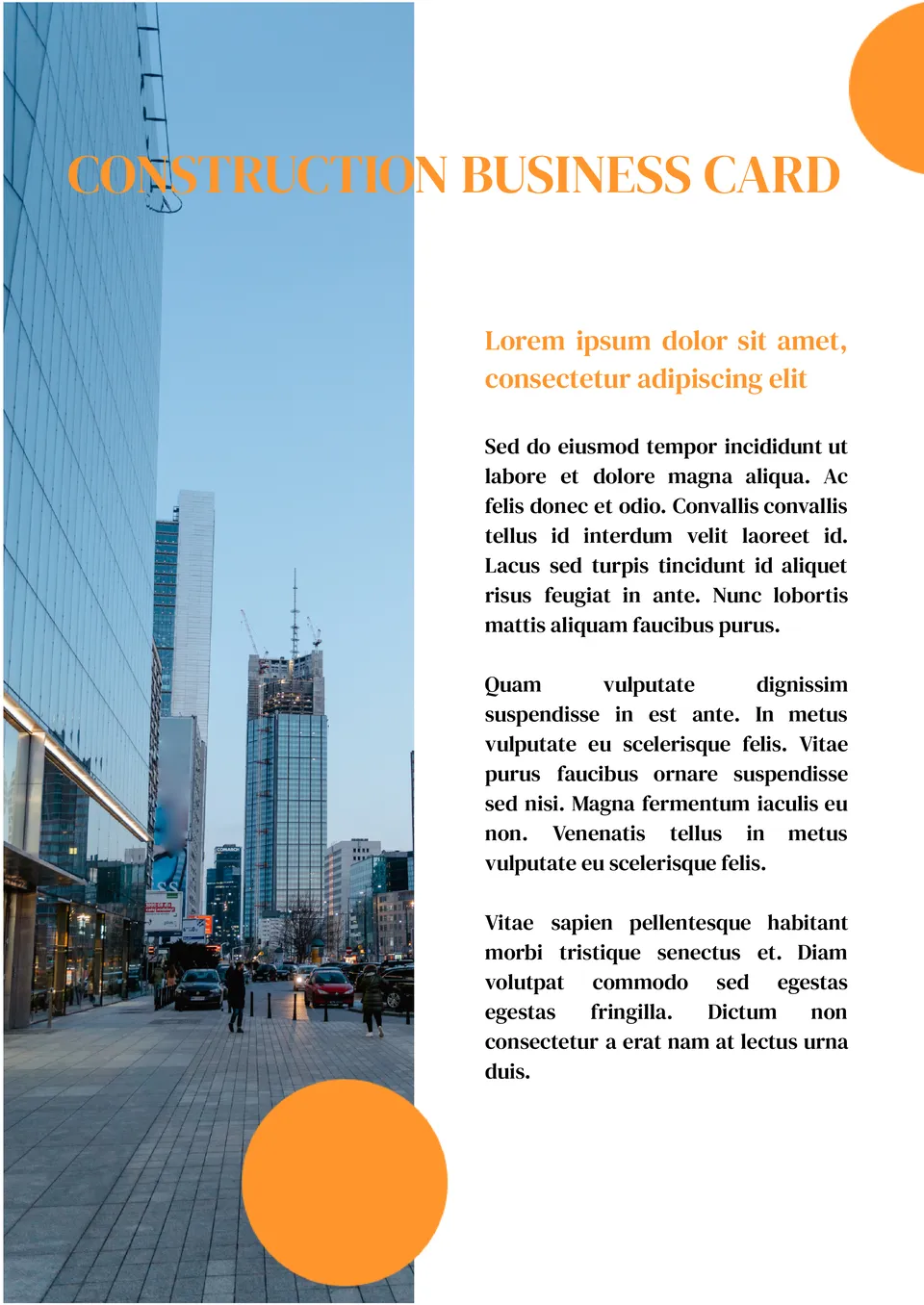
What makes a construction business card easier to read when clients need contact details and services fast? The Construction Business Card Template is a good fit for contractors, builders, and construction companies.
Built for seasonal greetings, the Holiday Business Card Template helps professionals send festive thank you or holiday messages with their contact details. It works for small business owners, freelancers, and anyone who wants a holiday-themed card.
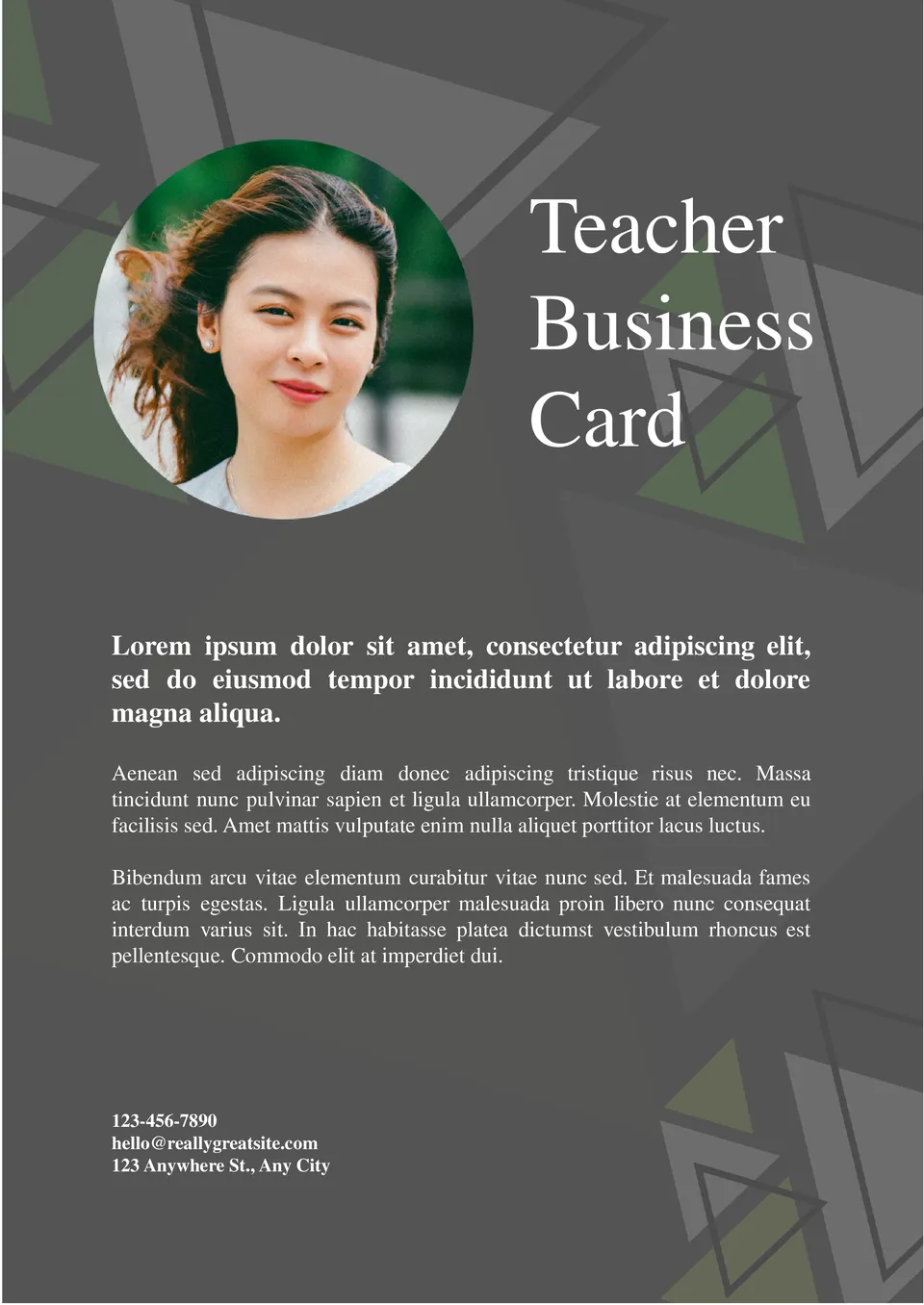
What helps teachers present their information clearly when sharing with parents, students, and colleagues? The Teacher Business Card Template is useful for teachers, tutors, and educators in all grade levels.
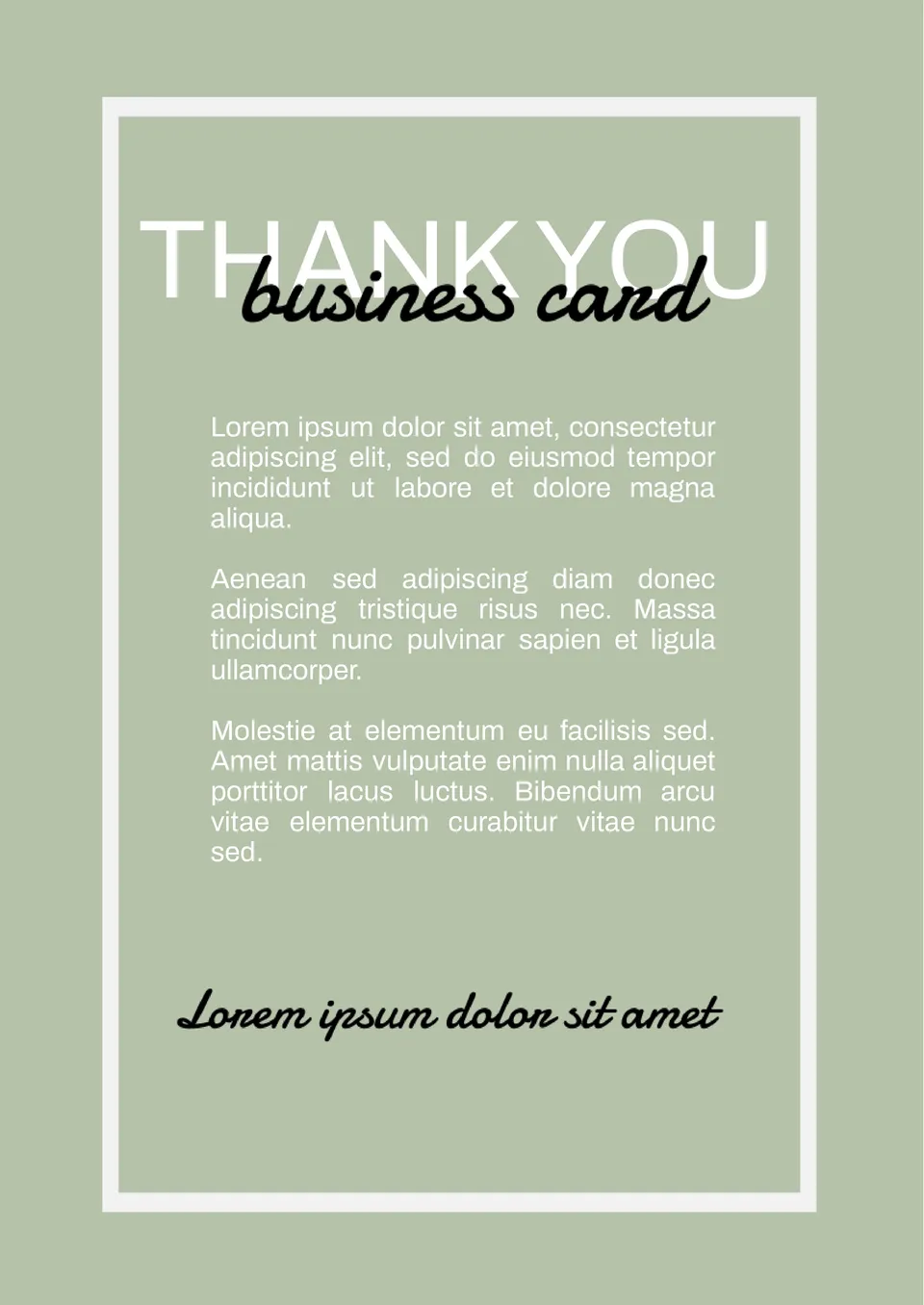
Designed to express gratitude, the Thank You Business Card Template gives professionals a simple way to send appreciation after meetings, interviews, or collaborations. It suits job seekers, freelancers, and business owners who want to build relationships.
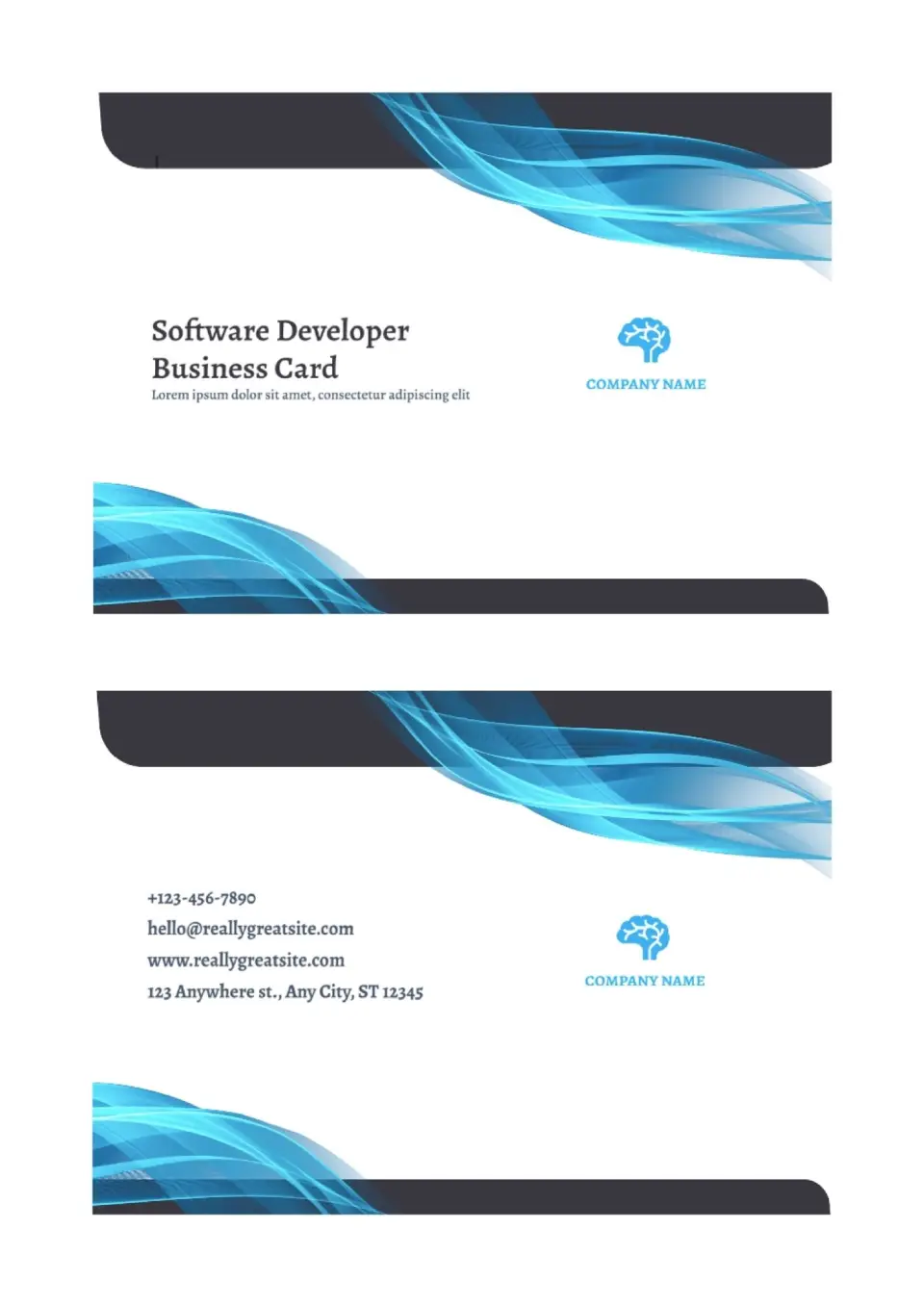
The Software Developer Business Card Template is a stylish pick for programmers, IT specialists, and tech freelancers who want a sharp first impression. It gives you a tech‑smart layout where you can showcase your role, stack, and contact details in a clean, professional way.

Choose your preferred social media platform from options like Pinterest, Facebook, Twitter, and more. Share our templates with your contacts or friends. If you’re not active on these social networks, you can simply copy the link and paste it into the one you use.