

 Back to templates
 Agenda Templates
Plan meetings, events, and projects easily with free Agenda Templates designed to keep discussions structured and organized. These ready-made layouts help you outline topics, set timelines, and highlight key points so every meeting or event runs smoothly and stays focused on important goals.
These templates are ideal for managers, team leaders, event organizers, teachers, and professionals who need a clear plan for business meetings, workshops, training sessions, or special events. Browse the collection, choose a layout that fits your agenda, and customize it in minutes.
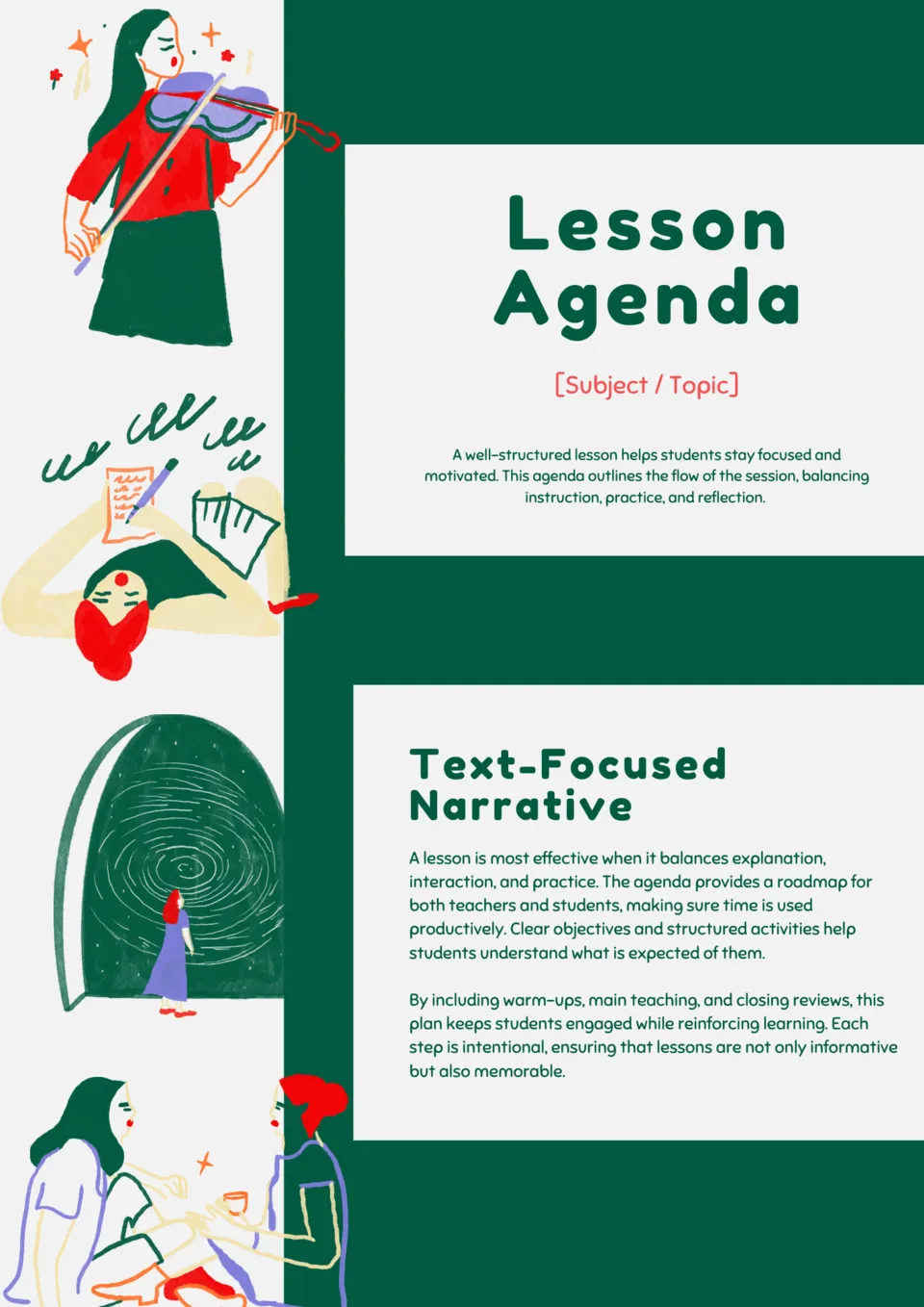
Make your lessons organized and engaging with the Classroom Lesson Agenda Template. It provides structured slides to outline activities, objectives, and timing for every class.

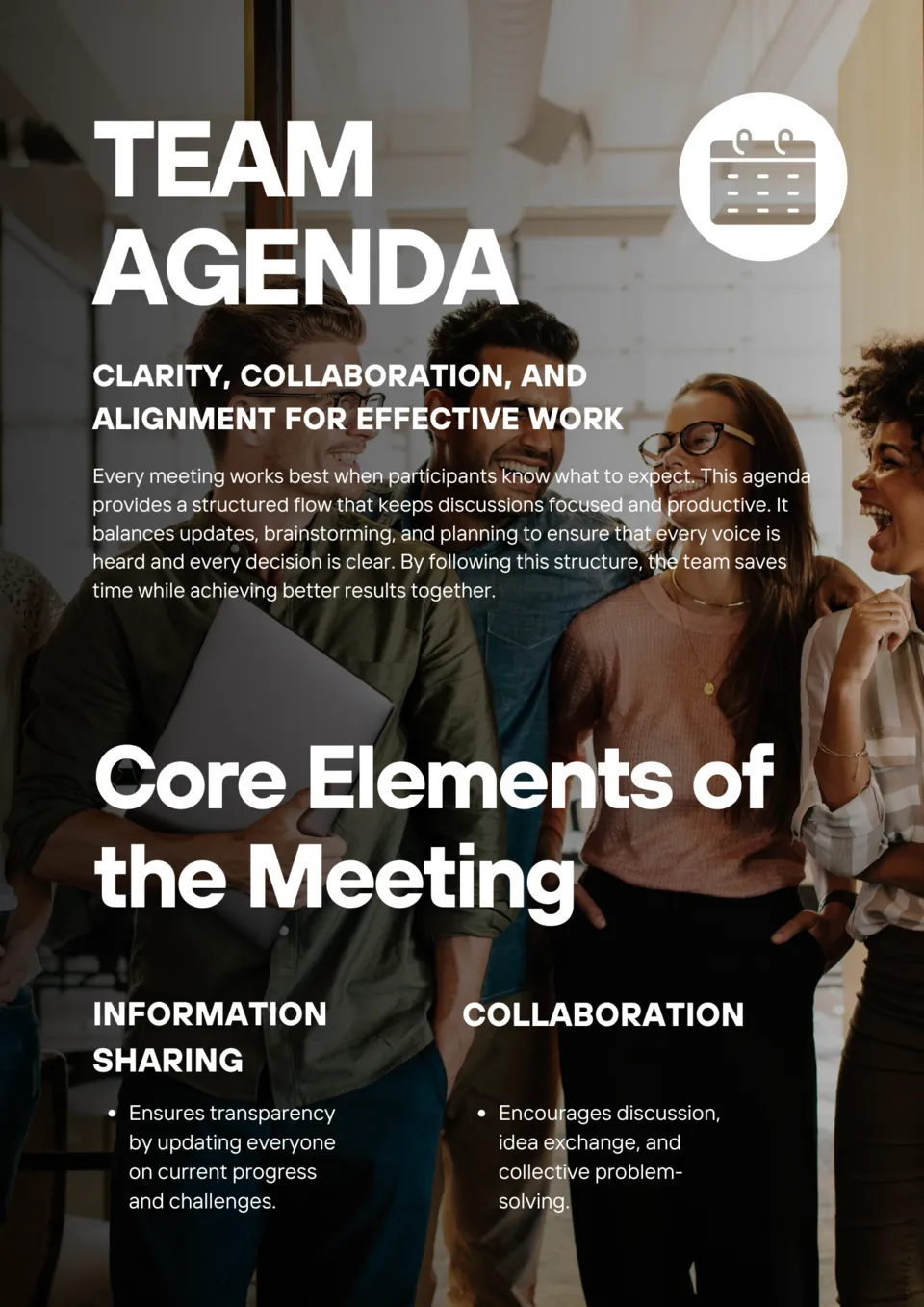
Streamline your team meetings and boost productivity with the Team Meeting Agenda Template. Clear, professional layouts help you set topics, assign responsibilities, and track action items.
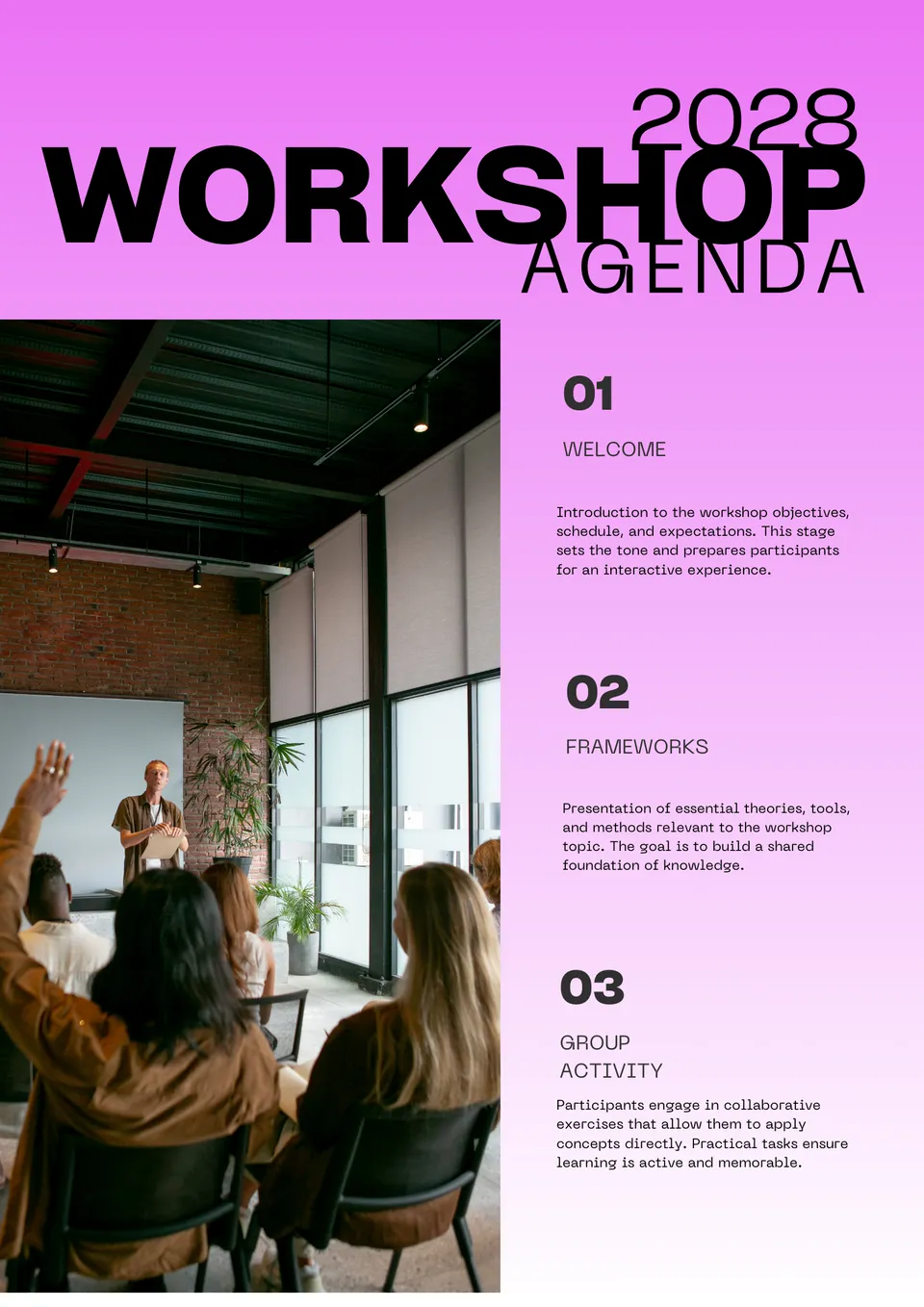
Want to make your workshops more productive and engaging? The Workshop Agenda Template allows you to schedule activities, breaks, and discussions efficiently.

Looking for a way to organize your next conference seamlessly? The Business Conference Agenda Template provides polished, easy-to-edit slides to outline sessions, speakers, and networking opportunities.

Want to run webinars that keep attendees engaged from start to finish? The Webinar Agenda Template helps you structure every session with clear timelines, topics, and speaker details.
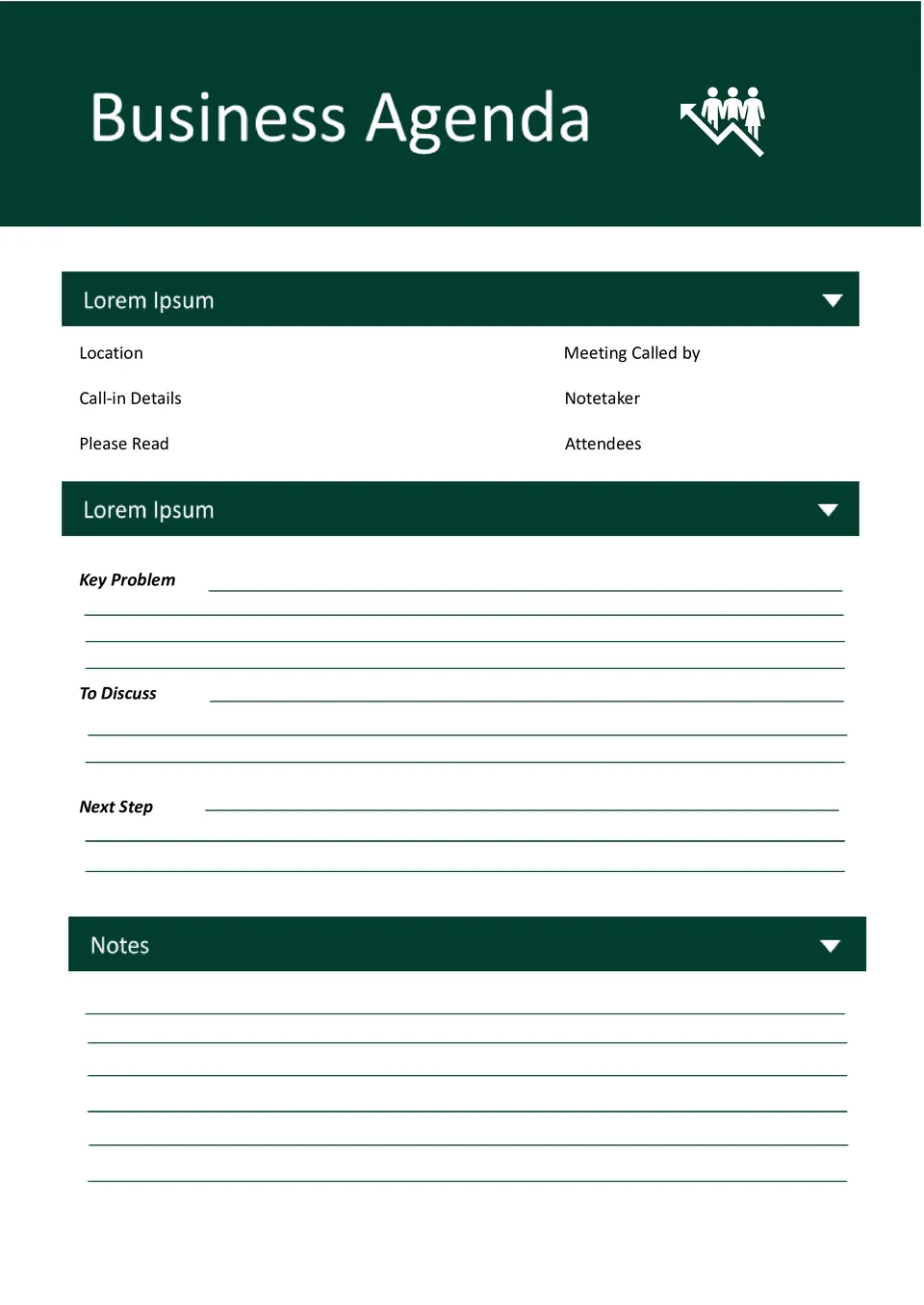
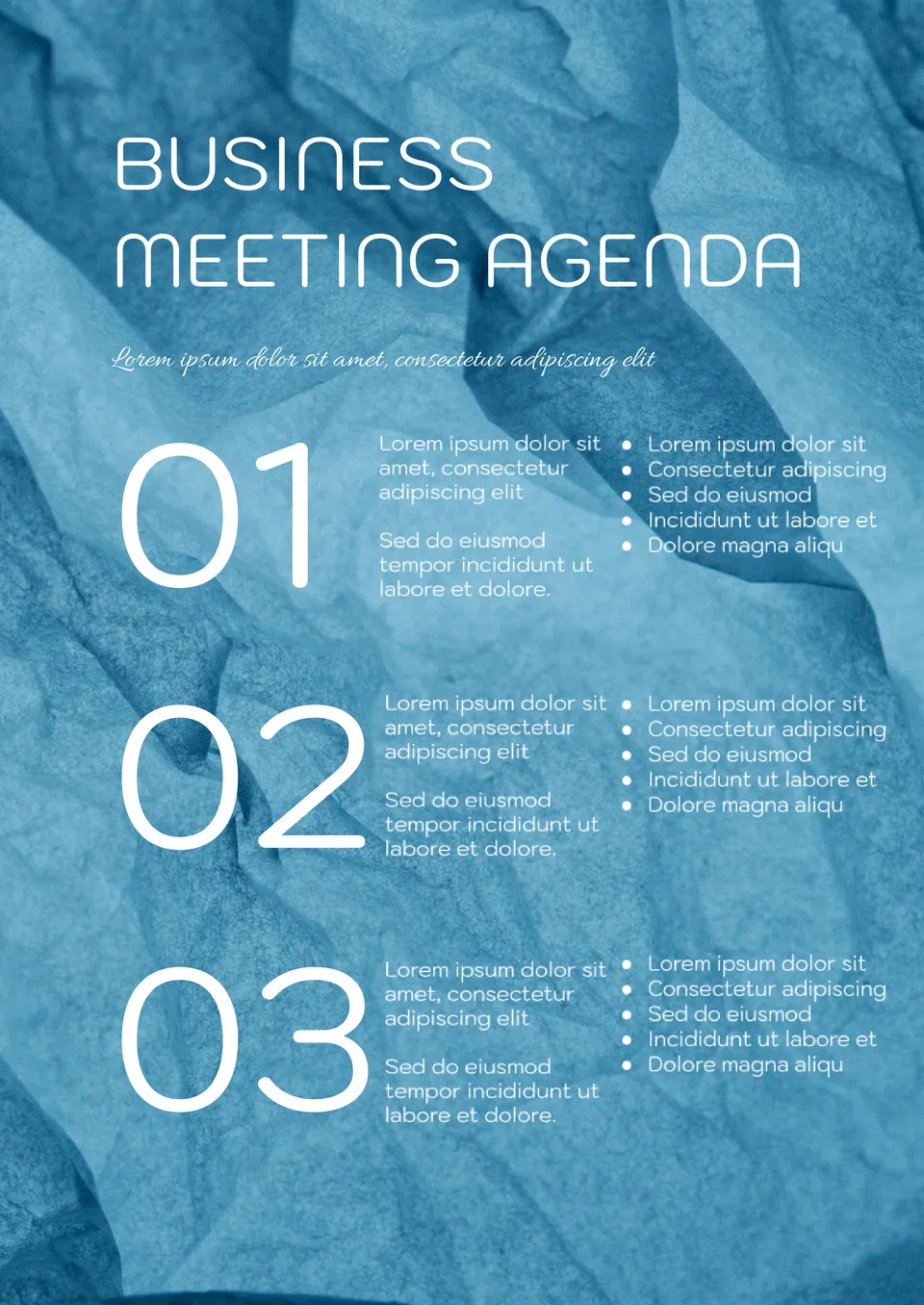
With a beautiful background in blue tones, this template looks very smart. The information is structured in an offbeat way: next to the description of each item there is a column with a bulleted list where you can show goals or theses.

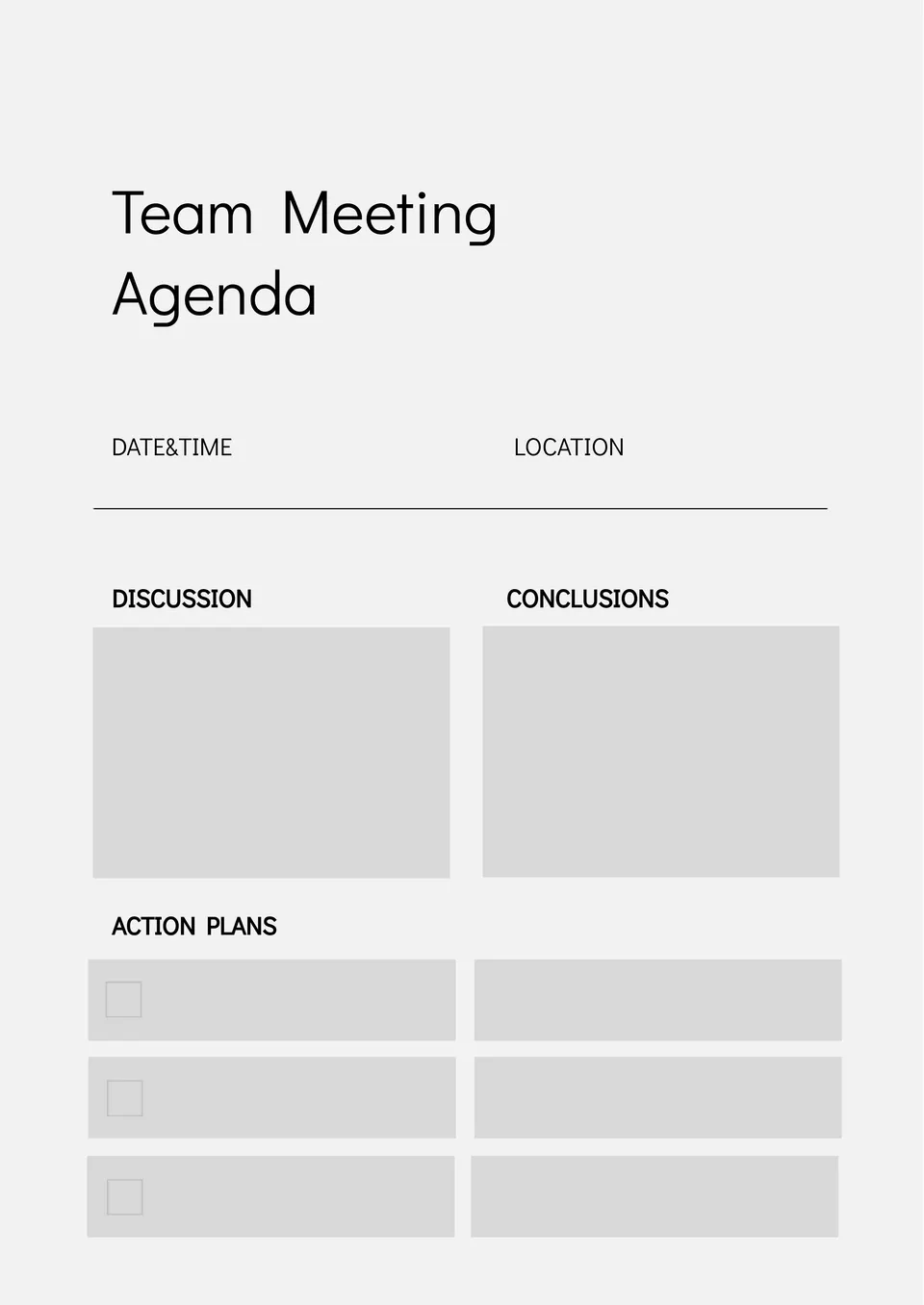
Team Meeting Agenda Template for Google Docs has a restrained design and will be appropriate in any company. The sheet is divided into blocks that indicate the topic of the meeting, its outcome and a detailed action plan.
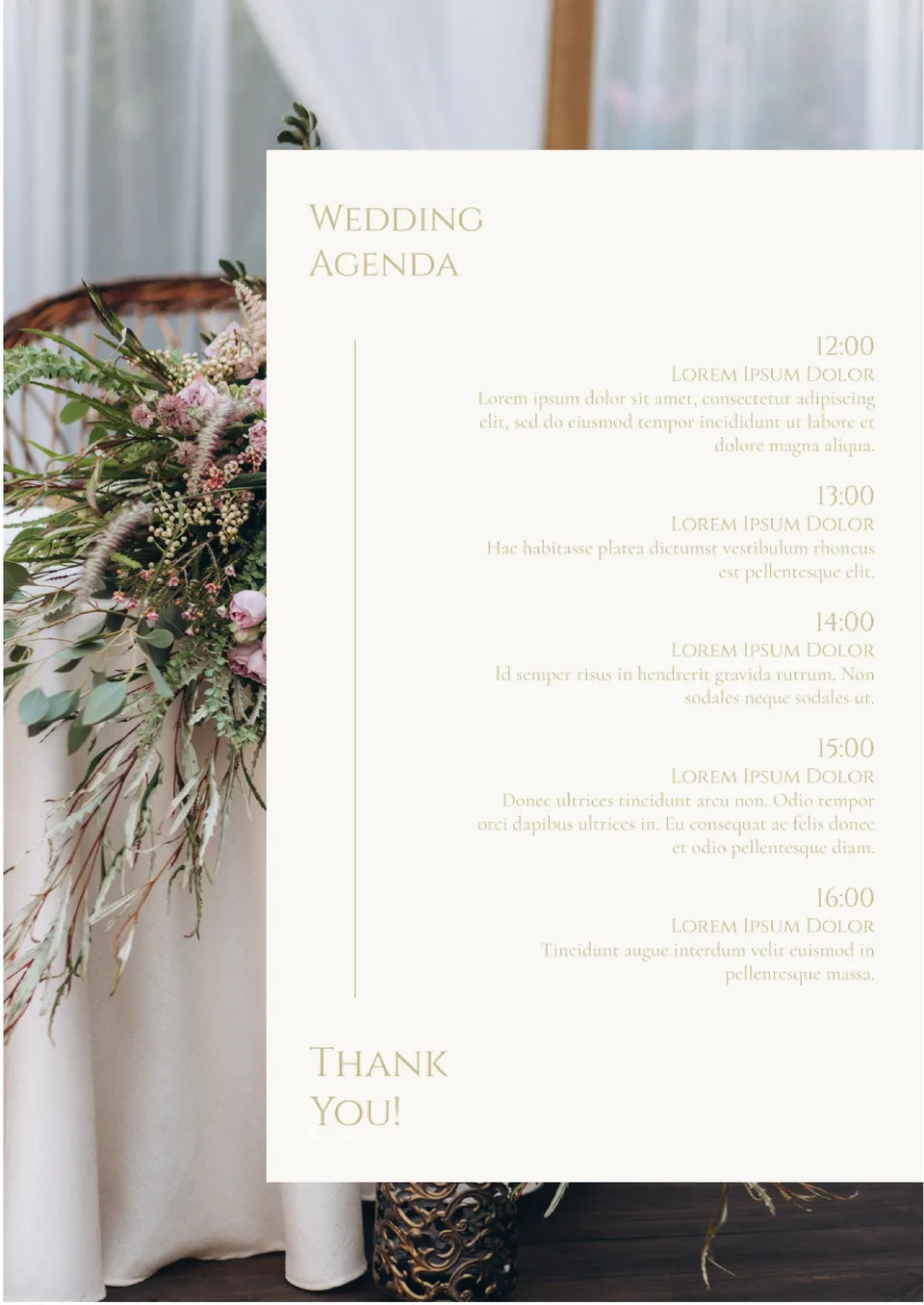
Use this delicate thematic layout to tell the wedding guests about the holiday scenario. Alongside the name of each of the stages, indicate its start time and, if preferred, add a short description.
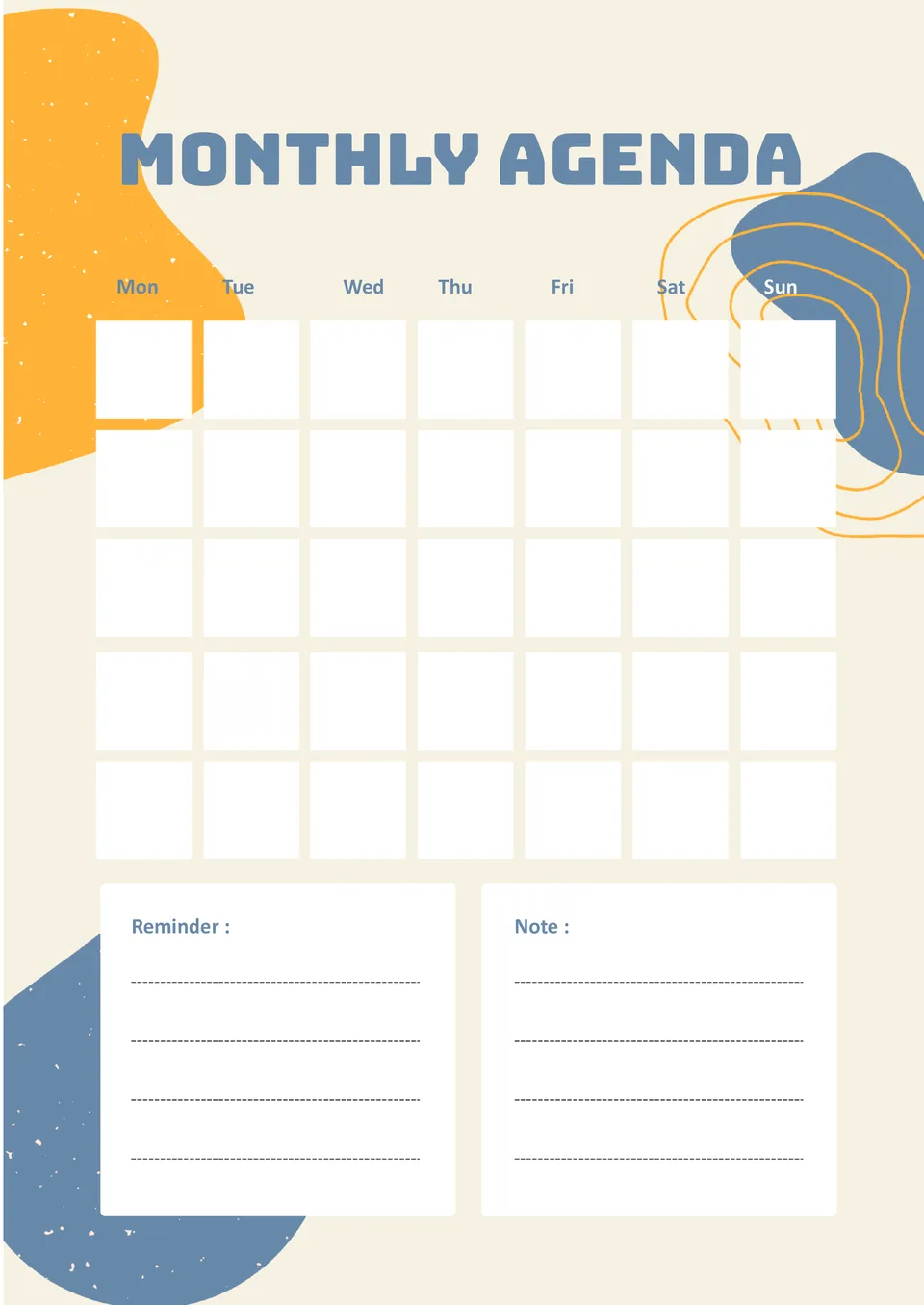
Don’t miss anything significant by adding reminders about important events in the free Monthly Agenda Template for Google Docs. In addition to the calendar, there are two large text blocks for notes.
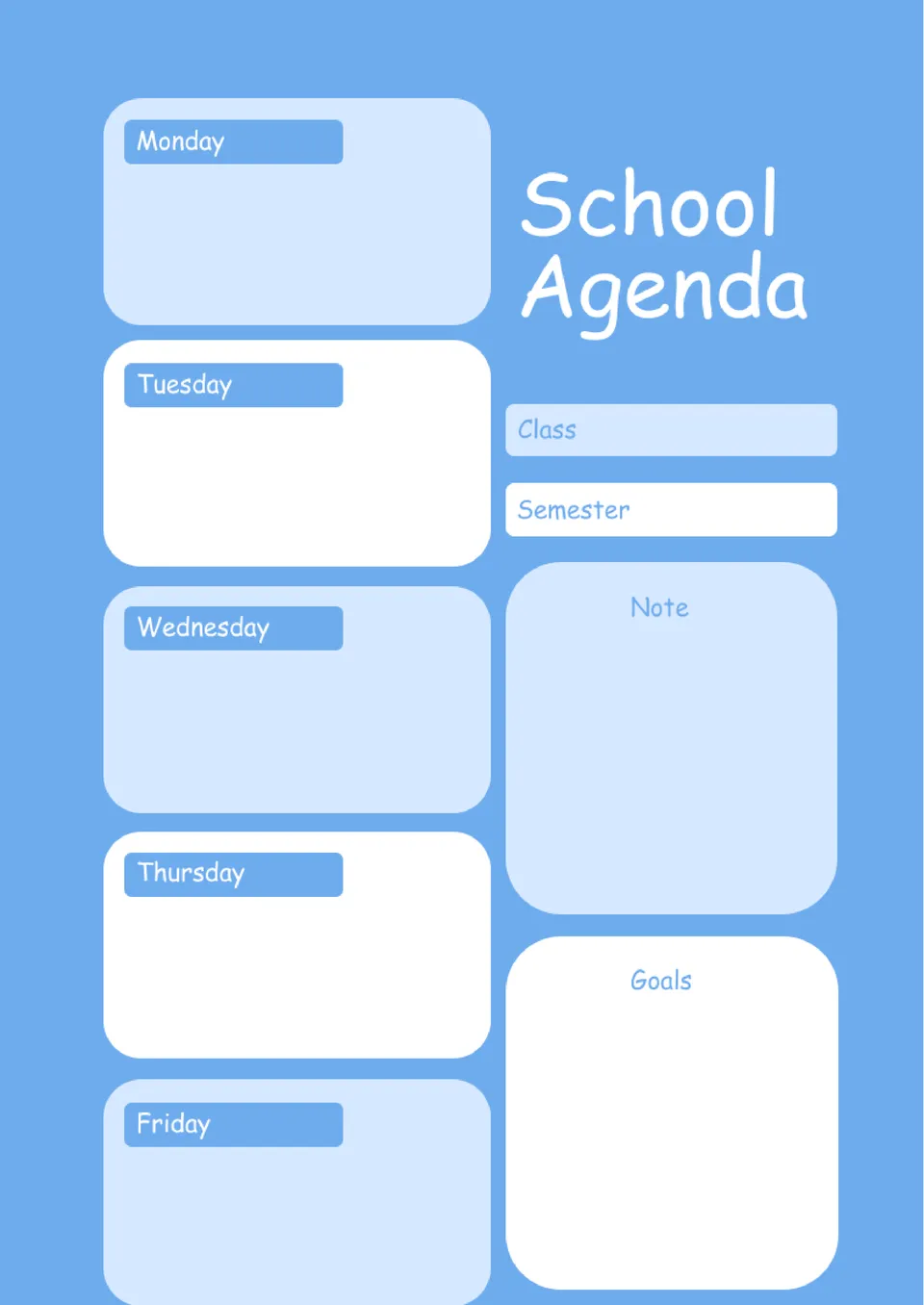
A convenient editable template will help you create a weekly plan of school classes. The sheet is divided into 7 blocks: lessons from Monday to Friday, main learning objectives and space for notes.
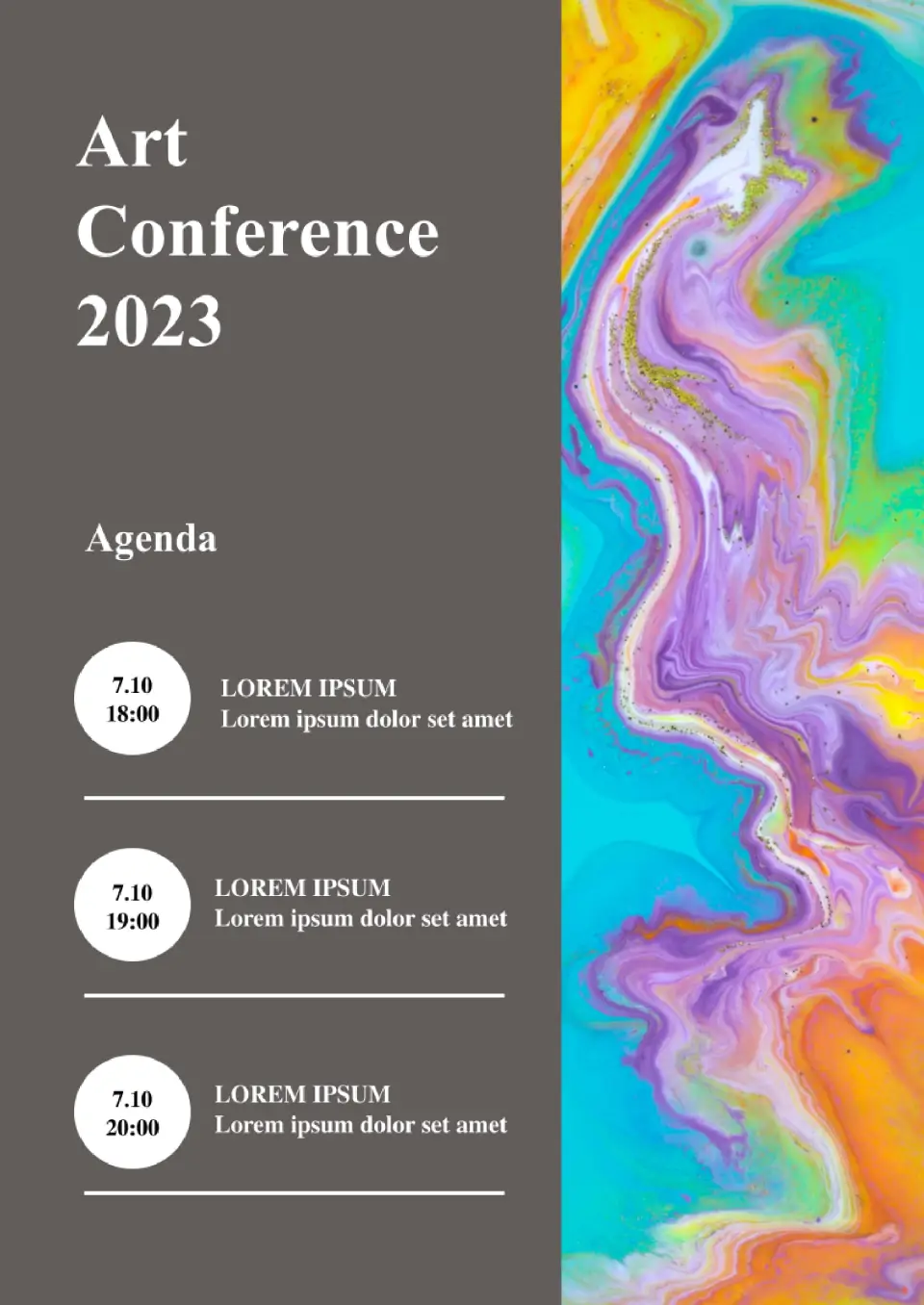
This is an excellent choice when several themed events are planned. On the left is a ready place for three ones, but their number is editable. The right side of the form is occupied by an image, which can be replaced if preferred.
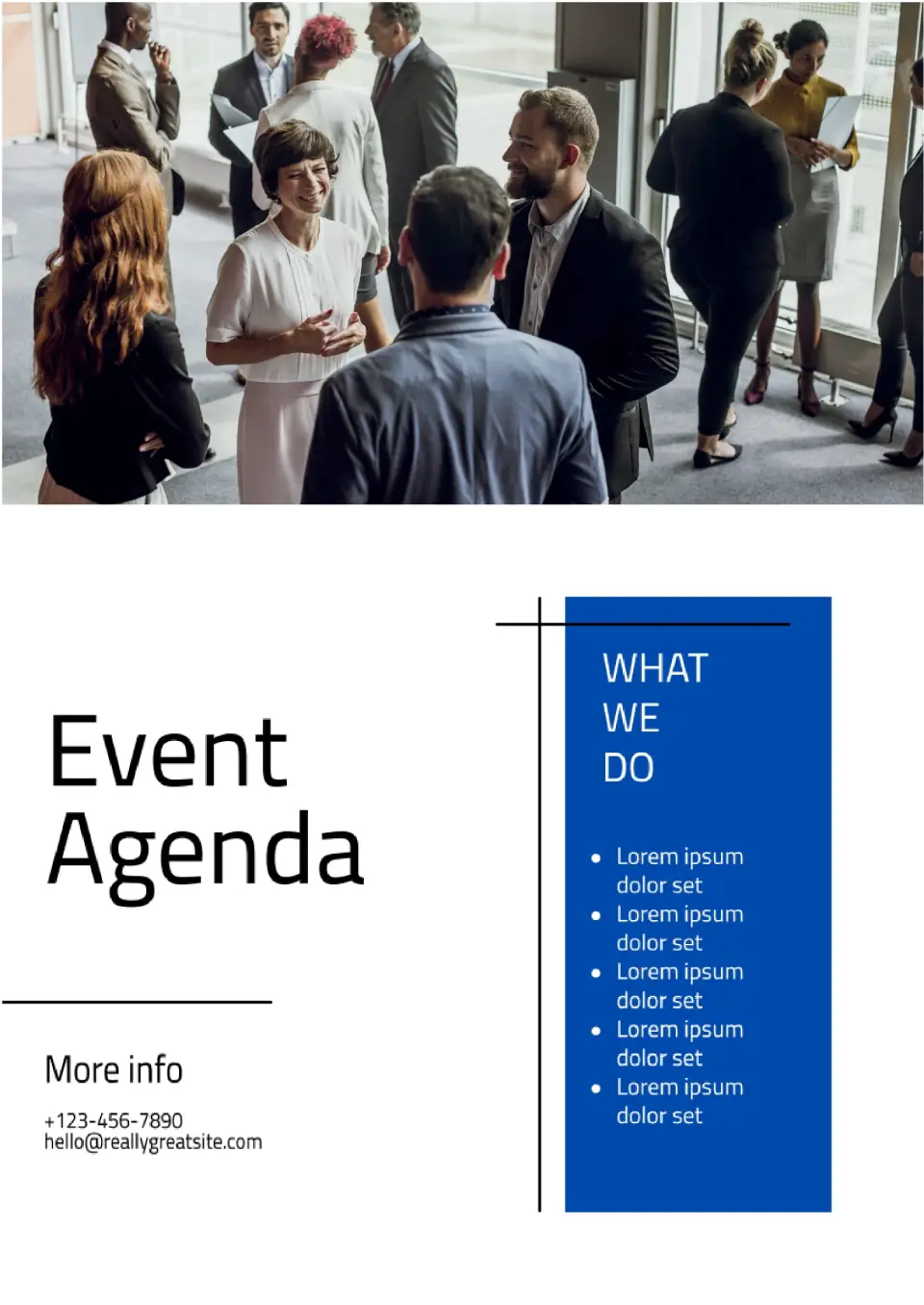
Choose this option when you want to announce the event and its themes. In a separate block, there is a place for contact data for the invitees to contact the event organizers and get more detailed information. It is suitable for online distribution.
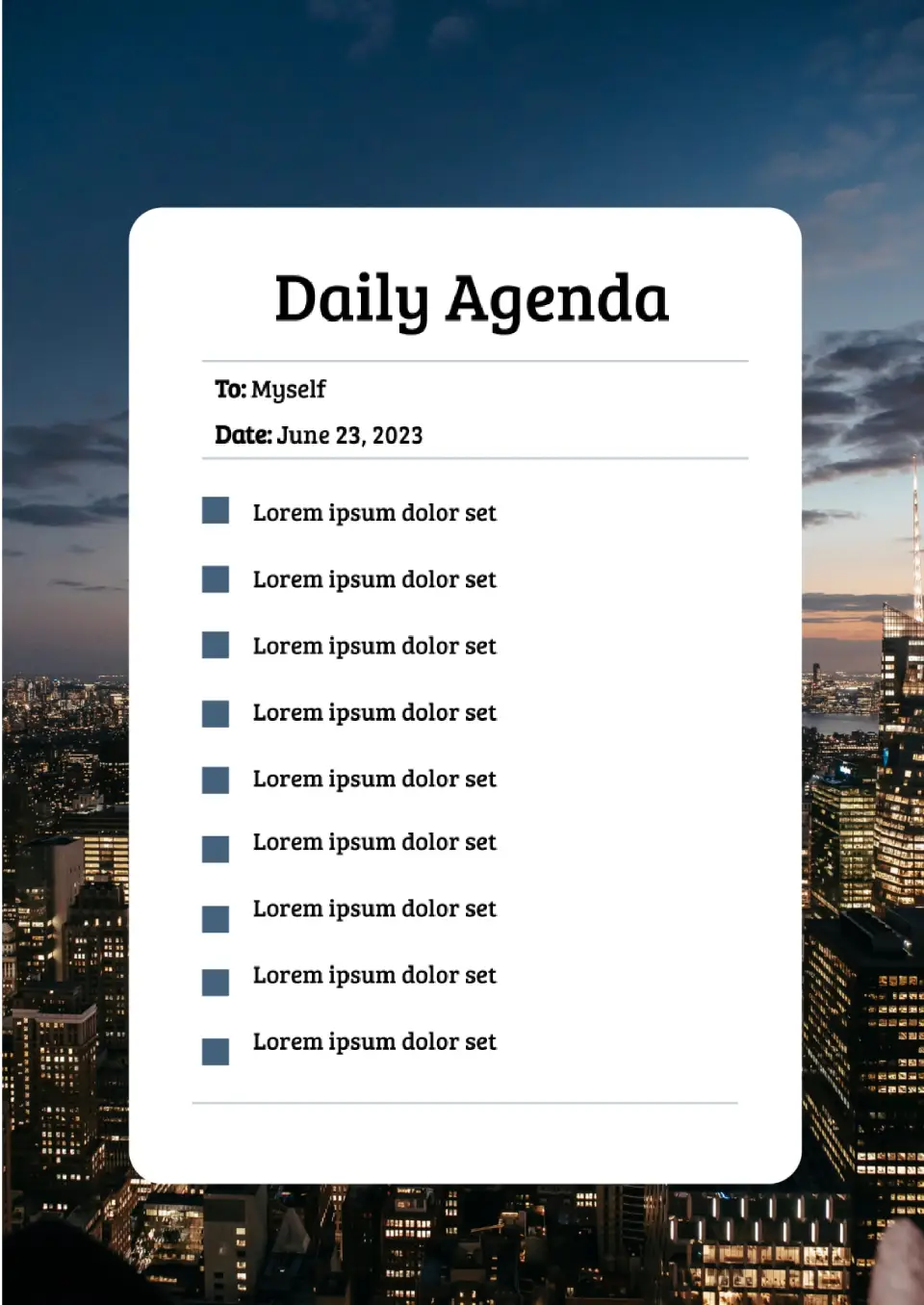
This is a detailed editable template in which you can write an hourly plan for the upcoming meeting. The ‘Night city’ background can easily be replaced with any image of your own – just download it to the document.

Choose your preferred social media platform from options like Pinterest, Facebook, Twitter, and more. Share our templates with your contacts or friends. If you’re not active on these social networks, you can simply copy the link and paste it into the one you use.