

 Back to templates
 Business Plan Templates
Create a clear strategy for your company with Business Plan Templates designed to organize goals, market analysis, and development plans in a structured way. Ready-made layouts help you present ideas, outline strategies, and prepare professional business documents without spending time on formatting.
These templates are suitable for entrepreneurs, startup founders, business owners, managers, and students working on new projects or company strategies. Browse the collection, choose a layout that fits your business idea, and customize your plan using these templates for free.

Want to elevate your marketing campaigns and results? The Marketing Strategy Plan Template provides organized slides to plan channels, budgets, and KPIs effectively.


Plan your company’s next expansion effectively and strategically. The Business Growth Plan Template offers structured, visually appealing slides to track growth objectives, resources, and performance indicators.

Looking for a way to impress potential investors? The Investor Pitch Business Plan Template creates professional, compelling presentations that highlight your company’s value.
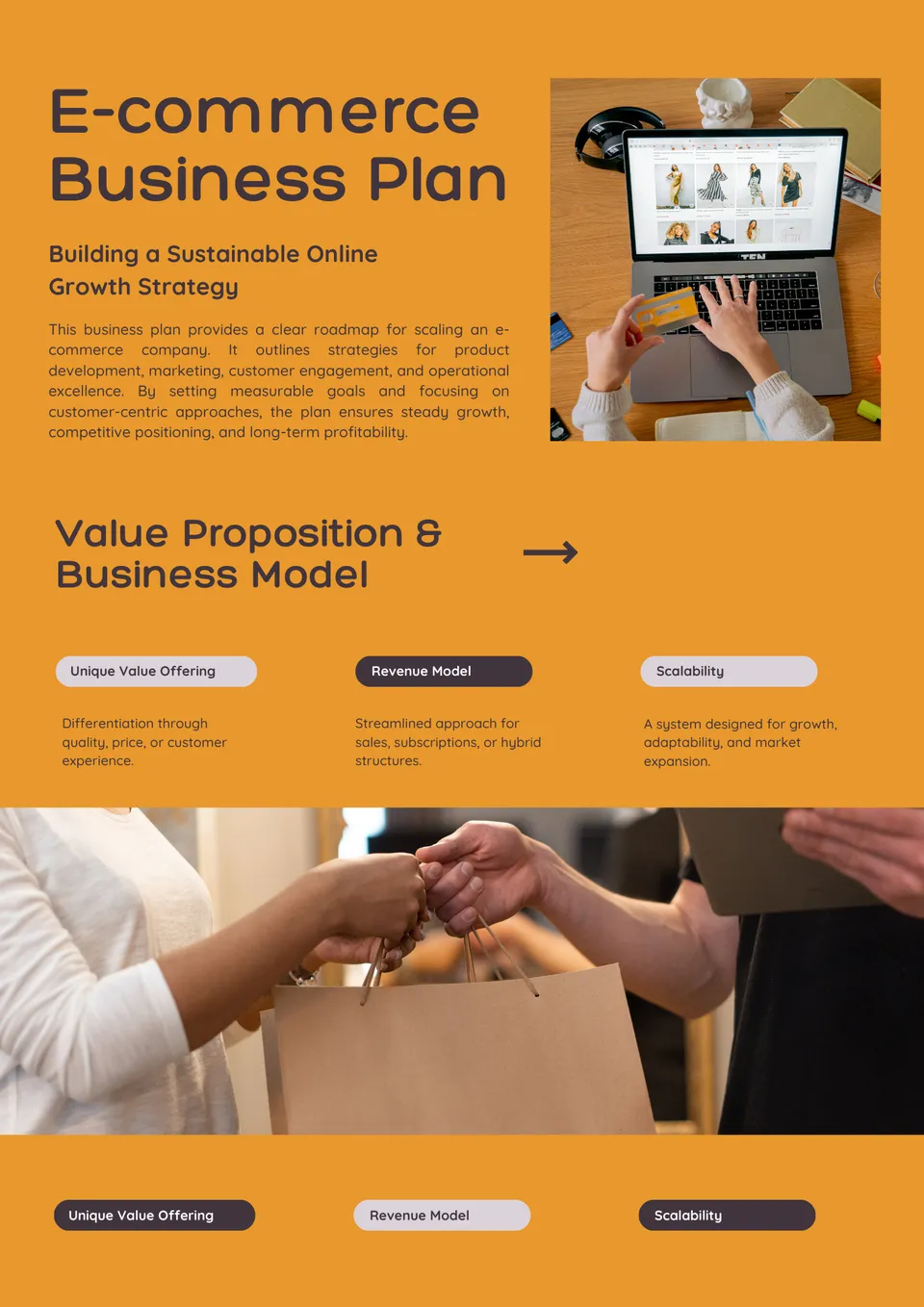
Want to grow your online store efficiently and strategically? The E-Commerce Business Plan Template provides structured slides to outline operations, marketing, and revenue projections.

Looking to kick off the year with a clear strategy? The Annual Business Plan Template helps you map out goals, budgets, and key initiatives with ease.


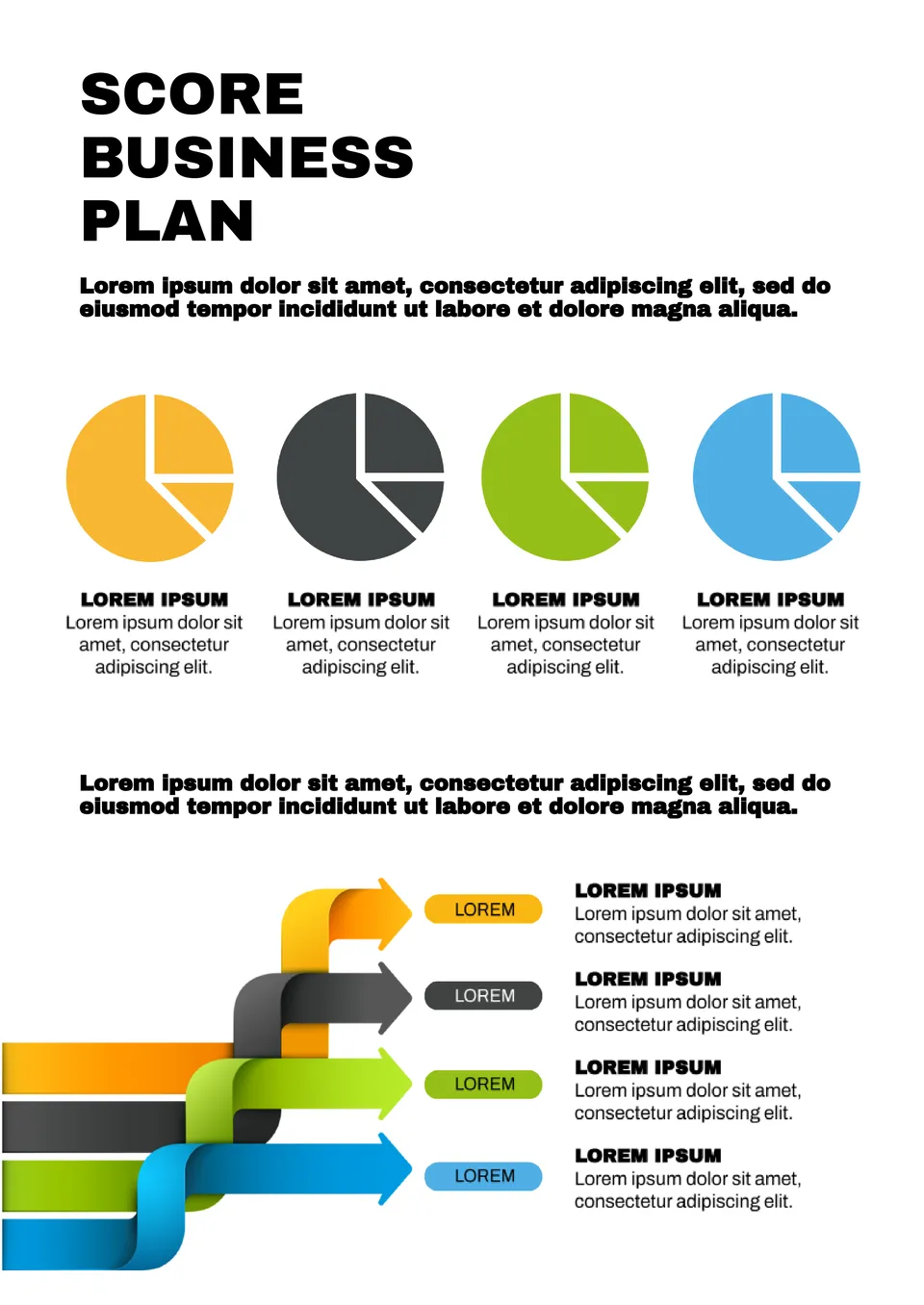

This standard layout will be good for any company. Attractive Business Plan Template is designed to describe the marketing strategy and has an editable schedule. The document also has a place for conclusions on market analysis. The background image on the front page can be changed to better match the activity area.


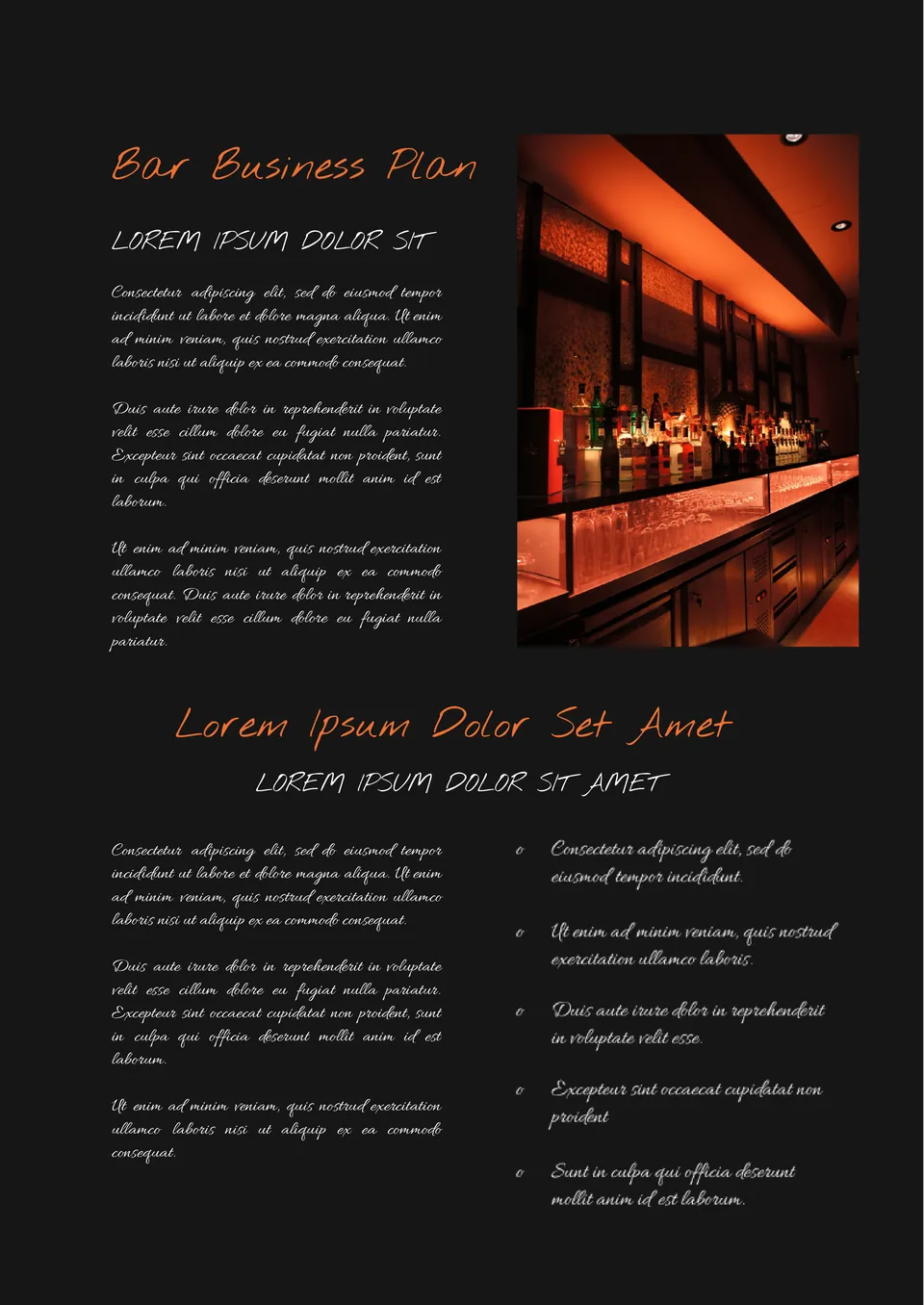
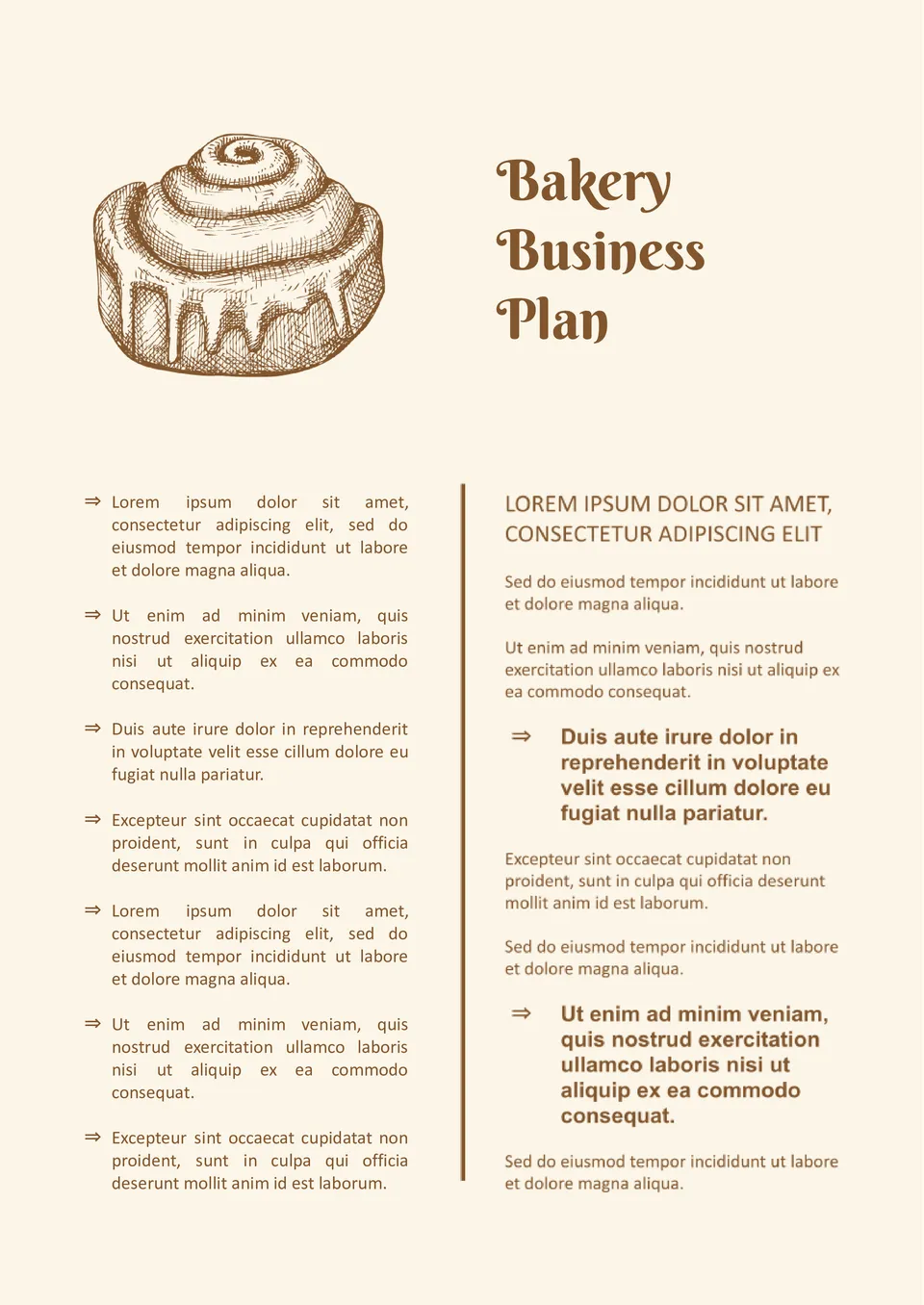
The template is perfect for creating a business plan for a restaurant, cafe, and any other catering establishment. The first page shows the establishment’s name and its main concept. The next one is intended for a detailed description of the strategy, with photos and text. If one page is not enough, just copy and edit it as many times as you need.

The effective Lean Business Plan Template for Google Docs is suitable for any activity area. The layout includes a large chart and a numbered list to help structure information conveniently. Its main features are a gradient background in blue shades and a low-key style. There is enough text space to fit all the important points.
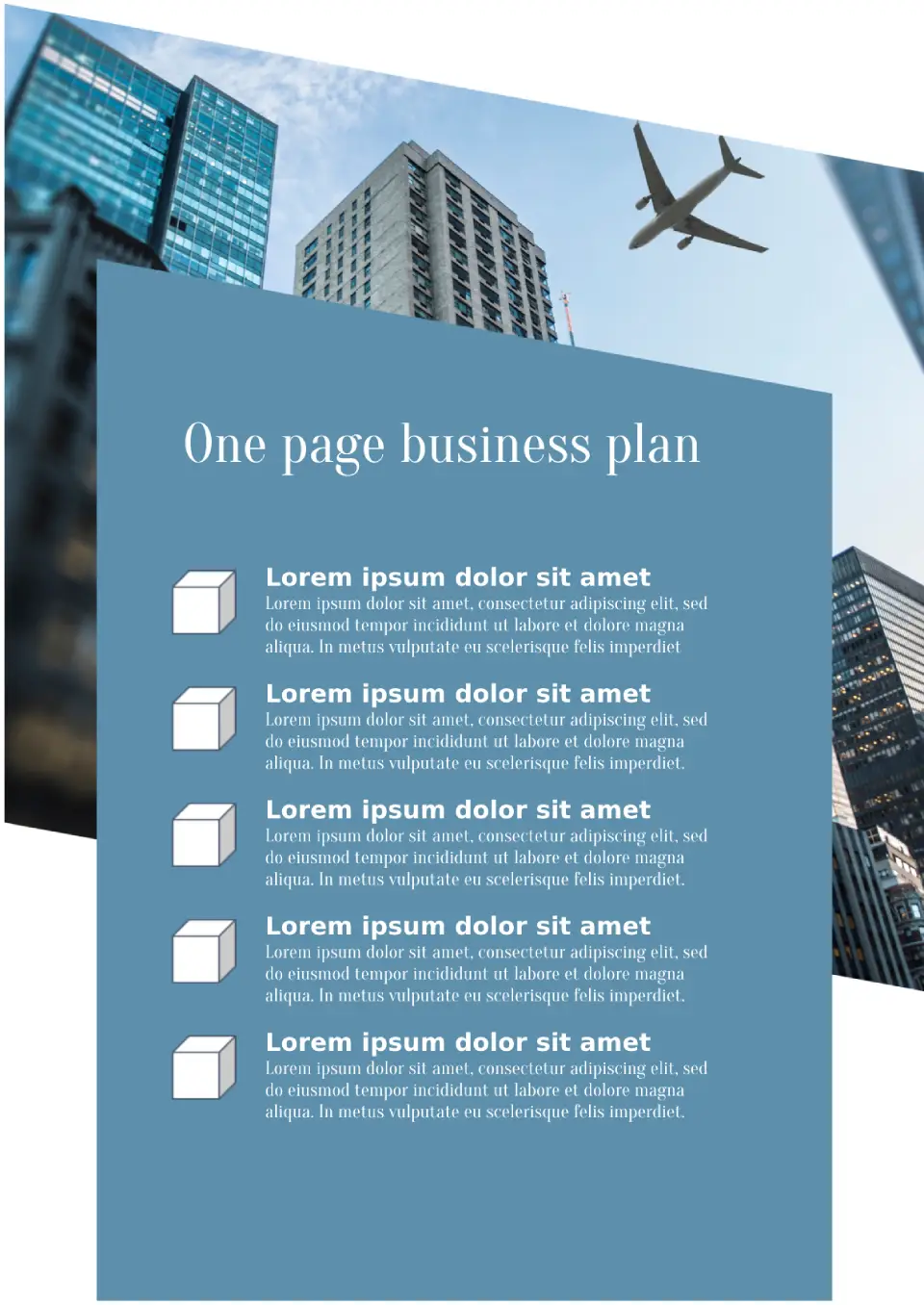
This laconic template will come useful when you need to present the most important points in short. It consists of one page where you can fit up to five points. This is enough to list the activity areas and values of the company, to provide information on market analysis, marketing strategies and reward expectations.

Choose your preferred social media platform from options like Pinterest, Facebook, Twitter, and more. Share our templates with your contacts or friends. If you’re not active on these social networks, you can simply copy the link and paste it into the one you use.