Back to templates Google Docs Templates - Page 48
Create a manual for your employees that will contain instructions in case of problems during the workflow. The layout should include a description of possible problems and how to solve them step by step.
This professional template is designed specifically for creating a stylish marketing presentation. It will come in handy for financial companies, investment banks, business brokers, and anyone who provides advice on investing in the assets of a particular enterprise.
It’s not enough to write a story, you have to sell it! The Ad Book Template for Google Docs will help you with this, allowing you to create a bright marketing campaign. The central element of the layout is the image of the book, where you need to add the actual cover.
Tell us about yourself in an original way using a template stylized as a piece of crumpled paper. After filling it out, you can publish it on your social media pages, your own website, and any other resources. Your rectangular photo is placed on the left, and there is space for another photo below.
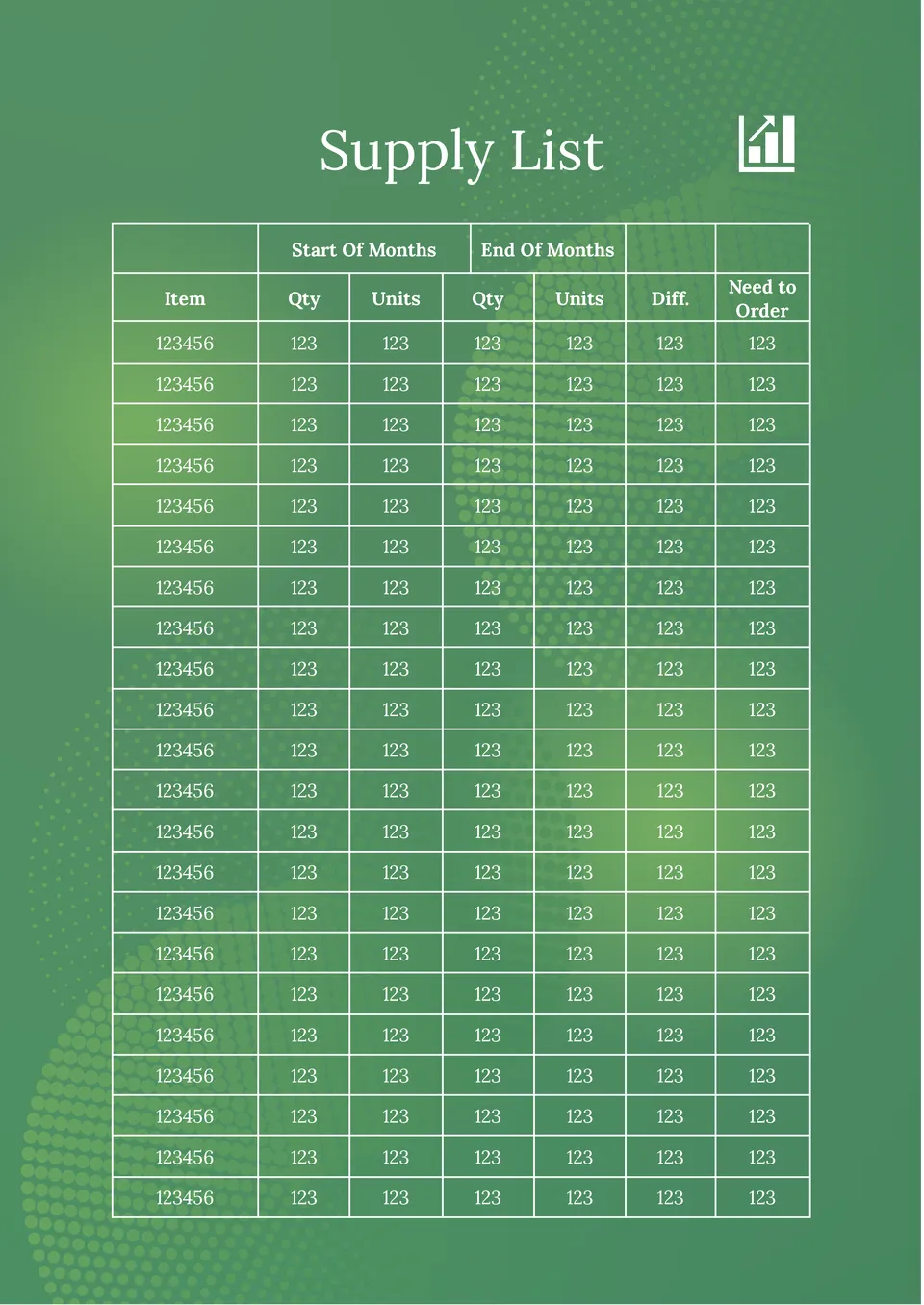
With this useful editable template, you can easily conduct scheduled inventories. The page looks like a table divided into 6 columns: Product ID, name, category, available quantity, selling price, and reorder level.
Keep a close eye on your budget with the Book Keeping Template for Google Docs. It will be useful for both company accounting departments and individuals who want to better manage their money.
An extremely useful tool for writers that allows you to plan a plot in detail without missing anything. The layout page is visually divided into 5 parts, each with 6 small text boxes. You can enter the theme of the scene, location, list of characters, etc.
Why buy a coloring book when you can easily make it yourself at home? This printable layout includes pictures of flowers that can be printed all together or by selecting the ones you like best.
Life Book Template for Google Docs is similar to a newspaper in its structure. You can use it as a diary with news of your own life or create a book about your company, organization, or brand with its help. The entire bottom half of the page is dedicated to text divided into three columns.
This versatile template will help you preserve memories of the most important events in your life. The best photos from your own collection should be placed on the cover. The same photos, but in a larger size, can be used as backgrounds for the following pages.
This stylish template is designed to simplify the process of writing an essay. After reading the book, you need to write information about the characters, the main points of the plot, what the story taught you, and your favorite scene in the book in the appropriate blocks.
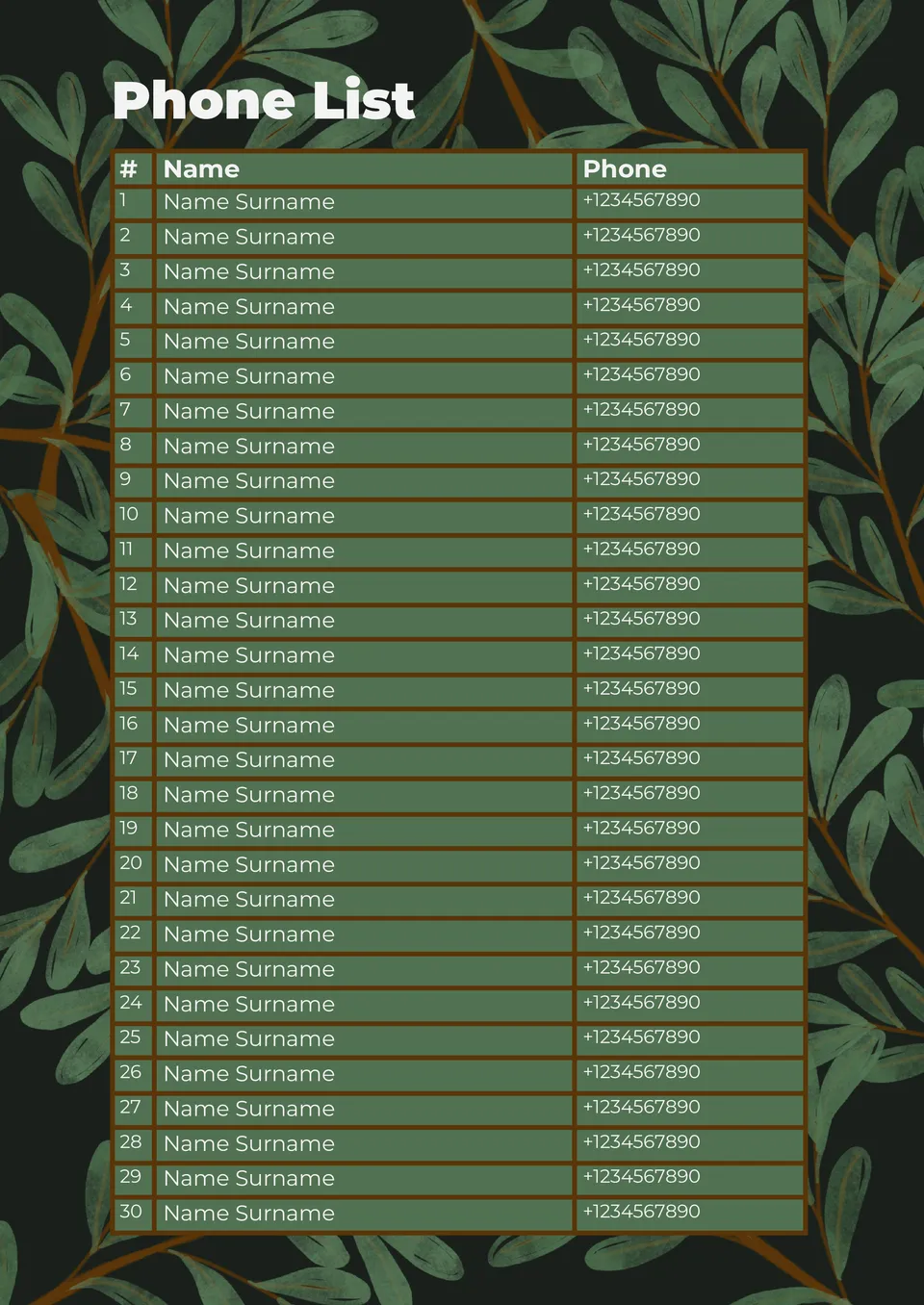
Keep all your important contacts at your fingertips by storing them in an editable Phone Book Template in Google Docs. In addition to the usual data such as name and phone number, there is a place to specify the person’s specialization and your own notes on how to communicate with them.
This colorful template will be useful for all fans of sports competitions in the playoff system. It consists of boxes where you should enter the names of teams or athletes competing with each other. Thanks to its universal design in blue tones, the layout will suit any sport.
If you want to stand out from the competition, consider the Sales Flyer Template for Google Docs. The neon green color is guaranteed to attract the attention of your customers, and the original design decision to illustrate the sale with a three-dimensional image of a brain with a lightning bolt will consolidate the effect.
A colorful template with an original three-dimensional design will be useful to anyone who organizes a raffle. The main goal of this layout is to get people interested in taking part in the promotion, so try to fit the conditions into a couple of intriguing sentences.
A spooky eye on a black background makes the Halloween Flyer Template for Google Docs a great choice for creating invitations to celebrate the spookiest night of the year. It will come in handy for preparing a costume party, haunted house adventures, themed quests, fairs, etc.
Choose your preferred social media platform from options like Pinterest, Facebook, Twitter, and more. Share our templates with your contacts or friends. If you’re not active on these social networks, you can simply copy the link and paste it into the one you use.