

 Back to templates
 Google Docs Templates - Page 50
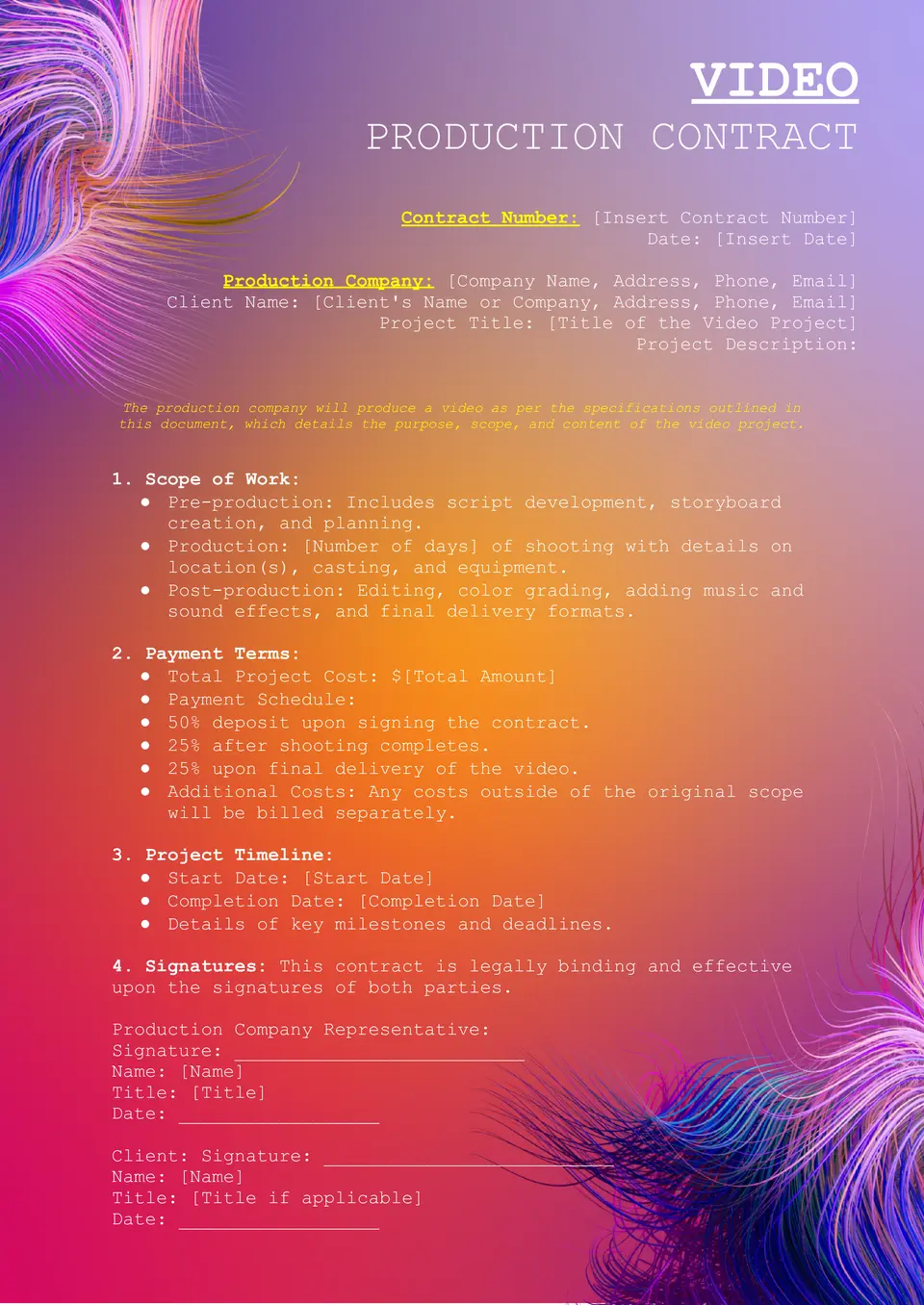
A practical tool for planning professional video work, the Video Production Contract Template helps define the terms of a production agreement in writing. It supports a clearer outline of services, timing, payment, and project scope before filming begins.

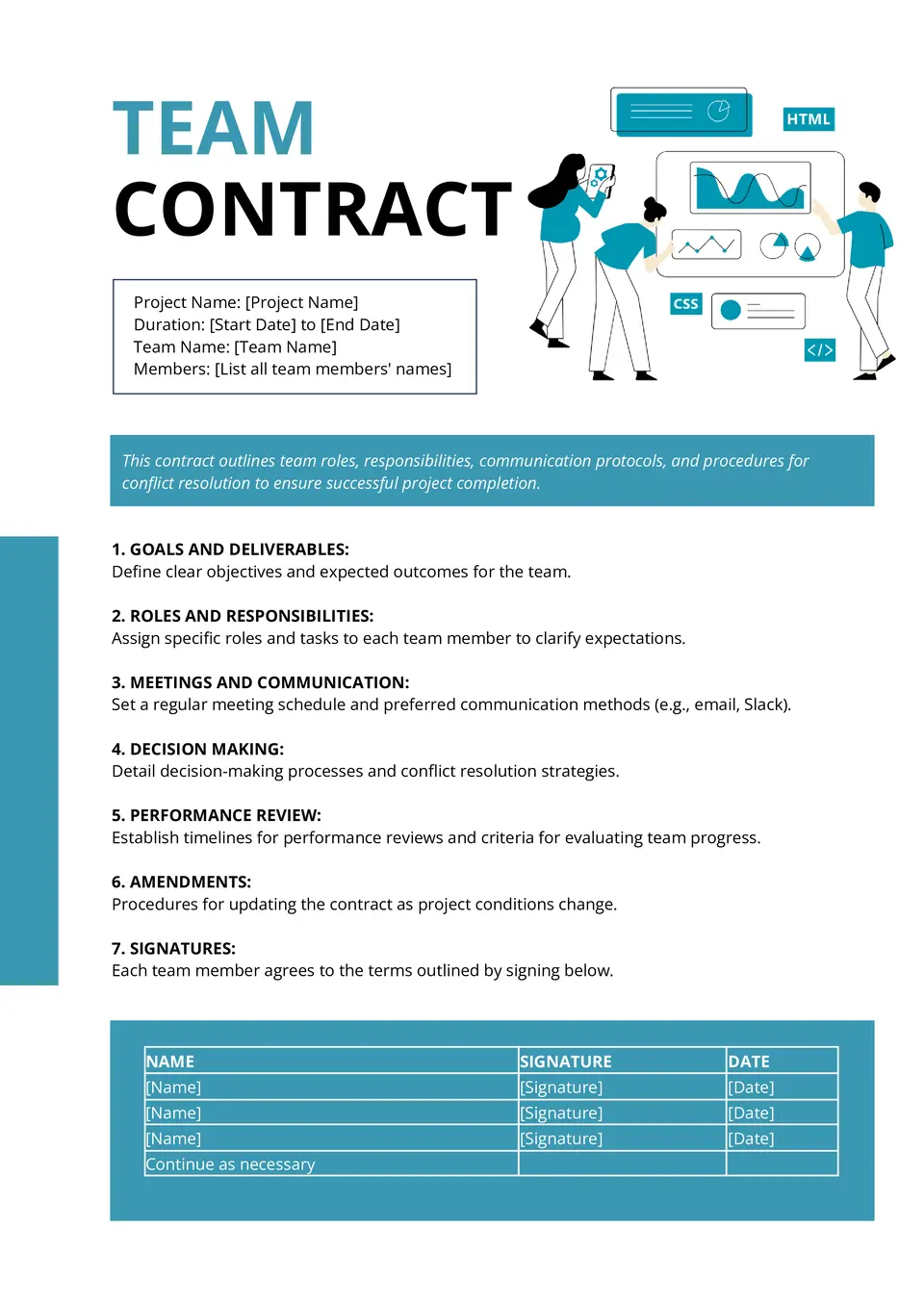
With space for expectations, responsibilities, and shared rules, the Team Contract Template helps groups create a stronger working agreement. It works well for classrooms, student projects, work teams, and collaborative planning.
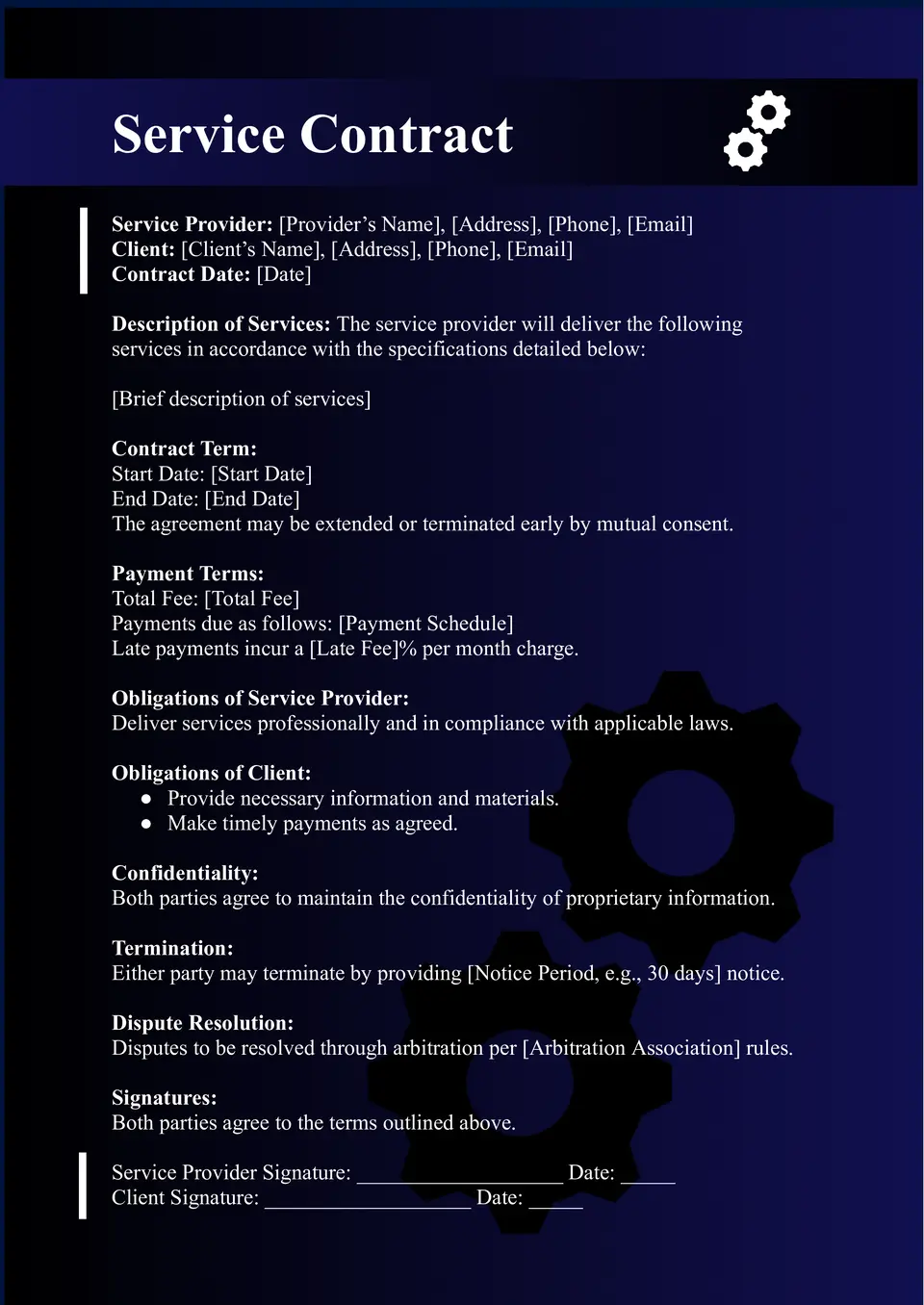
Built for professional service agreements, the Service Contract Template helps define what work will be provided and under what terms. It creates a simple structure for outlining responsibilities, payment, timelines, and project expectations.
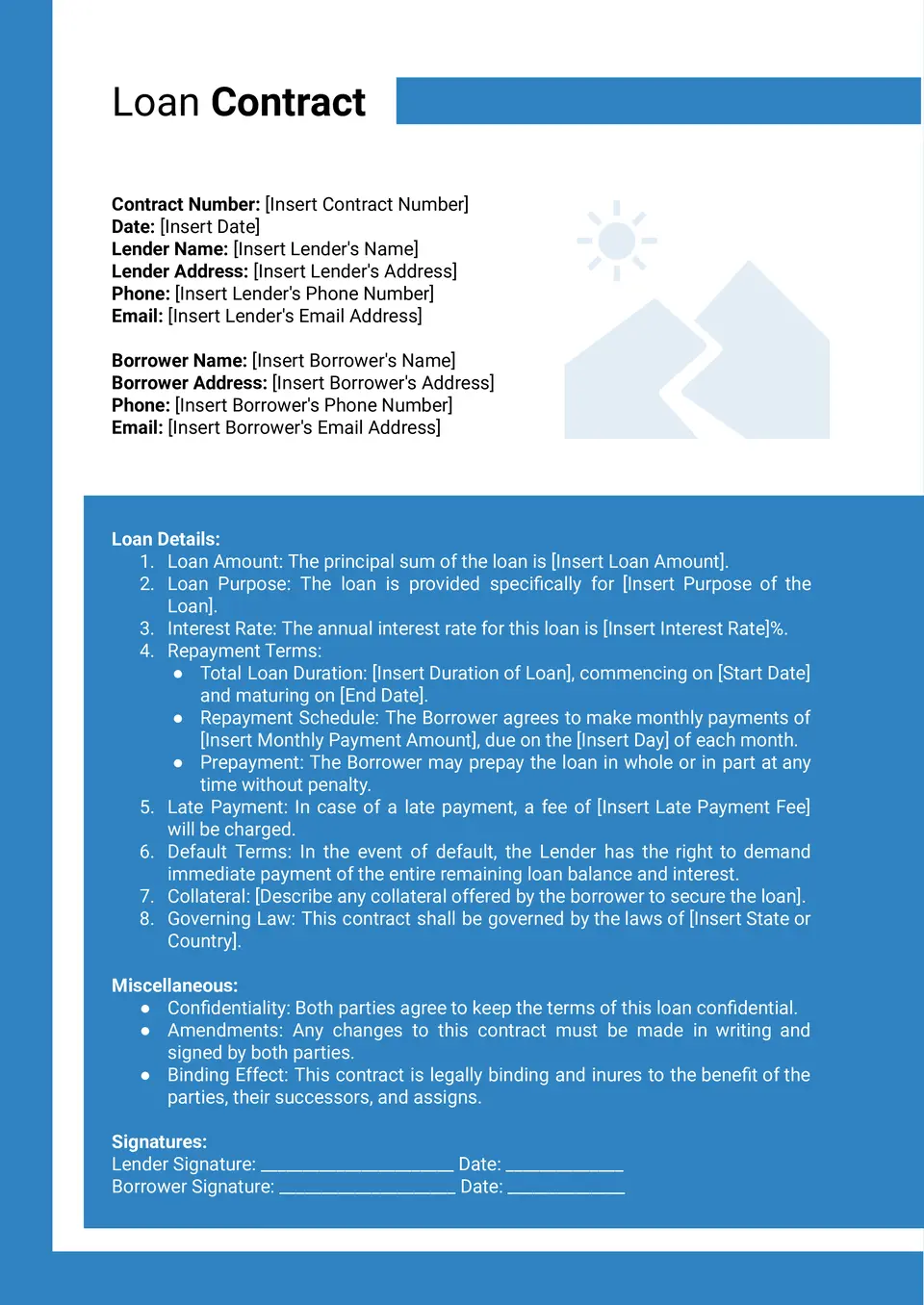
The Loan Contract Template helps individuals and businesses record loan terms in a clear written format. It can be used to outline repayment details, lending conditions, and other important points of the agreement.
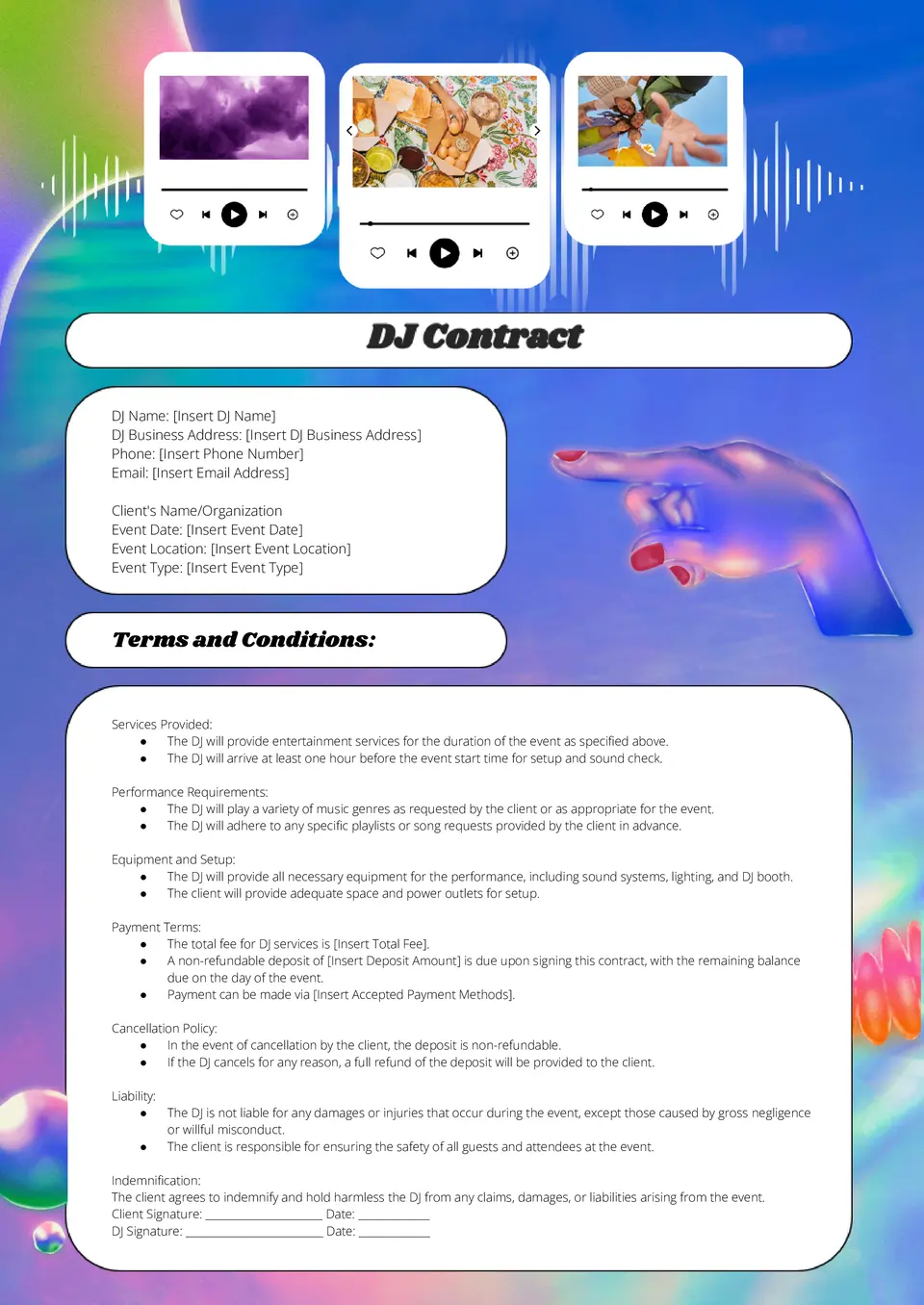
How do you keep event details, performance terms, and payment information clear before the date is confirmed? The DJ Contract Template helps DJs and clients organize the main terms of an event agreement in one place.
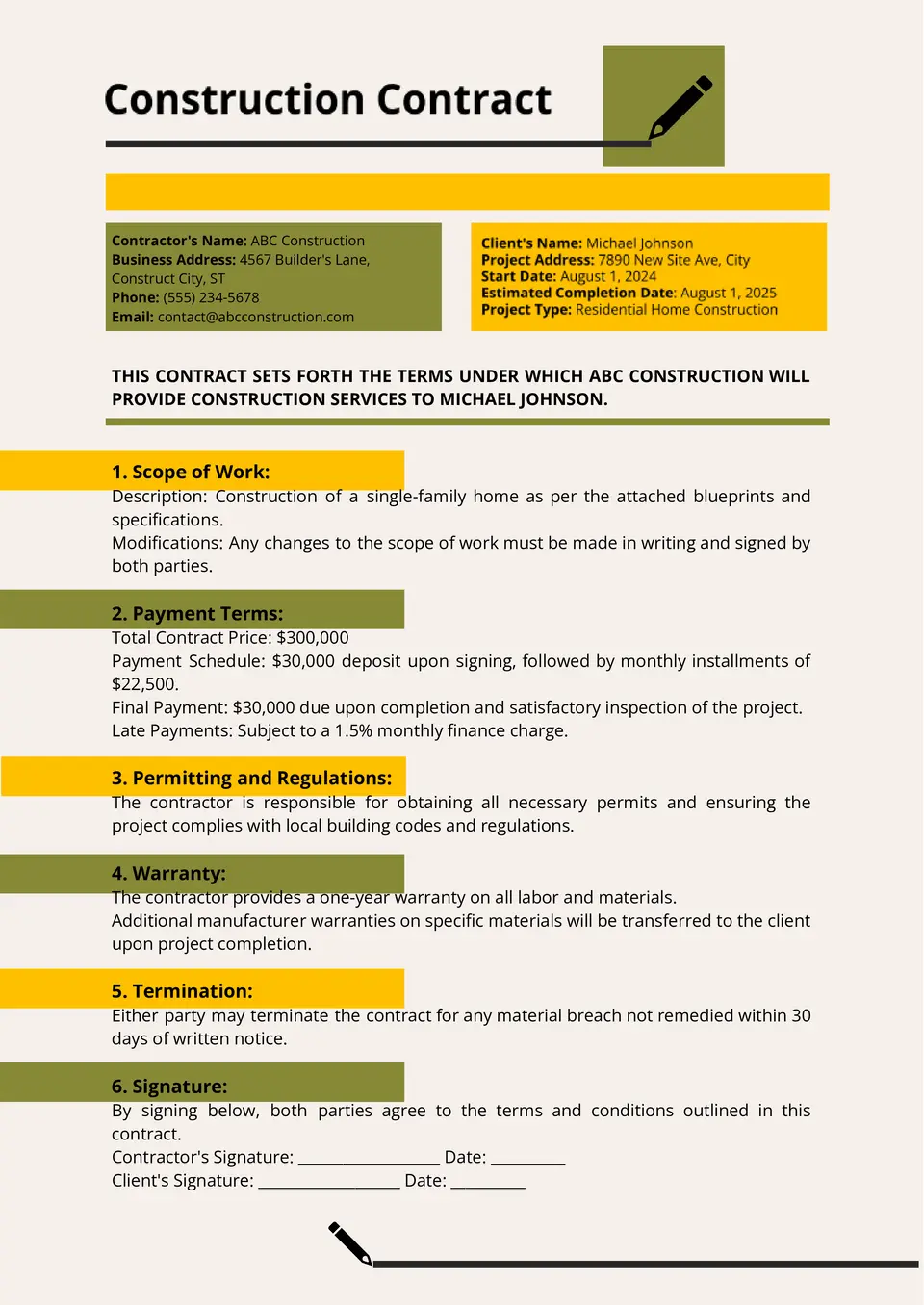
Which format works best for putting project scope, timelines, and responsibilities into one clear agreement? The Construction Contract Template helps contractors and clients document the main terms of a building or renovation project.
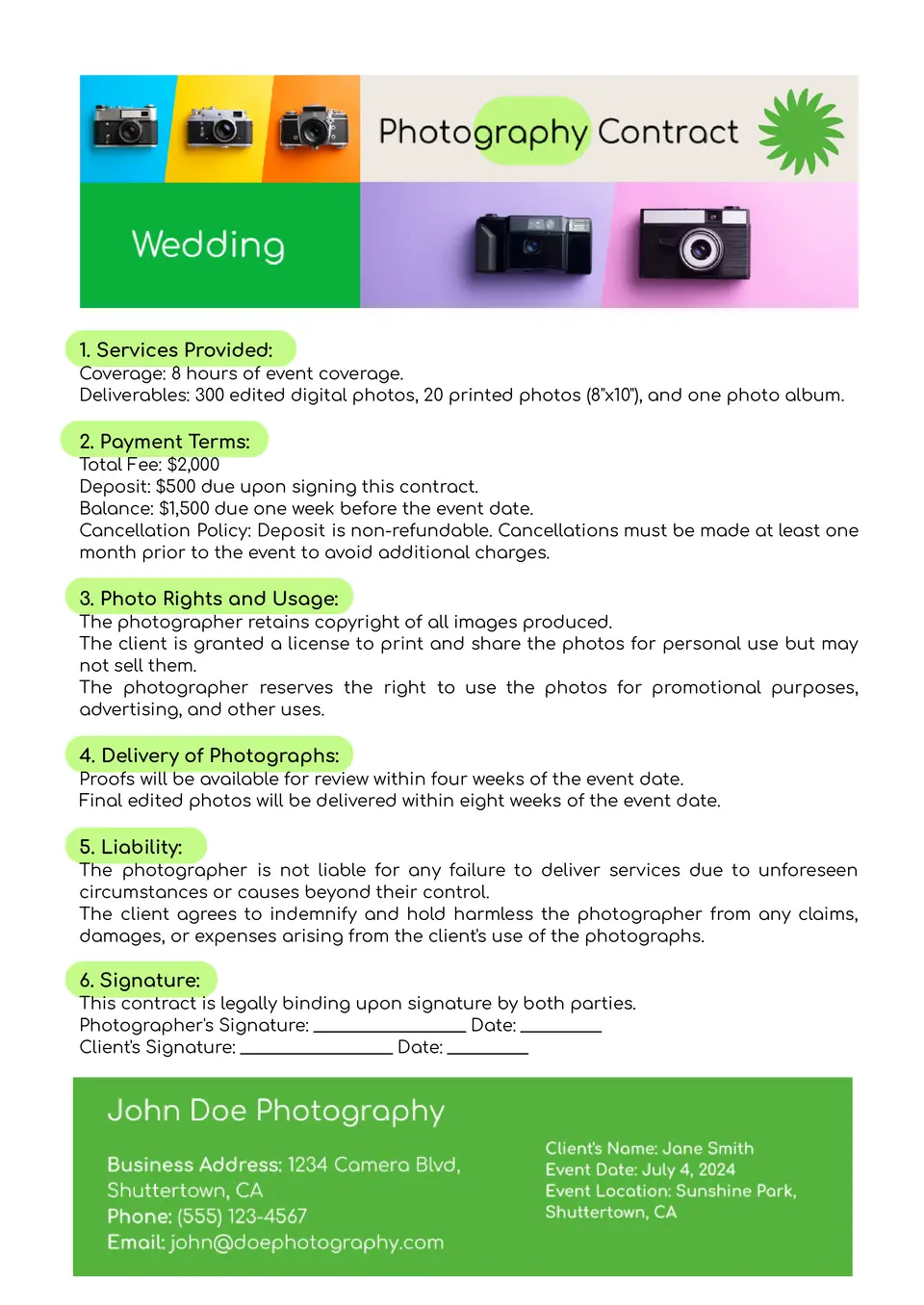
What helps photographers and clients put session terms in writing before the work begins? The Photography Contract Template provides a professional format for outlining services, timing, payment, and project expectations.
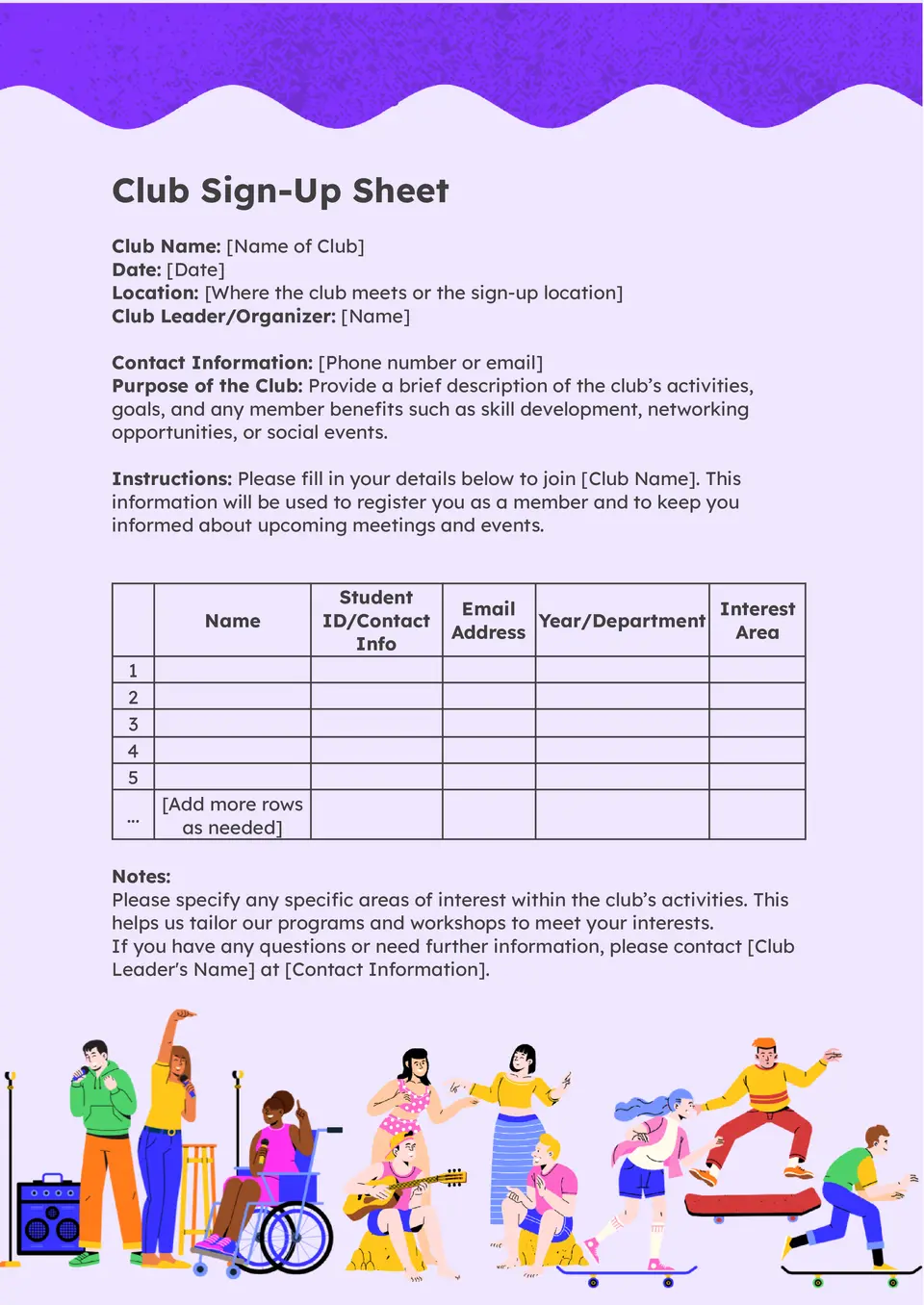
How can club organizers collect member names and participation details in a way that stays easy to review? The Club Sign Up Sheet Template helps schools, student groups, and community clubs manage sign-ups in one structured document.
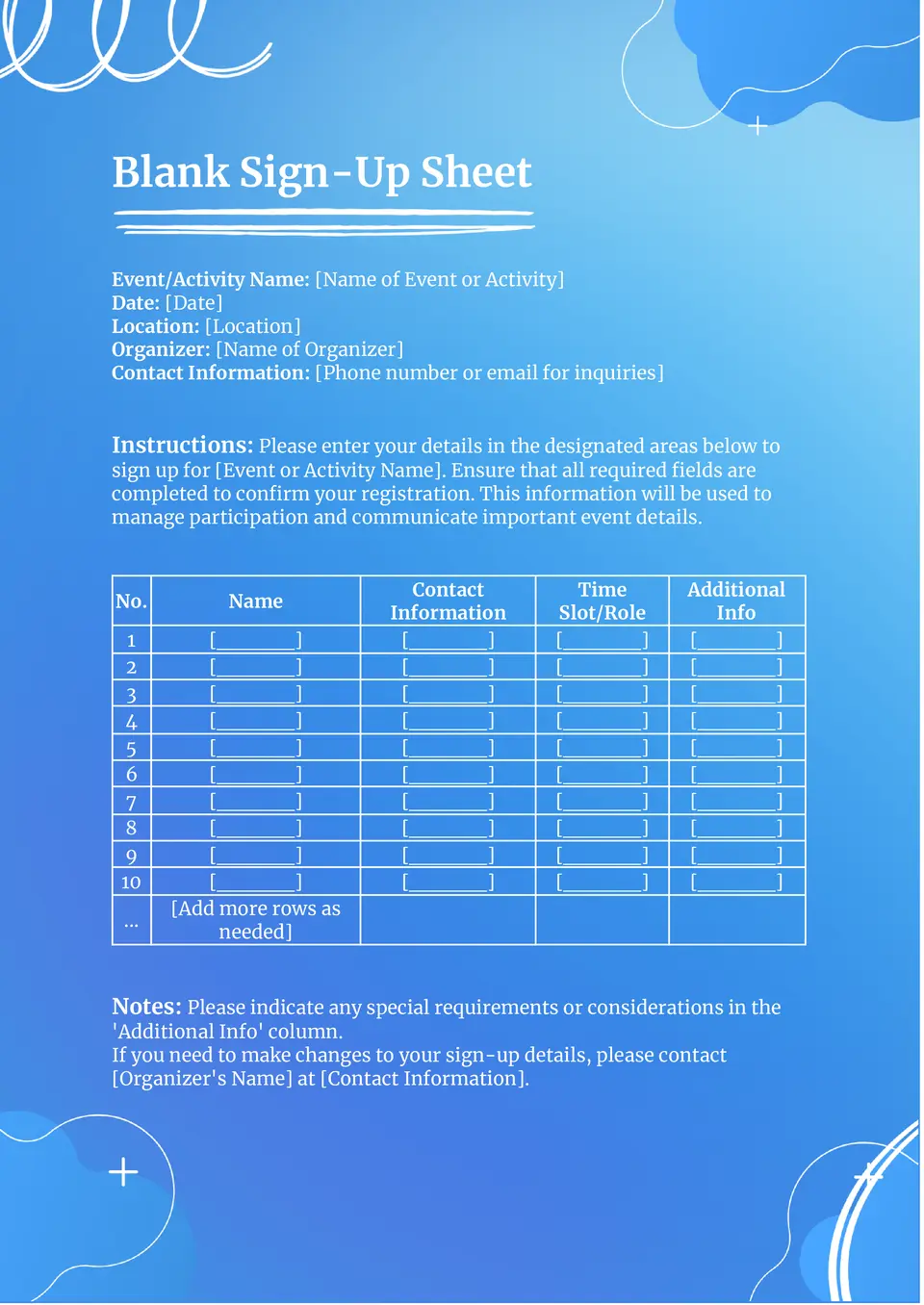
What’s the best way to collect names and basic details when you need a flexible sign-up form for any purpose? The Blank Sign Up Sheet Template gives you a simple layout that can work for events, classes, appointments, or group activities.
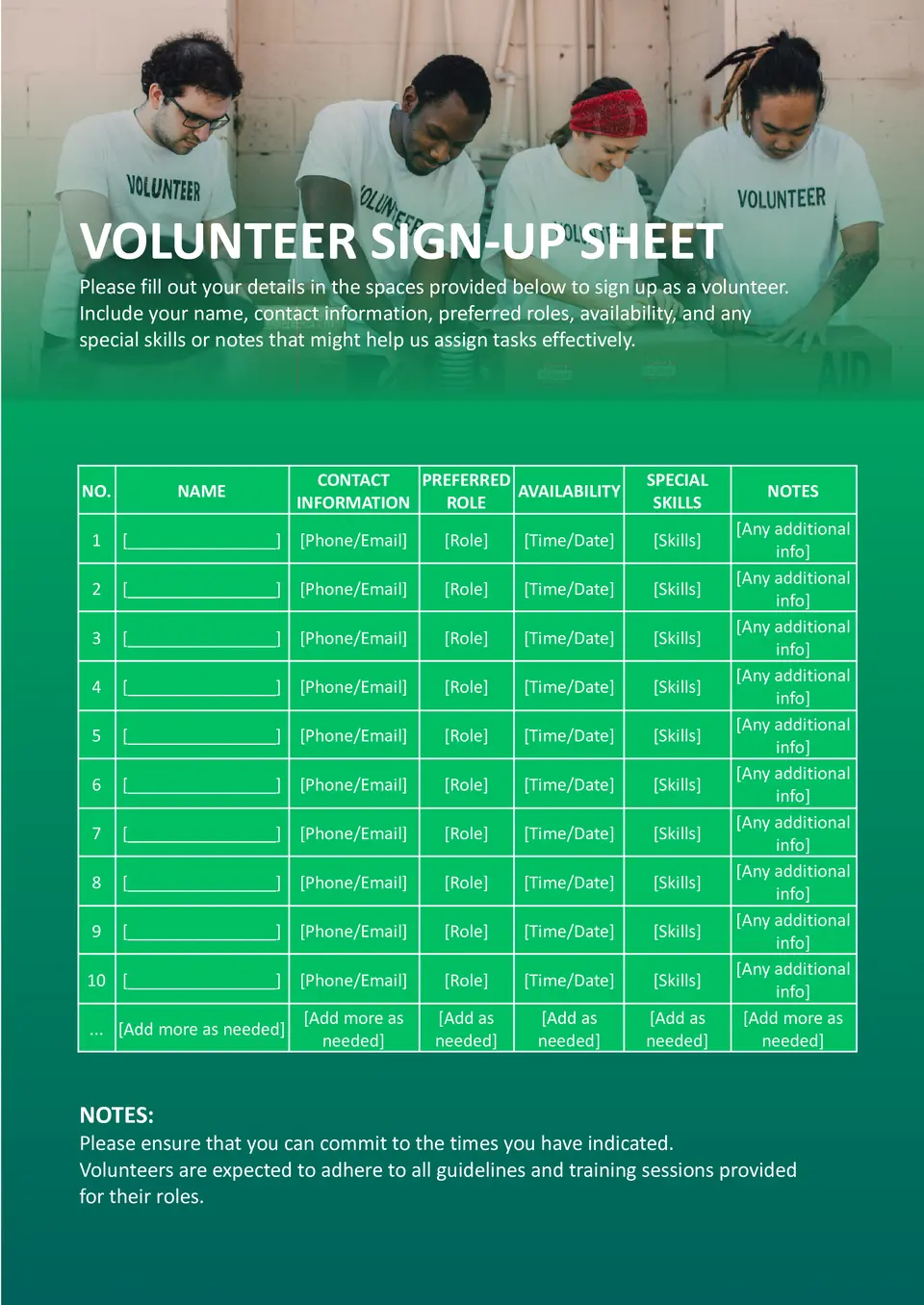
How do you organize volunteer names, shifts, and contact details without making the list hard to manage? The Volunteer Sign Up Sheet Template gives schools, nonprofits, and community groups a clear way to coordinate sign-ups in one place.
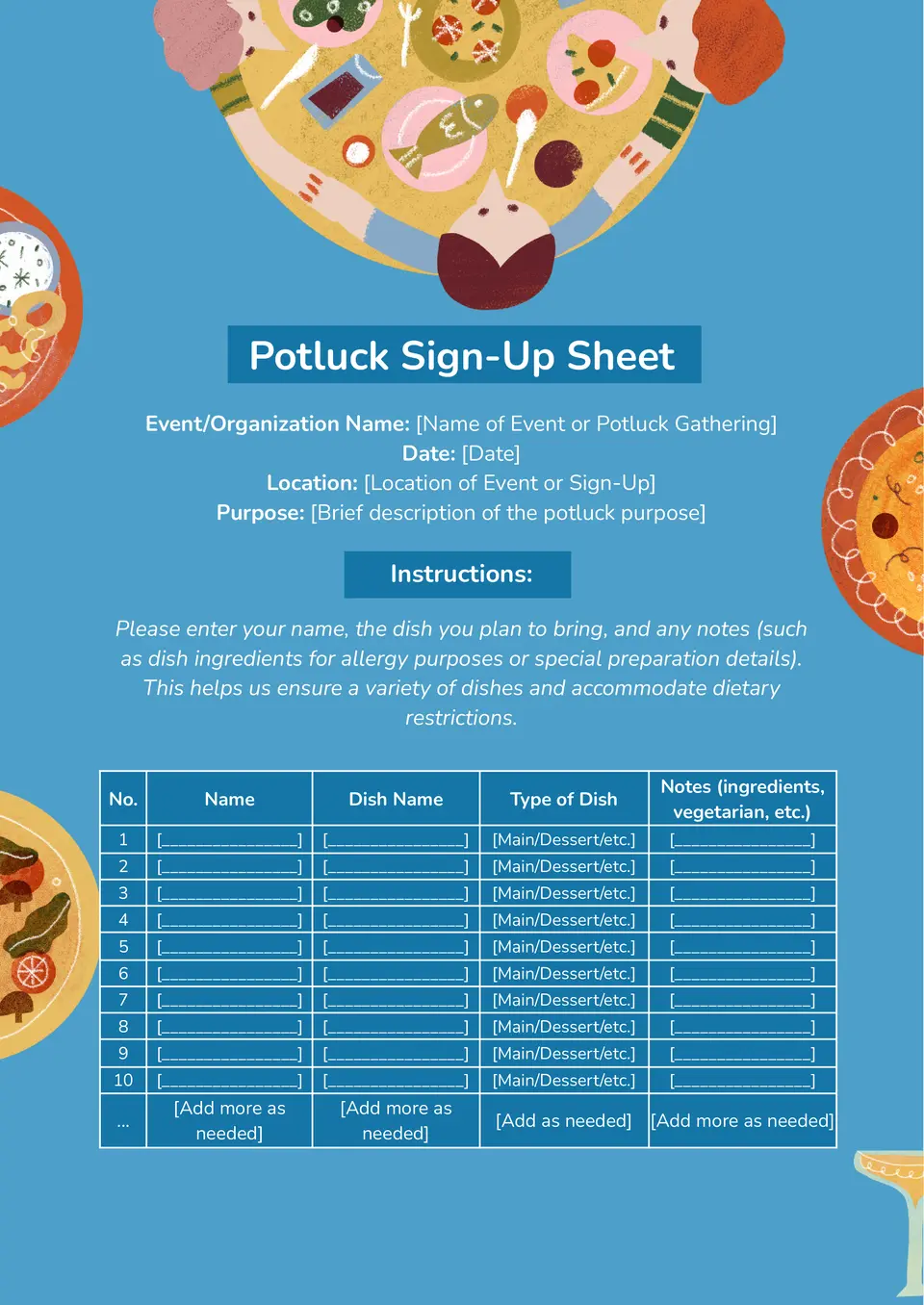
A practical option for shared meal planning, the Potluck Sign Up Sheet Template helps groups organize who is bringing each dish or item. It creates a simple structure for assigning food categories, participant names, and event contributions.
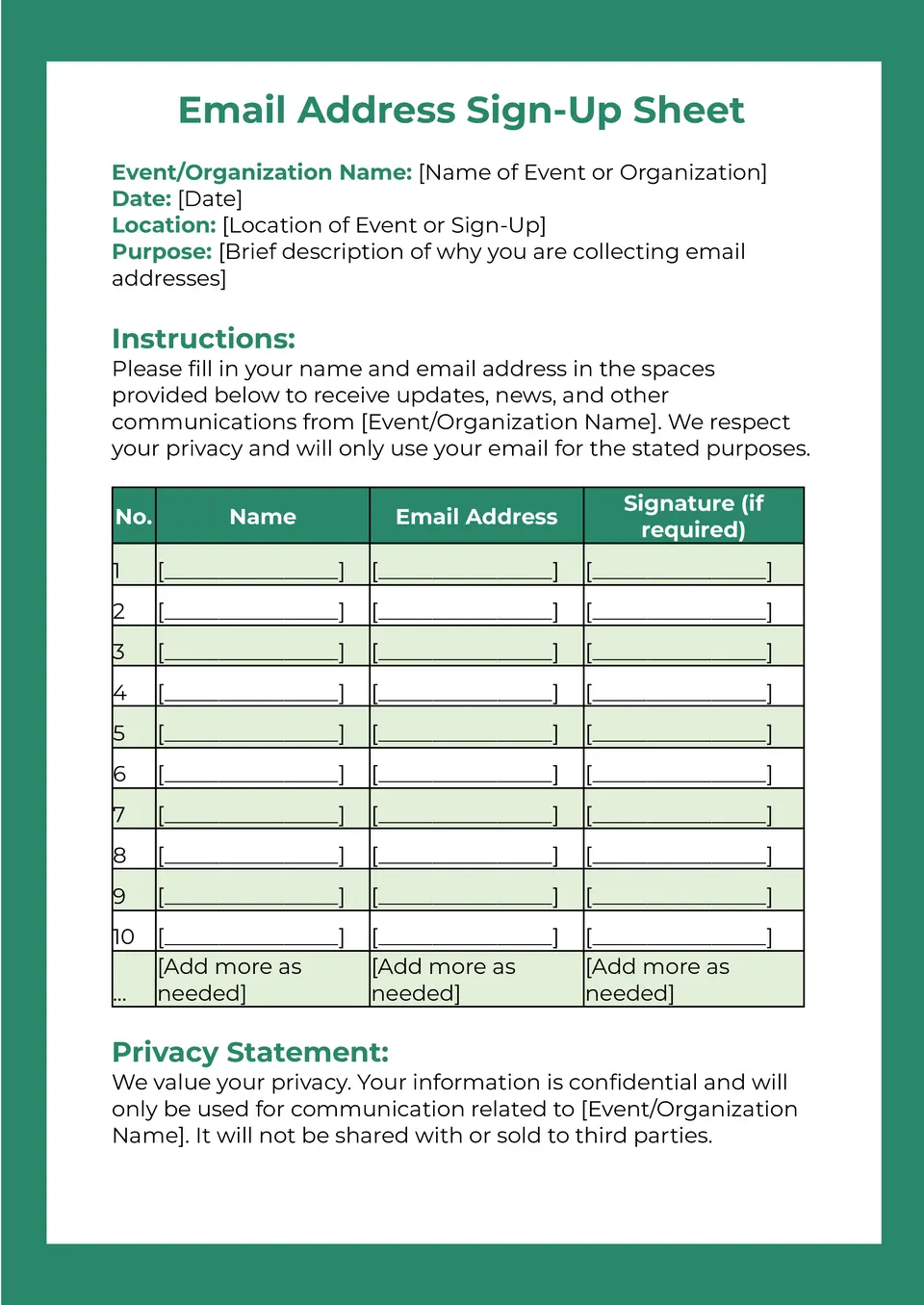
With space for names and contact details, the Email Address Sign Up Sheet Template helps collect information in a clear and practical format. It works well for newsletters, event lists, school groups, customer outreach, or community updates.
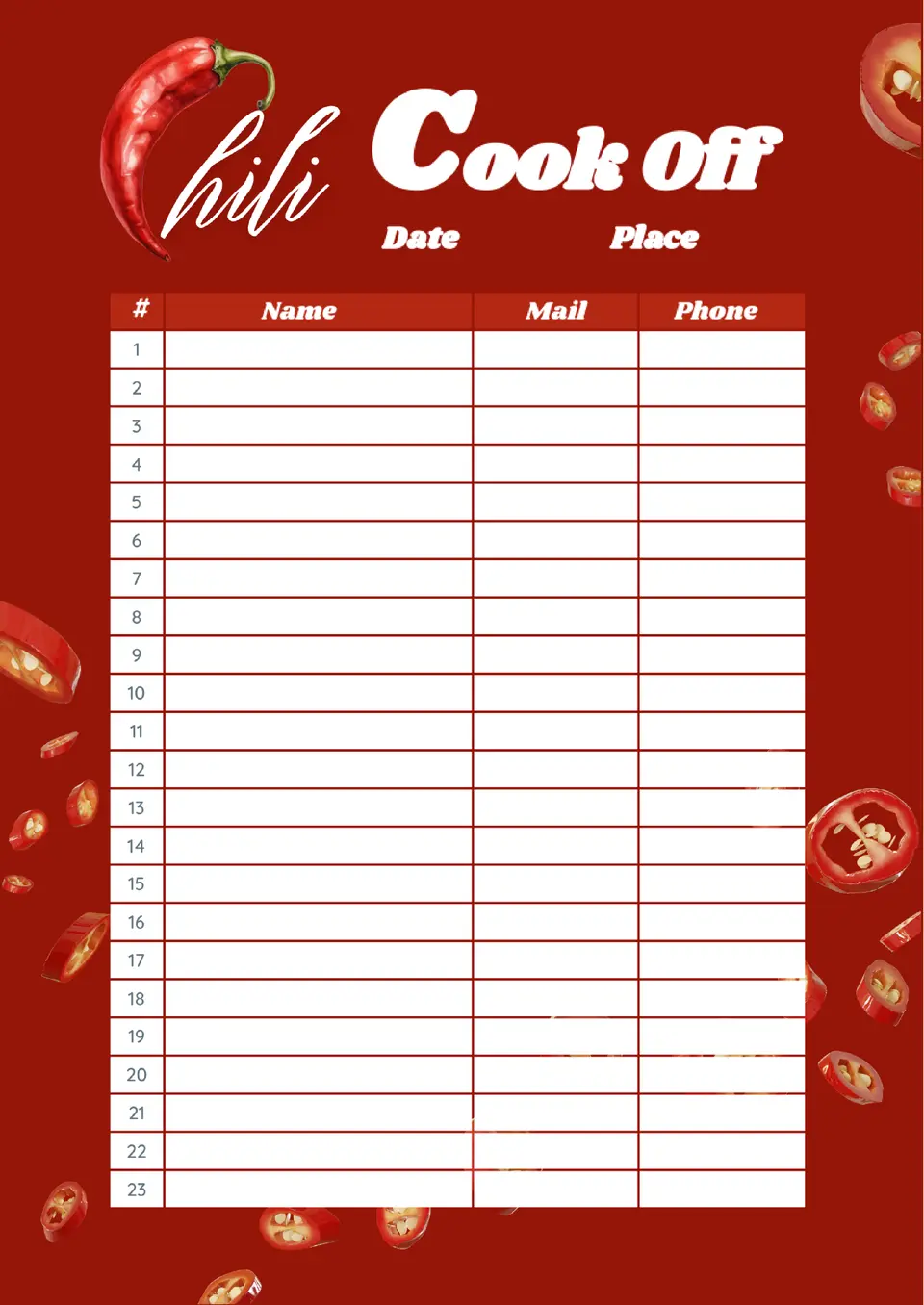
Built for food competitions and community events, the Chili Cook Off Sign Up Sheet Template gives organizers a simple way to track participants and entries. It helps keep names, dish details, and event information together in one easy-to-review document.
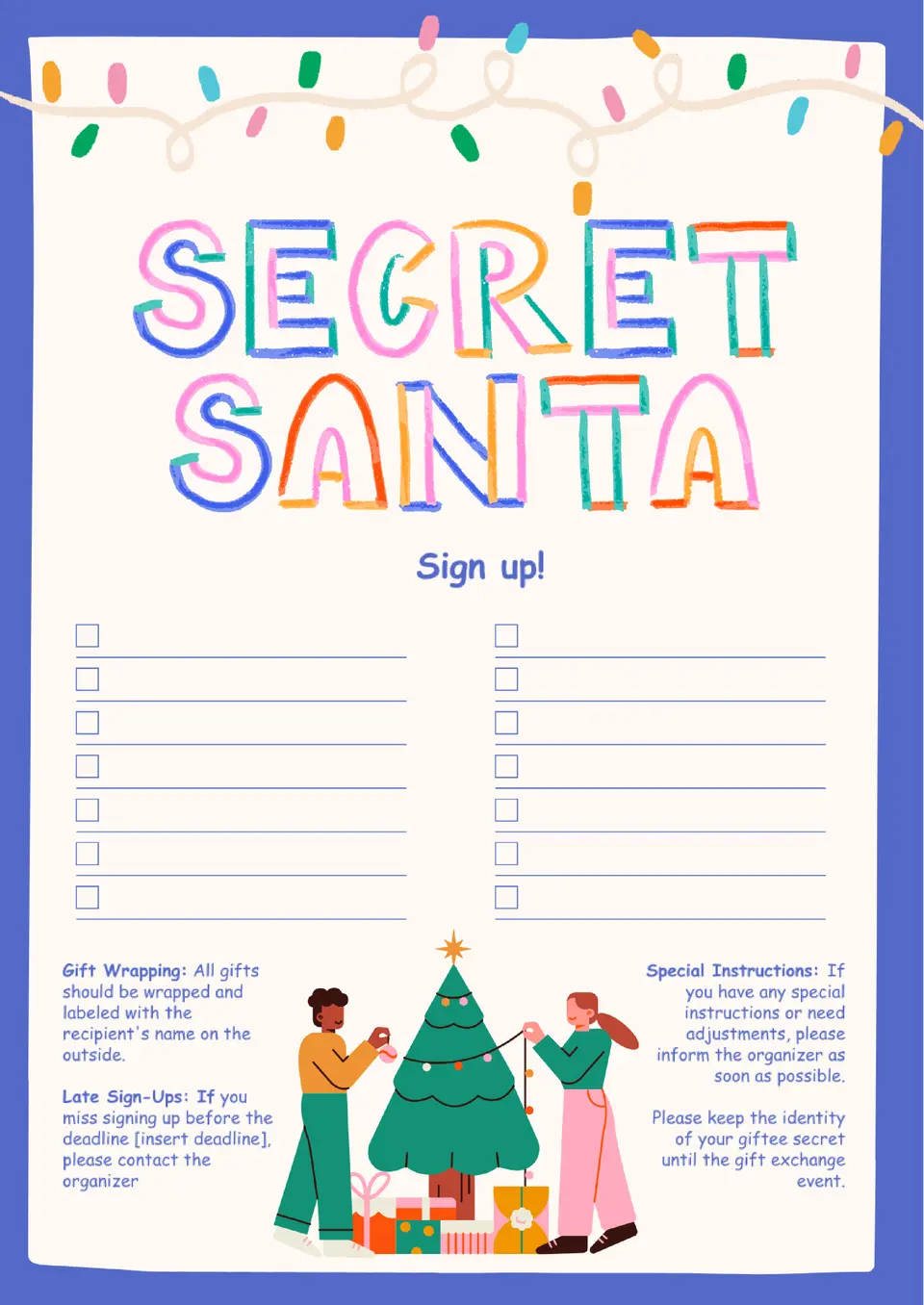
Designed for holiday exchanges, the Secret Santa Sign Up Sheet Template helps groups organize participant names and gift planning details in a neat format. It can be used for workplace events, classrooms, clubs, or family celebrations.
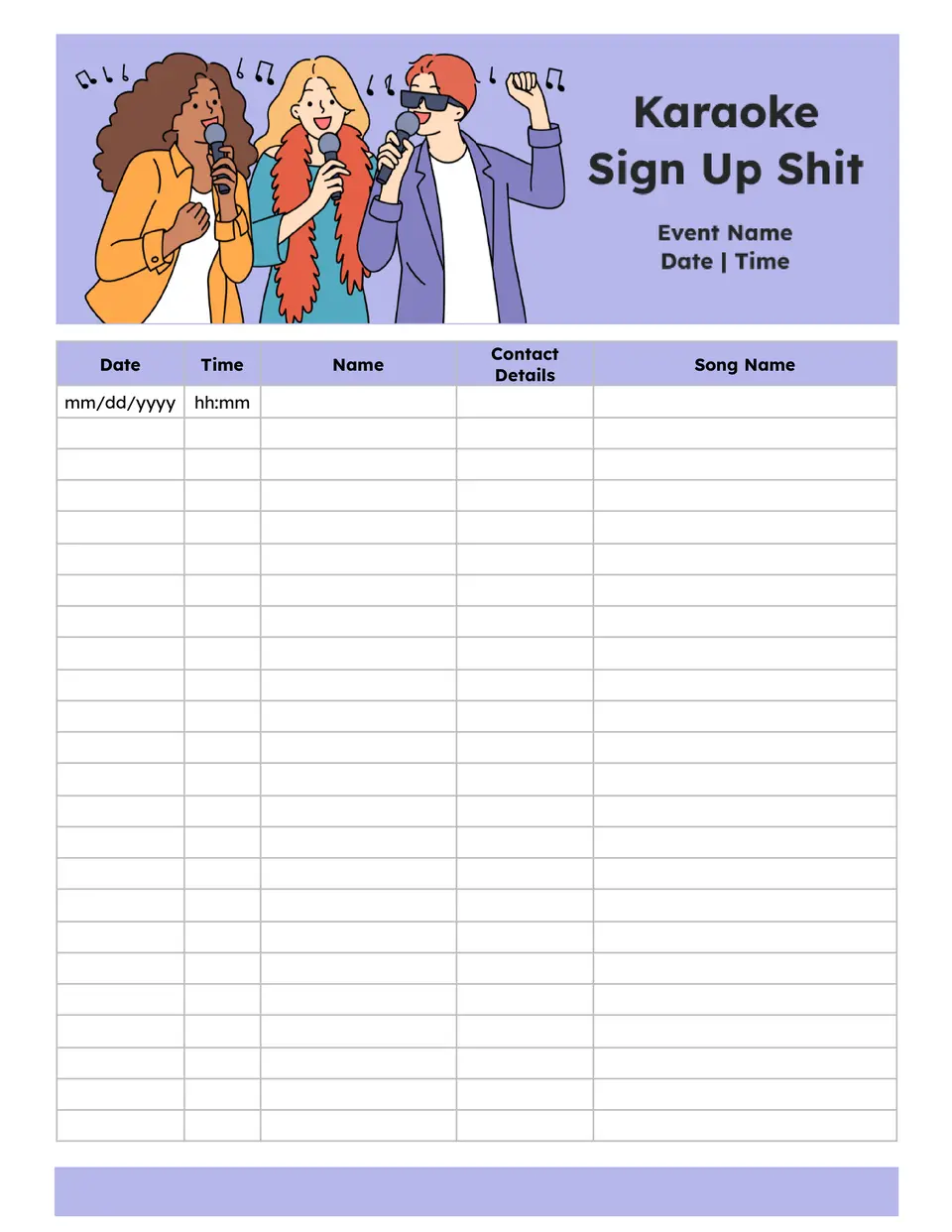
The Karaoke Sign Up Sheet Template helps organizers collect performer names, song choices, and performance order in one clear list. It works well for parties, school events, office gatherings, and other group activities with multiple participants.
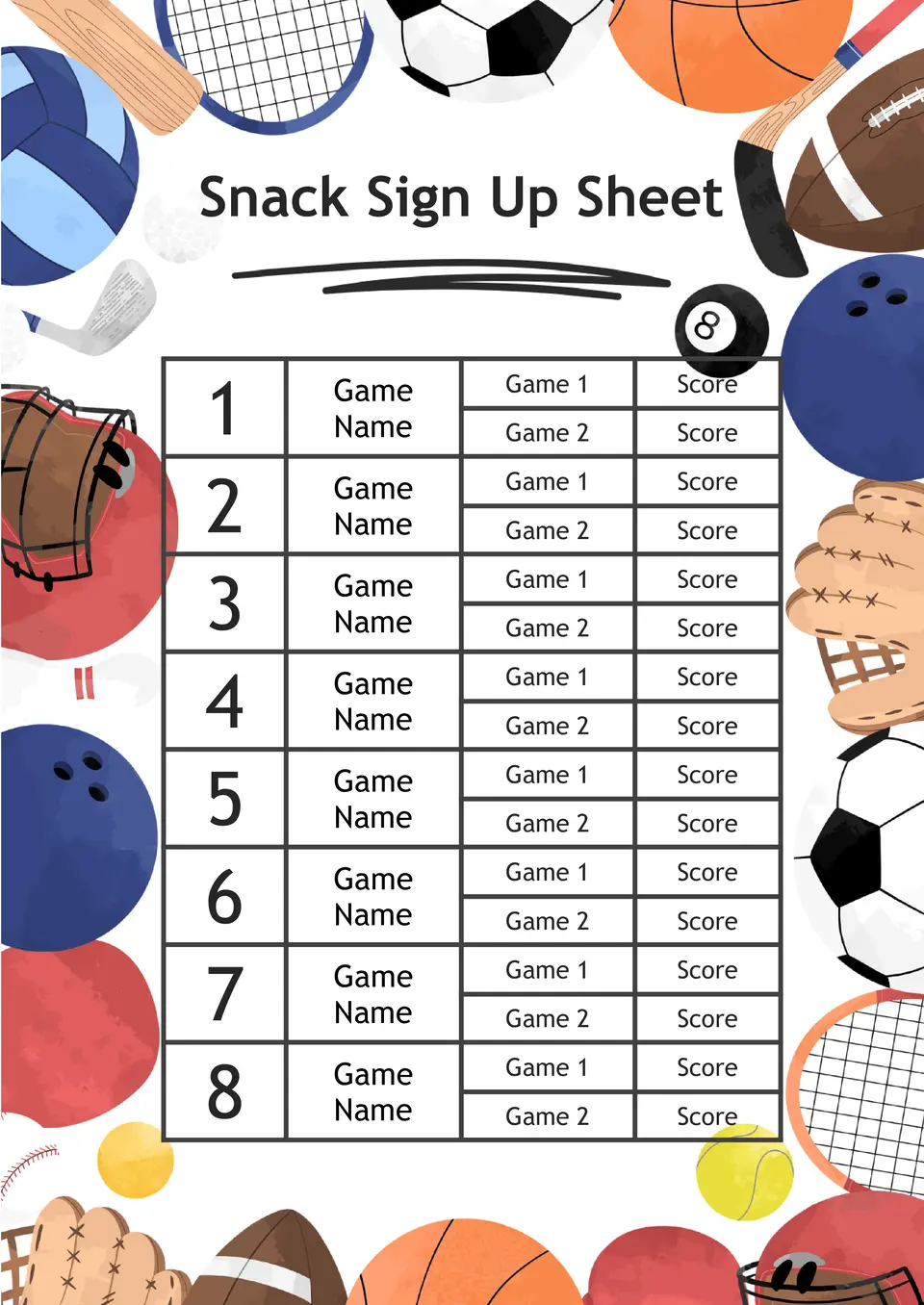
Which format works best for collecting snack assignments for class, meetings, or group events? The Snack Sign Up Sheet Template helps organize participant names, assigned items, and contribution details in one place.

Choose your preferred social media platform from options like Pinterest, Facebook, Twitter, and more. Share our templates with your contacts or friends. If you’re not active on these social networks, you can simply copy the link and paste it into the one you use.