

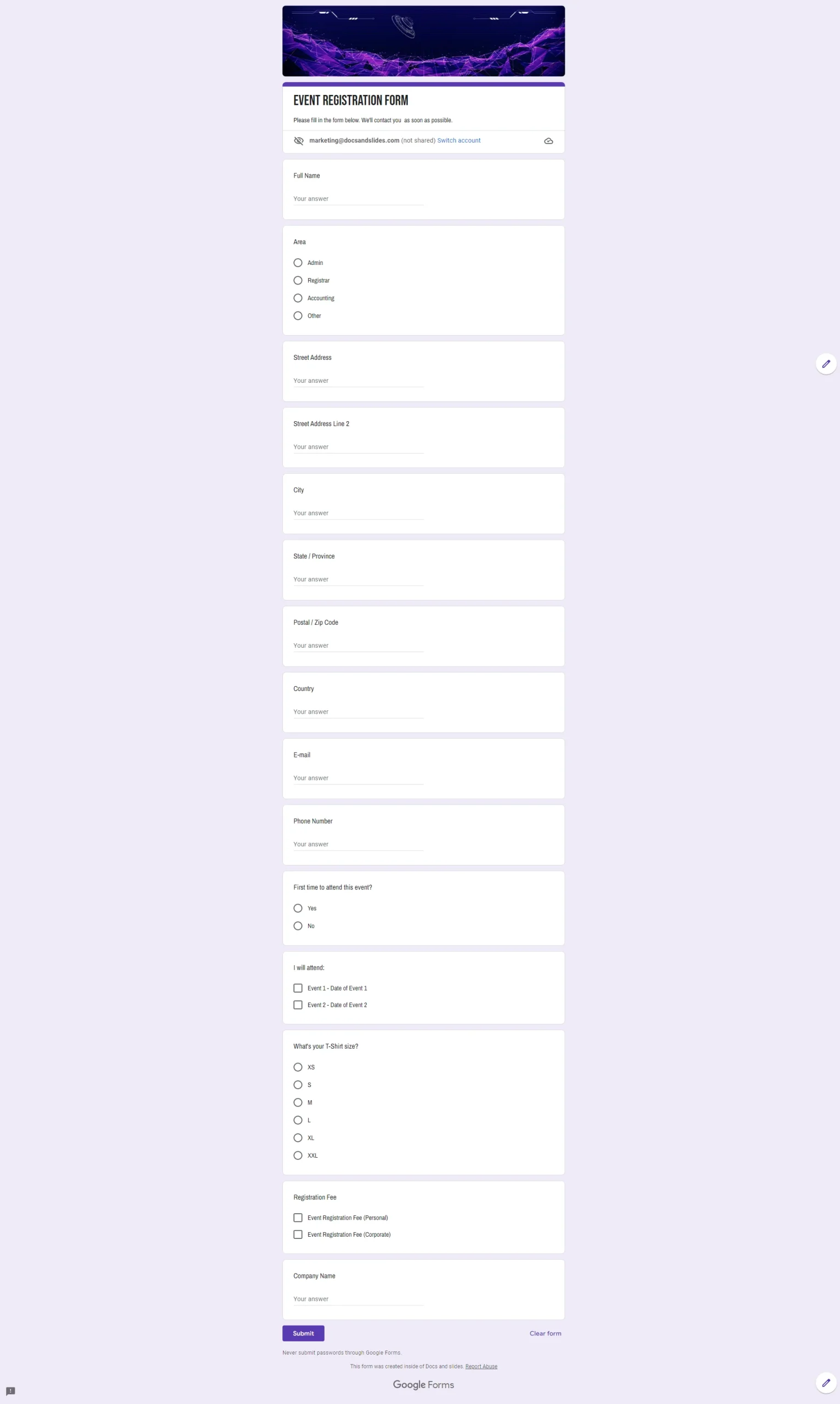
Event Registration Form Template



designer
My goal is to create beautiful and intuitive graphic designs for individuals and businesses! I, Kateryna Kyrylova, specialize in a variety of formats, from Google products to Microsoft.
Achievements:


designed more than 1500 templates for docsandslides.com
Template text reviewed by an expert from docsandslide's blog.



1

2

3

Related Event Registration Form
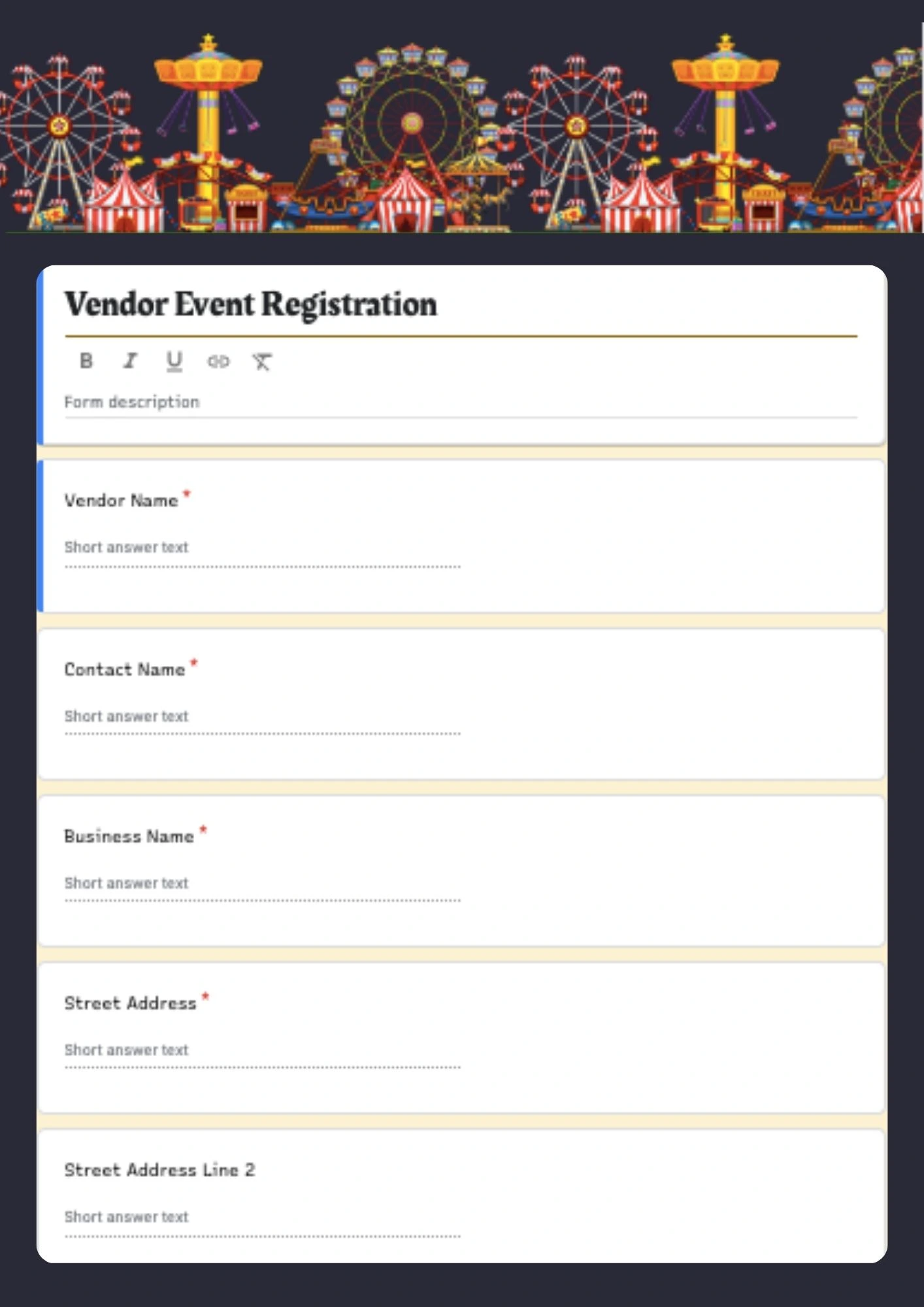
Planning a vendor event or marketplace but your application form looks too basic and doesn't collect the right details from sellers? Vendor Event Registration Form Template provides a professional Google Forms layout designed specifically for vendor applications, event sellers, and marketplace registrations. It helps collect vendor name, contact info, product category, booth preferences, and event details in a clear, structured format. Editable color, text, and objects make it easy to adapt the form to your event brand, vendor requirements, and event rules. Free for personal and business use, ready to use, and ideal for vendor event registrations that should look professional and easy to complete.

Related Event Registration Form
Planning a vendor event or marketplace but your application form looks too basic and doesn't collect the right details from sellers? Vendor Event Registration Form Template provides a professional Google Forms layout designed specifically for vendor applications, event sellers, and marketplace registrations. It helps collect vendor name, contact info, product category, booth preferences, and event details in a clear, structured format. Editable color, text, and objects make it easy to adapt the form to your event brand, vendor requirements, and event rules. Free for personal and business use, ready to use, and ideal for vendor event registrations that should look professional and easy to complete.
Don’t forget to check your spam box!

Generating high-quality templates requires significant time and dedication. We simply request the inclusion of a small attribution link. Select the platform where you intend to utilize the template.
Copy this link and paste it wherever it’s visible, close to where you’re using the image. If that’s not possible, place it at the footer of your website, blog or newsletter, or in the credits section.
Place the attribution line near the image’s usage on your website, or if that’s not feasible, include it in the credits section. For example: ‘image: Docsandslides.com’. This template was created using images from Docsandslides.com.

Choose your preferred social media platform from options like Pinterest, Facebook, Twitter, and more. Share our templates with your contacts or friends. If you’re not active on these social networks, you can simply copy the link and paste it into the one you use.