

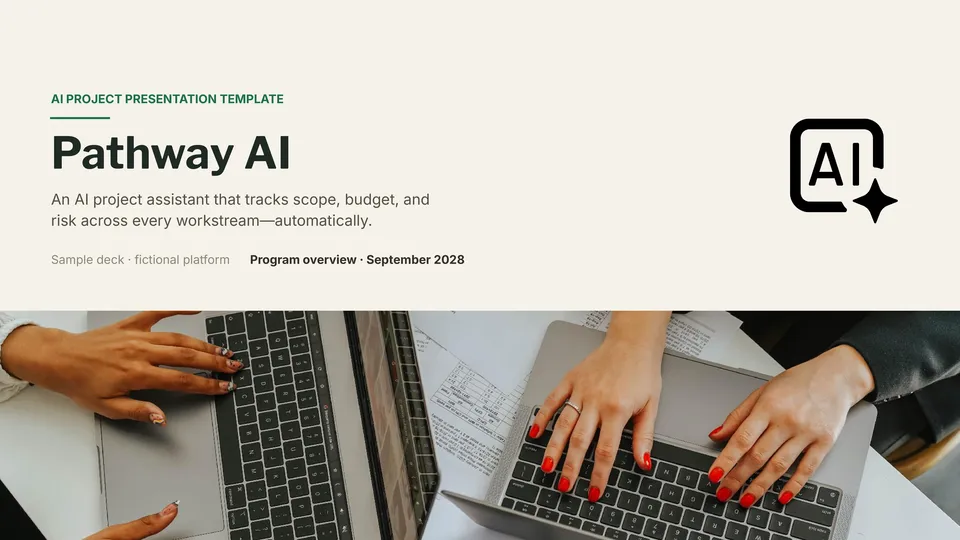
AI Project Template




designer
My goal is to create beautiful and intuitive graphic designs for individuals and businesses! I, Kateryna Kyrylova, specialize in a variety of formats, from Google products to Microsoft.
Achievements:


designed more than 1500 templates for docsandslides.com
Template text reviewed by an expert from docsandslide's blog.



1

2

3

Related Ai Presentation Templates
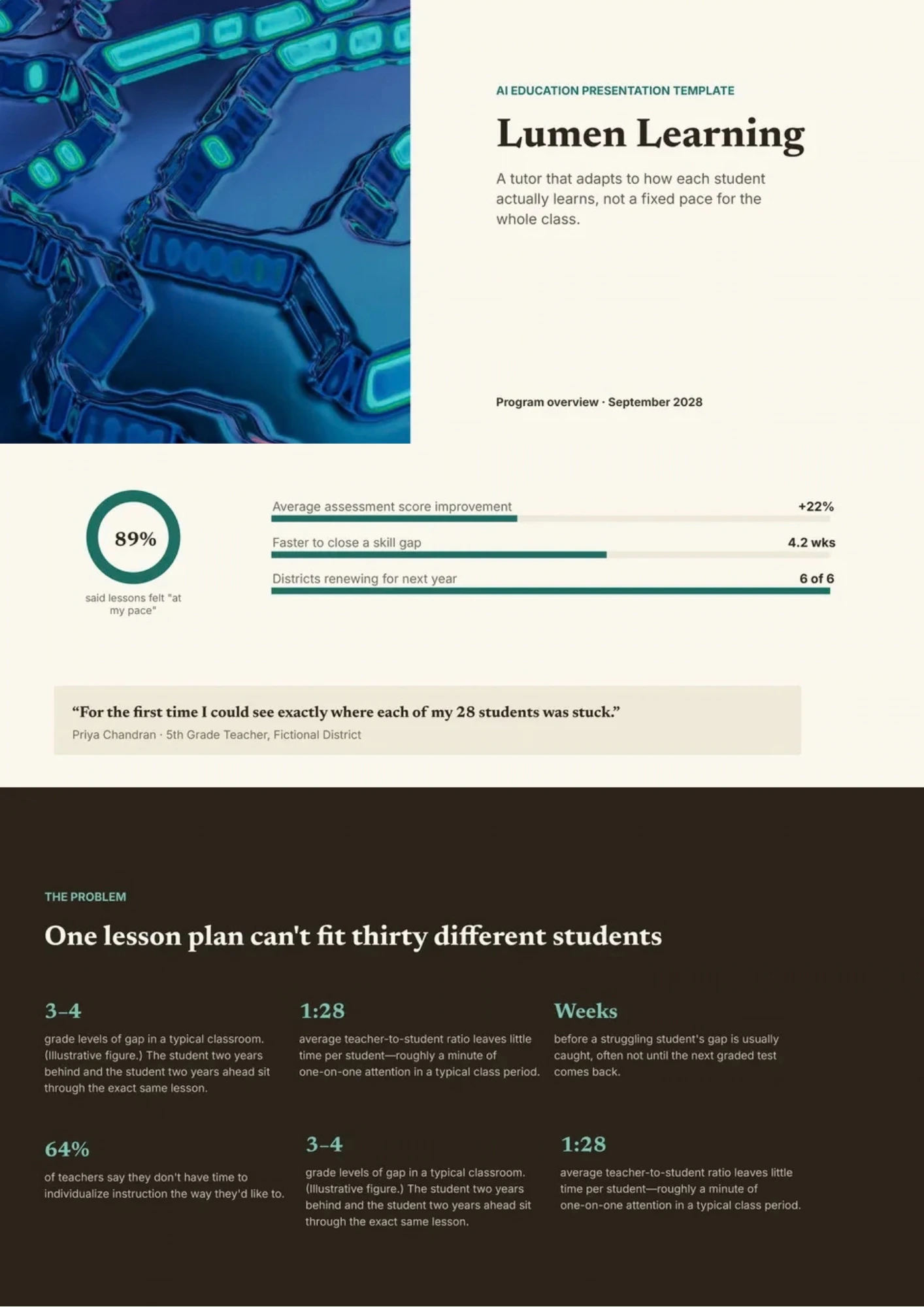
AI Education Template helps teachers and trainers introduce artificial intelligence through concepts, examples, activities, applications, and responsible-use discussions. It includes space for learning objectives, AI definitions, machine learning basics, classroom use cases, benefits, risks, ethics, and reflection questions. Schools, universities, instructors, and education teams can adapt it for lessons, workshops, professional development, or student projects. The structured design makes advanced technology more approachable by connecting theory with familiar learning situations. You can edit it for free and prepare the finished presentation for classroom use, printing, or digital sharing.

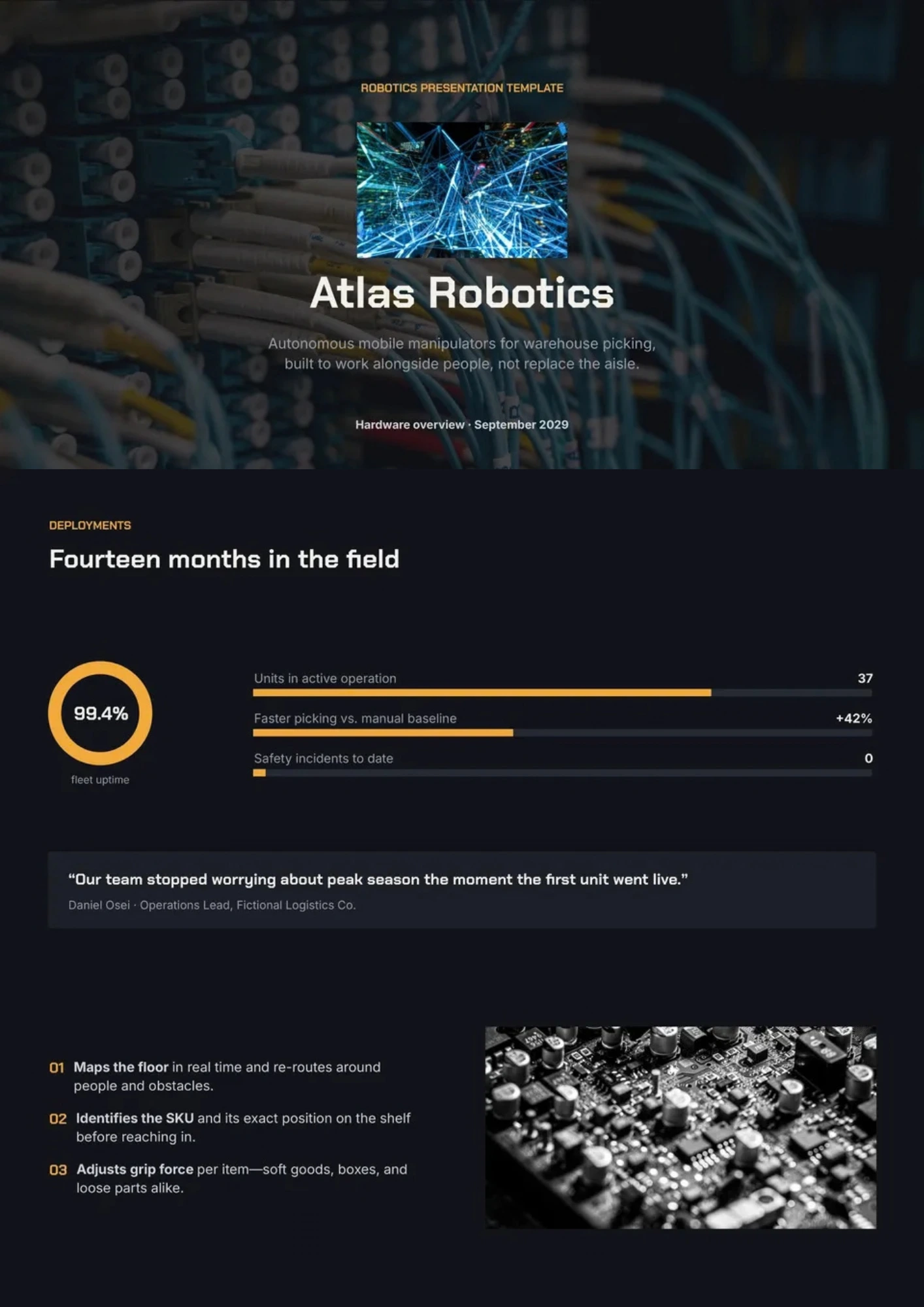
Robotics Template gives presenters a visual structure for explaining robots, sensors, automation, control systems, applications, and future developments. Students, engineering teams, educators, researchers, and robotics startups can use it for classroom projects, demonstrations, competitions, or product presentations. The sections can show how hardware, software, machine learning, and human interaction work together in a complete system. Visual diagrams and editable content make technical information easier to follow for mixed audiences. It is free to customize, ready to download or print, and suitable for presenting robotics ideas clearly.
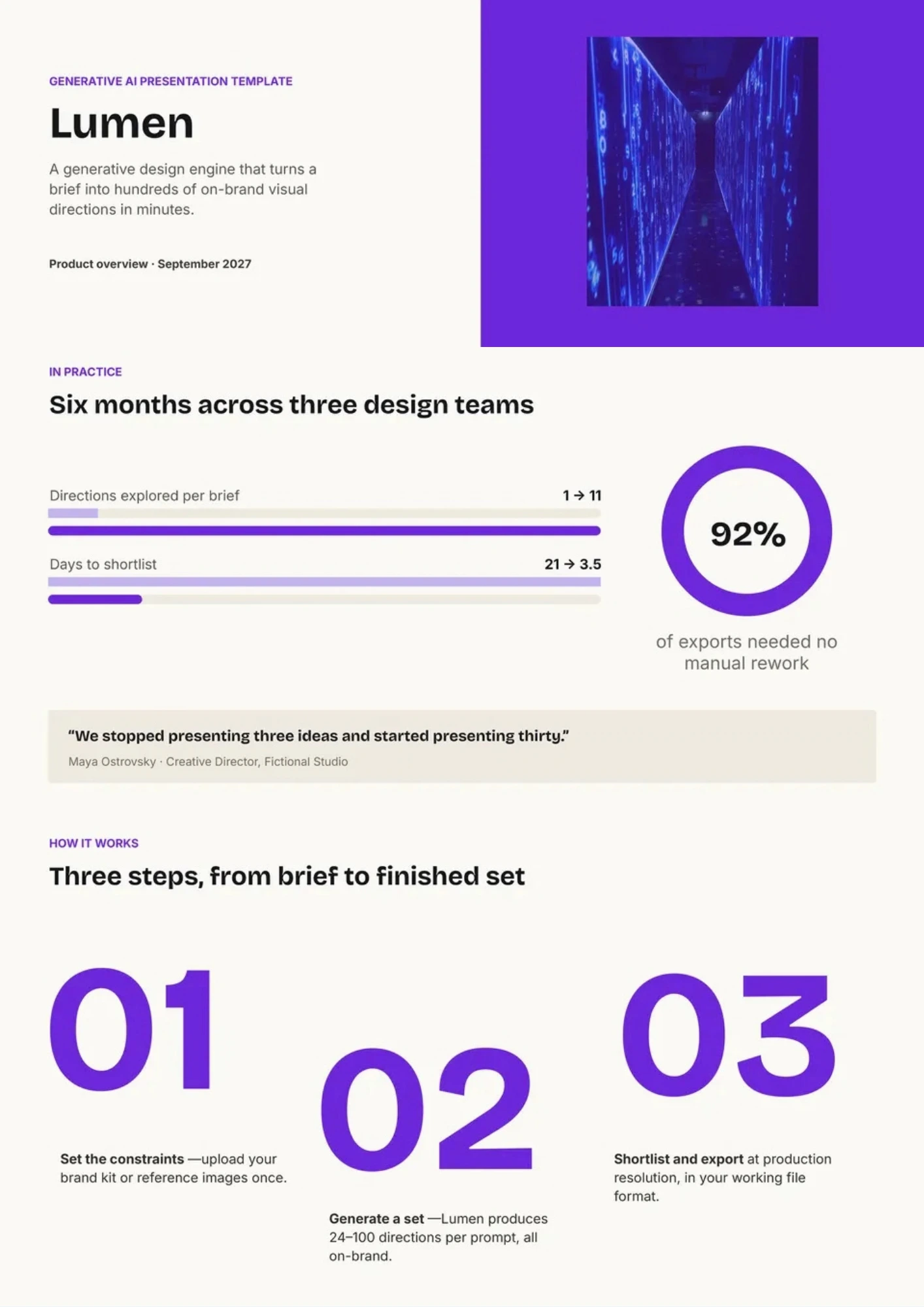
Generative AI Template organizes an explanation of systems that create text, images, audio, video, code, or other content from user prompts. It includes sections for core concepts, model types, workflows, practical applications, benefits, limitations, ethics, and implementation considerations. Researchers, educators, creative teams, marketers, and business leaders can use it to discuss generative AI in a clear and balanced way. The layout supports comparisons between opportunities and risks while leaving room for examples and visuals. This free editable design is ready for customizing, downloading, printing, or presenting to different audiences.
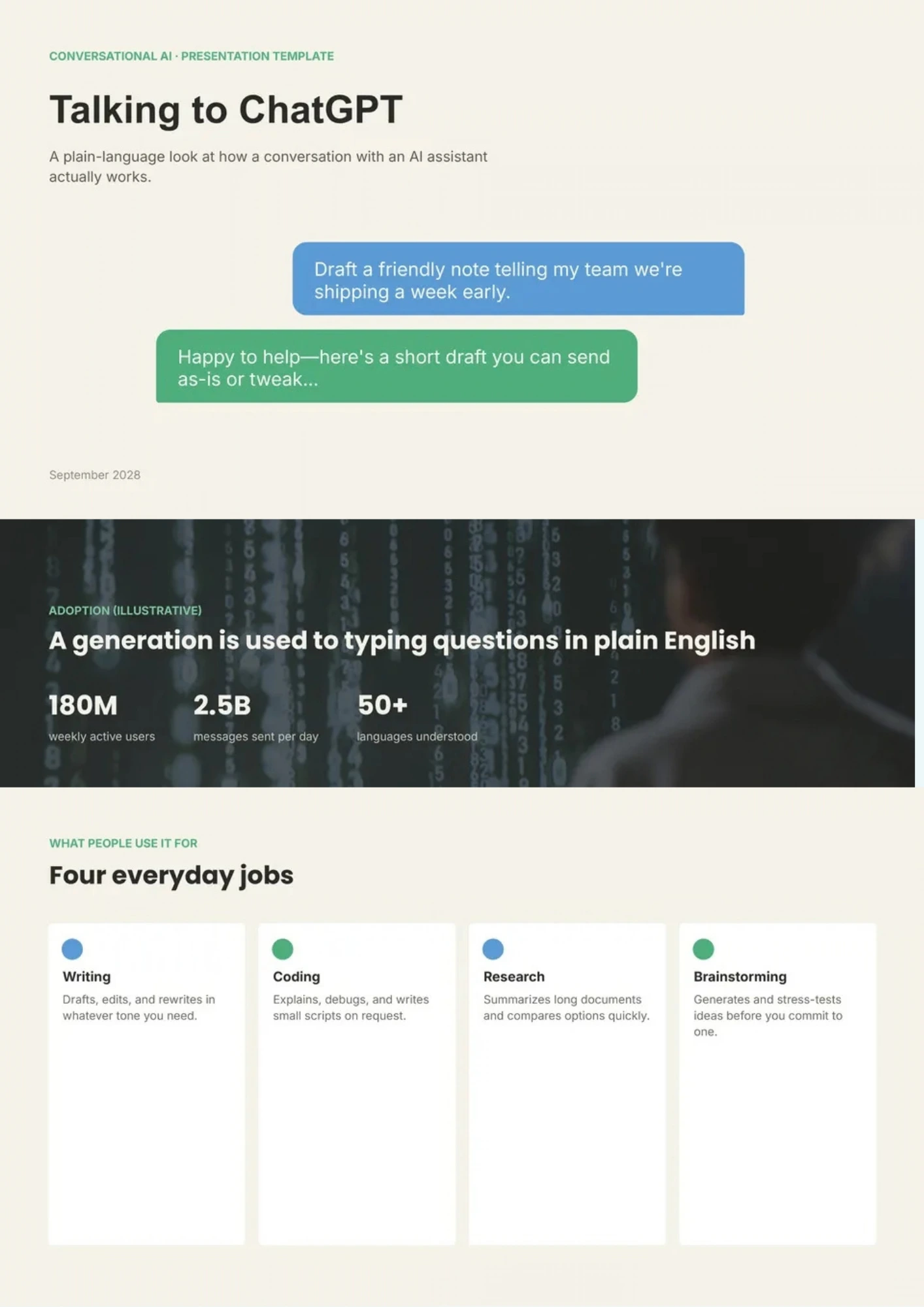
Want to explain ChatGPT’s capabilities, practical applications, and limitations without reducing the topic to a list of vague AI claims? ChatGPT Template provides space for key features, prompt examples, workflow diagrams, use cases, benefits, risks, and responsible-use guidelines. Educators, content teams, business users, trainers, and technology presenters can use it to demonstrate how conversational AI supports research, writing, customer service, or productivity. The structure helps audiences understand both what the tool can do and where human review remains important. You can personalize the free design with your own examples, screenshots, and guidance before sharing or presenting it.
Related Ai Presentation Templates
AI Education Template helps teachers and trainers introduce artificial intelligence through concepts, examples, activities, applications, and responsible-use discussions. It includes space for learning objectives, AI definitions, machine learning basics, classroom use cases, benefits, risks, ethics, and reflection questions. Schools, universities, instructors, and education teams can adapt it for lessons, workshops, professional development, or student projects. The structured design makes advanced technology more approachable by connecting theory with familiar learning situations. You can edit it for free and prepare the finished presentation for classroom use, printing, or digital sharing.
Robotics Template gives presenters a visual structure for explaining robots, sensors, automation, control systems, applications, and future developments. Students, engineering teams, educators, researchers, and robotics startups can use it for classroom projects, demonstrations, competitions, or product presentations. The sections can show how hardware, software, machine learning, and human interaction work together in a complete system. Visual diagrams and editable content make technical information easier to follow for mixed audiences. It is free to customize, ready to download or print, and suitable for presenting robotics ideas clearly.
Generative AI Template organizes an explanation of systems that create text, images, audio, video, code, or other content from user prompts. It includes sections for core concepts, model types, workflows, practical applications, benefits, limitations, ethics, and implementation considerations. Researchers, educators, creative teams, marketers, and business leaders can use it to discuss generative AI in a clear and balanced way. The layout supports comparisons between opportunities and risks while leaving room for examples and visuals. This free editable design is ready for customizing, downloading, printing, or presenting to different audiences.
Want to explain ChatGPT’s capabilities, practical applications, and limitations without reducing the topic to a list of vague AI claims? ChatGPT Template provides space for key features, prompt examples, workflow diagrams, use cases, benefits, risks, and responsible-use guidelines. Educators, content teams, business users, trainers, and technology presenters can use it to demonstrate how conversational AI supports research, writing, customer service, or productivity. The structure helps audiences understand both what the tool can do and where human review remains important. You can personalize the free design with your own examples, screenshots, and guidance before sharing or presenting it.
Don’t forget to check your spam box!

Generating high-quality templates requires significant time and dedication. We simply request the inclusion of a small attribution link. Select the platform where you intend to utilize the template.
Copy this link and paste it wherever it’s visible, close to where you’re using the image. If that’s not possible, place it at the footer of your website, blog or newsletter, or in the credits section.
Place the attribution line near the image’s usage on your website, or if that’s not feasible, include it in the credits section. For example: ‘image: Docsandslides.com’. This template was created using images from Docsandslides.com.

Choose your preferred social media platform from options like Pinterest, Facebook, Twitter, and more. Share our templates with your contacts or friends. If you’re not active on these social networks, you can simply copy the link and paste it into the one you use.