

 Back to templates
 Certificate Templates - Page 2
Looking for a simple way to recognize achievements or participation? Professional Certificate Templates help you create clear and polished awards for schools, businesses, courses, competitions, and special events. Ready-made layouts include structured areas for names, titles, dates, and signatures, making it easy to prepare certificates without designing them from scratch.
These templates are suitable for teachers, managers, event organizers, trainers, and anyone awarding achievements or participation. Browse the collection, choose a style that fits your event, and personalize your certificate with templates available free to use.

This template is designed for announcing the death of a close person, colleague, public figure, etc. The top part of the sheet is occupied by the deceased’s photo. You can use black and white or color.

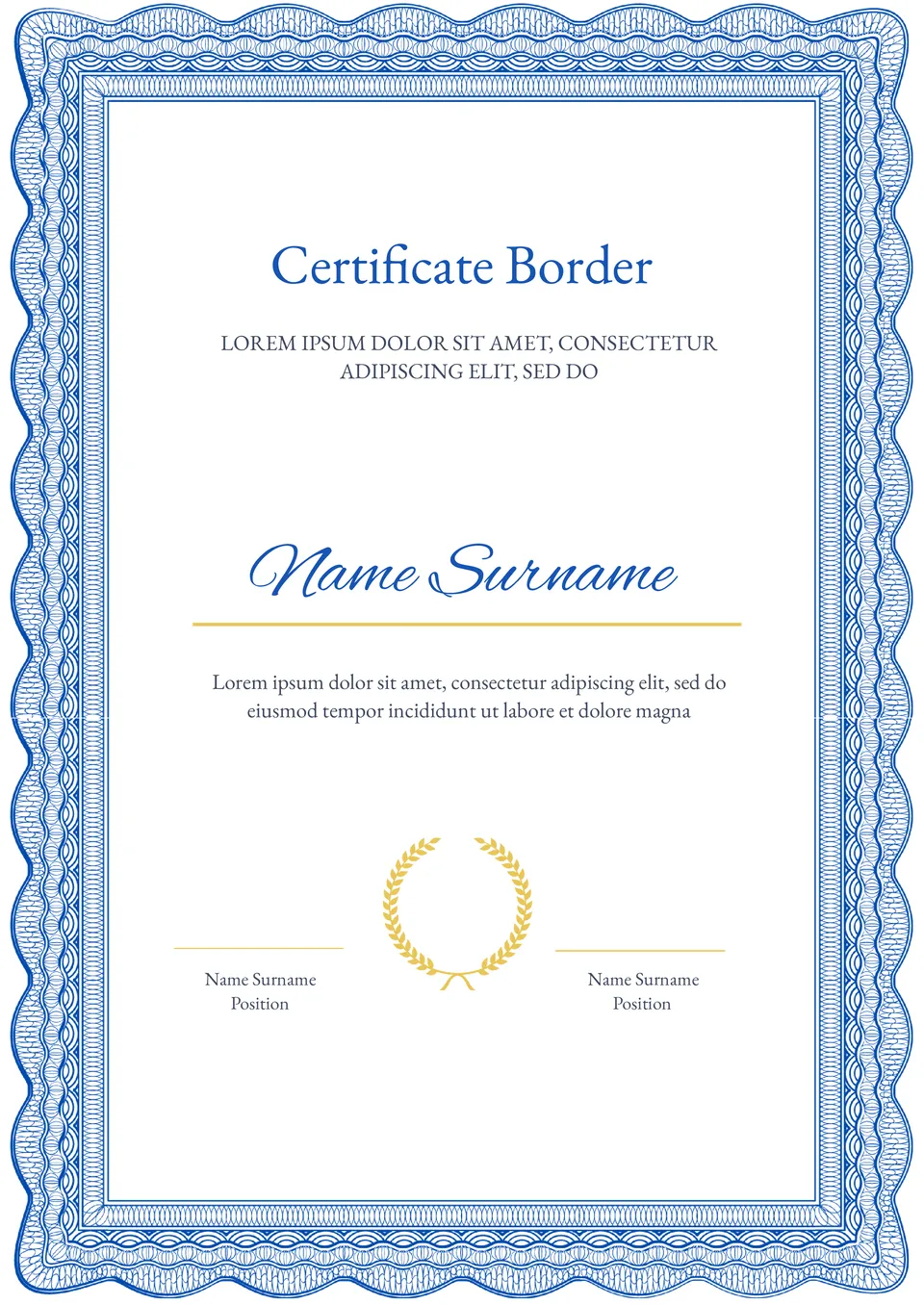
Want to add a professional touch to your certificates? The Certificate Border Template for Google Docs offers a clean, customizable design to enhance the appearance of any certificate.
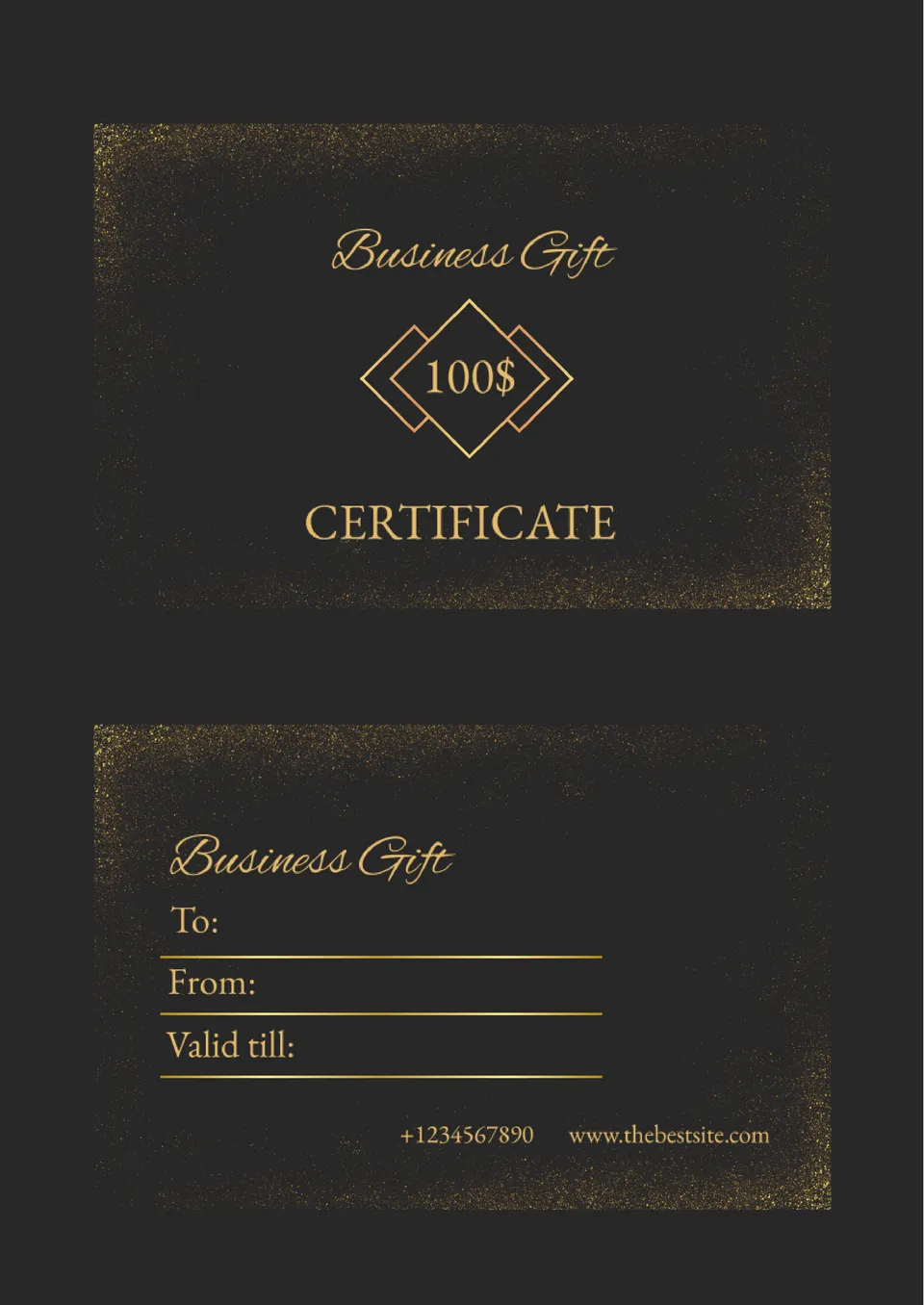
Need a professional way to reward clients or employees? The Business Gift Certificate Template for Google Docs is designed to offer a sleek, customizable format for gifting services, products, or promotions.

Looking for a thoughtful way to mark a special occasion? The Anniversary Gift Certificate Template for Google Docs offers an elegant, customizable layout perfect for celebrating anniversaries with loved ones or clients.
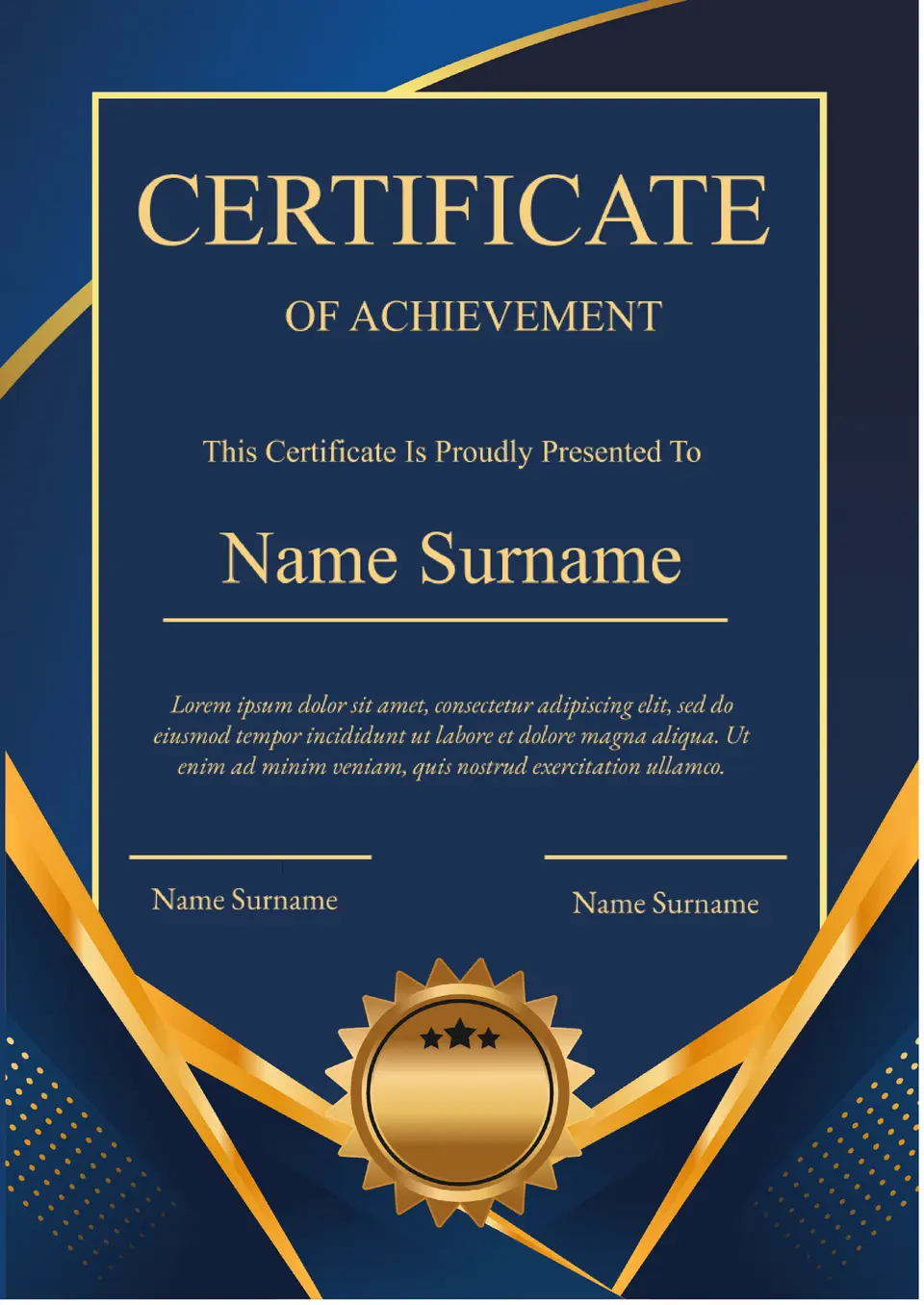
Want to celebrate an important accomplishment? The Achievement Certificate Template for Google Docs is ideal for recognizing success, whether in academics, sports, or professional settings.
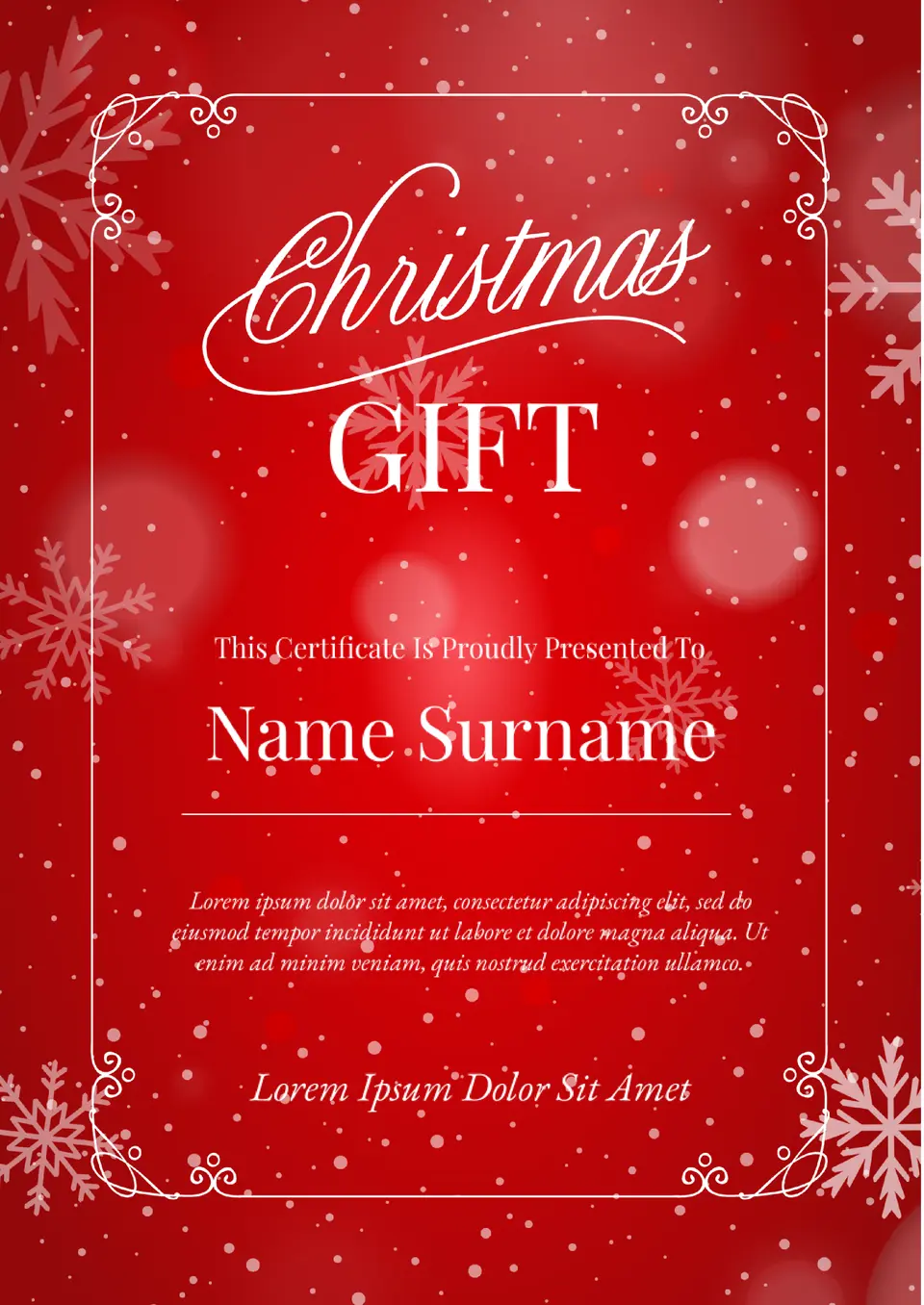
Looking for a festive way to share the holiday spirit? The Christmas Gift Certificate Template for Google Docs is perfect for creating personalized, elegant certificates for any holiday occasion.
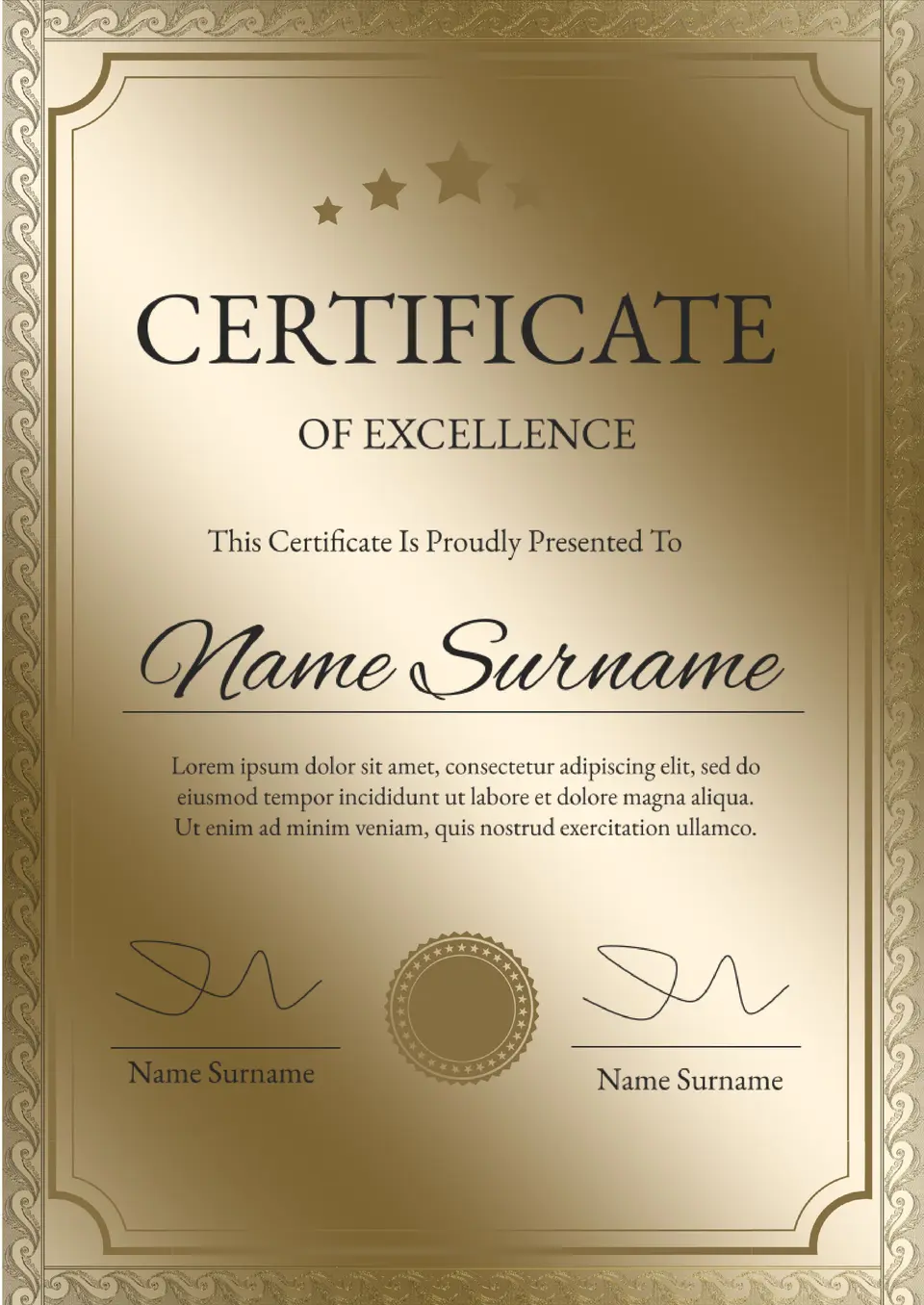
Celebrate outstanding achievements with the Certificate of Excellence Template for Google Docs. Whether for academic, professional, or personal accomplishments, this template is designed to make the recipient feel truly appreciated.
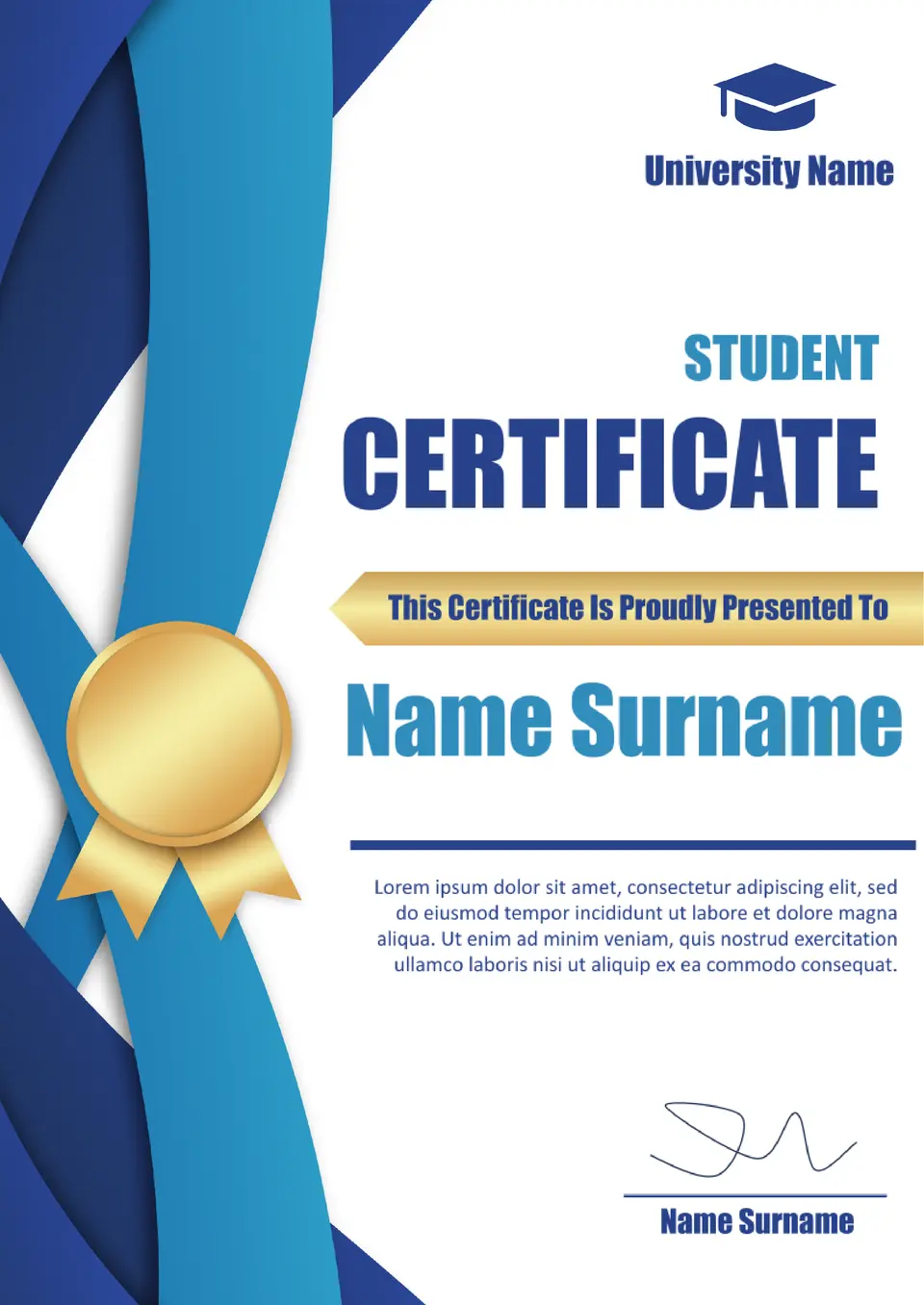
Looking for a way to recognize students’ achievements? The Student Certificate Template for Google Docs is perfect for awarding academic excellence, participation, or special accomplishments.
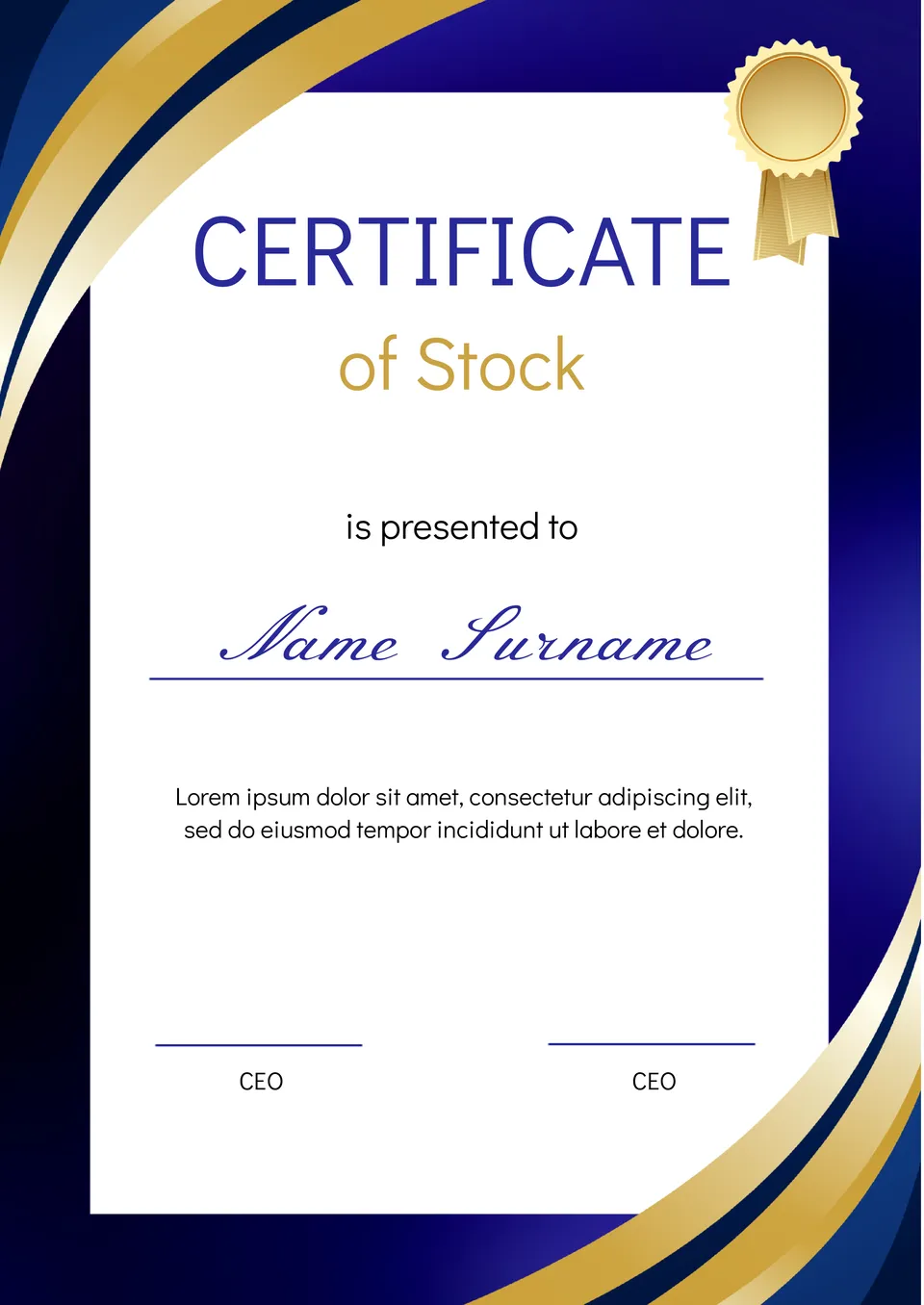
Announce the birth of a child with this adorable template. The background is decorated with lovely toy illustrations in a serene color scheme.
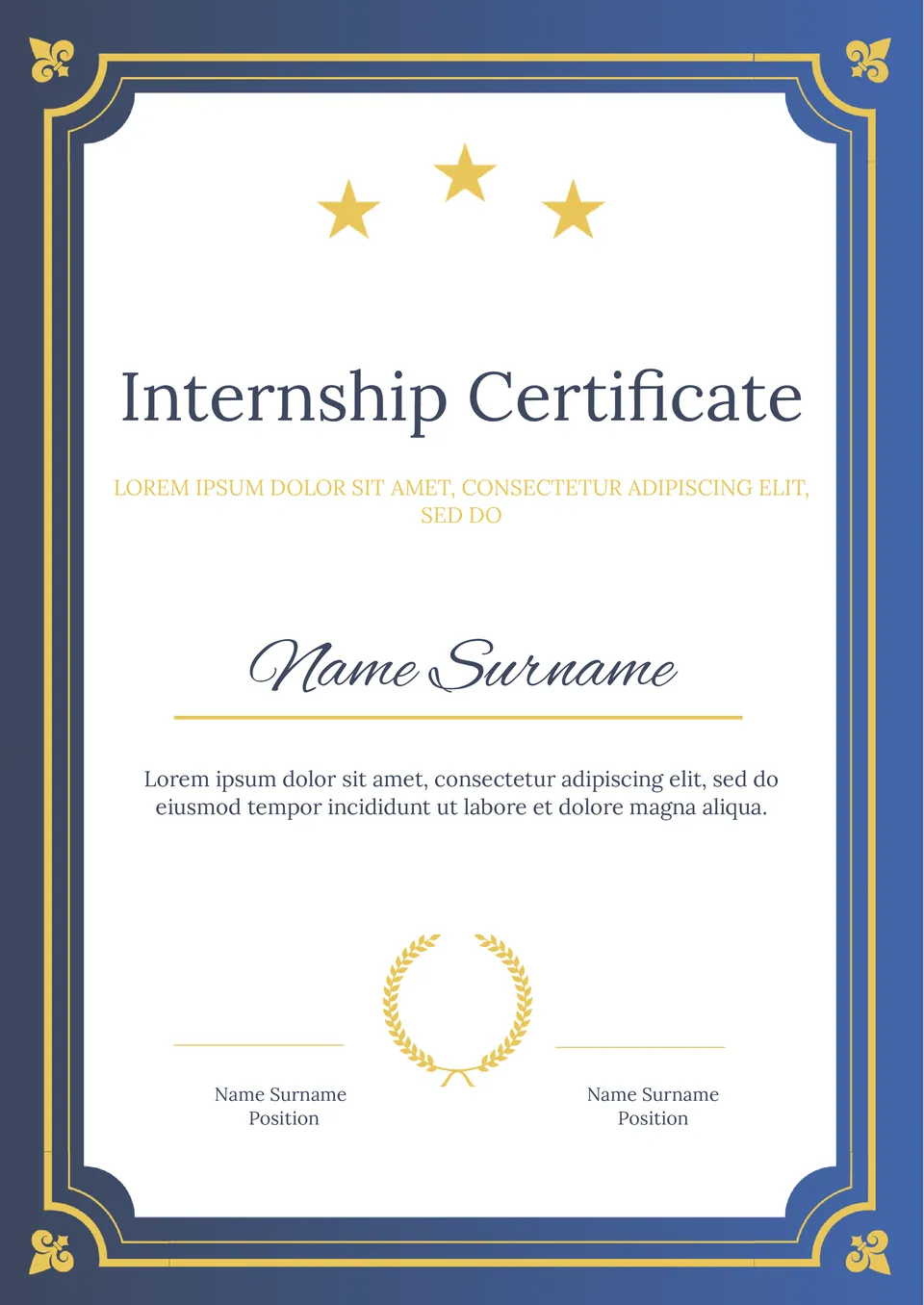
Need a formal way to recognize interns for their hard work? The Internship Certificate Template for Google Docs provides a professional, customizable design for certifying an internship completion.
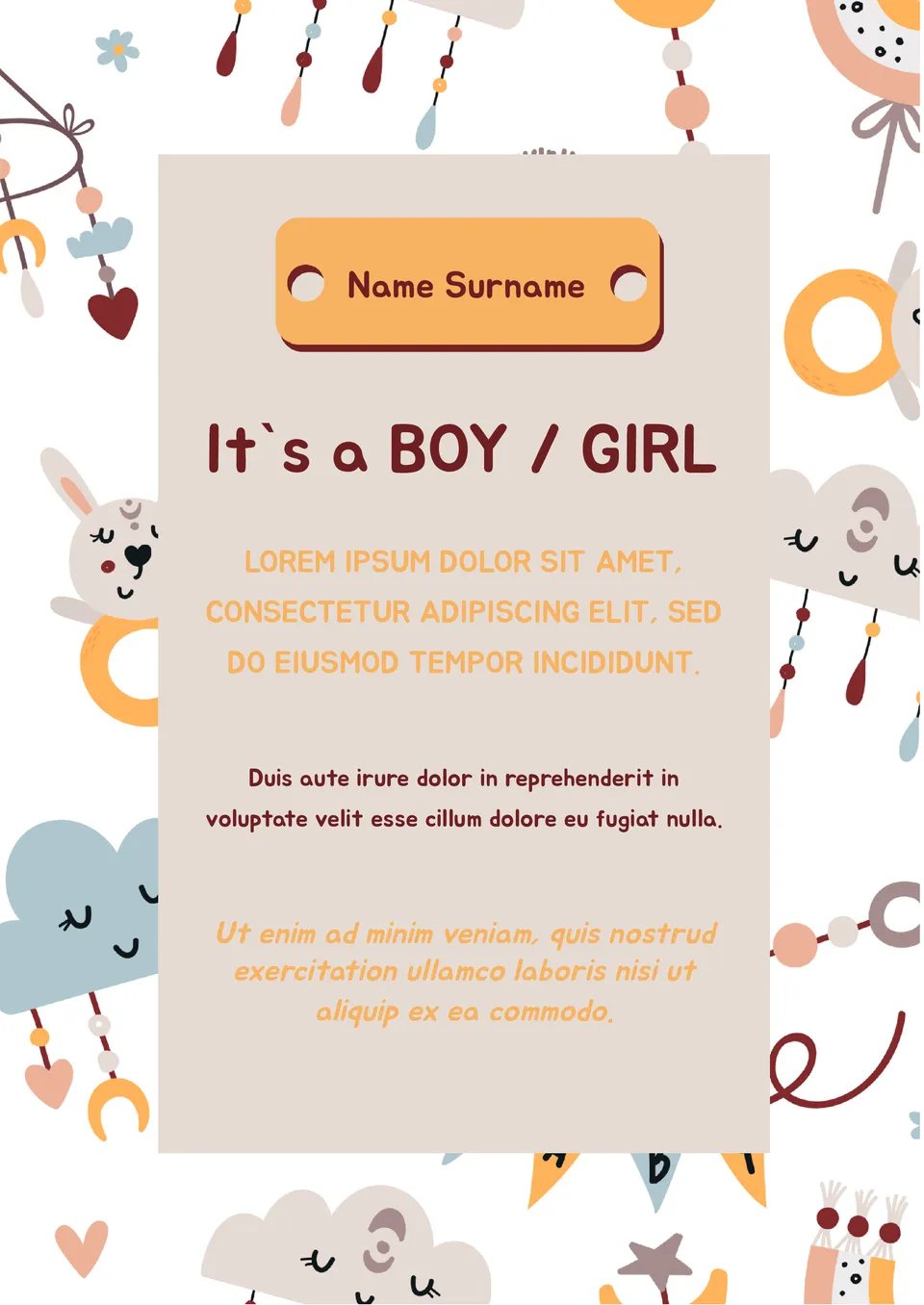
Announce the birth of a child with this adorable template. The background is decorated with lovely toy illustrations in a serene color scheme.
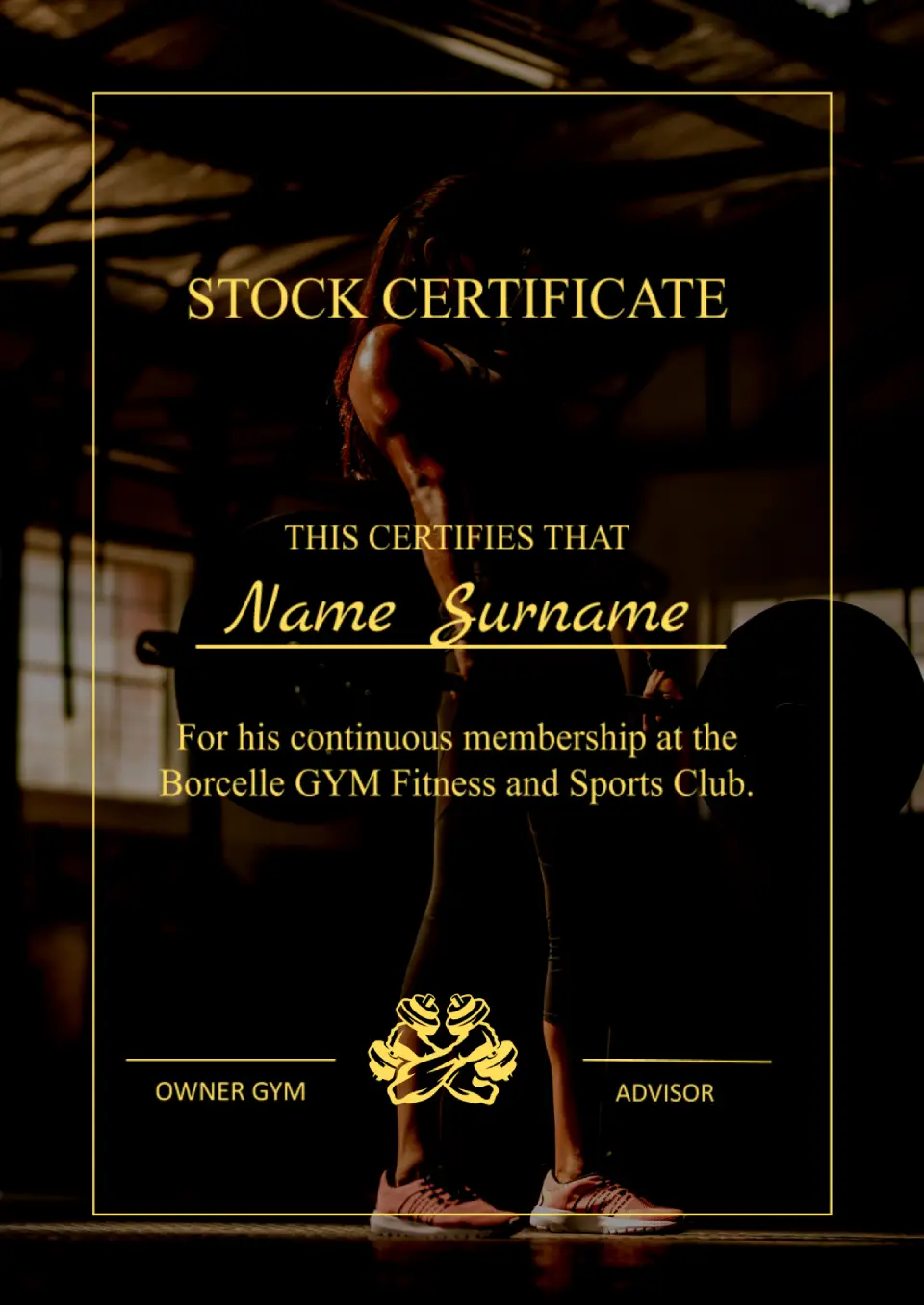
This template will be useful when issuing subscriptions to a fitness club, gym, swimming pool, spa salon, and so forth. The original design uses an image of a girl lifting a barbell as a background.
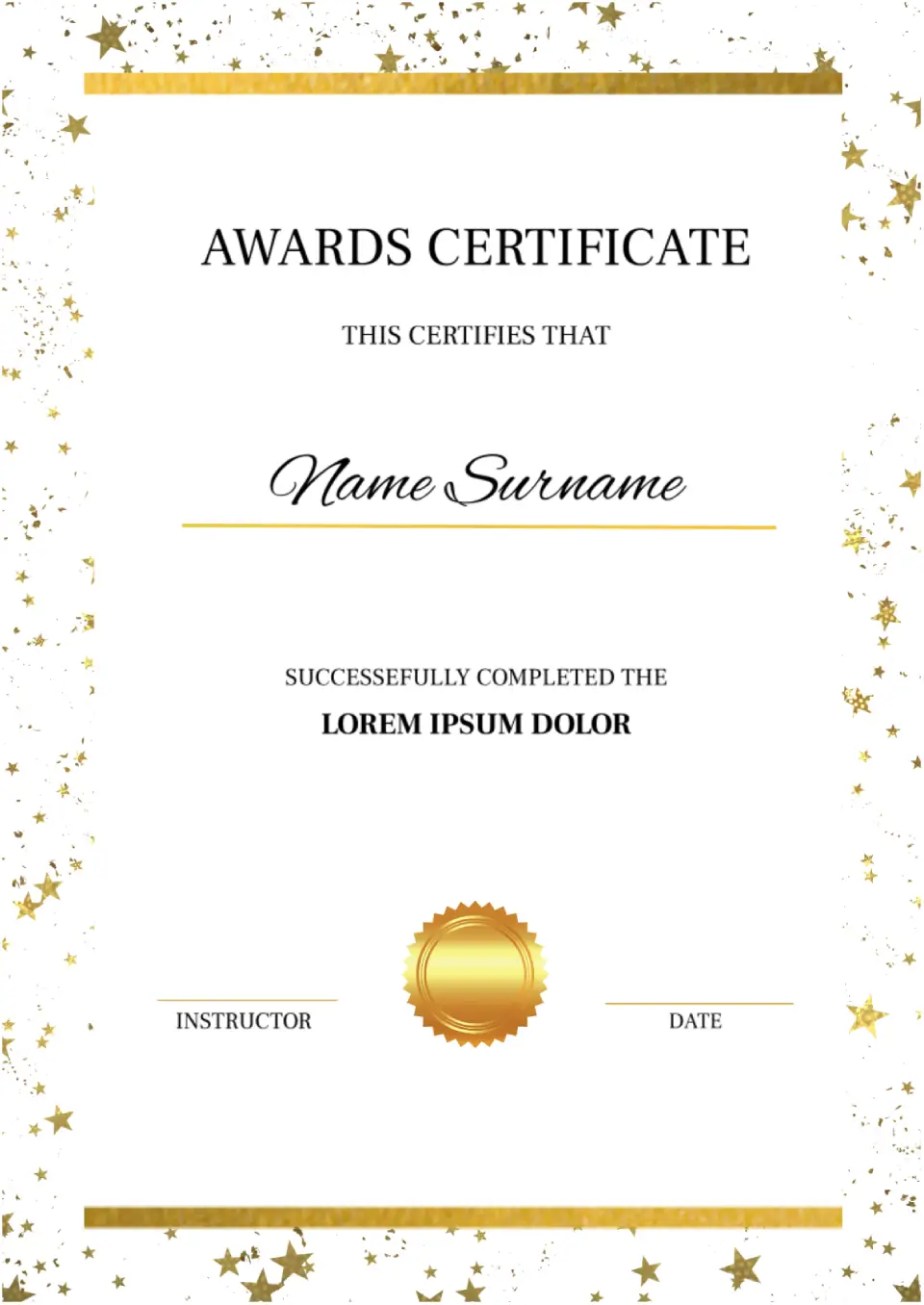
The design of the Awards Certificate Template for Google Docs is created to please winners. The sheet is decorated with gold stars, setting a festive mood. The recipient’s name is highlighted in a beautiful italic font.

Take advantage of this bright template featuring images of wildflowers to wish your friends, family, or colleagues a happy birthday. Three types of fonts in different colors are provided for inscriptions, to not blend with the background.
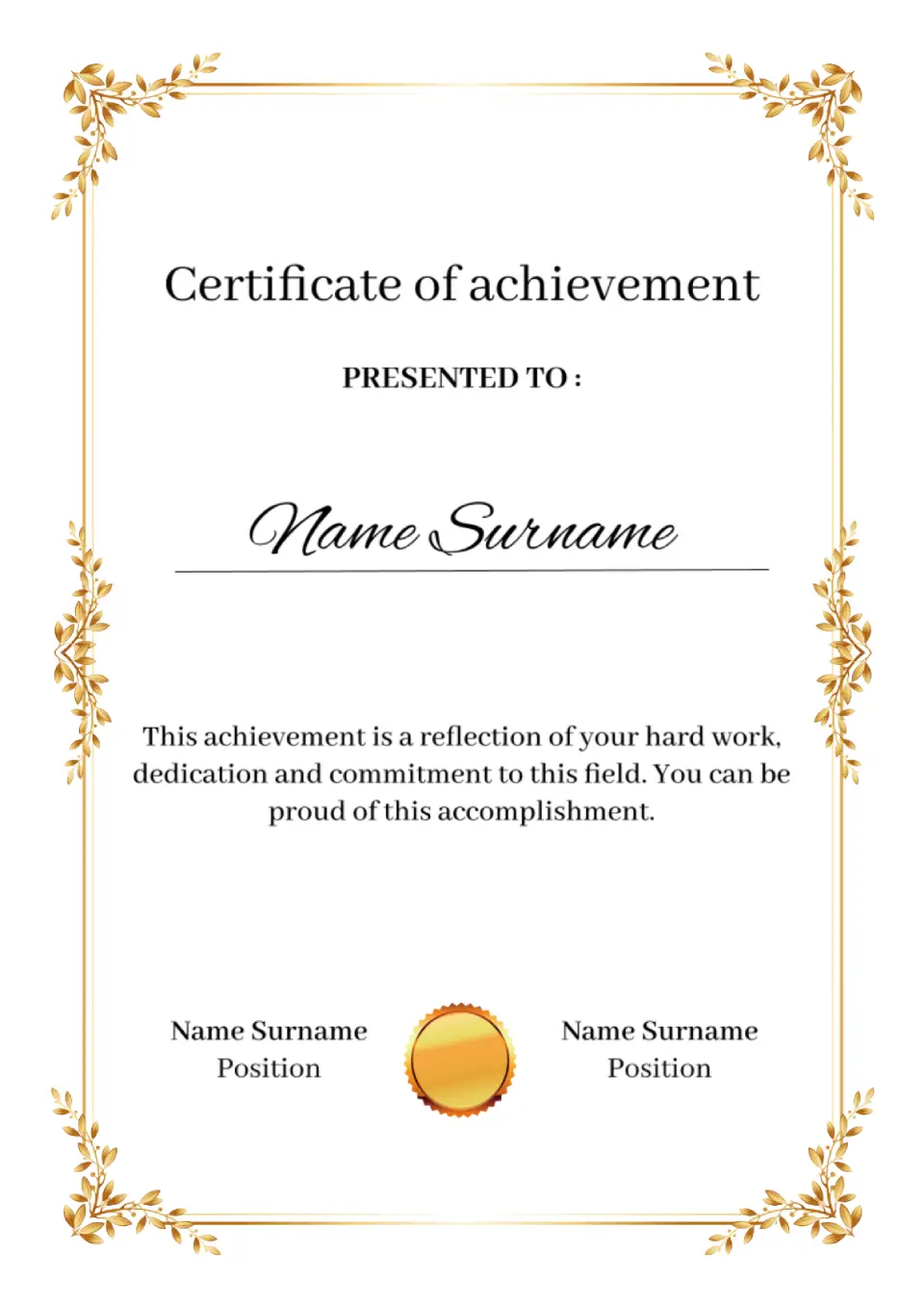
The elegant Template for Certificate of Achievement for Google Docs will be useful for business companies, public organizations, educational institutions. The main highlight of the layout is an original “gold” frame with leaves.
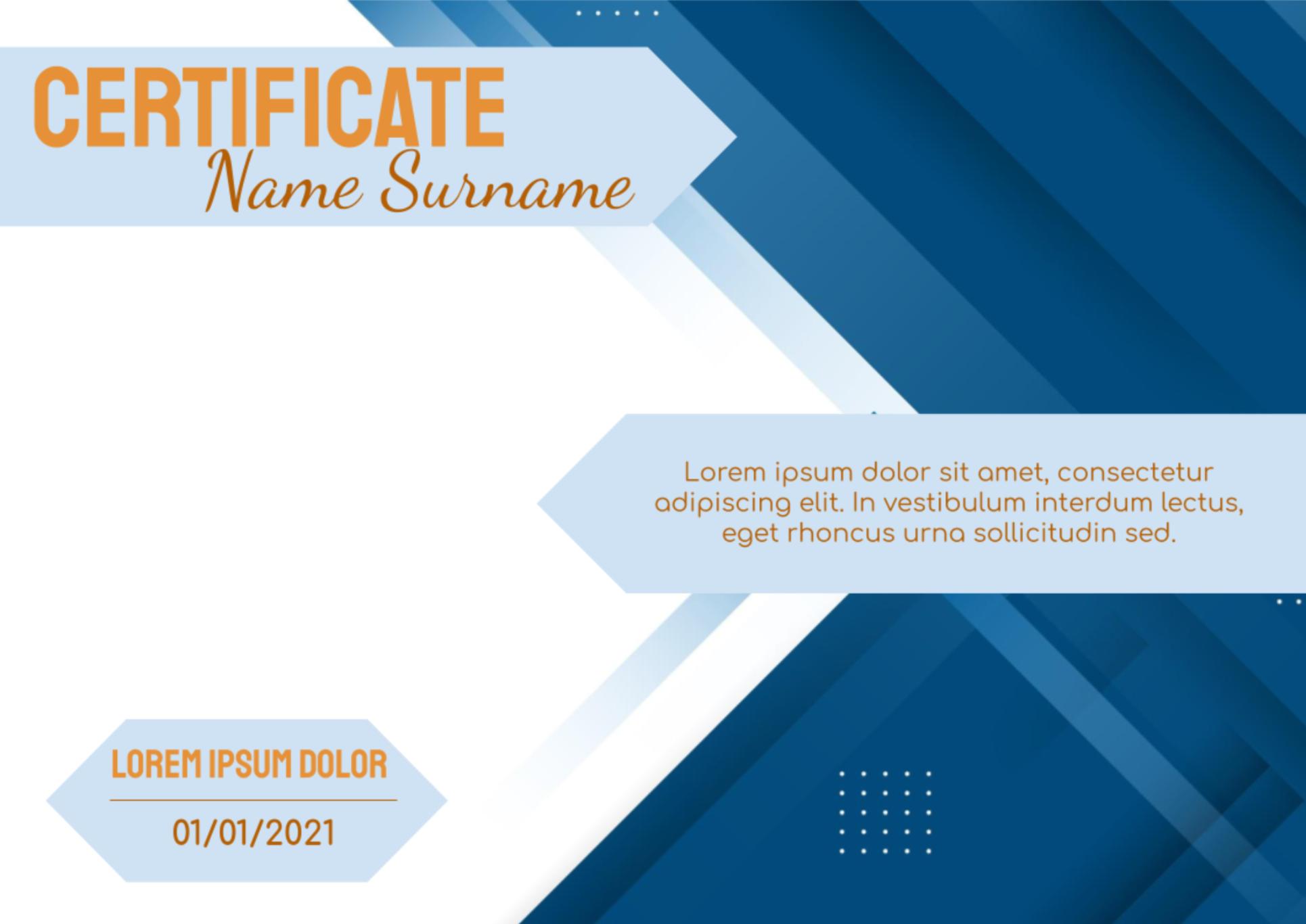
Recognize your employee’s achievements with this stylish editable template. The layout has a pleasant blue-orange color scheme with geometric elements.

Choose your preferred social media platform from options like Pinterest, Facebook, Twitter, and more. Share our templates with your contacts or friends. If you’re not active on these social networks, you can simply copy the link and paste it into the one you use.