

 Back to templates
 Google Docs Templates - Page 103
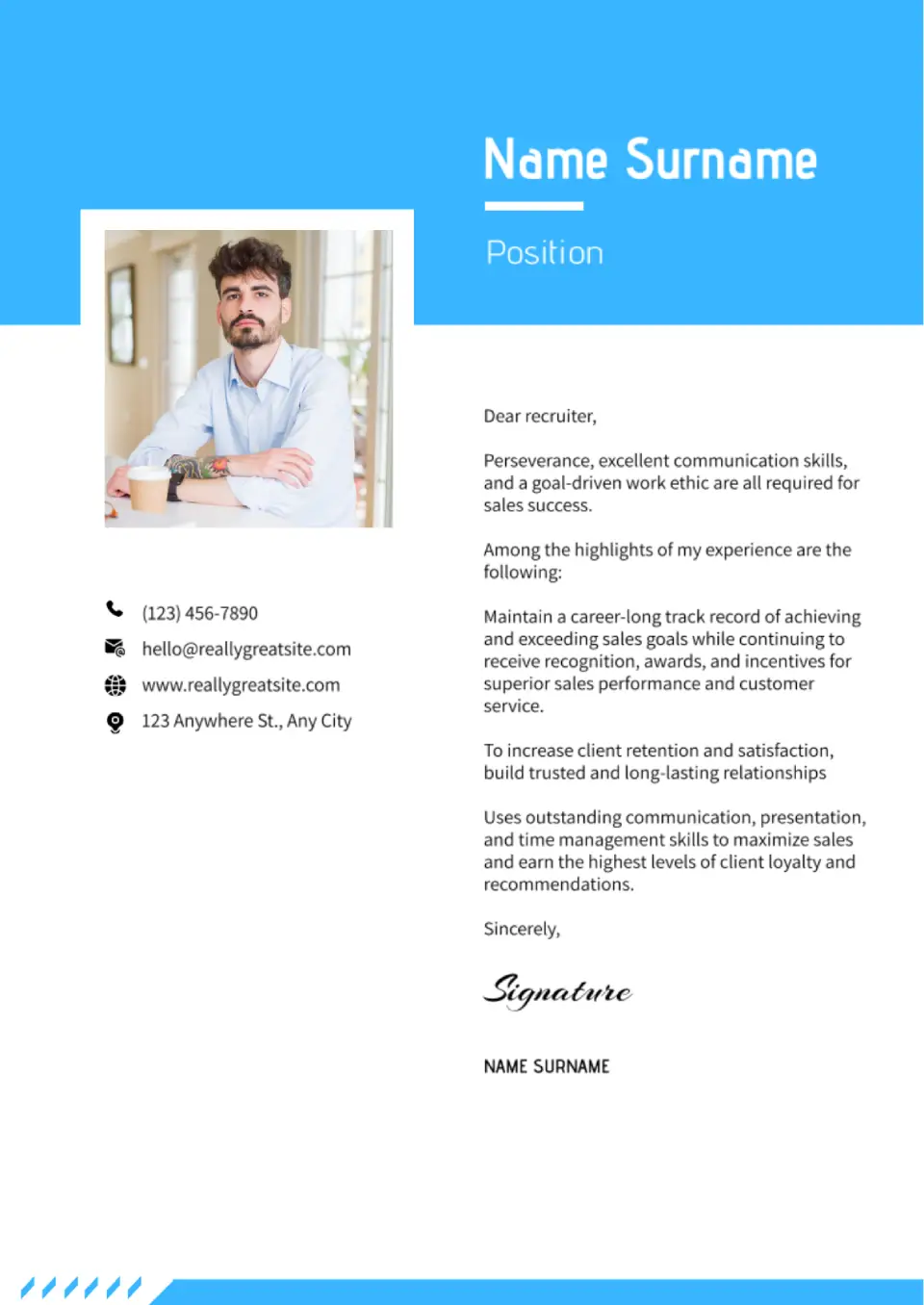
With this creative template, you will stand out from other candidates. The template has an eye-catching scale of colors and well-chosen fonts. Moreover, there is a space for a photo.

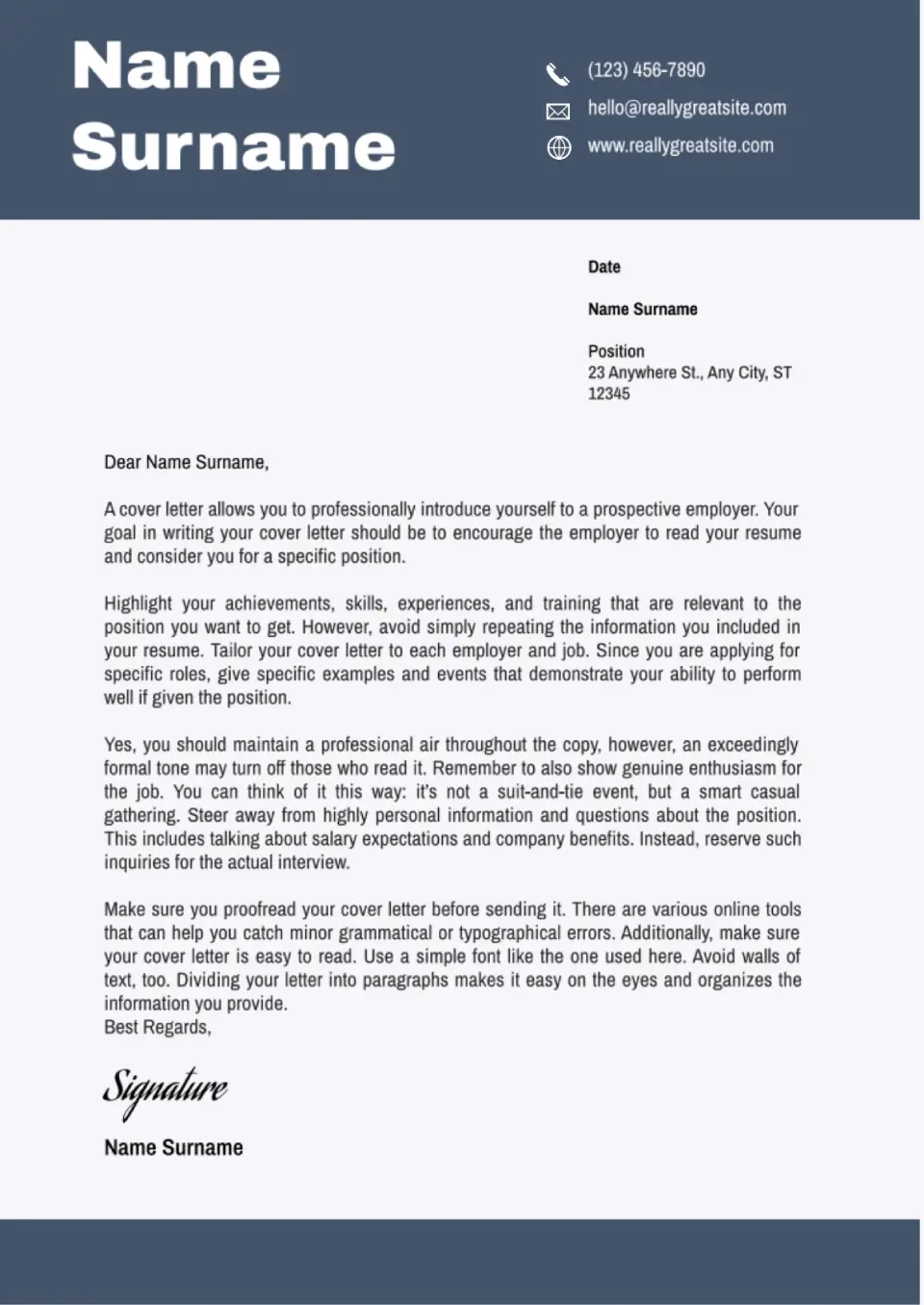
This free Google Docs cover letter template is designed by professionals who know what HRs have regard to. Getting a dream job will be much easier now!
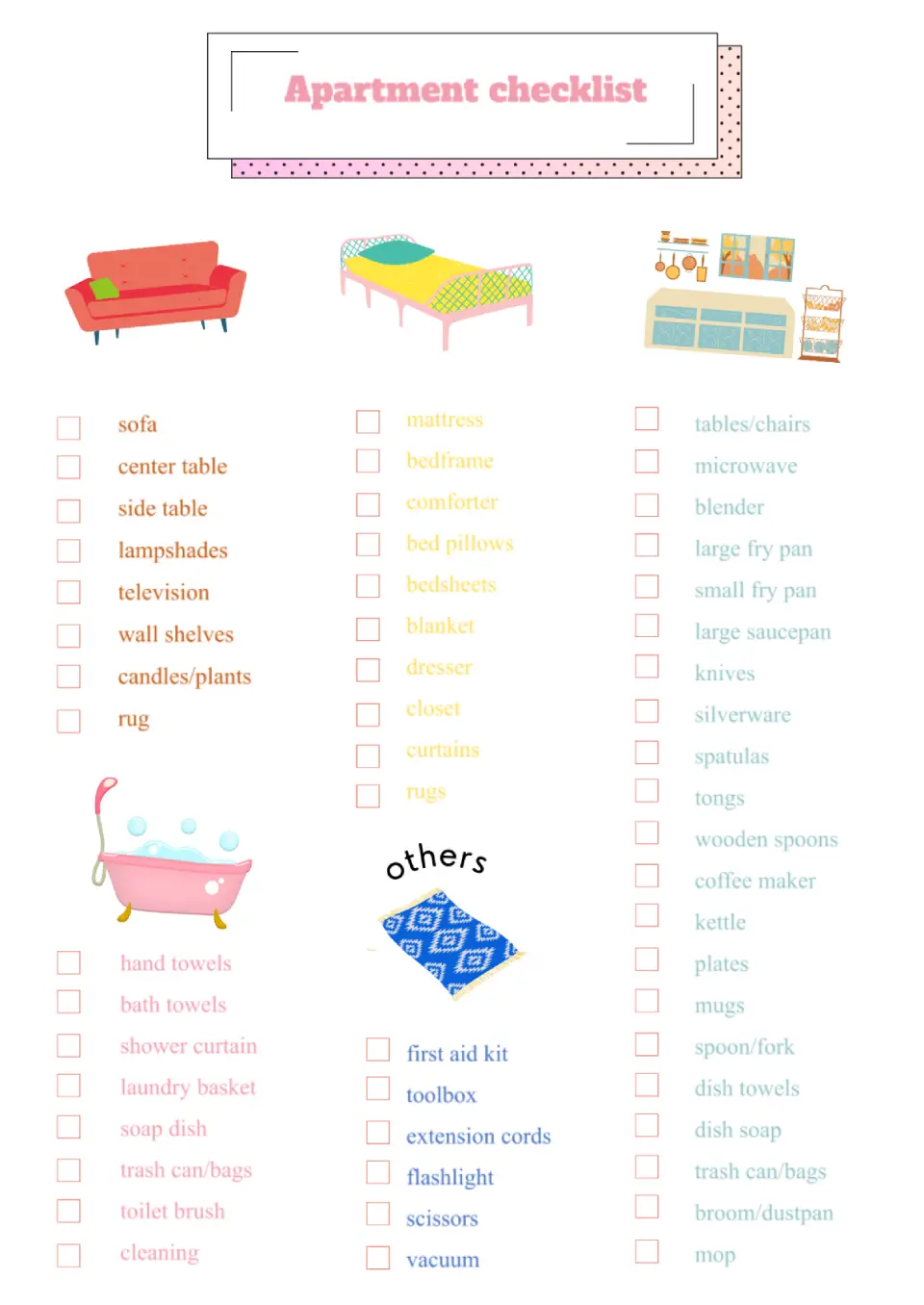
A bright editable template with pictures will be helpful when moving or cleaning an apartment. Mark things that have already been packed or cleaned so you don’t forget anything. For convenience, the sheet is divided into different categories with their own images and text colors. You can easily edit the names in the list online, changing the items you don’t need.
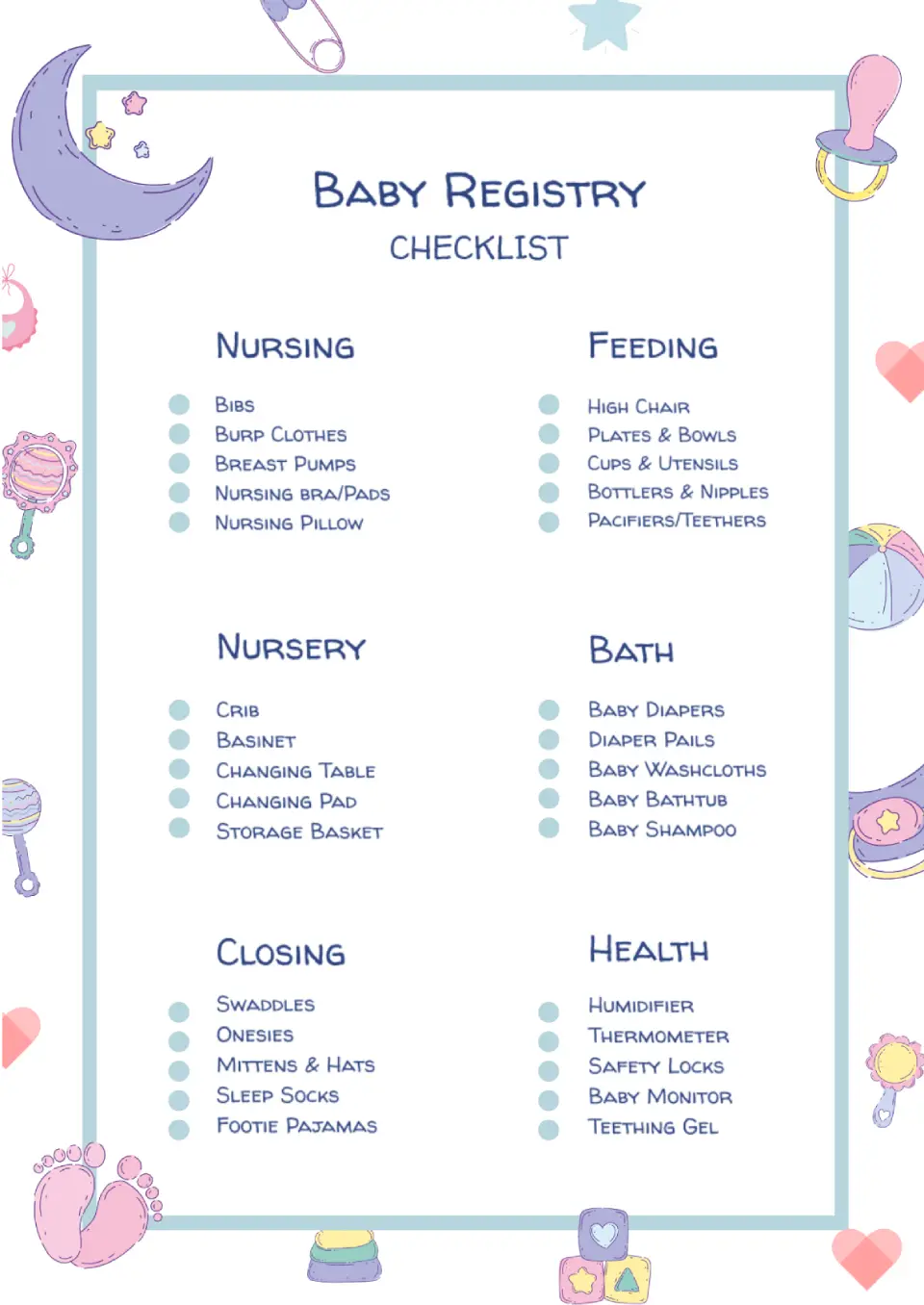
Then it is significant for you to prepare many necessary things in advance: from diapers to medicines. In order not to forget anything, use the Baby Registry Checklist Template in Google Docs. This beautiful hand-drawn design layout is divided into categories, each listing a things record.
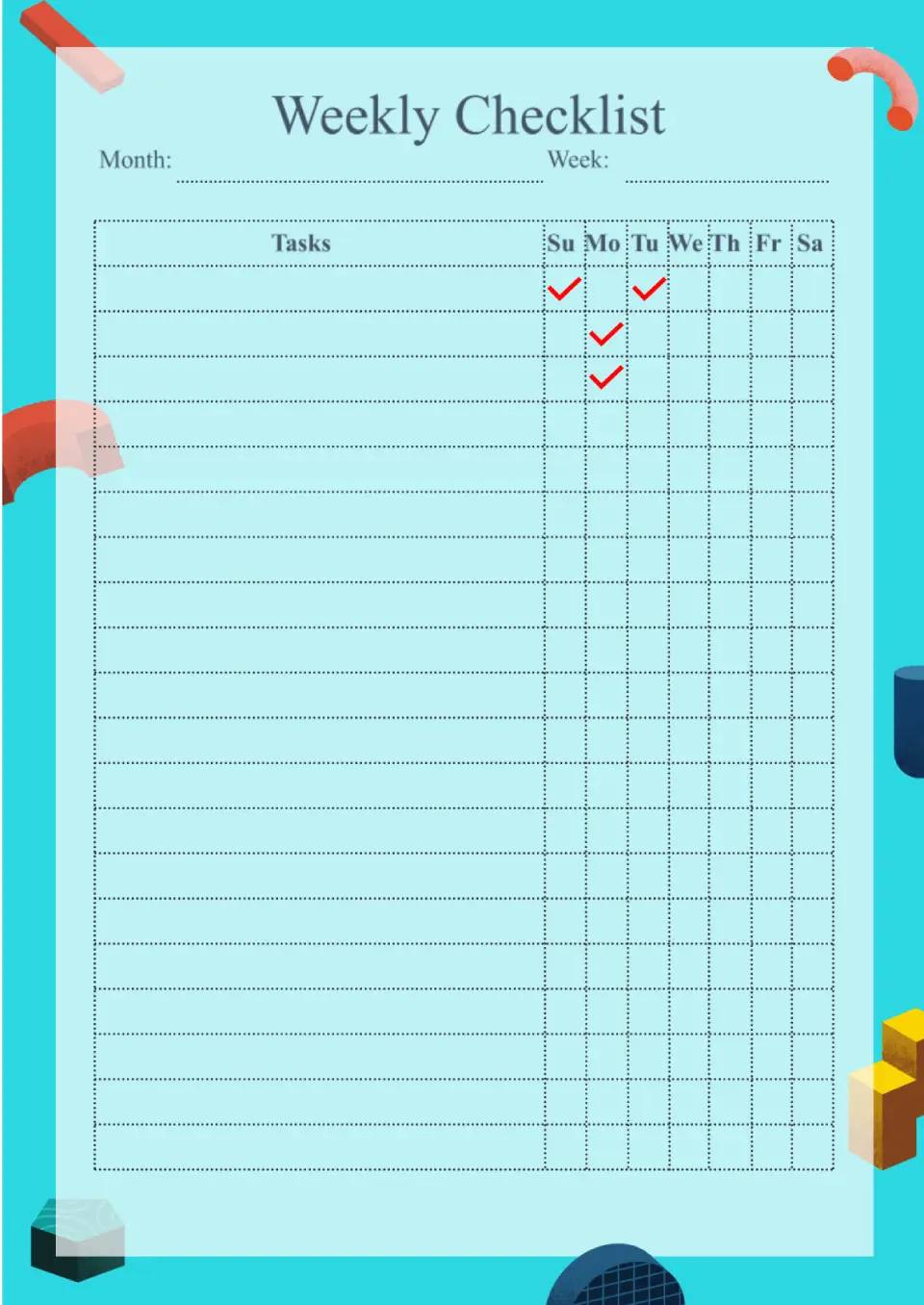
The layout with a bright blue background consists of eight columns. Tasks are written in the wide one, and the seven narrow ones are intended for daily notes on their completion. For greater convenience, you can print the template and fill it in by hand.
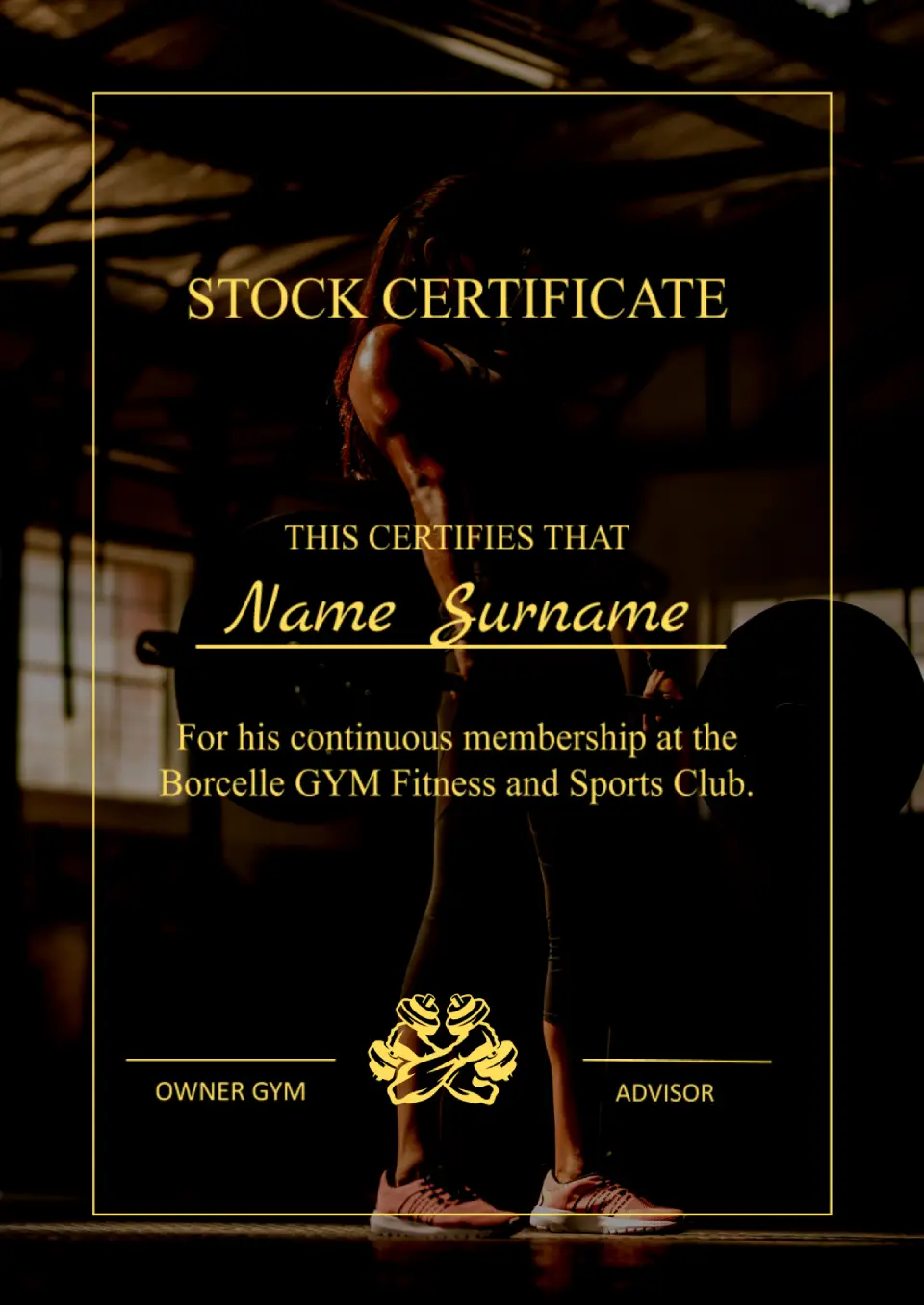
This template will be useful when issuing subscriptions to a fitness club, gym, swimming pool, spa salon, and so forth. The original design uses an image of a girl lifting a barbell as a background.
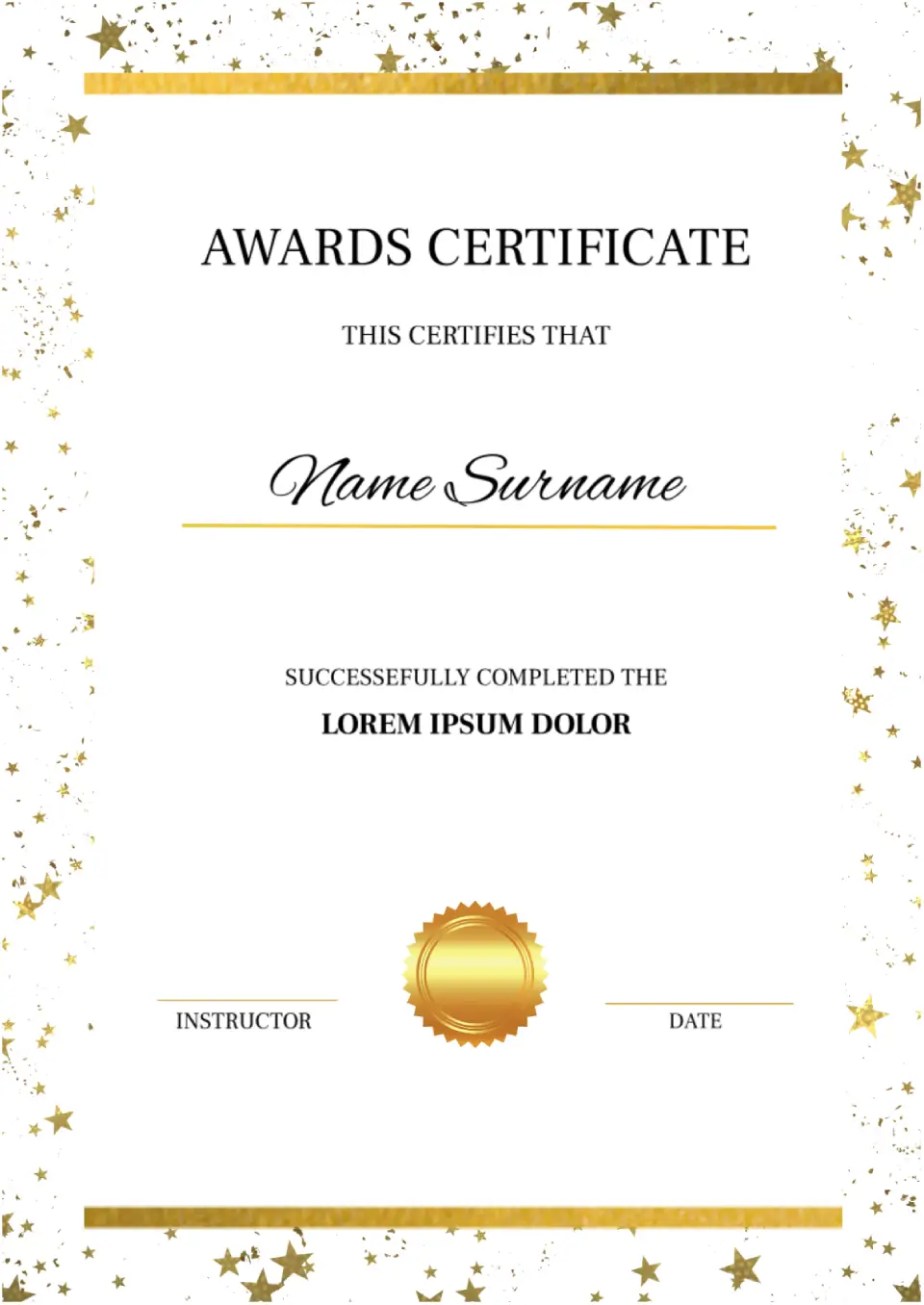
The design of the Awards Certificate Template for Google Docs is created to please winners. The sheet is decorated with gold stars, setting a festive mood. The recipient’s name is highlighted in a beautiful italic font.

Take advantage of this bright template featuring images of wildflowers to wish your friends, family, or colleagues a happy birthday. Three types of fonts in different colors are provided for inscriptions, to not blend with the background.
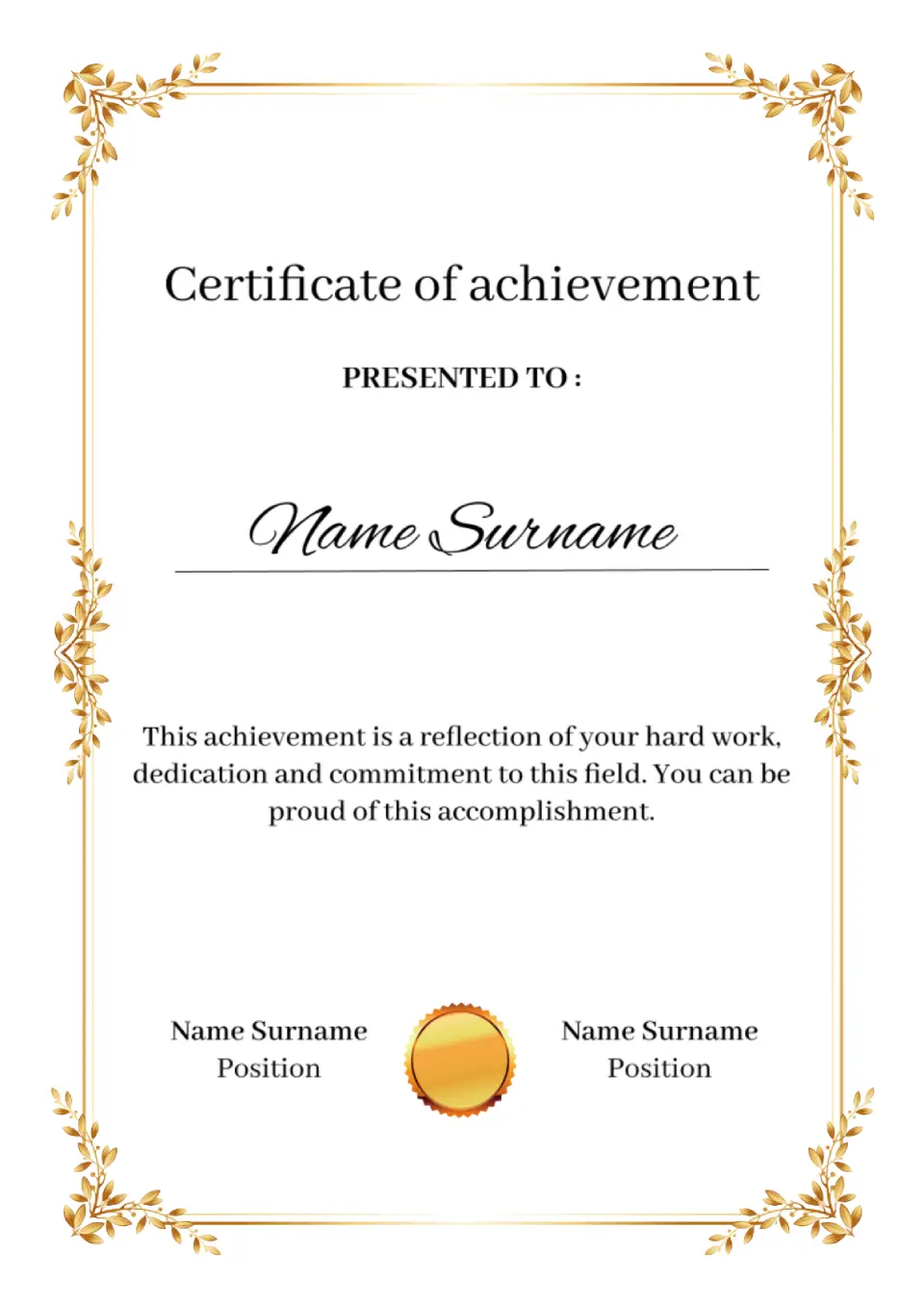
The elegant Template for Certificate of Achievement for Google Docs will be useful for business companies, public organizations, educational institutions. The main highlight of the layout is an original “gold” frame with leaves.
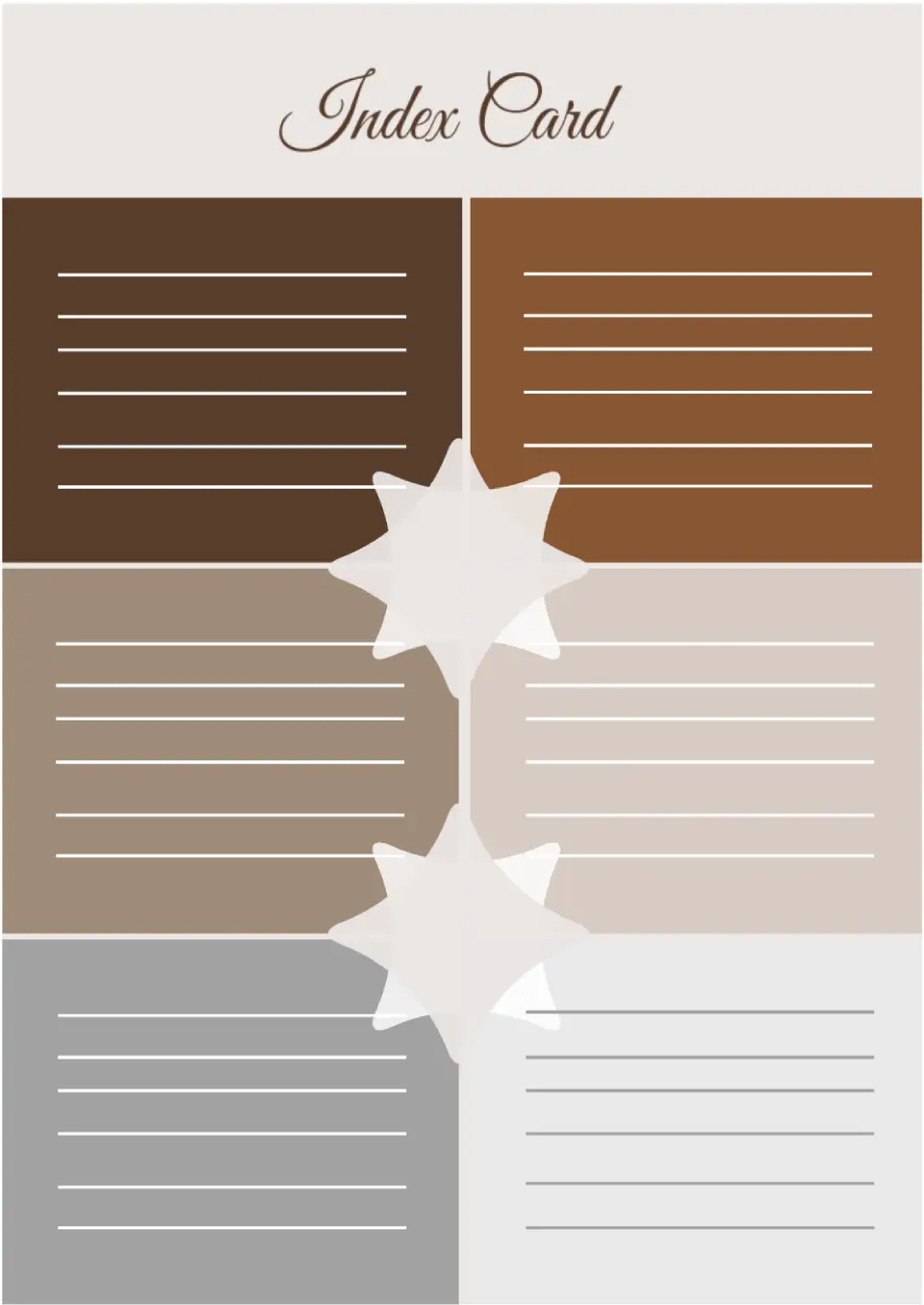
Arrange your data and store it conveniently using the Index Card Template for Google Docs. The layout consists of different color blocks that are harmoniously combined with each other. It is best to print it and fill it out by hand.
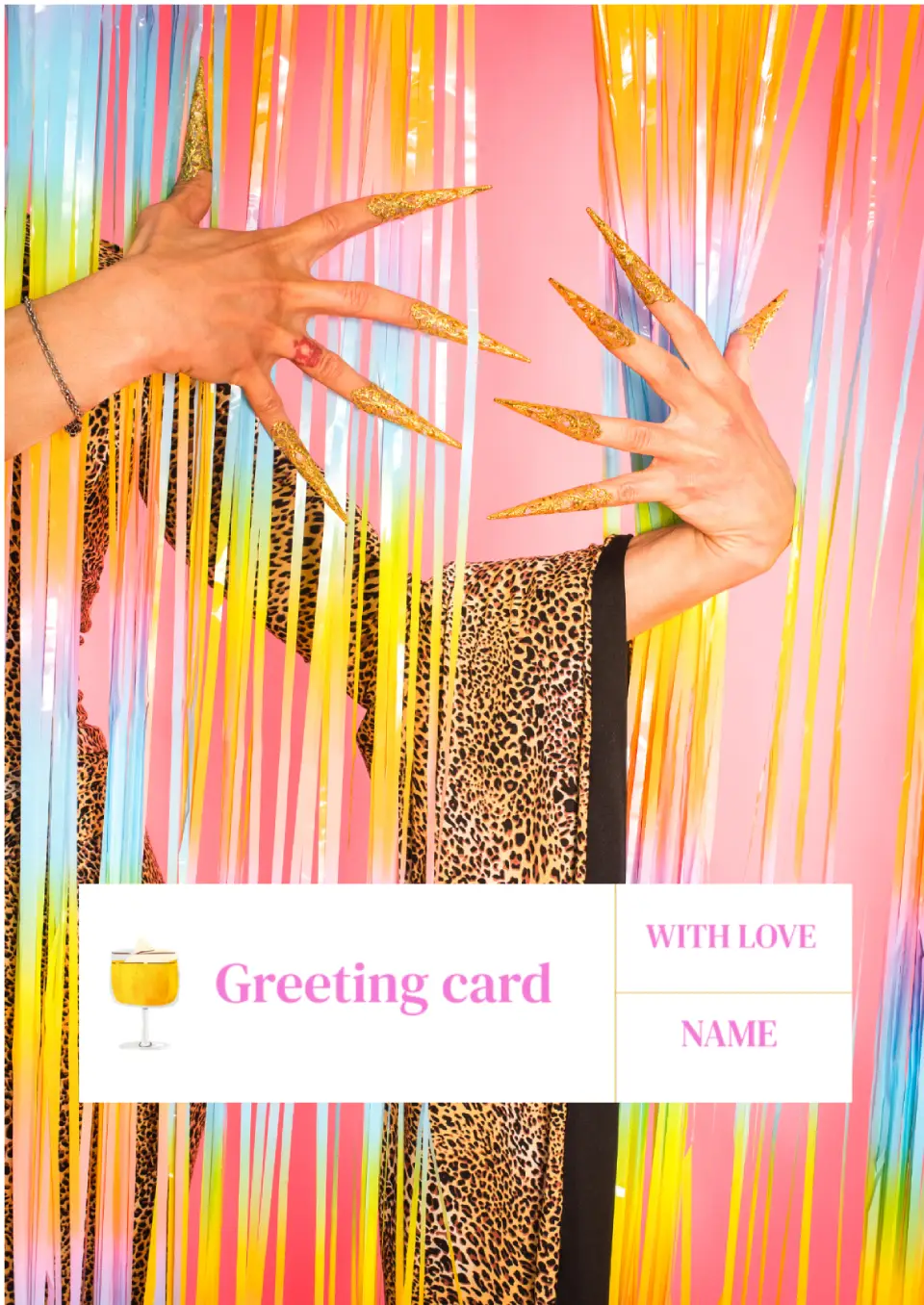
This universal template is suitable for any invitation type. Within the editing process, in addition to replacing the text, download your own thematic photo to the layout.

Do you want to express your gratitude to someone for their help, service or good deed? Then this drawn template will definitely be of great help! You can leave the text inside unchanged, or you can write what you are grateful for.
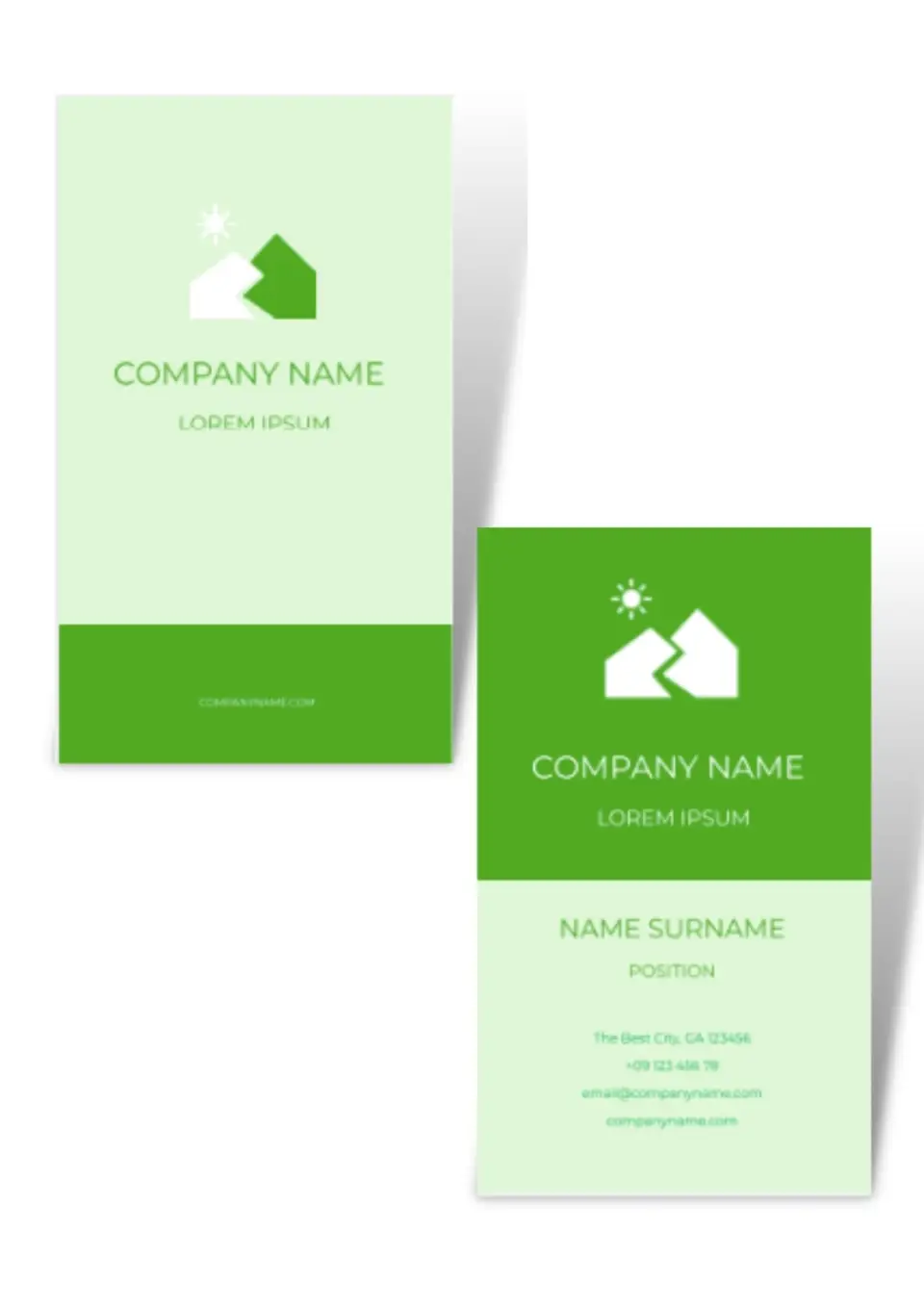
Using this free Trading Card Template for Google Docs, you will get a result that will look professional. The layout consists of two pages, where you can add all the necessary information.
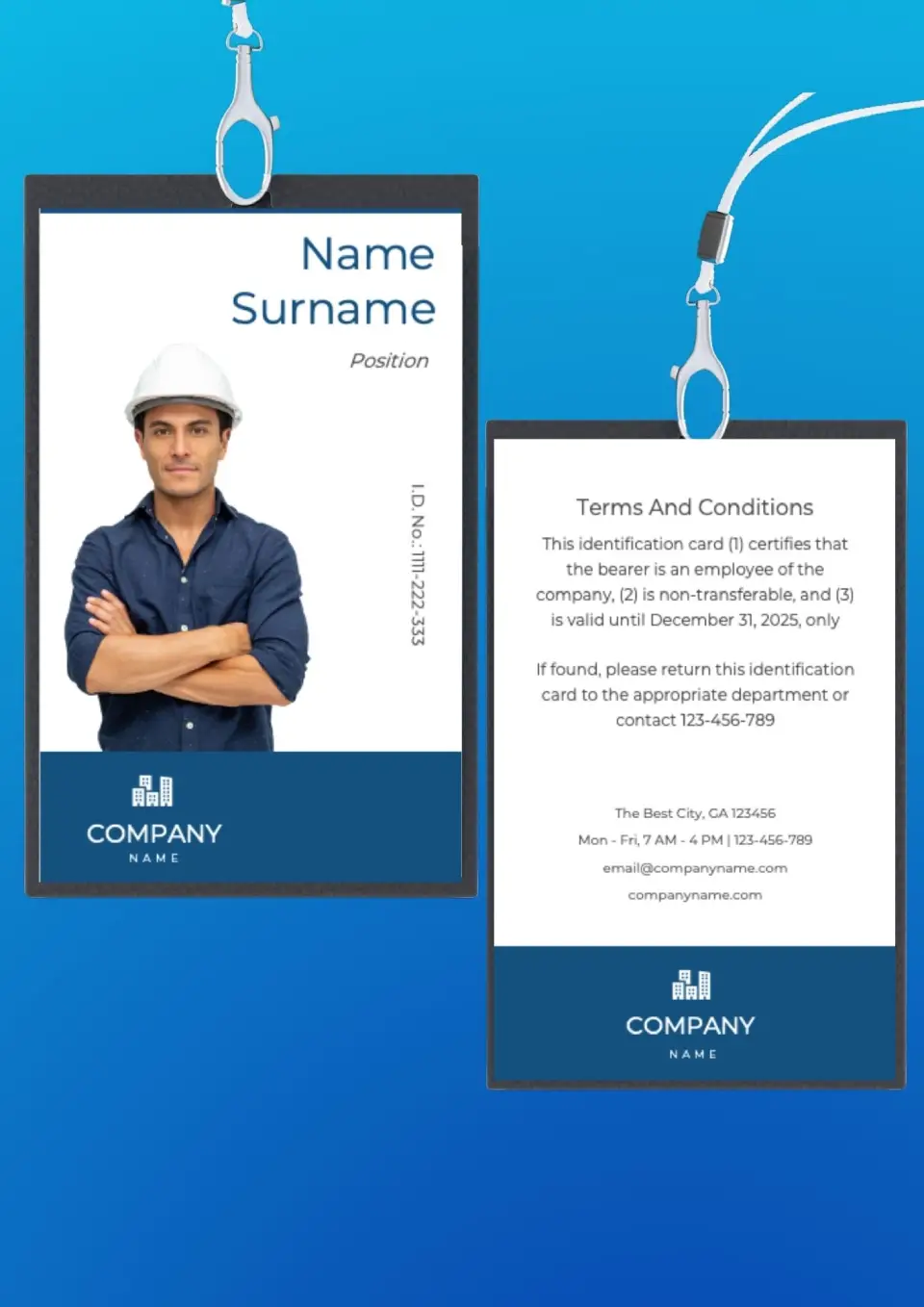
Design badges for your workers in the same style with this layout. You can only fill in the side where the employee’s photo, first and last name, position and contact information are placed.
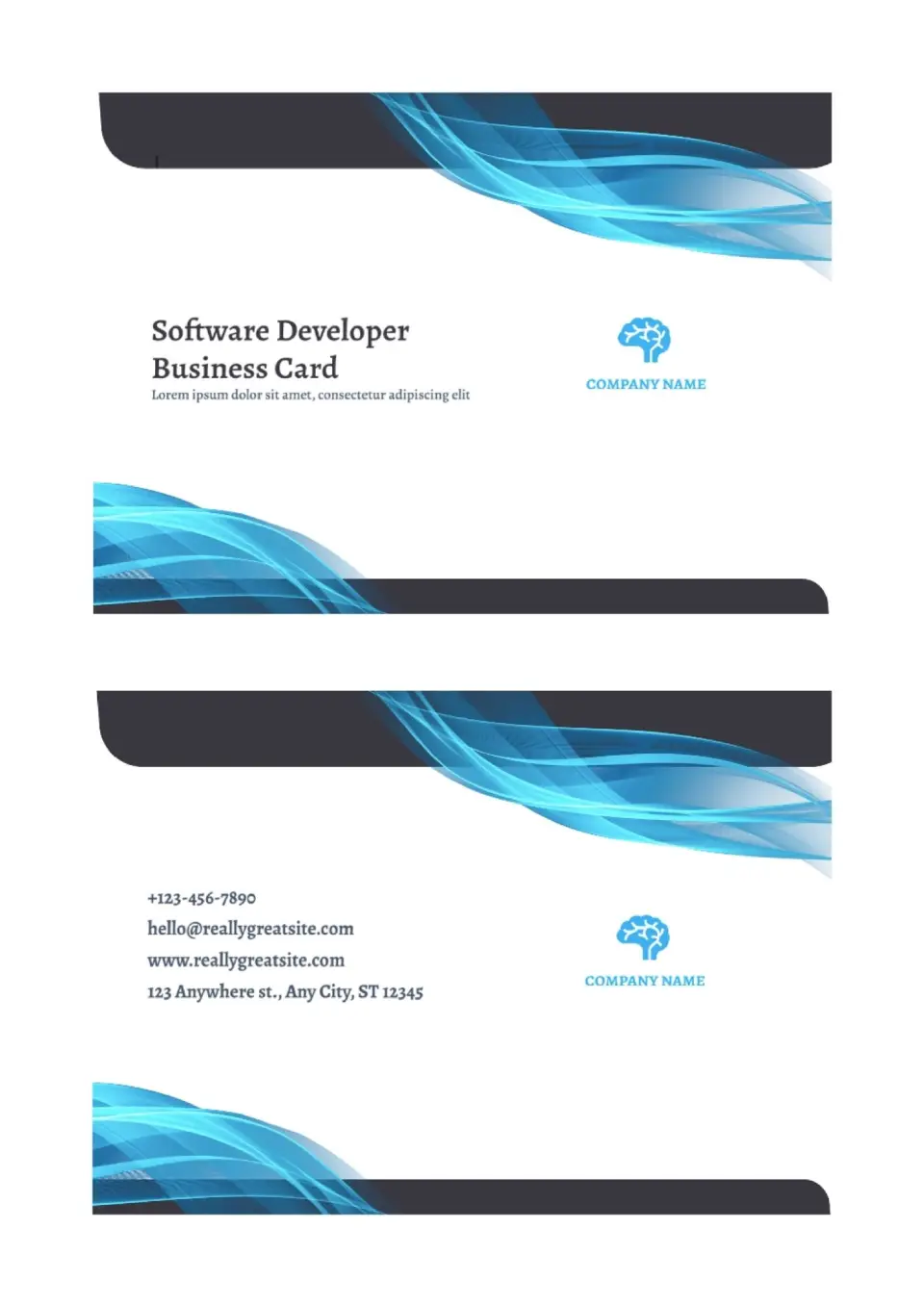
Editable template in Google Docs is easy to customize with just changing colors and adding your company logo. You can also add information about the social networks of your business to your contacts.
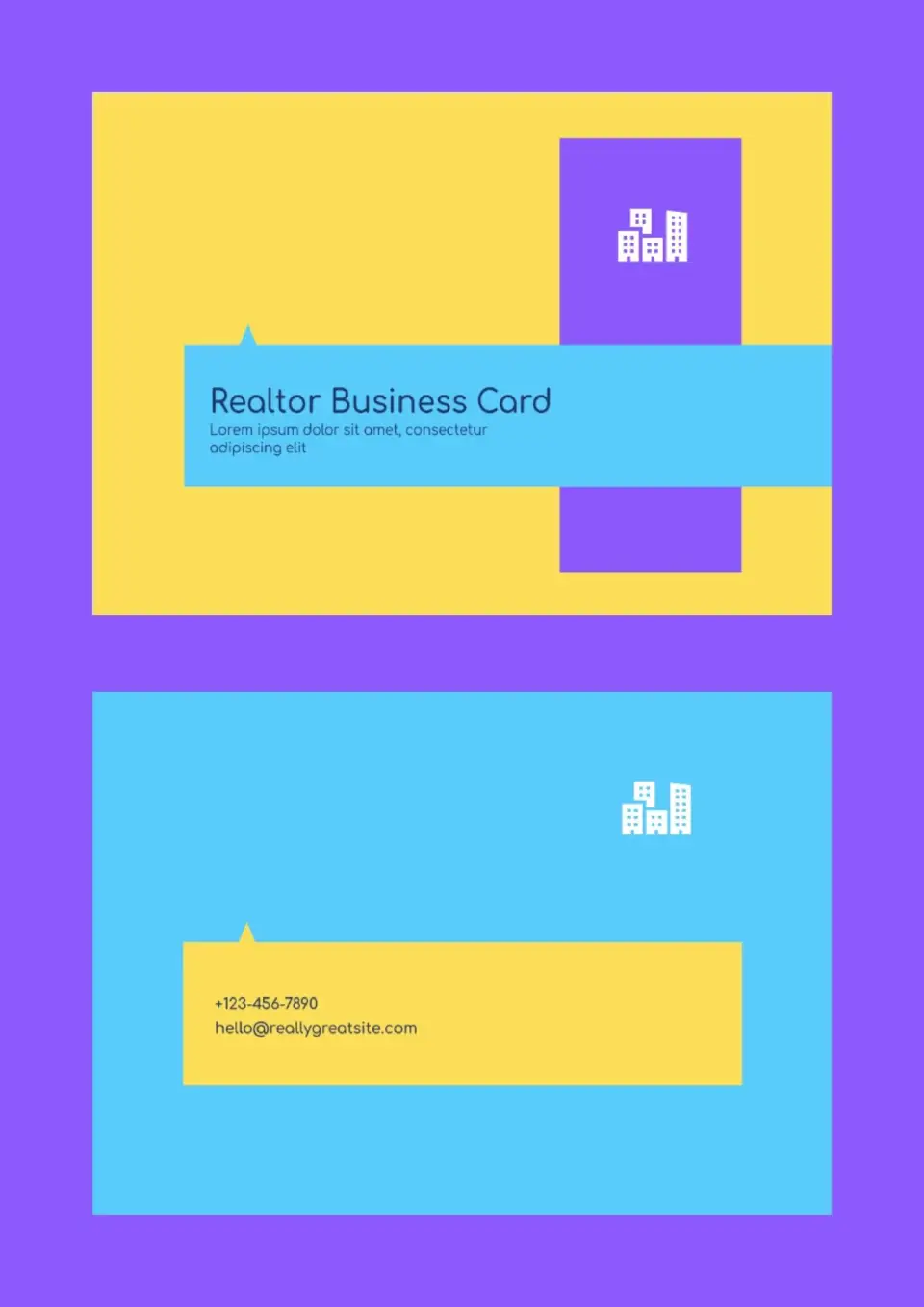
The template is designed to suit realtors. At the same time, the design of the business card template for Google Docs is so versatile that it can be used by specialists in any field.

Choose your preferred social media platform from options like Pinterest, Facebook, Twitter, and more. Share our templates with your contacts or friends. If you’re not active on these social networks, you can simply copy the link and paste it into the one you use.