

 Back to templates
 Google Docs Templates - Page 105
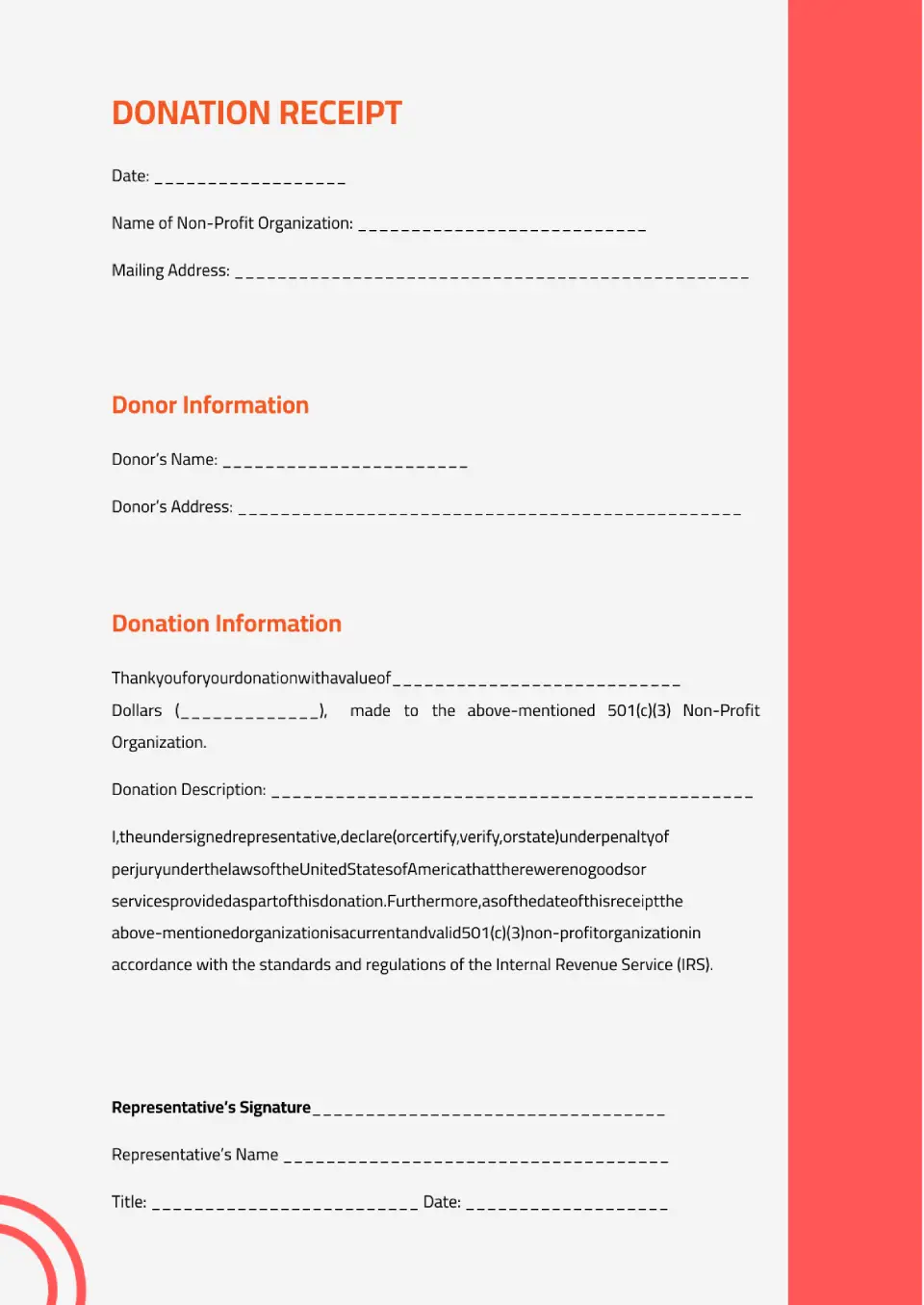
The layout was created specifically for charitable organizations, but it can be used for any donation. Information about who is making the payment is indicated at the top, and the details of the transfer are placed below.

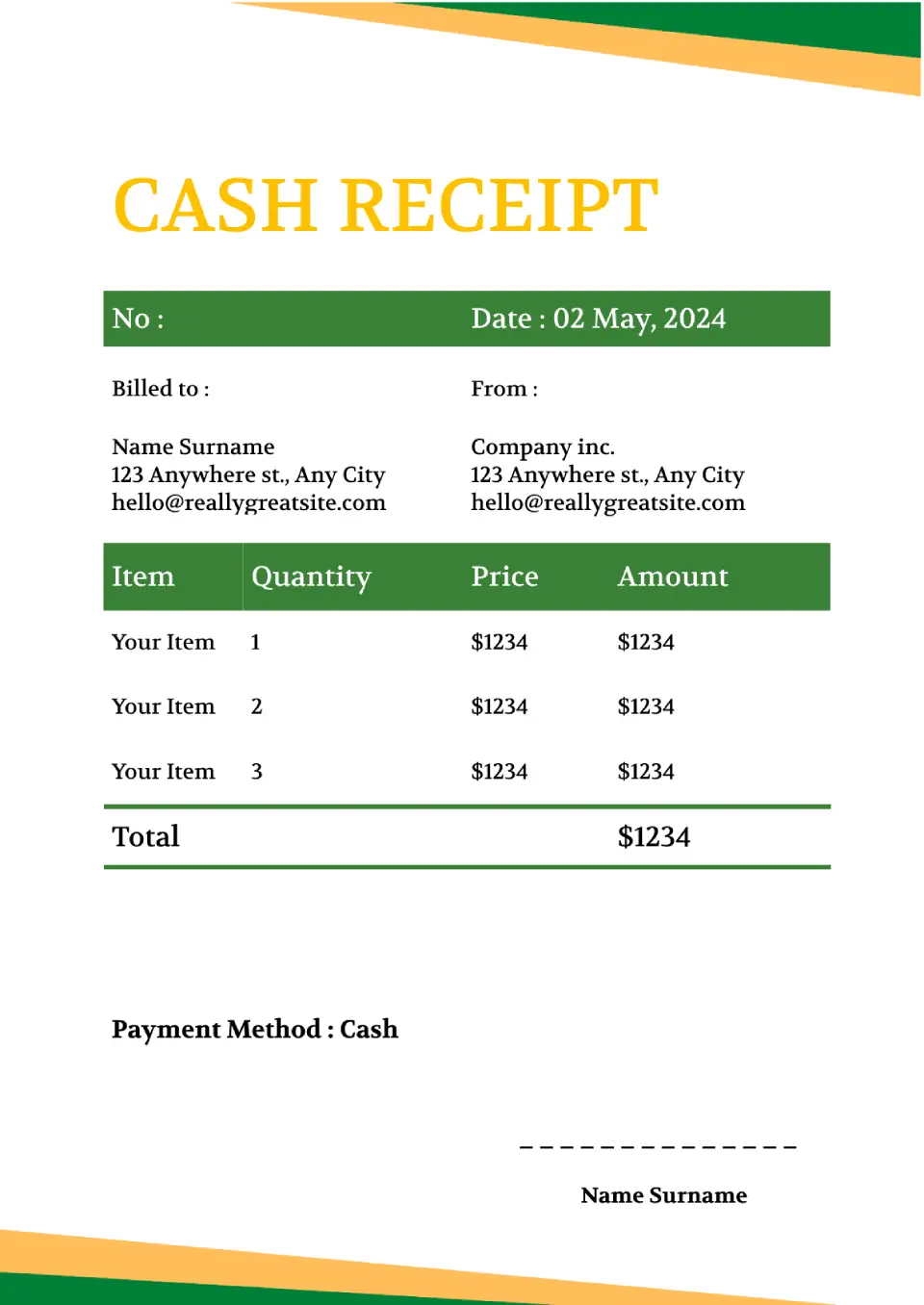
The universal Cash Receipt Template for Google Docs can be used in all areas of business. In addition to information about the payment, the template contains a plate where you can add the names of goods or services, the number of units sold, their cost, and the total amount.
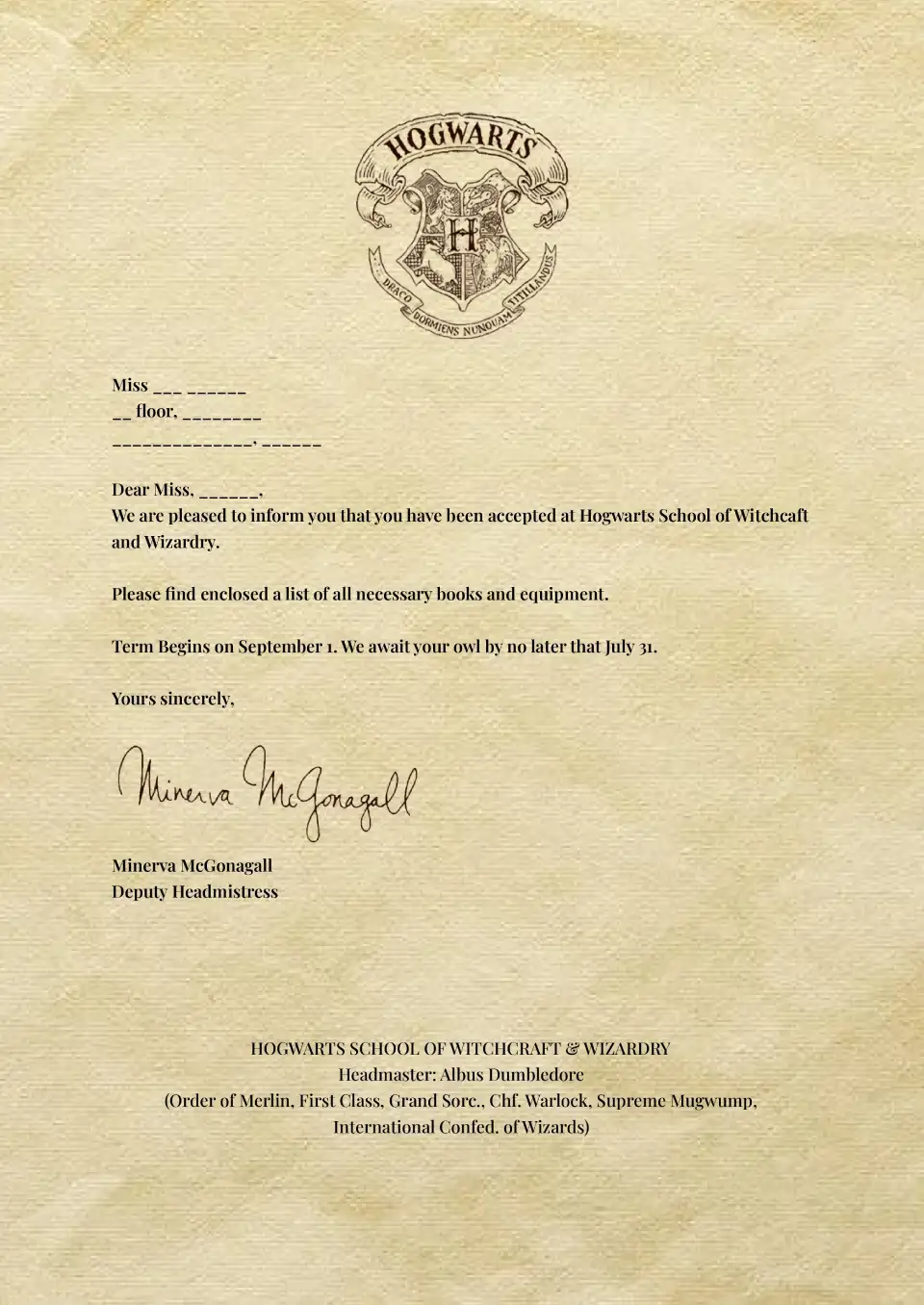
Who hasn't dreamed of going to the world's most famous school of magic for at least a day? Therefore, receiving an invitation in the Hogwarts style will leave few people indifferent. Use this template when preparing for themed parties or children's parties.
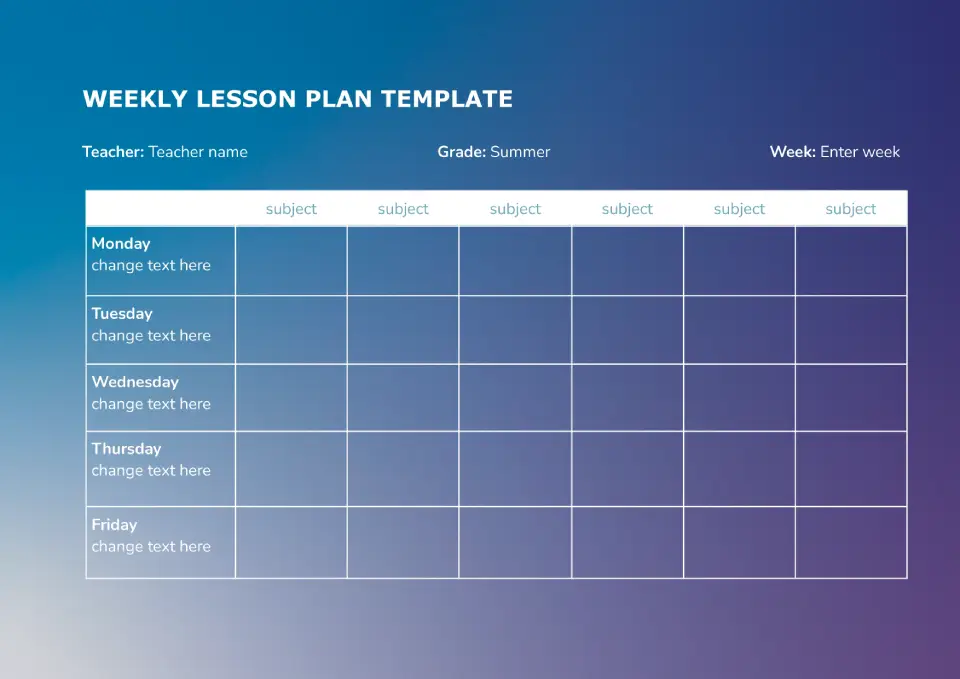
This Weekly lesson plan template in Google Docs is suitable for those who like to compile a weekly lesson plan. You can specify the subject in the title. There are 7 cells provided for each day of the week, which can easily accommodate lesson topics and main theses.
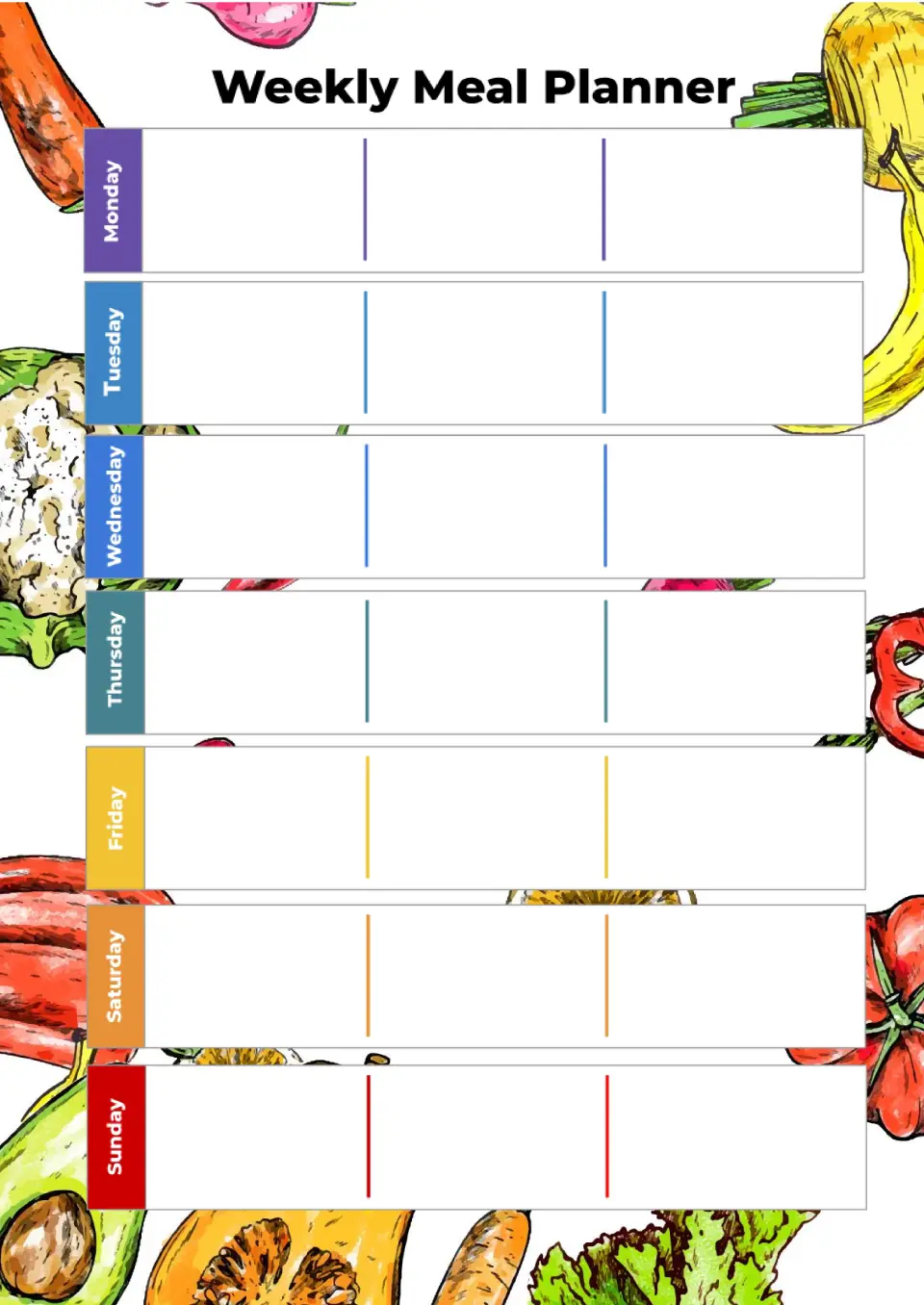
With space for meals, snacks, and grocery lists organized by day, the Weekly Meal Planner Template helps families and individuals plan their nutrition for the entire week. It suits busy professionals, parents, health-conscious people, and anyone trying to eat better without stress.
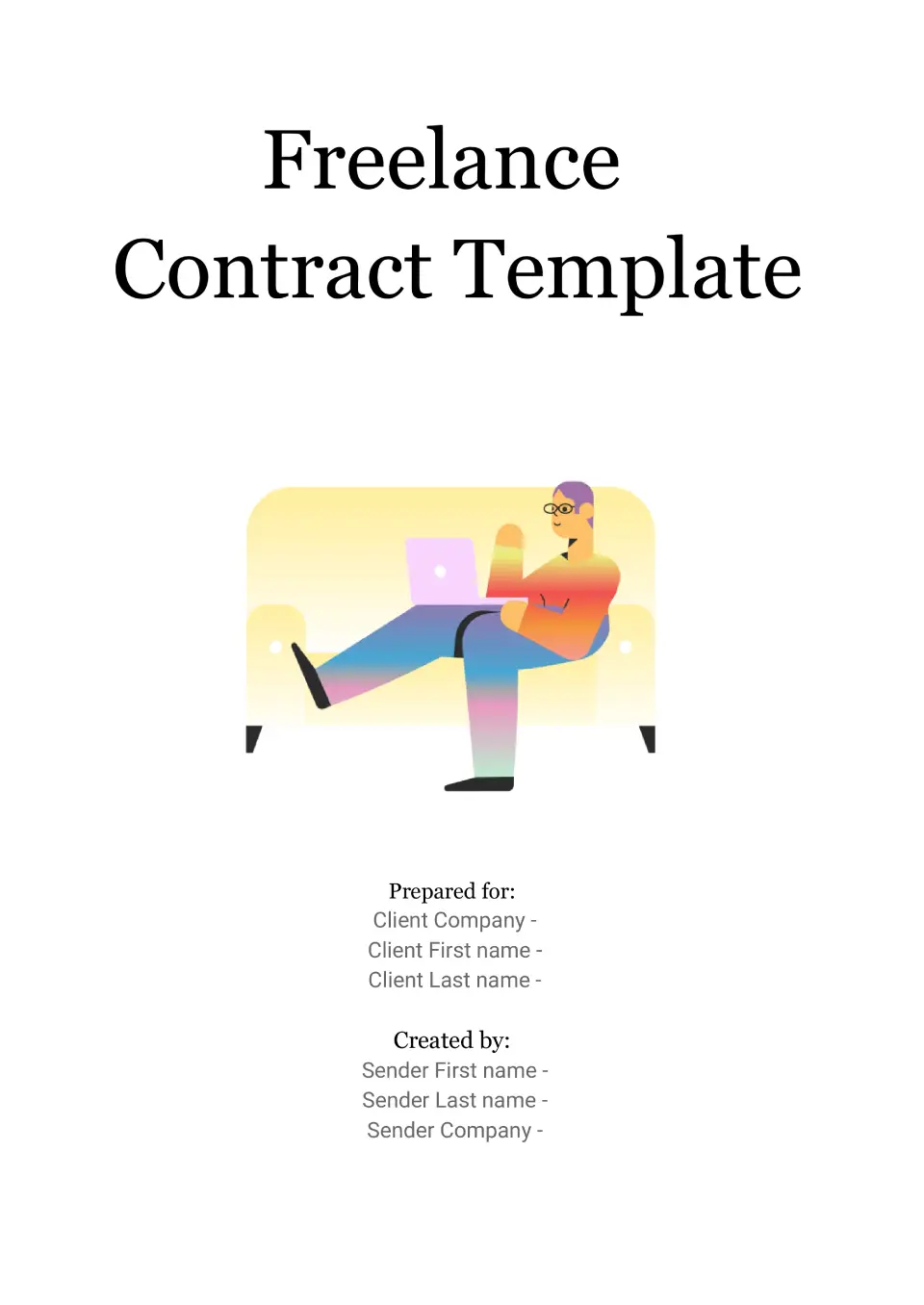
Organized for freelancer-client agreements, the Freelance Contract Template gives independent contractors a professional way to outline project scope, payment terms, and deliverables. It works for freelancers, consultants, creatives, and small business owners working with clients.
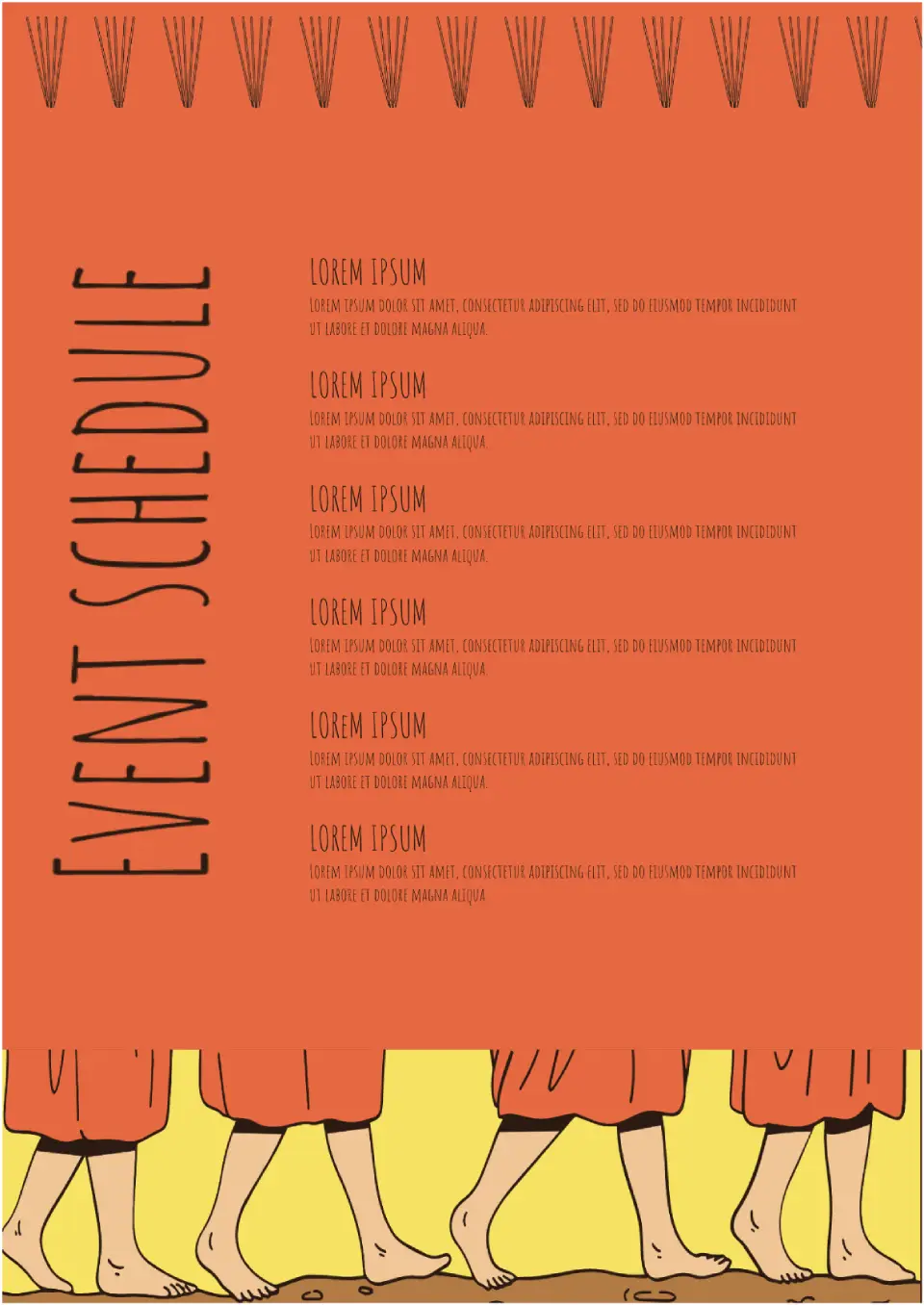
Need to compose a schedule of events for a month? Choose the Event Schedule Template. It has enough free space to indicate the title, date, and description of the event.
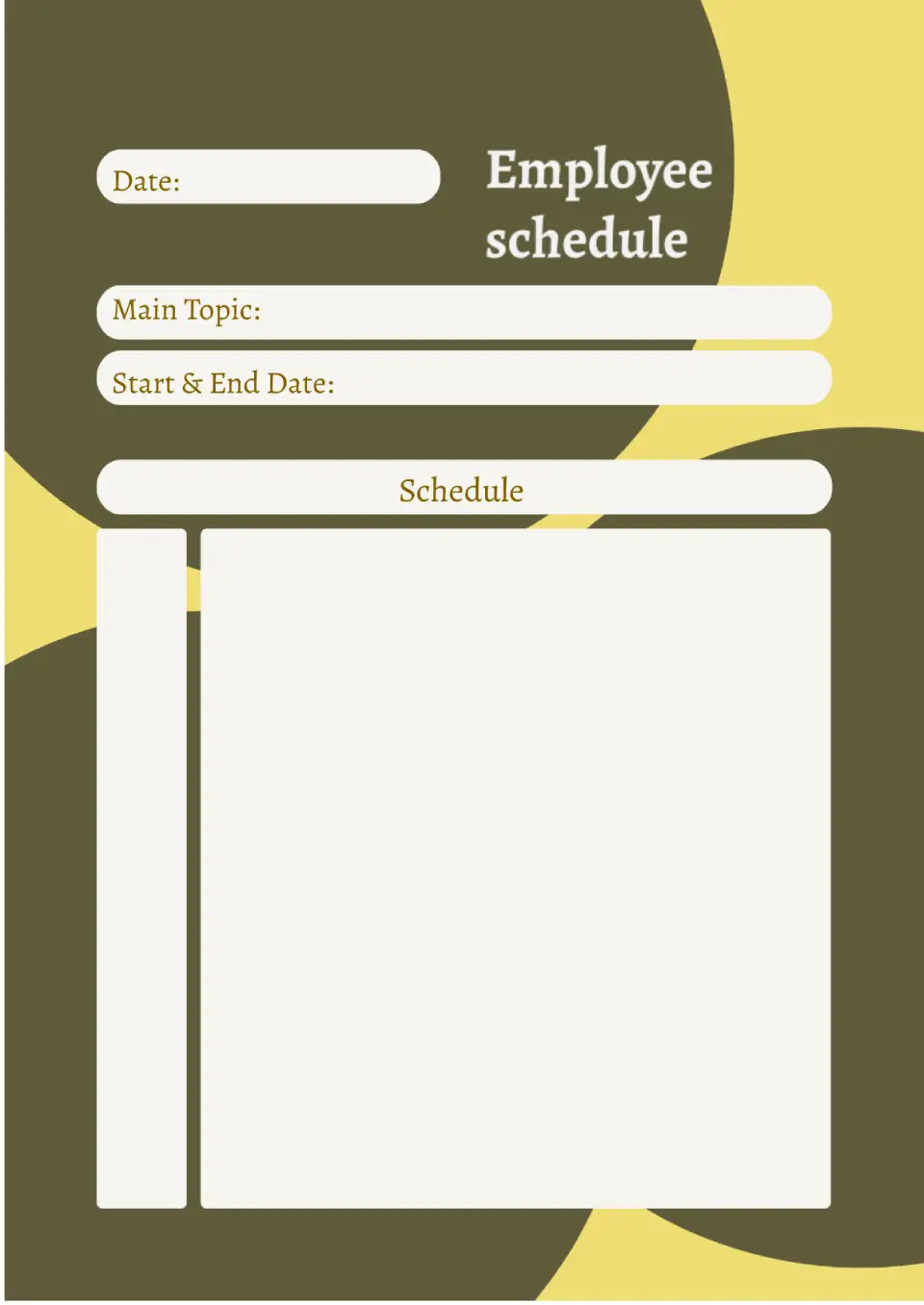
Use the Employee Schedule Template for Google Docs to create a company work schedule. The template is made in a minimalist design, so it's universal and suitable for any industry.
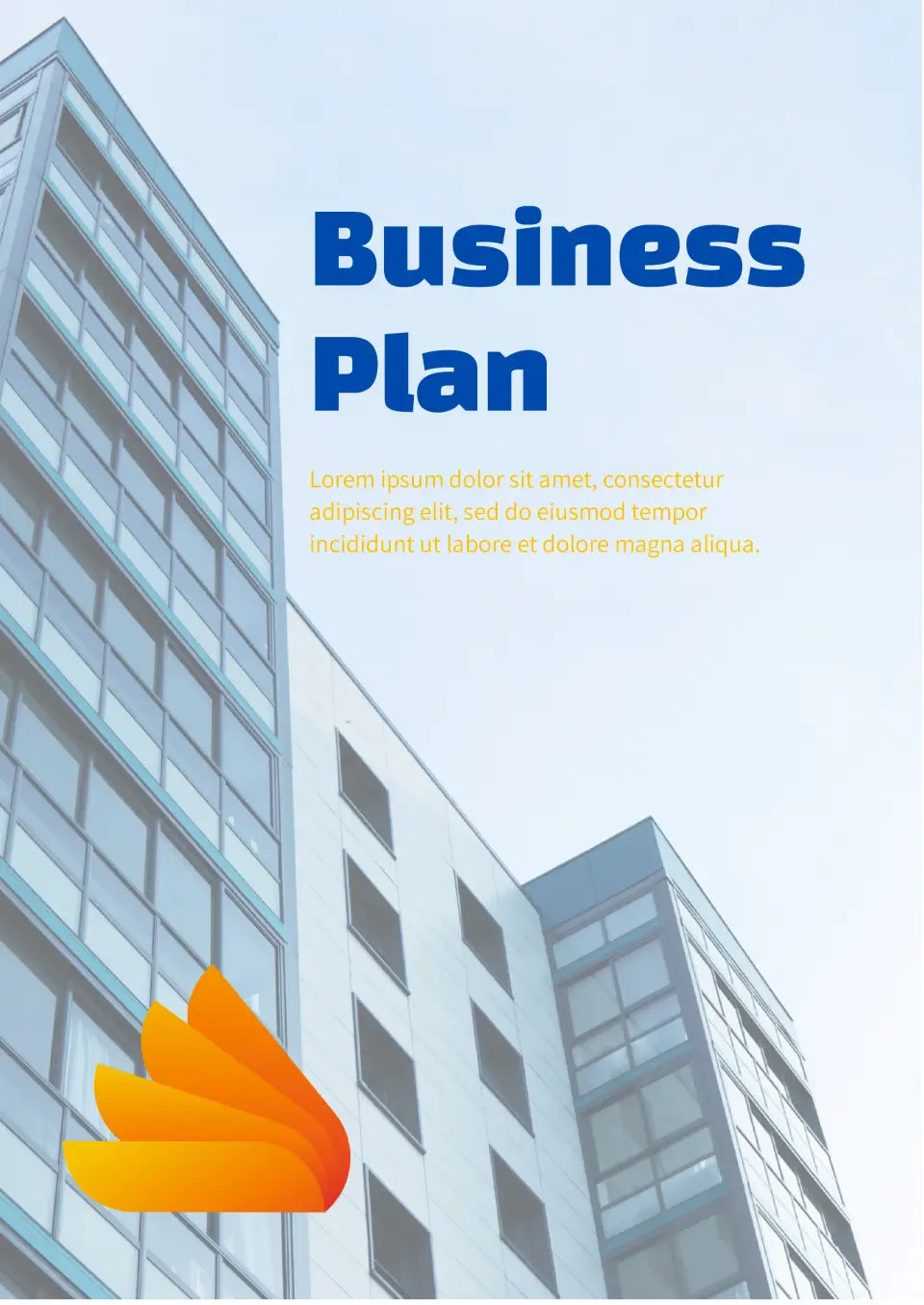
This standard layout will be good for any company. Attractive Business Plan Template is designed to describe the marketing strategy and has an editable schedule. The document also has a place for conclusions on market analysis. The background image on the front page can be changed to better match the activity area.
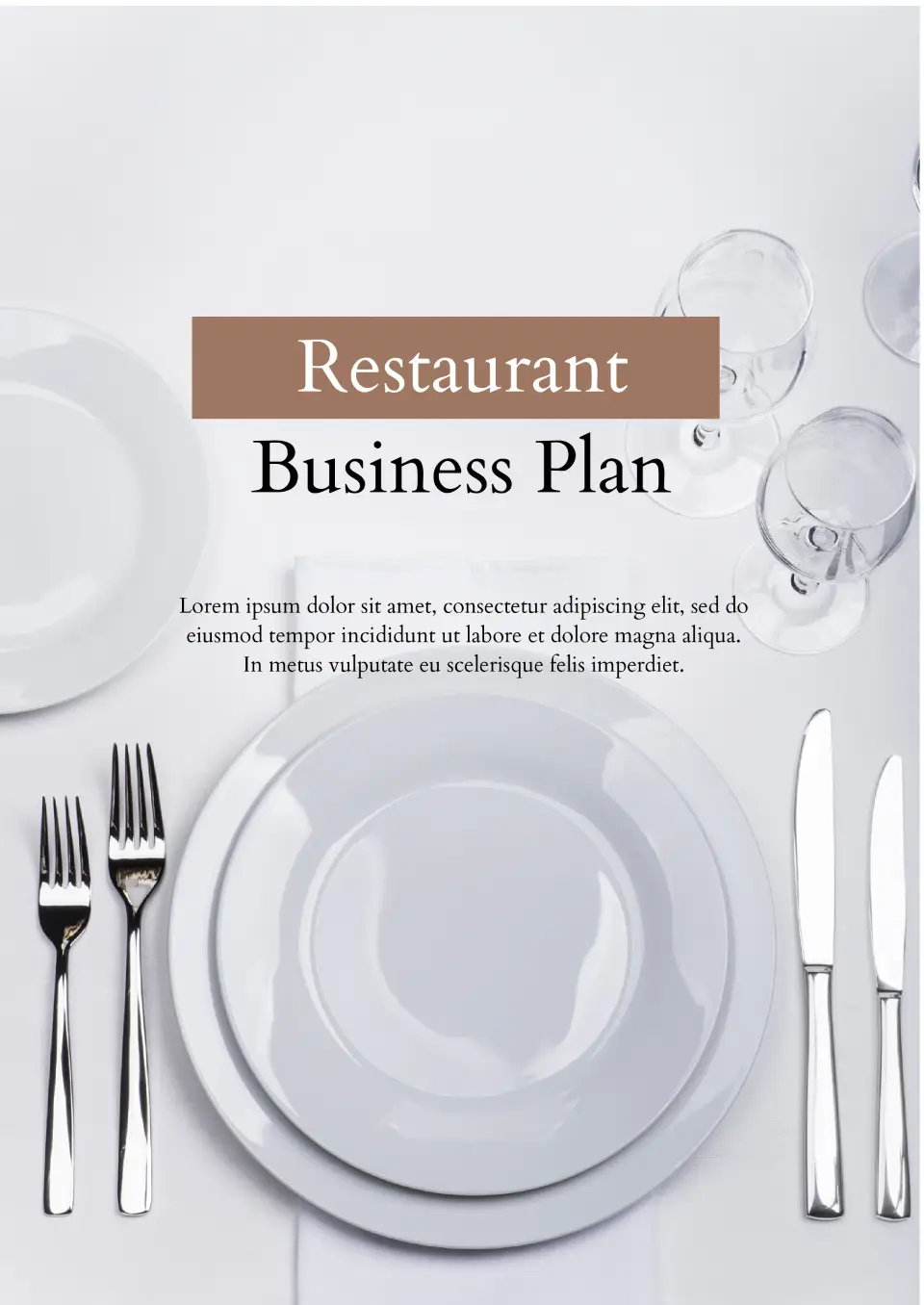
The template is perfect for creating a business plan for a restaurant, cafe, and any other catering establishment. The first page shows the establishment’s name and its main concept. The next one is intended for a detailed description of the strategy, with photos and text. If one page is not enough, just copy and edit it as many times as you need.
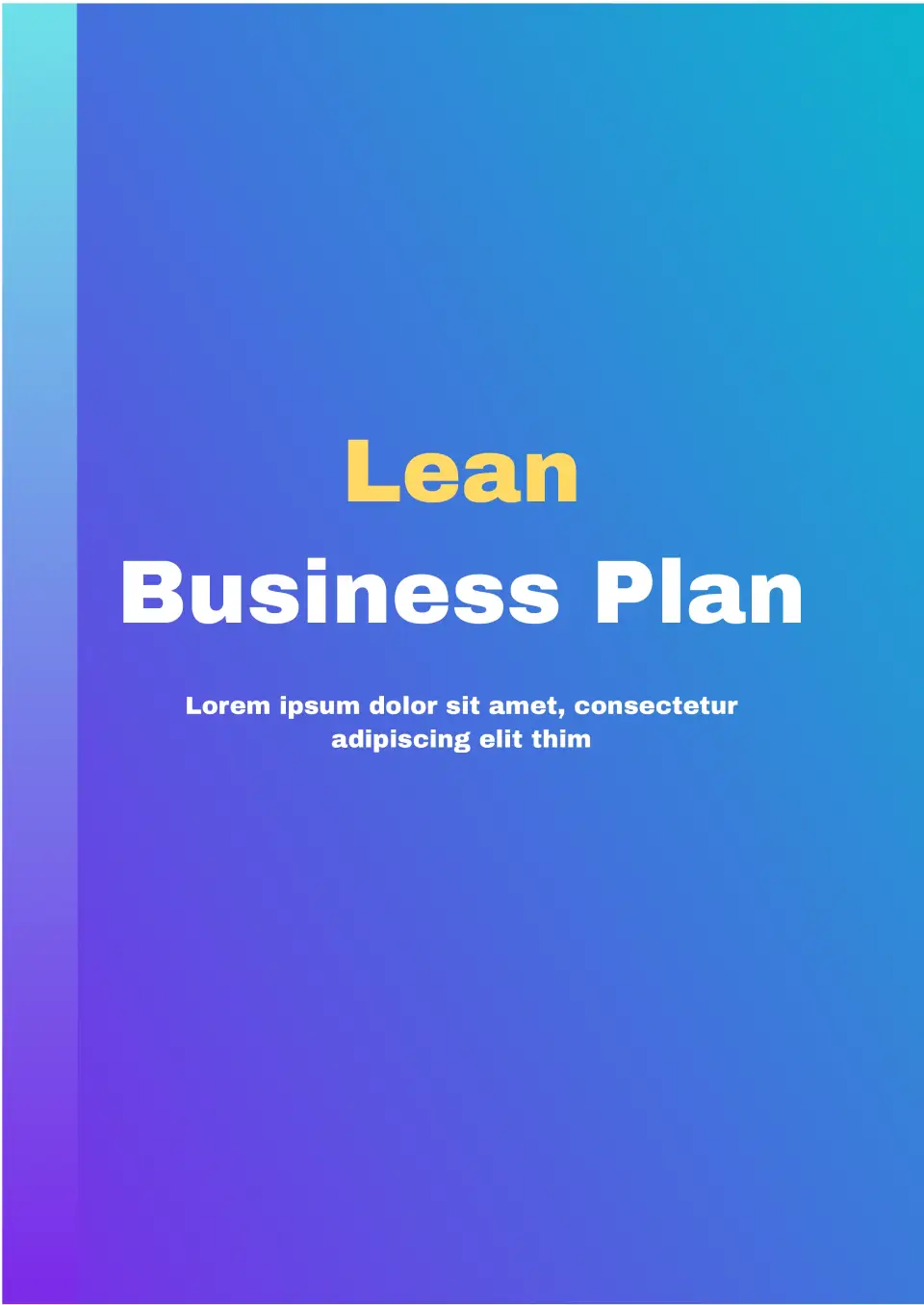
The effective Lean Business Plan Template for Google Docs is suitable for any activity area. The layout includes a large chart and a numbered list to help structure information conveniently. Its main features are a gradient background in blue shades and a low-key style. There is enough text space to fit all the important points.
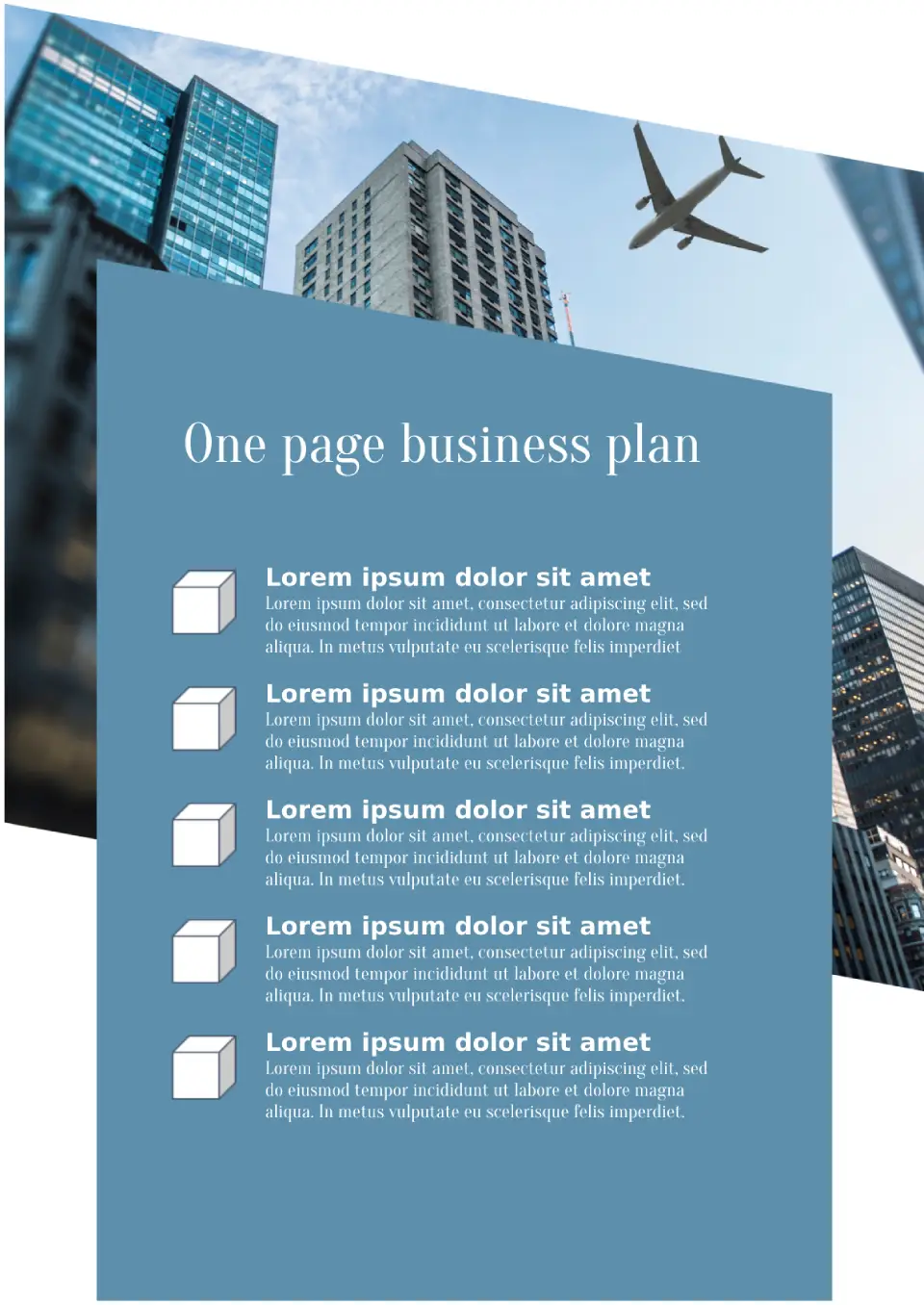
This laconic template will come useful when you need to present the most important points in short. It consists of one page where you can fit up to five points. This is enough to list the activity areas and values of the company, to provide information on market analysis, marketing strategies and reward expectations.
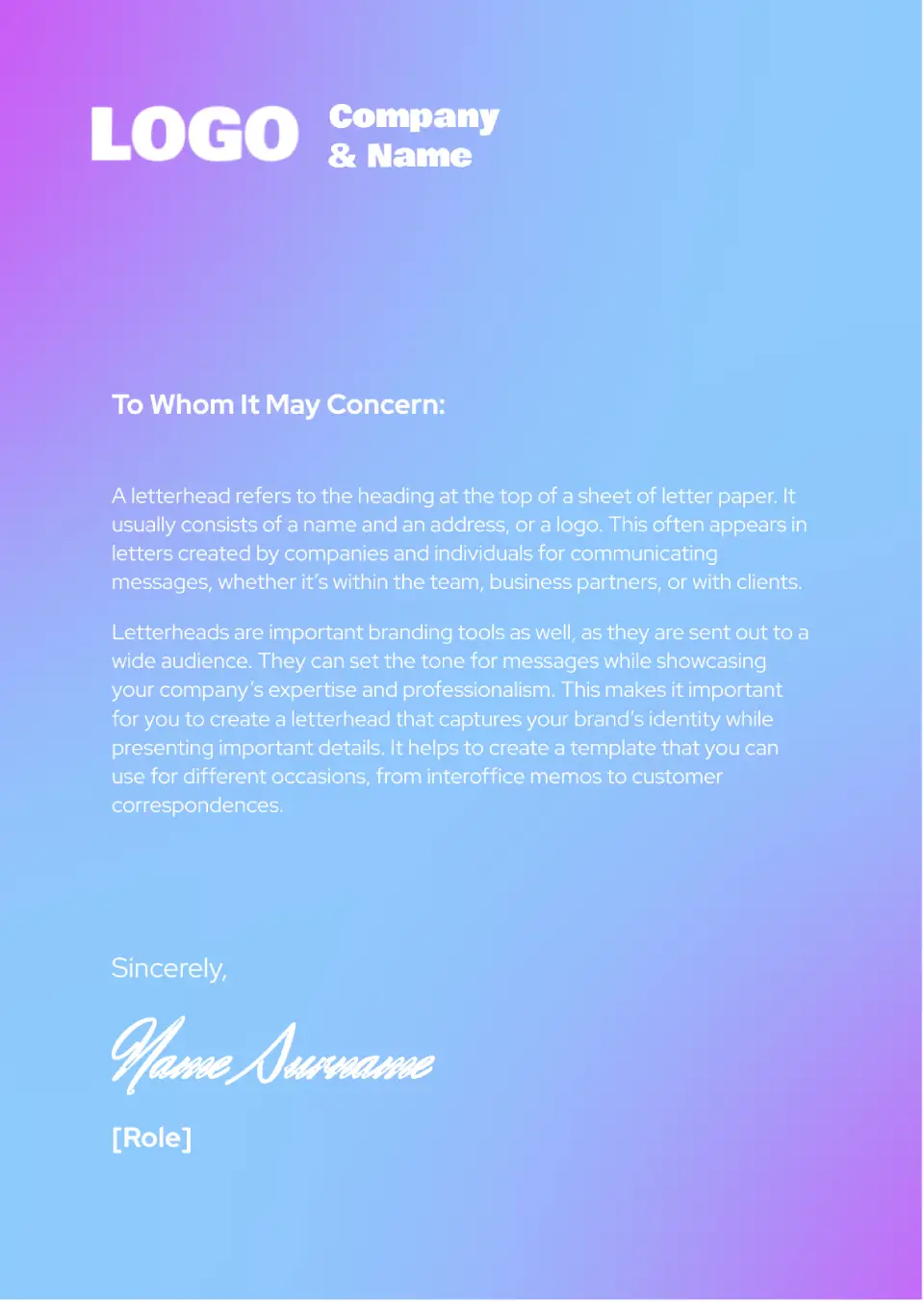
The unusual Business Letterhead Template for Google Docs stands out with its bright background featuring a gradient. The blue color in the middle of the sheet transitions into purple at the corners.
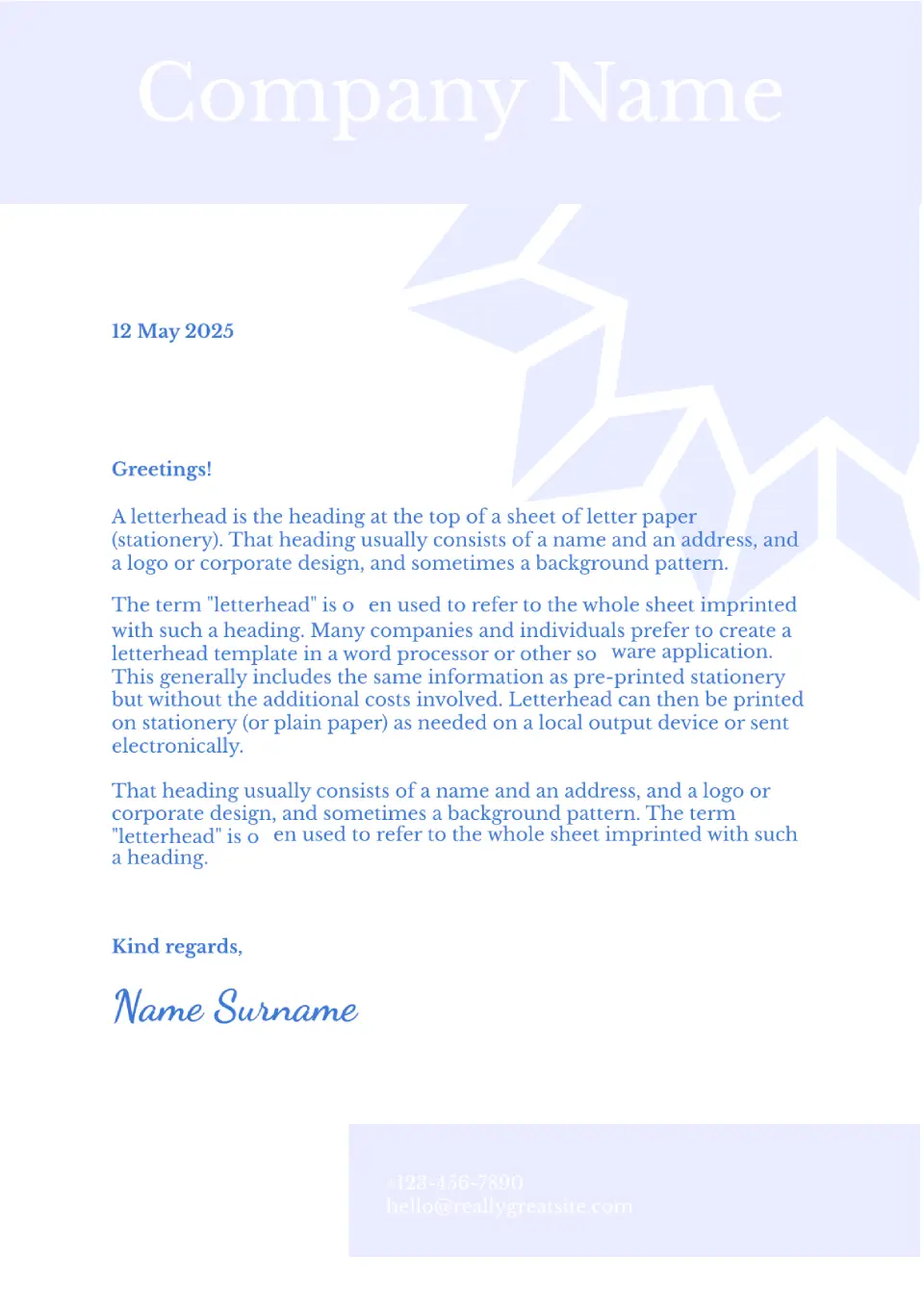
This refined template has a calm color palette. A plain white sheet is adorned with a dark pattern, resembling a flower, which does not distract attention from the text.
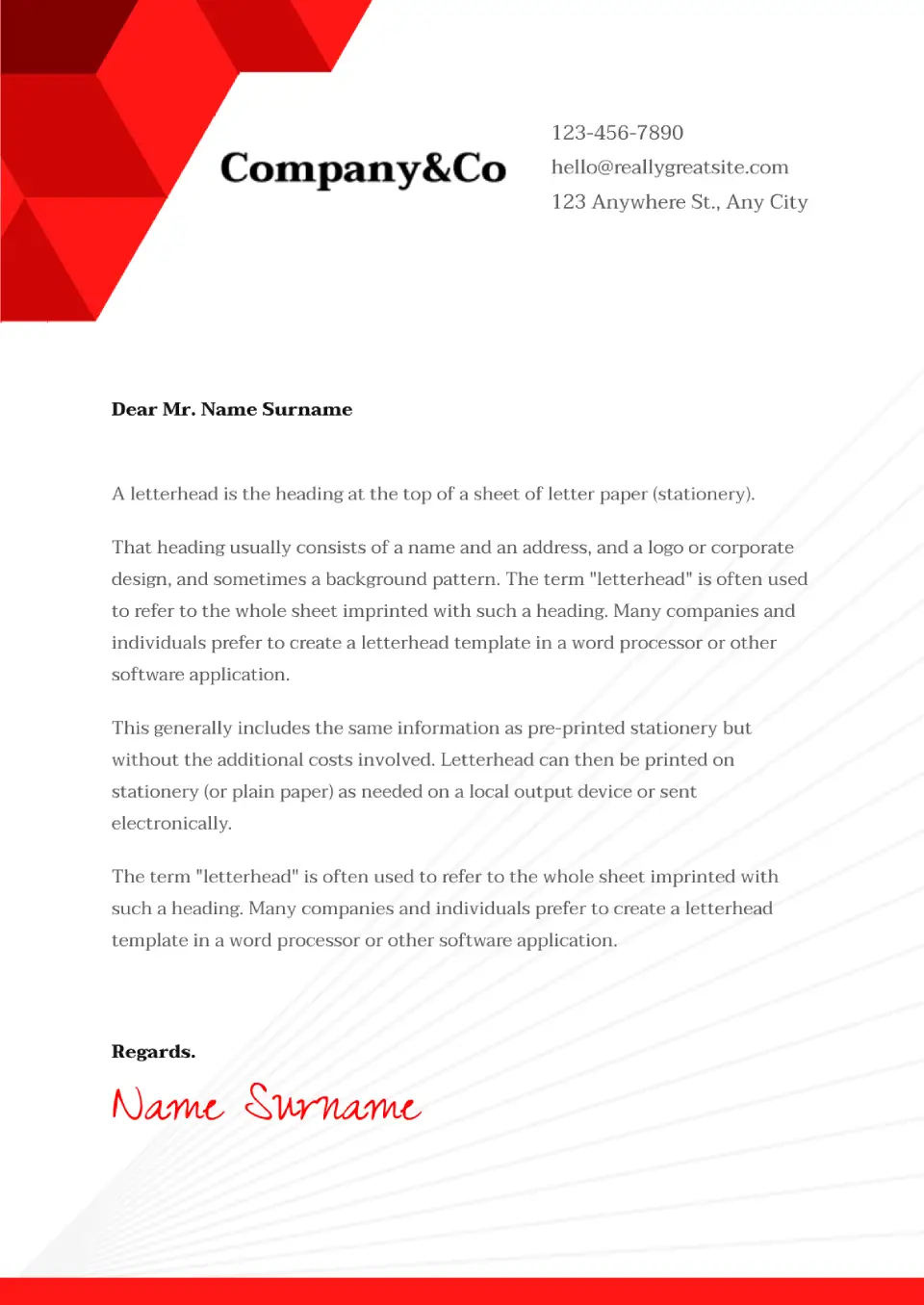
The Legal Letterhead Template for Google Docs has a minimalist design with geometric elements, which will look appropriate in various business spheres.
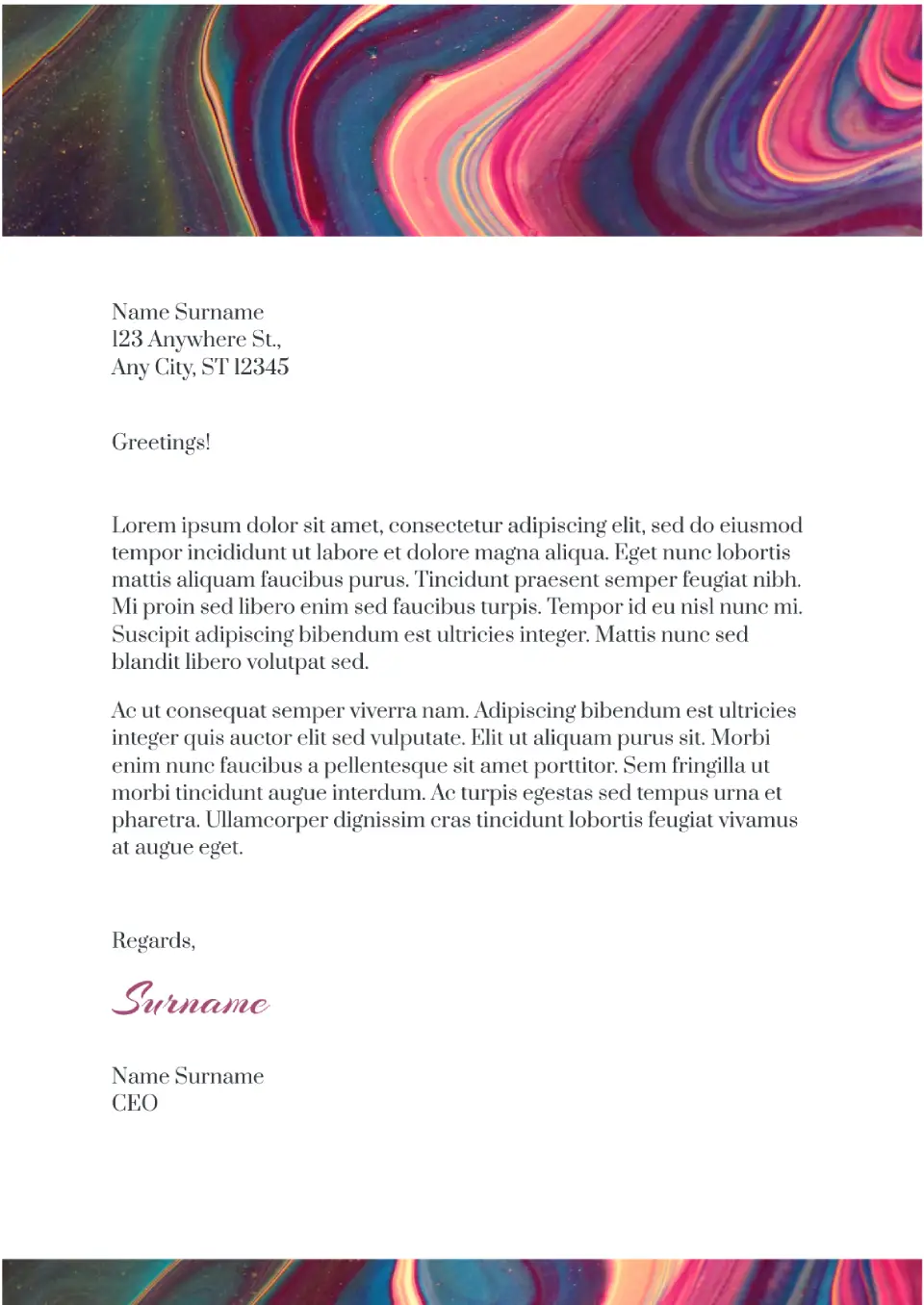
This vibrant editable template is suitable for those who appreciate creativity. The top of the sheet is occupied by a header with a multicolored abstract drawing. The central part with a white background is designated for text, on which any font looks good.

Choose your preferred social media platform from options like Pinterest, Facebook, Twitter, and more. Share our templates with your contacts or friends. If you’re not active on these social networks, you can simply copy the link and paste it into the one you use.